
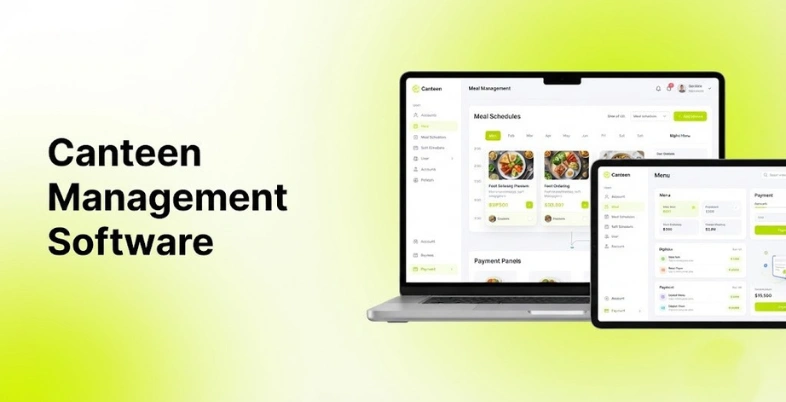
Canteen management software helps schools, colleges, offices, hospitals, factories and all other organizations to run their daily food service. It combines the functions of meal planning, menu management, accounting, reporting, billing, employee/student accounts and inventories.
With manual canteen management, data is stored on paper, in spreadsheets, payments are made in cash and there are disjointed inventory sheets. This makes tracking food going in and out difficult and helps track wastage and payments less easy.
Contemporary canteen software also features digital menus, prepay wallet, QR payment, online ordering, attendance-based fare, and automatic reporting. Some solutions are specialized in institutional cafeterias, while others are for employee food and beverage and foodservice professionals. This guide provides major features, advantages, and disadvantages of canteen management software.
What Is Canteen Management Software?
Canteen management software is a software application designed to automate the operations and daily transactions of a canteen or cafeteria. It is used by organizations to manage menus, food orders, billing and payments, inventory, customer, supplier and report management from one platform.
Depending on the platform, the software might support:
- Menu management
- Food ordering
- Digital payments
- QR code payments
- Prepaid wallets
- Meal subscriptions
- Inventory management
- Supplier management
- Billing
- Point of sale (POS)
- Kitchen management
- Food wastage tracking
- Employee or student accounts
- Attendance integration
- Sales reports
- Expense reports
Key Features Of Canteen Management Software
- Menu Management: Menu management allows admins to set up a menu for the day, week, or month. You can section items by meal, diet, price, or availability.
- Point of Sale: The POS function tracks sales at the counter. It enables item selection, sales transactions, payments, refunds, and the generation of sales reports.
- Digital Payments: Most canteen systems accept cards, UPI, mobile wallets, QR code Generator, and other digital payment methods. Some may also have the option for a prepaid balance.
- Meal Plans: Organizations and schools require ongoing meal plans from time to time. With a software platform, you have the ability to allocate prepaid packages or subscriptions to user groups or individual users.
- QR Codes and Smart Cards: Use of QR code, RFID card, smart card or employee id to identify users and make payment in a short time.
- Reports and Analytics: Reports detail sales, meals served, inventory, expenses, receipts, and food sales. Managers can track the results of their operations, noting any abnormal changes, as indicated in the reports.
- User Management: The administrator can assign accounts for employees, students, teachers, staff, visitors or any other user. Different limits of amount paid and levels of access can be granted.
- Supplier Management: Vendor details allow us to monitor vendors, purchase orders, invoices, delivery information and cost of ingredients.
- Food Wastage Tracking: Some platforms record leftover meals, discarded ingredients, and consumption patterns. This information helps kitchen teams adjust procurement and production.
Comparison Table
| Software | Best For | Key Feature | Pricing | CRM Integration |
| MealSuite | Healthcare and senior living | Foodservice and nutrition management | Contact sales | Integrations available |
| NutriAdmin | Food businesses and nutrition operations | Meal and client management | From $24/month | Zapier and integrations |
| Cflow | Custom canteen workflows | Workflow automation | Contact sales | API and integrations |
| Foodics | Restaurants and food-service operations | POS and inventory | Contact sales | CRM and third-party integrations |
| Oracle Simphony | Enterprise food-service operations | Enterprise POS | Contact sales | Oracle and third-party integrations |
| Toast | Restaurants and institutional food service | POS and ordering | Contact sales | CRM and third-party integrations |
| Square for Restaurants | Small food-service operations | POS and payments | From $0/month for basic POS | Square integrations |
| Planday | Staff scheduling and food-service teams | Workforce management | From $4.99/user/month | Integrations available |
| Connecteam | Employee cafeterias and workforce operations | Employee management | Free and paid plans | Integrations and API |
| CaterTrax | Institutional dining | Online ordering and catering | Contact sales | Integrations available |
- Pricing differs significantly because some products are complete cafeteria management systems, while others provide POS, workforce, ordering, or workflow functions used in canteen operations.
List of Canteen Management Software
1. MealSuite
- Website: MealSuite
- Best for: Healthcare facilities, senior living communities, and organizations managing institutional food services.
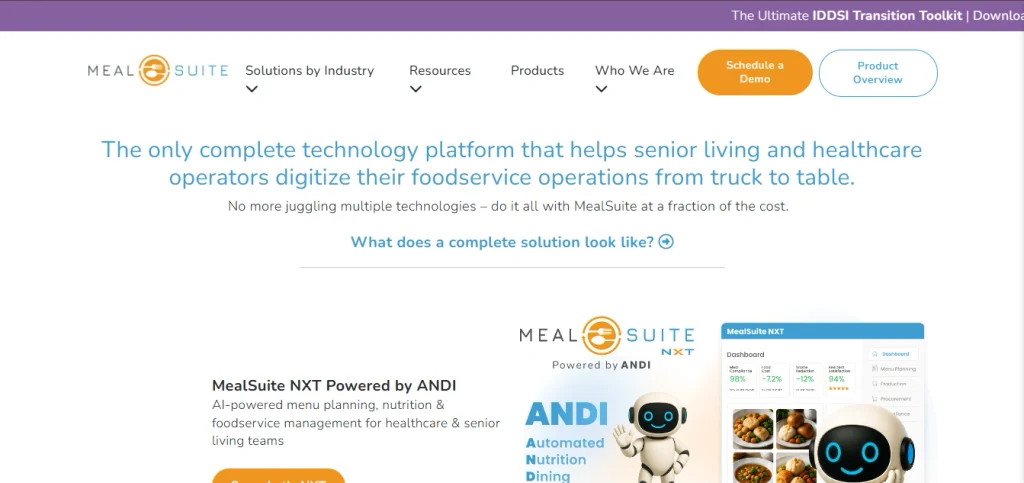
MealSuite provides canteen management software for healthcare and senior living organizations. It covers menu planning, resident preferences, nutrition management, purchasing, production, and meal service. The platform connects dietary information with foodservice workflows. It is designed for organizations where meal planning and nutrition requirements are closely connected.
Key Features
- Menu management
- Meal planning
- Nutrition management
- Resident preferences
- Recipe management
- Purchasing
- Inventory management system
- Production management
- Meal service
- Reporting
Pros
- Designed for institutional food service
- Strong nutrition management
- Detailed menu planning
- Useful for large facilities
Cons
- More specialized than basic canteen software
- Pricing is quote based
- Might be excessive for small canteens
Pricing
- Pricing: Contact MealSuite for a custom quote
- Implementation and service costs: Based on organization requirements
- Additional modules: Quote based
2. NutriAdmin
- Website: NutriAdmin
- Best for: Nutrition professionals and food businesses that need client, meal, and administrative management.
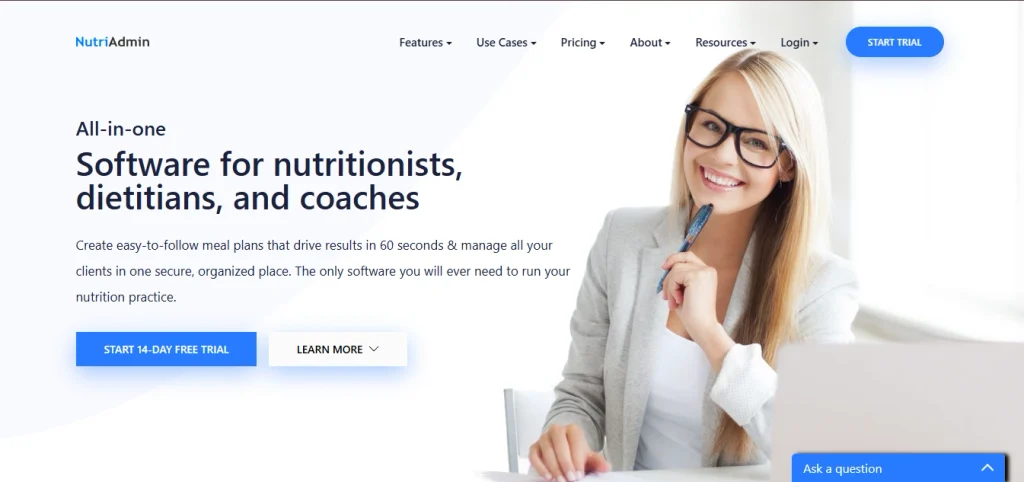
NutriAdmin is primarily designed for nutrition professionals and nutrition businesses rather than traditional institutional canteens. It includes client management, meal planning, food diaries, forms, scheduling, and payment functions. Some of its capabilities overlap with canteen meal administration. It is more suitable for smaller operations with nutrition-focused workflows.
Key Features
- Client management
- Meal planning
- Food diaries
- Scheduling
- Forms
- Payments
- Reports
- Nutrition analysis
- Document management
Pros
- Simple interface
- Useful meal-planning tools
- Suitable for smaller operations
- Online payment support
Cons
- Not a dedicated institutional canteen platform
- Inventory functionality is limited compared with specialized systems
- Some features target nutrition professionals
Pricing
- Free: $0/month
- Starter: $24/month
- Professional: $49/month
- Business: $99/month
NutriAdmin offers a 14-day free trial for paid plans. Pricing is based on the number of clients and features included.
3. Cflow
- Website: Cflow
- Best for:Organizations looking to build customized canteen and food-service workflows.
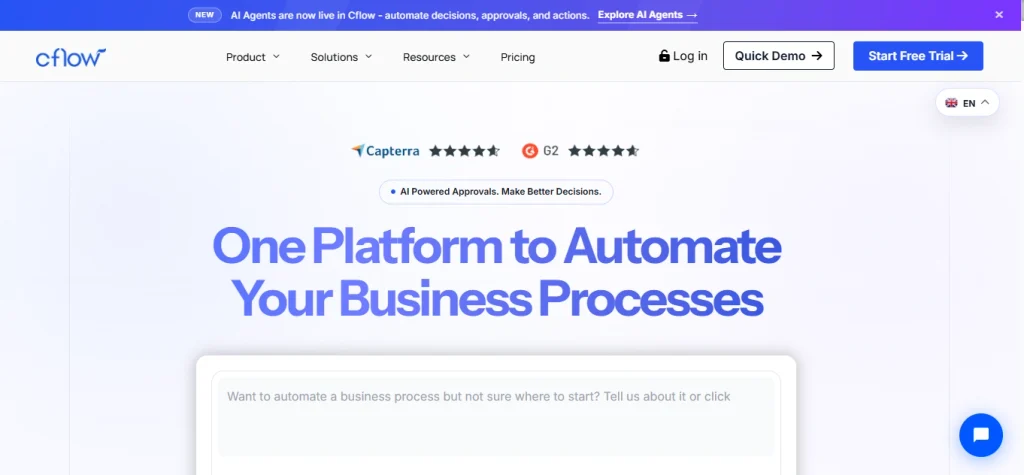
Cflow is a workflow automation platform rather than a dedicated canteen management software system. Organizations use it to digitize processes such as purchase requests, approvals, vendor management, inventory requests, and expense workflows. Its customizable forms and workflows allow businesses to build processes around their existing canteen operations. It is useful when standard cafeteria software does not match a company’s internal processes.
Key Features
- Workflow automation
- Custom forms
- Approval workflows
- Purchase management
- Vendor management
- Document management
- Reports
- API integration
- Notifications
Pros
- Highly customizable
- Useful for approval-based workflows
- Supports automation
- API and integration options
Cons
- Not designed specifically for canteens
- Requires workflow configuration
- POS functions are not its primary focus
Pricing
- Pricing: Contact Cflow for current pricing
- Free trial: Available
- Custom workflows: Included according to selected plan
- Enterprise requirements: Custom quote
4. Foodics
- Website: Foodics
- Best for: Restaurants, cafeterias, and food-service businesses requiring POS and operational management.
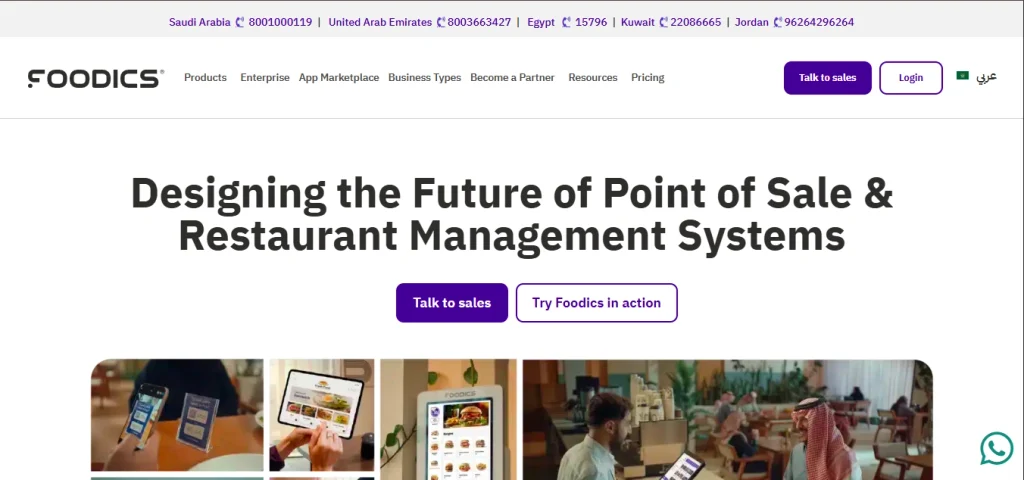
Foodics provides cloud-based restaurant management software with POS, inventory, payments, menu management, and reporting. It also supports integrations with delivery, accounting, and other business applications. Foodics is more suitable for commercial food-service operations than school-specific meal management.
Key Features
- POS System
- Menu management
- Inventory management
- Payment processing
- Sales reports
- Employee management
- Customer management
- Accounting integrations
- Online ordering
- Multi-location management
Pros
- Strong POS functionality
- Good inventory features
- Suitable for multiple locations
- Broad integration ecosystem
Cons
- Pricing depends on configuration
- Some features require additional services
- More restaurant focused than institution focused
Pricing
- POS plans: Contact Foodics for current regional pricing
- Payments: Transaction-based pricing may apply
- Hardware: Priced separately
- Add-ons: Pricing depends on selected services
- Enterprise: Custom quote
5. Oracle Simphony
- Website: Oracle Simphony
- Best for: Large food-service organizations and enterprises managing multiple locations.
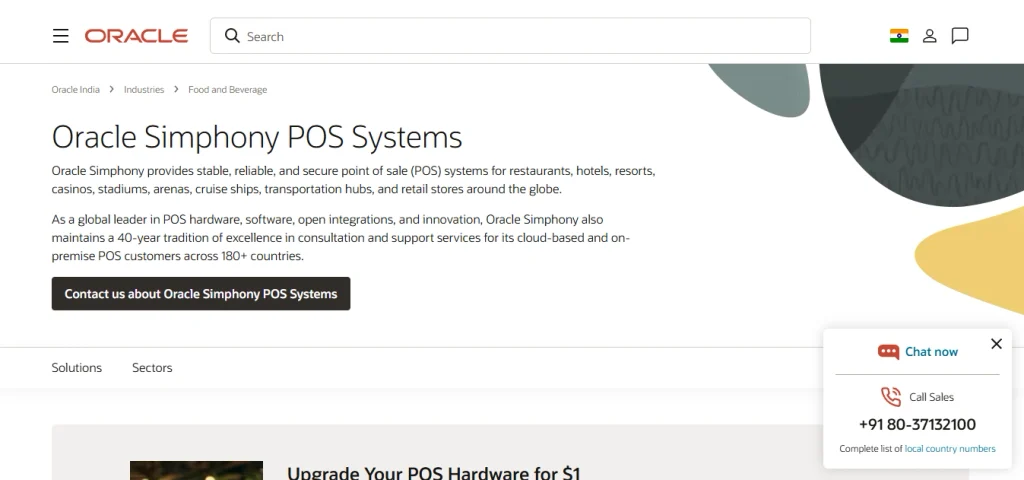
Oracle Simphony is an enterprise restaurant and food-service POS platform that can support canteen management software operations. It supports ordering, payments, menu management, inventory connections, reporting, and multi-location operations.
Cafeterias and large food-service organizations use enterprise POS systems such as Simphony to standardize transactions across locations. Its broader Oracle ecosystem also supports integrations with other business systems.
Key Features
- POS
- Order management
- Payment processing
- Menu management
- Reporting
- Multi-location management
- Kitchen integration
- Inventory integrations
- Customer management
- Enterprise integrations
Pros
- Strong enterprise functionality
- Multi-location support
- Broad Oracle ecosystem
- Extensive integration options
Cons
- Complex implementation
- Enterprise pricing
- More expensive than small-business POS systems
- Requires technical planning
Pricing
- Simphony POS: Contact Oracle for pricing
- Cloud services: Custom quote
- Hardware: Priced separately
- Implementation: Based on deployment
- Enterprise integrations: Custom pricing
6. Toast
- Website: Toast
- Best for: Cafeterias, restaurants, and food-service operations needing POS and ordering tools.
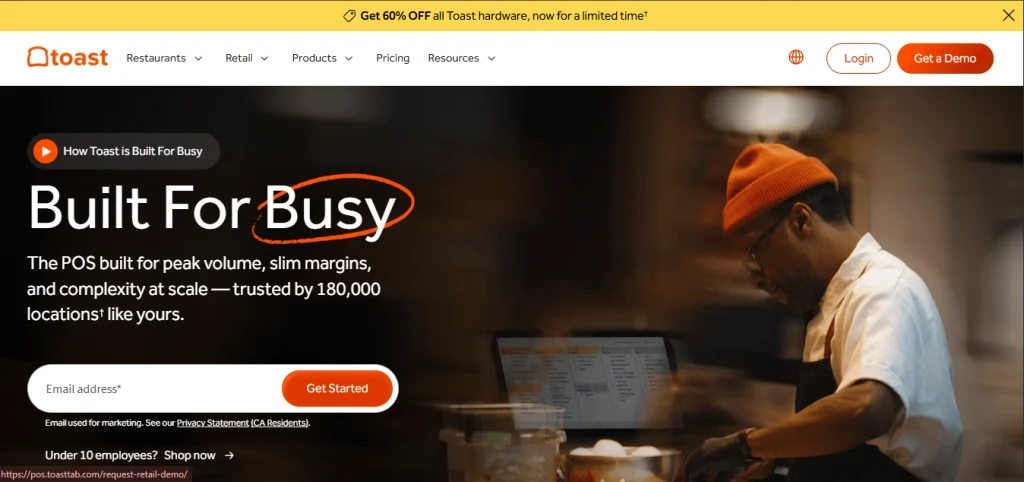
Toast provides a restaurant technology platform covering POS, payments, online ordering, inventory, employee management, and reporting. Food-service operators use it to manage counter orders and digital orders from one system. Its ecosystem also includes payroll, marketing, loyalty, and other restaurant services. It is a practical option for commercial cafeterias and food outlets.
Key Features
- POS
- Online ordering
- Payment processing
- Menu management
- Inventory
- Employee management
- Reporting
- Kitchen display systems
- Customer loyalty
- Gift cards
Pros
- Strong POS functionality
- Online ordering
- Good restaurant ecosystem
- Useful reporting
Cons
- Hardware costs add to the total cost
- Pricing varies by location and setup
- Primarily restaurant focused
Pricing
- Starter Kit: $0/month software fee for eligible basic setups
- Point of Sale: Paid plans based on configuration
- Essentials: Pricing varies
- Growth: Pricing varies
- Hardware: Purchased separately
- Payments: Processing fees apply
- Add-ons: Additional charges may apply
7. Square for Restaurants
- Website: Square for Restaurants
- Best for: Small cafeterias and food-service businesses seeking a straightforward POS system.
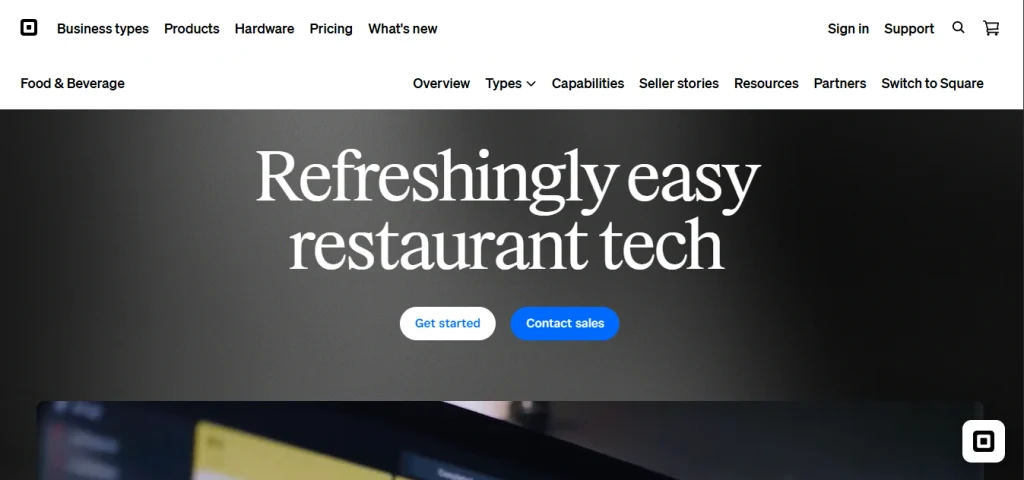
Square for Restaurants provides canteen management software features such as POS, payment processing, menu management, employee management, and reporting. Its basic plan provides core POS functionality, while higher plans add more restaurant management tools. Cafeterias can use Square to process counter sales, manage menus, and track transactions. It is suitable for smaller food-service operations with relatively simple requirements.
Key Features
- POS
- Payment processing
- Menu management
- Employee management
- Sales reporting
- Online ordering
- Inventory
- Customer directory
- Gift cards
- Loyalty
Pros
- Easy to set up
- Free basic POS option
- Useful payment tools
- Good for small operations
Cons
- Advanced features require paid plans
- Payment processing fees apply
- Large institutional operations need more specialized features
Pricing
- Free: $0/month
- Plus: $60/month per location
- Premium: Custom pricing
- Payment processing: Additional transaction fees
- Hardware: Purchased separately
- Add-ons: Additional charges may apply
8. Planday
- Website: Planday
- Best for: Food-service businesses needing employee scheduling and workforce management.
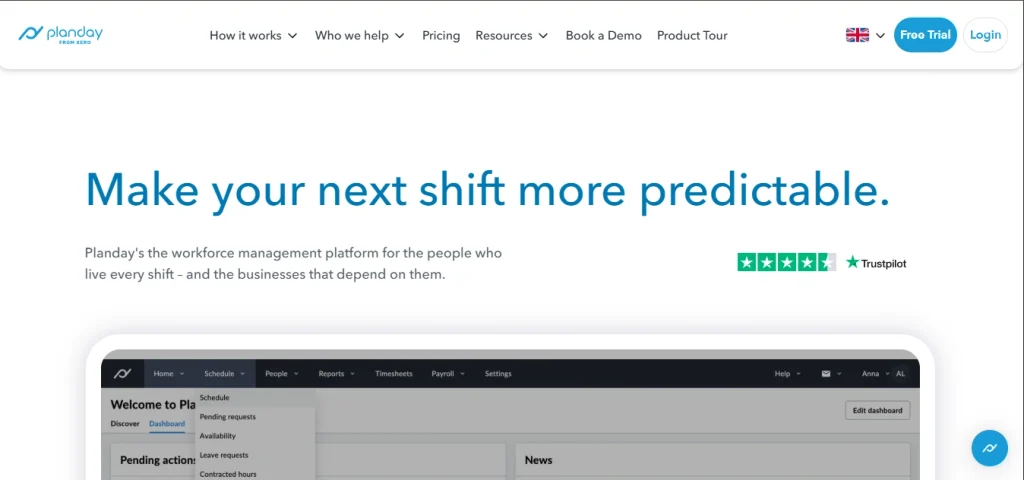
Planday is workforce management software rather than a dedicated canteen management system. It helps food-service businesses schedule employees, manage shifts, track working hours, and communicate with staff. Its integrations also connect workforce data with other business systems.
Key Features
- Employee scheduling
- Shift management
- Time tracking
- Employee communication
- Leave management
- Payroll integrations
- Reporting
- Mobile application
- Workforce forecasting
Pros
- Strong scheduling tools
- Mobile access
- Useful for shift-based teams
- Payroll integrations
Cons
- Does not provide full canteen management
- Inventory and POS are not its main functions
- Additional software might be required
Pricing
- Starter: From $4.99/user/month
- Plus: From $6.99/user/month
- Pro: From $9.99/user/month
- Enterprise: Custom pricing
9. Connecteam
- Website: Connecteam
- Best for: Organizations managing frontline employees and cafeteria staff.
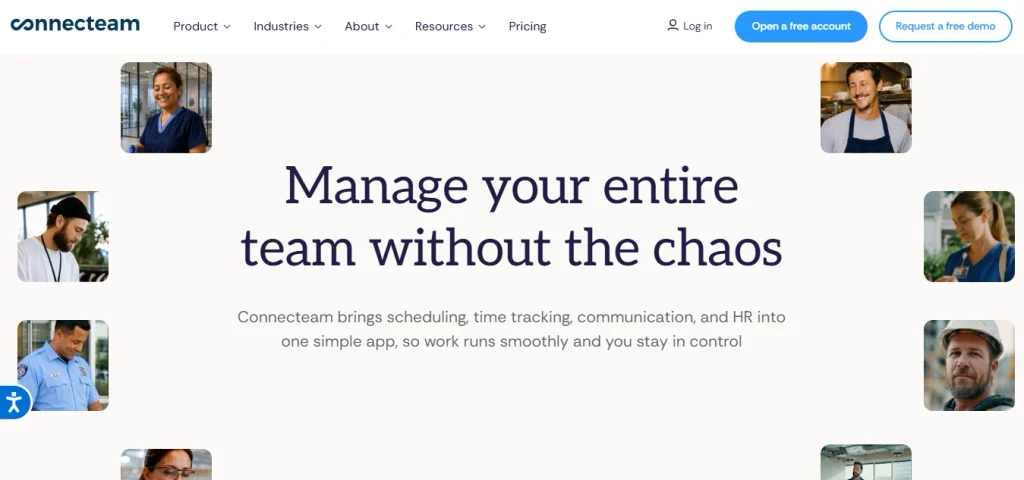
Connecteam is an employee management platform that can complement canteen management software with scheduling, time tracking, communication, forms, training, and task management. It supports several operational workflows used by cafeteria teams. It is more useful as an employee management layer alongside dedicated food-service software.
Key Features
- Employee scheduling
- Time tracking
- Task management
- Forms
- Employee communication
- Training
- GPS features
- Payroll integrations
- Mobile application
Pros
- Strong workforce tools
- Free plan for small teams
- Easy mobile access
- Useful communication features
Cons
- Not a complete canteen management system
- POS and inventory features are limited
- Advanced features require paid plans
Pricing
- Small Business: Free for eligible small teams
- Operations Basic: From $29/month
- Operations Advanced: From $49/month
- Operations Expert: From $99/month
- Communications plans: Separate pricing
- HR and payroll features: Additional pricing depending on package
10. CaterTrax
- Website: CaterTrax
- Best for: Schools, universities, healthcare organizations, businesses, and other institutional dining operations.
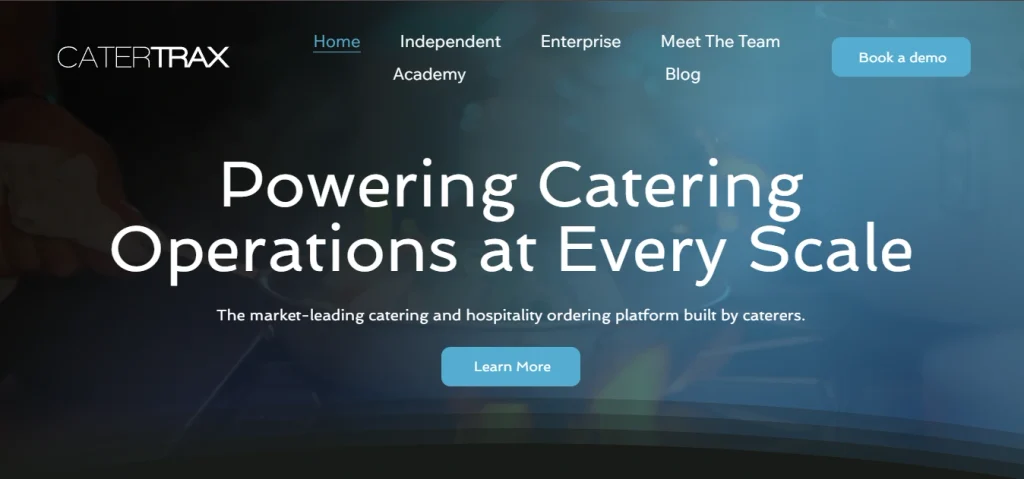
CaterTrax provides online ordering and food-service management tools for institutional dining. Organizations use it to manage catering orders, menus, customers, payments, and food-service workflows. The platform is designed around food-service operations rather than general business calling or workforce management. It suits organizations handling multiple ordering and catering requirements.
Key Features
- Online ordering
- Menu management
- Catering management
- Customer accounts
- Payment processing
- Reporting
- Order management
- Event management
- Food-service workflows
Pros
- Designed for institutional food service
- Strong online ordering
- Catering management
- Useful customer management
Cons
- Pricing is quote based
- More specialized than basic POS software
- Implementation depends on organizational requirements
Pricing
- Software: Contact CaterTrax for a quote
- Implementation: Custom pricing
- Payment processing: Additional charges might apply
- Integrations: Based on selected configuration
- Enterprise requirements: Custom quote
Benefits of Using Canteen Management Software
- Speedier Collection of Payments: Digital payment options such as cards, prepaid accounts, QR codes, etc. avoid cash handling and record sales digitally.
- Enhanced Inventory Management: Inventory management allows managers to monitor stocks and identify any wastage by means of consumption data.
- Reduced Food Waste: Food consumption data and sales reports assist kitchen staff to accurately gauge the demand and avoid wastage.
- Less Time Waiting in Queue: Digital payment methods, online ordering, self-service kiosk, etc. minimize wait time for each customer resulting in a faster counter.
- Single Data Repository with Records: Goods and monetary transactions, existing users, inventory data, etc. is centralized to make reporting more simple.
- Accurate Financial Accounting: Time and energy required to combine different data sheets is saved with automated billing and transaction records.
- Easier Menu Plannings: Menus can be scheduled in advance and food items’ demand can be viewed for better planning and procurement.
- Streamlined Staff Scheduling: Staff schedules can be planned more efficiently by means of task allocation and automatic shifts management.
- Advanced Reports: Reporting instruments provide data on a variety of issues related to sales, menu consumption, energy, and customer data.
How to Choose the Best Canteen Management Software
Identify your type of canteen first. Canteen management solution is designed to support canteen management operations based on the type of canteen. School canteens are very different from office canteens, hospital canteens, factory canteens, and commercial food outlets, and require different features and integrations.
Then list the daily processes you want to manage.
Consider:
- Number of users
- Number of locations
- Daily meal volume
- Inbound and counter orders
- Online ordering
- Payment methods
- Prepaid wallets
- Meal subscriptions
- Inventory management
- Supplier management
- POS requirements
- Kitchen management
- Food wastage tracking
- Employee management
- Reporting
- CRM or ERP integration
- accounting software integration
- Mobile access
Payment support is particularly important. If you’re using UPI, cards, QR codes, employee IDs, RFID cards, wallets and other apps for payment, ensure your canteen management system supports them.
For schools and institutions, check user-account functionality. You might need separate rules for students, employees, teachers, visitors, subsidized meals, and prepaid accounts.
Finally, calculate the complete cost. Include software subscriptions, payment processing, POS hardware, QR or card readers, implementation, training, integrations, support, and additional locations. Run a practical test before purchasing.
Conclusion
Canteen management software streamlines food ordering, payment, menus, inventory, employee management and reporting – all through a digital platform. The best solution will depend largely on the type and scale of the canteen.
MealSuite and CaterTrax focus on institutional food-service requirements. Foodics, Toast, Square, and Oracle Simphony provide strong POS and food-service capabilities. Planday and Connecteam address workforce management, while Cflow provides customizable workflow automation.
Determine your key processes, and compare the total cost of implementation before selecting a platform. How to choose Canteen Management Software Include payment options, inventory, user accounts, POS requirements, integrations, reporting and growth potential.
FAQs
What Is Canteen Management Platform?
Canteen management solution is software used for managing a foodservice business. It could include menus, order management, payment processing, inventory management, meal planning, user accounts, point of sale, supplier management, and reporting.
What Should Canteen Management Software Have?
Essential features include menu management, point of sale, digital payment processing, inventory management, online ordering, meal planning, reporting, user management, supplier management, and food wastage management.
Canteen Management Platform Can Take Care Of Inventory?
Yes, many specialized platforms can track ingredients, finished goods, stock levels, purchases, suppliers, and consumption. Some POS systems also have inventory management.
Is Canteen Management Tool Suitable For Schools?
Yes, school and college canteen management systems often have meal planning, student, user, and staff accounts, prepaid account balances, menu management, meal ordering, payments, and reporting.
Are POS Systems The Same As Canteen Management Software?
Not quite, as POS systems tend to only handle sales and payments, but canteen management software will often include meal planning, order management, inventory, subscriptions, user accounts, food production, and catering to larger organizations and institutions.
How Can You Evaluate Canteen Management Platform?
Consider your daily meal volume, number of active users, forms of payment accepted, ordering methods, inventory needs, number of locations, integrations, then compare features, costs and run live tests with end-users.