
In the modern world of data, organisations are dealing with great amounts of information from untold sources. Raw data is usually untidy, uneven, and incompatible to analyse. It is at this point that companies that want to process random datasets into clean and structured data require the best data wrangling tools.
These robust platforms assist data professionals to clean, organise and prepare data to analyse the data so that they can make better decisions and insights are available quickly. As a data scientist, analyst, or business professional, the appropriate data wrangling solution will result in significant effectiveness of your working process and data quality.
What Are Data Wrangling Tools?
Data wrangling systems are specialised software platforms that are used to clean, transform and prepare raw data that can be analysed. These services automatically handle such tedious work as finding duplicates, correcting mistakes, standardising formats and combining information obtained in many sources.
These tools help to save precious time in the preparation of data and reduce human error, which means that teams can obtain meaningful insights and not spend hours cleaning datasets manually.
Essential Features to Look for in Top Data Wrangling Tools
To choose the appropriate data wrangling solution, it is important to know which features are actually important to your organisation. The most suitable platforms are those that are easy and have advanced capabilities that allow both the technical and non-technical users to utilise data efficiently. The following features are the critical ones that you should consider:
- Easy to Use Interface: An easy-to-use, graphical interface enables the user to do even deep transformations of the data without much knowledge of code.
- Multi-Source Connectivity: The capacity to integrate different data sources such as databases, cloud databases, APIs, spreadsheets and web services is necessary.
- Automation Capabilities: Automated Data Profiling, cleansing, and transformation capabilities save manual effort to a great extent.
- Scalability and Performance: Your wrangling tool should be able to scale with an increase in workload as you grow the amount of data that you are dealing with.
- Collaboration Features: The current data work will demand teamwork.
Comparison Table for Top 10 Data Wrangling Tools
| Tool Name | Rating | Best Feature |
| Alteryx APA | 4.5/5 | AI-powered analytics capabilities |
| Microsoft Power Query | 4.7/5 | Native Excel integration |
| Talend | 4.3/5 | Multi-cloud deployment flexibility |
| Datameer | 4.2/5 | Spreadsheet-like interface |
| Scrapy | 4.4/5 | Efficient web scraping |
| Tableau Desktop | 4.6/5 | Interactive data visualisation |
| ParseHub | 4.1/5 | No-code web scraping |
| Altair Monarch | 4.0/5 | PDF data extraction |
| Tamr | 4.2/5 | Master data management |
| Astera | 4.3/5 | AI-based data extraction |
Explore More: Top Marketing Analytics Platforms
Top 10 Data Wrangling Tools
1. Alteryx APA
Rating: 4.5/5
Website: https://www.alteryx.com/products/alteryx-platform
Best Use Cases: Advanced analytics, predictive modelling, collaborative data preparation
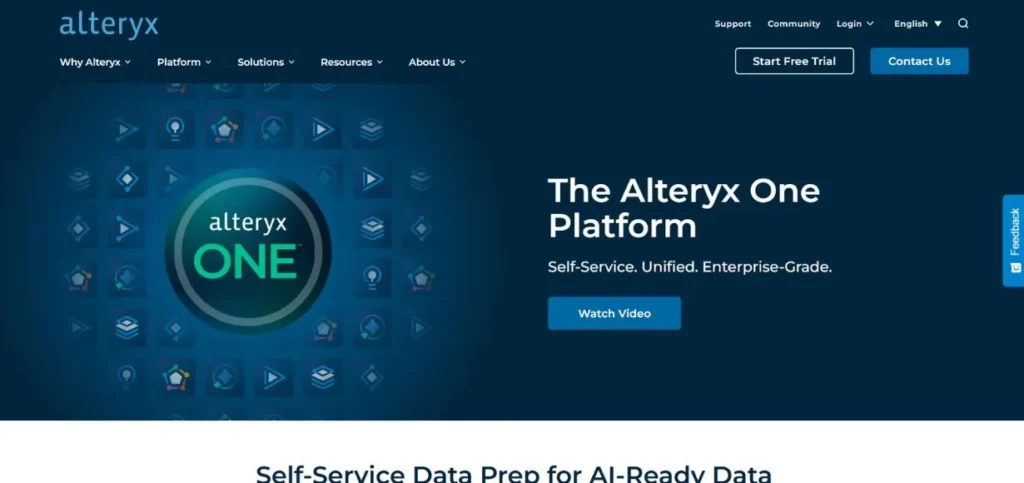
Alteryx APA is a full-fledged analytics software that is very good in terms of data preparation and wrangling. This flexible tool allows companies to bring together the information from a large number of sources, as well as simplifying complex transformation tasks. The platform is provided with ready-made templates under the Alteryx Designer Cloud, which also highly accelerates data preparation processes.
The fact that it embraces open-source principles promotes the sharing of knowledge with its users, which fosters a collaborative atmosphere in which the analytics innovations are shared among the users within the community at a rapid pace. The platform effectively connects the technical and the business users.
Key Features:
- AI-driven data analytics
- Comprehensive data modelling
- Community-driven innovation sharing
- Template-based workflow acceleration
- Python library integration
Pros:
- Strong community engagement
- Powerful machine learning
- Flexible integration options
Cons:
- Higher pricing tier
- Steeper learning curve
- Resource-intensive operations
Pricing: approximately $5,195 per user per year,
Also Read: Best Standard Assessment Procedure Software
2. Microsoft Power Query
Rating: 4.7/5
Website: https://www.microsoft.com/en-in/
Best Use Cases: Excel-based data transformation, business intelligence reporting, enterprise data preparation
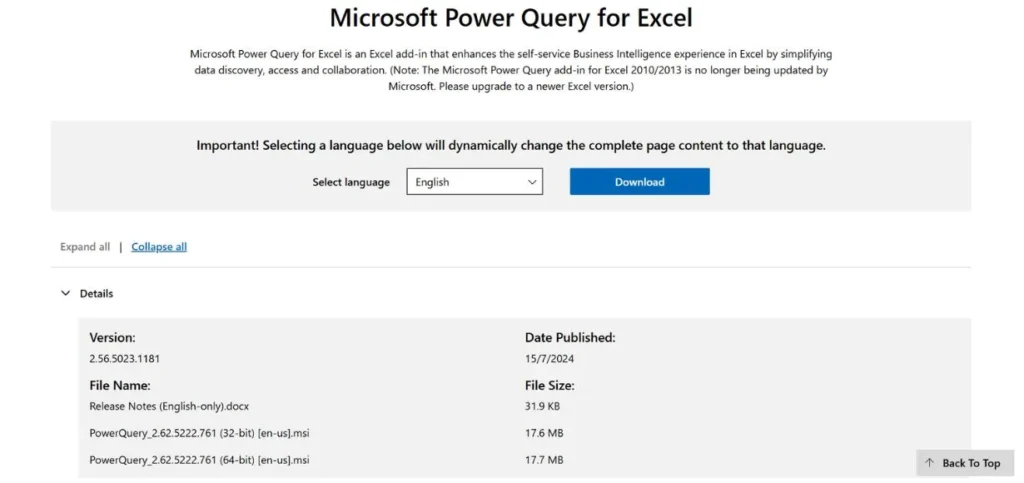
One of the most popular data wrangling tools on the market today is Microsoft Power Query, which has gained popularity mostly because of its integration with the Microsoft ecosystem, especially Excel. This transformation engine offers advanced data manipulation features that are simple to use and enable advanced users.
This is because of its advanced features, at the same time being accessible to the user due to familiar Microsoft interfaces. Power Query is highly valuable for organisations that have already invested in Microsoft products and are interested in streamlining their data processes.
Key Features:
- Multi-source data connectivity.
- Ready-made functions of transformation.
- M language support
- Advanced query editor
- Native Excel integration
Pros:
- Exquisite Microsoft integration.
- A wide range of community support.
- Comprehensive documentation
Cons:
- Little non-Microsoft compatibility.
- Fashion licensing is necessary.
- Windows-centric functionality
Pricing: a Free tier (personal use), Power BI Pro (around $10-$14/user/month for sharing)
3. Talend
Rating: 4.3/5
Website: https://www.talend.com/
Best Use Cases: Multi-cloud data integration, enterprise data quality, complex ETL processes
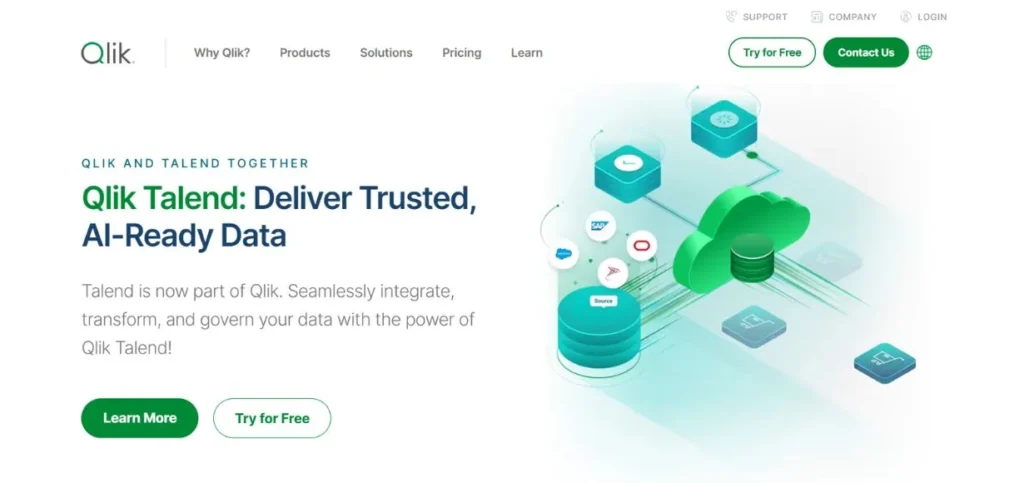
Talend has already established itself as one of the most effective tools of data wrangling with the Qlik acquisition and a strong set of features. It possesses a drag-and-drop interface, and this is one of the steps that make the platform different in terms of making data transformation democratised to anyone who lacks an in-depth grasp of the technical sector.
Talend architecture can be deployed on a number of cloud providers and offers a flexible deployment to organisations with different infrastructure requirements. It uses machine learning to assist with the difficult data quality issues that can scarcely be resolved with a rule-based model. It can be used in the functioning of an enterprise-level because it is a comprehensive solution to the process of data integration.
Key Features:
- Multi-cloud platform support
- Machine learning-enhanced quality
- Robust integration capabilities
- Data standardisation tools
- Deduplication and validation
Pros:
- Flexible cloud deployment
- Strong data quality
- Active community support
Cons:
- Commercial-only offering
- Complex initial setup
- Higher cost structure
Pricing: Cloud Starter ($12,000-$30,000 annually)
4. Datameer
Rating: 4.2/5
Website: https://www.datameer.com/
Best Use Cases: Snowflake integration, collaborative data analysis, pipeline management
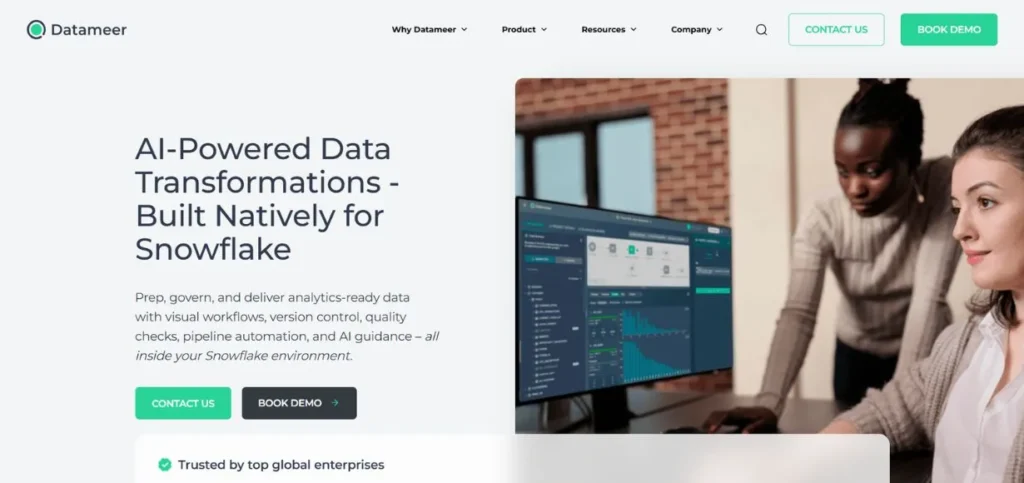
Datameer is a spreadsheet-like program that introduces a novel twist to data pipeline management and creation. This familiarity will make it less intimidating to users who are used to working with more familiar spreadsheet platforms, as they will be able to work with data wrangling platforms.
The connection of the platform with Snowflake unleashes the potential of transformation with the diverse functions achieved by the platform. The Smart Analytics module of Datameer uses machine learning to run complex analytical operations without involving complex technical skills. The platform is focused on teamwork by providing common work areas where cross-functional teams are able to work closely.
Key Features:
- Spreadsheet-like interface design
- Smart Analytics module
- Enterprise data governance
- Snowflake native integration
- Shared collaborative workspaces
Pros:
- Intuitive spreadsheet interface
- Strong governance features
- Quick issue resolution
Cons:
- Commercial pricing only
- Limited open-source options
- Snowflake dependency
Pricing: Custom pricing
Also Explore: Best Data Classification Tools
5. Scrapy
Rating: 4.4/5
Website: https://www.scrapy.org/
Best Use Cases: Web data extraction, large-scale scraping projects, Python-based automation
Scrapy is an open-source implementation of the forefront data wrangling software, that is, it is skilled at harvesting data out of internet resources. It is a Python model that is highly quick and scalable in an organisation with a requirement to scrape through information on websites.
Despite the steep entry curve of Scrapy caused by its complexity, the strength and flexibility of Scrapy are worth investing in teams that possess the relevant technical resources. The tool is structured in such a way that it is possible to perform massive web scraping. Scrapy organisations are fully in control of what they are extracting, and they do not pay any licenses.
Key Features:
- High-speed web scraping
- CSS and XPath selectors
- Built-in telnet console
- Flexible export formats
- Scalable architecture
Pros:
- Completely open-source
- Highly scalable
- Strong Python integration
Cons:
- Steep learning curve
- Complex initial setup
- Limited beginner documentation
Pricing: starting around $9/month
6. Tableau Desktop
Rating: 4.6/5
Website: https://www.tableau.com/products/desktop
Best Use Cases: Visual data exploration, interactive dashboards, enterprise reporting
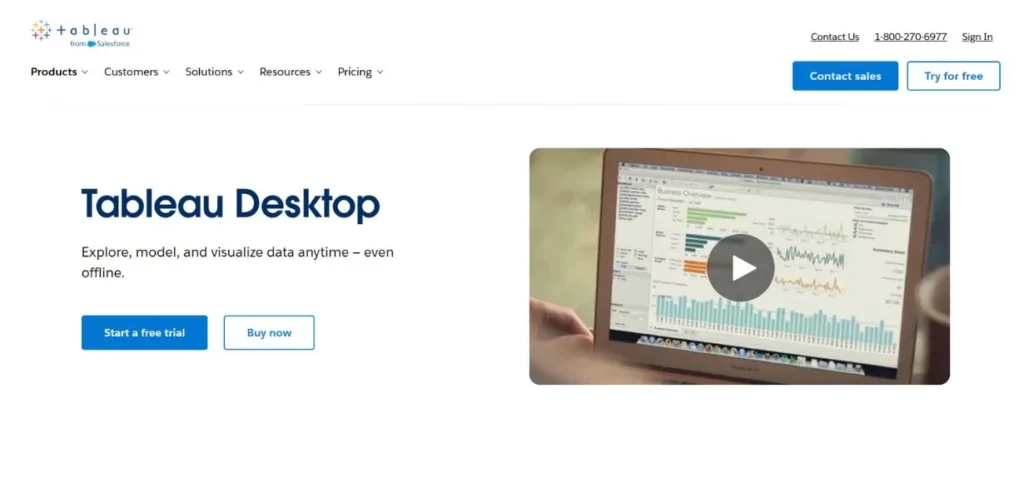
Tableau Desktop should not be considered a top data wrangling tool because it is not a specific data wrangling platform, but it has powerful data preparation tools that can be used together with its popular visualisation solutions. The desktop version has all the necessary cleaning and transformation tools that can prepare data to make compelling visual stories.
The power of Tableau is that it provides an immediate result of data preparation, which is represented by interesting reports and dashboards. This is a visual feedback loop that allows users to detect patterns and anomalies in the wrangling process. The security provision of the platform guarantees that sensitive data is secured during the course of the analysis.
Key Features:
- Interactive data visualisations
- Real-time collaboration tools
- Enhanced security protocols
- Built-in data preparation
- Pattern identification capabilities
Pros:
- Excellent visualisation capabilities
- Strong security features
- Active community support
Cons:
- Not a primary wrangling tool
- Commercial licensing required
- Higher pricing point
Pricing: Pricing starts at $75 per user/month
7. ParseHub
Rating: 4.1/5
Website: https://www.parsehub.com/
Best Use Cases: No-code web scraping, automated data collection, multi-source extraction
ParseHub is a web scraping platform that democratizes web scraping via its no-code cloud service of data extraction. The site allows newcomers with no knowledge of programming to collect data on websites reliably and efficiently. In addition to scraping, ParseHub has support for data wrangling issues such as deduplication, data screening, and data merging across sources.
Regular expressions support gives the option to flexibly retrieve, delete, or replace particular records of data. The intellectual property of the platform is IP rotation, which is necessary to access the information needed safely without being prohibited from visiting the websites. The versatility of the integration functionality of ParseHub ensures its connection to different data sources and files without any problems.
Key Features:
- No-code interface design
- IP rotation functionality
- Regular expression support
- Multi-format integration
- Cloud-based architecture
Pros:
- Easy-to-use interface
- Secure data access
- Versatile file integration
Cons:
- Commercial platform only
- Limited advanced customisation
- Cloud dependency
Pricing: Paid plans start at $189. per month
8. Altair Monarch
Rating: 4.0/5
Website: https://altair.com/monarch
Best Use Cases: PDF data extraction, healthcare data management, desktop-based preparation
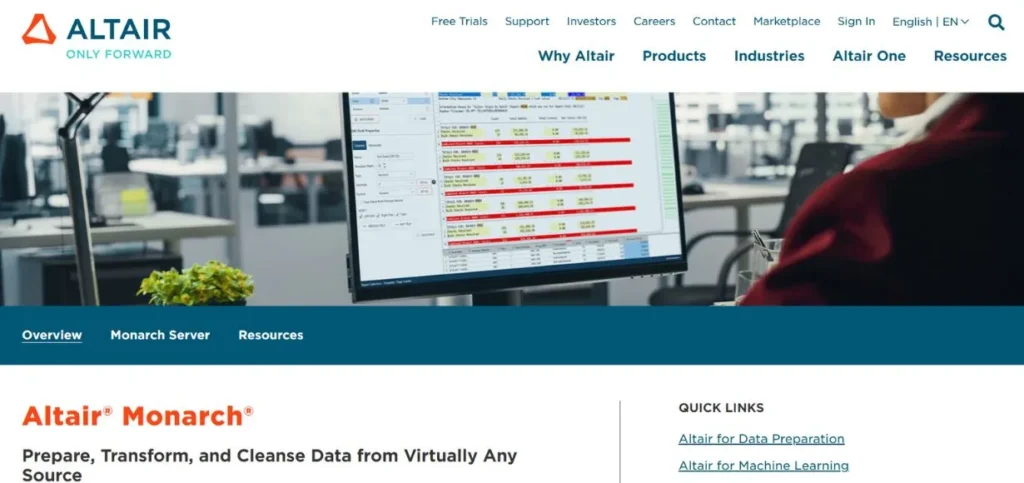
Altair Monarch is a desktop-based data preparation tool that specialises in retrieving information from PDF documents. The platform automates wrangling operations using more than 80 pre-written functions of data wrangling that include string operations, date manipulation and data conversion. This large repertoire of functions minimises hand preparation.
Altair Monarch is a blend of the familiarity of Excel with the aspect of power of SQL, which offers users the flexibility in transforming data. The healthcare industry is a field in which the capabilities of Altair are especially beneficial, as pharmaceutical researchers are using its Grid Engine to handle the intensive computing requirements of their work. The features of panopticon visualisation services are applied as supplementary to the preparation features.
Key Features:
- PDF data extraction
- 80+ pre-built functions
- Combined Excel-SQL functionality
- Panopticon visualisation integration
- Healthcare sector optimisation
Pros:
- Excellent PDF handling
- Comprehensive function library
- Strong healthcare applications
Cons:
- Expensive pricing structure
- Desktop-only limitation
- Limited cloud capabilities
Pricing: Paid plans start at $1,995 per user annually
9. Tamr
Rating: 4.2/5
Website: https://www.tamr.com/
Best Use Cases: Master data management, large-scale data curation, semantic analysis
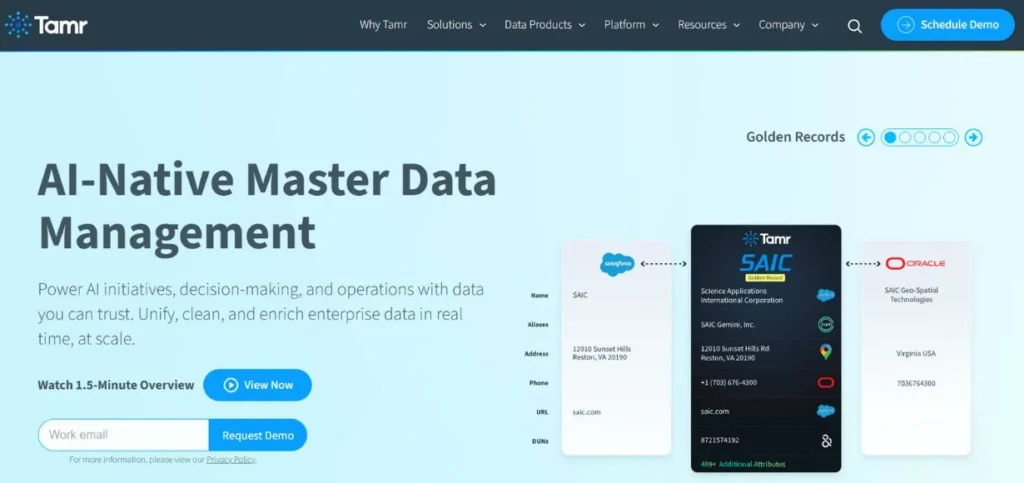
Tamr positions itself as a niche data curation system to resolve complex data management problems. It has an API, Unify API, that enables the effective consolidation of data across various sources. The human-guided machine learning aspect of the platform is such that data cleaning is assured of accuracy, but it gains the advantage of being automated. Tamr is an excellent master data management system that transforms heterogeneous data into standard and consistent data.
An effective curation can be done at scale with a useful library of pre-trained machine learning models. The integration of big language models to compare semantics assists the user in making sense of the relations between various data records, which enables them to comprehend information about data format and content even better.
Key Features:
- Master data management
- Pre-trained ML models
- Semantic comparison based on LLM.
- Machine learning under human guidance.
- Unify API integration
Pros:
- Advanced ML capabilities
- Efficient large-scale curation.
- Powerful standardisation characteristics.
Cons:
- Limited community support
- Complex implementation
- Enterprise-focused pricing
Pricing: Custom pricing
10. Astera
Rating: 4.3/5
Website: https://www.astera.com/
Best Use Cases: Unstructured data handling, automated extraction, parallel processing
Finally, but not least, in our list of the best data wrangling tools is Astera, which offers the service of data management as a whole. The platform has incorporated some of the latest features like data cleansing, transformation objects, and data quality modes, which are unique to the wrangling processes. The extraction capabilities of the AI-based Astera gather data automatically in the source systems and do not resort to manual data collection, which is time-consuming.
It has a multi-core processing unit that is capable of processing high data volumes, and this minimises complicated data operations. The ReportMiner is a module that focuses on the extraction of unstructured data in PDF, RTF and PRN files. This is a template generation powered by AI that helps to simplify the import of the traditionally difficult-to-work-with unstructured sources.
Key Features:
- AI-powered data extraction
- Parallel processing engine
- Unstructured data handling
- ReportMiner component
- Data quality modes
Pros:
- Strong AI capabilities
- Efficient parallel processing
- Excellent unstructured support
Cons:
- Commercial-only licensing
- Complex feature set
- Higher learning investment
Pricing: Custom pricing
How to Choose the Right Data Wrangling Tools
The choice of the best out of the data wrangling tools should be made with a keen consideration of the needs of your organisation, technical abilities and cost limitations. The correct option requires a number of factors other than mere comparisons of features. Knowing your special needs is a way of doing this to reduce choices.
- Make an Evaluation of Your Technical Capabilities: Before making any commitment to any platform, first of all, you need to evaluate the technical capabilities of your team.
- Reflect on Data Source Requirements: Test the source of your data and make sure that the tool you are using can easily access those sources.
- Check Scalability and Performance: Do not only think about the needs at present, but also about the possible increase of data volumes in the future.
- Budget Total Cost of Ownership: Go beyond the first licensing costs to know the overall total costs.
- Make Collaboration and Governance the priority: The current data work involves collaboration with departments and roles.
Conclusion
The world of the best data wrangling tools is a complex one, but to move around it, you must comprehend the needs of your organisation and the strong side of each platform. Whether it is open-source, such as Scrapy, or full-fledged commercial, such as Alteryx or Microsoft Power Query, the market has a variety of choices at every price and usage point. The correct tool will convert the data preparation into a tedious and long-standing bottleneck to a smooth and efficient process that will help make better decisions throughout your organisation.
Frequently Asked Questions
Q: What is effective about a data wrangling tool?
A: The great tools to use are those that are intuitive and at the same time capable of transforming data, can work with various data sources, can be automated and can easily scale as data volume increases. The most suitable solutions are those that are easy enough to use as well as those that are sophisticated.
Q: Can data wrangling tools that are open-source be trusted?
A: Open-source solutions such as Scrapy are very strong and good in their performance, with a healthy community support. They are, however, usually more technical than commercial and may not have formal lines of support.
Q: What is the right size allocation of budget for data wrangling tools by organisations?
A: Prices will range between free open-source solutions and enterprise software worth thousands of dollars a year. Capacity is determined by the volume of data, the number of users, as well as the features needed and overall ownership expenses, such as training and
Q: Can non-technical users use data wrangling tools as technical users?
A: Numerous platforms in the modern world provide no-code or low-code interfaces that are explicitly aimed at business users without any programming experience, such as ParseHub and Microsoft Power Query. Select the tools that are within the technical capacity of your team.
Q: What is the difference between data cleaning and data wrangling?
A: Data cleaning is specifically concerned with the correction of errors and the elimination of inconsistencies, whereas data wrangling would be the entire process of data cleaning, transformation, merging, and data preparation to be analysed.
Continue Exploring: Top Data Pipeline Tools