
The hiring of the right personnel and getting them up and running is the core of every developing business, but the HR team is frequently bogged down with loads of work and the last-minute rush. The job of HR AI tools is to relieve all this pressure from HR’s shoulders through automation, better hiring accuracy, and providing valuable and actionable information about employee productivity. These tools enable HR to focus on people, not paperwork. From creating smart resumes and scheduling interviews to conducting employee engagement surveys and providing learning recommendations, HR management software with AI capabilities can streamline everyday workflows and improve efficiency.
In this blog, we will dive into a selected list of the best AI tools for HR that are user-friendly, affordable, and relied upon by teams throughout different industries. If you’re a small start-up or a large enterprise, there’s something for everyone out there that will work for them and that can help them make their workplace a happier and more efficient place to work. Let’s take a look at how the right AI partner can help you reimagine your HR journey, one step at a time.
Why HR Teams Are Adopting AI?
HR teams are turning to AI because it takes away the drudgery, expedites hiring, and provides more accurate data for HR decision-making, allowing HR to spend more time on people and strategy, and less on paperwork.
There are following key reasons for Adopting AI by HR Teams
- Faster, smarter hiring: AI drafts job descriptions, filters resumes, evaluates candidates, and schedules interviews. Recruiting automation software streamlines these tasks, helping recruiters save time and focus on qualified candidates.
- With the streamlining of administration, there is more efficiency: The mundane, time-consuming tasks such as payroll checks, policy questions, reports, and reminders are automated, which saves hours per week and eliminates errors.
- Better employee self-service: Employees can instantly search for benefits, leave, and policies using chatbots and AI search to resolve HR tickets, enhancing employee experience.
- A personalized approach to learning and development: AI suggests course recommendations, career paths, and internal job roles by analyzing skills and performance, creating more specific and beneficial L&D strategies.
- Data-driven decisions and retention: AI can predict conditions of engagement, performance, and turnover to identify early warning signs and recommend strategies to keep critical staff. AI CRM tools can also help HR teams organize employee and candidate interactions, track follow-ups, and keep important information accessible across different workflows.
- Improved compliance and accuracy: The AI automatically identifies payroll discrepancies, ensures policies are accepted, and alerts to compliance concerns, reducing the expense and liability of non-compliance.
- Consistency and minimizing bias in processes: Standardized AI screening and messaging ensure more equitable and uniform hiring and HR processes, while retaining the human touch for final decisions.
Comparison Of AI Tool For HR
| Tool Name | Category | Best For | Pricing |
| Eightfold AI | Talent intelligence and recruiting | Large enterprises, skills-based hiring | Custom pricing |
| Workday | HR, finance, payroll platform | Medium to large businesses | Custom quotes |
| Paradox (Olivia) | Conversational recruiting automation | High-volume and hourly hiring | Custom pricing |
| HireVue | Video interviewing and assessments | Enterprise high-volume recruitment | Custom pricing |
| Greenhouse | Applicant tracking and recruiting | Structured, data-driven hiring | Custom pricing |
| Lattice | Performance and people management | Medium businesses, performance and engagement | From $13 per seat monthly |
| Rippling | HR, payroll, IT, spend | Small to medium tech companies | Custom pricing |
| BambooHR | HRIS, hiring, onboarding, performance | Small and mid-sized businesses | From $10 per employee monthly |
| Leena AI | Employee support and HR automation | Enterprise HR service delivery | Custom pricing |
| 15Five | Engagement and performance management | Engagement, coaching, performance analytics | From $4 per user monthly |
List Of Top 10 AI Tools For HR
1. Eightfold AI
- Website:eightfold.ai
- Best for: Large companies with a need to leverage AI for talent intelligence in recruiting, internal mobility, and workforce planning.
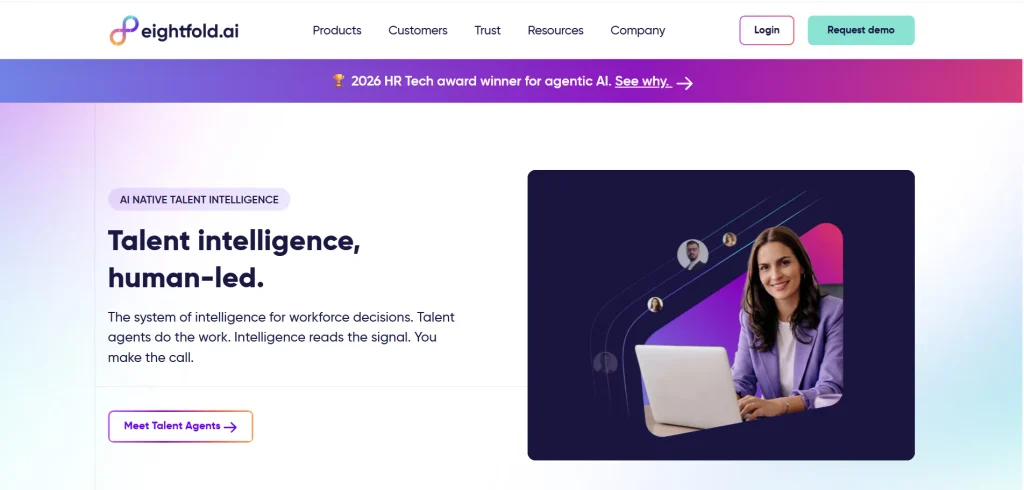
Eightfold AI is an AI-native talent intelligence platform that enables big companies to discover, recruit, and develop talent based on skills, not just keywords. It is also useful for teams evaluating AI recruiting tools for skills-based hiring and workforce planning.
It learns from more than one billion career profiles to match them with the best candidates and career paths. It seamlessly integrates into existing ATS and HRIS, such as Workday, SuccessFactors, or Greenhouse, enabling HR teams to leverage AI without the need to replace their existing system.
Key Features
- Deep candidate matching based on skills.
- Opportunities for internal mobility as well as career pathing.
- Talent CRM and candidate rediscovery.
- Diversity, bias masking, and audit tools
- Enterprise ATS/HRIS integrations
- Analysing workforce capability and skills planning
Pros
- Best-in-class talent matching
- Complete Hiring Process Coverage
- Strong level of diversity and bias tools
- Works with existing HR systems
Cons
- High enterprise-only pricing
- Complex, months-long implementation
- Difficult for users to pick up quickly.
- Some reporting features are not customisable.
Pricing
- Custom pricing
2. Workday
- Website: workday.com
- Best for: Businesses with extensive needs that require centralized HR, finance, and payroll in one AI-driven solution.
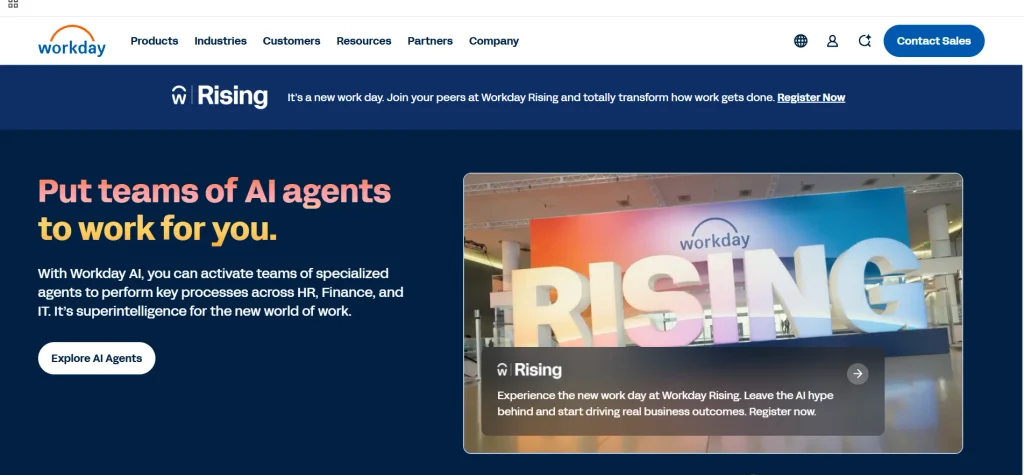
Workday AI empowers intelligent automation within HR workflows in the platform that teams already use. It provides conversational access through specific payroll, talent, and workforce management agents, skills-based recommendations, and predictive insights. As part of modern AI tools for HR, Workday helps medium to large enterprises eliminate manual tasks while retaining governance and security at the heart of the solution.
Key Features
- Conversational employee assistant Sana.
- Payroll and talent acquisition agents
- Skills Cloud for talent intelligence
- Predictive workforce analytics and insights
- Personalised learning and careers.
- Using Agent System of Record for governance.
Pros
- A single HR, finance, and payroll solution.
- Embedded Deep AI agents in workflows.
- Effective governance and security measures are in place.
- Gartner Magic Quadrant leader
Cons
- For small and mid-sized businesses, high cost is a factor.
- The needs of implementation and training are complex.
- Not providing clear pricing; only custom quotes
- Ideal for enterprise-level deployments.
Pricing
- custom quotes
3. Paradox (Olivia)
- Website:paradox.ai
- Best for: High Volume and Hourly hiring with conversational AI screening and scheduling.
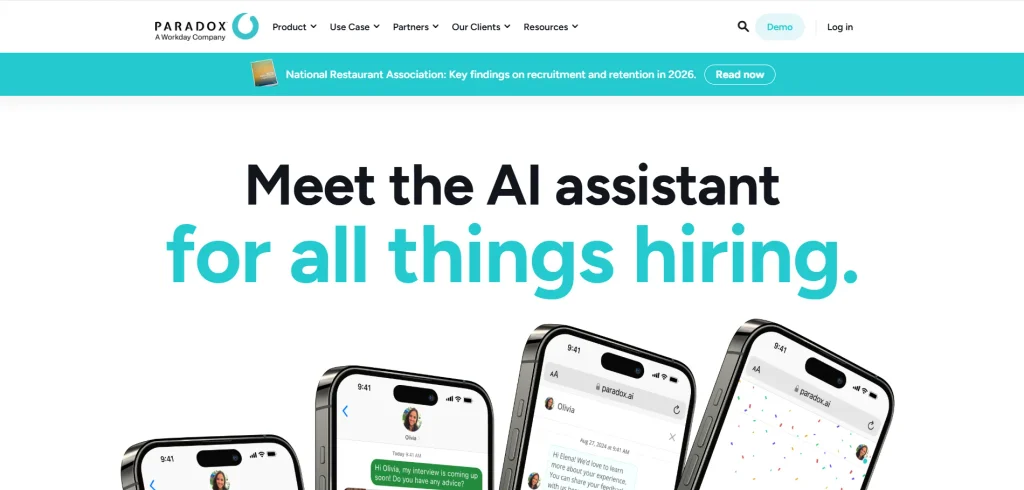
Olivia, Paradox’s AI assistant, automates early hiring processes through web, SMS, WhatsApp, in 100+ languages. Filters applicants, answers FAQs, reads books, and sends applicants straight to hiring managers’ calendars.
It was designed to cater to retail, restaurants, healthcare, and logistics, and accelerates time to hire by enhancing the experience of candidates and alleviating the recruiters’ burden during mass hiring drives.
Key Features
- Conversational AI screening chatbot
- Auto Schedule Scheduling for interviews using calendars.
- Multi-language support (100+ languages)
- Knockout questions and conversational apply
- To get event and career fair automation services.
- Integrating Enterprise ATS and HCM.
Pros
- Ideal for large volumes of hourly work.
- Quick screening and booking of interviews
- Good candidate experience through live chat.
- SuccessFactors integration and Deep Workday.
Cons
- A model that only offers a quote without transparency of pricing;
- Best for enterprise use, particularly large deployments.
- It can take some time to implement and cost a lot of money.
- Not ideal for low volume / niche hiring
Pricing
- Custom pricing
4. HireVue
- Website:https://www.hirevue.com/
- Best for: Enterprise hiring teams with a high volume of structured recruitment who are operating it at scale.
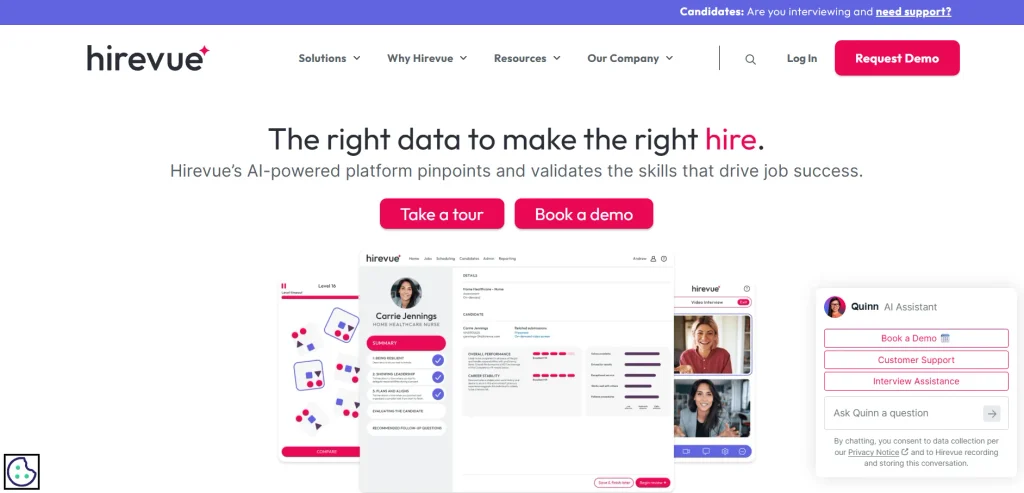
HireVue is an AI-based hiring platform that automates the screening of thousands of candidates, quickly and equitably, for large companies. It features one-way and live video interviewing, science-based assessments, automated scoring, and deep ATS integration.
Recruiters receive shortlists that are ranked, audit trails which are ready for compliance , and multi-language support, all while keeping the structure. Its enterprise design makes it best suited for graduate, seasonal, and high-volume positions.
Key Features
- One way and live video interviews.
- AI candidate ranking and scoring
- Assessments based on games and roles
- Seamless integration with enterprise ATS.
- Multi-language support (40+)
- Compliance/bias audit tools
Pros
- Easy to use for large-volume screening.
- Compliant interview processes, in a structured format.
- High quality enterprise ATS and security.
- Participate in a multi-language and global hiring team.
Cons
- Extremely high fees for small groups
- Difficult to set up and steep learning curve
- Few opportunities for specialty jobs.
- Mixed Candidate Experience feedback
Pricing
- Custom pricing
5. Greenhouse
- Website: https://www.greenhouse.com/
- Best for: Mid-market and enterprise teams looking for structured, data-driven hires at scale.
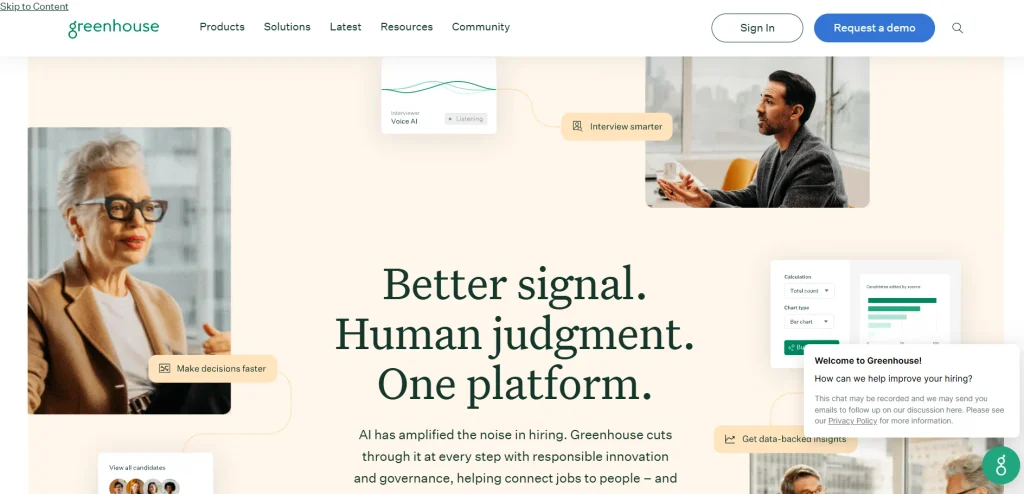
Greenhouse is a cloud-based recruiting and applicant tracking system that helps companies manage structured hiring from job posting through offer and onboarding.It is particularly well suited for tech, professional services, and fast-growing companies that rely on frequent interview cycles, transparent scorecards, and detailed reporting. As part of modern AI tools for HR, Greenhouse also supports smarter hiring workflows through automation, data-driven insights, and streamlined candidate management.
While it is a premium ATS, Greenhouse offers a large integration marketplace and built-in DEI tools. These features make it easier to coordinate panel interviews, nurture candidates, and connect hiring outcomes with broader business goals.
Key features
- A structured interview kit/scorecard
- This is a personalized career site and job posts.
- Coordinating and setting up panels for interviews.
- List of CRM and sourcing tools that candidates are interested in.
- DEI Analytics and anonymized reviews
- Deep integrations (500+ apps)
Pros
- The presence of very strong structured hiring framework.
- Excellent integration ecosystem
- A robust reporting and analytics system.
- Effective DEI and Fairness tools
Cons
- A custom quote pricing model is offered for premium.
- However, it had a higher learning curve in the beginning.
- Additional fees for some extras
- A basic HRIS or payroll system is not a full HRIS or payroll system.
Pricing
- Custom pricing
6. Lattice
- Website: https://lattice.com
- Best for: medium-sized businesses that need a single app for performance, goals, engagement and career management.
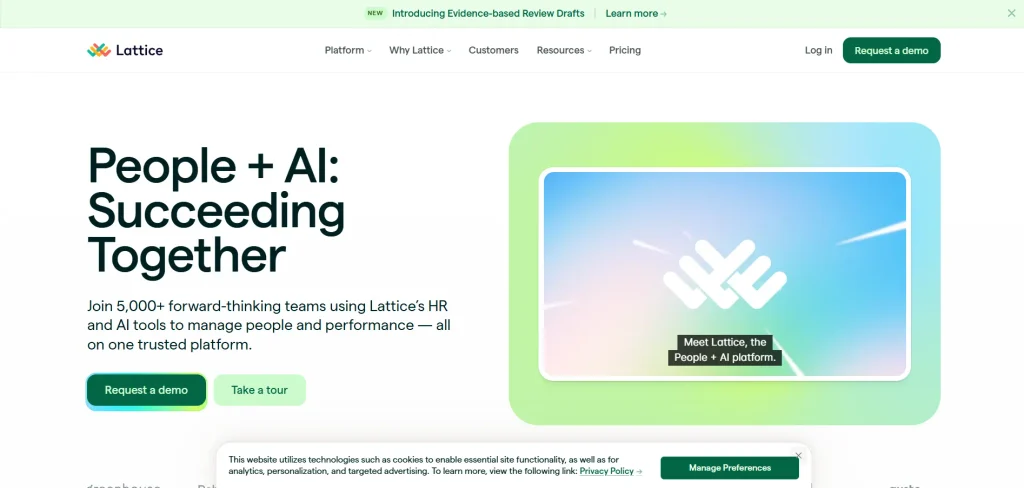
Lattice is a platform for people management that enables HR teams to conduct performance reviews, establish objectives, collect feedback, and enhance engagement all in one. It leverages AI for recommending review questions, summarizing feedback, and generating growth plans, simplifying manager tasks.
The system is also modular and can be configured to deliver performance or engagement and then expanded to include compensation, career tracks and/or HRIS as the organization evolves. It is created for mid-sized to enterprise teams that wish structured data-driven people processes without managing various tools.
Key Features
- Evaluations and adjustments of performance
- Goals, OKRs and weekly check-ins
- Engagement surveys and pulse surveys.
- Students design a Career Path plan and identify competencies.
- Rewards and compensation systems, and benchmarking.
- AI-powered summarizer and coach.
Pros
- Simple and easy-to-use UI/UX design.
- Excellent Goal skills and Goal setting.
- Multiple pricing options for flexability.
- There are good integrations available for Slack and HRIS.
Cons
- May be expensive when it comes to extras
- It requires HR administration to set it up.
- A less powerful mobile application.
- The best value is for the mid-market, not startups.
Pricing
- Foundations: $13 seat/month
- Enterprise: Custom pricing
7. Rippling
- Website:https://www.rippling.com/
- Best for: Small to medium tech companies looking for one platform to automate HR, payroll, IT and spend.
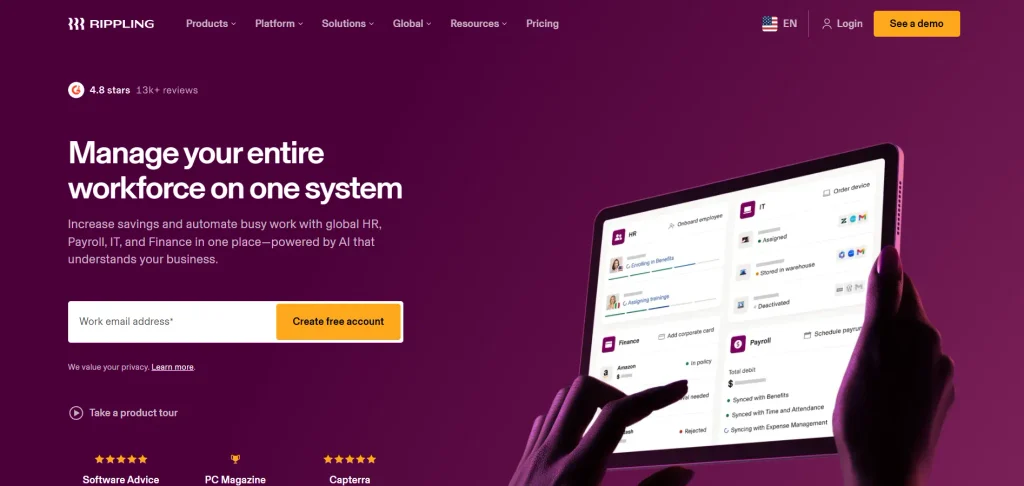
Rippling is an integrated HR and operations platform with artificial intelligence to automate mundane processes in HR, payroll, benefits, IT, and finance. Teams stay from having to coordinate various tools to manage employee records, onboarding, payroll runs, device provisioning, and app access—from one system.
It’s equipped with a Workflow Studio that has no coding required and Rippling AI, which enables automation to be created by simply stating what is desired in plain English. This can be particularly helpful for software-driven businesses with rapid growth as they seek to curb manual processes and ensure data uniformity across teams and departments.
Key Features
- All employee data centralized in HR, payroll, IT, and finance modules.
- No-code workflow automation with AI-powered bot builder.
- Native US and global payroll plus employer-of-record (EOR) solutions
- Enrollment, Remote wipe, Equipment recovery, procurement, Device management.
- Provisioning/deprovisioning of apps for hundreds of SaaS tools.
- Spend management, expenses, reimbursing and paying bills.
Pros
- All employee data and contractor data stored in one place.
- Increased manual effort is saved with powerful cross domain automation.
- Can be scaled up to thousands of employees worldwide
- Comprehensive identity, collaboration, and finance integration environment.
Cons
- Total cost is difficult to predict based on quote due to modular pricing
- May feel complicated and unnecessary for very small teams or for a team with a limited scope of projects.
- More complex setup and implementation than simple payroll tools
- Only chat support in business hours, no phone line for emergencies with payroll issues.
Pricing
- Custom pricing
8. BambooHR

- Website: https://www.bamboohr.com/
- Best for: Small to mid-sized businesses that require an easy-to-use HRIS that provides an all-in-one solution with AI support.
BambooHR is a cloud-based HR platform that brings core HR, hiring, onboarding, time-off, and performance management tools together in one place. It now also offers AI-powered features for answering employee questions, generating job posts, summarizing feedback, and, with higher-tier plans, providing workforce analytics and compliance suggestions. These capabilities make it a practical option among AI tools for HR for teams looking to automate routine HR tasks.
Its interface is easy to use, mobile-friendly, and ideal for teams looking to move beyond spreadsheets without requiring extensive IT infrastructure.
Key Features
- Central employee database
- Applicant tracking and onboarding
- Monitoring of time-off and benefits.
- Goals and Performance reviews
- AI tool for HR duties.
- Custom reports & dashboards
Pros
- Simple and easy-to-use interface.
- Excellent induction and ATS.
- Excellent self-service for staff.
- AI-driven scalable plans
Cons
- Payroll is an additional add-on.
- There are only a few deep recruiting integrations.
- With advanced analytics, you require a higher plan.
- Prices may increase due to optional extras.
Pricing
- Core: ~$10/employee/month
- Pro: ~$17/employee/month
- Elite: ~$25/employee/month
9. Leena AI
- Website: leena.ai
- Best for: Enterprise-sized companies who want AI-driven HR service delivery and employee support automation.
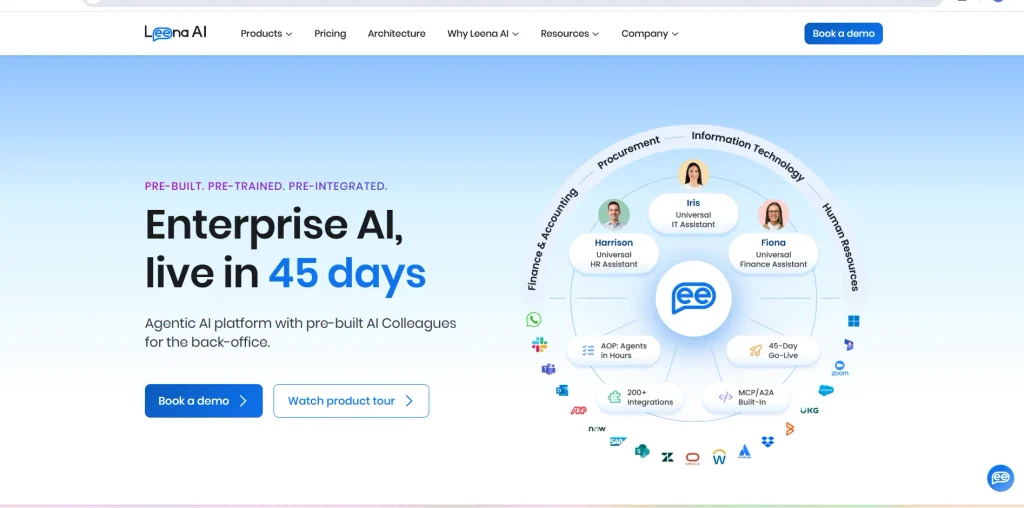
Leena AI is an AI-powered HR assistant for businesses to help them automate regular employee services and HR processes. It can respond to questions regarding leave, payroll, benefits, policy, reimbursements, records, and onboarding.
It can be accessed by the employees via web portals, Slack, Microsoft Teams, mobile or any other. The platform also connects with HR systems and enterprise software to minimize manual work, enhance response times, and make it easier for HR teams to manage employee requests.
Key Features
- Empowering HR query automation.
- Control and manage leave and attendance.
- Payroll and benefits support.
- Employee document generation
- HR workflow automation
- Multichannel employee assistance
Pros
- Minimizes repetitive HR tasks
- Supports 100+ languages
- Works with enterprise solutions
- Open 24 hours a day
Cons
- The price is not available in the public market.
- For the most part, it is aimed at bigger organizations
- Technical support may be needed for implementation
- It may take some time to set it up custom.
Pricing
- Custom pricing
10.15Five
- Website: https://www.15five.com/
- Best for: HR teams that are interested in AI-driven employee engagement, performance management, manager coaching, and people analytics.
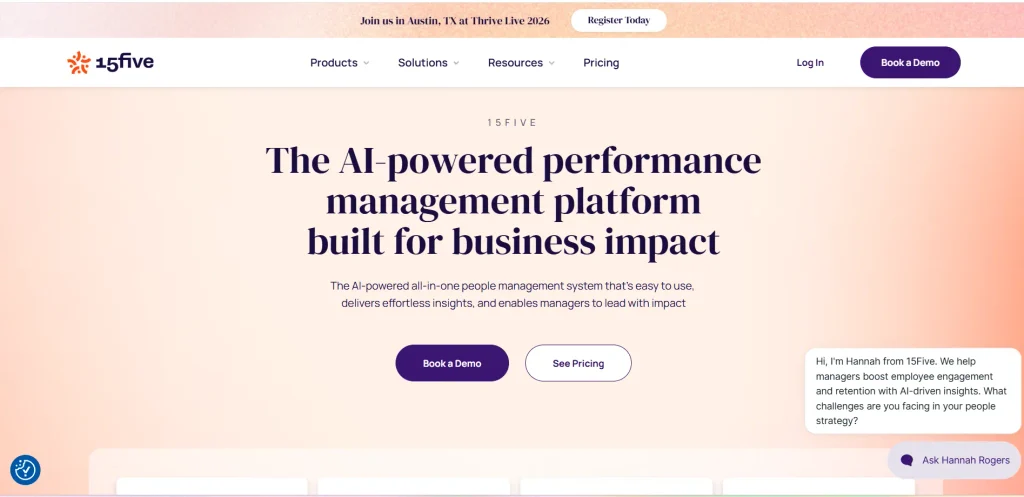
15Five is an HR and performance management system to help companies boost employee engagement, effectiveness of managers, and performance in the workplace. It provides AI capabilities like summarizing people data, generating employee performance reviews, meeting notes, risk identification, and manager coaching.
You can use AMAYA for questions related to people, Focus Briefs for the weekly priorities, and Kona to support 1-on-1 meetings. The platform also has surveys, OKRs, feedback, career planning and performance reviews features.
Key Features
- AI-assisted performance reviews
- Employee engagement surveys
- AI-powered people insight
- Auto-generated 1 on 1 meeting notes
- OKRs and goal management
- Coaches and managers to guide and coach.
Pros
- Strong AI HR capabilities
- Provides ongoing staff assessment and feedback
- Services provided to the community by the useful manager coaching tools.
- Includes engagement analytics
Cons
- It is a requirement that these must be billed once a year.
- The more advanced tools will cost more
- There are some beta features in AI.
- May need support with implementation
Pricing
- Engage:$4/user/month
- Perform: $11/user/month
- Total Platform: $16/user/month
How To Choose The Right AI Tools For Your HR Team?
The first step to finding the right AI tool for your HR team is to understand your pain point, and then identifying how to match it with the right tool that is budget-friendly, tech-friendly, and compliant. Here are the following tips to help you make your decision.
Following Point Checklist to Choose the Right AI HR Tool
- If you have more than one HR issue, begin with one of them: Choose one process you want to enhance first such as resumes, employee onboarding, employee inquiries, performance reviews, etc. This helps to keep the evaluation “on task” and prevents “feature overload.”
- Make sure it integrates with your existing HR technology: The tool needs to integrate seamlessly with your HRIS/HRMS, ATS, payroll and communication apps. Employee record management software can also help keep employee information organized and accessible, reducing the need for manual data management.
- Ensure that data is secure and conforms to regulations: Check for SOC 2 Type II, ISO 27001, GDPR compliance and data residency. When hiring tools, also look for compliance with local AI-in-hiring laws and bias-testing.
- Test accuracy, human oversight: Use a test version using actual resumes, tickets, or queries. Ensure outputs are correct, understandable, and can be easily reviewed/approved by humans before any actions take place.
- Ensure easy rollout and adoption: Select tools with user-friendly interfaces, onboarding features, and admin controls to allow your HR team to make edits to prompts/policies without the assistance of engineering. The quicker it gets adopted, the sooner you’ll realize ROI.
- Conduct total cost and pricing transparency comparison: Don’t consider per-user fees – also consider setup, training, add-ons, and support. Look for vendors that have a transparent pricing page, or a straightforward scaling model you can present to finance.
- Ensure vendor support and scalability: Monitor response time, SLAs, audit logs, and the ability to scale up with users or processes. Request customers’ references within your industry/ size range.
Common Mistakes When Adopting AI In HR
While AI in HR offers cost and time-saving benefits and enhanced decision-making, numerous HR teams fall into common pitfalls when implementing it. Here are the following common pitfalls in AI to help you use AI more safely and effectively below.
The following Mistakes To Avoid
- People with disabilities are not “a problem”; they are a tool: Teams select a shiny feature of the AI and then seek a use case. This results in low impact and wasted spend as the tool is not addressing an HR problem.
- Ignoring data quality: AI is trained using your HR information. In the absence of complete, up-to-date, and accurate data, outputs are unreliable or biased. Before going live, it’s important that the data is clean and well-structured.
- Over-automating and removing the human touch: If it is all automated, candidates and employees can feel like a number. The idea is to maintain a human element for sensitive decisions (hiring, promotions, exits) to ensure trust and fairness.
- Failing to implement change management and training: Without proper training on how the AI functions (and its limitations) by HR, recruiters, and managers, adoption slows down. Communication, clarity and practice help to minimise fear and resistance.
- Finding no success measures (no goals or indicators of success): Without clear goals (such as “Reduce screening time by 30%” or “Increase the number of patients who receive iRig symptom resolution care” or “Reduce the number of patients who delay care”), there is a challenge to demonstrate value or strengthen the system. Establish 2–3 measurable goals prior to implementation.
- Bypass bias, privacy, compliance: AI can perpetuate past biases or inaccurately handle sensitive information. If there are no audits, disclosures and data-safety rules then you can expect to run into unfair decisions and legal trouble.
- The selection of tools by features, not fit: Selecting from a long feature list, without assessing workflow fit, integrations, and overall cost, results in low usage and sprawl. Begin by piloting a focused project that is relevant to your team’s needs.
Conclusion
By leveraging AI tools for HR , hiring, employee assistance, performance monitoring, and everyday HR tasks can become faster and more convenient. However, every company has different needs, so the right solution depends on factors such as company size, budget, objectives, and existing systems. Before choosing a tool, compare its features, pricing, security, integrations, and customer support.
It is also important to pilot the tool and involve employees in key decisions. With proper implementation, AI can reduce repetitive tasks, improve the employee experience, and support HR professionals in decision-making. Start with one specific problem and choose a suitable solution, then gradually expand its use as the team becomes more comfortable with the technology.
FAQs
1. What Are AI Tools For HR?
AI solutions for HR streamline processes like recruiting, onboarding, payroll, performance monitoring and workforce management.
2. How Can AI Tools Improve Recruitment?
They can narrow down resumes, match up candidates with job roles, set up interviews and facilitate the hiring process.
3. Are AI HR Tools Suitable For Small Businesses?
Indeed, there are AI HR tools that provide cost-effective solutions and capabilities for startups and small businesses.
4. Is It Possible For AI To Replace HR Experts?
No. AI tools can be used to support HR teams to automate repetitive tasks, and HR professionals will be responsible for making decisions, communicating with employees, and managing employee relations.
5. What Should Businesses Consider Before Choosing An AI HR Tool?
Important factors to consider include feature set, pricing, user-friendliness, data security, integration options, scalability, and customer support.