

Artificial intelligence is rapidly reshaping the way software is designed, developed, and deployed. What once required hours of manual coding, debugging, and documentation can now be accelerated with intelligent automation and real-time assistance. As development cycles become shorter and product expectations grow higher, relying solely on traditional workflows is no longer enough. Modern developers and engineering teams need smarter tools that can enhance productivity, reduce repetitive tasks, and improve code quality without slowing innovation.
This is where AI coding platforms step in as transformative companions. From intelligent code completion and automated refactoring to full-stack app generation and deep repository analysis, these platforms are redefining how applications are built.
In this blog, we will explore the 15 Best AI Coding Tools.
What is AI Coding?
AI coding is an approach that involves using artificial intelligence technologies to support, automate or improve the software development process.
Rather than handwriting all the lines of code, developers can write pieces of code with AI-powered tools generating the code snippet, offering completions, identifying errors, refactoring current programs, and even creating complete applications based on natural language prompts. Such systems are usually run with large language models that have been trained with huge amounts of programming language and documentation.
AI coding enhances efficiency, lowers the number of repetitive jobs and assists developers to tackle intricate issues with increased efficiency. It also aids in learning through clarification of code and provision of best practices. Although AI improves speed and accuracy, human control is important to provide quality and security as well as logical correctness.
Quick Comparison
| Name | Best For | Ease of Use | Pricing |
| GitHub Copilot | Everyday coding, team collaboration, multi-language projects | Very Easy | Pro: $10/month, Pro+: $39/month |
| Anthropic Claude Code | Large codebases, deep reasoning, enterprise projects | Moderate | Pro: $20/month, Max: $100–$200/month |
| Cursor | AI-native editing, fast feature generation | Easy | $20–$200/month, Teams $40/user/month |
| Windsurf | Agentic workflows, repository-wide automation | Moderate | Pro: $15/month, Teams: $30/user/month |
| Replit Agent | Browser-based full-stack prototyping | Very Easy | Core: $20/month, Pro: $100/month |
| Tabnine | Privacy-focused code completion | Easy | $39–$59/user/month |
| Amazon Q Developer | AWS cloud-native development | Moderate | Pro Tier: $19/month |
| Cody by Sourcegraph | Large enterprise repositories | Moderate | Custom enterprise pricing |
| Lovable | Rapid MVP and startup app launches | Very Easy | $25–$50/month |
| Aider | Git-based terminal workflows | Moderate | Contact sales |
| Continue | Customizable open-source AI workflows | Moderate | $3/million tokens, $20/seat/month |
| Bolt | Fast browser-based app creation | Very Easy | $25/month, Teams $30/user/month |
| Gemini Code Assist | Google Cloud-native development | Easy | Contact sales |
| Qodo | Automated code review and CI/CD quality checks | Moderate | $38/user/month |
| Eclipse Theia AI Extensions | Custom enterprise IDE development | Advanced | Open-source (Free) |
List of 15 Best AI Coding Tools
1) GitHub Copilot
Website: https://github.com/features/copilot
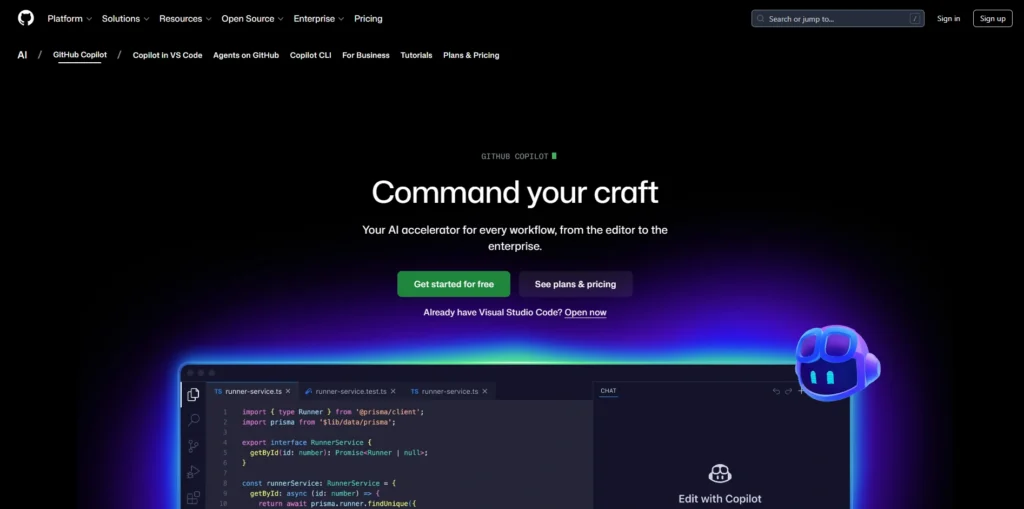
GitHub Copilot is a code generator software created by GitHub and OpenAI to assist programmers to write code more quickly and more precisely. It is one of the leading AI Tools For Businesses looking to enhance development efficiency and innovation.
It is also built into popular code editors, such as Visual Studio Code, JetBrains, and Neovim, and provides real-time code suggestions and autocompletion, as well as complete generation. The context of Copilot is based on comments and prevailing code, which allows natural language prompts to produce responses that are relevant. It has dozens of supported programming languages and frameworks.
Using Copilot Chat, developers are able to debug, refactor and comment code effectively. It is created to suit both individuals and enterprises by increasing productivity, minimizing redundant operations, and ensuring that software development processes are significantly faster in contemporary development platforms.
Key Features:
- Real-time AI code completion
- Copilot Chat for debugging and explanations
- Multi-file context awareness
- Supports multiple IDEs (VS Code, JetBrains, Neovim)
- Pull request summaries and suggestions
- Enterprise security and policy controls
Pros:
- Strong contextual suggestions
- Wide language support
- Seamless IDE integration
- Regular model improvements
- Enterprise-ready compliance features
Cons:
- Paid subscription required
- May generate inaccurate code
- Requires internet connectivity
Pricing:
- Pro- $10USD per month
- Pro+- $39USD per month
2) Claude Code
Website: https://claude.com/product/claude-code
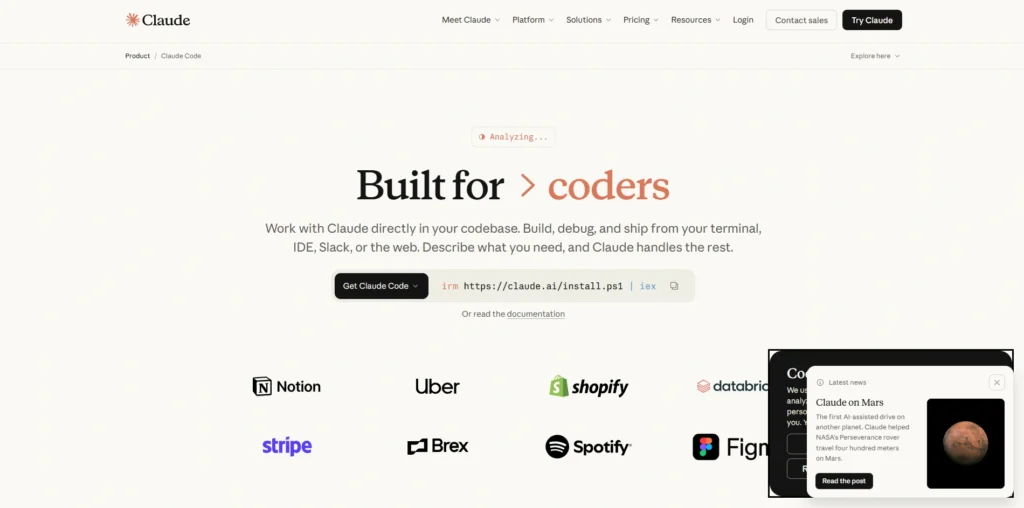
Anthropic has developed Claude Code, which is a high-tech AI-based coding assistant and one of the leading AI Coding platforms used to assist developers in writing, analysing, and refactoring large code bases with great efficiency.
It is constructed on the deep reasoning and long-context understanding of Claude, which ensures secure and reliable AI behavior. Claude Code has the ability to read huge repositories, write in a structured manner, offer debugging advice, and describe technical ideas in an understandable way. It is compatible with several programming languages and fits into contemporary development processes.
It is well-trusted and responsive, which makes enterprise projects much more convenient. Claude Code is used by developers to enhance code quality, speed up the development process, and improve collaboration among engineering teams.
Key Features:
- Long-context code understanding
- Advanced reasoning for complex tasks
- Large repository analysis
- Code refactoring suggestions
- Safe AI alignment focus
- Multi-language support
Pros:
- Strong reasoning accuracy
- Handles large codebases well
- Clear code explanations
- Reliable output quality
- Good for enterprise projects
Cons:
- Limited IDE-native integrations
- Subscription-based access
- Slower for small quick edits
Pricing:
- Pro- $20 billed monthly
- Max 5x- $100 Per person billed monthly
- Max 20x- $200 Per person billed monthly
3) Cursor
Website: https://cursor.com/
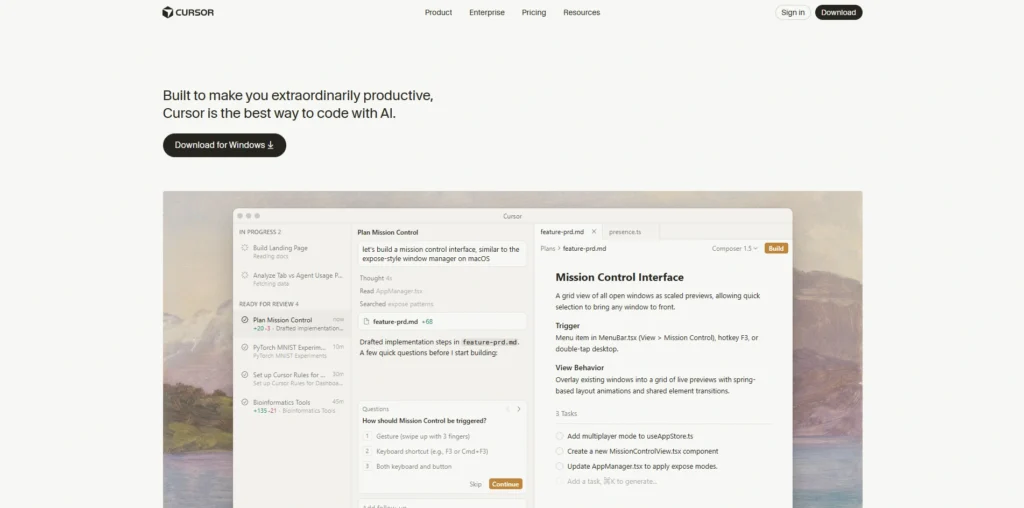
Cursor is an AI-powered code editor built as a fork of Visual Studio Code, designed to deeply integrate artificial intelligence into everyday development. As one of the leading AI Coding Tools, it allows developers to chat with their codebase, generate new features, refactor files, and fix bugs directly within the editor. Cursor understands project context, enabling intelligent multi-file edits and repository-wide reasoning.
It supports natural language prompts for rapid feature development and code improvements. With built-in AI workflows, Cursor enhances productivity for both solo developers and teams. Its seamless AI integration, speed, and context awareness make it a popular choice among modern developers building scalable applications.
Key Features:
- AI-native code editor
- Chat with the entire codebase
- Multi-file editing
- Smart refactoring tools
- Natural language feature generation
- Built-in AI debugging
Pros:
- Deep AI integration
- Fast contextual editing
- Clean user interface
- Supports large projects
- Frequent updates
Cons:
- Learning curve for new users
- Premium pricing tiers
- Heavy system usage
Pricing:
- Pro- $20 / mo.
- Pro+- $60 / mo.
- Ultra- $200 / mo.
- Teams- $40 / user / mo.
4) Windsurf
Website: https://windsurf.com/
Windsurf is an AI-powered code platform that is oriented to agentic coding and extensive understanding of a repository. It helps developers to communicate with the whole codebase through prompts in natural language and implement features, debug bugs, and refactor complicated systems.
The smart agents utilized by Windsurf examine the project makeup and relationships to provide solution-intensive answers. It is built to support the work of professional engineering teams and provides the collaborative workflow and contemporary DevOps.
The platform focuses on accuracy, code reliability and automation. Windsurf can be used in both start-up and enterprise settings by eliminating manual effort and repetition, allowing the company to rapidly develop products with high code quality.
Key Features:
- Agent-based development workflows
- Repository-wide context analysis
- Automated bug fixes
- Feature generation from prompts
- DevOps workflow integration
- Team collaboration tools
Pros:
- Excellent large-project handling
- Strong automation capabilities
- Context-aware reasoning
- Enterprise-friendly
- Productivity boosting
Cons:
- Requires onboarding time
- Premium pricing
- Limited beginner focus
Pricing:
- Pro- $15 per month
- Teams- $30 per user / month
5) Replit Agent
Website: https://replit.com/products/agent
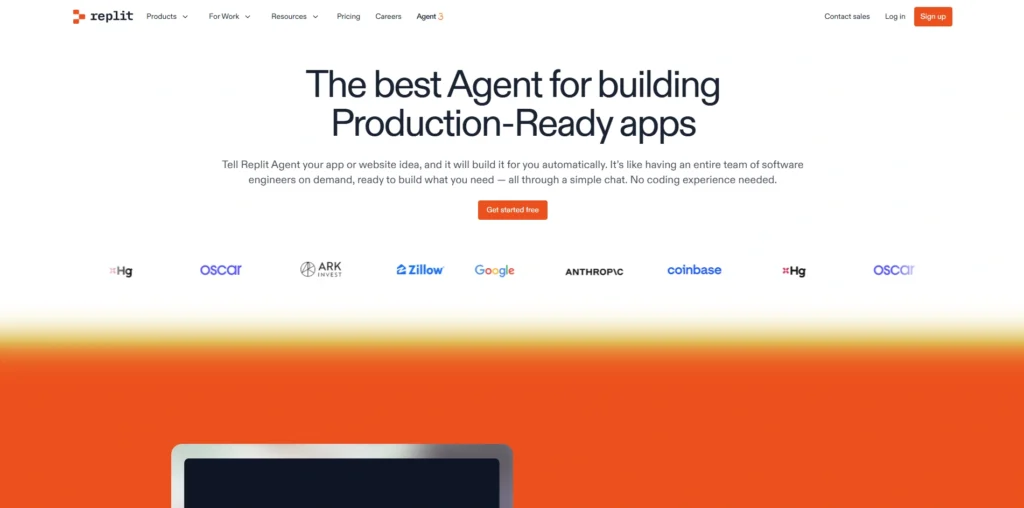
Replit Agent is an AI-powered development assistant integrated into Replit’s cloud-based IDE platform and is among the leading AI Coding Tools available today. It enables users to build full-stack applications using simple natural language instructions.
The agent can generate frontend interfaces, backend logic, database integrations, and deployment configurations within minutes. Designed for beginners and professionals alike, it simplifies coding, debugging, and iteration processes. Replit Agent operates entirely in the browser, eliminating complex local setup requirements.
It supports collaborative coding and instant deployment. By combining AI assistance with cloud infrastructure, Replit Agent accelerates prototyping, learning, and rapid product development for developers worldwide.
Key Features:
- Browser-based development
- AI full-stack app generation
- Instant deployment
- Built-in hosting
- Real-time collaboration
- Beginner-friendly interface
Pros:
- No local setup required
- Great for rapid prototyping
- Supports many languages
- Easy team collaboration
- Fast deployment process
Cons:
- Limited advanced customization
- Performance depends on browser
- Paid plans for advanced usage
Pricing:
- Replit Core- $20 per month
- Replit Pro- $100 per month
6) Tabnine
Website: https://www.tabnine.com/
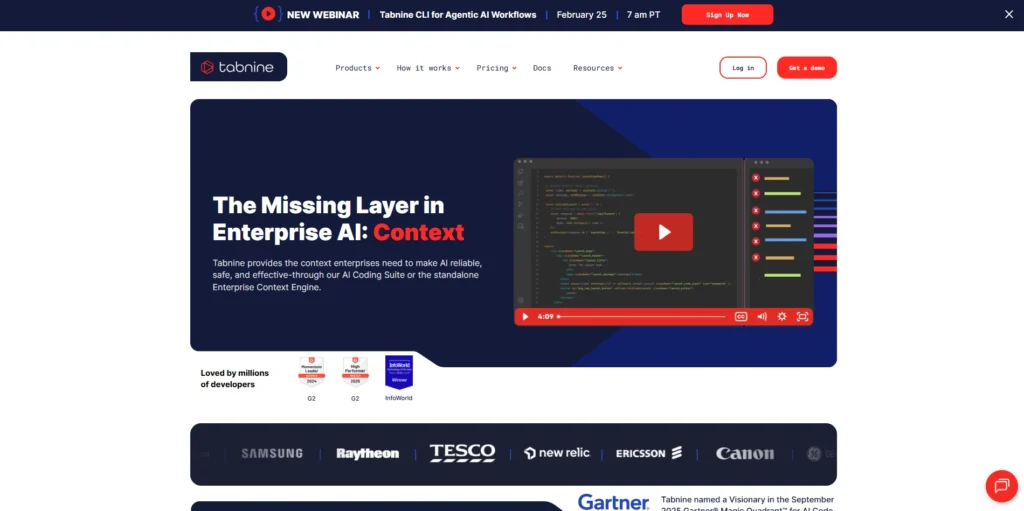
Tabnine is an AI code completion tool that provides intelligent autocompletion suggestions across multiple programming languages and IDEs.
It leverages machine learning models trained on open-source code to predict and generate accurate code snippets in real time. Tabnine offers both cloud-based and local deployment options, making it attractive for privacy-focused teams and enterprises. As one of the leading AI Coding platforms, it integrates with editors such as VS Code, IntelliJ, and more.
By reducing repetitive typing and improving coding speed, Tabnine enhances productivity while maintaining developer control. Its enterprise-grade security and customization options make it suitable for organizations handling sensitive codebases.
Key Features:
- AI-powered code autocompletion
- Local model deployment option
- Enterprise security controls
- Multi-IDE integration
- Custom AI training
- Privacy-focused infrastructure
Pros:
- Strong privacy options
- Fast suggestions
- Enterprise-ready
- Lightweight integration
- Supports many languages
Cons:
- Limited chat features
- Fewer advanced reasoning tools
- Paid premium plans
Pricing:
- Tabnine Code Assistant- $39 per user per month
- The Tabnine Agentic Platform- $59 per user per month
Suggested Read:
7) Amazon Q Developer
Website: https://aws.amazon.com/q/developer/
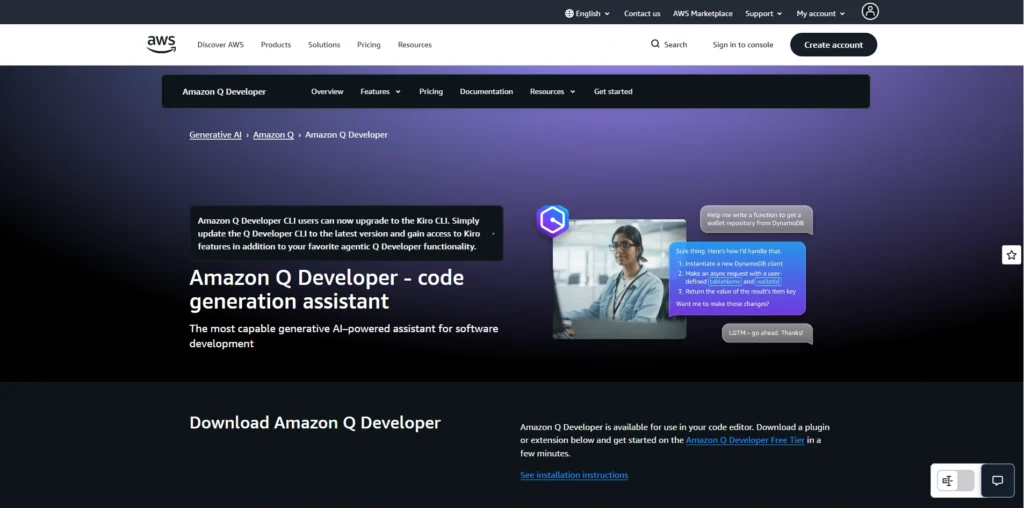
Amazon Q Developer is an AI-powered coding assistant from Amazon Web Services that helps developers build, debug, and optimize applications efficiently. It is one of the leading AI Coding Tools designed to enhance productivity across development workflows.
It integrates seamlessly with AWS services and popular IDEs, offering intelligent code suggestions, documentation insights, and security recommendations. The tool understands AWS infrastructure patterns and assists with cloud-native development tasks, including configuration and deployment guidance.
Amazon Q Developer supports multiple programming languages and enterprise environments. With built-in security scanning and compliance checks, it helps teams maintain best practices. It is particularly valuable for organizations heavily invested in AWS ecosystems and scalable cloud architectures.
Key Features:
- AWS-native code assistance
- Cloud configuration suggestions
- Security vulnerability scanning
- IDE integration
- Infrastructure as Code support
- Documentation generation
Pros:
- Strong AWS ecosystem support
- Built-in security checks
- Cloud-optimized guidance
- Enterprise scalability
- Multi-language support
Cons:
- Best suited for AWS users
- Subscription costs
- Complex for beginners
Pricing:
- Pro Tier: $19/mo
8) Cody by Sourcegraph
Website: https://sourcegraph.com/docs/cody
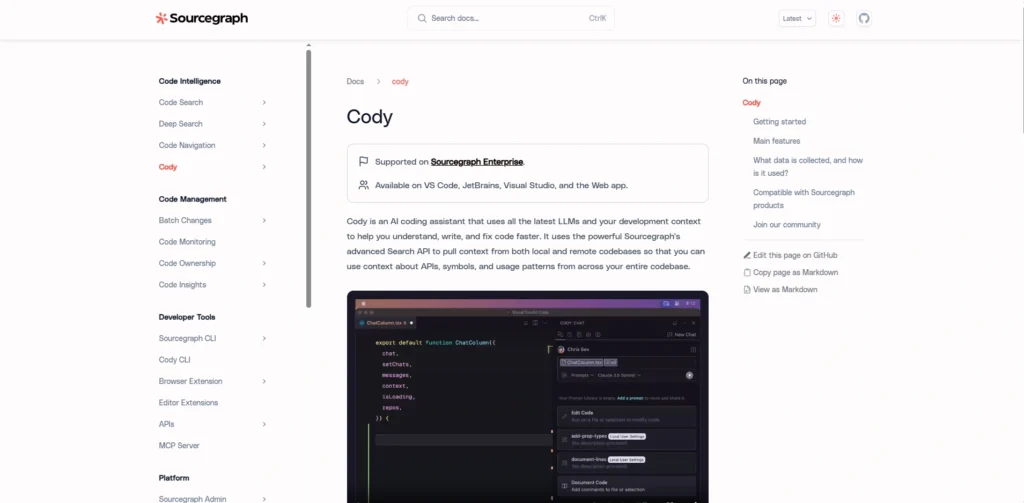
Cody is an AI coding assistant developed by Sourcegraph, designed to provide deep semantic understanding of large codebases and is widely recognized among modern AI Coding platforms.
It enables developers to search, navigate, and modify repositories efficiently using natural language prompts. Cody leverages Sourcegraph’s code intelligence engine to deliver context-aware suggestions, explanations, and refactoring guidance. It is especially useful for enterprise teams managing complex, multi-repository environments.
The assistant integrates with popular IDEs and supports various programming languages. By combining AI with advanced code search capabilities, Cody improves developer productivity, accelerates onboarding, and enhances collaboration across distributed engineering organizations.
Key Features:
- Deep semantic code search
- Multi-repository analysis
- AI-powered refactoring
- Context-aware explanations
- IDE plugins
- Enterprise deployment options
Pros:
- Excellent for large organizations
- Powerful code search
- Improves onboarding
- Strong repository awareness
- Enterprise-grade features
Cons:
- Higher cost tiers
- Requires setup configuration
- Best for large teams
Pricing:
Contact sales
9) Lovable
Website: https://lovable.dev/
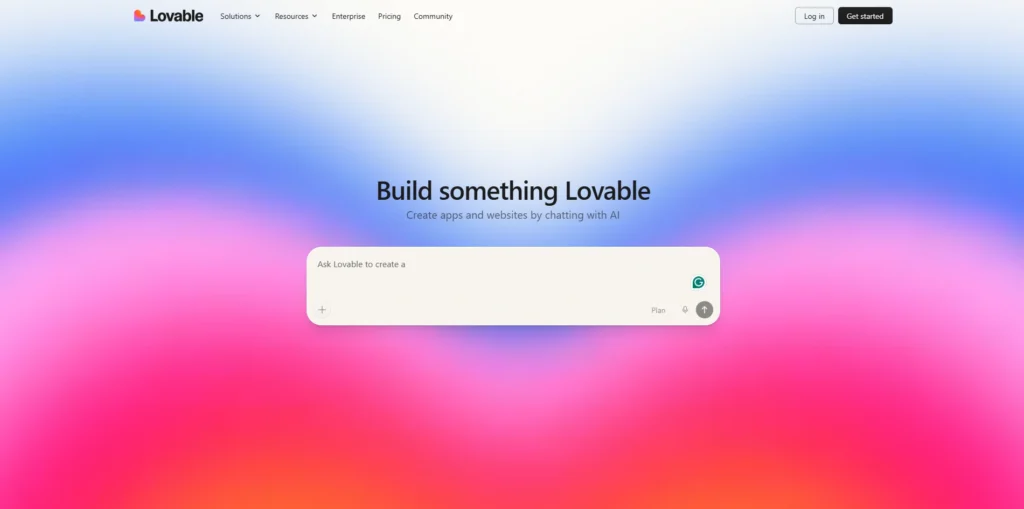
Lovable is an AI-powered application builder that transforms natural language prompts into fully functional web applications, making it one of the emerging AI Coding Tools for rapid development. It focuses on rapid prototyping by automatically generating frontend interfaces, backend logic, and integrations.
Designed for founders, product managers, and developers, Lovable reduces the time required to launch minimum viable products. Users can describe features conversationally, and the platform generates structured code ready for customization and deployment.
Lovable emphasizes speed, usability, and scalability. By simplifying technical complexity, it empowers non-technical users while still providing flexibility for experienced developers seeking faster product iteration and streamlined development workflows.
Key Features:
- Prompt-to-app generation
- Frontend and backend automation
- Rapid MVP creation
- Customizable code export
- Deployment-ready output
- No-code friendly interface
Pros:
- Very fast prototyping
- Simple interface
- Good for founders
- Reduces technical barriers
- Scalable architecture support
Cons:
- Limited deep customization
- Subscription-based pricing
- Less suitable for complex enterprise systems
Pricing:
- Pro- $25 per month
- Business- $50 per month
10) Aider
Website: https://www.aider.ai/
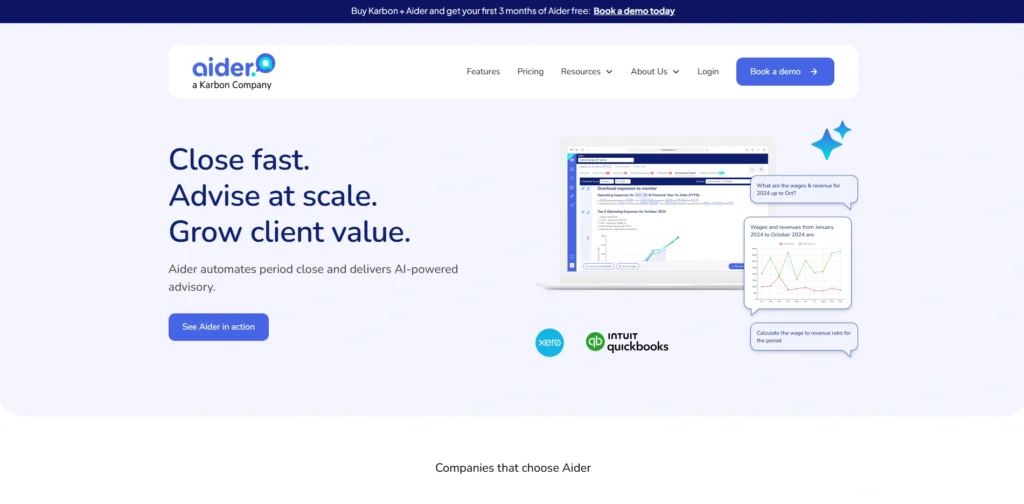
Aider is an AI pair programming tool designed to work directly within Git-based workflows. It allows developers to collaborate with large language models through the command line, enabling code generation, refactoring, and debugging across multiple files. Among modern AI Coding platforms, Aider stands out for its terminal-first approach and seamless Git integration.
Aider maintains project context and integrates with existing repositories without requiring major setup changes. It supports various AI models and emphasizes transparency in code modifications.
Developers can review suggested changes before committing them. Ideal for terminal-based workflows, Aider enhances productivity while maintaining control. Its flexibility and Git-native approach make it appealing for engineers seeking lightweight AI assistance.
Key Features:
- Git-based AI workflow
- Command-line interface support
- Multi-file edits
- Transparent code diffs
- Model flexibility
- Repository-aware suggestions
Pros:
- Lightweight setup
- Git-native integration
- Developer control maintained
- Flexible AI model usage
- Ideal for terminal users
Cons:
- Not beginner-friendly
- Requires technical knowledge
- No built-in graphical interface
Pricing:
- Contact sales
11) Continue
Website: https://www.continue.dev/
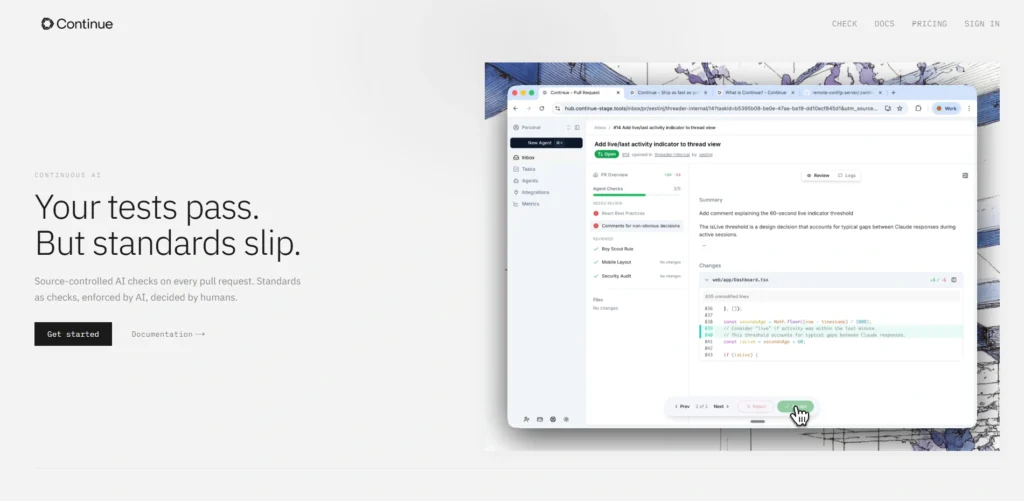
Continue is an open-source AI coding assistant designed to integrate directly into popular IDEs. It allows developers to connect different language models and customize workflows according to project needs, making it one of the most flexible AI Coding Tools available today.
Continue supports natural language prompts for generating code, refactoring, and debugging tasks. Its model-agnostic approach enables flexibility, allowing teams to choose between local or cloud-based AI providers. The platform emphasizes transparency, extensibility, and developer control.
With community-driven improvements and plugin support, Continue is well suited for organizations seeking customizable AI coding solutions. It empowers developers to enhance productivity while maintaining full ownership of their tools and infrastructure.
Key Features:
- Open-source architecture
- Model-agnostic support
- IDE plugin integration
- Custom workflow extensions
- Local or cloud deployment
- Prompt-based editing
Pros:
- Highly customizable
- Community-driven development
- Flexible AI provider options
- Transparent codebase
- Cost-efficient options
Cons:
- Requires configuration
- Limited official support
- Not fully beginner-oriented
Pricing:
- Starter- $3 / million tokens
- Team- $20 / seat / month
12) Bolt
Website: https://bolt.new/
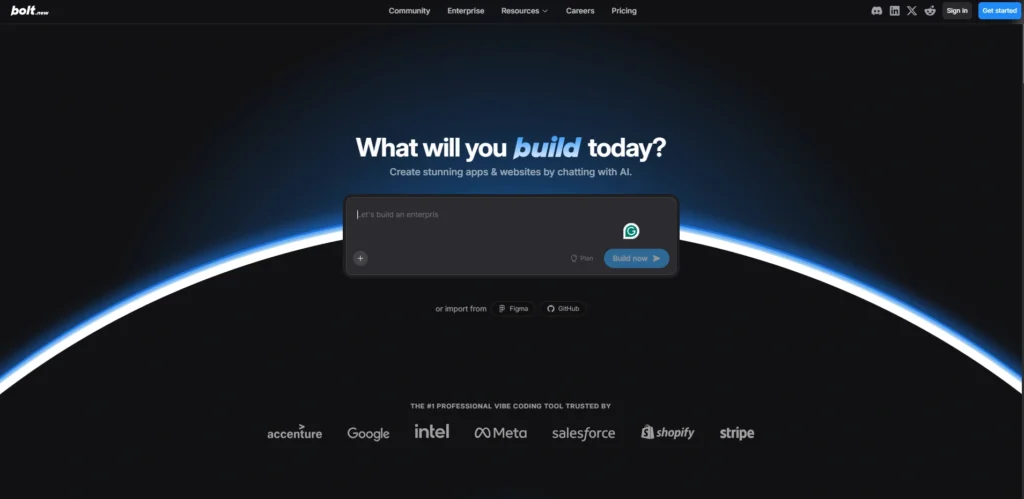
Bolt is a browser-based AI coding platform that enables users to build and deploy full-stack applications quickly using natural language instructions.
It generates frontend components, backend APIs, and deployment configurations directly in the browser environment. Designed for speed and simplicity, Bolt eliminates complex setup requirements, making it accessible to beginners and professionals alike.
The platform supports instant previews and rapid iteration cycles. By automating repetitive coding tasks, Bolt helps users focus on product logic and design. Its streamlined interface and integrated deployment capabilities make it suitable for startups and rapid development projects.
Key Features:
- Browser-based AI development
- Full-stack generation
- Live preview environment
- Instant deployment
- Minimal setup requirements
- Rapid iteration tools
Pros:
- Easy to start
- Fast app creation
- No installation needed
- Suitable for startups
- Simplified workflow
Cons:
- Limited deep customization
- Internet dependency
- Scaling limitations
Pricing:
- Pro- $25 per month
- Teams- $30 per month and member
- billed monthly
13) Gemini Code Assist
Website: https://codeassist.google/products/business?hl=en
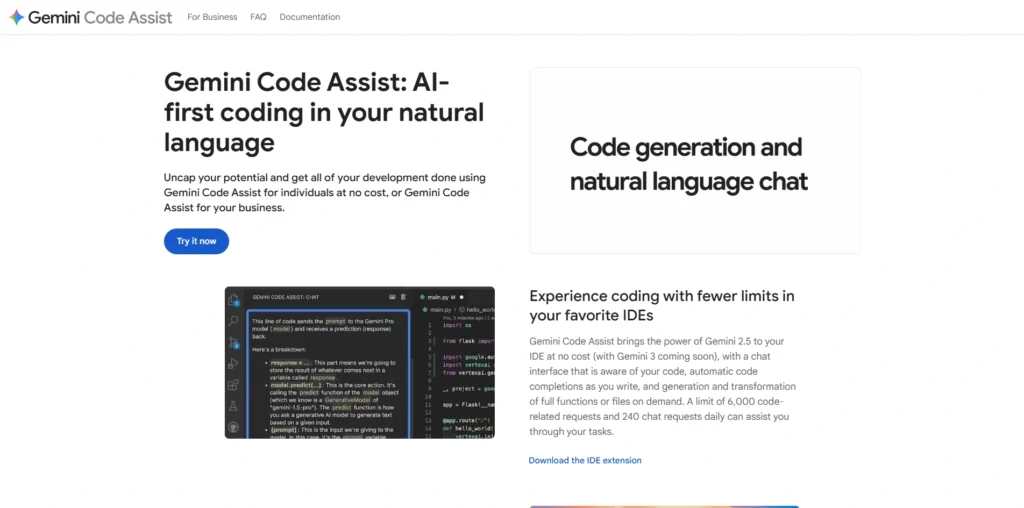
Gemini Code Assist is Google Cloud’s AI-powered development assistant that helps programmers write, review, and optimize code efficiently. Built on advanced Gemini models, it provides contextual code suggestions, debugging insights, and documentation support directly within supported IDEs.
The tool integrates seamlessly with Google Cloud services, making it valuable for cloud-native application development. Gemini Code Assist supports multiple programming languages and emphasizes security and scalability.
It can explain complex logic, generate test cases, and recommend best practices. Designed for both individuals and enterprises, it enhances productivity while maintaining alignment with modern cloud infrastructure standards.
Key Features:
- Google Cloud integration
- Context-aware suggestions
- Test case generation
- Code explanation tools
- Security recommendations
- Multi-language support
Pros:
- Strong cloud-native focus
- Backed by Google AI models
- Enterprise scalability
- Security-focused insights
- Regular updates
Cons:
- Best within Google ecosystem
- Paid enterprise tiers
- Limited offline support
Pricing:
- Contact sales
14) Qodo
Website: https://qodo.ai/
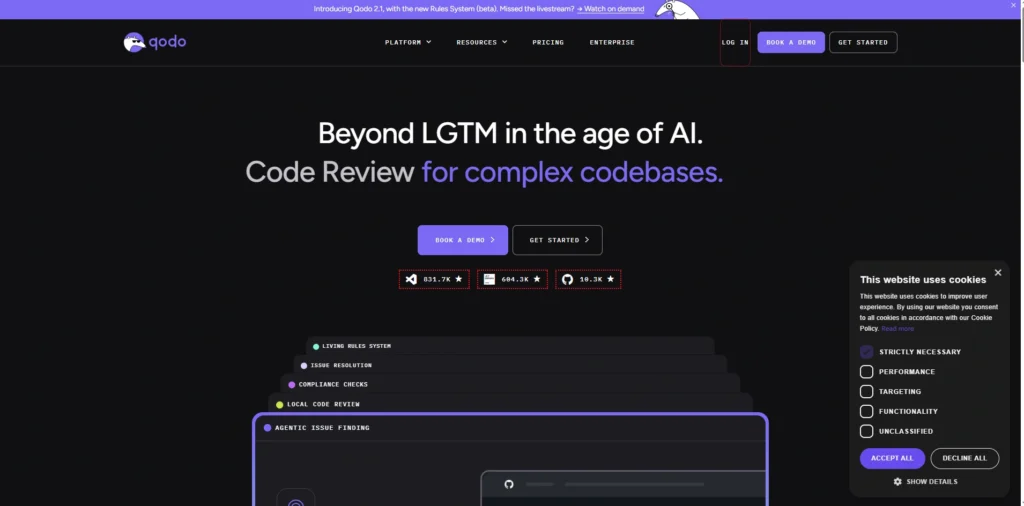
Qodo is an AI-powered code quality and review platform designed to improve software reliability and maintainability, making it one of the advanced AI Coding Tools for modern development teams. It analyzes code changes, detects potential issues, and provides actionable feedback during the development lifecycle.
Qodo integrates into existing workflows, including pull requests and CI/CD pipelines, ensuring continuous quality monitoring. The platform leverages machine learning to identify vulnerabilities, inefficiencies, and best practice violations.
Automating code reviews, it reduces manual effort and enhances collaboration among engineering teams. Qodo is particularly beneficial for organizations prioritizing secure, high-quality code and streamlined development processes in fast-paced production environments.
Key Features:
- AI-driven code reviews
- Pull request analysis
- Security issue detection
- CI \CD integration
- Automated feedback suggestions
- Code quality metrics
Pros:
- Improves code reliability
- Reduces manual review effort
- Enhances team collaboration
- Security-focused
- Enterprise integration ready
Cons:
- Focused mainly on review tasks
- Paid subscription
- Requires workflow integration
Pricing:
- Teams- $38/User per month
15) Eclipse Theia AI Extensions
Website: https://theia-ide.org/
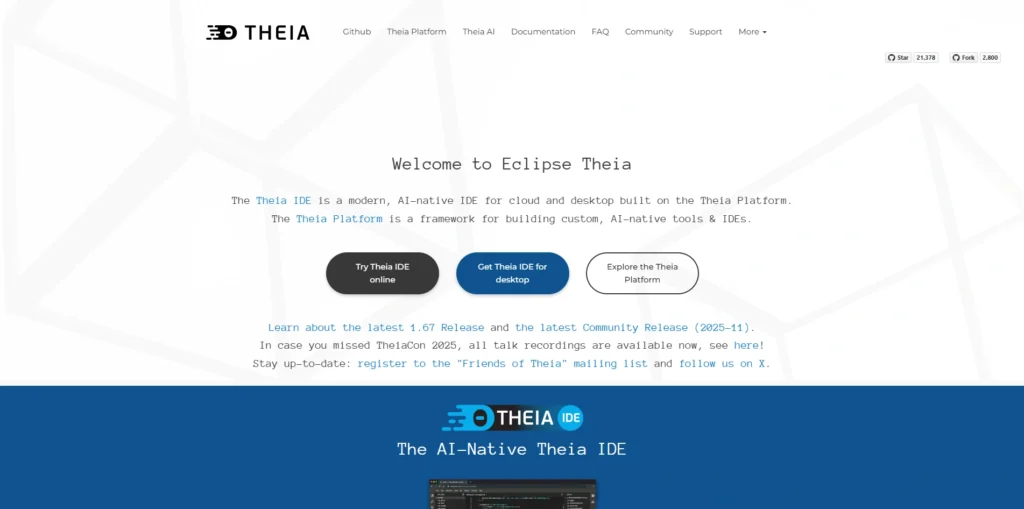
Eclipse Theia AI Extensions enhance the open-source Theia IDE framework by integrating artificial intelligence capabilities into customizable development environments. These extensions enable code completion, intelligent suggestions, and conversational assistance within Theia-based editors.
Built for flexibility, Theia allows organizations to create tailored IDE experiences with embedded AI tools. The AI extensions support modern programming languages and collaborative workflows. Enterprises can deploy customized cloud or desktop IDEs powered by AI features.
By combining open-source architecture with intelligent automation, Eclipse Theia AI Extensions provide scalable solutions for organizations seeking to build AI-enabled developer platforms and advanced coding environments.
Key Features:
- Open-source IDE framework
- AI extension support
- Cloud and desktop deployment
- Customizable editor environment
- Plugin-based architecture
- Enterprise-ready scalability
Pros:
- Highly customizable
- Open-source flexibility
- Supports custom AI integrations
- Cloud-native support
- Scalable for enterprises
Cons:
- Requires development setup
- Not beginner-friendly
- Depends on extension configuration
Pricing:
- Open source
Ending Thoughts
AI coding is transforming the way software is built, tested, and maintained across industries. By combining machine learning with advanced language models, it enables developers to write code faster, reduce repetitive tasks, and focus more on creativity and problem-solving using AI Coding Tools. From intelligent autocompletion to full application generation, AI-powered tools are making development more accessible to beginners while significantly boosting productivity for experienced engineers.
Businesses benefit from faster deployment cycles, improved code quality, and streamlined collaboration. However, AI coding is not a replacement for human expertise; it works best as a supportive partner. As technology continues to evolve, AI-driven development will become even more integrated, shaping the future of programming and redefining modern software engineering practices worldwide.
FAQs
1. What Is AI Coding Used For?
AI coding is used to assist developers in writing, debugging, refactoring, and optimizing code. It can generate code snippets, explain complex logic, suggest improvements, and even build complete applications from natural language prompts.
2. Can AI Replace Human Programmers?
No, AI cannot fully replace human programmers. It acts as a productivity tool that supports developers, but human expertise is still essential for architecture decisions, critical thinking, and quality assurance.
3. Is AI-Generated Code Reliable?
AI-generated code can be helpful, but it may contain errors or inefficiencies. Developers should always review, test, and validate the output before using it in production.
4. Which Programming Languages Does AI Coding Support?
Most AI coding tools support popular languages like Python, JavaScript, Java, C++, and more, depending on the platform.
5. Is AI Coding Suitable For Beginners?
Yes, AI coding tools can help beginners learn faster by explaining code, suggesting corrections, and guiding best practices.