

Managing finances is one of many things you can do as a small business owner, and it shouldn’t cause you any stress – particularly when there’s great accounting software available to help you manage it! We’ve curated a roundup of 10 Best Accounting Software for Small Business for you that are budget-friendly, user-friendly, and feature integration of automated invoices, expense tracking, tax preparation, and real-time reporting, among other things.
From being a solo entrepreneur handling all your work to expanding your team, these are perfect for low budgets (from under ₹500 per month) and scale with you without any tech hassle. Get on down and find the one that’s right for you and make room for the things you want to do more: build your dream.
Why Small Businesses Need Accounting Software?
Accounting software is an essential tool for small business owners who want to save time, minimize errors, and manage their finances efficiently.
- Saves time: Eliminates manual labour in invoicing, expense entry through data entry platforms, and record keeping, freeing up owners’ time.
- Reduces errors: Reduces calculation errors and omitted entries, common problems with spreadsheets or traditional bookkeeping.
- Tracks cash flow: Records money received and paid, which assists with keeping a business up to date with its finances.
- Simplifies tax filing: Manages financial records and reports, assisting in the tax filing and compliance process.
- Improves decision-making: Produces clear reports of Profit, Loss and Expenses for owners to make better business decisions.
- Supports growth: grow with the business and often interface with banking, payroll and other business applications.
Key Factors to Consider When Choosing Accounting Software
To choose accounting software, focus on those features that are best suited to your business requirements, budget, and growth goals.
- Scalability: Select programs that are able to scale with your company and that can manage more transactions, more users, and more places without needing to upgrade often.
- Security Features: Provide strong security measures such as data encryption, two-factor authentication, and access controls to protect financial information.
- User-Friendliness: Decide for user friendly interfaces that less training time and improve group adoption, leading to fewer mistakes and frustration.
- Integration Capabilities: Ensure that the software works well with CRM software, payroll, e-commerce, and other systems, helping to avoid data silos and streamline processes.
- Cost/Budget Fit: Price (from free to premium) vs required features and features that are underpowered and are inexpensive.
- Customer Support: Choose vendors that provide responsive customer support through phone, chat, or email, and ensure good documentation and experience.
Comparison Table Of Top Accounting Software for Small Business
List of Top 10 Accounting Software for Small Business
1. QuickBooks Online
Website: quickbooks.intuit.com
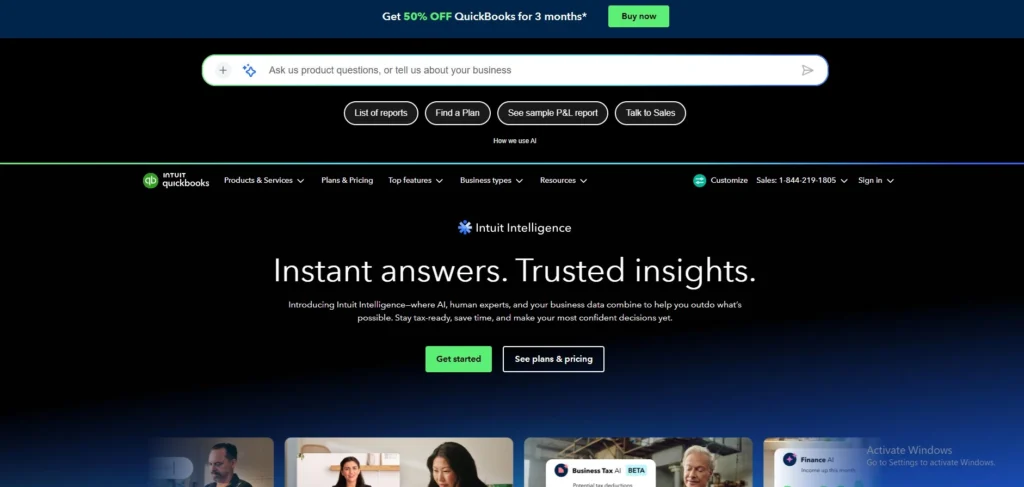
QuickBooks Online is a cloud-based accounting software created by Intuit, made to make financial management easy for small to medium-sized businesses. It can automate tasks such as generating invoices, tracking expenses, reconciling banks and creating reports so users can view their books from any device, anytime. The system can integrate inventory management, payroll systems, tax preparation, and user-defined financial statements, including profit and loss statements and cash flow analyses.
It supports mobile apps for easy receipt scanning and mileage logging, helping to ensure compliance and provide immediate insights into business performance. QuickBooks Online can be adapted to every plan size, supporting the needs of a single entrepreneur to expanding teams, and works together with +750 apps for improved capabilities.
Key Features:
- Generate, personalize, and send invoices, and receive online payments.
- Auto-categorize expenses, scan receipts using the mobile app.
- Create profit/loss, balance sheets, cash flow; personalize dashboards.
- Auto-sync & match bank transactions.
- Keep an eye on inventory levels and set reorder alerts (Plus plan+).
- Manage employee payments, 1099s, tax compliance.
- Role-based permissions for teams up to 25 users.
Pros:
- Anywhere access to clouds (web or mobile).
- No manual saves or patching, automatic backups and updates.
- Simple bank/credit card feeds to ease reconciliation.
- Large ecosystem of add‑on apps and integrations.
Cons:
- Must have a stable internet connection (no offline desktop option).
- Less advanced features for inventory/job costing than Desktop.
- Long term, the cost of a subscription per company can be high.
- Direct integration is available in limited quantities for some banks/payroll providers.
Best for
- Small-to-midsize service business or startup requiring remote access, lightweight bookkeeping with reliable bookkeeping software and numerous integrations with third parties.
Pricing
- Simple Start: $19/mo
- Essentials: $37.50/mo
- Plus: $57.50/mo
- Advanced: $137.50/mo
2. Xero
website: https://www.xero.com.
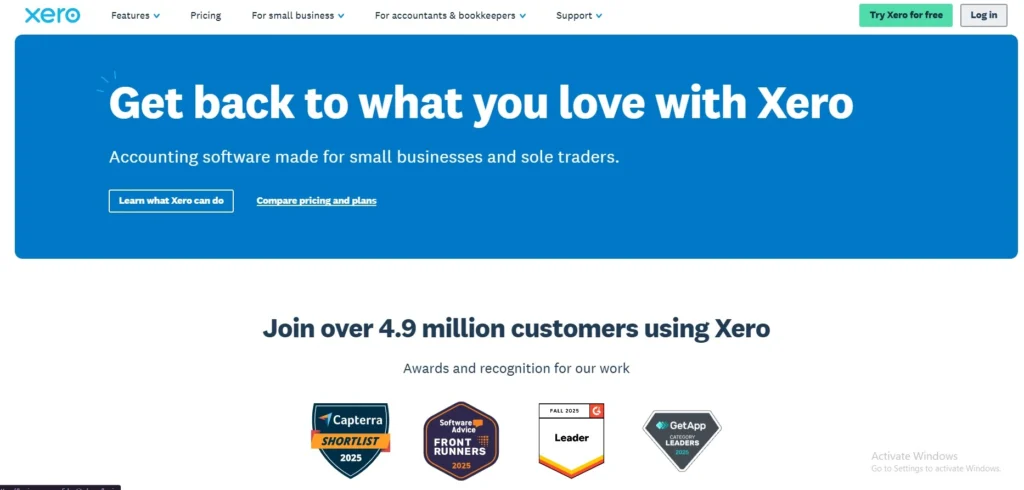
Xero is a New Zealand-based cloud computing accounting solution that is mainly used by small businesses, and supports a SaaS-based licensing program that charges by features, and by the size of business. Supporting businesses in over 180 countries, it allows users to handle their invoicing, bank reconciliation, expenses, payroll and reporting from anywhere in the world through the web or mobile apps and has over 4.6 million subscribers.
Automation of routine tasks with AI tools for businesses, seamless integrations with third-party apps, and real-time financial data with tools like JAX AI are among the key strengths. It highlights the importance of paperless record-keeping, such as using Hubdoc for capturing bills and receipts automatically, handling multiple currencies, and ensuring secure data management. Xero’s hallmark is its intuitive design and its collaboration options for accountants and industry-specific tools for companies in fields such as construction, retail, and real estate.
Key Features:
- Automated Bank Reconciliation & transaction categorisation.
- Quotes, reminders and online payment options for customizable invoicing.
- Expensetracking & bill capture through Hubdoc.
- Real-time financial reporting and cash flow forecasting (up to 180 days).
- Multi currency and project tracking.
- Third party integrations such as Stripe, Shopify, Gusto payroll etc.
- JAX-powered interactive insights and task automation with AI.
Pros:
- Access to the cloud and real-time bookkeeping on any device.
- Simple to use interface that is not complex for non-accountants.
- Wide app integrations (payments, POS, payroll, CRMs).
- Satisfy growing teams with unlimited users for free!
Cons:
- Limited inventory and advanced stock features compared to the competition.
- There are some limitations to certain invoice options/customisations.
- May cost more if you require premium options or more than one extra.
- Limited flexibility in transactions/register in complex accounting, occasionally.
Best for
- Easy-to-use, cloud-based accounting, with scalable collaboration and plenty of integrations—these are the attributes a small business needs.
Pricing
- Early: Usually $25 (now $5/mo)
- standard: Usually $50 (now $10/mo)
- Premium: Usually $75now($15/ mo)
3. Zoho Books
website: https://www.zoho.com/
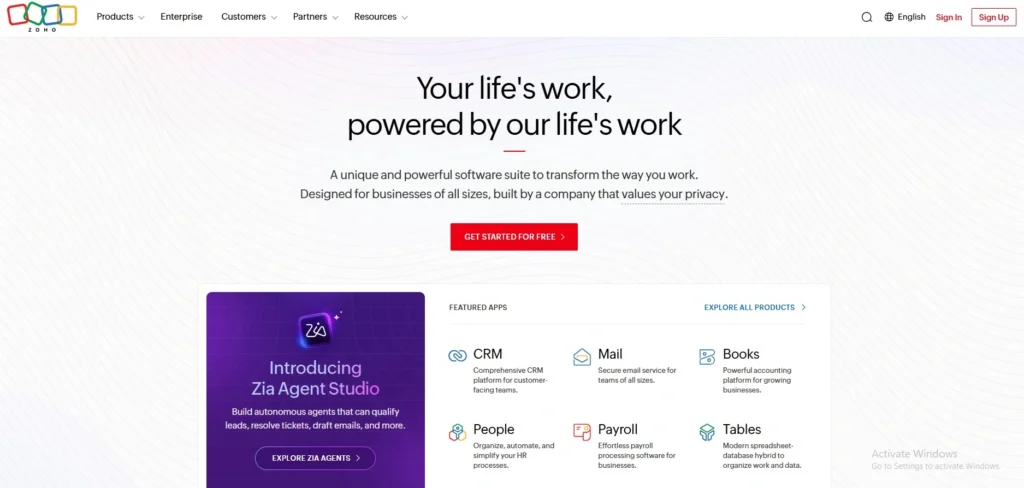
A cloud-based accounting solution that enables business users to handle invoices, bank reconciliation, bank reconciliation, taxes, projects and reports from a secure location. It is developed for small and medium-sized businesses, freelance and growing teams, and it can be automated, multiple users can collaborate on it, it’s mobile-friendly, and it complements GST/tax requirements.
It works online, so you can read your books on a desktop or a mobile — and keep your financial data in sync between them. This can be helpful for company owners who desire to monitor cash flow, decrease the manual accounting task, and remain organised in a single location.
Key features:
- Invoicing and quotes.
- Autoscans for all receipts and expenses.
- Bank reconciliation and bank feeds.
- GST/tax compliance and support of 1099s.
- Inventory management.
- Project accounting and timesheets.
- Reports, dashboards, and automation.
Pros:
- Competitive rates and a free option for small businesses.
- It has an intuitive user interface and clean dashboards.
- Robust automation (invoicing, bank reconciliation, workflows).
- Good integration within the Zoho ecosystem (CRM, Inventory, Projects).
Cons:
- Cap on plans (top plan still has a cap on users).
- Advanced features are reserved for higher levels.
- Some payroll options and additional processes are available at an extra charge for limited payroll.
- A lesser number of native integrations with non‑Zoho apps than competitors.
Best for:
- Small to medium-sized businesses eager to get low-cost, automated bookkeeping, particularly when they are already using Zoho applications.
Pricing
- Free plan: $0 per org/month.
- Standard: $15 per org/month.
- Professional: $40 per org/month.
- Premium: $60 per org/month.
4. FreshBooks
Website: https://www.freshbooks.com
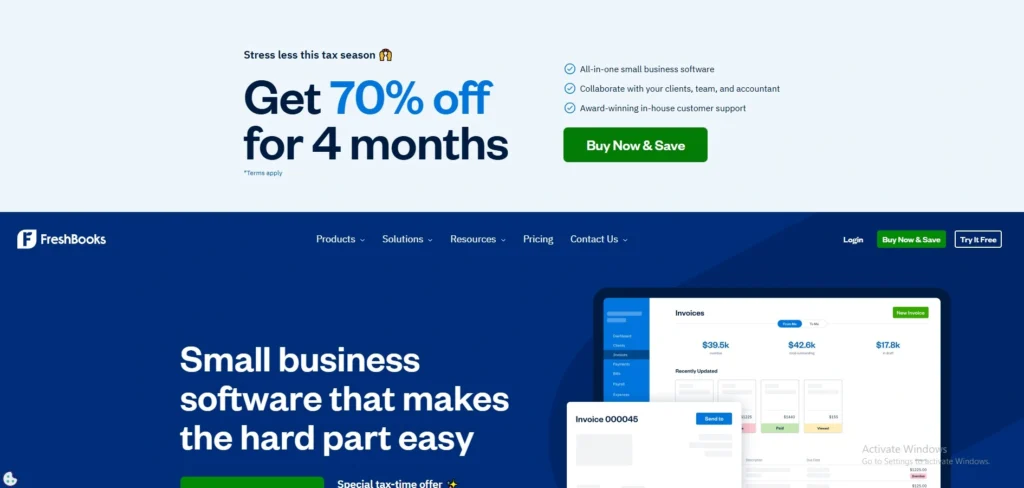
FreshBooks is cloud accounting and invoicing software primarily designed for freelancers, self-employed professionals, and small service-oriented businesses seeking a simple, template-based approach to handling money without a strong accounting background. It enables users to develop and send expert invoices, track time and expenses, receive online payments, and control clients and projects from a single dashboard.
Bank feed data is automatically uploaded, and the platform’s user-friendly features allow for multiple currency support in addition to standard financial reporting, enabling owners to track cash flow and profitability in real time. FreshBooks also offers a mobile app and client portal to work with clients on the go, and to invoice and track mileage.
key features:
- Customizable templates and recurring invoices for online invoicing.
- Time and mileage reporting for project‑based jobs.
- Scanning receipts, tracking expenses.
- Accepting online payments (e.g. credit card, Paypal, etc.).
- Project management and client‑portal tools.
- Simple and double entry bookkeeping, bank reconciliation.
- Multi‑currency support and integration with third party applications.
Pros:
- Simple interface to use and clean.
- Robust and straightforward invoicing and automatic reminders.
- Good time‑tracking and converting hours to invoices.
- Works with popular payment apps and gateways.
Cons:
- Advanced accounting capabilities in complex books (not ERP).
- As the number of clients/users increases, the cost also goes up.
- Less in-depth reporting and customisation compared to the competition.
- Not suited for businesses with a lot of products and inventory.
Best For:
- Freelancers and small service companies require easy time tracking and invoicing.
Pricing:
- Lite: $6.90 USD/mo
- Plus: $12.90 USD/mo
- Premium: $21.00 USD/mo
5. Wave
website: https://www.waveapps.com
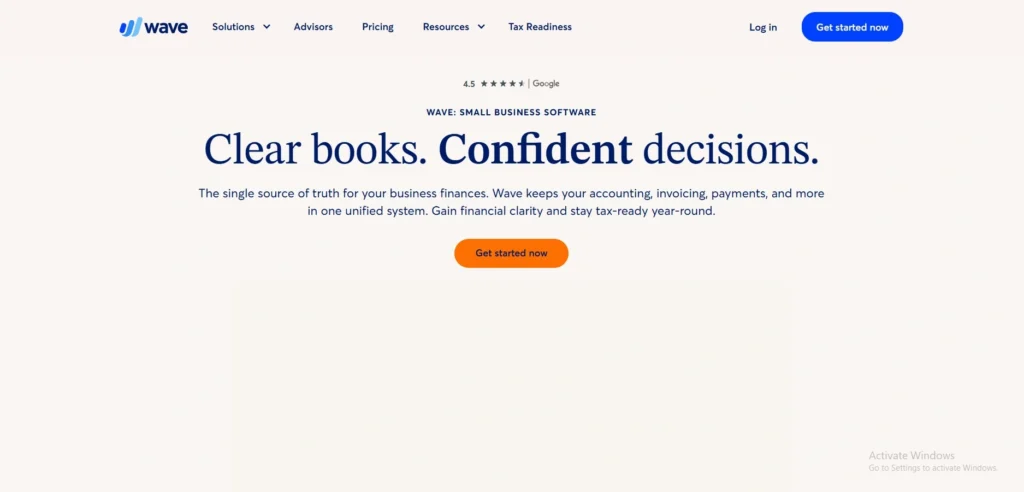
Wave (by Wave Financial) is a cloud-based accounting and money management tool specifically geared towards small business owners and freelancers, which includes a suite of core accounting capabilities for free, along with add-on charges for a variety of other capabilities, including invoices, payments, payroll, and reporting. It does this automatically synching bank and card transactions, monitoring income and expenses and allowing the user to send unlimited customizable invoices with automatic payment reminders.
In addition, Wave offers a variety of financial reports, including Profit & Loss, Balance Sheet and cash-flow dashboards, to help owners keep tabs on business performance in real time. The platform is also multi-user, which means that there are multiple users, such as an accountant or a partner, who can collaborate with the team on bookkeeping and compliance tasks.
Key features:
- Unlimited income/expense tracking and free core accounting.
- Customizable Invoices (unlimited) and Automated Payment Reminders.
- Multi-user support (Owners, Bookkeepers, Accountants, Partners).
- Import/ categorize transactions automatically from bank and card.
- Financial reports (Profit & Loss, Balance Sheet, overdue‑invoice reports, etc.).
- Ability to accept online payments and recurring billing — available with per transaction fees.
- Receipt scanning and mobile‑friendly tools for expense tracking.
Pros:
- Small business core accounting and invoicing for free.
- Simple, intuitive and quick installation.
- Basic bookkeeping and receipts scanning capabilities.
- In-built payroll and payments (paid add-ons) for growth.
Cons:
- Customer support may be slow and not reliable.
- There are plans for use in payroll and payments, which may be geographically restricted.
- Not as many advanced accounting functions as competitors
Best for:
- Freelancers and very small businesses who require free, simple accounting and invoicing.
Price:
- STARTER: $0
- Pro: $190USD/yearBilled annually
6. Sage Accounting
Website: https://www.sage.com/en-gb/accounting-software/
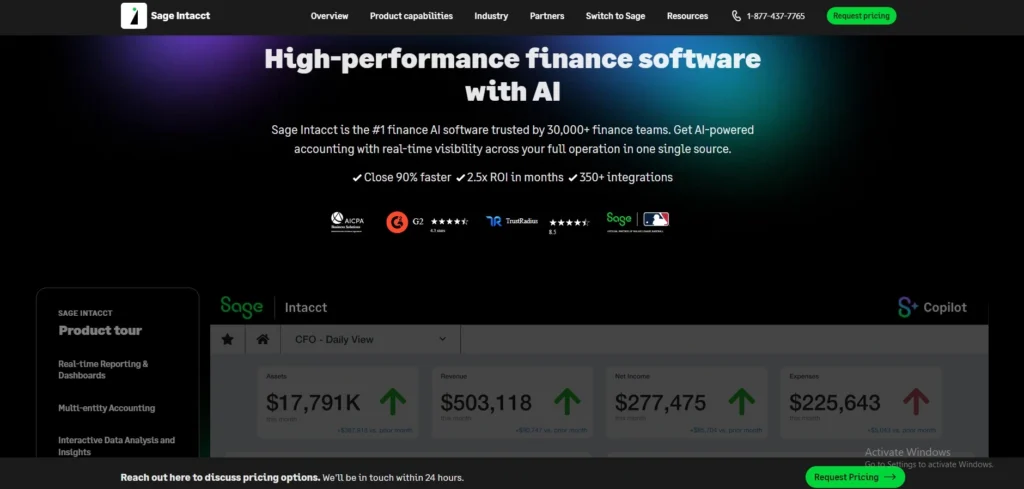
Sage Accounting is a cloud-based accounting software that is mainly designed for small and medium-sized businesses and was created to provide its users with an intuitive platform to streamline their financial operations. It can manage critical functions such as generating and sending invoices, tracking expenses and payments, automatically reconciling bank transactions, managing cash flow, and creating real-time financial reports. Receipts can be snapped and quickly entered through mobile app integration, work with your accountant securely, and ensure compliance with tax requirements like making VAT submissions.
It supports multiple currencies and includes inventory tracking, and can be used by any individual, from a single trader to a growing team, with AI assistance to ease manual tasks. It’s accessible on the web, iOS, and Android, and focuses on automation, mobility, and simplicity for hectic entrepreneurs.
Key Features:
- Automatic Invoicing and online payments with Stripe integration.
- Bank Recon Direct Data Feed – Reconciles directly with bank data.
- AutoEntry integrates with QuickBooks and enables users to track what they spend and receive.
- This is achieved by preparing real-time cash flow forecasts and financial reporting.
- Stock Alerts are integrated with inventory management.
- Multi-user access and accountant collaboration
- Mobile app for on-the-go management
Pros:
- Cloud access and mobile app
- Easy invoicing and payment tracking
- Bank feeds & automatic reconciliation rules
- Competitive pricing for basic needs with affordable plans for micro/small businesses.
cons:
- Small company accounting options are limited for larger companies.
- Shifts in business processes.Less integration with third parties than competitors.
- Dealing with complex customer issues can be slow and frustrating.
- Reporting/customisation less powerful than mid‑market solutions.
Best for
- As a small business or a sole trader, you want easy cloud invoicing, bank feeds and pricing that won’t break the bank.
Pricing
- Start: $5–$12/month
- Standard: $10–$26/month
- Plus/Cashbook: $12+/month
7. TallyPrime
Website: https://tallysolutions.com
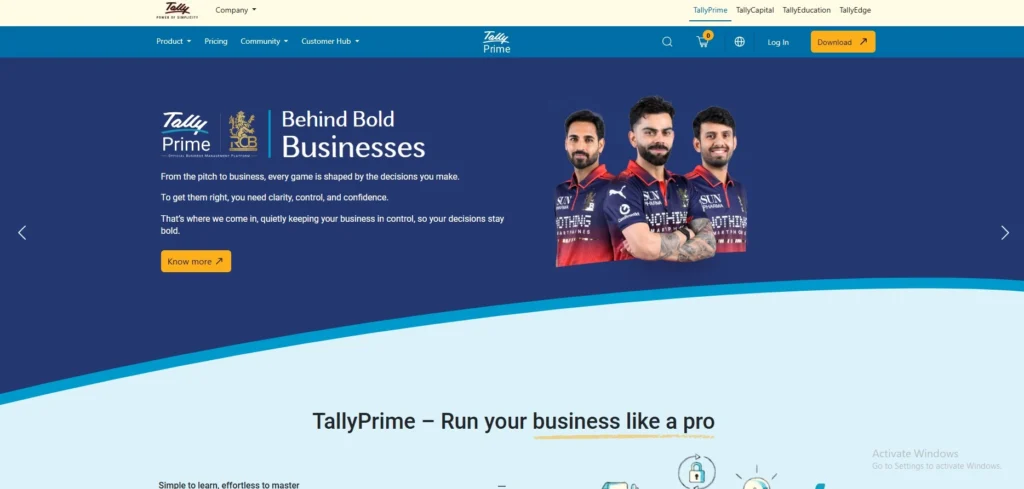
TallyPrime is a complete business management software designed by Tally Solutions mainly for the small and medium-sized businesses in India to manage their accounting affairs, inventory, banking, payroll, and statutory compliance like GST in a single platform. It has a user-friendly interface and has simplified navigation, keyboard shortcuts, and familiar screens such as Gateway of Tally, which makes it accessible even for beginners who might not have a good knowledge of accounting.
It can perform double-entry accounting, generate reports in real time, such as balance sheets and profit/loss statements, it can be accessed by multiple users, and can be integrated with other services, including auto-backups, bank reconciliation, and WhatsApp integration for sharing invoices. Keeping businesses updated on the latest regulatory changes, TallyPrime regularly updates its features to meet evolving standards in areas such as GST compliance, e-invoicing, and e-way bills, ensuring that businesses remain compliant.
Key Features:
- Simple GST compliance, invoicing, and accounting.
- Inventory management system including stock tracking and order processing.
- Banking reconciliation and associated payments.
- Multiple user access and role security.
- Real-time, insightful reports and customizable dashboards.
- Payroll and cost centre management.
- Auto-backups and remote access plus data security.
Pros:
- Easy to use and user-friendly interface.
- Excellent GST and tax compliance capabilities.
- Well-stocked and multi-company assistance.
- Reporting tools for small/medium businesses with strong reporting capabilities.
Cons:
- Limited third‑party integrations.
- May be slow on very large data sets.
- Requires some training/learning curve for new users.
- Subscription or continuing costs for cloud/features.
Best for
- small and medium Indian businesses that require robust accounting and inventory management solutions, all compliant with the Goods and Services Tax (GST).
Pricing
- 1 Month: ₹750+18% GST
- 3 Month: ₹2,250 ₹ 2,138+18% GST
- 12 Month: ₹9,000 ₹ 8,100+18% GST
- Lifetime: ₹22,500+18% GST
8. Busy Accounting Software
Website: https://busy.in
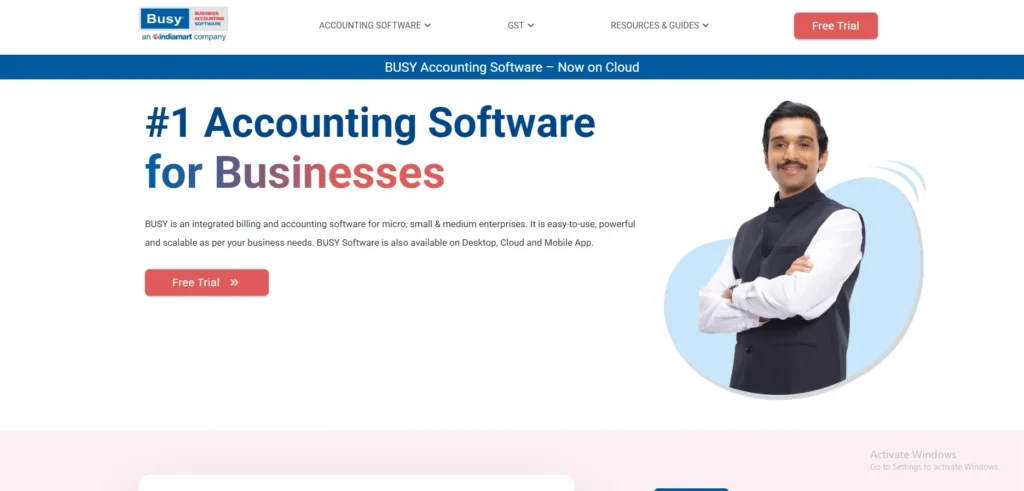
BUSY Accounting Software has been developed for small and medium businesses to manage accounts and GST compliance, invoices, inventory, payroll, and reports in a single software. It can be beneficial for companies that wish to streamline their day-to-day bookkeepingwith POS billing software, record inventory, create tax-ready invoices, and manage multiple locations and users efficiently. BUSY is also renowned for its capabilities, such as multi-location stock, e-invoicing, e-way bill support, and robust financial reporting.
It is a combination of accounting and business operations, thus it can help to cut manual work and make things more accurate. Traders, manufacturers, retailers, and service businesses use it commonly. The software is available in various versions to accommodate the needs and size of businesses. In general, BUSY is intended to accelerate the accounting process and organize and simplify accounting processes.
key features:
- GST compliance and tax reports.
- Invoicing and billing.
- Stock and inventory control.
- A service that supports several locations or several branches.
- Payroll and user management.
- MIS reports and Financial reports.
- Issuing of e-way bill and e-invoice.
Pros
- Excellent GST compliance assistance and e-invoicing.
- Powerful billing, inventory and MSME-specific features for Indian SMBs.
- Multi-user access and security controls, offline/desktop support.
- Customizable reporting and export for accounting purposes.
Cons
- Less modern user experience than the new cloud competitors.
- Limited native cloud integrations and fewer third‑party app connectors.
- Some users have reported varying levels of customer support.
- Advanced capabilities are less robust than the best cloud ERPs.
Best for
- Ideal for small and medium Indian businesses that require robust GST, billing and inventory functionality along with offline/desktop usage
Pricing
- Basic Plan: ₹9,999 per year.
- Standard Plan: ₹14,999 per year.
- Enterprise Plan: ₹19,999 per year.
9. Vyapar
Website: https://vyapar.com
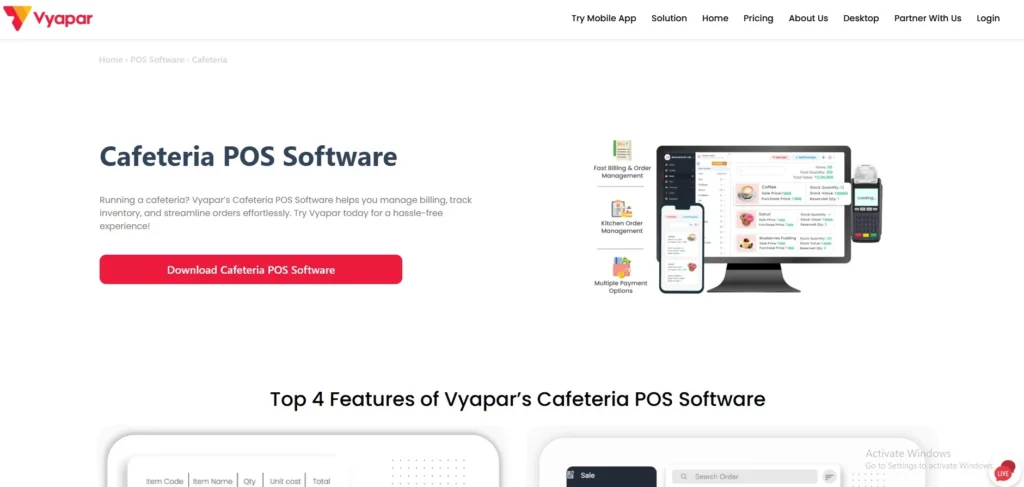
Vyapar is an all-in-one Small and Mid-Sized Business Billing and Accounting Software designed specifically for small and medium businesses in India, especially for entrepreneurs dealing with GST compliance, inventory, and day-to-day business operations. It streamlines the process of creating invoices, provides real-time visibility into sales and purchases with advanced sales tracking tools, and seamlessly produces critical financial reports such as profit and loss statements, balance sheets, and more.
It can be used on a mobile or desktop device so that it can also be used offline, multi-user, and can easily be shared with printers, WhatsApp, and e-mail. Vyapar is made for retail, traders, and service providers to help them automate repetitive bookkeeping processes, manage stock accurately to avoid overstocking or shortages, and assist in bank reconciliation and expense tracking.
Key Features:
- GST-compliant Billing and Invoicing.
- Real-time inventory and stock management.
- Tracking and reminders of expenses and payments.
- Custom report and analytics (P&L, balance sheet).
- Multi-user access, including permissions.
- Order management and Barcode scanning.
- Offline mode and backup of data in the mobile app.
Pros:
- Easy GST billing and invoice creation for small shops.
- Easy stock tracking and low stock alerts.
- Cost competitiveness and an available free/paid tier.
- Mobile + desktop access and invoice sharing via WhatsApp.
Cons:
- There is not much customisation of invoices and workflows.
- Multi-device sync only works with the paid plan.
- There are some ads and promotional branding on the free plan.
- Users note that it lacks features that are available in larger accounting packages.
Best for
- Ideal for small-scale retailers, kirana stores and service businesses that require a simple GST billing and light on the inventory management with low cost.
Pricing
- Silver: ₹4399/year , ₹366.58 per month
- Gold: ₹4799/year , ₹399.92 per month
10. Oracle NetSuite

Website: https://www.netsuite.com
Oracle NetSuite is one of the top cloud-based ERP (Enterprise Resource Planning) platforms owned by Oracle that is built to integrate financials, CRM, inventory, supply chain, HR, e-commerce, and other business functions into a single, real-time system. Since 1998, it has been the world’s first cloud ERP company, providing over 43,000 customers in 219 countries with insights from AI, automated workflows, and global multi-subsidiary management capabilities—without buying on-premise hardware.
It provides a SaaS solution on which Oracle carries out biannual updates, offering seamless integration and a 360° business view, resulting in quicker decisions. Easy-to-customise dashboards and native modules remove the need for third-party tools, simplifying the process. Features that stand out include real-time analytics and compliance capabilities such as SuiteTax. It is perfect for cultivating dynamic businesses that require flexibility in a changing market. Time to implement is usually 4-9 months.
Key Features:
- Real-time analytics and customizable dashboards for real time insights.
- Advanced financial management with intelligent close and payment automation.
- Optimization of inventory and supply chain, including consignment tracking.
- CRM integration for Sales, Order, and Customer Service.
- Global operations and currencies supported by multiple subsidiaries.
- Omnichannel e-commerce and Order to Cash process automation.
- Artificial Intelligence (AI) features such as Narrative Insights and SuiteScript customizations.
Pros:
- Centralized all-in-one cloud ERP for fast access to orders, inventory, and CRM and finance.
- Highly customizable and extensible with SuiteScript and configuration options.
- Robust integrated reporting, analytics and AI tools for predictions and insights.
- Support for business growth: good global/multi-subsidiary support
Cons:
- Fairly high overall cost
- Can be quite complex and may need expertise in implementation or partners.
- Support and training may be restricted – Premium support packages are available if you want them.
- May be too heavy for very small SMBs, more suitable for mid-size or larger organisations.
Best for
Best for companies that require a cohesive and scalable cloud ERP solution that offers advanced financial, global and customisation features for mid-sized to large businesses.
Pricing
- starts with a base platform fee of $999/month plus $99–$199 per user/month,
How To Choose The Right Accounting Software For Your Small Business
Select software that works for your business, is user-friendly and will evolve with your business.
- Be aware of what you need initially. Write down all the things you are actually using (invoicing, payroll, inventory, GST/VAT filing, multi‑currency, etc), and how many transactions/users you expect, so you don’t pay for what you don’t need.
- Choose an easy-to-use item. Make sure the software is easy to use, and has clear guides or videos for you and any helpers to learn quickly – a software that is confusing will only slow you down.
- Check essential features: You need to ensure that it is capable of doing invoicing, tracking expenses, reconciling your bank statements, creating basic reports and providing some support for taxes in your country, which are all your daily bookkeeping requirements.
- Ensure it is linked to the tools. Your accounting software should be able to connect with your bank, payments, e-commerce or payroll apps so you don’t have to do manual entries and make mistakes.
- Consider security and backups. Ensure that your financial information remains secure by using software that encrypts your data, makes regular backups and provides user access controls.
- Try before you buy and compare costs. Try out for genuine tasks (create an invoice, import bank feed), contrast the cost of subscriptions and add-ons, and select the most cost-effective alternative for your business stage.
Common Mistakes Small Businesses Make When Choosing Accounting Software
Here are some of the most frequently made errors when it comes to small businesses picking accounting software.
- Selecting software without requirements: Many owners purchase software they like, or software that is popular, that is later found to be missing features they need (tax rules, inventory, invoicing). List items that are essential first.
- Choosing only by price: It’s often a case of giving up important features and/or support; paying for costly enterprise features you’re never going to use is a waste. Consider tradeoffs between cost and value of the software.
- Ignoring integration capability: When the accounting system is not connected to the bank, the POS system, payroll or CRM, you’ll be wasting hours on manual data entry and errors. Test integrations before purchase.
- Overlooking ease of use and training: Not only was it user-friendly and easy to train, but it also became a paperweight because your team couldn’t use the powerful software. Use a demo with live users and check training and support are provided.
- Failure to properly secure data and backups — Financial data is sensitive; solutions lacking robust security, encryption, and/or reliable backups are risky. Inquire about the storage and security of data.
- Not designing for growth and scalability — If your system is built for your current number of customers, locations and transactions, you will need to make a costly change if you need to scale. Select software that is able to scale or upgrade easily.
- Failing to verify State and compliance aspects — If software is not designed to comply with your country and state tax regulations, tax filing formats, and reporting requirements, it is a waste of time and poses risk. Check if it makes local taxes and statutory reports.
Conclusion
From the best accounting software for small business that we have shortlisted like QuickBooks Online, Xero, Zoho Books, FreshBooks, Wave, Sage Accounting, TallyPrime, Busy, Vyapar and Oracle NetSuite, selecting the right software enables entrepreneurs to streamline their invoicing process, automate their expenses, ensure they are compliant with GST norms, easily reconcile banks, and generate real-time reports that help them make informed decisions, even as they scale from a small business to a growing team with budgets of less than ₹500 per month.
The easy-to-use, cloud-based solutions reduce time-consuming manual entry, prevent input mistakes, integrate with your payroll, CRM, ecommerce systems and offer strong security to ensure financial data remains safe as you concentrate on the growth of your dream business instead of drowning in spreadsheets. As a freelancer in Delhi looking to be GST ready or a retailer needing inventory management, investing in one of the best accounting software for small businesses today is sure to make your business life easier, compliant and pave the way to growth in the year 2026, so why wait, get a free trial today.