
Managing daily tasks becomes difficult when work, studies, and personal responsibilities pile up. This is where apps for time management can make a real difference. They help you plan your day, set reminders, organize tasks, and keep track of deadlines without relying on scattered notes or memory. Whether you are a student preparing for exams, a professional handling multiple projects, or someone trying to maintain a better work-life balance, the right app can help you use your time more wisely.
Many time management apps also offer features like calendar scheduling, task prioritization, time tracking, and progress reports to help you understand how you spend your day. However, not every app suits every routine, so choosing one depends on your needs, working style, and budget. In this blog, we will explore some of the best apps for time management and their key features to help you find the right option.
What is Time Management Apps?
Time management apps are digital tools that help people plan their schedules, organize daily tasks, and make better use of their time. They allow users to create to-do lists, set reminders, track working hours, and manage deadlines in one place.
Some apps also offer calendar integration, time tracking, and progress reports to help users stay organized. Whether you are a student, working professional, or business owner, these apps can make daily planning easier and reduce the chances of missing important tasks. The right time management app depends on your routine, goals, and personal preferences.
Key Features to Look for in Time Management Apps
- Task Management: Check for the following: tasks, subtasks, priorities, due dates, repeating tasks, reminders, and project management system.
- Calendar Integration: Sync Calendar Consider scheduled meetings, appointments, classes, and other commitments when planning out your day.
- Time Blocking: Time blocking dedicates certain amounts of time to certain tasks. It’s great for work, studies, gym time, meetings, and even personal time.
- Automatic Scheduling: The automatic scheduling is a good thing if the priorities change often. Motion is based on automatic task and calendar management.
- Time Tracking: Time tracking provides insights to help you better understand where your time is spent. Manual timers like Toggl Track or automatic tracking services like Rescue Time have different purposes.
- Reminders: Check for: Flexible Reminders, Recurring Reminders, Calendar notifications, Deadlines.
- Focus Mode: Focus sessions, pomodoro timers, app blocking, and website blocking can be helpful for anyone spending too much time distracted by digital devices.
- Reports: It’s time to double-check a completed task, hours tracked, productivity trends, and project time with reports.
Comparison of the Best Time Management Apps
| App | Best For | Task Management | Time Blocking | Time Tracking | Focus Tools | Free Plan |
| Todoist | Task management | Excellent | Yes | Limited | Limited | Yes |
| TickTick | All-in-one planning | Excellent | Yes | Pomodoro | Yes | Yes |
| Google Calendar | Calendar planning | Yes | Excellent | Limited | Focus time | Yes |
| Motion | Automatic scheduling | Excellent | Excellent | Yes | Yes | Trial |
| Sunsama | Daily planning | Excellent | Excellent | Yes | Yes | Trial |
| RescueTime | Automatic tracking | Limited | Yes | Excellent | Excellent | Trial |
| Toggl Track | Time tracking | Yes | Yes | Excellent | Limited | Yes |
| Clockify | Free time tracking | Yes | Yes | Excellent | Limited | Yes |
| Structured | Visual daily planning | Excellent | Excellent | Limited | Yes | Yes |
| Freedom | Distraction blocking | No | Scheduled sessions | No | Excellent | Yes |
List of Best Apps for Time Management
1. Todoist
- Best For: Task management, personal productivity, and organizing work
- Platforms: Web, Windows, macOS, Linux, iOS, Android
- Website: https://todoist.com/
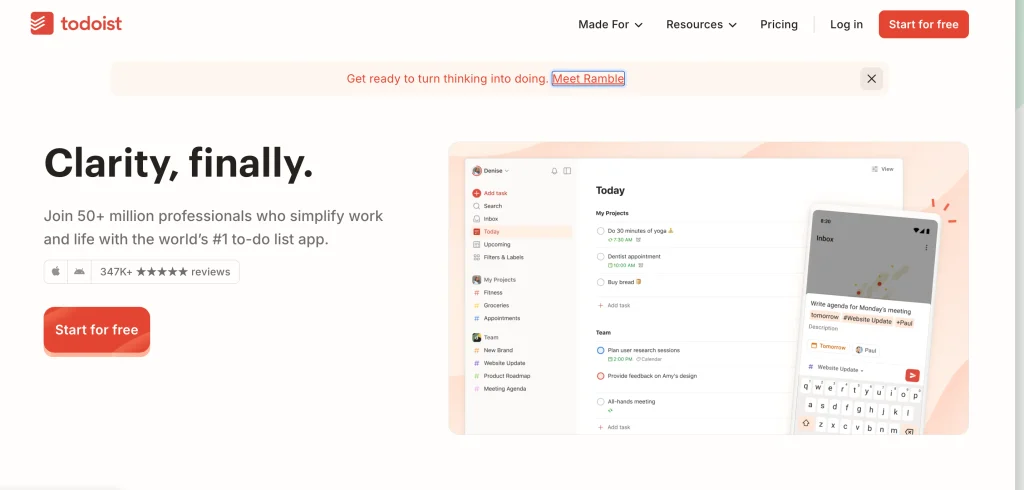
Todoist has a straightforward design that is appropriate for personal use and work teams. List, board, and calendar views are supported. Paid plans add task duration, custom reminders, productivity reporting, more projects, and advanced filters. Todoist also supports more than 90 integrations.
Key Features:
- Tasks and subtasks
- Recurring due dates
- Priorities
- Reminders
- Calendar view
- Board view
- Filters
- Productivity reports
- Task duration
- Project templates
- 90+ integrations
Pros:
- Simple interface with quick task entry and easy organization.
- Works across major desktop and mobile platforms.
- Integrates with calendars and other productivity apps.
- Ideal for personal and professional use.
Cons:
- Advanced planning features require a paid subscription.
- Time tracking is not its primary function.
- Additional common complex projects include.
- Calendar-based planning is a lesser schedule than an application for scheduling.
Pricing:
- Beginner: Free
- Pro: $5/user/month billed annually
- Business: $8/user/month billed annually
- Monthly billing is also available
- Free plan includes five personal projects
- Pro includes up to 300 personal projects
Why Choose Todoist?
Choose Todoist if you want a clean task manager without the complexity of a full project management platform.
2. TickTick
- Best For: All-in-one personal time management
- Platforms: Web, Windows, macOS, Linux, iOS, Android
- Website: https://ticktick.com/
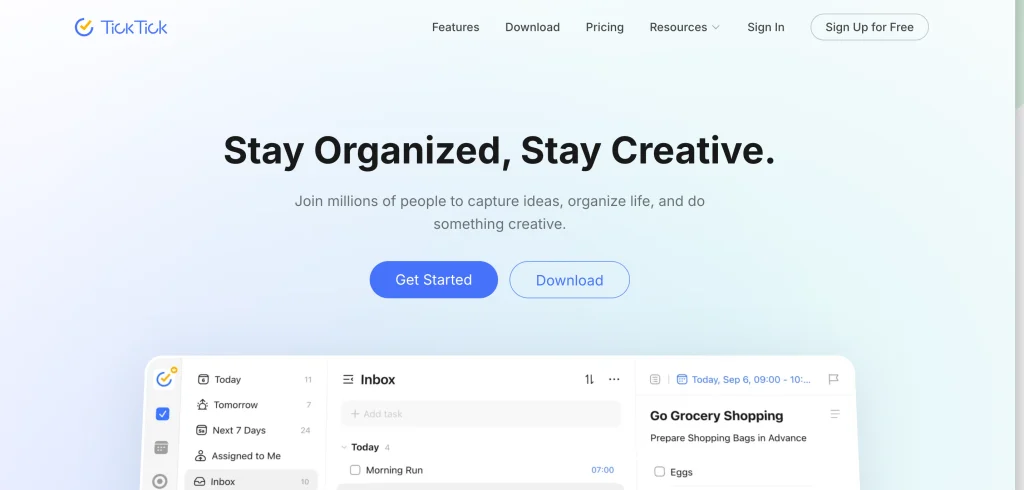
Tick is a multi-purpose app that acts as an all-in-one calendar, task manager, focus timer, reminder, and habit tracker. Among the apps for time management, Tick stands out by combining tasks, habits, and a Pomodoro timer. Upgrading to Tick Premium unlocks additional features, including email reminders, custom themes, and more.
Key Features:
- Task management solution
- Calendar views
- Recurring tasks
- Reminders
- Habit tracking
- Pomodoro timer
- Eisenhower Matrix
- List and Kanban views
- Task priorities
- Notes
Pros:
- Facilitates periodic tasks and reminders
- Useful for daily planning.
- Free version available
- Eliminates the distraction of switching between applications.
Cons:
- Some advanced calendar features require Premium.
- The range of features might feel overwhelming
- Team project management is less extensive than dedicated business tools.
- Detailed professional time tracking is limited compared with specialist trackers.
Pricing:
- Free plan available
- Premium: $49.99/year
- Free plan includes nine lists and up to 99 tasks per list
- Premium increases capacity and adds multiple calendar views and other advanced features
Why Choose TickTick?
Choose TickTick if you want tasks, calendar planning, habits, and focus sessions without subscribing to several separate productivity applications.
3. Google Calendar
- Best For: Calendar-based time management and time blocking
- Platforms: Web, Android, iOS
- Website: https://calendar.google.com/calendar/u/0/r
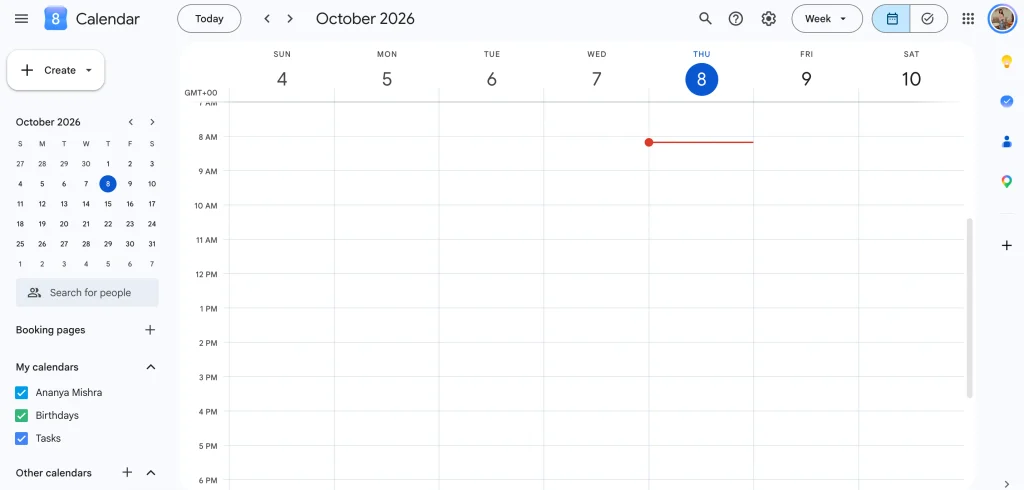
Google Calendar is a calendar-first time management application. You can see your schedule by day, week, or month and track your work tasks next to your calendar events. Google Calendar also offers multiple calendars, shared calendars, appointments, working hours, and Google Tasks.
Key Features:
- Day, week, and month views
- Events and appointments
- Google Tasks integration
- Multiple calendars
- Shared calendars
- Focus time
- Appointment schedules
- Recurring events
- Notifications
- Gmail event integration
Pros:
- Free for personal use.
- Offers easy to use day, week and month views.
- Supports recurring events, reminders, and shared calendars.
- Works with Google Tasks, Gmail, and Google Workspace.
- Superb for time blocking and fixed commitments.
Cons:
- Task management is less advanced
- Manual time blocking required
- Does not provide detailed automatic activity tracking.
- Complex project dependencies and workload reporting require other tools.
Pricing:
- Free for personal use
- Included with Google Workspace
- Google Workspace plans are available for businesses
Why Choose Google Calendar?
Choose Google Calendar if you prefer visual scheduling and want to plan your time directly on a calendar.
4. Motion
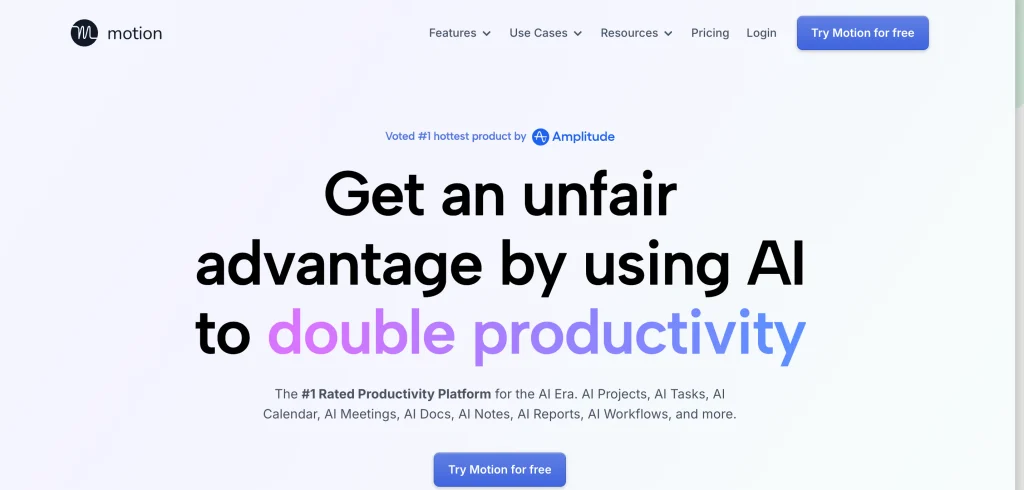
- Best For: Automatic scheduling and AI-assisted planning
- Platforms: Web, Windows, macOS, iOS, Android
- Website: https://www.usemotion.com/
Motion organizes to-dos, calendars, projects, meetings, documents, and automatic scheduling in one place. Among the apps for time management, Motion stands out with its AI Task Planner, which adapts to your existing schedule.
It is ideal for professionals and teams with unpredictable workloads. Upgrading to a higher-tier Business AI plan unlocks additional features, including team capacity planning, advanced reports, Gantt charts, time tracking, access controls, and more.
Key Features:
- AI task planning
- Automatic scheduling
- Calendar management
- Project management solution
- Task prioritization
- Meeting scheduling
- Gantt charts
- Time tracking
- Dashboards
- Team capacity planning
Pros:
- Automatically schedules tasks around calendar commitments.
- Supports reordering of work when completion deadlines or priority levels change.
- Combines task management, calendars, and project planning.
- Supports meeting scheduling and workload management.
- Reduces the amount of effort required to think about and plan your daily schedule
Cons:
- Expensive subscription prices
- Task durations and deadlines are critical for automatic scheduling.
- Some users may not appreciate all the schedule modifications for the sake of controlling all options manually.
- Its broad feature set might be excessive for simple personal planning.
Pricing:
- Pro AI: $19/seat/month billed annually
- Business AI: $29/seat/month billed annually
- Monthly billing available at higher rates
- Free trial available
Why Choose Motion?
Choose Motion if you spend too much time rearranging your schedule manually. Its automatic planning approach suits professionals managing priorities.
5. Sunsama
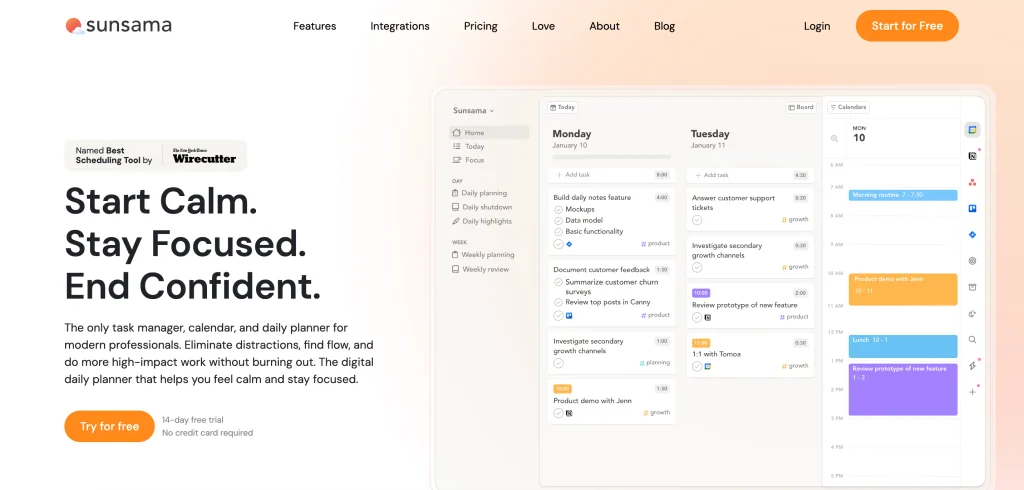
- Best For: Daily planning and deliberate time blocking
- Platforms: Web, desktop, mobile
- Website: https://www.sunsama.com/
Sunsama is a daily planner app centered on creating a manageable plan for the day. It brings together your tasks, calendar, meetings and planning routines into a single daily planning workspace. Use Sunset with apps that manage your tasks and calendar to bring your existing work into your daily plan.Sunsama offers a 14-day free trial with access to all the app’s features.
Key Features:
- Daily planning
- Time blocking
- Calendar integration
- Task management
- Daily objectives
- Meeting planning
- Focus sessions
- Workload planning
- Integrations
- Productivity review
Pros:
- Provides a structured daily planning process.
- Combines tasks and calendar events in one workspace.
- Encourages realistic workload planning and time blocking.
- Integrates with external productivity and calendar tools.
- Helps users review completed work and plan upcoming tasks.
Cons:
- Does not offer a permanent free plan.
- Requires regular planning and review to get the most value.
- Less focused on fully automatic scheduling than Motion.
- Might be expensive for users who only need a basic task list.
Pricing:
- Pro: $17/user/month billed annually
- Monthly: $22/user/month
- 14-day free trial
- No permanent free plan
- Enterprise pricing available
Why Choose Sunsama?
Choose Sunsama if you want a structured daily planning routine rather than a simple task list.
6. RescueTime
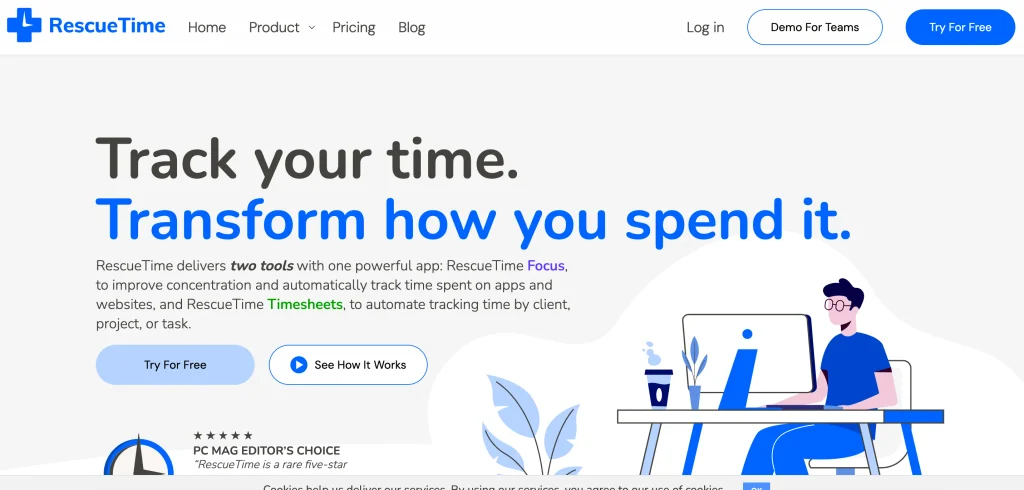
- Best For: Automatic time tracking and understanding where your time goes
- Platforms: Windows, Mac, Linux, Android, iOS
- Website: https://www.rescuetime.com/
RescueTime automatically tracks work habits across your devices and provides detailed time reports. Among the apps for time management, RescueTime is ideal for understanding how you spend your workday without manually logging activities. Its focus features include distraction blocking, focus sessions, daily goals, notifications, and productivity analysis.
Key Features:
- Automatic activity tracking
- Time reports
- Focus sessions
- Distraction blocking
- Daily goals
- Alerts
- Idle time detection
- Calendar feed
- Timesheets
- Productivity insights
Pros:
- Tracks digital activity automatically.
- Provides detailed reports
- Helps identify recurring patterns.
- Includes focus sessions and productivity goals.
Cons:
- Automatic tracking does not always reflect meaningful productivity.
- Features are limited compared with dedicated planners.
- Continuous activity monitoring might feel intrusive.
- Advanced reports and features require a paid plan.
Pricing:
- Solo: $7/month billed annually
- Solo+: $12/month billed annually
- Team: $10/user/month billed annually
- Team+: $16/user/month billed annually
- Free trial available
Why Choose RescueTime?
Choose RescueTime if you want to understand how you actually spend your working hours.
7. Toggl Track
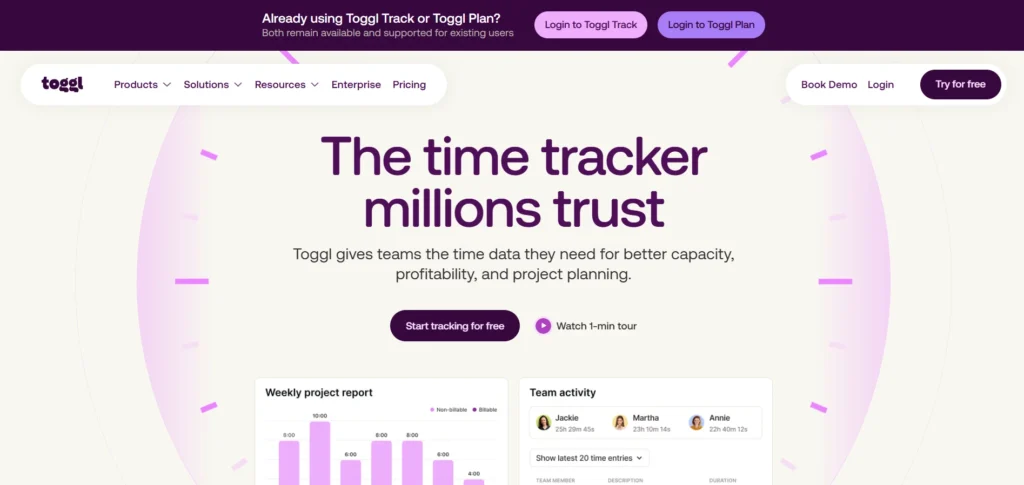
- Best For: Simple time tracking and productivity reports
- Platforms: Web, Windows, macOS, Linux, iOS, Android
- Website: https://toggl.com/track/
Toggl Track is a time tracking application for individuals and teams. It tracks time manually and via a live timer, and generates reports on projects, tasks, and productivity. The free plan offers time tracking, calendar integrations, task estimates, and personal productivity monitoring. Paid plans offer billing, team reporting, capacity planning, etc.
Key Features:
- Manual time tracking
- Real-time timer
- Calendar integration
- Time estimates
- Project tracking
- Productivity reports
- Billable rates
- Team reporting
- Capacity management
- Profitability reports
Pros:
- Simple timers make tracking project hours straightforward.
- Supports manual time entries and detailed reports.
- Useful for freelancers, consultants, and agencies.
- Supports billable rates and project-based tracking.
- Provides a free option for essential time tracking.
Cons:
- For the best results, users should keep logs of their activity in the same way.
- It doesn’t reschedule your day automatically.
- Includes reporting tools and team management features (Available only on paid plans).
- It is less suitable as a complete daily planner without another task or calendar app.
Pricing:
- Free plan available
- Starter: $9/user/month billed annually
- Premium: $16/user/month billed annually
- Enterprise: Custom pricing
- 30-day trial on paid plans
Why Choose Toggl Track?
Choose Toggl Track if your primary goal is measuring how much time you spend on different projects and activities.
8. Clockify
- Best For: Free time tracking and team timesheets
- Platforms: Web, Windows, macOS, Linux, Android, iOS
- Website: https://clockify.me/
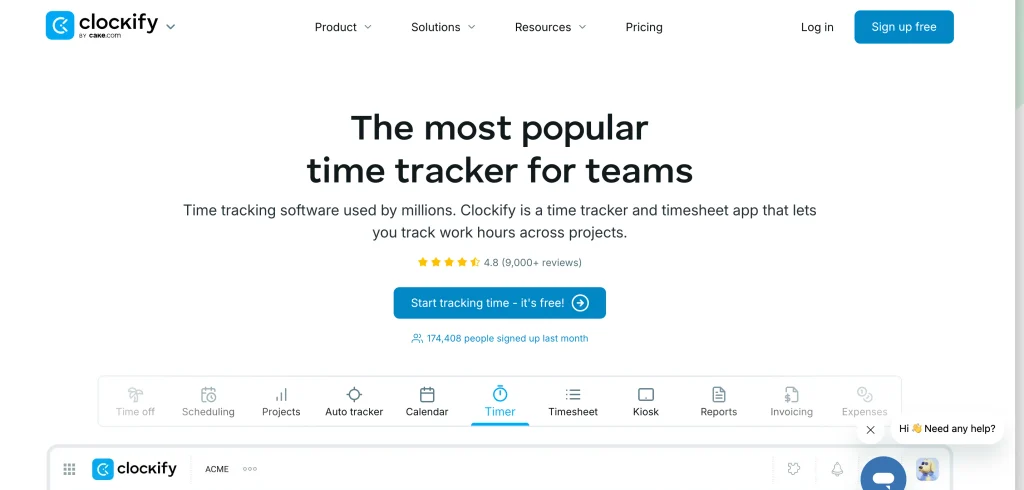
Clockify is one of the versatile apps for time management, offering a free plan for individuals and small teams. It includes unlimited time tracking, projects, reports, and multiple integrations. Paid plans provide additional workforce management features, such as administration, invoicing, approvals, scheduling, forecasting, expense management, labor cost tracking, GPS tracking, and more.
Key Features:
- Time tracking
- Timesheets
- Projects
- Reports
- Scheduling
- Invoicing
- Time-off management
- Attendance tracking
- GPS tracking
- Forecasting
- Expense tracking
Pros:
- Offers a free plan with unlimited time tracking.
- Supports manual time entries
- Supports billable rates and project-based tracking.
Cons:
- Activities must be tracked continuously
- Not synched with your daily timeline.
- Paid Plans are needed for advanced reporting
Pricing:
- Basic: $3.99/user/month
- Standard: $5.49/user/month
- Pro: $7.99/user/month
- Enterprise: $11.99/user/month
- 7-day free trial for paid features
Why Choose Clockify?
Choose Clockify if you need detailed time tracking without paying for a basic tracking system.
9. Structured
- Best For: Visual daily planning and personal routines
- Platforms: iOS, Android, Web
- Website: https://structured.app/
Structured daily calendar is the daily calendar app which builds tasks and events into a timeline. Instead of seeing your day as a list of tasks, you can visualize it in terms of the blocks of activities. It offers timeline tasks, all-day planning, inbox, sub-tasks, notes, and calendar. Structured Pro includes repeating tasks, calendar import, notifications and AI features (on supported devices).
Key Features:
- Daily timeline
- Weekly and monthly views
- Tasks
- Subtasks
- Inbox
- Notes
- Calendar integration
- Recurring tasks
- Custom notifications
- AI features
- Replanning
Pros:
- Visual Daily Timeline presents tasks and events of each day.
- Enables you to visualize how activities are scheduled
- Supports subtasks, notes, and calendar integration.
- Free version available
Cons:
- Some advanced features require Structured Pro.
- Detailed team collaboration is limited
- Advanced time tracking is not its primary function.
- Feature availability differs across platforms and regions.
Pricing:
- Free version available
- Pro monthly: $6.99
- Pro yearly: $29.99
- Pro lifetime: $99.99
- Regional pricing varies
- App Store pricing in India varies by purchase option
Why Choose Structured?
Choose Structured if you prefer seeing your entire day as a visual timeline. It works well for people who need a clear sequence of activities rather than a long task list.
10. Freedom
- Best For: Blocking digital distractions
- Platforms: Mac, Windows, iOS, Android, Chromebook, Linux
- Website: https://freedom.to/
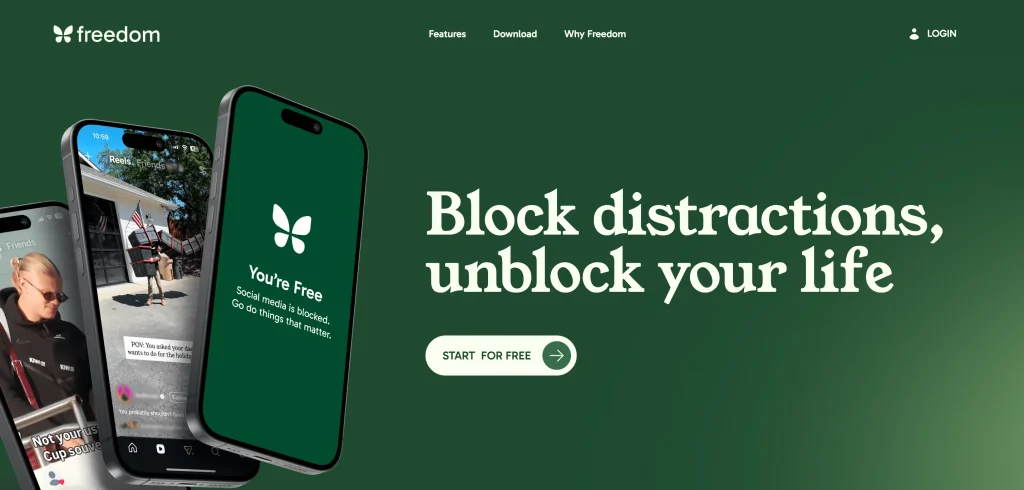
Freedom is one of the most useful apps for time management for eliminating digital distractions by blocking websites, apps, or the entire internet during focus sessions. It also offers focus sounds to help improve concentration. Its free tier supports basic blocking across unlimited devices, while Premium adds recurring and scheduled sessions, longer sessions, and Locked Mode.
Key Features:
- Website blocking
- App blocking
- Internet blocking
- Custom blocklists
- Scheduled focus sessions
- Recurring sessions
- Locked Mode
- Focus sounds
- Cross-device blocking
- Unlimited device support
Pros:
- Blocks distracting websites and applications during focus sessions.
- Supports scheduled and recurring blocking sessions on Premium.
- Works across multiple devices.
- Helps reduce interruptions during study or focused work.
- Offers a free tier for basic blocking.
Cons:
- Does not provide a full task management or calendar planning system.
- Some advanced blocking features require Premium.
- Blocking restrictions might interfere with websites or applications needed for work.
- Its effectiveness depends on users setting appropriate sessions and maintaining the habit.
Pricing:
- Free plan available
- Premium subscription available
- Premium pricing varies by region and purchase channel
- Indian App Store listings currently show yearly and monthly purchase options
Why Choose Freedom?
Choose Freedom if distraction is your primary time management problem. It works across multiple devices.
Benefits of Using Time Management Apps
- Improved Task Arrangement: A digital task system provides a single location to record jobs, due dates, persisting jobs and also priorities.
- More Realistic Daily Planning: Calendar and time-blocking tools enable you to actually dedicate time to meaningful work instead of endless tasks.
- Better Awareness of Time Usage: Time tracking apps display the amount of time you spend on projects, meetings, websites, apps, and more.
- Fewer Missed Deadlines: All the things you need to do remind you of what is coming up.
- Reduced Distractions: Focus apps and website blockers provide “distraction free” time.
- More Simple Routine Building: Habit tracking & recurring tasks Let you keep doing the same thing every day without having to create a new plan.
- More Manageable Workload: The planning tools help to let you know how busy your day or week is. This minimizes the risk of putting all your appointments into your diary.
How to Choose a Time Management App?
Before choosing an app, identify what is causing your time management problem.
- Task Management: Consider checking tasks, subtasks, priorities, due dates, recurring tasks, reminders, filters, and project organization if your typical life entails juggling more than one priority.
- Calendar and Time Blocking: If scheduling tasks is the biggest problem, consider an app with calendar sync and time blocking.
- Automatic Scheduling: Several apps will automatically organize tasks on top of your regular calendar. This works well if your schedule is typically flexible.
- Time Tracking: Time tracking tool lets you view estimations. Time Tracking is great for freelancers, consultants, agencies and anyone working on multiple projects!
- Habit and Routine Logging: Try habit tracking if, within a time management strategy, you make use of recurring tasks (like workout, analysis, schoolwork, meditation, home cleaning) that you are running on a regular basis.
- Cross-Platform Support: Ensure the app is compatible with your devices. While some apps are fully optimized for Windows, Mac, Android and iOS, many others are quite simply prone to a specific device.
Conclusion
No single app suits everyone, as apps for time management cater to different needs. Todoist is ideal for task management, while Tick offers a versatile personal task management system. Google Calendar supports calendar-based planning and time blocking, and Motion automates scheduling. Sunsama excels at daily planning and time blocking.
RescueTime is useful for automatic time tracking and productivity reports. Toggl Track and Clockify are great for manual time tracking and project reporting. Structured is excellent for visual daily planning, whereas Freedom helps block digital distractions.
Choose an app that addresses your specific procrastination challenges, then build a simple system you can maintain daily.
FAQs
1. What is the Cost of Time Management Apps?
Pricing for Todoist is free to premium plans over $20 per month. Todoist Pro is $5 per user/month billed annually. Tick Premium is $49.99 per year. Motion is $19 per seat/month billed annually. Sunsama is $17 per user/month billed annually. Rescue Time is $7 per month billed annually.
2. What is the Most Effective App for Managing Your Time?
Todoist is a solid all-round solution for todo’s. Tick is perfect for those who want an app for todos, habits, calendar planning and Pomodoro. For calendar based planning – Google Calendar, automatic scheduling – Motion, day to day structure – Sunsama.
3. Should you Use One Time Management App or Several?
Choose one core app. Only introduce additional tools when it solves a different problem, as in the case of Todoist for to-do’s and Freedom for distraction blocking. Employing multiple apps to do the same thing not only adds redundant work but increases the burden of maintaining your system.
4. What is a Time Management Application?
A time management application, time control, or time tracking is software that assists you in planning, controlling, managing, and tracking time, with the objective of enhancing productivity and efficiency. The software may or may not consist of a task list, calendar, time blocking, time tracking, reminders, distraction blocking, or focus time.
5. What is the Best Time Management App for Students?
Some apps that students may find to be helpful: Tick, Todoist, Google Calendar, and Structured. Tick is a good option for combining tasks, calendar, planning, habits and Pomodoro. Google Calendar is great for managing class time and study blocks. Structured is a visual daily schedule.