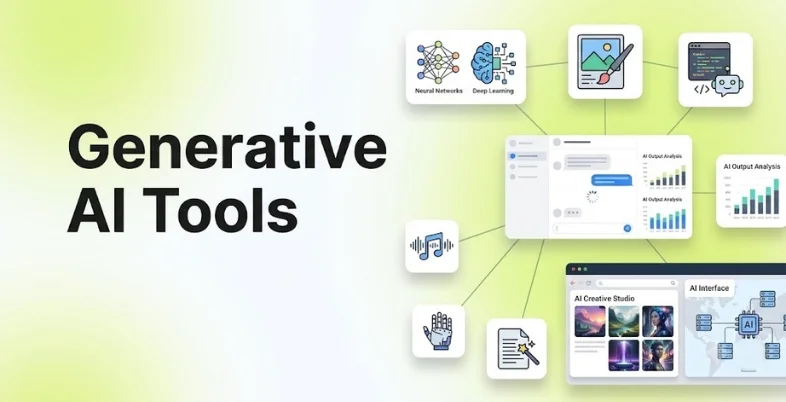
Generative AI has moved from being an experimental technology to a practical tool for everyday work. Businesses now use it to create content, analyze information, write code, generate images, produce videos, summarize documents, conduct research, and automate repetitive tasks.
The number of generative AI platofrms has also grown quickly. However, choosing the right tool is not simply about finding the platform with the most features. A marketing team may need a strong writing and research assistant, while a designer may care more about image generation. Developers may prioritize coding capabilities, integrations, and context handling.
This guide covers the best generative AI tools in 2026, including their key features, pricing, advantages, disadvantages, and ideal use cases.
What Are Generative AI Tools?
Generative AI tools are applications that use artificial intelligence models to create new content based on user instructions or other inputs. Depending on the tool, this content can include text, images, videos, audio, presentations, code, designs, or structured information.
Unlike traditional software that mainly follows fixed commands, generative AI platforms can interpret natural-language instructions and produce an output based on the context provided. This makes them useful for tasks such as brainstorming, drafting, editing, summarizing, coding, designing, and research.
Some tools are general-purpose assistants, while others are built specifically for content creation, visual design, programming, marketing, or business workflows.
How Do Generative AI Tools Work?
Most generative AI tools are powered by foundation models trained on large amounts of data. When a user enters a prompt, the model analyzes the instructions and context before generating a response.
For text-based tools, this may result in an article, email, summary, code, or answer. Image generators can convert text descriptions into visual content, while video tools can generate or transform video based on prompts and reference material.
The quality of the output depends on several factors, including the underlying model, the prompt, the context provided, the tool’s available features, and human review. Generative AI is therefore best treated as an assistant rather than an automatic replacement for human judgment.
Why Are Generative AI Tools Becoming Important for Businesses?
Generative AI is now being used across a growing number of business functions. Stanford’s 2026 AI Index reports that 79% of surveyed organizations regularly used generative AI in at least one business function in 2025, compared with 71% in 2024.
McKinsey’s 2026 global survey also found that 44% of respondents said AI was being scaled across their enterprise, up from 38% a year earlier. The research shows that businesses are moving beyond isolated experiments and beginning to integrate AI into broader workflows.
This shift matters because generative AI can help teams reduce the time spent on repetitive work. However, businesses still need processes for checking accuracy, protecting sensitive information, managing permissions, and deciding where human approval is required.
What Can You Use Generative AI Tools For?
Generative AI is useful across a wide range of tasks. The right application depends on the type of output you need and how much control you require over the final result.
- Content Creation: AI writing tools can help create first drafts, social media posts, email copy, product descriptions, outlines, summaries, and other forms of content. Human editing is still important when accuracy, brand voice, or subject expertise matters.
- Research and Information Analysis: AI assistants can summarize documents, organize information, compare ideas, explain complex topics, and help users conduct research. Tools with web search and source references are particularly useful when the information needs to be current.
- Image Generation: Image-generation tools can create illustrations, concept art, advertisements, product visuals, social media graphics, and other visual content from text or image references.
- Video Creation: Generative AI can help create videos from text prompts, generate scenes, animate images, modify existing footage, and produce marketing or educational content.
- Coding and Software Development: Developers can use AI tools to generate code, explain unfamiliar code, identify bugs, write tests, document projects, and work with development environments.
- Presentations and Design: AI-powered design platforms can help turn ideas into presentations, social posts, documents, advertisements, and other visual assets without requiring advanced design skills.
What Should You Look for in the Best Generative AI Tools?
The most useful generative AI tool depends on the task. Before choosing one, consider the following factors.
- Output quality: Check whether the tool consistently produces useful and accurate results for your specific task.
- Model capabilities: Look at reasoning, writing, coding, image, video, or multimodal capabilities depending on your requirements.
- Ease of use: A powerful tool is less useful if your team cannot learn or adopt it easily.
- Context handling: Check how well the tool works with long documents, files, images, or detailed instructions.
- Integrations: Look for connections with the applications your team already uses.
- Privacy and security: Businesses should understand how prompts, uploaded files, and generated information are handled.
- Usage limits: Free and paid plans may have different limits for messages, generations, file uploads, or advanced models.
- Collaboration: Teams may need shared workspaces, administration, permissions, and centralized billing.
- Customization: Consider whether you can create custom assistants, workflows, templates, or brand-specific outputs.
List of Best Generative AI Tools
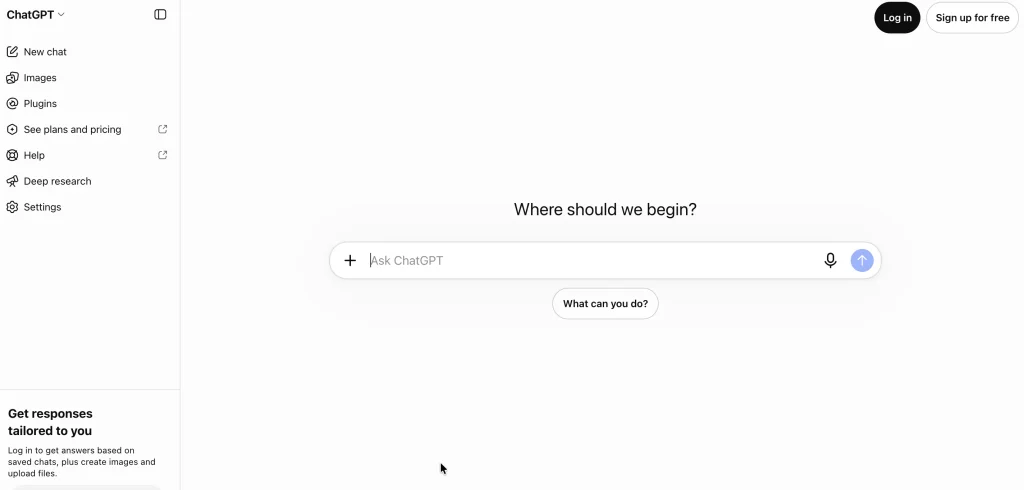
1. ChatGPT
- Website: https://chatgpt.com/
- Best for: General-purpose AI assistance, content creation, research, analysis, coding, brainstorming, and business productivity.
ChatGPT is one of the most versatile generative AI tools because it supports a broad range of tasks in one interface. Users can work with text, files, images, data, code, and web information depending on the available plan and features.
It can be used for drafting and editing content, analyzing documents, brainstorming ideas, generating code, conducting research, and creating structured outputs. Its broad capabilities make it suitable for individuals as well as business teams that want one general-purpose AI assistant rather than several specialized tools.
Pricing:
- Free plan available
- Paid individual plans available
- Business and Enterprise plans available
- Pricing and usage limits vary by plan
Key advantages:
- Broad range of use cases
- Supports text, files, images, data, and code
- Useful for both individuals and businesses
- Strong ecosystem of AI capabilities
- Suitable for everyday productivity
Key disadvantages:
- Usage limits vary between plans
- Outputs still require fact-checking
- Advanced business features may require paid plans
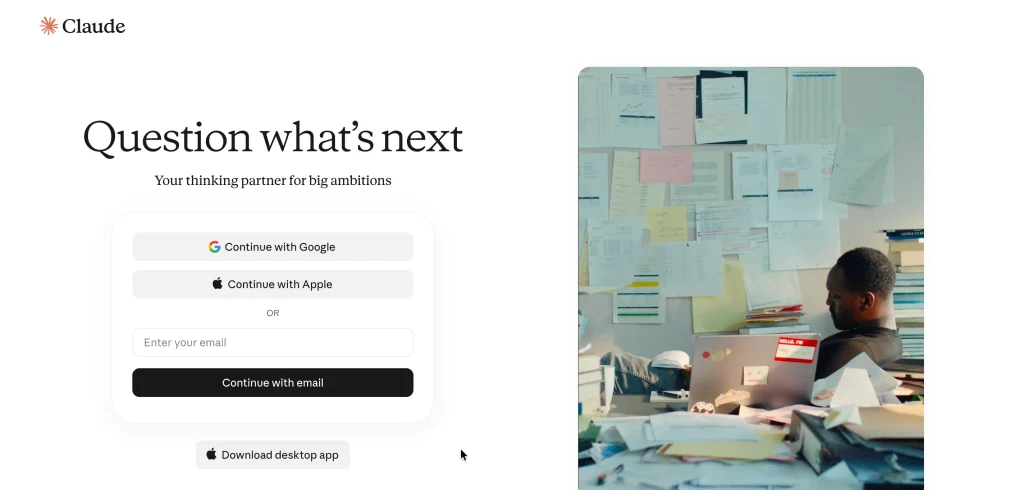
2. Claude
- Website: https://claude.ai/login
- Best for: Writing, document analysis, coding, research, and long-form professional work.
Claude is Anthropic’s generative AI assistant and is particularly useful for writing, document analysis, coding, and complex knowledge work. Its current capabilities include web search, file creation, code execution, projects, Claude Code, and connections to external tools.
The free plan provides access to Claude with usage limits, while the Pro plan costs $20 per month when billed monthly or $200 annually. Higher Max plans are designed for users who need substantially more usage.
Pricing:
- Free: $0
- Pro: $20/month or $200/year
- Max: From $100/month
- Enterprise: Custom pricing
Key advantages:
- Strong writing and reasoning capabilities
- Useful for long documents
- Coding and research capabilities
- File creation and analysis
- Projects for organizing work
Key disadvantages:
- Usage limits apply
- Advanced usage can become expensive
- Some features vary by plan
3. Google Gemini
- Website: https://gemini.google.com/
- Best for: Google Workspace users, research, multimodal tasks, and AI-assisted productivity.
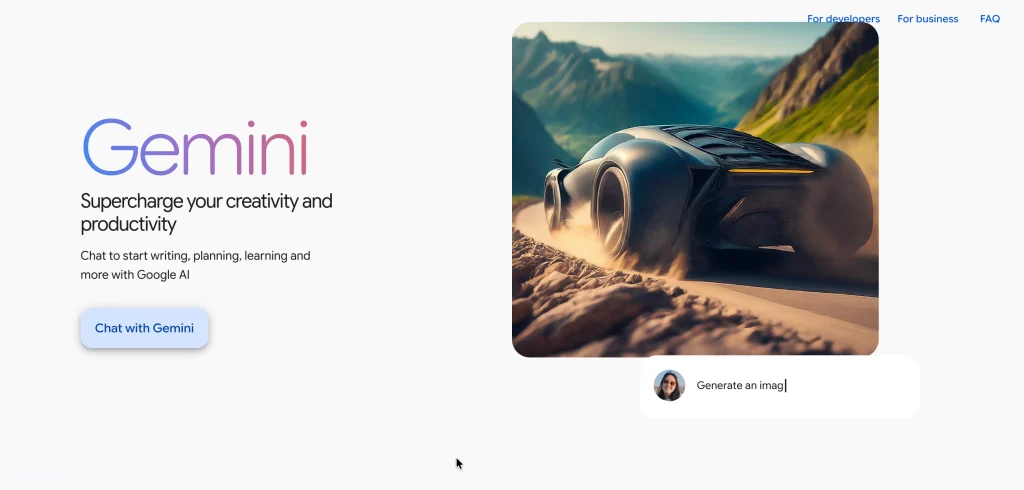
Google Gemini is one of Google’s leading generative AI tools and is closely connected to the wider Google ecosystem. Depending on the plan, users can access Gemini through Google applications such as Gmail and Docs, along with features for research, image and video generation, notebooks, and other AI workflows.
Google’s current consumer plans include AI Plus at ₹399 per month and AI Pro at ₹1,950 per month in India, while AI Ultra starts at ₹6,500 per month.
Pricing:
- Free plan available
- Google AI Plus: ₹399/month
- Google AI Pro: ₹1,950/month
- Google AI Ultra: From ₹6,500/month
Key advantages:
- Strong Google ecosystem integration
- Multimodal capabilities
- Useful for research and productivity
- Integration with Google apps
- Higher plans include additional AI capabilities
Key disadvantages:
- Features vary by plan and region
- Advanced plans can be expensive
- Users outside the Google ecosystem may not benefit as much from integrations
4. Midjourney

- Website: https://www.midjourney.com/home
- Best for: AI-generated images, concept art, creative visuals, and marketing graphics.
Midjourney is one of the most established generative AI image platforms. It is particularly useful for creating concept art, illustrations, visual campaigns, product concepts, characters, and creative imagery from text prompts. Its current plans include Basic, Standard, Pro, and Mega.
The Basic plan costs $10 per month, while Standard costs $30, Pro costs $60, and Mega costs $120. Annual billing provides a 20% discount. Unlimited image generation in Relax Mode is available on Standard, Pro, and Mega plans.
Pricing:
- Basic: $10/month
- Standard: $30/month
- Pro: $60/month
- Mega: $120/month
- Annual billing available at a discount
Key advantages:
- Strong visual quality
- Excellent for creative image generation
- Useful for concept development
- Multiple generation modes
- Higher plans provide more generation capacity
Key disadvantages:
- Mainly focused on visual creation
- Can require prompt experimentation
- Advanced privacy features require higher plans
5. Canva
- Website: https://www.canva.in/
- Best for: Marketers, social media teams, small businesses, presentations, and AI-assisted graphic design.
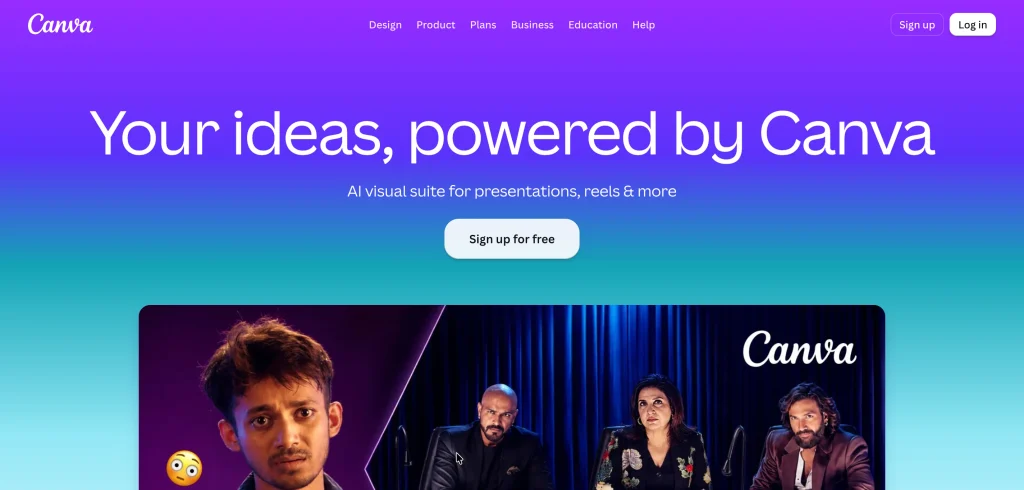
Canva combines traditional design features with capabilities found in generative AI tools, making it useful for people who need to create professional-looking content without advanced design skills. Its AI features can assist with writing, image creation, editing, resizing, translation, and other design tasks.
Canva’s India pricing currently lists a free plan, Pro at ₹4,000 per year, and Business at ₹6,800 per person per year. Canva also offers AI Pass and other AI usage options depending on the plan.
Pricing:
- Free: ₹0
- Pro: ₹4,000/year
- Business: ₹6,800/person/year
- Enterprise: Custom pricing
- AI Pass available as an add-on
Key advantages:
- Easy for non-designers
- Combines AI with traditional design
- Large template and asset library
- Useful for social media and marketing
- Strong collaboration features
Key disadvantages:
- Advanced AI usage depends on plan limits
- Some premium assets require paid plans
- Not designed for highly specialized professional image generation
6. Adobe Firefly
- Website: https://firefly.adobe.com/
- Best for: Professional designers, marketers, image generation, and creative workflows.
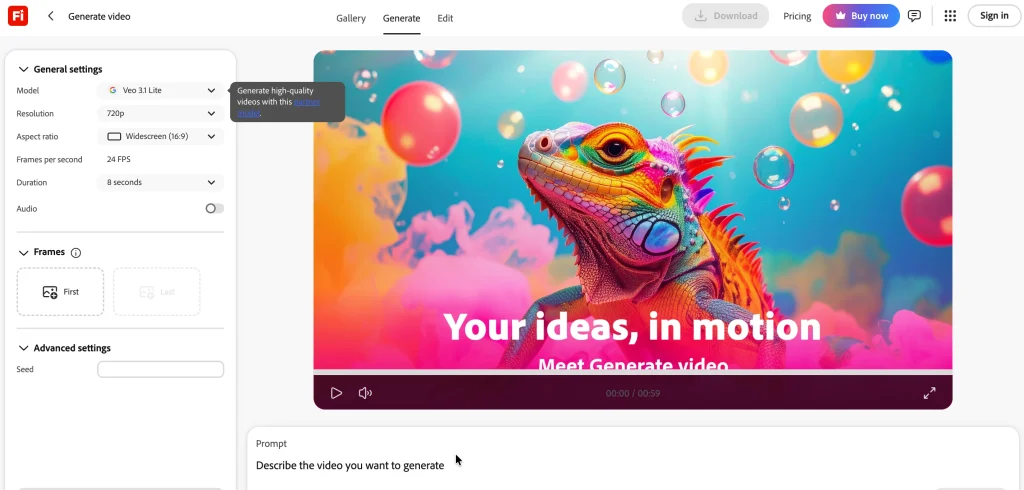
Adobe Firefly is Adobe’s generative AI platform for creating and editing visual content. It can be used for text-to-image generation, generative editing, creative ideation, and other design workflows. Its biggest advantage is its connection with Adobe’s broader creative ecosystem, making it useful for designers already working with applications such as Photoshop and Illustrator. Businesses can also consider Firefly when they need AI capabilities within a professional creative workflow rather than using a standalone image generator.
Pricing:
- Free access available with limited generative credits
- Paid Firefly plans available
- Creative Cloud plans can include Firefly capabilities
- Enterprise pricing available
Key advantages:
- Strong Adobe ecosystem integration
- Useful creative editing capabilities
- Suitable for professional designers
- Multiple generative workflows
- Works well with existing Adobe tools
Key disadvantages:
- Advanced usage can require paid plans
- Credits can limit high-volume generation
- Best value may come to existing Adobe users
7. GitHub Copilot
- Website: https://github.com/features/copilot
- Best for: Software developers and engineering teams.
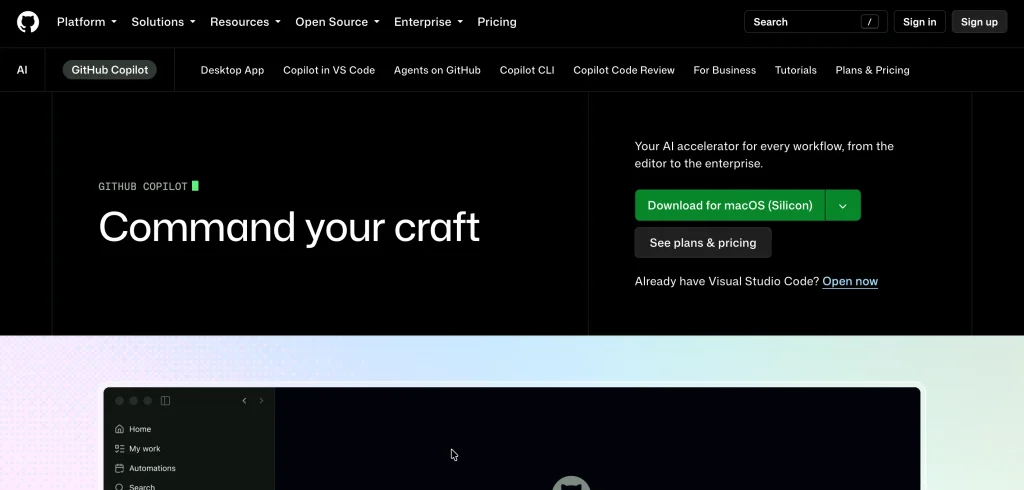
GitHub Copilot is one of the leading generative AI tools designed to help developers write and understand software. It can generate code suggestions, explain code, assist with debugging, and support development workflows directly within compatible environments.
It is particularly useful for reducing repetitive coding work and helping developers work faster on familiar development tasks. However, developers still need to review generated code for security, correctness, performance, and compatibility with the rest of the application.
Pricing:
- Free option available with usage limits
- Paid individual plans available
- Business and Enterprise plans available
- Pricing varies according to plan and billing arrangement
Key advantages:
- Integrated into developer workflows
- Speeds up repetitive coding
- Useful for code explanations
- Supports multiple programming languages
- Helpful for debugging and documentation
Key disadvantages:
- Generated code requires review
- Can produce incorrect or insecure code
- Value depends heavily on the developer’s workflow
8. Perplexity
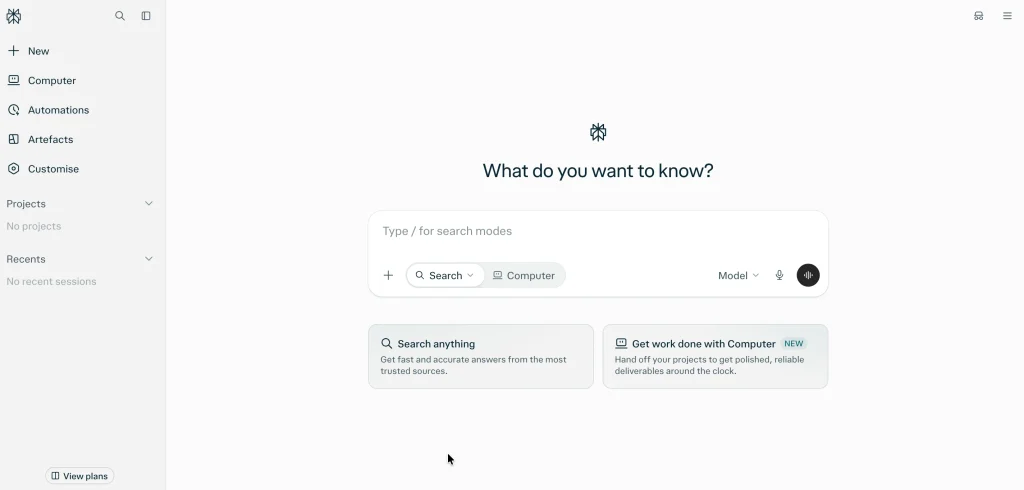
- Website: https://www.perplexity.ai/
- Best for: AI-assisted research, web research, and information discovery.
Perplexity is designed around AI-powered search and research rather than traditional conversational assistance alone. It can search the web, synthesize information, and provide answers with source references, making it useful when users need to investigate a topic quickly.
It can be particularly valuable for researchers, marketers, students, and business professionals who need to compare information from multiple sources. However, users should still open important sources and verify claims before using them in professional or academic work.
Pricing:
- Free plan available
- Pro subscription available
- Enterprise plans available
- API access priced separately
Key advantages:
- Strong research-oriented workflow
- Web search integration
- Source references
- Useful for comparing information
- Faster than manually searching multiple pages
Key disadvantages:
- Search summaries can still contain errors
- Important claims require source verification
- Advanced usage requires a paid plan
6
9. Runway
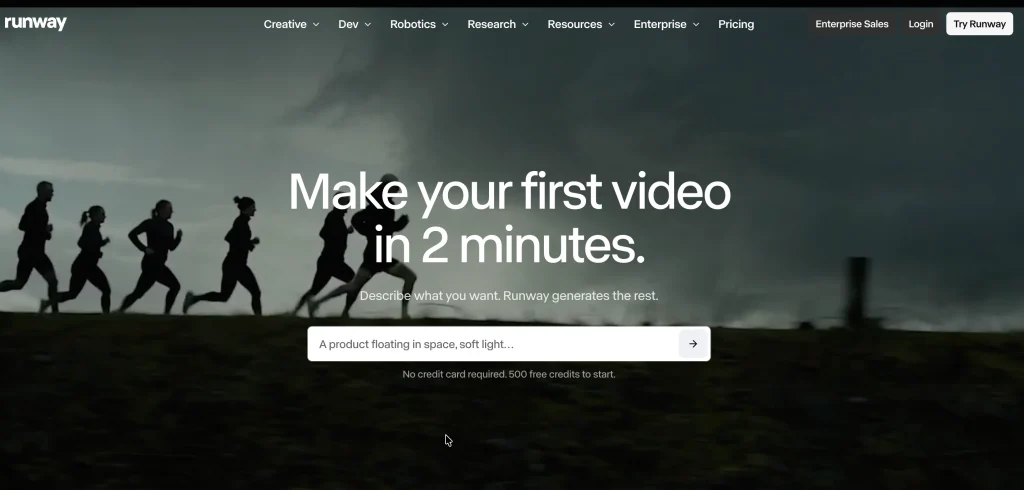
- Website: https://runway.com/campaign/speed-to-value
- Best for: AI video generation, creative production, advertising, and visual storytelling.
Runway is one of the popular generative AI tools focused on video creation and creative production. It can help users generate and transform video content using AI, making it useful for advertising, social media, creative experiments, storyboarding, and visual effects.
Its tools are aimed at creators who want more control over AI-generated video than basic text-to-video applications provide. The platform can be especially useful for creative teams that need to experiment with short-form video concepts before committing to traditional production.
Pricing:
- Free plan available
- Paid plans available
- Higher plans provide more generation credits and capabilities
- Enterprise pricing available
Key advantages:
- Strong AI video capabilities
- Useful for creative production
- Supports multiple video workflows
- Good for experimentation and concept development
- Suitable for marketing teams
Key disadvantages:
- Video generation can consume credits quickly
- Output quality varies by prompt and generation
- High-volume production can become expensive
10. ElevenLabs
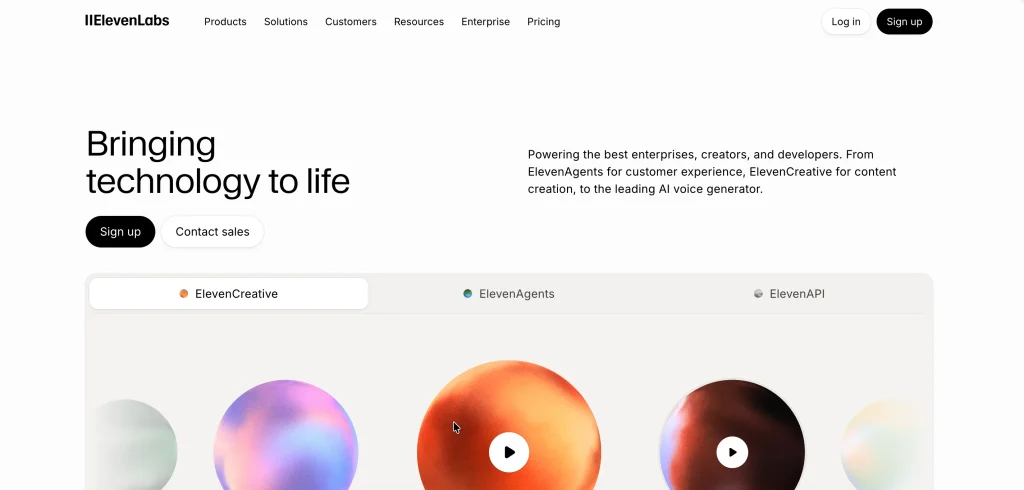
- Website: https://elevenlabs.io/
- Best for: AI voice generation, voiceovers, dubbing, podcasts, and audio content.
ElevenLabs specializes in AI-generated speech and audio. It can create natural-sounding voiceovers and supports applications such as videos, podcasts, games, narration, and dubbing.
The platform is particularly useful for creators and businesses that need multiple voice versions or want to produce audio content without recording every piece manually. Voice-related AI also requires careful attention to consent and rights when using or recreating identifiable voices.
Pricing:
- Free plan available
- Paid plans available for higher usage
- Business and enterprise options available
- API usage can be priced separately
Key advantages:
- High-quality AI voice generation
- Useful for video and podcast production
- Supports multilingual applications
- Useful API capabilities
- Can speed up voice production
Key disadvantages:
- Higher usage requires paid plans
- Voice rights and consent need careful consideration
- AI voices may still require editing for professional production
Generative AI Tools Comparison
| Tool | Best for | Free option | Starting paid option | Main strength |
| ChatGPT | General AI assistance | Yes | Paid plans available | Versatile AI workspace |
| Claude | Writing and reasoning | Yes | $20/month | Long-form professional work |
| Gemini | Google ecosystem | Yes | ₹399/month | Google integration |
| Midjourney | Image generation | Limited access varies | $10/month | Creative visuals |
| Canva | Design and marketing | Yes | ₹4,000/year | AI + design |
| Adobe Firefly | Professional creative work | Limited | Paid plans available | Adobe integration |
| GitHub Copilot | Coding | Yes | Paid plans available | AI coding assistance |
| Perplexity | Research | Yes | Paid plans available | AI search |
| Runway | Video generation | Yes | Paid plans available | AI video |
| ElevenLabs | Voice generation | Yes | Paid plans available | AI audio |
Pricing and usage limits can change frequently, particularly for generative AI services where model access, credits, and generation limits differ between plans.
How to Choose the Best Generative AI Tool
- Define the task first: Decide whether you need writing, research, coding, images, video, audio, or several capabilities.
- Test the free version: Use the tool with real tasks before committing to a subscription.
- Compare output quality: Run the same prompt through multiple tools and compare the results.
- Check usage limits: Review message, generation, credit, file, and model limits.
- Review integrations: Choose tools that fit your existing software ecosystem.
- Check privacy policies: Avoid uploading confidential business or customer information without understanding how it is handled.
- Consider team requirements: Businesses should evaluate admin controls, user permissions, collaboration, billing, and security.
- Calculate total cost: Include subscriptions, additional credits, API costs, and other add-ons.
How to Use Generative AI Tools Effectively
- Give specific prompts: Explain the objective, audience, format, tone, and constraints instead of using vague instructions.
- Provide context: Give the AI the information it needs rather than expecting it to infer everything.
- Use examples: Show the tool an example of the style or format you want.
- Review every important output: Check facts, numbers, sources, code, images, and business recommendations.
- Iterate your prompts: Improve the output through follow-up instructions instead of expecting perfection from one prompt.
- Create reusable workflows: Save effective prompts, templates, and instructions for recurring tasks.
- Keep humans in the loop: Use AI to accelerate work while keeping important decisions and approvals with people.
Generative AI Tools for Different Users
- For Content Writers and Marketers: ChatGPT, Claude, Gemini, Canva, and Perplexity can cover many marketing workflows, from research and content creation to social media design and information analysis. The best choice depends on whether the priority is writing quality, research, design, or a combination of these tasks.
- For Designers: Midjourney, Adobe Firefly, and Canva are strong options for visual creation. Midjourney is particularly useful for creative image generation, while Firefly fits more naturally into professional Adobe workflows.
- For Developers: GitHub Copilot, ChatGPT, Claude, and Gemini can assist with coding, debugging, documentation, research, and software development. Developers should still review generated code carefully before deploying it.
- For Researchers and Students: Perplexity, ChatGPT, Claude, and Gemini can help summarize information, explain difficult concepts, analyze documents, and structure research. Important academic or professional claims should always be checked against original sources.
- For Video Creators: Runway and other generative video platforms can help creators produce concepts, scenes, visual effects, and short-form content. These tools are especially useful during ideation and pre-production.
- For Audio Creators:ElevenLabs can help with voiceovers, narration, dubbing, and other audio workflows. It is particularly useful when creators need to produce multiple versions of audio content.
Benefits of Generative AI Tools
Generative AI can provide value by reducing the amount of time people spend on repetitive and first-draft tasks. Instead of starting every document, design, analysis, or coding task from scratch, users can use AI to produce an initial version and then refine it.
It can also make specialized capabilities more accessible. A small business without an in-house designer can create basic marketing visuals, while a non-technical employee can use natural language to analyze information or create structured content.
However, productivity gains depend on how AI is integrated into the workflow. Simply adding an AI tool does not guarantee better results. Teams need clear use cases, good prompts, human review, and processes for handling errors.
Risks and Limitations of Generative AI Tools
Generative AI tools can produce incorrect information, outdated information, biased outputs, or content that does not meet the user’s requirements. Even when the response sounds confident, it should not automatically be treated as accurate.
Businesses also need to think about privacy and intellectual property. Uploading confidential documents, customer information, proprietary code, or sensitive business data to an AI service without reviewing its policies can create unnecessary risk.
Another limitation is consistency. AI-generated content can vary between generations, and creative outputs may require several attempts before they meet the desired standard. Human review remains important, particularly for legal, financial, medical, academic, and high-impact business decisions.
Generative AI Trends to Watch in 2026
Generative AI is increasingly moving from standalone chat interfaces toward integrated workflows and AI agents. McKinsey’s 2026 research found that 40% of respondents from organizations with more than $1 billion in annual revenue reported scaling AI agents, compared with 22% at smaller organizations.
The same research found that nearly one-third of respondents said their organizations had decided against purchasing at least one software product or feature because they could build the functionality internally using agentic coding tools.
- AI Agents Will Handle More Multi-Step Tasks: The next stage of generative AI is moving beyond answering questions. AI agents can increasingly plan and execute multiple steps, such as researching information, organizing results, creating documents, or interacting with connected software.
- Multimodal AI Will Become More Common: Text, images, audio, video, and documents are increasingly being handled within the same AI ecosystems. This means users may not need separate tools for every type of input or output.
- Generative AI Will Become More Embedded in Business Software: AI is increasingly being built directly into productivity, design, coding, CRM, marketing, and collaboration platforms. This means users may interact with generative AI without opening a separate AI application.
- Businesses Will Focus More on ROI: As AI adoption grows, organizations are moving from experimentation toward measuring actual business value. McKinsey’s 2026 research shows that enterprise AI scaling is increasing, but organizations are still working through the costs and challenges of turning individual AI use into measurable business outcomes.
Common Generative AI Mistakes to Avoid
One of the biggest mistakes is assuming that AI-generated content is automatically accurate. Generative AI predicts and creates outputs based on its models and available context, so users should verify important claims rather than treating every response as a fact.
Another mistake is using the same AI tool for every task. A general-purpose chatbot may be excellent for brainstorming but may not be the best choice for advanced image generation, professional video production, or specialized coding workflows.
Businesses should also avoid giving AI unrestricted access to sensitive information. Establishing clear rules around confidential data, customer information, proprietary documents, and employee usage can reduce unnecessary risks.
Final Thoughts
Generative AI tools are becoming practical parts of everyday work rather than experimental technologies used only by technical teams. Their applications now cover writing, research, coding, design, image generation, video, audio, and business productivity.
The best generative AI tool depends on what you actually need to create. ChatGPT, Claude, and Gemini are versatile choices for general work, while Midjourney and Firefly are better suited to visual creation. Developers can benefit from GitHub Copilot, researchers can use Perplexity, and creators working with video or audio can consider Runway and ElevenLabs.
The most effective approach is not to use AI for everything. Instead, identify repetitive or time-consuming tasks where AI can provide a clear advantage, choose a tool that fits the workflow, and keep human review in the process. As generative AI becomes more integrated into business software and AI agents become more capable, the biggest advantage will likely come from how well teams incorporate these tools into their existing workflows.
FAQs
1. What are the Best Generative AI Tools?
The best tool depends on the task. ChatGPT, Claude, and Gemini are strong general-purpose options, Midjourney and Adobe Firefly are useful for images, GitHub Copilot is designed for coding, Perplexity focuses on research, Runway is useful for video, and ElevenLabs specializes in AI-generated voice.
2. Are Generative AI Tools Free?
Many generative AI tools offer free plans, but these usually come with usage limits. Paid plans generally provide access to more capable models, higher usage limits, additional features, or better collaboration and administration options.
3. What is the Difference Between AI and Generative AI?
Artificial intelligence is a broad field that includes systems designed to analyze information, make predictions, automate tasks, and perform other forms of intelligent processing. Generative AI is a category of AI designed specifically to create new content such as text, images, audio, video, and code.
4. Can Businesses Use Generative AI Tools?
Yes. Businesses use generative AI for content creation, customer support, research, software development, marketing, design, data analysis, documentation, and productivity. Enterprise adoption is increasingly moving toward broader workflow integration.
5. Are Generative AI Tools Accurate?
Not always. AI-generated outputs can contain factual errors, outdated information, incorrect calculations, or misleading statements. Important information should be verified using reliable sources or human expertise.
6. Which Generative AI Tool is Best for Content Creation?
ChatGPT and Claude are strong general-purpose options for writing and editing, while Canva is useful when content creation also involves visual design. The right choice depends on the type of content, workflow, and level of customization required.