
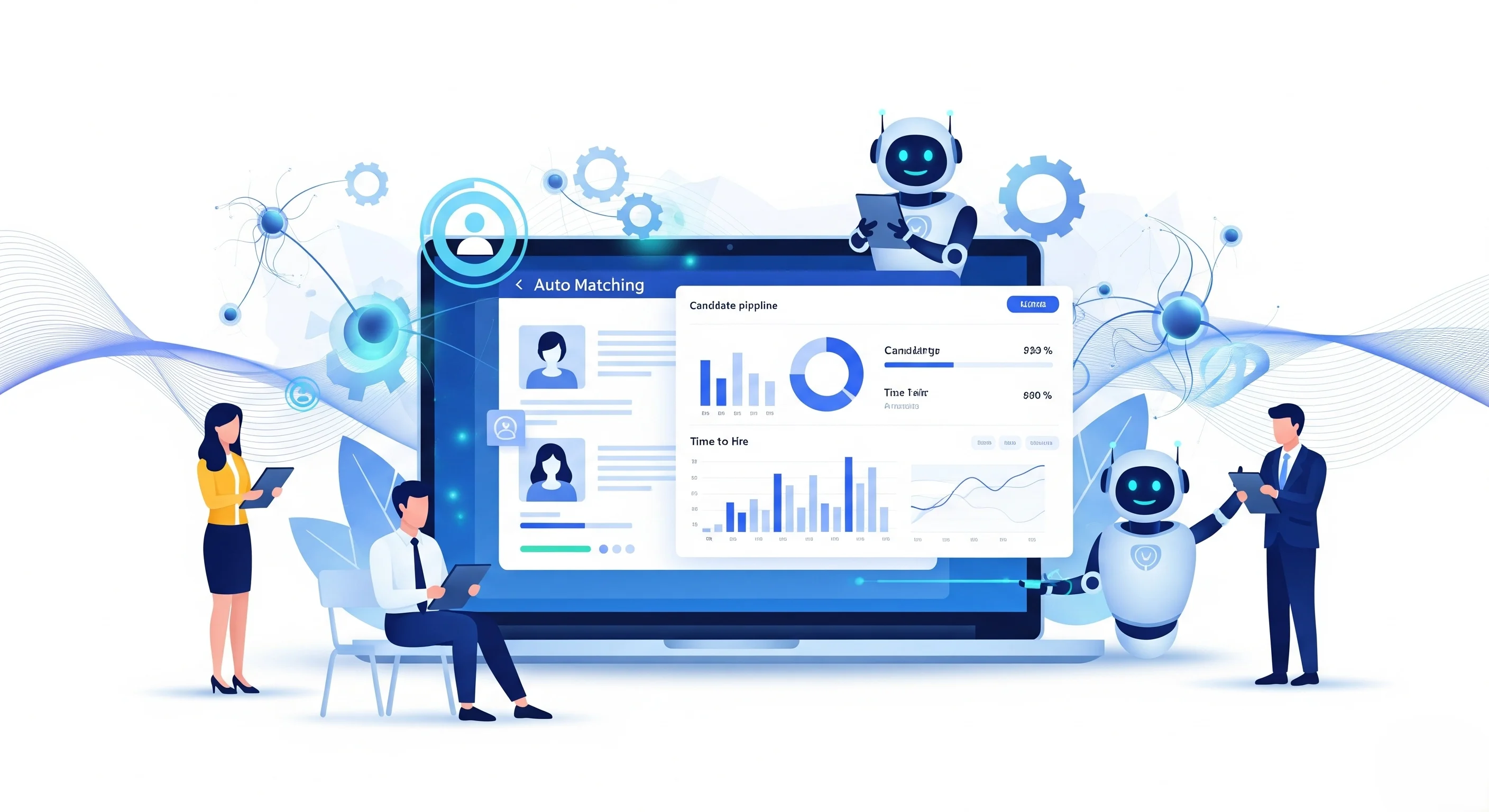
While it’s a time-consuming process to find the right talent, recruiting automation software can make hiring simpler and smarter. These are the tools that will enable businesses to post a job, screen resumes, set up interviews, and even automatically communicate with candidates. Using automation allows recruiters to spend more time on forming relationships and less on repetitive tasks.
The right automation platform can save hours per week and enhance the quality of hires, no matter if you are a small startup or a growing company. This guide covers the leading recruiting automation software solutions on the market, their best features, pricing, and who they are ideal for. We want you to be able to select a solution that meets your team’s needs and budget, without you being bogged down with jargon or overly complicated comparisons. Let’s consider how smart tools are transforming how companies are hiring.
What Is Recruiting Automation Software?
Recruitment software for automating recruiting processes is a tool that makes recruiting easier for companies by automating repetitive work like posting job openings, searching for candidates that fit, sorting resumes, sending emails, asking screening questions, and scheduling interviews.
Rather than having to handle each and every little thing by hand, recruiters can reduce time spent, decrease errors, maintain a candidate’s loop, and concentrate on the more important aspect of speaking with a candidate and picking the right applicant for the job with the software.
Key Features to Look for in Recruiting Automation Software
Recruiting automation software can help hiring teams save time by automating repetitive tasks such as screening resumes, scheduling interviews, and providing candidates with updates. The key to selecting the right tool is to identify the features that will cut out the manual tasks and maintain a fair and organized hiring process.
- Automated Resume Screening & Parsing: The software should automatically read the resumes, be able to pull out important information from resumes (such as skills, experience, education), and rank applicants according to your job needs. This cuts down hours of manual shortlisting.
- Smart Interview Scheduling: Search for solutions that coordinate with calendars and enable candidates to self-schedule interview times. This eliminates the need for back-and-forth emails and facilitates better coordination between hiring managers and recruiters.
- Automated Candidate Communication: Effective software automatically sends personalized, timely messages at every stage – from confirmation of the application to invitation to interview, updates to follow-up on the status and rejection emails – keeping candidates updated without having to do much work yourself.
- AI-Powered Candidate Matching: The tool should leverage AI to narrow down your applicant pool to the most suitable candidates through a skill match, experience comparison, and job criteria analysis, enabling recruiters to prioritize high-quality candidates.
- Workflow & Pipeline Automation: It should have gates through hiring levels that automatically activate based on criteria (such as passing a screening test) and send reminders, and take care of approvals without workarounds.
- Analytics & Reporting Dashboard: Clear reports provide teams with valuable insights into pipeline velocity, drop-off rates, time-to-fill, and source efficacy to help identify bottlenecks and make data-driven hiring decisions.
- Integrations & ATS Compatibility: It should seamlessly integrate with your current ATS, calendars, CRM solutions, and other HR applications, ensuring data accuracy across all platforms through native integration or APIs.
Comparison Table of Recruiting Automation Software
| Tool Name | Best For | Key Feature | Pricing | ATS Integration |
| Greenhouse | Structured hiring for growing enterprises | Scorecards, analytics, and sourcing automation | Custom pricing | Yes, broad HR integrations |
| Lever | Mid-market collaborative recruitment teams | AI matching and automated interview scheduling | Custom pricing | Yes, 400+ integrations |
| Workable | Small and medium-sized businesses | AI screening and job-board distribution | From $299/month | Yes, built-in ATS integrations |
| Ashby | Analytics-driven startups and recruiters | Recruiting analytics and source attribution | From $400/month | Yes, integrated ATS and CRM |
| Gem | In-house talent acquisition teams | AI sourcing and outreach automation | From $99/user/month | Yes, built-in ATS and CRM |
| Paradox | High-volume hourly hiring teams | Conversational AI screening and scheduling | Custom pricing | Yes, Workday and SuccessFactors |
| hireEZ | Automated enterprise candidate sourcing | AI matching and multi-channel outreach | Quote-based pricing | Yes, ATS integration and rediscovery |
| Pinpoint | Employer-brand-focused hiring teams | Career sites and blind hiring workflows | Quote-based pricing | Yes, integrations and open API |
| SmartRecruiters | Global enterprise recruitment teams | AI matching and recruitment marketing | From $14,995 | Yes, 575+ integrations |
| Manatal | Small businesses and staffing agencies | AI matching and recruitment CRM | From $15/user/month | Yes, ATS and API access |
| Eightfold AI | Enterprise skills-based recruitment | AI skills matching and talent rediscovery | Custom pricing | Yes, enterprise HR integrations |
| GoodTime | Complex enterprise interview scheduling | Automated panel and multi-day scheduling | Custom pricing | Yes, leading ATS integrations |
List of Top Recruiting Automation Software
1. Greenhouse
- Website: https://www.greenhouse.io
- Best for: Mid-to-Large Companies looking for structured, data-driven hiring, interview workflow, and reporting.
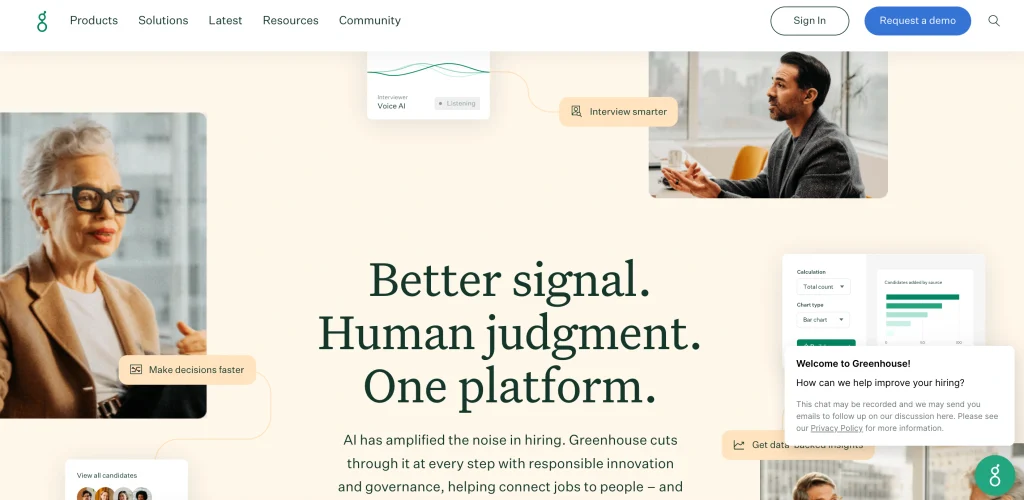
Greenhouse is an end-to-end applicant tracking and recruiting automation solution for hiring fairer and more efficiently. It helps you with the entire hiring process, from drafting inclusive job announcements and finding job candidates through to interviewing, gathering structured feedback, and making job offers.
It’s best-known for structured interviews, customisable scorecards, and advanced analytics which minimise bias and enhance hiring quality.
Key features:
- Structured interview scorecards and kits
- Utilizing AI to generate job description content
- Enhanced pipeline and reporting analytics.
- Incorporates a sourcing automation tool and enables candidate texting.
- Seamless HR, calendar, and assessment integration.
- Flexible hiring processes and access control.
Pros:
- Effective structured staff recruitment process.
- Customizable and in-depth reporting and analytics.
- Large range of integration ecosystem.
- Highly scalable and enterprise-grade.
Cons:
- Not transparent pricing; only custom quotes;
- May be expensive for small groups
- A higher grade level is required for new users
- Gadgets and other advanced features available in higher tiers.
Pricing:
Custom pricing
2. Lever
- Website: https://www.lever.co
- Best for mid-market and enterprise teams who desire a centralized ATS + CRM solution to build talent pipelines and hire together.
Lever is a modern recruiting platform that combines applicant tracking (ATS) and recruiting CRM in one system. As a recruiting automation software, it enables teams to source, track, and nurture candidates, conduct structured interviews, and automate repetitive hiring activities.
By leveraging AI-powered matching, interview summaries, and fraud signals, Lever minimizes manual effort and enhances candidate experience. It connects with 400+ HR, sourcing, and productivity tools to support scale businesses looking to hire collaboratively and data-driven.
Key Features
- Recruitment CRM software for native ATS.
- AI candidate matching and insights.
- AI interview transcribing and summarization.
- Automated interview scheduling and follow-ups
- Talent nurture email campaigns.
- Continuously adding more HR and sourcing integrations (400+)
Pros
- An easy-to-use, clean, and intuitive interface.
- Excellent candidate relationship nurturing.
- Structured interview feedback and debriefs.
- Built-in diversity and pipeline analytics
Cons
- There is no public list price, and custom pricing is available.
- Lower tier plans have limited reporting.
- AI Parts for sale.
- Compared to some competitors, posting on a job board is not as extensive.
Pricing
custom pricing
3. Workable

- Website: https://www.workable.com
- Best for: Small to medium-sized companies looking for an AI-powered ATS that integrates everything in one place.
Workable is the recruiting and HR solution provider that enables small and medium-sized enterprises to hire faster and with less manual labor. Integrates an attendance tracking system and AI capabilities for job posting, candidate sourcing, resume screening, scheduling interviews, and engaging candidates.
The platform is designed for teams looking for a hassle-free setup, transparent pricing, and automation that saves time-to-hire without resorting to a large-scale enterprise solution.
Key Features
- AI job description writer
- AI candidate sourcing and screening.
- Easy and hassle-free job posting to 200+ job boards with a single click.
- Scheduling interviews and self-scheduling.
- Built-in texting, video, and assessments
- Custom reports and advanced permissions (Enterprise)
Pros
- Quick and easy setup and onboarding
- Huge job board distribution reach
- In paid plans, strong AI agents are included.
- Clear and open pricing levels.
Cons
- Sets the pricing based on the number of employees.
- Higher-tier plans have some features.
- Add-ons are extra to the standard on Standard
- Depending on the depth of reporting, it could be necessary to export these to the API.
Pricing
- Standard: from $299/month ($3,588/year)
- Premier: from $599/month ($7,188/year)
- Enterprise: from $719/month ($8,628/year)
4. Ashby
- Website: https://www.ashbyhq.com
- Best for: Analytics-driven recruiting teams and start-ups looking for a single platform for recruiting, CRM, and analytics.
Ashby is a next-generation recruiting automation software designed for data-centric hiring teams. It incorporates an applicant tracking system (ATS), candidate relationship management (CRM), appointment scheduling, and strong built-in analytics into a single solution.
With AI-powered analytics, Ashby assists in automating recruitment processes, monitoring funnel conversion rates, evaluating the return on investment for sources, and making more informed hiring decisions. It is particularly desirable for startups or growth-stage businesses (those with up to 1000 employees) who prefer to have granular reporting without having to connect multiple tools.
Key Features:
- Analyze native recruiting funnels.
- AI-powered interview summaries
- Automated interview scheduling
- Built-in sourcing CRM
- Structured scorecard evaluations
- Source-of-hire attribution
Pros:
- Use all in one ATS and CRM.
- Best-in-class native analytics
- Unlimited user seats come with this.
- The strong AI automation features include
Cons:
- No free plan available
- A high entry price of $400/month for the business.
- Custom quotes are available if you have more than 100 employees.
- Says that there is no self-serve trial option.
Pricing
The Foundations plan starts at $400/month (or $360/month with annual billing) for companies with up to 100 employees.
5. Gem

- Website: https://www.gem.com
- Best for: In-house talent acquisition teams looking for an AI-powered, end-to-end recruiting solution that includes ATS, CRM, sourcing, and analytics.
Gem is an AI-powered recruiting platform that consolidates your applicant tracking system (ATS), candidate relationship management (CRM), sourcing, interview scheduling, and analytics. It aids recruiters in locating passive candidates on LinkedIn platforms and other platforms, automates outreach sequences, and streamlines hiring pipelines using AI support.
With more than 800 million candidate profiles, Gem is an all-in-one solution that saves companies from having to use multiple tools, such as HR service providers and staffing firms.
Key Features
- Candidate sourcing and ranking powered by AI.
- Multi-channel automated outreach sequences
- Inbuilt ATS and Talent CRM.
- Schedule and calendar integration
- Connect LinkedIn and Chrome extensions.
- Recruiting funnel analytics and DEI reporting
Pros
- Consolidates ATS, CRM, sourcing, and analytics
- Excellent AI sourcing and email-finding features
- Intuitive interface and automation are good.
- Comprehensive pipeline and recruiting analytics.
Cons
- The cost may be expensive for small teams
- More advanced features have a learning curve
- The amount of effort required for integration setup.
- More appropriate for in-house teams than agencies
Pricing
- Startups: $130/user/month
- Staffing Essentials: $99/user/month
- Staffing Professional: $149/user/month
- Enterprise: Custom
6. Paradox
- Website: paradox.ai
- Best for: High-volume hourly hiring teams that require multiple interview scheduling and AI screening.
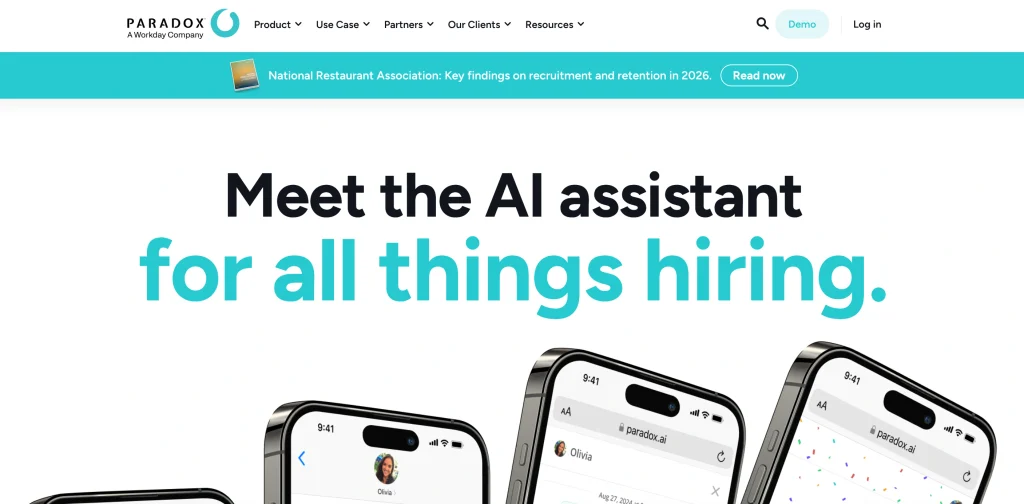
From answering frequently asked questions to qualifying candidates, booking interviews on managers’ schedules, and handling onboarding paperwork, Paradox is a recruiting automation software that automates repetitive frontline tasks to save time, helping teams hire more candidates efficiently.
From handling the repetitive tasks of answering frequently asked questions to qualifying candidates, booking interviews on managers’ schedules, and collecting onboarding paperwork, Paradox automates repetitive frontline tasks to save time so you can hire more candidates per day. It’s adaptable for enterprise HCM systems such as Workday and SAP SuccessFactors.
Key features
- Olivia conversational AI screening
- Instant interview auto-scheduling
- Multi-language candidate support
- Automated Document Collection for Onboarding.
- HRMS integration with ATS.
- Event and career fair support is an optional service available for hire.
Pros
- Reduces the burden of repetitive recruiting activities
- Fosters positive candidate experiences through chat and SMS.
- Works great for high-volume hiring on an hourly basis!
- Syncs to Workday and SuccessFactors
Cons
- The pricing is not transparent and can only be quoted.
- Not as flexible when using difficult or unusual questions.
- Underutilized for small teams with low hiring volume.
- The costs to implement can be very high
Pricing
Custom pricing
Suggested read:
7. hireEZ

- Website: https://hireez.com
- Best for: Mid-market and enterprise-level recruiting teams looking to automate high-volume outbound sourcing and outreach.
hireEZ is a solution that enhances talent teams’ ability to identify, talk to, and book candidates more quickly through the use of AI in recruiting automation.
It crawls more than 800 million profiles from 40+ web sources and ranks them based on their job fit and automates multi-channel outreach like email, SMS, and InMail. Designed to integrate with your ATS, it saves manual sourcing time and boosts team productivity through agentic AI workflows.
Key Features
- AI Candidate sourcing and matching.
- Automated outreach sequences – Multi-channel.
- Built-in recruiting CRM and pipeline management.
- ATS integration & talent pool rediscovery.
- AI phone screening and fraud detection.
- An analytics dashboard and hiring funnel reporting.
Pros
- Huge candidate DB of 800M+ size.
- Saves time on manual resume screening
- All-in-one sourcing and outreach platform
- A solid enterprise customer base and ROI.
Cons
- The contact data accuracy problems reported.
- No public pricing, only sales quotes.
- Costly for small teams or single recruiters
- AI tagging and search are not foolproof.
Pricing
quote-based
8. Pinpoint
- Website: https://www.pinpoint.co
- Best for: Mid-market and enterprise in-house talent teams looking to build and maintain an employer brand and candidate experience.
Pinpoint is a contemporary applicant tracking system (ATS) and recruiting automation software for businesses that view recruiting as a branding activity. It is notable for its career site builder, which helps create attractive, conversion-focused career pages without requiring web developers.
The platform pays special attention to providing a professional candidate experience throughout the entire application process, including the mobile application, automated status updates, and more. It also has strong blind hiring and DE&I capabilities to eliminate bias and is perfect for mid-market companies seeking enterprise-level capabilities without the complexity.
Key Features
- Best-in-class tailored Career site builder.
- Use embedded blind hiring and DE&I dashboards.
- AI Hiring Copilot and candidate match scoring.
- Advanced automation with if-then workflow rules
- Self-scheduling interviews and candidate scorecards
- Hundreds of native integrations and an open API.
Pros
- Career site builder creates beautiful and professional pages for your site with a brand.
- if the candidate experience is exceptional, it helps to improve application completion rates.
- Comprehensive Blind Hiring is highly effective in minimizing unconscious bias.
- An intuitive, modern interface that makes it easy for recruiters and hiring managers.
Cons
- Not available for public sale – requires quotation for each buyer.
- The level of integration of the ecosystem is lower than that of traditional ATS providers
- While AI sourcing is an improvement over that of rivals, it is not as sophisticated as some.
- Mainly developed in the UK and US markets.
Pricing
Quote-based
9. SmartRecruiters

- Website: https://www.smartrecruiters.com/
- Best for: Mid-market & enterprise teams who want to hire collaboratively, with AI support, and ensure compliance across the globe.
SmartRecruiters is an enterprise talent acquisition suite that unifies the applicant tracking (ATS), recruitment marketing, AI-powered candidate matching (Winston AI), CRM, analytics, and onboarding into one suite.
It is geared towards companies that scale quickly, need powerful collaboration, automation and integrations, particularly those already on SAP SuccessFactors or other large HR solutions. It is potent, but also expensive and can be complicated to set up, particularly for a very small team or business that has a limited budget.
Key Features
- AI candidate matching and chat
- A site builder and distribution platform for careers.
- SMART CRM for proactive sourcing.
- Hiring analytics dashboards built-in.
- Working together to hire and approve staff
- Global compliance and language support!
Pros
- Excellent enterprise-class recruiting software.
- Deep integrations marketplace (575+)
- Having a great candidate experience and career site.
- Can be scaled up for large hiring.
Cons
- An expensive option for small and mid-market teams
- Opaque, quote-based enterprise pricing
- More effort is required for implementation than with SMB tools.
- AI is not included in the lower-tier plans.
Pricing
- Essential: Starting at $14,995
- Mostly quote-based pricing(Professional, High Volume, complete)
10. Manatal
- Website: manatal.com
- Best for: Small and mid-sized recruitment teams, HR departments, and staffing agencies.
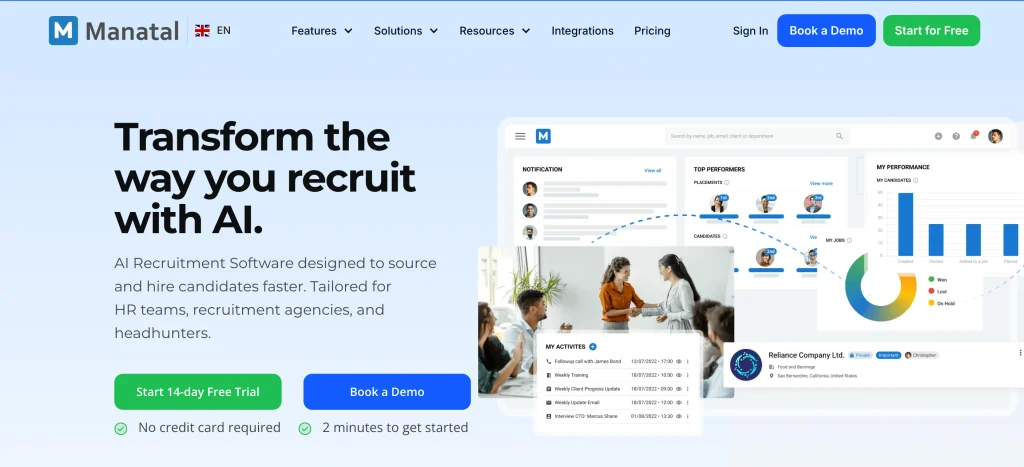
Manatal is a cloud-based software and applicant tracking system that enables businesses to manage the entire recruitment process in one place. It supports candidate sourcing, resume parsing, job posting, candidate matching, interview scheduling, recruitment campaigns, and team collaboration.
The AI capabilities enable recruiters to locate the right candidates more quickly and to manage the information in the applicants’ applications. Manatal also comes with recruitment CRM capabilities, reporting, a career page, and integrations. It works well for businesses and firms that are looking for a straightforward recruitment system that they wouldn’t need to handle intricate technicalities.
Key Features
- AI Candidate Matching and recommendations.
- An Applicant Tracking and Recruitment CRM
- Restart the parsing of resumes and candidate profiles.
- Multi-channel job posting
- Conducting interviews and coordinating
- Recruiting reports and analytics.
Pros
- Easy to use and use with a simple interface.
- Effective candidate sourcing tools.
- Has a good relationship with recruiters
- Helpful AI-powered hiring features
Cons
- In order to access advanced features, you must take a costly plan.
- The entry plan was limited, as there were few available jobs.
- To access the API, you must be on an API top plan.
- The more users, the more expensive it is.
Pricing
- Professional: $15/user/month
- Enterprise: $35/user/month
- Enterprise Plus: $55/user/month
- Custom: contact sales
11. Eightfold AI
- Website: eightfold.ai
- Best for: Enterprise-sized companies that need to automate skills-based recruiting with AI.
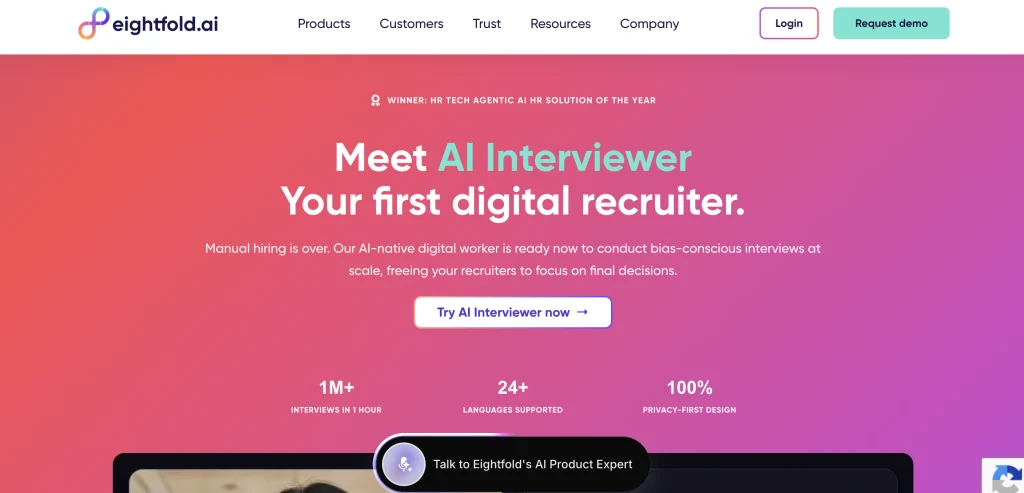
Eightfold AI is a enterprise recruiting answer providing companies with a more effective way to discover, screen, interview and hire candidates. It uses AI to understand skills and experience, and to predict career potential, rather than just looking at resumes.
It can be used to source talent, match candidates, conduct automated interviews, provide interview summaries, schedule, and offer management. The platform also enables talent re-discovery and in-house mobility. It’s created for larger companies that require handling high-volume hiring processes and want to keep recruiters active in the last determination making.
Key features
- AI-powered candidate matching
- Automated candidate sourcing
- Skills-based talent screening
- AI-powered candidate interviews
- Summary and evaluation of interviews
- Talent re-discovery and involvement
Pros
- Facilitates recruiting processes.
- Supports skills-based hiring
- Handles high-volume recruitment
- Provides the full range of recruiting solutions
Cons
- Prices are not publicly available.
- Primarily targets large businesses
- Needs to be implemented and trained
- May cost more for a small company
Pricing
Custom pricing
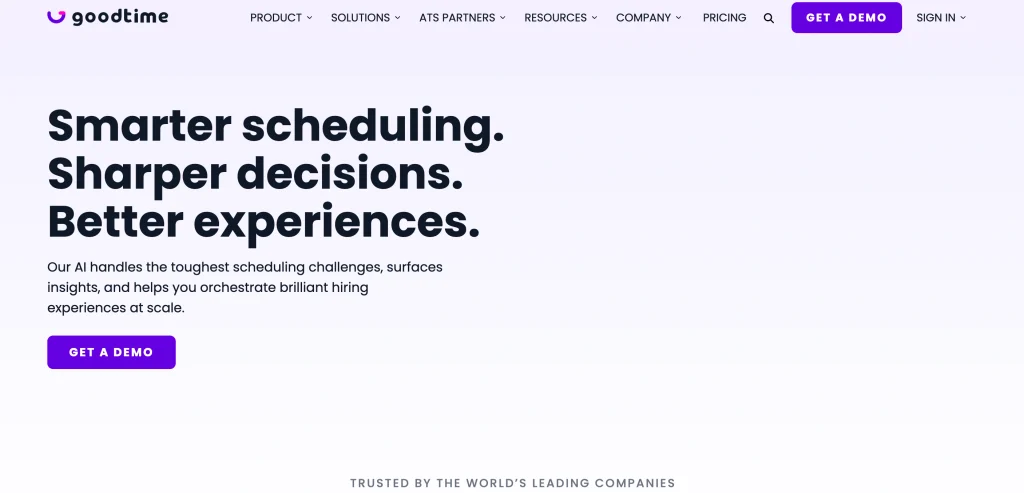
12. GoodTime
Website: goodtime.io
Best for: Enterprise recruiting teams that have complex interview scheduling and hiring workflows.
GoodTime is an AI-powered recruiting automation software designed to help companies with interview scheduling, coordination, communication, and tracking hiring progress. It automates complex scheduling tasks, including panel, multi-day, and high-volume interviews.
The platform also enables candidate self-scheduling, interviewer management, workflow automation, messaging, analytics and ATS integrations. GoodTime is optimized for enhanced performance by teams of talent acquisition professionals working on larger projects who are seeking to minimize manual tasks and improve their hiring process.
Key Features
- Automated interview scheduling
- Multi-day interview coordination
- Candidate self-scheduling tools
- Automated candidate messaging
- Interviewer workload management
- Engaging the analytics and insights team
Pros
- Manages complicated interview schedules
- Reduces manual recruiting work
- Compatible with the leading ATS solutions
- Enhances candidates’ scheduling performance
Cons
- The prices are not available publicly
- Primarily reaches enterprise recruiting groups
- May need assistance with implementation
- No free trial available.
Pricing
custom pricing
How to Choose the Right Recruiting Automation Tool
The first step to selecting the right recruiting automation tool is to identify your top hiring challenge and then find a tool that helps solve that challenge, instead of creating more work.
Points to choose the right recruiting automation tool
- Always begin with the slowest step.: Determine where your team spends most of their time or loses out on candidates (sourcing, screening, follow-up or scheduling). Instead of purchasing a “do everything” platform that you don’t use, choose a tool that automates that particular step.
- To see the actual depth of automation, check the real automation. During demos, ask: “What would happen if someone doesn’t click anything in the recruiter?” Effective tools move candidates automatically, send follow-ups, update status, and schedule interviews with minimal manual effort.
- Check the integration of ATS and stack. The tool needs to integrate seamlessly with your current ATS, calendar, and email. Otherwise you will be doing double accounting and wasting time. Treat integration as a requirement to pass/fail.
- Prioritize candidate experience: Don’t make it harder for people to apply and communicate with you; make it easier with automation, such as faster responses, self-scheduling, and clear steps.
- Look for transparency and fairness: If the tool employs AI scoring and/or assessments, request bias-audit reports and explanations of how scores are determined. This is important for compliance and to trust your pipeline.
- Complete an assessment of time-to-value and support.: See how quickly you can launch (days/weeks), what onboarding/training is offered, and if pricing is transparent. The published price of self-serve tools are easier to budget and compare.
- Test it out before you sign up!: Conduct a 30 day pilot for 2-3 live roles. Measure time-to-first-touch, screen-to-interview conversion, and hours saved by recruiters. Select the tool that is clearly impacting the real hiring process
Common Mistakes When Automating Recruiting
While automating recruiting saves time, there are simple mistakes that teams make that can negatively impact candidate engagement, slow recruiting, or lead to compliance risk. Here are following common mistakes – and how to avoid them
- Implementing an inefficient workflow.: Automation repeats the mess quicker if your hiring process is not defined or if it is not consistent. Outline stages, owners, and decision rules before activation of any tool.
- Automate everything — at once.: Recruiters are overwhelmed, and what works is missed if they switch on end-to-end automation in one go. Begin with 2-3 repetitive tasks (scheduling, reminders, follow-ups, etc.), and gradually increase.
- Ignoring candidate experience: Robotic and generic messages and endless automated sequences are spammy and erode your employer brand. Make outreach more personal, maintain a human tone, and establish ‘Stop Rules’ for when candidates respond or decline.
- Making excessive use of AI/ATS scoring.: Final shortlist or reject based on the algorithm can overlook good non‑traditional candidates and can cause bias. Keeping a review step by humans for final decisions, while surfacing options using scores.
- The problem is caused by poor resume parsing set-up.So, a complex resume format, graphics, sidebars, or a lot of abbreviations lead to parsing errors and incorrect data extraction. Request simple formats, standard headings, and skills sections that are in plain text to help gain accuracy.
- The continuous loop is not calibrated or controlled by feedback.: Teams tend to install automation and then forget to fine-tune it to their role and quality requirements. Check weekly and correct misclassifications and periodically edit rules/templates to learn.
- Limited information security, privacy, privacy and compliance measures: If there are no access controls, sender authentication, or consent handling, there are risks of deliverability and legal issues with automating outreach and data flows. Employ trusted domains, honor opt-outs, utilize data encryption, and record actions for audits.
Is AI Recruiting Automation Fair/Unbiased?
AI-driven recruiting automation is not inherently fair and unbiased. It can lessen some of the human bias by setting the same criteria for all candidates, but it can also pick up unfair patterns from the past hiring data, such as those to favor candidates from specific colleges, backgrounds, genders, or age groups. Companies continue to be liable if it can be determined that an AI tool discriminates against applicants, according to the EEOC and NIST.
AI can aid in fair hiring practices only if people use it wisely. Businesses need to trial the tool before and after and make sure they get comparable results with different groups, make decisions about how they evaluate candidates, and include human recruiters in key decisions. To sum up, AI is a tool to assist, not to decide, as fairness is entirely dependent on the data, rules, monitoring, and human oversight of the AI system.
Conclusion
Overall, recruiting automation software can streamline hiring processes, making them quicker, easier, and more efficient. The appropriate tool, however, will be determined by your company’s hiring objectives, team size, budget, and current systems. The platforms, such as Greenhouse, Workable, Ashby, Gem, and Manatal, have different features that have different uses.
Before selecting one, try the software, examine the integrations, look at the pricing, and assess the candidate experience. Above all, leverage automation to assist recruiters, not replace them, to ensure hiring is fair, personal, and about securing the right talent.
FAQs
Q.1 What is Recruiting Automation Software?
With recruiting automation software, AI and workflow rules can take up repetitive tasks in recruiting, like job posting and resume screening, scheduling interviews, and messaging candidates, allowing recruiters to concentrate on evaluating and building relationships.
Q2: What Automation Can it Perform?
These are some of the most frequent tasks automated: multi-board job distribution, resume parsing and shortlisting, candidate scoring/matching, outreach sequences, interview scheduling through calendar sync, status-update emails/SMS, and pipeline analytics.
Q3: How Does it Reduce Time-To-Hire and Cost-Per-Hire?
Automation can typically reduce the time to hire by eliminating manual coordination and increasing the speed of moving from one stage to the next, reducing cost-per-hire by up to ~30% and enhancing candidate response rates and consistency.
Q.4 Is it Compatible With Current ATSs and HR Systems?
Most of the top tools have native or API connectivity with popular ATS/HRIS tools, calendars, email, background-check vendors, CRM/marketing stacks, and many others, maintaining data integrity and eliminating double data entry.
Q.5 What is the Most Important Thing to Consider When Selecting a Tool?
Focus on reliability (end-to-end), ATS/calendar/email integration, consistency of the screening criteria, auditability/compliance, and testing before scaling.