
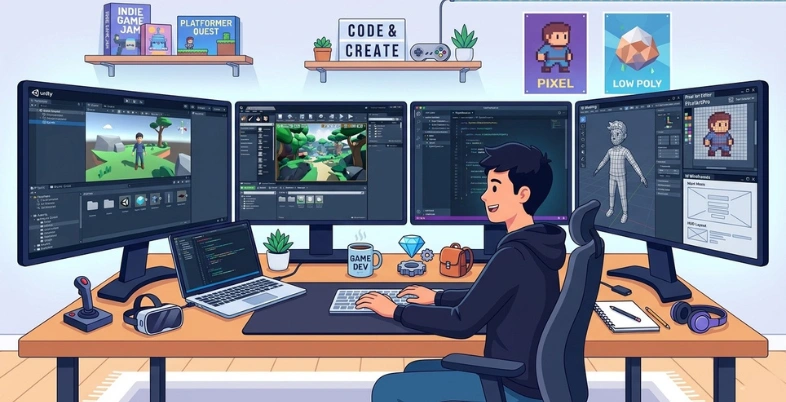
Game development in 2026 is becoming faster, smarter, and more competitive than ever before. However, studios still struggle with high production costs, lengthy development cycles, complex coding, and massive asset creation workloads. Creating realistic NPCs, animations, textures, and open-world environments manually requires huge investments in time and resources.
This is where AI tools are changing the industry rapidly. Modern AI platforms now automate coding, concept art, animation, testing, and storytelling while integrating smoothly with Unity, Unreal Engine, Roblox, and Godot. Industry reports show AI adoption in gaming is growing significantly as studios seek faster workflows and lower operational costs.
In this blog, discover the best AI tools helping developers build scalable, immersive, and profitable games more efficiently than ever before.
What Are AI Tools For Game Developers?
AI tools for game developers are software solutions that use artificial intelligence to automate, improve, and speed up different parts of game creation. These tools help developers generate code, design characters, create animations, produce voices, test gameplay, and build smarter non-player characters (NPCs).
In 2026, AI-powered platforms are widely used by indie studios and large gaming companies and game development companies in india to reduce development time and production costs while improving creativity and player experiences. AI tools also assist with debugging, world generation, dialogue creation, motion capture, and balancing gameplay mechanics. By automating repetitive tasks, developers can focus more on storytelling, innovation, gameplay quality, and user engagement.
AI Coding Assistants
AI coding assistants help developers write, debug, and optimize game code faster. They provide code suggestions, automate repetitive programming tasks, detect errors, and support multiple game engines and programming languages. These tools improve productivity and reduce development time for both beginners and professional studios.
AI Art Generators
AI art generators create game assets such as characters, backgrounds, textures, weapons, and concept art using text prompts or references. They help artists rapidly prototype ideas, maintain visual consistency, and reduce manual illustration workload while supporting different artistic styles for game environments.
AI NPC Systems
AI NPC systems create intelligent non-player characters that can respond dynamically to player actions. These tools improve dialogue generation, behavioral patterns, decision-making, and emotional interactions, making game worlds feel more realistic, immersive, adaptive, and engaging for players across genres.
AI Voice Tools
AI voice tools generate realistic voiceovers, dialogue narration, and multilingual speech for games. Developers use them to create character voices quickly without expensive recording setups. These tools also support voice cloning, emotional speech variation, and automated lip-sync integration for interactive storytelling.
AI Animation Tools
AI animation tools automate character movement, facial expressions, motion capture cleanup, and physics-based animations. They help developers create smoother and more natural animations while reducing manual frame-by-frame work, making character interactions more realistic and visually appealing in modern games.
AI Testing Tools
AI testing tools automatically detect bugs, gameplay issues, crashes, and performance problems during development. They simulate player behavior, test different scenarios, and identify balancing issues faster than manual testing, helping studios improve game quality and release stable gaming experiences efficiently.
How AI Tools Automate Repetitive Work
AI tools reduce manual effort by handling time-consuming development tasks automatically. This helps game studios improve efficiency, reduce costs, accelerate production cycles, and allow creative teams to focus on gameplay innovation, storytelling, graphics quality, and overall player experience.
- Automated Code Generation: AI tools generate repetitive scripts, gameplay mechanics, debugging suggestions, and optimization code, reducing manual programming effort during game development significantly.
- Faster Asset Creation: AI automatically creates textures, backgrounds, weapons, characters, and environmental designs, helping artists save hours of repetitive visual production work daily.
- Smart NPC Behavior: AI systems automate NPC dialogue, reactions, pathfinding, and behavioral patterns, eliminating repetitive manual scripting for interactive character development processes.
- Instant Voice Production: AI voice generators create multilingual dialogues and emotional voiceovers quickly, reducing repetitive recording sessions and expensive studio production requirements entirely.
- Automated Animation Processes: AI animation software automates motion capture cleanup, facial expressions, and movement adjustments, reducing repetitive frame-by-frame animation editing workloads substantially.
- Continuous Game Testing: AI testing tools automatically identify bugs, crashes, balancing issues, and gameplay errors through repeated simulations without extensive manual quality testing efforts.
Benefits of Using AI in Game Development
AI is transforming modern game development by helping studios create games faster, reduce workloads, improve creativity, and enhance player experiences. From coding automation to intelligent NPCs and world generation, AI tools improve efficiency while lowering production challenges for both indie developers and large gaming companies.
- Faster Development: AI automates coding, testing, animation, and asset creation processes, helping developers complete projects significantly faster with improved production efficiency overall.
- Reduced Production Costs: AI reduces manual labor requirements, expensive outsourcing, and repetitive development tasks, helping studios lower operational and content production expenses effectively.
- Better NPC Intelligence: AI creates smarter NPCs with adaptive behaviors, realistic conversations, emotional responses, and improved decision-making for immersive gameplay experiences worldwide.
- Faster Bug Fixing: AI testing tools quickly identify crashes, glitches, performance issues, and coding errors through automated testing and continuous debugging processes efficiently.
- Improved Storytelling: AI assists developers in generating dialogues, branching storylines, emotional interactions, and dynamic narratives for richer player engagement and immersion experiences.
- Procedural World Generation: AI automatically generates landscapes, cities, missions, maps, and environments, reducing repetitive design work while expanding open-world gaming experiences greatly.
- Better Player Personalization: AI analyzes player behavior and preferences to customize gameplay difficulty, recommendations, challenges, and experiences for higher engagement and retention rates.
- Faster Asset Generation: AI tools instantly create textures, characters, backgrounds, animations, and visual effects, accelerating asset production and reducing repetitive artistic workloads significantly.
List Of 14 Best AI Tools For Game Developers
AI tools are transforming game development by automating coding, asset creation, NPC interactions, animation, and testing workflows. In 2026, developers use AI-powered platforms to accelerate production, reduce costs, improve storytelling, and create immersive gaming experiences. Below are the best AI tools for game developers categorized by their primary use cases.
AI Tools for Game Art
These AI tools help developers generate concept art, textures, icons, characters, environments, and UI assets faster. They reduce manual illustration workloads while supporting creative experimentation and consistent artistic styles for modern games.
1. Leonardo AI

Website: https://leonardo.ai/
Leonardo AI is a popular AI-powered creative platform widely used for game asset production. Game developers use it to generate concept art, fantasy environments, weapons, textures, UI components, and character designs through advanced text prompts.
The platform supports multiple visual styles, image upscaling, and asset consistency, making it ideal for indie studios and professional teams. Leonardo AI also offers real-time canvas editing, 3D texture support, and customizable AI models for different gaming genres.
Its fast generation speed and high-quality outputs help developers accelerate pre-production and reduce traditional artwork creation costs significantly.
Key Features:
- AI concept art generation
- Texture and asset creation
- Real-time canvas editing
- Image upscaling tools
- Style consistency support
- Custom AI model training
Pros:
- Fast asset generation
- Beginner-friendly interface
- High-quality visual outputs
- Multiple artistic styles
- Useful for indie studios
Cons:
- Premium features require subscription
- Internet connection required
- Occasional prompt inconsistencies
Best For:
- Concept art, textures, fantasy assets, and game UI generation.
Pricing:
- Essential- $12 /month
- Premium- $30 /month
- Ultimate- $60 /month
2. Midjourney
Website: https://www.midjourney.com/
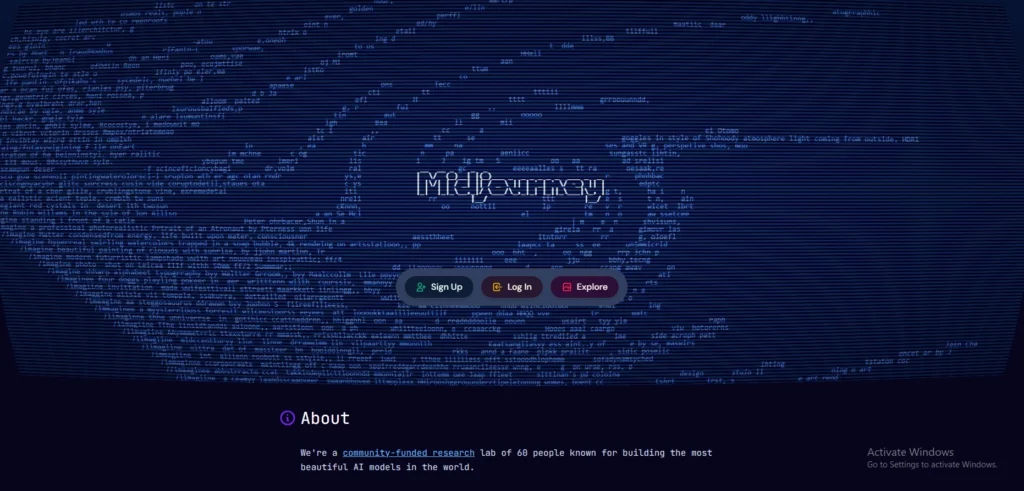
Midjourney is one of the most advanced AI art generators used for game development. Developers use it to create cinematic concept art, characters, futuristic environments, icons, and visual references for games.
Its highly artistic rendering style makes it especially valuable for RPGs, sci-fi titles, and fantasy worlds. Midjourney produces visually detailed images with strong lighting and composition quality, helping creative teams rapidly prototype ideas before production begins.
Although it focuses primarily on image generation, it significantly speeds up brainstorming, world-building, and visual storytelling workflows for modern gaming projects.
Key Features:
- High-quality AI artwork
- Detailed cinematic rendering
- Environment concept generation
- Character illustration support
- Artistic style variations
- Fast prompt-based creation
Pros:
- Exceptional image quality
- Strong artistic aesthetics
- Excellent for inspiration
- Rapid visual prototyping
- Active creative community
Cons:
- Limited editing controls
- Requires prompt experimentation
- Subscription-based access
Best For:
- Concept art, world-building, icons, and cinematic visual references.
Pricing:
- Basic: $10 monthly
- Standard: $30 monthly
- Pro: $60 monthly
- Mega: $120 monthly
3. Adobe Firefly
Website: https://firefly.adobe.com/
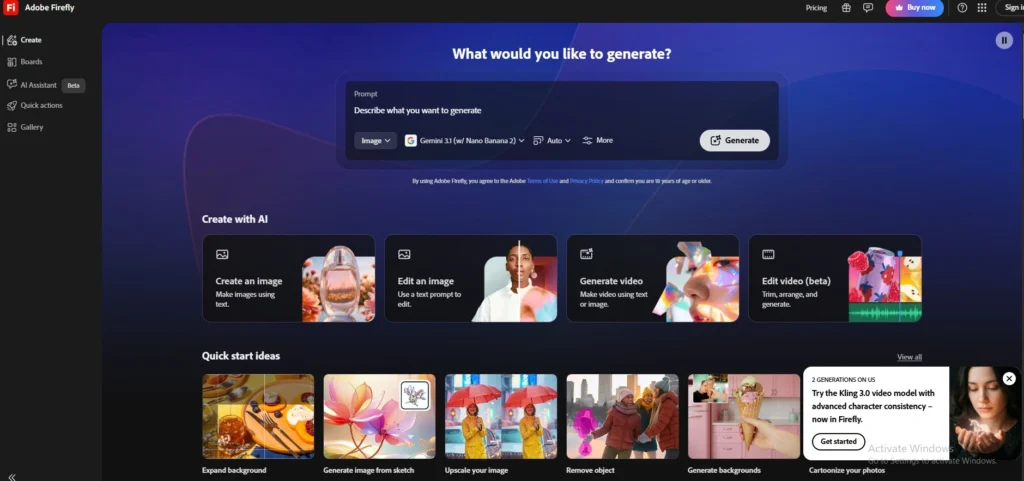
Adobe developed Firefly as an AI-powered creative platform integrated with Adobe’s design ecosystem. game developers use Adobe Firefly for UI generation, texture creation, icons, marketing assets, and visual editing workflows.
The tool integrates smoothly with Photoshop and Illustrator, allowing teams to enhance AI-generated assets using professional editing tools. Firefly supports commercial-safe content generation and style customization, making it suitable for game studios requiring reliable licensing standards.
Its generative fill and text-to-image capabilities simplify repetitive design tasks while improving asset production speed and visual consistency across game projects.
Key Features:
- Text-to-image generation
- Generative fill editing
- UI asset creation
- Adobe integration support
- Commercial-safe AI outputs
- Style customization tools
Pros:
- Professional editing ecosystem
- Easy Photoshop integration
- Commercial-friendly licensing
- Strong UI generation tools
- User-friendly workflow
Cons:
- Requires Adobe ecosystem
- Limited advanced customization
- Subscription pricing model
Best For:
- Game UI design, textures, icons, and production-ready visual assets.
Pricing:
- Firefly Standard- ₹797.68/mo
- Firefly Pro- ₹1,596.54/mo
- Firefly Pro Plus- ₹1,992.58/mo
- Firefly Premium- ₹7,971.53/mo
AI Tools for Coding and Scripting
These tools help developers automate coding tasks, improve debugging, generate scripts, and increase programming productivity through AI-assisted code suggestions and intelligent autocomplete systems.
4. GitHub Copilot
Website: https://github.com/features/copilot
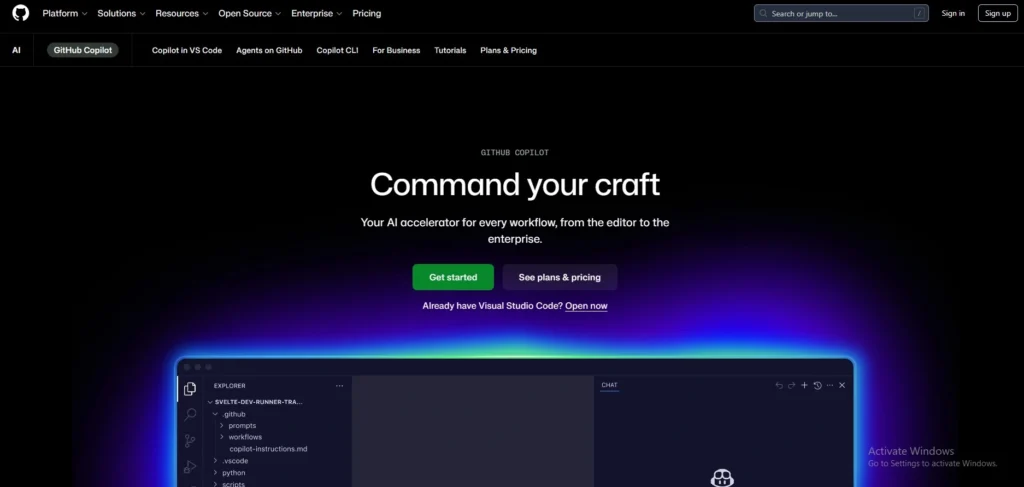
GitHub Copilot is one of the leading AI coding assistants for game developers. Powered by advanced language models, it helps programmers generate gameplay scripts, automate repetitive coding tasks, and debug errors directly inside development environments.
Copilot supports multiple programming languages commonly used in game engines including C++, C#, Python, and JavaScript. Developers use it for faster prototyping, AI-assisted logic building, and intelligent autocomplete suggestions.
Its contextual code recommendations significantly improve development efficiency, especially for indie teams and solo developers working on complex gameplay systems or multiplayer projects.
Key Features:
- AI code completion
- Intelligent script suggestions
- Multi-language support
- Debugging assistance
- IDE integration
- Context-aware recommendations
Pros:
- Speeds up coding
- Excellent autocomplete quality
- Supports major game languages
- Improves productivity
- Beginner-friendly assistance
Cons:
- Sometimes inaccurate suggestions
- Requires internet access
- Subscription required
Best For:
- Gameplay scripting, debugging, and rapid game coding workflows.
Pricing:
- Pro- $10 USD per user / month
- Pro+- $39 USD per user / month
5. Cursor
Website: https://cursor.com/
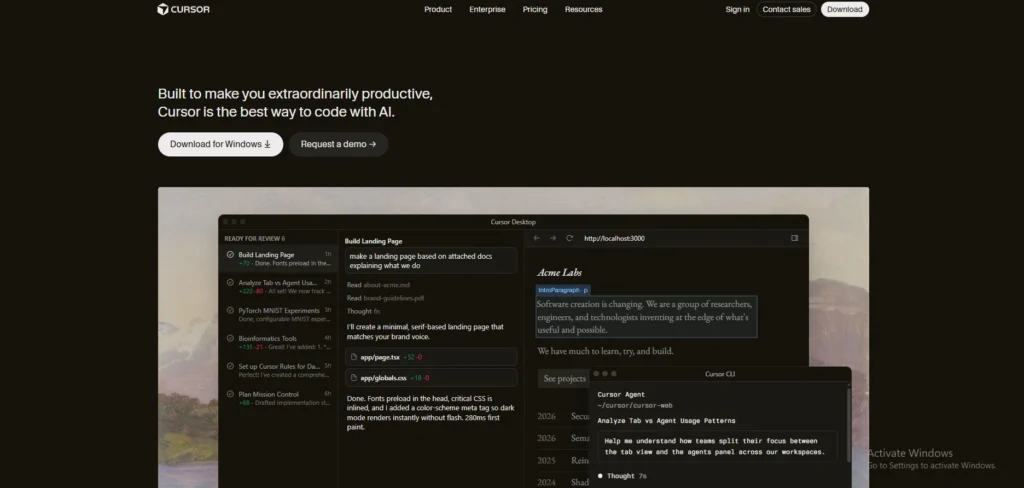
Cursor is an AI-first coding editor widely used by game developers for advanced scripting, debugging, and multi-file code generation. Built on a modified VS Code environment,
Cursor helps developers automate repetitive programming tasks, optimize gameplay logic, and refactor large game projects efficiently. It supports Unity, Unreal Engine, and multiple programming languages commonly used in game development. Cursor’s AI-powered Composer and agent workflows improve coding speed while reducing debugging time.
Many developers and enterprise engineering teams now use Cursor for scalable AI-assisted workflows and faster production pipelines across complex development environments.
Key Features:
- AI-powered multi-file editing
- Intelligent code refactoring
- Context-aware code suggestions
- Debugging assistance tools
- VS Code extension support
- Agentic coding workflows
Pros:
- Excellent large codebase handling
- Faster debugging workflows
- Strong autocomplete quality
- Useful for game scripting
- Enterprise-level productivity
Cons:
- Premium plans required
- Internet dependency
- Learning curve for beginners
Best For:
- Large-scale game scripting, debugging, and AI-assisted coding pipelines.
Pricing:
- Individual Pro- $20 / mo.
- Teams- $40 / user / mo.
6. Tabnine
Website: https://www.tabnine.com/
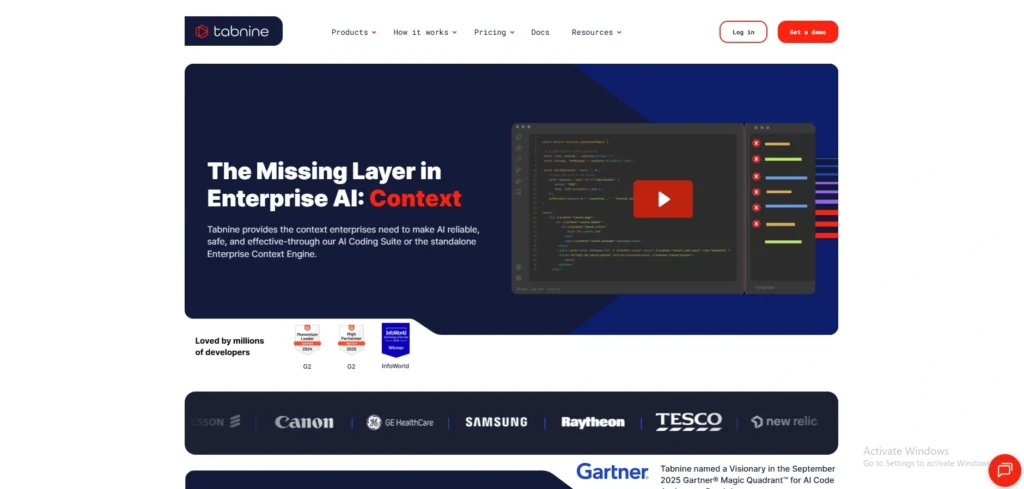
Tabnine provides AI-powered code completion tools for developers working on games, applications, and enterprise software. game studios use Tabnine for faster coding, intelligent autocomplete, and workflow automation across multiple programming languages.
Its privacy-focused deployment options allow secure on-device AI coding support for enterprise teams. Tabnine improves productivity by predicting functions, completing repetitive scripts, and suggesting optimized code structures.
The platform integrates smoothly with popular development environments and supports collaborative workflows, making it useful for both independent developers and larger gaming studios managing complex game projects efficiently.
Key Features:
- AI code predictions
- Intelligent autocomplete
- Secure deployment options
- Multi-language support
- IDE compatibility
- Team collaboration tools
Pros:
- Strong privacy controls
- Fast code suggestions
- Enterprise-friendly features
- Supports many languages
- Improves coding speed
Cons:
- Premium pricing plans
- Limited creative logic generation
- Occasional repetitive suggestions
Best For:
- Secure coding workflows, autocomplete, and collaborative game development.
Pricing:
- Tabnine Code Assistant- $39 per user per month
- The Tabnine Agentic Platform- $59 per user per month
AI Tools for NPCs and Storytelling
These tools improve game immersion through intelligent NPC behavior, dynamic dialogue systems, emotional responses, and branching narrative generation.
7. Inworld AI

Website: https://inworld.ai/
Inworld AI is a leading platform for creating intelligent NPCs and interactive characters in games. developers use it to build realistic NPC conversations, emotional responses, and adaptive behaviors powered by generative AI.
Inworld AI supports dynamic dialogue systems, personality customization, memory retention, and real-time interactions for immersive gameplay experiences. The platform integrates with major game engines including Unity and Unreal Engine.
Game studios use it to create more engaging RPGs, simulations, and open-world experiences where NPCs respond naturally to player choices and evolving storylines.
Key Features:
- Dynamic NPC dialogue
- Emotional AI responses
- Personality customization
- Real-time conversations
- Unity and Unreal integration
- Memory-based interactions
Pros:
- Highly immersive NPCs
- Realistic character conversations
- Easy engine integration
- Improves storytelling depth
- Supports adaptive gameplay
Cons:
- Advanced features expensive
- Requires cloud connectivity
- Complex setup for beginners
Best For:
- Interactive NPC systems and AI-driven storytelling experiences.
Pricing:
- Creator- $25/mo
- Developer- $300/mo
- Growth- $1,500/mo
8. Convai
Website: https://convai.com/
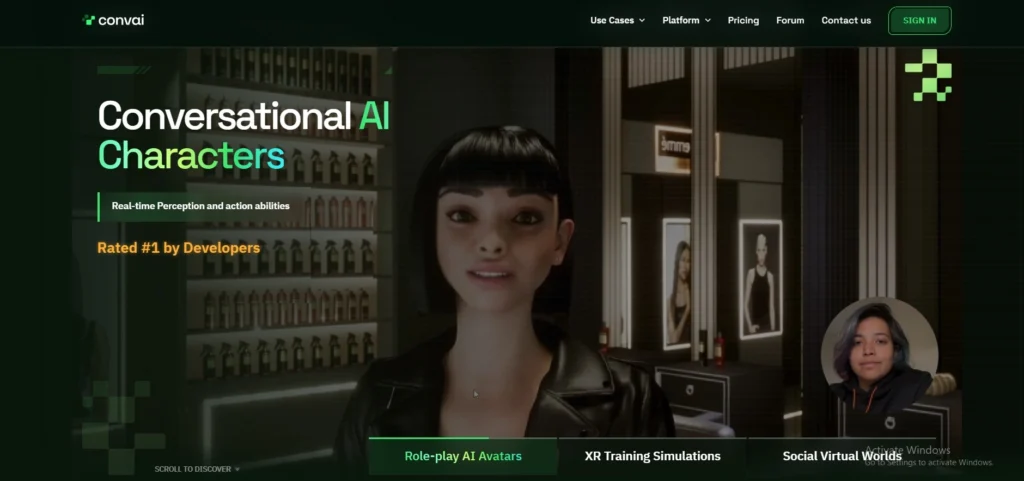
Convai helps game developers build conversational NPCs with natural language understanding and emotional interactions. developers use Convai for branching narratives, immersive dialogues, and voice-enabled game characters that react intelligently to players.
The platform supports real-time speech conversations, contextual memory, and customizable personalities, improving immersion in RPGs and simulation games. Convai integrates with major game engines and virtual environments, enabling studios to create more lifelike experiences.
Its AI-powered communication systems reduce manual dialogue scripting while enhancing player engagement and narrative flexibility across modern gaming projects.
Key Features:
- Real-time NPC conversations
- Voice interaction support
- Emotional dialogue responses
- Contextual memory systems
- Engine integration support
- Personality customization
Pros:
- Natural conversational NPCs
- Strong voice interaction tools
- Immersive storytelling features
- Reduces scripting workload
- Supports adaptive narratives
Cons:
- Cloud dependency
- Premium pricing
- Requires dialogue fine-tuning
Best For:
- Voice-enabled NPCs and branching narrative systems.
Pricing:
- Indie Dev- $29/mo
- Professional- $99/mo
- Scale- $499/mo
- Business- $1199/mo
9. Scenario

Website: https://www.scenario.com/
Scenario provides AI-powered tools for generating game assets, storytelling content, and character designs tailored for gaming studios. developers use Scenario for narrative world-building, dynamic visual content, and AI-assisted creative workflows.
The platform allows studios to train custom AI models based on their artistic style and lore requirements. Scenario helps teams rapidly create visual storytelling assets, branching content, and immersive game environments while maintaining artistic consistency.
Its collaborative workflow features make it suitable for multiplayer projects, indie games, and large-scale production pipelines requiring scalable AI content generation.
Key Features:
- Custom AI model training
- Narrative asset generation
- Visual storytelling tools
- Collaborative workflows
- Style consistency support
- Fast content creation
Pros:
- Tailored AI models
- Strong artistic consistency
- Scalable asset generation
- Team collaboration features
- Useful storytelling support
Cons:
- Learning curve for customization
- Premium enterprise features
- Requires quality prompt inputs
Best For:
- Narrative world-building and AI-generated game assets.
Pricing:
- Starter- $15/mo
- Pro- $45/mo
- Max- $75/mo
AI Tools for Animation
These tools automate motion capture, realistic character movement, and physics-based animation systems for smoother gameplay experiences.
10. Cascadeur
Website: https://cascadeur.com/
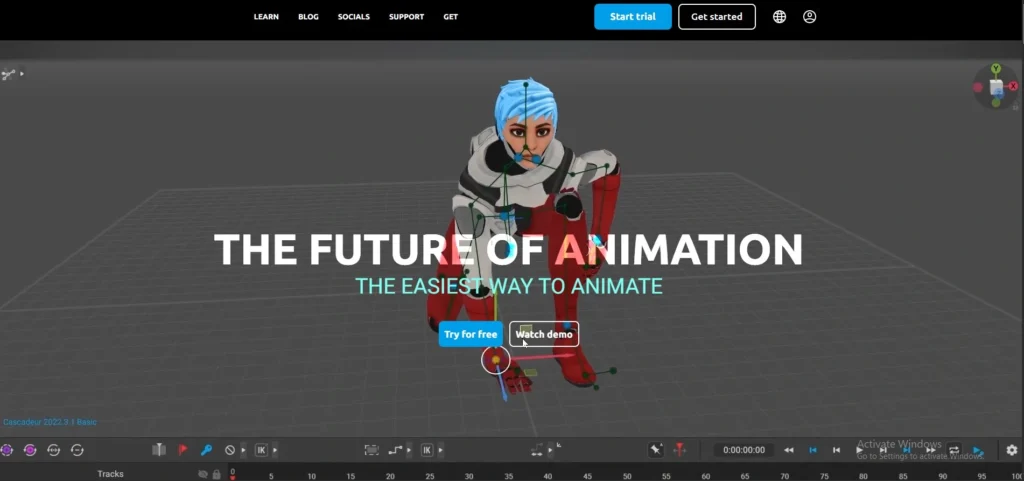
Cascadeur is an AI-assisted animation platform designed for realistic character movement and physics-based animation workflows. game developers use Cascadeur to create dynamic combat sequences, natural body movement, and cinematic animations with reduced manual editing.
Its AI-powered pose prediction and auto-physics systems simplify complex animation tasks while maintaining realistic motion quality. The software supports integration with major 3D pipelines and game engines, making it valuable for indie creators and professional studios.
Cascadeur significantly reduces animation production time while improving realism in action-focused games and cinematic storytelling projects.
Key Features:
- AI pose prediction
- Physics-based animation
- Motion editing tools
- Auto-physics support
- 3D pipeline integration
- Realistic movement systems
Pros:
- Highly realistic animations
- Reduces manual work
- Strong physics simulation
- Useful combat animation tools
- Professional-quality outputs
Cons:
- Learning curve exists
- Hardware-intensive workflows
- Limited beginner tutorials
Best For:
- Combat animation and physics-based character movement.
Pricing:
- Indie- ₹899 per month
- Pro- ₹1799 per month
- Teams- $32 per user per month
10. DeepMotion
Website: https://www.deepmotion.com/
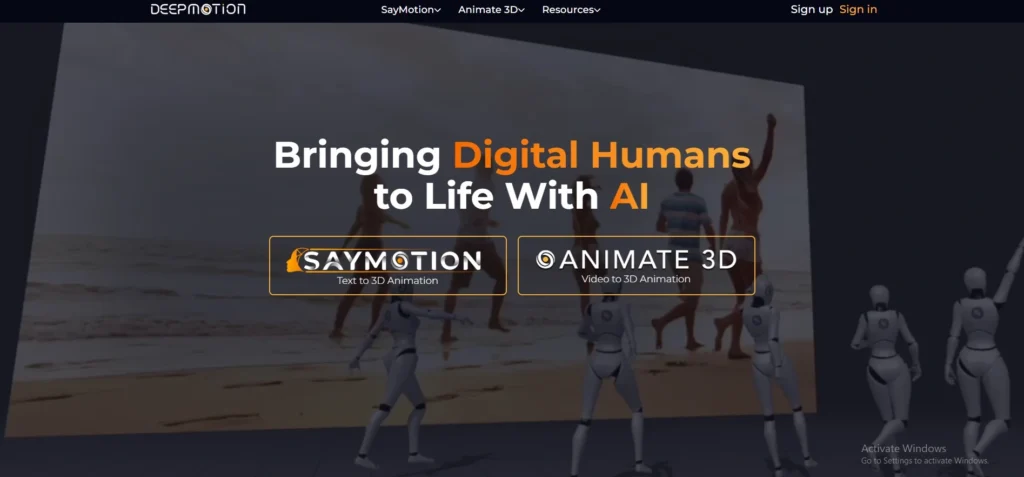
DeepMotion specializes in AI-powered motion capture and animation automation for games and virtual experiences. developers use DeepMotion to convert videos into realistic character animations without expensive motion capture hardware.
Its AI body-tracking technology simplifies animation production while supporting full-body movement, physics simulation, and facial animation workflows. DeepMotion integrates with popular 3D software and game engines, enabling rapid content creation for indie developers and professional studios.
The platform helps reduce animation costs while producing natural character movement for action games, simulations, and immersive virtual worlds.
Key Features:
- AI motion capture
- Video-to-animation conversion
- Full-body tracking
- Physics simulation tools
- Facial animation support
- Engine integration compatibility
Pros:
- No expensive mocap equipment
- Fast animation workflows
- Beginner-friendly system
- Realistic motion quality
- Cost-effective production
Cons:
- Internet-dependent processing
- Limited advanced editing
- Accuracy varies occasionally
Best For:
- Affordable motion capture and AI-driven animation production.
Pricing:
- Starter- $15 per month
- Innovator- $48 per month
- Professional- $117 per month
- Studio- $300 per month
11. Move AI
Website: https://move.ai/
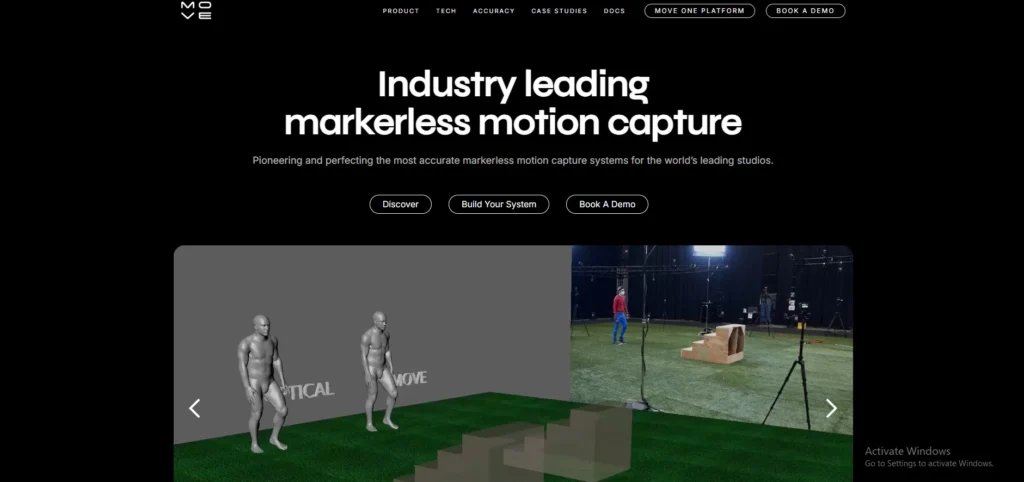
Move AI provides markerless motion capture technology powered by artificial intelligence. game developers use Move AI to capture realistic character movement using standard cameras without traditional mocap suits.
The platform supports multi-camera tracking, high-quality motion data, and realistic body movement generation for games, films, and virtual production. Its AI-powered system simplifies animation pipelines while reducing production costs significantly.
Move AI is widely used for sports games, action titles, and cinematic storytelling projects where natural movement and realistic animation quality are essential for immersive player experiences.
Key Features:
- Markerless motion capture
- Multi-camera support
- Realistic movement tracking
- AI body reconstruction
- Motion export compatibility
- Studio-quality capture results
Pros:
- No mocap suits required
- High-quality movement capture
- Faster production workflows
- Reduces hardware costs
- Professional animation outputs
Cons:
- Requires multiple cameras
- Premium pricing structure
- Large file processing needs
Best For:
- Professional motion capture and realistic body animation.
Pricing:
- Contact sales
AI Tools for Game Testing
These tools automate testing, identify bugs, improve quality assurance, and accelerate game optimization before release.
12. Modl.ai
Website: https://modl.ai/
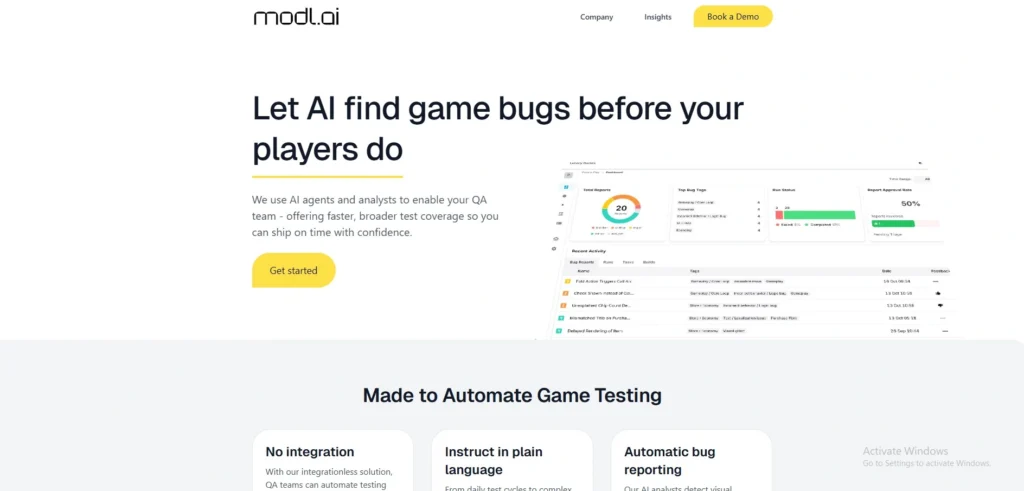
Modl.ai provides AI-powered automated game testing solutions for studios seeking faster QA workflows and bug detection. developers use Modl.ai to simulate player behaviors, identify gameplay issues, and optimize balancing systems before release.
Its AI agents continuously test mechanics, navigation systems, and multiplayer interactions without manual intervention. The platform helps reduce repetitive testing workloads while improving overall game stability and player experience.
Modl.ai integrates with modern development pipelines and supports scalable automated testing environments suitable for indie developers, AAA studios, and live-service game production teams.
Key Features:
- Automated gameplay testing
- AI player simulations
- Bug detection systems
- Gameplay balancing analysis
- Continuous QA automation
- Development pipeline integration
Pros:
- Reduces manual QA work
- Faster bug identification
- Improves game stability
- Scalable testing systems
- Useful multiplayer testing
Cons:
- Advanced setup complexity
- Enterprise pricing focus
- Requires workflow integration
Best For:
- Automated QA testing and gameplay balancing analysis.
Pricing:
- Contact sales
13. Testim
Website: https://www.testim.io/
Testim is an AI-driven automated testing platform used to improve software and game application quality assurance workflows. game developers use Testim to automate repetitive testing processes, detect interface issues, and reduce manual debugging efforts.
Its machine learning system adapts to UI changes, helping teams maintain reliable testing pipelines during continuous development cycles. Testim supports scalable testing environments and collaborative QA workflows, making it suitable for online games, launcher systems, and connected gaming services.
The platform accelerates release cycles while improving stability, performance monitoring, and software reliability across projects.
Key Features:
- Automated UI testing
- AI-powered QA workflows
- Scalable test management
- Machine learning adaptation
- Continuous integration support
- Collaborative testing tools
Pros:
- Faster QA automation
- Reduces repetitive testing
- Supports agile workflows
- Reliable UI testing
- Strong scalability features
Cons:
- Primarily software-focused
- Premium enterprise costs
- Complex initial setup
Best For:
- Automated UI testing and live-service game applications.
Pricing:
- Contact sales
14. Applitools
Website: https://applitools.com/
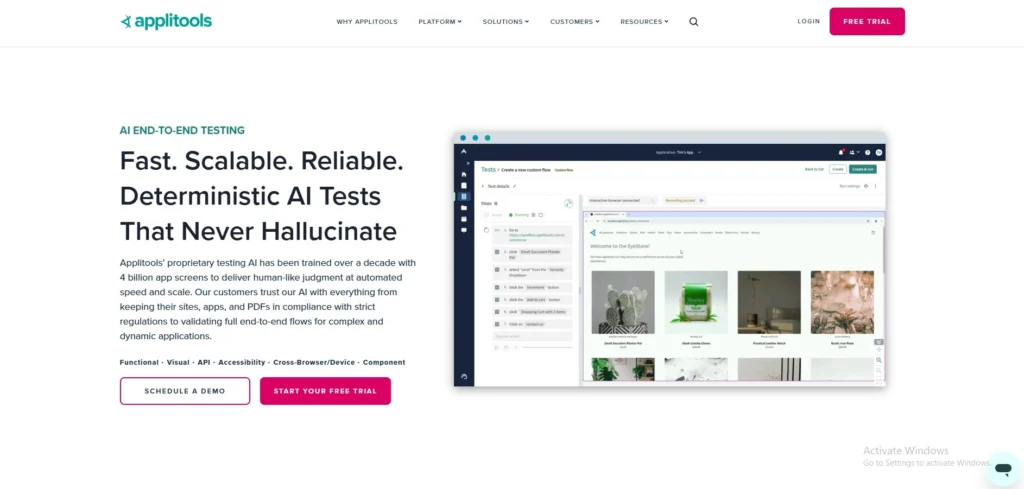
Applitools provides AI-powered visual testing and automated quality assurance solutions for software and gaming interfaces. In 2026, game developers use Applitools to detect visual inconsistencies, UI bugs, and rendering issues across platforms and devices.
Its Visual AI technology compares layouts, graphics, and interface components with high accuracy, helping teams maintain polished user experiences. The platform integrates with CI/CD pipelines and automated testing frameworks, enabling efficient release management for multiplayer games, launchers, and gaming applications.
Applitools reduces manual visual inspection workloads while improving consistency and software quality across development environments.
Key Features:
- Visual AI testing
- UI bug detection
- Cross-platform validation
- Automated visual comparison
- CI/CD integration
- Scalable QA workflows
Pros:
- Excellent visual testing
- Detects interface inconsistencies
- Improves UI quality
- Supports automation pipelines
- Reduces manual inspections
Cons:
- Enterprise-focused pricing
- Requires integration setup
- Limited gameplay testing focus
Best For:
- Visual QA automation and interface consistency testing.
Pricing:
- Custom Pricing
How AI Is Transforming the Gaming Industry
Artificial intelligence is revolutionizing the gaming industry by improving player experiences, automating development processes, and creating smarter virtual environments. In 2026, AI is helping studios deliver immersive gameplay, intelligent NPC interactions, dynamic storytelling, and personalized gaming experiences while reducing production time and operational costs significantly.
- Personalized Gameplay: AI analyzes player behavior, skill levels, and preferences to deliver customized missions, recommendations, challenges, and adaptive gaming experiences automatically worldwide.
- AI-Generated Worlds: AI creates expansive landscapes, cities, dungeons, and environments automatically, reducing manual design workloads while improving exploration experiences for players globally.
- Smarter NPCs: AI-powered NPCs respond intelligently with realistic conversations, emotions, adaptive decisions, and contextual interactions, making gameplay significantly more immersive and dynamic.
- Real-Time Adaptation: AI systems dynamically adjust difficulty levels, enemy strategies, and gameplay mechanics instantly according to player performance and engagement patterns continuously.
- Procedural Storytelling: AI generates branching narratives, side quests, dialogues, and evolving storylines automatically, creating unique storytelling experiences for every player individually worldwide.
- AI Voice Acting: AI voice tools create realistic multilingual character voices, emotional dialogues, and automated narration, reducing traditional recording production requirements significantly today.
- Cloud Gaming AI Integration: AI improves cloud gaming performance through predictive rendering, latency reduction, resource optimization, and personalized streaming experiences across devices globally today.
- Faster Content Production: AI automates coding, testing, animation, asset generation, and world-building tasks, helping studios release high-quality games much faster than traditional workflows.
AI Tools for AAA Game Studios
AAA game studios use advanced AI tools to manage massive production pipelines, large-scale open worlds, realistic NPC interactions, and high-volume asset creation. In 2026, enterprise-level AI solutions help studios reduce development time, improve production efficiency, and deliver immersive next-generation gaming experiences with cinematic quality and intelligent gameplay systems.
1. NVIDIA ACE
Website: https://developer.nvidia.com/ace-for-games
NVIDIA ACE (Avatar Cloud Engine) is an enterprise-level AI platform designed for creating intelligent digital characters and realistic NPC interactions in AAA games. In 2026, major studios use NVIDIA ACE for AI-driven conversations, facial animation, speech synthesis, and real-time emotional responses.
The platform integrates advanced generative AI with NVIDIA’s graphics technologies to build lifelike game characters capable of natural communication. NVIDIA ACE supports large-scale world-building pipelines and immersive storytelling while improving player engagement.
Its cloud-powered AI infrastructure helps developers create cinematic gaming experiences with highly responsive virtual characters and adaptive gameplay interactions.
2. Inworld AI
Website: https://inworld.ai/
Inworld AI provides enterprise-grade AI solutions for building intelligent NPCs and dynamic storytelling systems in AAA games. Large studios use Inworld AI to create emotionally responsive characters, branching narratives, and realistic player interactions across expansive virtual worlds.
The platform supports memory systems, personality customization, and real-time dialogue generation integrated with Unreal Engine and Unity. Inworld AI improves immersion by enabling NPCs to react naturally to player decisions and evolving game situations.
Its scalable AI pipelines help studios manage complex open-world environments while reducing repetitive scripting and dialogue development workloads significantly.
3. Promethean AI
Website: https://www.prometheanai.com/
Promethean AI is an AI-powered world-building platform designed for large-scale game production and digital environment creation. In 2026, AAA studios use Promethean AI to automate level design, environment population, asset placement, and scene organization for massive open-world projects.
The platform assists artists by intelligently generating environments using natural language commands and production data. Promethean AI accelerates asset workflows, improves consistency, and supports collaborative development pipelines across large creative teams.
Its enterprise-focused AI systems help studios handle massive asset production efficiently while reducing manual world-building and repetitive environmental design tasks substantially.
Challenges of Using AI in Game Development
Although AI improves efficiency and accelerates production, game developers also face several challenges while integrating artificial intelligence into modern gaming workflows. Issues related to creativity, ownership, ethics, quality control, and technical infrastructure can impact development processes, production reliability, and long-term sustainability for gaming studios.
- Copyright Concerns: AI-generated assets may unintentionally resemble copyrighted artwork, creating legal disputes and licensing complications for game studios during commercial releases globally.
- AI-Generated Asset Ownership: Ownership rights for AI-created characters, textures, animations, and environments remain unclear, causing uncertainty regarding intellectual property protection laws internationally today.
- Ethical Concerns: AI systems can generate biased content, harmful stereotypes, or inappropriate behaviors, creating ethical challenges for responsible game development practices globally.
- Lack of Creativity: AI often relies on existing training data, limiting originality and sometimes producing repetitive ideas lacking human emotional creativity and artistic uniqueness.
- Dependence on Automation: Excessive reliance on AI automation may reduce human involvement, creative experimentation, and traditional development skills within gaming production teams significantly.
- Hardware Requirements: Advanced AI tools require powerful GPUs, high-performance systems, and cloud infrastructure, increasing operational costs for smaller game development studios today.
- Quality Inconsistencies: AI-generated assets, dialogues, and animations sometimes produce inconsistent results, requiring extensive human editing and quality assurance before final production approval.
- Data Privacy Risks: AI-powered gaming systems collecting player behavior and interaction data may create privacy concerns and cybersecurity risks for gaming platforms globally.
How to Choose the Right AI Tool for Game Development
Selecting the right AI tool is important for improving productivity, reducing development costs, and matching your game production requirements. Developers should evaluate factors like compatibility, scalability, ease of use, and asset generation capabilities before choosing AI solutions for indie projects, mobile games, or AAA productions.
- Budget Planning: Choose AI tools matching your development budget, subscription affordability, infrastructure costs, and long-term production requirements for sustainable game development success.
- Engine Compatibility: Ensure AI tools integrate smoothly with Unity, Unreal Engine, Godot, or custom engines to avoid workflow and performance issues later.
- Team Size Consideration: Small indie teams need beginner-friendly automation tools, while large studios require scalable enterprise AI pipelines supporting collaborative production environments efficiently.
- Type of Game: Different genres require specialized AI tools for RPG storytelling, multiplayer balancing, open-world generation, mobile optimization, or simulation mechanics development.
- Asset Requirements: Select AI tools based on required assets including characters, animations, textures, environments, voiceovers, UI designs, and cinematic visual production workflows.
- Ease of Use: User-friendly AI platforms reduce learning curves, improve productivity, simplify onboarding, and help developers integrate automation into existing workflows quickly.
- API Integration Support: Strong API integrations allow AI tools to connect efficiently with game engines, cloud services, development software, and automation pipelines seamlessly.
- Scalability and Performance: Choose scalable AI solutions capable of handling increasing asset production, multiplayer systems, large environments, and future game expansion requirements efficiently.
Future of AI in Game Development
The future of AI in game development is expected to transform how games are created, played, and experienced worldwide. In coming years, developers may build fully AI-generated games where environments, quests, characters, and missions are dynamically created in real time. AI-generated voice acting will also become more realistic, affordable, and multilingual for global gaming audiences everywhere.
Real-time adaptive storytelling will allow games to change narratives according to player behavior, choices, emotions, and skill levels instantly. Autonomous NPC ecosystems powered by advanced AI may create virtual worlds where characters interact independently without scripted instructions. These intelligent systems could make open-world games feel more immersive, unpredictable, and naturally interactive for players across different gaming genres globally.
AI-powered multiplayer balancing will improve matchmaking, reduce cheating, and optimize competitive gameplay experiences. AI-assisted metaverse experiences may also create persistent virtual worlds with personalized social interactions, dynamic economies, and immersive digital entertainment ecosystems for users.
Suggested Read:
Conclusion
AI tools are transforming modern game development by helping studios reduce production costs, accelerate workflows, and improve overall creative efficiency. From automated coding and intelligent NPC systems to AI-generated art, animation, and testing, these technologies allow developers to produce high-quality games faster than traditional methods. In 2026, successful game companies are using AI not to replace human creativity, but to enhance innovation, scalability, and productivity across development pipelines.
However, choosing the right AI solution depends on project goals, budget, engine compatibility, and workflow requirements. Business-minded developers and studios should explore different AI platforms, compare features, evaluate integration capabilities, and test automation tools carefully before implementation. Combining AI efficiency with human storytelling, design thinking, and artistic creativity can create more immersive, profitable, and future-ready gaming experiences for global audiences.