

Software testing is more significant than ever in the contemporary dynamic digital world. Companies are required to produce the best applications promptly to keep up with the competition. Testing Tools come in here to save. These are highly effective tools that assist developers and testers to ensure that their software is checked automatically, and this saves time, as well as minimizing human error.
Testing Tools have changed the manner in which we test software applications. These tools can automatically check all features and various options instead of clicking on each of the buttons. They can perform tests 24/7, locate bugs more quickly, and ensure that your software is flawless in all sorts of devices and browsers.
No matter whether you are a beginner and are only starting with testing, or you are a professional and you need more effective solutions, this guide will help you to know all about Automation Testing Tools. In this paper, we are going to discuss the 10 best tools that can facilitate your testing process and make it smoother and more efficient.
What are Automation Testing Tools?
Testing Tools are programs that are used to aid in the testing of other software programs automatically. Imagine them as computerized aids that are able to handle tests without having to involve humans. Such tools can automatically test whether a site loads or a button works, as opposed to the manual way of someone checking whether it works or not. These tools operate on pre-written codes known as test scripts. These scripts instruct the tool on what to perform, such as opening a webpage, clicking buttons, filling forms, or even checking whether the text has appeared properly. The tool does these things and notifies back whether all works as anticipated or any issues have occurred.
Automation Testing Tools are capable of testing various applications such as websites, mobile applications, desktop programs, and even APIs (the under-the-hood communications between various software systems). They come in handy, particularly when repetitive tests need to be conducted repeatedly, such as whether a login form is operating properly with the addition of new code.
Why Look for Automation Testing Tools?
The following are the key reasons why Automation Testing Tools are crucial to the current software development:
- Saves Time and Money: Manual testing may require hours or days to complete, whereas automation can accomplish the same tests in a few minutes, therefore cutting down on the overall costs of the project and accelerating releases.
- Reduces Human Errors: Whenever performing repetitive jobs, people commit errors, but Automation Testing repeat the exact actions on each occasion without feeling fatigued or distracted.
- Enables Continuous Testing: These tools can automatically perform the test when new code is added and identify the problems at an early stage before they develop into a large one.
- Improves Test Coverage: Automation has the capacity to cover more scenarios and combinations than manual testing, so that the quality and bugs within production are guaranteed.
- Provides Better Reporting: The majority of Automation Testing Tools create detailed reports containing screenshots and logs, which are easy to read and correct issues within a short time.
Top 10 Automation Testing Tools
1. Selenium
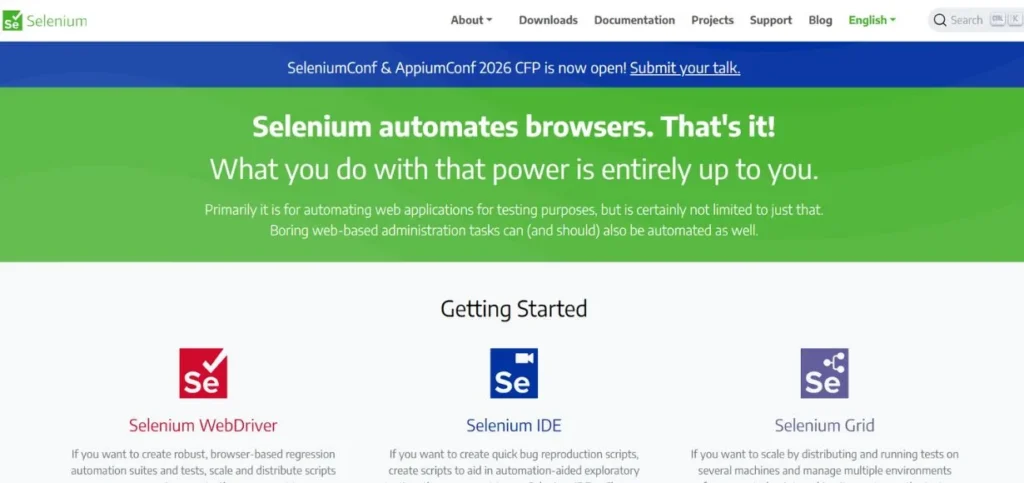
Selenium is the most widely used open-source web automation framework and one of the most popular automation testing tools, which has been the standard of web testing since 2004. It supports a variety of programming languages, such as Java, Python, C#, and JavaScript, allowing it to be used by many different programmers.
Selenium is compatible with every major browser and operating system, offering unmatched adaptability for web application testing. The framework has several components, such as Selenium WebDriver, Selenium IDE, and Selenium Grid, which can be used for distributed testing.
Key Features:
- Bisupported with multiple browsers.
- Several programming languages are supported.
- Open source and totally free.
Pros:
- Completely free to use
- There is a community support to be provided.
- Supports all major browsers
Cons:
- Needs programming skills.
- Lacks no inbuilt reporting capabilities.
- Setup can be complex
Best For: Web testing
Pricing: Free
Website: https://selenium.dev
2. Cypress
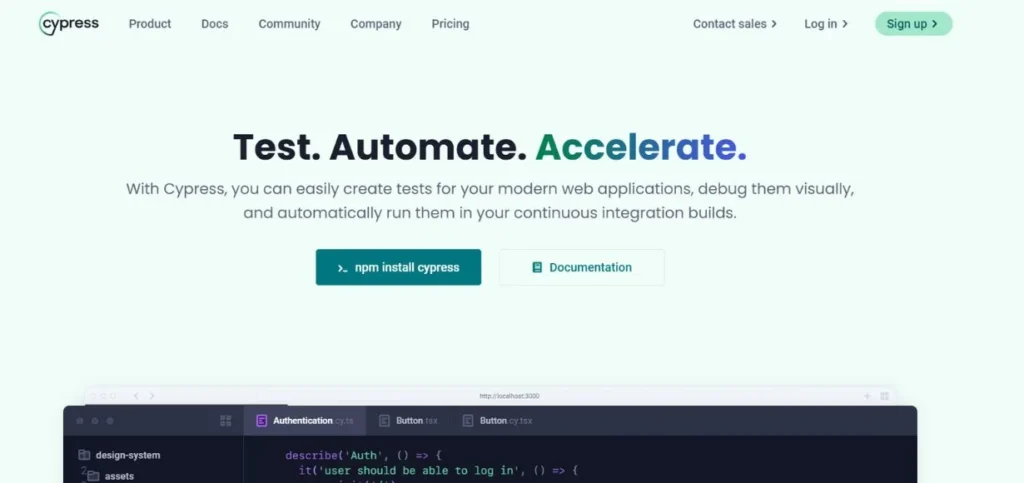
Cypress is a testing framework that is specifically built on JavaScript and is modern. Cypress is also a direct-in-the-browser implementation of Selenium, which is faster and more reliable to run and execute compared to traditional Selenium versions. It is developer-friendly as it provides real-time reloading capabilities, time-travel debugging, and automatic waiting. The instrument also has great debugging features and produces precise error messages, as well as the option of viewing what really took place at every stage of your test. Cypress also provides an in-built dashboard for the test results and is compatible with leading CI/CD systems.
Key Features:
- On-the-fly browser testing offered.
- Elementary automatic waiting.
- Integrated debugging tools were provided.
Pros:
- Fast test execution speed
- User-friendly interface design.
- Good debugging facilities are available.
Cons:
- Only supports the JavaScript language.
- Possible only with Chrome-based browsers.
- No mobile testing support
Best For: JavaScript
Pricing: Free tier available, paid plans start at $75/month
Website: https://cypress.io
3. TestComplete
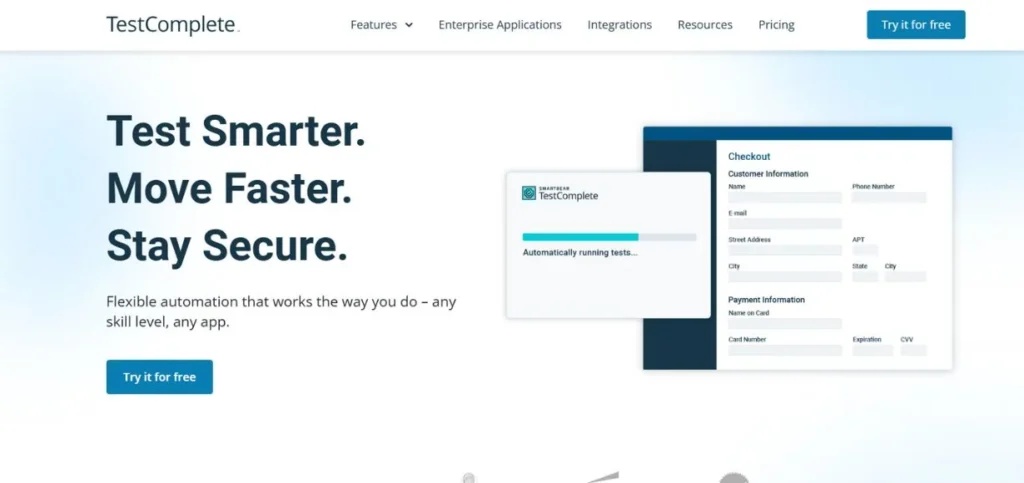
TestComplete is a fully commercial testing environment that allows desktop, web, and mobile testing to be done using the same platform. It can provide script-based and scriptless testing methods, thus it is also appropriate for both technical and non-technical team members. TestComplete is considered one of the versatile automation testing tools and supports several scripting languages such as JavaScript, Python, VBScript, and C.
The tool has sophisticated object recognition capabilities that can detect UI objects even when they are modified slightly. It contains built-in test management, elaborate reporting, and integration with other popular ALM tools.
Key Features:
- Desktop and mobile support
- Available scriptless testing technique.
- State-of-the-art object recognition technology.
Pros:
- Friendliness of interface design.
- All-round testing platform solution.
- Good technical support is provided.
Cons:
- High licensing fees were incurred.
- Can be resource-intensive
- Knowledge base of amateurs.
Best For: Enterprise
Pricing: Contact for pricing
Website: https://smartbear.com/product/testcomplete
4. Appium
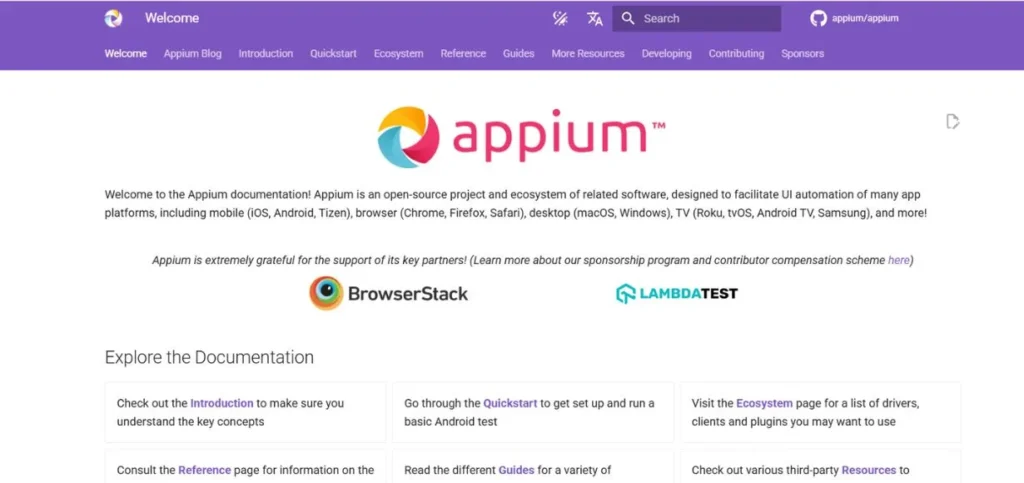
Appium is an open-source automation framework that is particularly created to be used in testing the mobile applications of both Android and iOS. It builds on the WebDriver protocol, which is already well known to customers of Selenium who use it to test the web. Appium does not make any changes to your mobile app and can work with both native and hybrid and mobile web applications. The framework has several programming languages, such as Java, JavaScript, Python, Ruby, and C #. Appium is able to test on real devices, simulators, and emulators, thus offering flexibility in testing environments.
Key Features:
- Mobile testing on cross-platform.
- No modification of the app was necessary.
- Testing the ability of real devices.
Pros:
- Free solution and open-source.
- Its programming languages are numerous.
- Works with real devices
Cons:
- Involuntary complicated setup.
- It can be slow sometimes.
- Few debugging tools are present.
Best For: Mobile
Pricing: Free
Website: https://appium.io
5. Playwright
Playwright is a recent automation system that has been created by Microsoft and is capable of testing web apps within Chromium, Firefox, and WebKit browsers. It is made to do end-to-end testing with the capabilities of auto-waiting, network interception, and the ability to simulate a mobile connection. Playwright is one of the modern automation testing tools and is a great supportive tool for web applications, such as single-page applications and progressive web applications.
The framework has the inbuilt features of parallel testing, visual comparison, and recording of test execution in a video. The unique quality of Playwright to test complex scenarios is its capability to operate with a number of browsers at the same time.
Key Features:
- WebKit WebKit multi-browser support.
- In-built parallel testing features.
- Auto-waiting Waiting automatically.
Pros:
- Fast and reliable execution
- Modern web app support
- In-built video recording capability.
Cons:
- Quite a novel framework alternative.
- Less cosmopolitan than Selenium.
- Poor mobile testing capabilities.
Best For: Modern
Pricing: Free
Website: https://playwright.dev
6. Robot Framework
Robot Framework is an open source automation framework based on a keyword-driven approach, therefore accessible to non-programmers. It helps to test web, mobile, and API applications with the help of a variety of libraries and can be supplemented with custom keywords. Its syntax is simple and easy to read, and its framework is similar to natural language, making test cases easy to understand and maintain.
Robot Framework is one of the widely used automation testing tools and, by default, produces detailed HTML reports and logs that contain all the information on how the test is being executed. It is compatible with other tools and libraries, such as the Selenium web testing and Appium mobile testing.
Key Features:
- The testing method employed was Keyword-driven.
- Available syntax of natural language.
- Extensive support of library ecosystems.
Pros:
- Easy to learn syntax
- Good reporting abilities are in place.
- Ecosystem of huge libraries.
Cons:
- Can be verbose sometimes
- Low debugging capabilities.
- Massive test performance problems.
Best For: Keywords
Pricing: Free
Website: https://robotframework.org
7. Katalon Studio
Katalon Studio is a unified automation testing solution that combines web, mobile, API, and desktop testing. It provides codeless and code-based testing methods and is therefore applicable to a team with diverse technical capabilities. The platform has built-in keywords, object storage, and test data management options. Katalon Studio offers smart test recording and self-healing test execution, which automatically adjusts to small changes in the UI. It has a complete reporting and analytics platform, as well as integration support with popular CI/CD and project management solutions.
Key Features:
- One-on-one testing platform solution.
- Codes of testing are not required.
- The ability to execute self-healing tests.
Pros:
- Easy-to-use interface design.
- Several types of testing were supported.
- Inbuilt reporting capabilities comprised
Cons:
- Can be resource-heavy
- Limited possibilities of customization.
- Advanced features are expensive to license.
Best For: All-in-one
Pricing: Free version available, paid plans start at $167/month
Website: https://katalon.com
8. TestCafe
TestCafe is an end-to-end testing framework created using Node.js, and it does not need WebDriver or browser extensions to execute tests. It operates by injecting scripts into the web pages and is more controlled and stable than the traditional methods. TestCafe is compatible with all the well-known browsers and can also be executed on a remote computer or cloud service. As one of the reliable automation testing tools, the framework provides automatic waiting, parallel execution of tests, and built-in support for popular JavaScript testing frameworks. TestCafe will report the errors, showing screenshots and full logs to assist in the fast identification and correction of the problems.
Key Features:
- No WebDriver required setup
- Support of cross-browser testing.
- In-built parallel execution facility.
Pros:
- Easy setup process required
- Constant and consistent execution.
- Available good error reporting.
Cons:
- Limited to JavaScript only
- A lesser community compared with competitors.
- Less flexible than Selenium
Best For: JavaScript
Pricing: Free
Website: https://testcafe.io
9. WebDriverIO
WebDriverIO is a framework of progressive automation tests of Node.js that is created based on the WebDriver protocol. It offers a full-fledged testing that is compatible with the latest JavaScript framework and testing of both web and mobile applications. This framework is also compatible with well-known testing services and cloud providers, and thus makes it ideal when the testing environment is distributed. WebDriverIO has auto WebDriver management, an embedded test runner, and a large ecosystem. It has several testing methods, such as behavior-driven development (BDD) and page object patterns.
Key Features:
- Framework based on the WebDriver protocol.
- Mobile and web support
- Large ecosystem of available plugins.
Pros:
- Current JavaScript Framework support.
- A personal experience with superb records and support.
- CSPI, Cloud testing service integration.
Cons:
- Requires Node.js knowledge
- Ease of setup for novices.
- Prisoned in a tin JavaScript ecosystem.
Best For: JavaScript
Pricing: Free
Website: https://webdriver.io
10. Postman
Postman is mostly an API development platform, though it has become an effective API testing tool and one of the popular automation testing tools. It enables the team to develop, test, and monitor APIs with a friendly interface that does not actually require a lot of programming knowledge. Postman provides a wide range of HTTP methods, authentication options, and data types, which makes it suitable for multiple API testing. The platform has automated testing, a mock server, and API documentation generation functions. The collection runner that Postman provides allows one to test in batches and in continuous integration.
Key Features:
- API testing and development
- Collection Runner Automated.
- Inbuilt monitoring functions were provided.
Pros:
- Easy-to-use interface design.
- Great for API testing
- Powerful cooperation characteristics are present.
Cons:
- Limited to API testing
- The advanced features are paid.
- Not suitable for UI testing
Best For: APIs
Pricing: Free tier available, paid plans start at $12/month
Website: https://postman.com
Common Mistakes to Avoid
These are the most popular pitfalls made by teams when adopting Automation Testing Tools:
- Everything Automated: Begin with important test cases, not with the whole test set that you are likely to automate, as that will result in huge maintenance costs.
- Ignoring Test Maintenance: Automation Testing must be maintained and updated with your application, and therefore, you must account for the maintenance of these in your project schedule.
- Making decisions on Tools without due consideration: Do not choose the tools because they are popular, but compare them to your needs, competence, and the project limitations.
- Failure to attend to Training and Documentation: Investment in effective training and documentation, to make sure that your team will be able to use the Automation Testing and maintain test scripts.
- Focusing Only on UI Testing: Do not overlook API automation testing tools and unit testing – to have a comprehensive level of testing, multiple levels of automated testing should be utilized.
Conclusion
Automation Testing Tools are now a necessity in contemporary software development, and they assist teams to create quality applications promptly and with reduced expenses. Open-source instruments such as Selenium and Cypress are available, but there aren’t the resources to buy an enterprise tool like TestComplete or UFT. Success in Automation Testing requires the right tool to fit your unique needs, proper investment in training, and behavioral best practices in test automation. Both when automating web applications, mobile applications, or API, these tools listed in this guide give you terrific places to start.
It is essential to keep in mind that test automation is not a universal tool. The most suitable Automation Testing Tools to use on your project will depend on the type of application to be deployed, the skills of the team involved, the budget, and future objectives. You should also consider the alternatives and begin with small automation and then continue to widen it over time as your team gains experience.
Frequently Asked Questions
1. Which are the most suitable free Automation Testing Tools?
Selenium, Appium, and Playwright are the top free Automation Testing service that apply to modern web applications and mobile testing, respectively. These open source software offers full testing features at no cost, including a license, but is more tech-savvy to operate and maintain successfully.
2. What are the available alternatives to Selenium?
When comparing Selenium alternatives with other options, remember such factors as your team’s programming language, the necessity to support browsers, and ease of configuration. JavaScript teams should consider tools such as Cypress, which have improved developer experience, and Playwright, which has good cross-browser coverage, such as WebKit, with modern web applications.
3. How do API automation testing tools differ from UI testing tools?
The API automation testing software are designed to test the backend services and data communications among the apps, whereas the UI testing tools are designed to test the user interface and user interactions. The API testing is usually faster and more stable, whereas UI testing addresses the entire user experience but may be more difficult to maintain.
4. Does an AI-powered testing tool ensure the elimination of manual testing?
Though testing tools that are based on AI become more advanced, and they are able to perform a lot of repetitive tasks, they cannot entirely substitute manual testing. The human intuition is also essential to exploratory testing, usability testing, and complex scenario testing that involves ingenuity and intuition.
5. What budget would I have to budget on Test management tools and automation set-up?
The cost of Automation Testing Tools will depend on what you need and how. Open-source applications are free and would need time to establish and maintain. Prices of commercial tools are as low as $12 to as high as $200 per user per month. Training costs, infrastructure, and maintenance are factors to consider when budgeting for automation.