
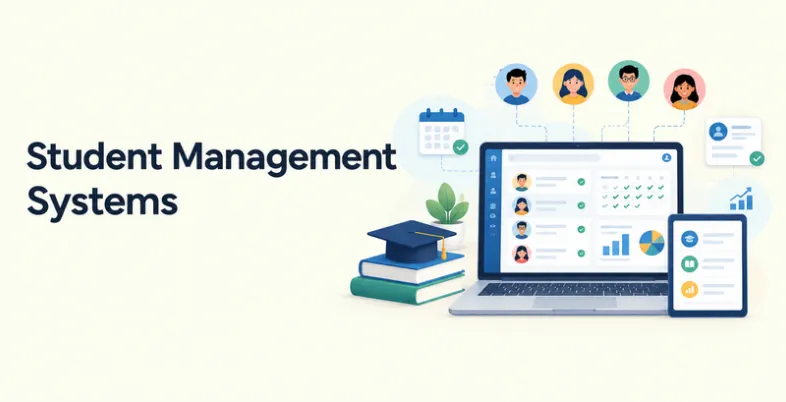
Managing student information manually can become difficult as an educational institution grows. Admissions, attendance, grades, fees, schedules, student records, parent communication, and reports all generate large amounts of information. Managing these processes through spreadsheets and separate applications can also make it harder for staff to keep information accurate and accessible.
A student management system brings many of these activities together in one platform. Schools and colleges can use these systems to maintain student records, automate administrative tasks, communicate with parents and students, manage academic information, and generate reports.
Modern student management systems range from simple school administration software to complete student information systems that support admissions, learning, finance, communication, and reporting. This guide covers some of the leading options, their features, pricing, advantages, limitations, and ideal use cases.
What Is A Student Management System?
A student management system is software that helps educational institutions organize and manage student-related information and administrative activities from a centralized platform.
Depending on the product, it can manage student profiles, admissions, attendance, courses, grades, examinations, fees, timetables, communication, documents, and reports. More advanced platforms can also connect with learning management systems, accounting software, payment gateways, parent apps, and other third-party tools.
Student management software are also commonly referred to as Student Information Systems (SIS), School Management Systems, or School ERP platforms. The exact features vary depending on whether the software is designed for K-12 schools, colleges, universities, private institutions, or training organizations.
Why Do Schools And Colleges Need A Student Management System?
- Centralize Student Information: A student management system keeps important student information in one location. Administrators can access contact details, enrollment information, attendance records, academic performance, fees, and other information without searching through multiple spreadsheets or paper files.
- Reduce Administrative Work: Many repetitive tasks can be automated. Staff can record attendance, generate reports, send notifications, update grades, manage admissions, and collect fees through the same system.
- Improve Communication: Student management platforms can provide communication tools for administrators, teachers, students, and parents. Depending on the software, users may receive announcements, attendance notifications, fee reminders, academic updates, and other messages through web portals, mobile apps, email, or messaging integrations.
- Improve Data Accuracy: Using separate spreadsheets for different departments can result in duplicate or outdated information. A centralized system allows authorized users to work with the same student record and reduces unnecessary manual data entry.
- Make Reporting Easier: Schools and colleges regularly need reports related to attendance, academic performance, enrollment, fees, admissions, and other activities. A student management system can generate these reports using the information already stored in the platform.
- Support Better Decision-Making: Administrators can use dashboards and reports to identify attendance patterns, enrollment changes, fee collection issues, academic performance trends, and other operational information.
Key Features Of A Student Management Systems
- Student Information Management: The system stores student profiles, contact information, enrollment details, documents, academic history, and other relevant records.
- Admissions and Enrollment: Admissions modules can help institutions manage applications, applicant information, enrollment workflows, document collection, and student registration.
- Attendance Management: Schools can use an attendance tracking system to record attendance, generate reports, and send automated notifications.
- Grade and Assessment Management: These features allow teachers to record marks, grades, assessments, report cards, and academic progress. Some platforms also support customizable grading systems
- Timetable and Scheduling: Schools can use scheduling features to manage classes, teachers, rooms, courses, and academic calendars.
- Fee and Payment Management: Many student management systems handle fees, invoices, payments, and reminders. Institutions can also integrate a finance management system to manage broader financial operations.
Comparison Of The Best Student Management System
| Student Management System | Best For | Pricing | Free Trial | Ease of Use |
| openSIS | Schools needing broad SIS functionality with a budget-friendly option | Free plan; paid plans from around $4/month | 15 days | Easy |
| Fedena | Schools and institutions looking for broad school ERP functionality | Paid plans from around $999/year according to current market listings | 14 days | Moderate |
| QuickSchools | Small schools seeking affordable cloud management platforms | From around $0.99/month according to current listings | 30 days | Easy |
| Gradelink | Small and mid-sized schools | From around $121/month for up to 50 students | Demo/trial options | Easy |
| DreamClass | Private schools and structured educational organizations | From $99/month | Available | Easy |
| Classter | Schools and higher education institutions | Custom pricing | Available | Moderate |
| iSAMS | International and independent schools | Custom pricing | Demo available | Moderate |
| Alma SIS | K-12 schools needing flexible student information management | Custom pricing | Demo available | Easy |
| OpenEduCat | Institutions wanting an open-source and customizable platform | Free/open-source options plus paid plans | Available | Moderate |
| Classe365 | Schools, colleges, and training institutions | Free plan; paid plans available | Available | Easy |
Pricing and trial availability can change by region, edition, student count, and billing cycle. For example, current software directories list DreamClass plans beginning at $99/month and Gradelink plans beginning at $121/month for up to 50 students.
List Of Best 10 Student Management Systems
1. openSIS
- Rating: 4.5/5
- Website: openSIS
- Best For: Budget-conscious schools looking for broad student information system functionality
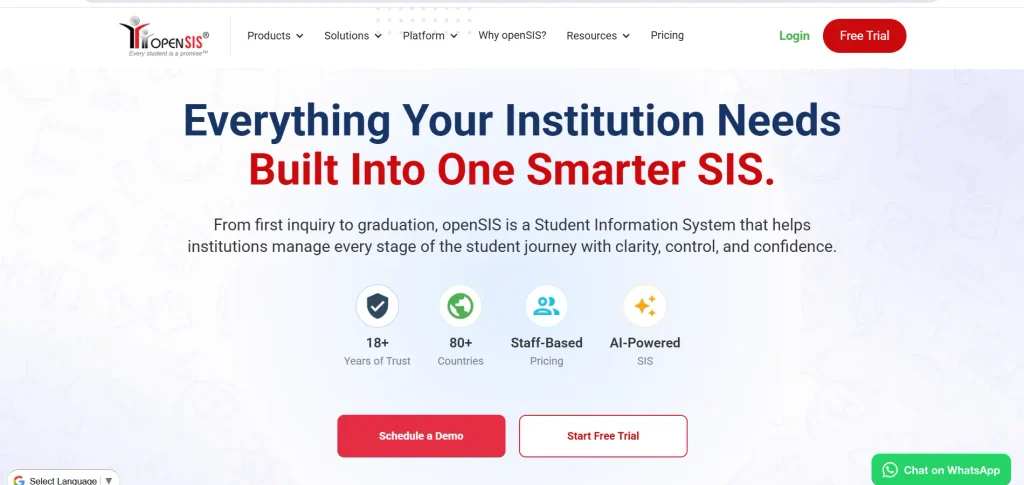
openSIS is a student information system designed to help educational institutions manage core student and academic information. It supports areas such as student records, attendance, enrollment, scheduling, grades, reporting, and other administrative workflows.
The platform is available with a free option as well as paid plans, making it suitable for institutions with different budgets. Current market listings show paid plans starting at around $4 per month when billed annually, alongside a 15-day trial.
Key Features:
- Student information management
- Attendance tracking
- Enrollment management
- Grade management
- Scheduling
- Reporting
- Student and parent portals
- Customizable workflows
Pros:
- Free option available
- Broad SIS functionality
- Suitable for different institution sizes
- Relatively low starting price
Cons:
- Advanced requirements may need paid features
- Implementation may require technical support
Pricing:
- Free plan available; paid plans start from around $4/month on annual billing.
2. Fedena
- Rating: 4.4/5
- Website: Fedena
- Best For: Schools and educational institutions looking for a broad school management platform
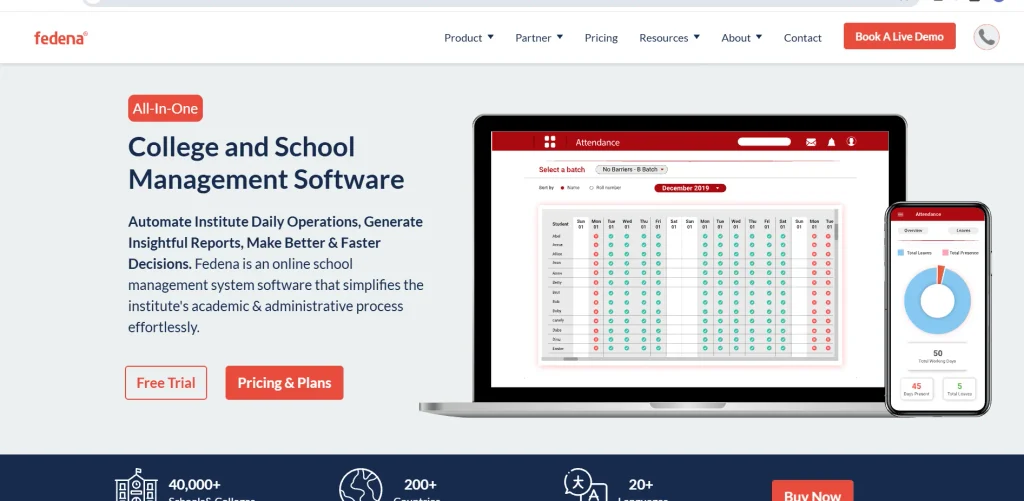
Fedena is a school management and student information platform that brings academic, administrative, financial, and communication activities into one system. As one of the student management systems available for educational institutions, it helps manage student profiles, attendance, examinations, fees, timetables, communication, and other school operations.
Its broad module structure makes it suitable for institutions that want more than a basic student database. Current 2026 market listings indicate free access options along with paid annual plans beginning around $999 per year, although actual pricing can depend on the edition and institution.
Key Features:
- Student information management
- Admissions
- Attendance
- Examination management
- Fee management
- Timetable management
- Parent communication
- Reporting
Pros:
- Broad feature coverage
- Suitable for different educational institutions
- Supports multiple administrative processes
- Long-established education software
Cons:
- Some advanced features may require additional configuration
- Pricing can increase with additional requirements
Pricing:
- Free option available: paid plans start around $999/year according to current market listings.
3. QuickSchools
- Rating: 4.3/5
- Website: QuickSchools
- Best For: Small schools looking for an affordable cloud-based system
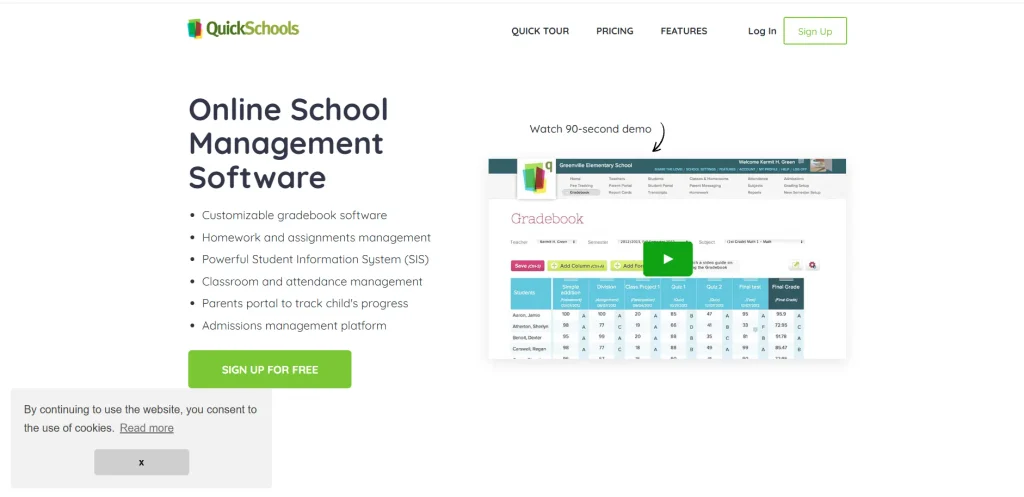
QuickSchools is a cloud-based school management platform designed around core administrative and academic workflows. It can help schools manage student records, attendance, grades, schedules, payments, communication, and portals. Its relatively simple interface and low starting price make it particularly relevant to smaller schools that do not need a complex enterprise system. Current software comparisons list plans starting from around $0.99 per month, although the final cost depends on the school’s requirements and student population.
Key Features:
- Student records
- Attendance management
- Gradebook
- Scheduling
- Fee management
- School calendar
- Parent portal
- Communication tools
Pros:
- Affordable entry point
- Cloud-based
- Suitable for smaller schools
- Covers core school management activities
Cons:
- May not be ideal for large institutions
- Advanced enterprise requirements may need another platform
Pricing:
- Plans start from around $0.99/month according to current listings.
4. Gradelink
- Rating: 4.7/5
- Website: Gradelink
- Best For: Small and mid-sized schools managing grades, attendance, and student records
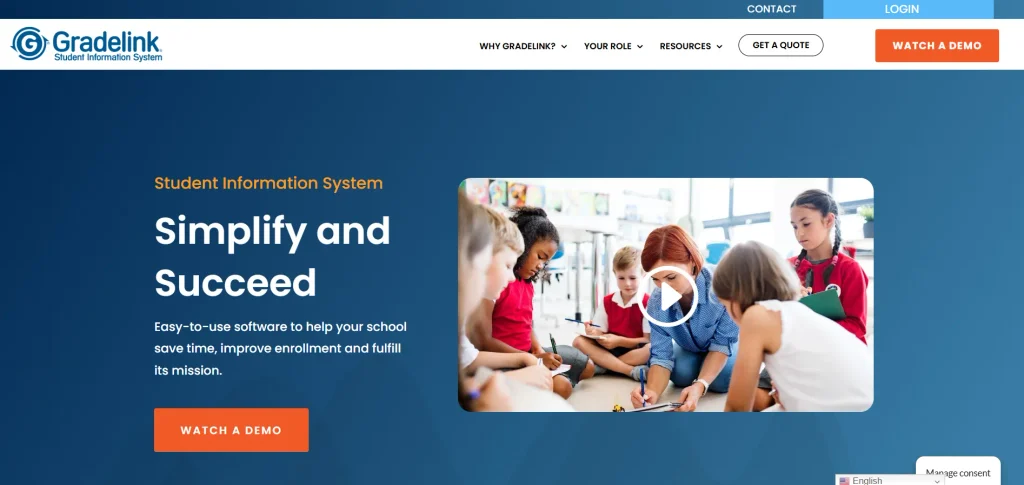
Gradelink is a cloud-based school management platform focused on connecting administrators, teachers, students, and parents. It supports student enrollment, attendance, grades, report cards, communication, and student records.
The platform is particularly useful for schools that want an accessible system for managing everyday academic administration. Current software listings show pricing based on active student count, with plans starting at around $121 per month for schools with up to 50 students.
Key Features:
- Student records
- Enrollment
- Attendance
- Gradebook
- Report cards
- Parent communication
- School reporting
- Online access
Pros:
- User-friendly interface
- Strong academic management features
- Useful for smaller schools
- Centralized student information
Cons:
- Pricing increases with student count
- Some additional features may require separate modules
Pricing:
- Starts around $121/month for up to 50 students based on current published software listings.
5. DreamClass
- Rating: 4.8/5
- Website: DreamClass
- Best For: Private schools, vocational institutions, and structured educational organizations
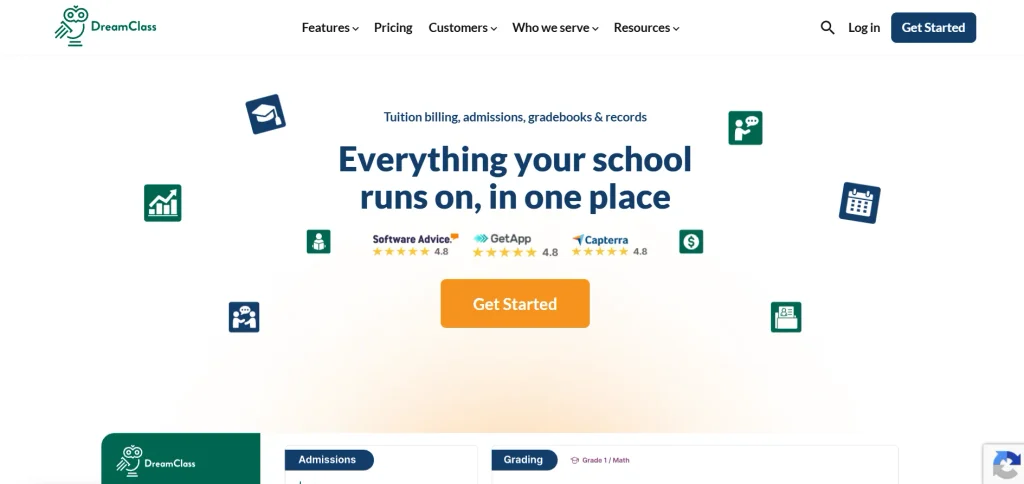
DreamClass is a cloud-based school management system that combines student administration, academic management, tuition, communication, and reporting. As one of the student management systems for educational institutions, it provides student profiles containing information such as contact details, grades, attendance, and payment history.
The platform also includes student and guardian portals, allowing families to access academic and administrative information. Current pricing listed by Software Advice includes a Standard plan at $99 per month for up to 100 students, a Plus plan at $189 for up to 300 students, and an Enterprise plan at $259 for up to 500 students.
Key Features:
- Student profiles
- Admissions
- Attendance
- Grade management
- Tuition management
- Student and guardian portals
- Timetables
- Reporting
Pros:
- Clear pricing structure
- Good range of administrative features
- Cloud-based
- Student and guardian portal
Cons:
- Pricing may become significant for larger institutions
- Advanced institutions may need more specialized integrations
Pricing:
- Starts at $99/month for up to 100 students.
Suggested read:
6. Classter
- Rating: 4.5/5
- Website: Classter
- Best For: Schools and higher education institutions wanting SIS, LMS, and CRM capabilities
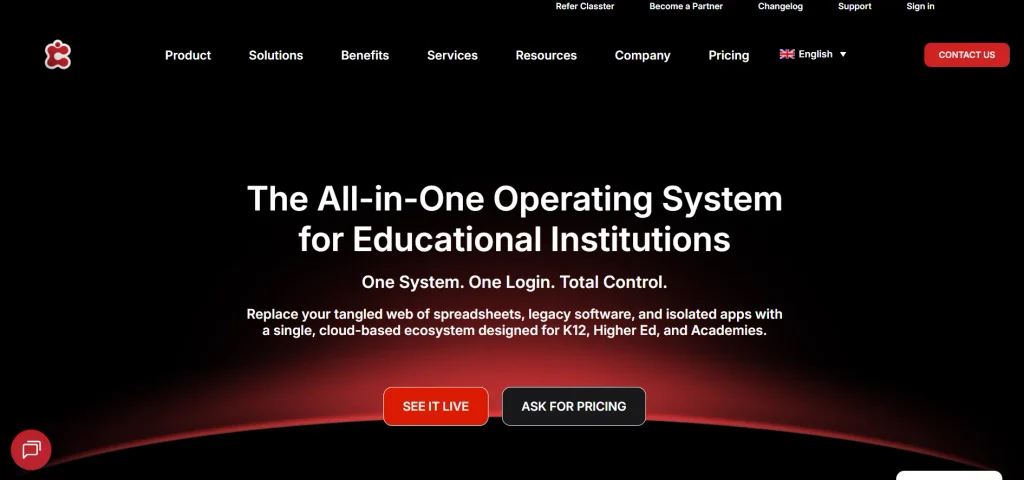
Classter is an education management platform that combines student information management with learning management and CRM functionality. It can support admissions, student records, academic management, attendance, billing, communication, and other education-related workflows.
The platform is designed for different types of educational organizations and can be useful when an institution wants multiple functions within one system. Current market comparisons list Classter among platforms used by both K-12 institutions and higher education organizations.
Key Features:
- Student information management
- Admissions
- Academic management
- Attendance
- Learning management
- CRM
- Billing
- Communication
- Reporting
Pros:
- Broad functionality
- Suitable for multiple education segments
- Combines SIS and LMS capabilities
- Supports integrations
Cons:
- More complex than basic school software
- Pricing is generally quote-based
Pricing:
- Custom pricing based on institution size and requirements.
7. iSAMS
- Rating: 4.5/5
- Website: iSAMS
- Best For: International and independent schools
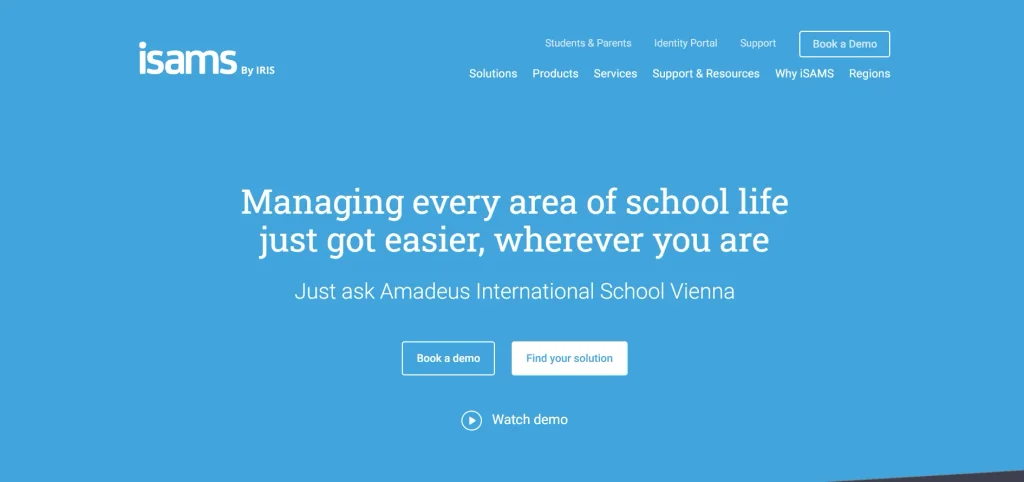
iSAMS is a school information system designed for schools that need centralized management of student and school information. It supports areas such as admissions, student records, academic management, attendance, communication, reporting, and integrations.
The platform is particularly relevant to international and independent schools that require a broader administrative system. Current 2026 market comparisons identify iSAMS as a comprehensive school information system with APIs, portals, billing capabilities, and learning integrations.
Key Features:
- Student records
- Admissions
- Attendance
- Academic management
- Parent communication
- Reporting
- APIs
- Integrations
Pros:
- Suitable for international schools
- Broad administrative capabilities
- Integration support
- Scalable platform
Cons:
- Pricing is not generally published
- May be more than a small school needs
Pricing:
- Custom pricing based on institutional requirements.
8. Alma SIS
- Rating: 4.5/5
- Website: Alma SIS
- Best For: K-12 schools wanting flexible student information management
Alma SIS is designed for K-12 schools and focuses on managing student information, academic records, attendance, grading, communication, and related administrative activities. As one of the student management systems available for K-12 education, it provides a centralized environment where educators and administrators can access student information and manage everyday academic workflows.
The platform is particularly relevant to schools looking for a modern SIS rather than a simple attendance or gradebook application. Pricing is generally customized according to the institution’s requirements.
Key Features:
- Student information management
- Attendance
- Gradebook
- Scheduling
- Reporting
- Family communication
- Academic records
- Integrations
Pros:
- Designed specifically for K-12
- Centralized student records
- Modern interface
- Flexible academic workflows
Cons:
- Pricing requires a quote
- Primarily focused on K-12 education
Pricing:
- Custom pricing.
9. OpenEduCat

- Rating: 4.3/5
- Website: OpenEduCat
- Best For: Institutions wanting an open-source and customizable education management platform
OpenEduCat is an open-source education management platform built to support academic and administrative operations. Its modules can cover student information, admissions, courses, attendance, examinations, fees, faculty management, and other institutional processes.
The open-source model can give institutions greater control over customization and deployment, but it also means organizations may need technical resources for hosting, security, updates, backups, and maintenance. This makes it particularly relevant to institutions that have an internal IT team or implementation partner.
Key Features:
- Student management
- Admissions
- Attendance
- Course management
- Examination management
- Fees
- Faculty management
- Reporting
Pros:
- Open-source flexibility
- Customizable
- Broad education modules
- Suitable for different institution types
Cons:
- Technical knowledge may be required
- Hosting and maintenance responsibilities can increase costs
Pricing:
- Free/open-source options are available: paid services and editions depend on requirements.
10. Classe365
- Rating: 4.8/5
- Website: Classe365
- Best For: Schools, colleges, training organizations, and institutions needing SIS and LMS functionality
Classe365 combines student information management with learning, communication, CRM, and administrative capabilities. The platform can support admissions, student records, courses, assessments, finance, communication, and online learning.
It also provides integrations with services such as Google applications, Office 365, payment platforms, and other business tools. A free plan is available for limited usage, while paid plans provide additional functionality. Current software listings show a free Basic plan and paid plans beginning at $49 per month.
Key Features:
- Student information management
- Admissions
- Learning management
- Assessments
- Finance management
- CRM
- Communication
- Integrations
- Student portal
Pros:
- Free plan available
- Combines SIS and LMS functionality
- Useful integrations
- Suitable for different educational organizations
Cons:
- Advanced plans can become more expensive
- Institutions may need time to configure the platform
Pricing:
- Free plan available: paid plans start around $49/month according to current software listings.
Benefits Of A Student Management Systems
- Better Administrative Efficiency: A centralized platform reduces the need to maintain multiple spreadsheets, registers, and disconnected applications. Staff can complete many administrative activities from one system.
- Faster Access to Information: Administrators and teachers can find student information quickly rather than searching through physical files or separate databases.
- Improved Parent and Student Engagement: Portals and mobile applications can give parents and students direct access to attendance, grades, schedules, fees, announcements, and other information.
- More Accurate Records: A centralized database can reduce duplicate data entry and make it easier to maintain consistent student information across departments.
- Easier Reporting: Automated reports can save staff time and make it easier to monitor academic, attendance, enrollment, and financial information.
- Improved Data Security: Digital systems can provide user permissions and access controls so institutions can limit sensitive student information to authorized users. However, institutions should still evaluate each vendor’s security practices, backup policies, compliance requirements, and data-storage arrangements before implementation.
- Scalability: A suitable student management system can grow with the institution. Schools can add students, teachers, departments, campuses, modules, and integrations as their requirements change.
How To Choose The Best Student Management System?
- Identify Your Institution’s Requirements: Start by listing the activities you need to manage. A small school may only need student records, attendance, grades, fees, and communication, while a university may require admissions, course registration, transcripts, finance, portals, and integrations.
- Consider the Number of Students: Pricing and system performance often depend on the number of students. Calculate the current student population as well as expected growth over the next few years.
- Check the Core Features: Make sure the platform includes the features you actually need. Do not select software simply because it has a long feature list.
- Evaluate Ease of Use: Teachers and administrative staff will use the system regularly. An overly complicated platform can create resistance and increase training requirements.
- Check Integration Options: If you already use accounting software, an LMS, payment gateway, communication platform, or other applications, check whether the student management system can integrate with them.
- Review Security and Data Controls: Ask about user permissions, encryption, backups, data ownership, data export, hosting location, and compliance requirements. These factors are particularly important because student management system contains sensitive personal and academic information.
- Compare the Total Cost: Do not compare only the monthly or annual subscription. Include implementation, migration, training, integrations, support, SMS or communication charges, payment gateway fees, and additional modules when calculating the total cost.
- Request a Demo: A live demo can help administrators understand how the software works in real situations. Ask the vendor to demonstrate tasks such as adding a student, recording attendance, generating a report, collecting fees, and communicating with parents.
Common Challenges In Student Management System
- Data Migration: Moving information from spreadsheets or an older system can be complicated. Institutions should check what data the new platform can import and whether the vendor provides migration support.
- Staff Training: Teachers and administrators may need training before they can use the system efficiently. A platform with good documentation, onboarding, and support can make the transition easier.
- Integration Problems: A new system may need to work with existing accounting, payment, LMS, communication, or identity-management software. Poor integration can create additional manual work.
- Data Privacy and Security: Student systems contain personal, academic, and financial information. Institutions need appropriate access controls, backups, security measures, and data-management policies.
- Resistance to Change: Teachers and administrative staff may be comfortable with existing processes. Introducing new software without proper training and communication can slow adoption.
- Hidden Costs: The advertised subscription may not represent the full cost. Setup, migration, training, additional users, communication credits, integrations, and premium modules can increase the final bill.
- Vendor Dependence: Institutions should understand how they can export their data if they decide to change systems later. Data portability should be considered before signing a long-term contract.
Future Trends In Student Management System
- AI-Powered Student Management: Artificial intelligence is increasingly being incorporated into education software. Future systems are likely to use AI for administrative automation, report generation, communication assistance, scheduling, data analysis, and identifying patterns in student information.
- Predictive Analytics: Student data can be analyzed to identify attendance patterns, academic trends, and other indicators that may require attention. Institutions will increasingly use analytics dashboards to support earlier interventions.
- Mobile-First Platforms: Teachers, parents, students, and administrators increasingly expect to access important information from smartphones. Mobile applications and responsive platforms are therefore becoming an important part of student management system.
- Greater Automation: Routine tasks such as attendance notifications, fee reminders, admissions communication, report generation, and scheduling can increasingly be automated.
- Integrated Education Platforms: Instead of using separate applications for student records, learning, payments, communication, and administration, institutions are increasingly looking for platforms that connect these functions. This trend is reflected in systems that combine SIS, LMS, CRM, finance, and communication features.
- Better Data Interoperability: Educational institutions will need systems that can exchange information with other platforms without requiring repeated manual data entry. APIs and standardized integrations will therefore remain important selection criteria.
- Personalized Student Experiences: As educational platforms collect more academic and engagement information, institutions can use this data to provide more personalized communication, learning support, and student services.
Conclusion
A student management systems can help schools and colleges move away from disconnected spreadsheets and manual administrative processes. By centralizing student records, attendance, grades, admissions, fees, communication, and reporting, these platforms can make everyday operations more organized and accessible.
However, there is no single system that works equally well for every institution. A small private school may need an affordable and easy-to-use platform such as QuickSchools or Gradelink, while a larger institution may need a more comprehensive system such as Fedena, Classter, iSAMS, or another enterprise platform.
Before choosing a solution, institutions should evaluate their student population, required features, budget, integrations, security requirements, ease of use, implementation support, and long-term scalability. The cheapest platform is not always the lowest-cost option once migration, training, support, and additional modules are considered.
FAQs
1. What Is A Student Management System?
A student management system is software that helps schools and educational institutions manage student records and administrative activities. It can include admissions, attendance, grades, fees, schedules, communication, reporting, and other functions.
2. What Is The Difference Between An SIS And A Student Management System?
The terms are often used interchangeably. A Student Information System generally focuses on official student records and academic information, while a broader student management or school management system may also include fees, communication, transport, admissions, HR, and other administrative functions.
3. How Much Does Student Management Software Cost?
Pricing varies considerably. Some platforms offer free or open-source options, while others charge according to student numbers or provide custom enterprise pricing. Current software listings include options below $100 per month as well as platforms costing several hundred dollars per month.
4. Can Student Management System Be Used By Colleges?
Yes. Some platforms are designed specifically for higher education, while others support both K-12 schools and colleges. Colleges should check for features such as course registration, credit management, transcripts, admissions, student portals, academic records, and integrations.
5. Is Student Management Software Difficult To Use?
The difficulty depends on the platform and its configuration. Basic cloud-based systems are generally easier to implement, while enterprise platforms with many modules may require more training and setup.