
Communication is more essential than ever in today’s rapidly changing business environment. Cloud calling software revolutionized the way companies communicate with customers and their staff. The old telephone wires are replaced by this modern technology that allows to make and receive calls using the internet. This is a booming industry! The global Voice over Internet Protocol market will have a value of USD 153.3 billion by 2035.
In addition, companies that convert their on premise telephone system use to cloud hosted ones save 45 to 55 per cent on the telephone bill. This blog can help you grasp what cloud calling is and assist you in selecting the best cloud-based calling software for your needs.
What Is Cloud Calling Software?
Cloud calling software is a phone system that enables voice calls to be made and received using the internet. There’s no need for large plastic desk phones or cluttered cords in the office. The software is instead securely stored on the internet servers of a supplier. It can be used through an application installed on your computer, cell phone, or iPad®. It’s internet connected, so your team can work and communicate with customers anywhere in the world.
Key Features To Look For In Cloud Calling Software
- Smart Call Routing: Automatically sends incoming calls to the right department or available person.
- Call Recording: Saves audio files of your conversations for training and safety purposes.
- Virtual Receptionist: Greets callers with a recorded voice menu and guides them to the right extension.
- Mobile Application: Lets your team use their business phone numbers directly from their personal mobile phones.
- Voicemail to Email: Types out your voice messages and sends them straight to your email inbox.
Comparison Of Cloud Calling Software
| Tool Name | Best For | Pricing | CRM Integration |
| RingCentral | Large teams and enterprises | Starts at $20 per user per month | Yes |
| Zoom Phone | Current Zoom video users | Starts at $16 per user per month | Yes |
| Dialpad | AI powered call notes | Starts at $15 per user per month | Yes |
| Aircall | Fast call center setup | Starts at $30 per user per month | Yes |
| Nextiva | Reliable voice quality | Starts at $15 per user per month | Yes |
| Vonage | Custom business needs | Custom Quote | Yes |
| 8×8 | Global international calls | Custom Quote | Yes |
| Ooma Office | Small shops and startups | Starts at $19.95 per user per month | Basic |
| CloudTalk | High volume sales teams | Starts at $25 per user per month | Yes |
| JustCall | Local numbers worldwide | Starts at $29 per user per month | Yes |
List Of Top 10 Cloud Calling Software
1. RingCentral
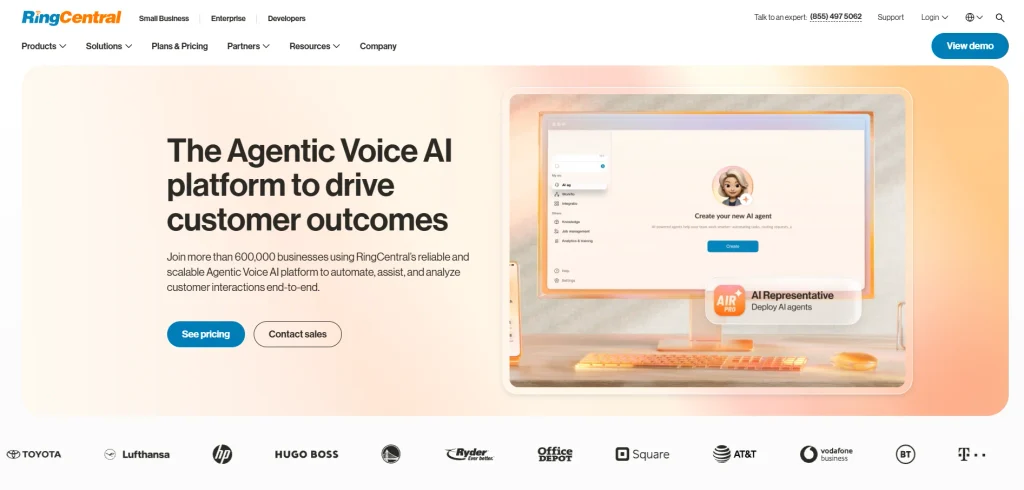
- Website: ringcentral.com
- Best for: Large enterprise companies
RingCentral stands as a top choice for businesses looking for a complete cloud communication platform. It brings voice calls, video meetings, and team messaging together into a single application. The software provides excellent call quality and advanced security to keep your business data safe.
Users can access their phone system from any desktop or mobile device, making it perfect for remote work. With many app integrations available, it fits smoothly into any workflow and helps teams stay highly productive.
Key features:
- Unlimited domestic calling
- Automatic call recording
- Video meetings and team chat
- Real time performance analytics
Pros:
- Very reliable connection
- Works with hundreds of other apps
- Excellent mobile application
Cons:
- Setup takes a lot of time
- Can be expensive for small teams
- Customer support can be slow
Pricing:
| Plan Name | Monthly Price |
| Core | $20 |
| Advanced | $25 |
| Ultra | $35 |
| Customer Engagement Bundle | Contact us for pricing |
2. Zoom Phone
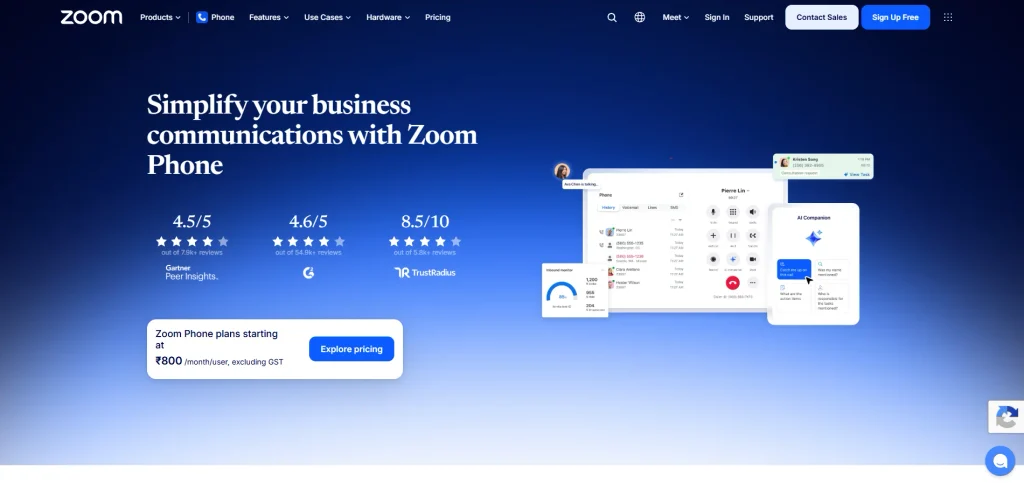
- Website: zoom.us/phonesystem
- Best for: Businesses already using Zoom
Zoom Phone is a powerful cloud calling solution built directly into the familiar Zoom application. If your team already uses Zoom for video meetings, adding their phone service is incredibly simple. The platform offers secure voice calls across all your devices with clear audio quality.
It includes helpful tools like call routing, voicemail to text, and call recording. Businesses love it because it is very easy to manage from one dashboard, reducing the need to learn new complicated software.
Key features:
- Global call routing
- Voicemail transcription
- Easily change a call into a video meeting
- Shared team phone lines
Pros:
- Very easy to learn and use
- Affordable starting price
- Great audio quality
Cons:
- Needs a strong internet connection
- Basic features in the cheapest plan
- Support relies heavily on chat bots
Pricing:
| Plan Name | Monthly Price |
| US & CA Unlimited | $16 |
| Pro Plus | $20.50 |
| Business Plus | $24.50 |
3. Dialpad
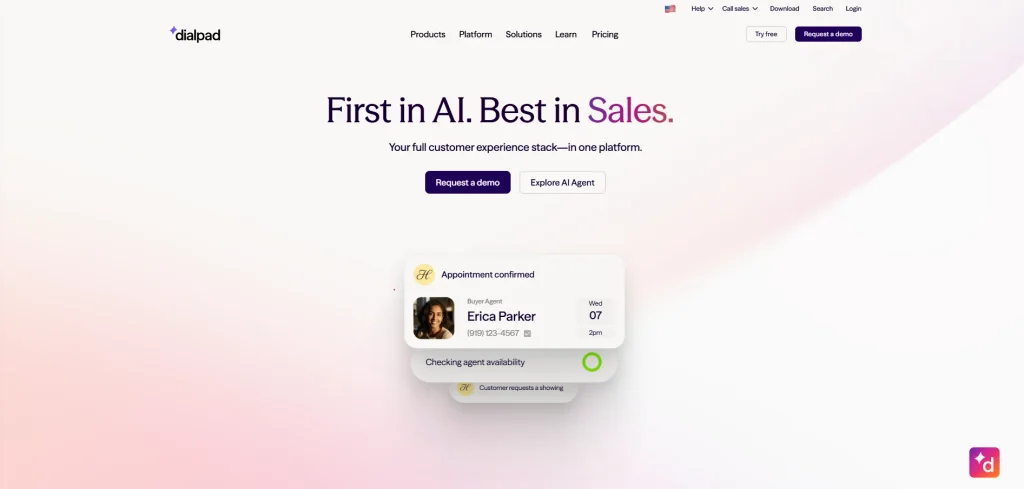
- Website: dialpad.com
- Best for: Sales teams tracking calls
Dialpad is a modern business phone system powered by smart artificial intelligence. The software transcribes your calls in real time, automatically takes notes, and analyzes customer moods. It allows your team to make voice and video calls from anywhere using a clean interface.
Built entirely on the Google Cloud platform, Dialpad offers fast and reliable service. It is a fantastic tool for sales and support teams who want to improve daily customer conversations without doing extra manual administrative work every single day.
Key features:
- Live voice transcription
- Post call summaries
- Call sentiment tracking
- Unlimited calling inside your country
Pros:
- Incredible AI technology
- Clean and modern design
- Setup takes only minutes
Cons:
- Requires upgrading for video meetings
- Occasional lag on mobile data
- Analytics can be confusing
Pricing:
| Plan Name | Monthly Price |
| Standard | $15 user/month |
| Pro | $25 user/month |
| Enterprise | Contact us for pricing |
4. Aircall
- Website: aircall.io
- Best for: Customer support centers
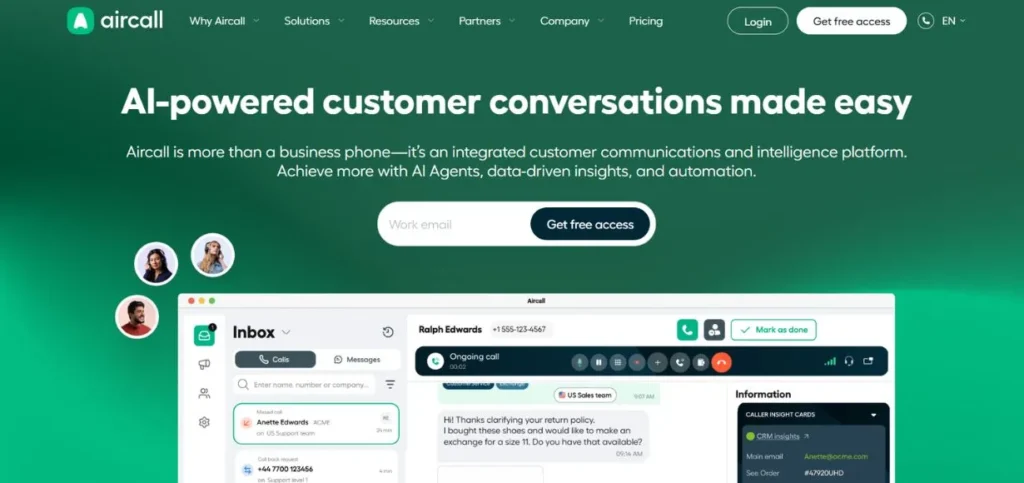
Aircall is a cloud phone system designed specifically for customer support and sales teams. It is famous for being incredibly easy to set up, allowing businesses to create a call center in just minutes. The software connects perfectly with many popular customer relationship management tools to keep client data in one place.
Team members can share call notes and assign tasks easily. Aircall helps teams talk to customers smoothly while keeping information highly organized and accessible for everyone.
Key features:
- Shared call inbox
- Warm call transfers
- Call tagging and note taking
- Skill based call routing
Pros:
- Very fast deployment
- Integrates perfectly with software like Salesforce
- Intuitive user interface
Cons:
- Price is a bit high
- Minimum user requirement applies
- Limited features for video calls
Pricing:
| Plan Name | Monthly Price |
| Essentials | $30 /license |
| Professional | $50 /license |
| Custom | Custom pricing |
5. Nextiva
- Website: nextiva.com
- Best for: Growing mid sized businesses
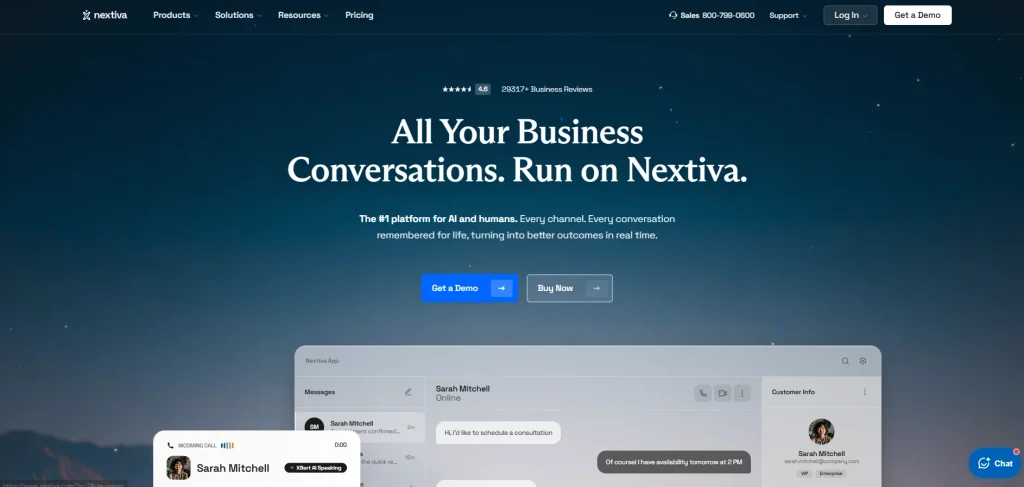
Nextiva is a reliable cloud phone system that focuses on delivering excellent voice quality and strong customer service. It brings your business communications, including phone calls, video meetings, and text messages, into one simple screen.
Nextiva offers a visual flow builder that makes it easy to set up call routing paths without coding skills. The software helps businesses grow quickly without worrying about dropped calls. It is a solid choice for companies wanting dependable service and clear voice quality.
Key features:
- Drag and drop call flow builder
- Unlimited internet faxing
- Auto attendant menus
- Customer experience scorecards
Pros:
- Amazing customer support team
- Very stable connection
- Lots of useful built in tools
Cons:
- Hard to cancel contracts
- Interface feels a bit outdated
- Setup process is long
Pricing:
| Plan Name | Monthly Price |
| Core | $15 /user/mo |
| Engage | $25 /user/mo |
| Scale | $75 /user/mo |
6. Vonage
- Website: vonage.com
- Best for: Companies needing custom coding
Vonage is a highly flexible cloud communication platform that allows businesses to customize phone systems completely. It provides voice, messaging, and video confernce tools tailored to fit specific industry needs.
The software features strong developer tools, letting companies add calling capabilities directly into their own applications. Vonage offers numerous standard phone features to handle high call volumes effectively. It works exceptionally well for businesses that need custom solutions rather than very basic ready to use setups.
Key features:
- Application programming interfaces (APIs)
- Spam call blocking
- Visual voicemail
- On demand call recording
Pros:
- Highly customizable software
- Good global coverage
- 99.999% uptime guarantee
Cons:
- Add on features cost extra money
- Support can be inconsistent
- Admin portal is hard to navigate
Pricing:
- Custom Quote
7. 8×8
- Website: 8×8.com
- Best for: International companies
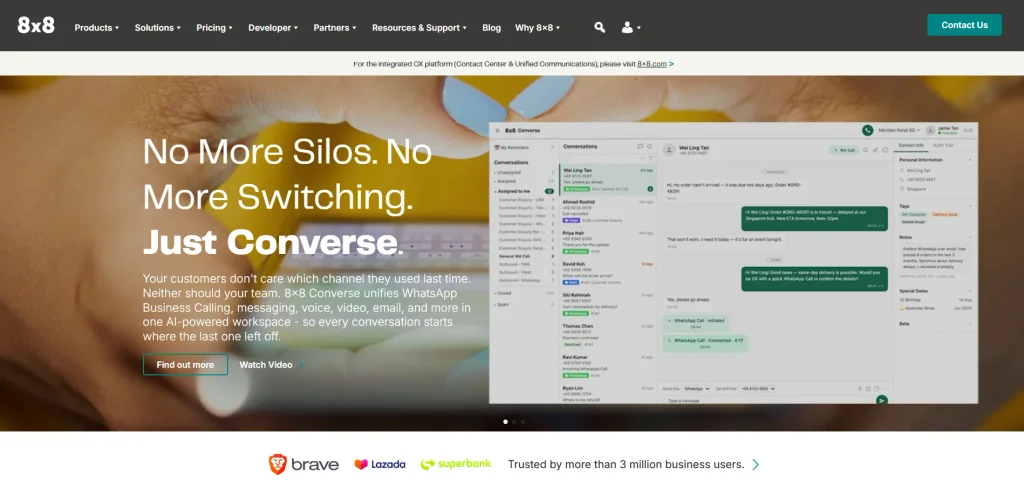
8×8 is a global cloud communication tool designed for businesses making many international calls. It combines voice, video, chat, and contact center features into one simple platform.
The software stands out because it offers unlimited calling to many countries, helping businesses save a lot of money. It includes strong security measures and detailed analytics to track team performance daily. This tool is a fantastic choice for global companies needing highly reliable connections across different regions.
Key features:
- Unlimited calling to up to 48 countries
- Secure voice encryption
- Team chat rooms
- Advanced reporting dashboards
Pros:
- Saves money on international calls
- Everything is in one application
- High level security rules
Cons:
- Mobile app drains phone battery
- Learning curve is steep
- Text messaging limits apply
Pricing:
- Custom Quote
8. Ooma Office
- Website: ooma.com/small-business-phone-systems
- Best for: Small local businesses
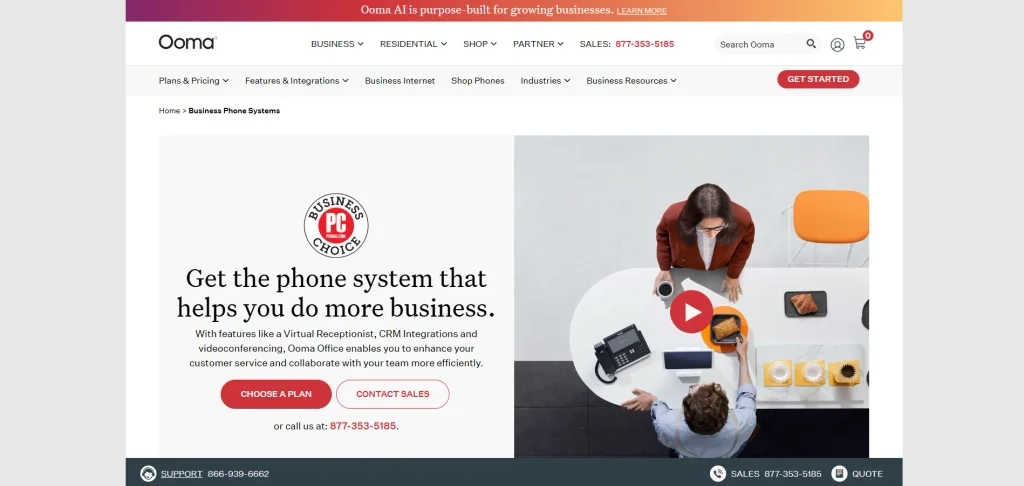
Ooma Office is a simple and affordable cloud calling phone system made specifically for small businesses. It provides essential features a company needs, like a virtual receptionist, call forwarding, and voicemail. The setup process is fast, and users do not need technical skills to manage the system.
Ooma Office offers clear voice quality and a low monthly cost without requiring long term contracts. It is the perfect solution for startups wanting professional phone numbers very quickly.
Key features:
- Virtual automated receptionist
- Ring groups for teams
- Voicemail delivered to email
- Simple call blocking
Pros:
- Very cheap monthly price
- Does not require a contract
- Perfect for non technical users
Cons:
- Limited software integrations
- Extra fee for basic analytics
- Lacks advanced call center tools
Pricing:
| Plan Name | Monthly Price |
| Essentials | $19.95 Per User / Per Month |
| Pro | $24.95 Per User / Per Month |
| Pro Plus | $29.95 Per User / Per Month |
| Enterprise | Custom Pricing |
9. CloudTalk
- Website: cloudtalk.io
- Best for: Outbound sales teams
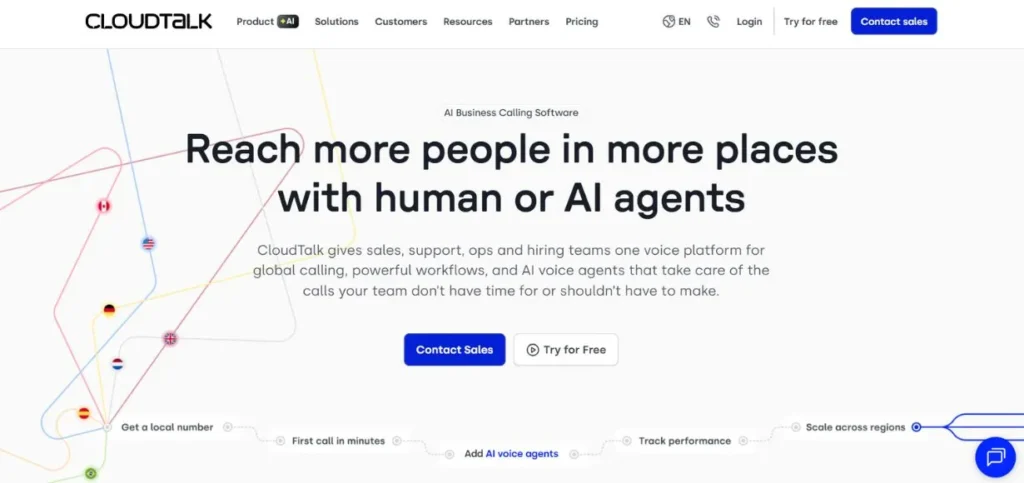
CloudTalk is a smart cloud calling software designed primarily for modern sales and customer support teams. It offers advanced call center features that help teams handle many calls efficiently.
The platform includes a unique power dialer that automatically calls numbers from a list, saving agents valuable time. CloudTalk integrates perfectly with major business tools to keep customer data updated. It provides detailed statistics, making it easy for managers to track performance and improve daily operations.
Key features:
- Smart automatic power dialer
- International numbers in 160 countries
- VIP caller routing
- Custom call tags
Pros:
- Great for calling large lists fast
- Clean dashboard layout
- Excellent CRM sync
Cons:
- Desktop app can freeze sometimes
- Advanced features cost more
- Customer support is only online
Pricing:
| Plan Name | Monthly Price |
| Starter | $25 User / month (Billed annually) |
| Essential | $29 User / month (Billed annually) |
| Expert | $49 User / month (Billed annually) |
10. JustCall
- Website: justcall.io
- Best for: Rapidly growing teams
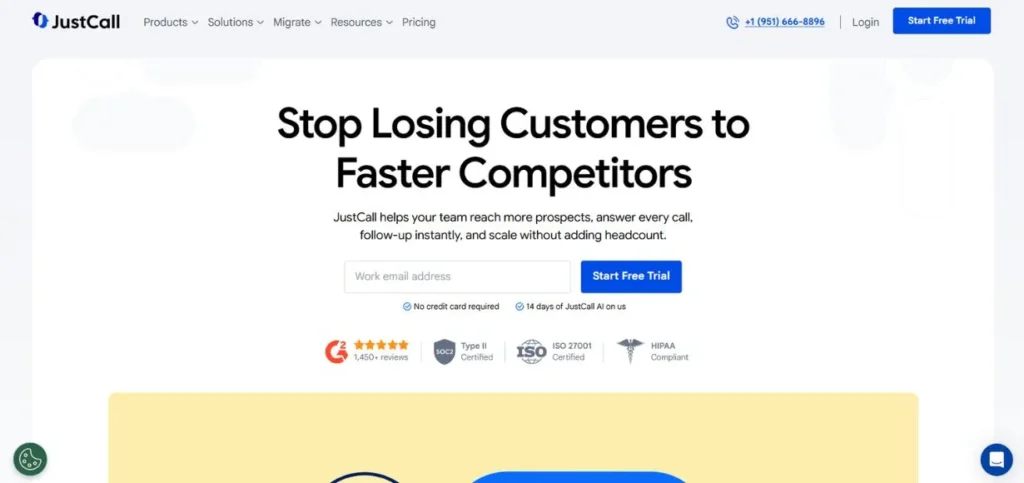
JustCall is a fast and simple cloud calling system created for sales and support teams. It allows businesses to get local phone numbers in over seventy countries instantly.
The software connects beautifully with popular customer management tools to log all calls automatically. JustCall offers features like call tracking, automated dialing, and real time coaching to help agents talk better. It is incredibly easy to use, meaning your team can start making calls completely hassle free.
Key features:
- Instant local numbers worldwide
- Bulk SMS text messaging
- Live call monitoring and whispering
- Auto dialer tools
Pros:
- Very easy to install
- Great for texting campaigns
- Logs data automatically
Cons:
- Call quality relies heavily on your network
- Billing system can be confusing
- Mobile app needs updates
Pricing:
| Plan Name | Monthly Price |
| Team | $29 per user/month, billed annually |
| Pro | $49 per user/month, billed annually |
| Pro Plus | $89 per user/month, billed annually |
| Business | Request a Quote |
How To Choose The Right Cloud Calling Software
- Check Your Budget: Look closely at the pricing plans and watch out for hidden fees for extra features or international calls.
- Review Required Integrations: Make sure the software connects easily with the customer data tools and emails your team already uses.
- Test the Call Quality: Always sign up for a free trial to ensure the voice audio is clear and does not drop.
- Examine Customer Support: Choose a company that offers fast help, preferably through live chat or phone, in case something breaks.
- Think About Growth: Pick a software that allows you to easily add more users or features as your business gets bigger.
Common Mistakes When Switching To Cloud Calling
- Skipping the Internet Test: Cloud phones need a strong internet connection. If your office Wi-Fi is weak, your calls will sound bad.
- Buying the Wrong Plan: Many buyers pay for expensive enterprise plans when they only need basic features to start.
- Ignoring Staff Training: If you do not teach your team how to use the new software, they will get frustrated and make mistakes.
- Using Bad Headsets: A great software cannot fix bad hardware. Buy good quality microphones and headphones for your team.
- Forgetting About Security: Failing to set up strong passwords and data rules can put your business information at risk.
Conclusion
One of the wisest business decisions of this day is to make a switch to cloud calling software. It helps you save money, be more productive and have a professional image. You can find your perfect tool from the top ten tools above by reviewing them. Keep in mind your budget, the features you require and the customer support quality. If there is a trial, use it to your advantage prior to deciding.
FAQs
What Is The Difference Between VoIP And Cloud Calling?
They are very similar. VoIP stands for Voice over Internet Protocol, which is the technology that sends voice data over the internet. Cloud calling is a specific type of VoIP where the service is fully hosted and managed by a third party company on the internet.
Do I Need Special Equipment For Cloud Calling?
No, you do not need special desk phones. You can use your current computer, laptop, or smartphone by simply downloading the provider application. However, buying a good quality headset is highly recommended for the best sound.
Is Cloud Calling Software Safe To Use?
Yes. Reputable cloud calling providers use strong encryption to protect your voice data and text messages. They follow strict global security rules to make sure nobody can listen to your business conversations.
Can I Keep My Old Business Phone Number?
Yes, almost all modern cloud calling providers allow you to move your current phone numbers to their system. This process is called number porting, and it is usually very easy to do.
What Happens If My Internet Connection Goes Down?
If your office internet stops working, your cloud phone system can automatically send incoming calls to your mobile phone data network or straight to a voicemail box, so you never miss an important customer.