

Search visibility has become the foundation of digital success, where ranking higher often means growing faster. In today’s content-driven world, simply building a website is not enough – it must be structured, optimized, and technically sound to compete in search results. From blogs and business websites to enterprise portals, every digital platform relies on a strong SEO framework to attract consistent organic traffic.
This is where a CMS for SEO plays a transformative role. A powerful CMS does more than publish content; it controls URLs, metadata, schema markup, page speed, mobile responsiveness, and overall site architecture. The right platform simplifies optimization while giving businesses the flexibility to scale, adapt, and compete effectively.
What is CMS?
A Content Management System (CMS) is a piece of software that enables a person to create, maintain, edit and publish online content on a web site without requiring a high level of coding expertise. It offers easy-to-use interface in which one can organize and update text, photos, videos, and other contents on the site.
A CMS separates content and design, allowing non-technical users to manage the website’s content and developers to work on layout and functionality. The majority of CMS systems have templates, plug-ins, themes, and in-built SEO, security and optimisation tools.
Companies, bloggers, e-commerce websites and businesses rely on CMS platforms to help them streamline their web management, achieve consistency and scale digital operations. Popular CMS solutions facilitate collaboration, workflow management, and content scheduling and therefore, site administration is more efficient, flexible, and faster.
How To Choose The Best CMS Platforms
- Identify Your Website Objectives: Be very clear on what you require in terms of blogging, ecommerce, portfolio or enterprise capability before choosing a CMS platform.
- Test SEO Capabilities: Check that the CMS has capabilities of customization of the URLs, meta tags, sitemaps, and schema markup and performance optimization tools.
- Check Ease of Use: Select a platform that has an easy to use dashboard, easy content editing, and low knowledge of technical learning curve.
- Flexibility of Customization: Check to see that there are suitable themes, plugins, extensions and developer access to do advanced customization.
- Review Scalability Options: Choose a CMS that will be able to accommodate traffic increase, content development, and future business expansion needs.
- Reflect on Security Features: Find frequent updates, robust user permissions, support of the Use of the SSL and defense against vulnerabilities.
- Evaluate Integration Abilities: Check the compatibility with marketing software, analytics software and payment gateways as well as third-party applications.
- Compare Pricing and Support: Compare approximate costs, hosting fees, upgrade options, and availability of resources of effective customer support.
List of 15 Best CMS for SEO
1. WordPress
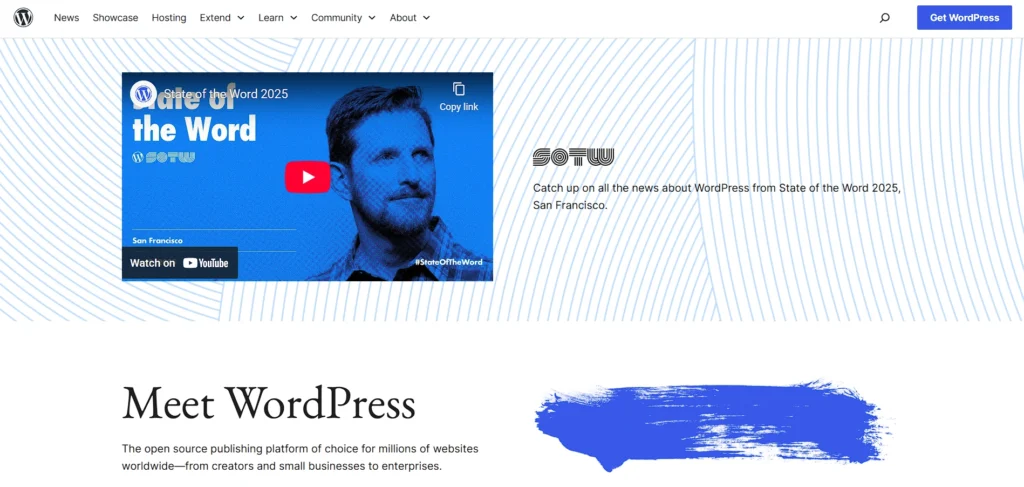
Website: https://wordpress.org/
WordPress is the most popular content management system globally and a power in the publishing industry with search engine optimization.
With a robust system of available plugins, such as Yoast SEO and Rank Math, it allows you to be very particular with the metadata tags, XML sitemaps, schema markup, redirects, and on-page optimization. WordPress is also permalink customizable, includes fast-loading themes, and is mobile responsive, essential ranking parameters.
Having a good community backing and constant improvements, it reacts fast to the changes in search engine algorithms. WordPress is suitable as a long-term digital growth and visibility solution as it is flexible, scalable, and technically optimized in search engines with its power.
Key Features:
- Extensive SEO plugin ecosystem (Yoast, Rank Math)
- Customizable permalink structures
- Thousands of SEO-friendly themes
- Built-in blogging and content management tools
- WooCommerce integration for ecommerce SEO
- Large developer and community support
Pros:
- Highly customizable SEO capabilities
- Suitable for any website type
- Massive plugin library
- Strong community support
- Scalable for small to enterprise sites
Cons:
- Requires plugin management
- Can become slow without optimization
- Security depends on maintenance
Pricing:
- Open source
2. Drupal
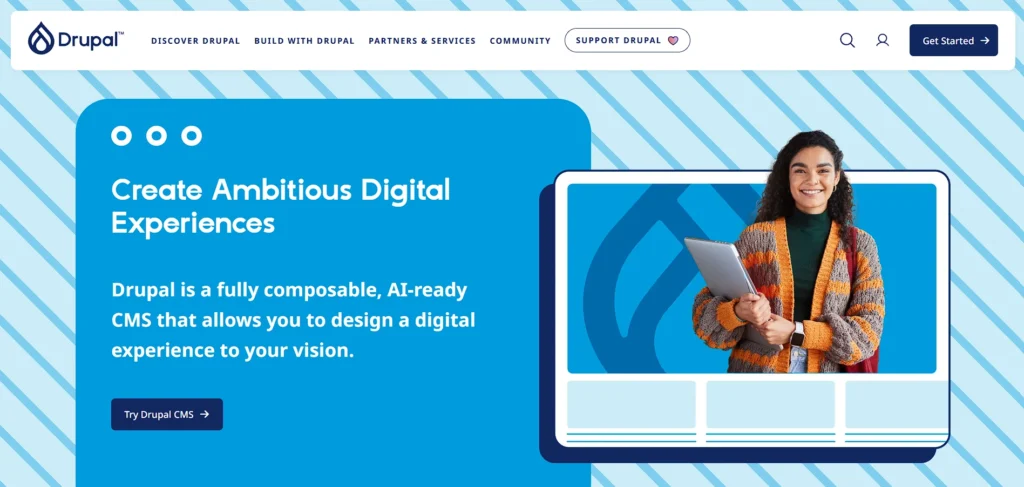
Website: https://new.drupal.org/home
Drupal is an open-source CMS for SEO known for its flexibility, scalability, and powerful technical optimization capabilities. It provides clean URL structures, advanced taxonomy systems, multilingual optimization, and detailed metadata management, making it a strong choice for businesses working closely with search engine optimisation experts to build high-performing websites.
Built-in caching and performance optimization enhance site speed, supporting strong Core Web Vitals performance. Pathauto and Metatag modules further improve search visibility by automatically generating SEO-friendly URLs and managing structured data effectively. Enterprises, universities, and government agencies that require high security and complex site architectures are particularly drawn to Drupal.
Although it requires technical expertise, Drupal offers deep SEO customization, making it ideal for large-scale, content-heavy websites competing in global search markets.
Key Features:
- Advanced taxonomy management
- Built-in multilingual SEO support
- Granular user permission controls
- Custom content types and fields
- Strong caching mechanisms
- Enterprise-level security standards
Pros:
- Highly scalable architecture
- Strong security framework
- Ideal for complex websites
- Flexible SEO customization
- Robust content structuring
Cons:
- Steep learning curve
- Requires developer expertise
- Higher development costs
Pricing:
- Open source
3. Webflow
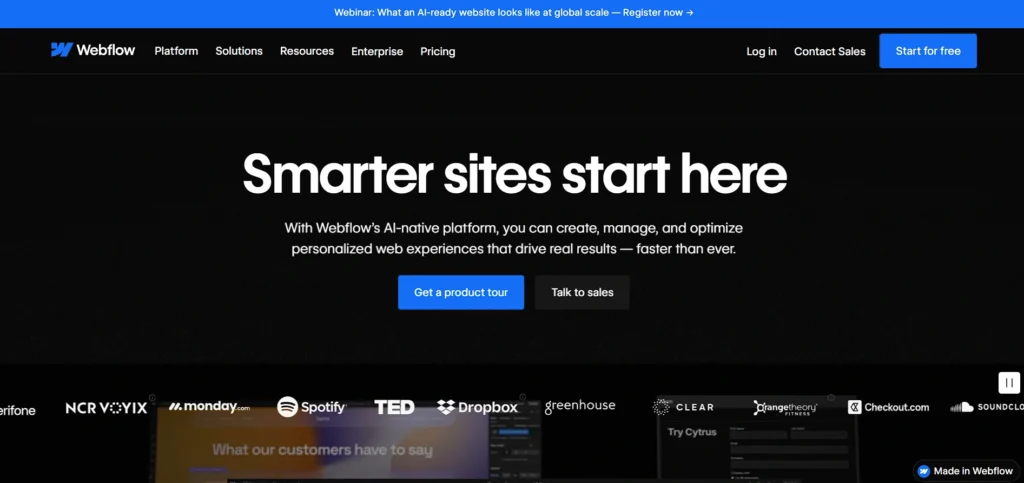
Website: https://webflow.com/
Webflow is a visual CMS that offers flexibility of the design, as well as clean, semantic code generation, which can advantage search engine indexing. It includes inbuilt meta title, meta description, alt text, canonical tags, and 301 redirect controls without using any implementation of a plug-in.
Responsive design tools and fast hosting infrastructure help to achieve the better performance of Core Web Vitals. Webflow enables designers and marketers to create their own design without compromising on the SEO-friendly designs.
It has a user-friendly interface that allows the application of advanced SEO without extensive coding. Webflow is ideal in marketing sites, portfolios, and startups that need to optimize their technical side to enable organic expansion and search rank.
Key Features:
- Visual drag-and-drop builder
- Clean semantic code output
- Built-in meta and Open Graph controls
- Automatic SSL and hosting
- Custom 301 redirects
- Responsive design tools
Pros:
- No plugins required for SEO basics
- Excellent design flexibility
- Fast hosting performance
- User-friendly interface
- Clean code structure
Cons:
- Limited backend flexibility
- Pricing higher than basic builders
- Learning curve for advanced design
Pricing:
- Basic– $18/mo
- CMS– $29/mo
- Business– $49/mo
4. Joomla
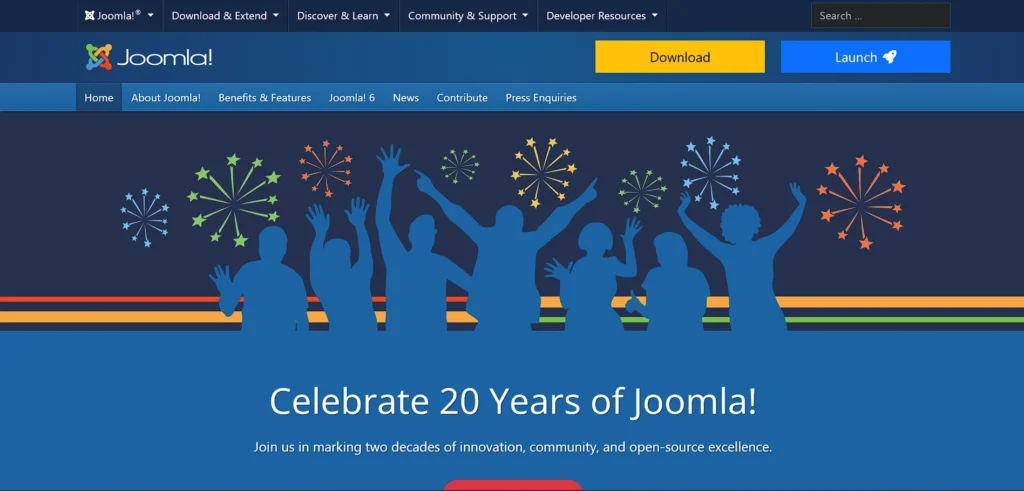
Website: https://www.joomla.org/
Joomla is an open source CMS for SEO that comes with great SEO features and is flexible enough to accommodate medium to large sites. It maintains URLs that are search engine-friendly, customizable metadata, and inbuilt multilingual capabilities which improve international search engine optimization.
The extensions like the sh404SEF and EFSEO, supplement the optimization features like the redirect handling and sitemaps. Joomla has caching systems to enhance speed and performance indicators. It falls in the middle of WordPress and Drupal in terms of complexity and offers more structured content management and a higher level of customization.
Joomla is often used by businesses looking to strike a compromise between usability and sophisticated SEO options when developing a digital project that is easier to use and selectively multilingual.
Key Features:
- SEO-friendly URL configuration
- Built-in multilingual capabilities
- Advanced menu management
- Template customization
- Extension marketplace
- Built-in caching system
Pros:
- Flexible content structure
- Good balance of usability and control
- Strong multilingual support
- Community-driven development
- Suitable for medium-scale sites
Cons:
- Smaller plugin ecosystem than WordPress
- Moderate technical complexity
- Interface less intuitive for beginners
Pricing:
- Free
5. Wix
Website: https://www.wix.com/
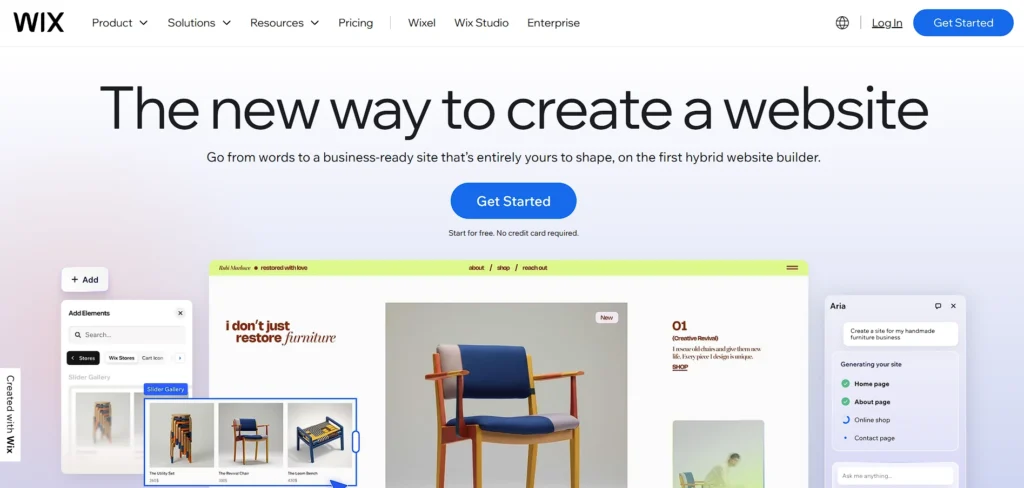
Wix is a web hosting site creator that has enhanced its SEO features remarkably in the last few years. It provides integrated features such as Wix SEO Wiz that will take the user through the process of optimizing the keywords, creating meta tags and setting up structured data.
Mobile optimization and secure hosting are automatic, and this improves search performance. Wix also allows customization of URLs, editing of alt text, canonical tags, and 301 redirects. Its drag-and-drop functionality enables laypersons with no knowledge of computer code to perform SEO.
Wix is basic and simpler to use compared to open-source sites but is best suited to small businesses, freelancers, and local sites that rely on easy-to-use, guided SEO services and do not need an advanced technical background.
Key Features:
- Wix SEO Wiz guidance tool
- AI-powered website builder
- Automatic mobile optimization
- Customizable meta tags
- Built-in hosting and security
- Structured data support
Pros:
- Beginner-friendly interface
- No coding required to build apps, websites, etc
- Fast setup process
- Secure hosting included
- Integrated marketing tools
Cons:
- Limited deep technical SEO control
- Template switching restrictions
- Less flexible for large-scale projects
Pricing:
- Light– ₹250/mo
- Core– ₹500/mo
- Business– ₹900/mo
- Business Elite– ₹1,800/mo
6. Shopify

Website: https://www.shopify.com/in
Shopify is one of the most popular CMS for SEO used in online stores that necessitate in-built SEO capabilities. It builds XML sitemaps automatically, provides secure HTTPS hosting, and provides mobile-optimized themes. Shopify enables the title tags, meta description, alt text, and URL structure editing, which are instrumental in on-page optimization.
There is a high amount of SEO-oriented applications that optimize the schema markup, keyword targeting, and performance monitoring. It has a quick hosting system and therefore it loads with better speed, which is an advantage in search ranking.
Even though it may not be as customizable as closed-source platforms, Shopify offers a simplified and reliable online store platform in a way of supporting ecommerce brands that need more recognition and organic product promotion.
Key Features:
- Automatic XML sitemap generation
- Mobile-optimized themes
- Secure HTTPS hosting
- App marketplace for SEO enhancements
- Integrated payment gateways
Pros:
- Optimized for online stores
- Reliable and secure hosting
- Easy product management
- Extensive app integrations
- Scalable for growing brands
Cons:
- URL structure limitations
- Monthly subscription costs
- Advanced customization requires apps
Pricing:
- Basic– ₹1,994INR/month
- Grow– ₹7,447INR/month
- Advanced– ₹30,164INR/month
- Plus– ₹1,75,000INR/month
7. HubSpot CMS Hub
Website: https://www.hubspot.com/products/cms
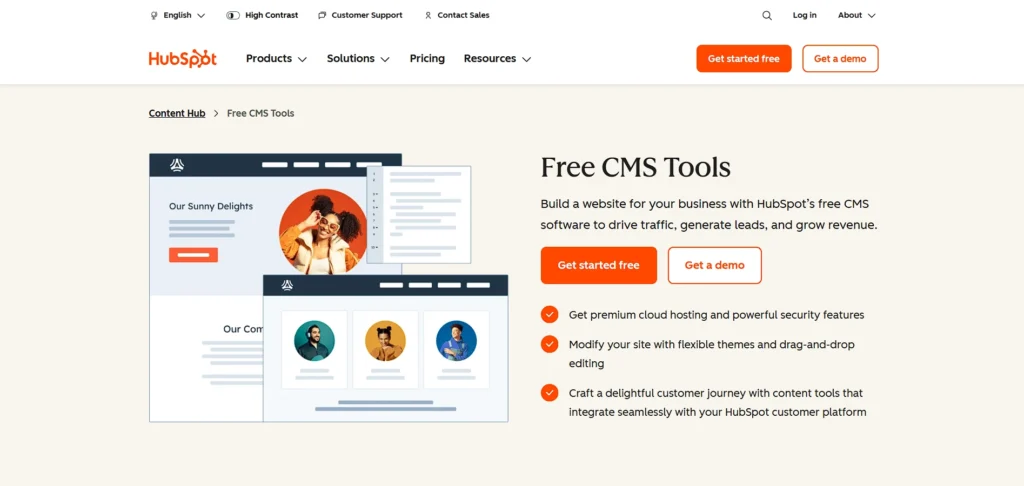
HubSpot CMS Hub is a fully hosted content management system integrated with marketing automation and CRM tools. It offers built-in SEO recommendations, content strategy planning, and performance analytics directly within its dashboard.
Users can optimize meta tags, manage structured data, and improve internal linking with guided suggestions. Secure hosting and fast content delivery enhance user experience and search performance. HubSpot emphasizes inbound marketing alignment, connecting SEO efforts with lead generation workflows.
While less customizable at code level, it is ideal for businesses prioritizing marketing integration, analytics-driven decisions, and streamlined SEO management within a unified digital ecosystem.
Key Features:
- Built-in SEO recommendations
- CRM integration
- Marketing automation tools
- Secure managed hosting
- Content strategy planning
- Detailed performance analytics
Pros:
- Strong marketing alignment
- Integrated analytics dashboard
- Secure infrastructure
- Easy content editing
- Excellent customer support
Cons:
- Higher pricing tiers
- Limited code-level flexibility
- Best value within HubSpot ecosystem
Pricing:
- Contact sales
8. Ghost

Website: https://ghost.org/
Ghost is a lightweight, open-source CMS for SEO focused on publishing speed and simplicity. Designed primarily for blogs and digital publications, it generates clean code output that improves crawlability and indexing.
Ghost includes built-in support for meta tags, canonical URLs, structured data, and XML sitemaps without heavy plugins. Its minimal architecture ensures fast page loading, supporting Core Web Vitals optimization.
Integrated membership and newsletter features make it suitable for content-driven businesses. While not as extensible as larger platforms, Ghost excels in delivering streamlined SEO performance for writers, creators, and publishers seeking efficiency and speed.
Key Features:
- Lightweight publishing system
- Built-in SEO settings
- Fast performance architecture
- Membership and subscription tools
- Clean AMP support
- Simple markdown editor
Pros:
- Extremely fast loading speeds
- Clean minimal interface
- Ideal for content creators
- Built-in monetization tools
- SEO-ready by default
Cons:
- Limited plugin ecosystem
- Not ideal for complex sites
- Requires hosting setup (self-hosted option)
Pricing:
- Starter– $18USD / mo
- Publisher– $35USD / mo
- Business– $239USD / mo
9. Contentful
Website: https://www.contentful.com/
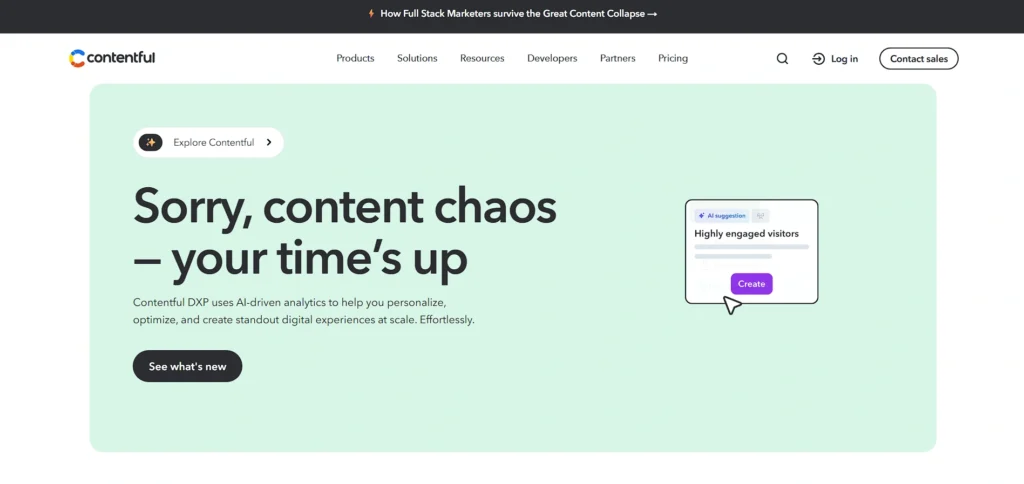
Contentful is a headless CMS that separates content management from front-end presentation, enabling highly optimized SEO implementations. Developers can define custom SEO fields, metadata structures, and schema markup while delivering content through modern frameworks like Next.js.
Its API-driven architecture supports fast loading speeds and omnichannel publishing. Contentful allows structured content modeling, improving consistency across large websites.
Although it requires technical expertise, it provides exceptional flexibility and scalability for enterprise projects. Organizations targeting advanced SEO performance, multi-platform content delivery, and global scalability often choose Contentful for its performance-focused headless approach.
Key Features:
- API-first architecture
- Structured content modeling
- Multi-channel content delivery
- Custom SEO field configuration
- Scalable cloud infrastructure
- Developer-friendly integrations
Pros:
- High performance potential
- Flexible frontend integration
- Enterprise scalability
- Omnichannel publishing
- Strong developer support
Cons:
- Requires development resources
- Higher enterprise pricing
- No built-in frontend
Pricing:
- Lite– $300 / month
10. Prismic
Website: https://prismic.io/
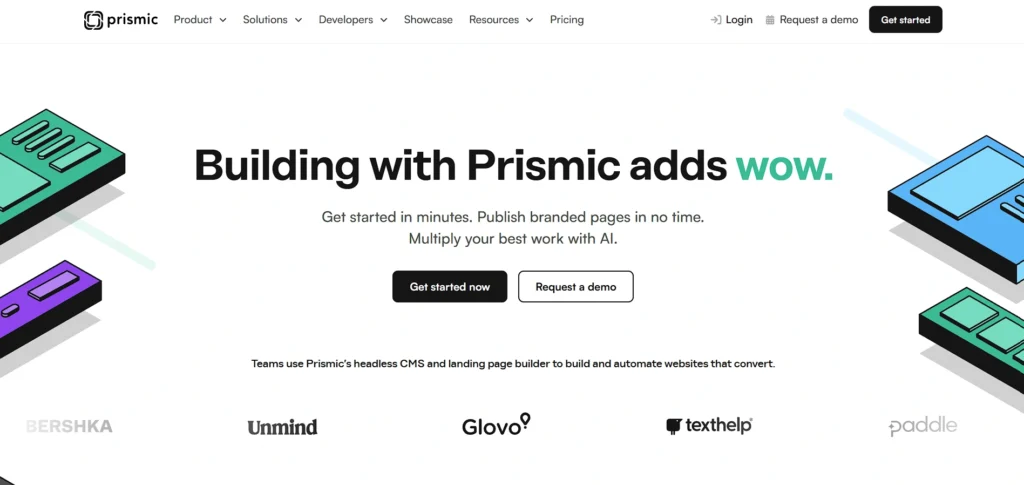
Prismic is a headless CMS for SEO designed to work seamlessly with modern JavaScript frameworks, supporting high-performance SEO strategies. It enables developers to create structured content models with dedicated SEO fields for meta titles, descriptions, and schema markup.
Its API-driven delivery ensures fast page rendering when combined with static site generators or server-side rendering frameworks. Prismic provides content versioning and collaborative editing features, improving workflow efficiency.
While technical setup is required, it offers strong flexibility and speed advantages. Marketing teams and developers seeking scalable, performance-optimized websites benefit from Prismic’s structured and modern architecture.
Key Features:
- Slice-based content modeling
- API-driven content delivery
- SEO metadata fields
- Integration with modern frameworks
- Content versioning
- Collaborative editing tools
Pros:
- Flexible content structure
- Good performance optimization
- Modern developer ecosystem
- Clean editorial interface
- Scalable architecture
Cons:
- Technical setup required
- No native frontend
- Limited built-in SEO automation
Pricing:
- Starter– $15/month
- Small– $30/month
- Medium– $180/month
- Platinum– $750/month
11. TYPO3
Website: https://typo3.org/
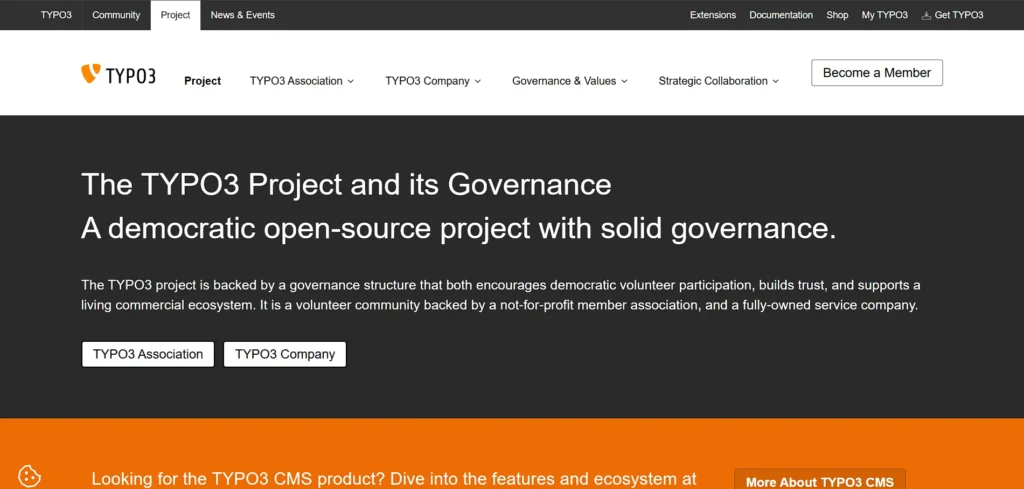
TYPO3 is an enterprise-level open-source CMS popular in Europe for managing complex, multilingual websites. It provides advanced SEO features including customizable metadata, hreflang management, and structured URL configuration.
TYPO3’s strong localization tools enhance international search performance. Built-in caching, flexible content structures, and user permission controls support scalable digital operations. Extensions expand SEO functionality, including sitemap management and redirect handling.
Although it requires technical expertise, TYPO3 offers powerful customization and security features. Large organizations seeking enterprise scalability, multilingual optimization, and long-term SEO flexibility frequently rely on TYPO3 for robust digital infrastructure.
Key Features:
- Enterprise-grade architecture
- Advanced multilingual tools
- Flexible content hierarchy
- Strong access control system
- SEO extensions support
- Long-term version support
Pros:
- Highly secure platform
- Ideal for large organizations
- Strong localization features
- Customizable backend
- Long-term stability
Cons:
- Complex learning curve
- Smaller global community
- Development-intensive setup
Pricing:
- Open source
12. Concrete CMS
Website: https://www.concretecms.com/
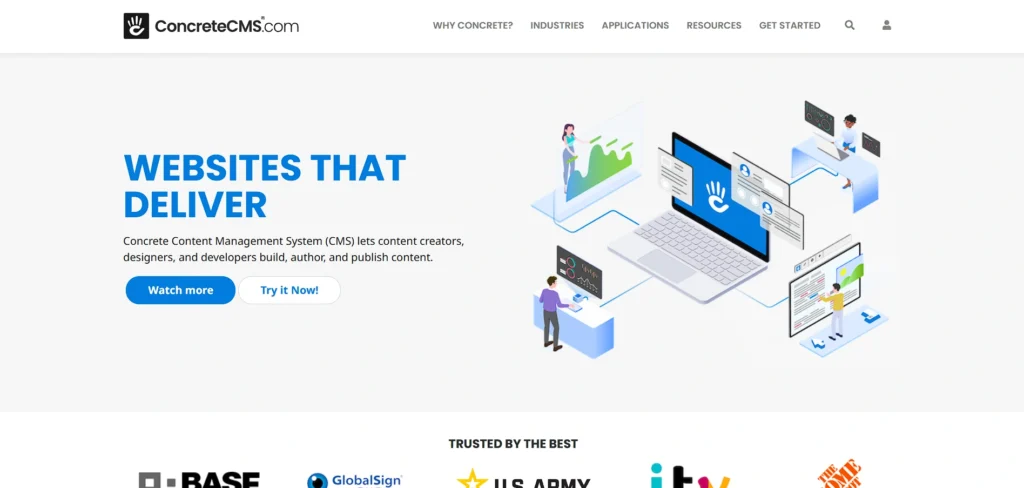
Concrete CMS is an open-source CMS for SEO platform known for intuitive inline editing combined with solid SEO capabilities. It supports clean URLs, customizable metadata, XML sitemaps, and mobile-responsive themes.
Built-in version control and workflow management tools improve content organization and consistency. Concrete CMS emphasizes ease of use while still allowing developers to customize code-level optimization. Its performance optimization features contribute to faster loading speeds.
Suitable for business websites and content-driven projects, Concrete CMS provides a balanced solution for users seeking user-friendly editing alongside reliable SEO foundations and structured content management capabilities.
Key Features:
- Inline page editing
- Customizable metadata management
- Version control system
- SEO-friendly URLs
- Responsive themes
- Workflow management tools
Pros:
- Easy content editing
- Flexible customization
- Built-in version tracking
- Suitable for business sites
- Balanced usability and power
Cons:
- Smaller add-on marketplace
- Less mainstream adoption
- Limited enterprise recognition
Pricing:
- Starter– $4.99 Per month, billed annually
- Business– $19 Per month, billed annually
13. MODX
Website: https://modx.com/
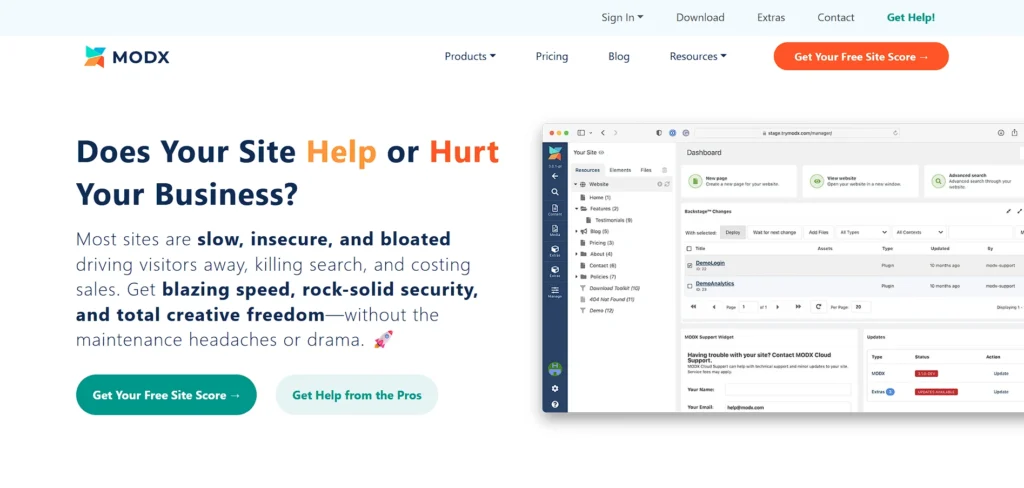
MODX is a flexible open-source CMS offering full control over markup, templates, and site architecture, enabling precise SEO optimization. Developers can create custom URL structures, manage metadata, and implement advanced schema markup without restrictive themes.
Its separation of content and presentation ensures clean code output and improved crawlability. MODX includes caching and performance enhancements to support faster loading times.
While it requires technical expertise, it is ideal for custom-built websites requiring unique functionality. Businesses seeking tailored digital experiences with granular SEO control benefit from MODX’s adaptable and developer-friendly framework.
Key Features:
- Complete template control
- Custom content modeling
- Advanced caching options
- SEO-friendly architecture
- Flexible URL routing
- Secure access management
Pros:
- Full design freedom
- Strong developer control
- Lightweight performance
- Custom SEO implementation
- High security potential
Cons:
- Developer-focused platform
- Smaller community
- Limited beginner resources
Pricing:
- Business– $349/mo
- Pro– $99/mo
- Base– $39/mo
14. Sanity
Website: https://www.sanity.io/
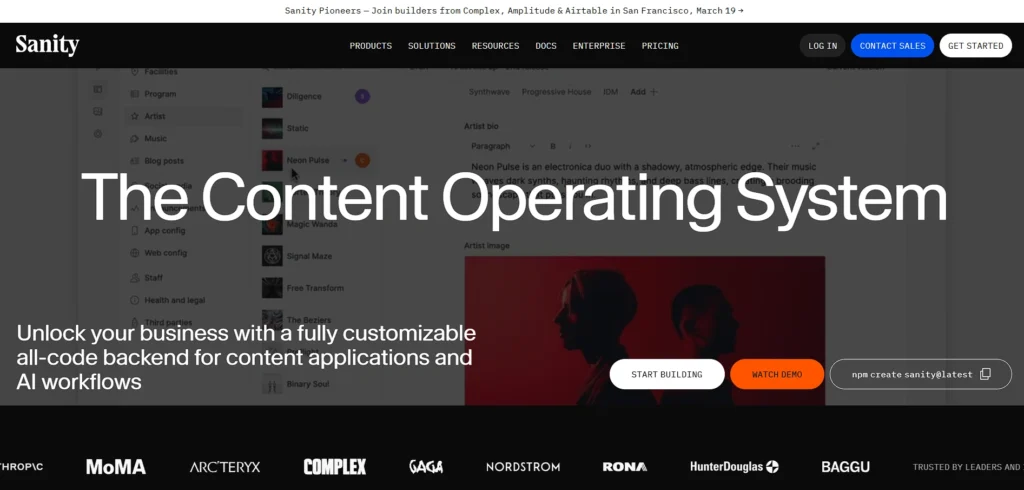
Sanity is a modern headless CMS for SEO focused on structured content and real-time collaboration. It enables developers to define custom SEO fields, schema markup, and metadata within flexible content models.
When integrated with high-performance front-end frameworks, Sanity supports fast rendering and optimized user experiences. Its real-time editing environment enhances workflow efficiency for teams. API-driven delivery ensures omnichannel publishing and scalable architecture.
While setup requires development resources, Sanity provides strong flexibility and performance benefits. Organizations prioritizing structured content, speed, and scalable SEO implementation often adopt Sanity for dynamic digital platforms.
Key Features:
- Real-time collaborative editing
- Structured content schemas
- API-based delivery system
- Custom SEO field modeling
- Scalable cloud hosting
- Integration with modern frameworks
Pros:
- Highly flexible architecture
- Strong performance potential
- Developer-friendly tools
- Scalable for large projects
- Real-time editing environment
Cons:
- Requires frontend development
- Technical learning curve
- Advanced features cost extra
Pricing:
- Growth– $15 per seat / month
15. Textpattern

Website: https://textpattern.com/
Textpattern is a lightweight open-source CMS designed primarily for publishing and editorial websites. It produces clean, semantic markup that benefits search engine indexing and crawlability.
Textpattern allows management of metadata, categories, and URL structures with minimal complexity. Its streamlined architecture supports faster loading speeds compared to heavier platforms. While it lacks extensive plugin ecosystems, its simplicity ensures stable performance and reduced overhead.
Ideal for bloggers and small publishers, Textpattern offers straightforward content management with essential SEO controls. Users seeking a minimalistic yet efficient CMS often appreciate its clean design and performance-focused approach.
Key Features:
- Lightweight publishing engine
- Clean semantic markup
- Simple content categorization
- Custom URL handling
- Plugin-based extensions
- Minimal system requirements
Pros:
- Fast and lightweight
- Easy to manage
- Clean SEO-friendly code
- Stable performance
- Ideal for small publishers
Cons:
- Limited modern features
- Smaller community
- Not suitable for large enterprise sites
Pricing:
- Free
Quick Comparison
| Name | Best For | Ease of Use | Pricing |
| WordPress | Blogs, business websites, ecommerce | Moderate | Open source (Hosting extra) |
| Drupal | Enterprise & complex websites | Advanced | Open source |
| Webflow | Design-focused marketing sites | Moderate | Basic $18/mo, CMS $29/mo, Business $49/mo |
| Joomla | Multilingual & medium-scale sites | Moderate | Free |
| Wix | Small businesses & beginners | Easy | ₹250 – ₹1,800/month |
| Shopify | Ecommerce stores | Easy | ₹1,994 – ₹1,75,000/month |
| HubSpot CMS Hub | Marketing-driven businesses | Easy to Moderate | Contact sales |
| Ghost | Bloggers & publishers | Easy | $18 – $239/month |
| Contentful | Enterprise headless projects | Advanced | Starts $300/month |
| Prismic | Modern JAMstack websites | Moderate to Advanced | $15 – $750/month |
| TYPO3 | Large multilingual enterprises | Advanced | Open source |
| Concrete CMS | Business & content-heavy sites | Moderate | $4.99 – $19/month |
| MODX | Custom-built developer projects | Advanced | $39 – $349/month |
| Sanity | Structured content & scalable apps | Advanced | $15 per seat/month |
| Textpattern | Small publishers & simple sites | Easy | Free |
Ending Thoughts
Choosing the right CMS for SEO platform is a strategic decision that directly impacts your website’s performance, scalability, and long-term digital success. The ideal CMS should align with your business goals, technical expertise, and growth plans while offering strong SEO capabilities, security, and flexibility. Whether you prioritize ease of use, advanced customization, ecommerce functionality, or enterprise-level scalability, there is a platform suited to your specific needs.
Evaluating factors such as integrations, performance optimization, pricing, and support ensures you make an informed choice. A well-selected CMS not only simplifies content management but also strengthens search visibility and user experience. Ultimately, investing time in selecting the right CMS lays a solid foundation for sustainable online growth and competitive advantage.
FAQs
What Is The Main Purpose of a CMS?
A CMS allows users to create, edit, manage, and publish website content without requiring advanced coding skills.
Which CMS Is Best For SEO?
The best CMS for SEO depends on your needs, but platforms like WordPress, Drupal, and Webflow are widely preferred.
Do I Need Coding Knowledge To Use a CMS?
Most modern CMS platforms are beginner-friendly and do not require coding knowledge, though advanced customization may need it.
Is a CMS Suitable For Ecommerce Websites?
Yes, many CMS platforms like Shopify and WordPress (with WooCommerce) are specifically optimized for ecommerce functionality.
Are CMS Platforms Secure?
CMS security depends on updates, hosting quality, plugins, and user management, but most reputable platforms offer strong protection features.