
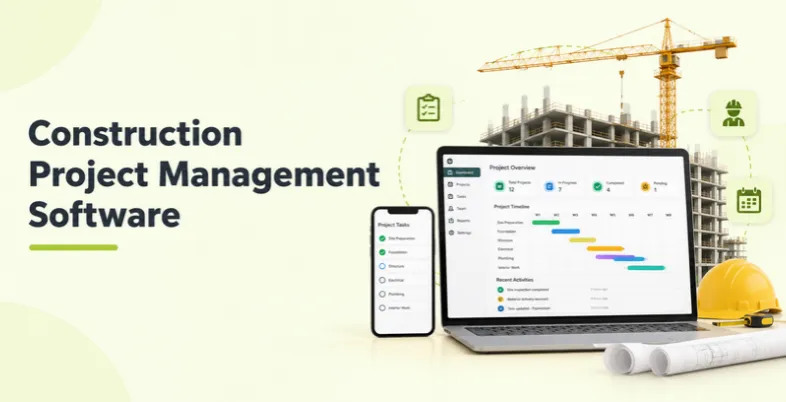
Construction projects involve many moving parts at once: drawings, schedules, budgets, subcontractors, materials, safety checks, and clients who want constant updates. When these tasks are managed through spreadsheets, emails, and paper binders, small mistakes can turn into rework, delays, and cost overruns.
Construction project management software brings plans, tasks, documents, project costs, and communication into one connected system. Office teams and field crews can work from the same data, approvals can move faster, and managers can get a clearer view of each project’s progress. This guide compares the 15 best construction project management tools options, including enterprise platforms, field-focused tools, and affordable options for small and mid-sized contractors.
What Is Construction Project Management Tools?
Construction project management tools is a set of digital tools that helps contractors, builders, and owners plan, track, and control construction projects from bidding through closeout. It can cover scheduling, budgeting, document control, RFIs, submittals, change orders, daily logs, and team communication.
Instead of managing each job through separate files, spreadsheets, and phone calls, teams can use a single platform that works in the office and on mobile devices at the jobsite. Many modern tools also connect with accounting, estimating, and BIM software, while some use AI to speed up reporting and help teams identify potential risks.
Why Construction Project Management Tools Matters In 2026
Margins are tight, labor and material costs keep changing, and clients expect clear project updates. Contractors that still rely heavily on manual processes can find it difficult to keep projects on schedule and within budget. This makes dedicated construction project management tools an important part of modern project operations.
- Real-Time Visibility: Live dashboards show schedule, cost, and project progress, helping managers identify issues before they become bigger problems.
- Fewer Errors & Less Rework: Teams can work from the latest drawings and documents, reducing mistakes caused by outdated plans.
- Better Project Cost Control: Job costing, budgets, purchase orders, and change order tracking help teams understand where project money is going.
- Faster Communication: RFIs, submittals, approvals, and project updates can be managed through the platform instead of scattered email conversations.
- Automation: Daily logs, reports, reminders, and other repetitive tasks can be automated, while AI tools for business can help teams plan and communicate more efficiently.
Key Features Of Construction Project Management Tools
The best platforms connect office teams and field crews while supporting important stages of the construction project lifecycle. Depending on the platform, they may also integrate with accounting, estimating, design, and other business tools.
- Scheduling & Task Management: Build schedules, assign tasks, and track progress using Gantt charts and punch lists. Task management tools help teams manage deadlines and responsibilities.
- Budgeting & Job Costing: Track estimates, actual project costs, purchase orders, and change orders in one place. Using financial management tools can further help contractors monitor cash flow, manage budgets, and maintain better control over project finances.
- Document & Drawing Management: Store plans, specifications, photos, and other documents with version control so crews can access the latest files.
- RFIs, Submittals & Change Orders: Create, route, review, and approve project documents while maintaining a clear record of each action.
- Daily Logs & Field Reporting: Capture daily reports, photos, work hours, and safety notes directly from the jobsite using mobile devices.
- Client & Subcontractor Portals: Share project updates, selections, approvals, and other information with clients and trade partners without relying on endless calls and emails.
Comparison Table — Best Construction Project Management Tools
| Software | Best For | Field & Mobile Tools | Project Cost Management | Pricing Model |
| Procore | Mid-sized and large commercial contractors | Yes | Advanced | Custom quote |
| Autodesk Build | BIM-led design-to-field coordination | Yes | Yes | Custom quote or per user |
| Houzz Pro | Home builders, remodelers, and residential contractors | Yes | Advanced | From about $99/month |
| Fieldwire | Field coordination and punch lists | Advanced | Basic | Free plan, per user |
| Contractor Foreman | Small and mid-sized contractors | Yes | Yes | Monthly plans |
| JobTread | Estimating-to-invoice for residential contractors | Yes | Advanced | Monthly plus per seat |
| Raken | Daily reports and field time tracking | Advanced | Basic | Quote-based |
| InEight | Capital projects and large infrastructure | Yes | Advanced | Custom quote |
| Premier Construction Software | Integrated project costs, accounting, and payroll | Yes | Advanced | Custom quote |
| Oracle Aconex | Large, multi-party project collaboration | Yes | Basic | Custom quote |
| Trimble ProjectSight | General contractors using Trimble tools | Yes | Yes | Custom quote |
| Knowify | Trade and specialty contractors | Yes | Advanced | Plan-based |
| ConstructionOnline | Construction companies needing scheduling, estimating, and project management | Yes | Advanced | Plan-based / custom |
| monday.com | Flexible, customizable project tracking | Basic | Basic | Free plan, per seat |
| Buildxact | Estimating-first builders and remodelers | Yes | Yes | Plan-based |
List of Top 15 Construction Project Management Software
1. Procore
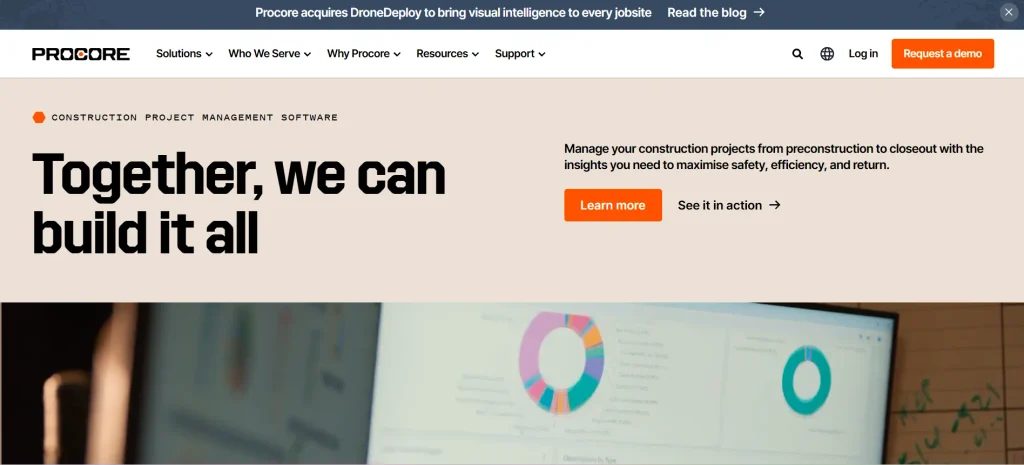
- Website: https://www.procore.com/
- Best Use Cases: Broad project management for mid-sized and large commercial general contractors
Procore is one of the most widely used construction management platforms, especially among commercial general contractors and large specialty subcontractors. It covers project management, financial management, quality and safety, and resource planning in one connected system.
The platform handles drawings, RFIs, submittals, budgets, and change orders and connects with many accounting and design tools. Its depth suits larger firms, but pricing is custom and often based on annual construction volume, so smaller contractors may find it costly and complex.
Key Features:
- Project Management Tools
- Financial Management
- Quality And Safety Tools
- Drawings And Document Control
- Wide Integration Ecosystem
Pros:
- Very Broad Feature Set
- Strong For Commercial Projects
- Large Integration Ecosystem
Cons:
- Custom, Higher Pricing
- Learning Curve For New Users
- Often Too Much For Small Firms
Pricing:
- Custom pricing based on products and annual construction volume, with annual contracts commonly reported from roughly $10,000 upward
2. Autodesk Build
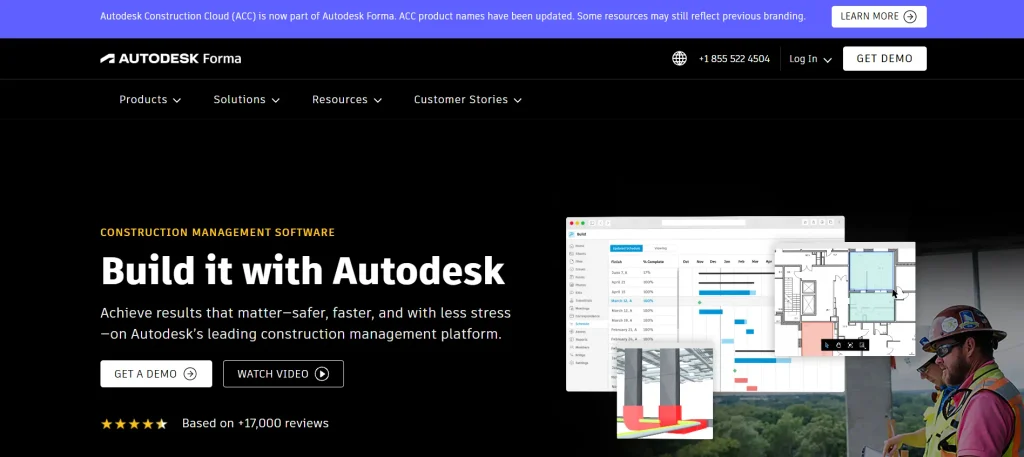
- Website: https://construction.autodesk.com/
- Best Use Cases: BIM-heavy projects that need strong document control and design-to-field coordination
Autodesk Build, part of Autodesk Construction Cloud and now associated with the Autodesk Forma brand, connects design models and drawings to field execution. It handles documents, RFIs, submittals, issues, and cost workflows in a single environment.
As a construction project management software, it is a natural choice for teams that already use Autodesk design tools because it connects models and construction data closely. The platform works best for larger or technically complex projects, while teams outside the Autodesk ecosystem may face a learning curve.
Key Features:
- BIM And Model Coordination
- Document And Drawing Management
- RFIs And Submittals
- Field Issue Tracking
- Cost Management Tools
Pros:
- Strong BIM Integration
- Excellent Document Control
- Design-To-Field Workflow
Cons:
- Best Within Autodesk Ecosystem
- Learning Curve
- Pricing Varies By Package
Pricing:
- Custom quote through Autodesk Construction Cloud packages, with some sources listing Build from about $480 per user per year
3. Houzz Pro
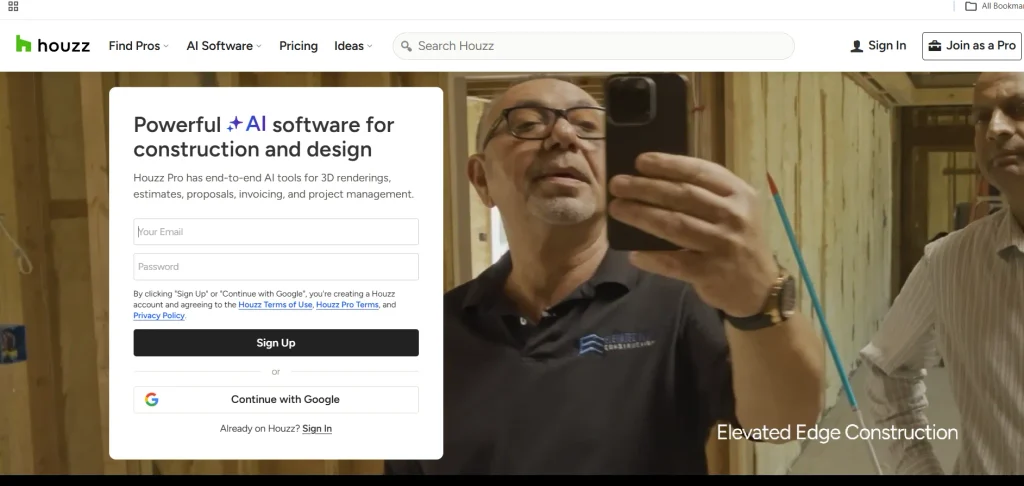
- Website: https://www.houzz.com/houzz-pro/pricing
- Best Use Cases: Home builders, remodelers, and contractors that need project management, estimating, and client communication
Houzz Pro is a construction management platform built specifically for builders, remodelers, and other industry professionals. It brings together the likes of estimates, proposals, takeoffs, budgets, schedules, change orders, daily logs, invoicing, and client management tools in one place.
It is particularly useful for residential construction businesses that want to manage both projects and client relationships from the same system. Its mobile app also helps teams access project information while working in the field.
Key Features:
- Estimates And Proposals
- Takeoffs And Bid Management
- Project Scheduling
- Budget Management
- Change Orders
- Daily Logs
Pros:
- Strong For Residential Contractors
- Combines Estimating And Project Management
- Client-Friendly Tools
Cons:
- Higher Cost For Larger Teams
- Some Advanced Features Require Higher Plans
- More Focused On Residential And Design Work
Pricing:
- Plans currently start at about $99 per month, with Pro at $199 per month and Teams starting at $399 per month; pricing and plan structure can vary, so confirm the current plan before publishing.
4. Fieldwire
- Website: https://www.fieldwire.com/
- Best Use Cases: Field-first task management, plan viewing, and punch lists for jobsite crews
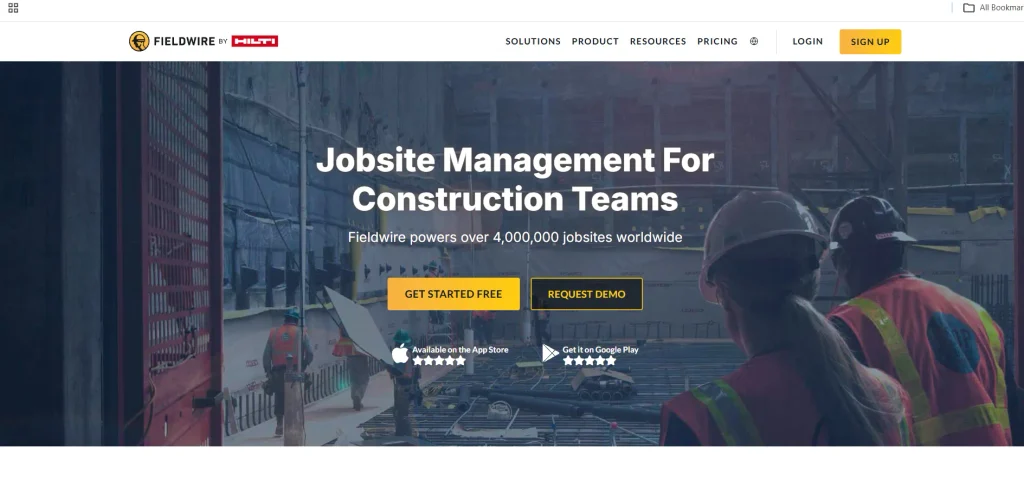
Fieldwire, part of Hilti, is a cloud-based field management tool built for crews working on the jobsite. Teams can pin tasks to drawings, manage punch lists, view plans, fill out forms, and track progress from their phones and tablets.
It is simple to adopt and has unusually transparent pricing, including a free plan for small teams. Fieldwire focuses on field coordination, so it does not replace a full project controls platform for budgets and contracts.
Key Features:
- Tasks Pinned To Drawings
- Plan Viewing And Markup
- Punch Lists And Checklists
- Form Builder
- Field Scheduling
Pros:
- Easy For Field Teams
- Free Plan Available
- Transparent Pricing
Cons:
- Limited Financial Controls
- Not A Full Project Controls Suite
- Per-User Cost Adds Up
Pricing:
- Free plan for up to 5 users and 3 projects, with paid plans from about $39 to $89 per user per month
5. Contractor Foreman
- Website: https://www.contractorforeman.com/
- Best Use Cases: Affordable all-in-one management for small and mid-sized contractors
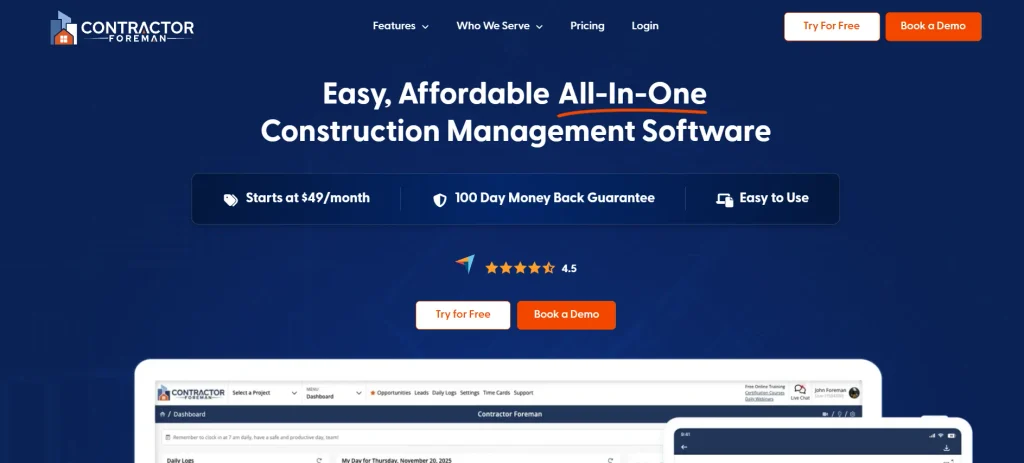
Contractor Foreman is a construction management platform built for small and mid-sized contractors who want a wide range of features at an affordable price. It covers bid management, estimates, job costing, scheduling, daily logs, and client interactions.
As a construction project management software solution, it offers a free trial and a money-back guarantee, allowing contractors to test its features before committing. Its low entry price is a major advantage, although larger commercial firms may need more advanced project controls and reporting capabilities.
Key Features:
- Bid And Estimate Management
- Job Costing And Budgets
- Scheduling And Daily Logs
- Client Communication
- Mobile Access
Pros:
- Very Affordable
- Broad Feature Set
- Free Trial Available
Cons:
- Less Suited To Large Firms
- Interface Can Feel Busy
- Advanced Reporting Limits
Pricing:
- From about $49 per month, with higher tiers reaching roughly $332 per month for unlimited users
6. JobTread
- Website: https://www.jobtread.com/
- Best Use Cases: Estimating-to-invoice management and job costing for growing residential contractors
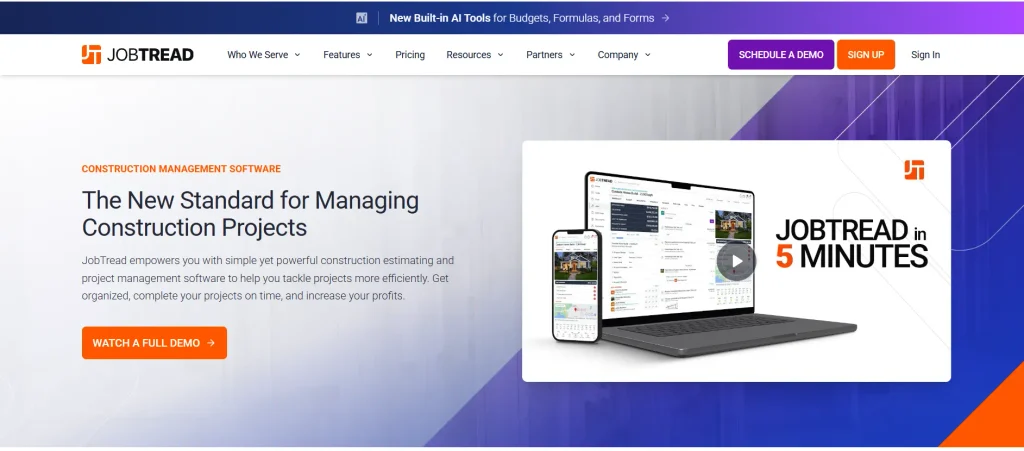
JobTread is an all-in-one platform that takes a job from estimate to invoice. It combines estimating, proposals, job costing, scheduling, and client communication and is popular with growing residential and remodeling contractors.
It offers serious job costing and budgeting without Procore-level pricing. Because it is newer than some established platforms, it has fewer enterprise-level project controls, but it works well for simpler contractor workflows.
Key Features:
- Estimating And Proposals
- Job Costing And Budgets
- Scheduling And Tasks
- Client Communication
- Invoicing
Pros:
- Strong Job Costing
- All-In-One Workflow
- Fair Entry Price
Cons:
- Fewer Enterprise Controls
- Newer Than Some Rivals
- Per-Seat Cost Rises
Pricing:
- From about $159 per month for the first user on an annual plan, plus roughly $18 per month for each additional seat
7. Raken
- Website: https://www.rakenapp.com/
- Best Use Cases: Daily reports, time tracking, and real-time field updates for crews and subcontractors
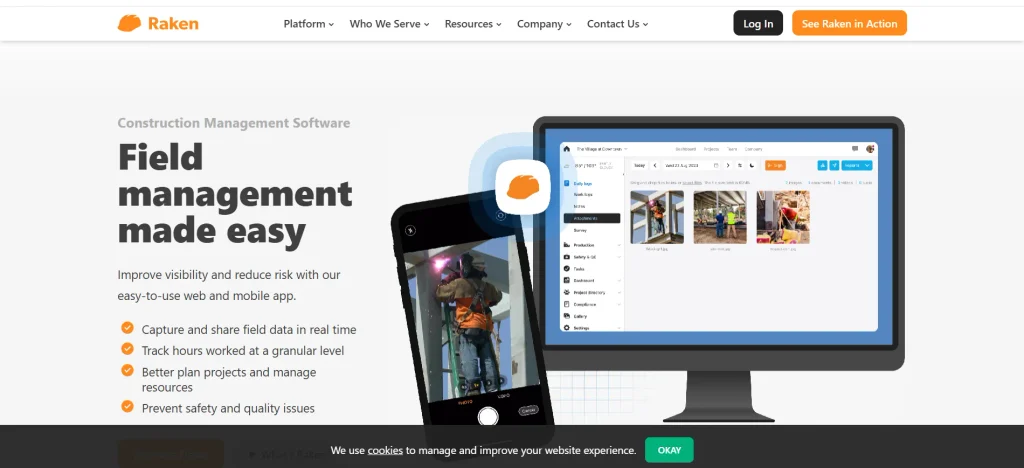
Raken is a field-focused tool for daily reporting, time tracking, and jobsite documentation. Crews can log work, photos, labor hours, and safety notes from a phone, giving office teams real-time updates without chasing paperwork.
Raken suits contractors and subcontractors who mainly want to improve field reporting and productivity tracking. It is not a complete project controls platform, and pricing is provided on request.
Key Features:
- Daily Reports
- Time Tracking Solutions
- Photo And Note Capture
- Safety Reporting
- Productivity Tracking
Pros:
- Easy Field Reporting
- Real-Time Updates
- Good For Subcontractors
Cons:
- Limited Financial Features
- Pricing Not Public
- Not A Full PM Suite
Pricing:
- Pricing available on request
8. InEight
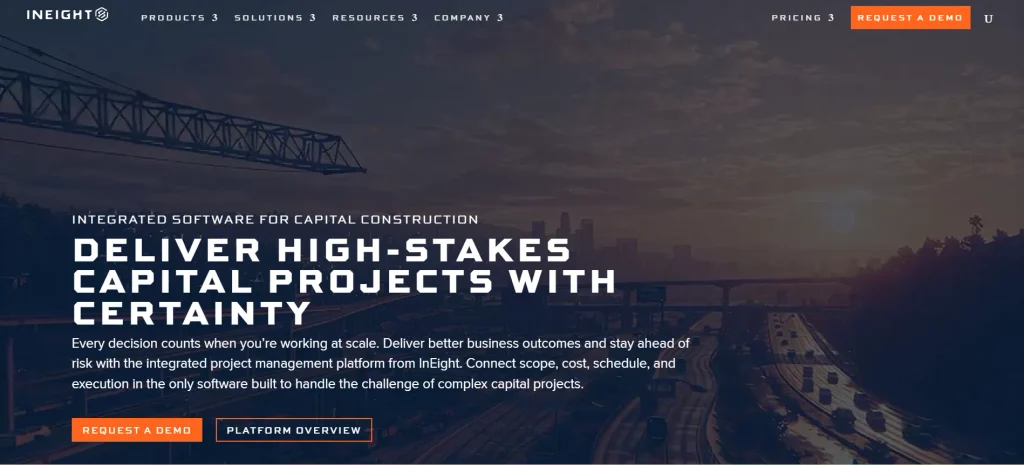
- Website: https://ineight.com/
- Best Use Cases: Capital projects, large infrastructure, and complex industrial construction
InEight is a project controls platform designed for owners and contractors managing large capital projects. It supports planning, cost control, scheduling, document management, and risk management for complex, high-value construction work.
InEight is well suited to infrastructure, energy, and industrial construction projects that require detailed controls and reporting. However, its complexity can make implementation more time-consuming and costly, making it less suitable for small-scale residential contractors with simpler project management needs.
Key Features:
- Cost And Budget Control
- Scheduling And Planning
- Document Management
- Risk Management
- Project Reporting
Pros:
- Built For Capital Projects
- Strong Cost Control
- Detailed Reporting
Cons:
- Enterprise-Level Cost
- Long Implementation
- Overkill For Small Jobs
Pricing:
- Custom, quote-based pricing
9. Premier Construction Software
- Website: https://www.premiersoft.net/
- Best Use Cases: Contractors that want project management tied closely to accounting and payroll
Premier Construction Software combines project management with integrated construction accounting and payroll. Contractors can manage job costs, payables, receivables, and payroll alongside their projects.
This connection between project activity and financial data can reduce double entry and give owners a clearer view of profitability. It is also appropriate for those who prefer an end-to-end solution, although it requires more time for implementation and proper training of employees.
Key Features:
- Construction Accounting
- Payroll Management
- Job Costing
- Project Management
- Reporting And Analytics
Pros:
- Integrated Accounting And Payroll
- Strong Job Cost Visibility
- Less Double Entry
Cons:
- Custom Pricing
- Implementation Takes Time
- Less Focused On Field Tools
Pricing:
- Custom, quote-based pricing
10. Oracle Aconex
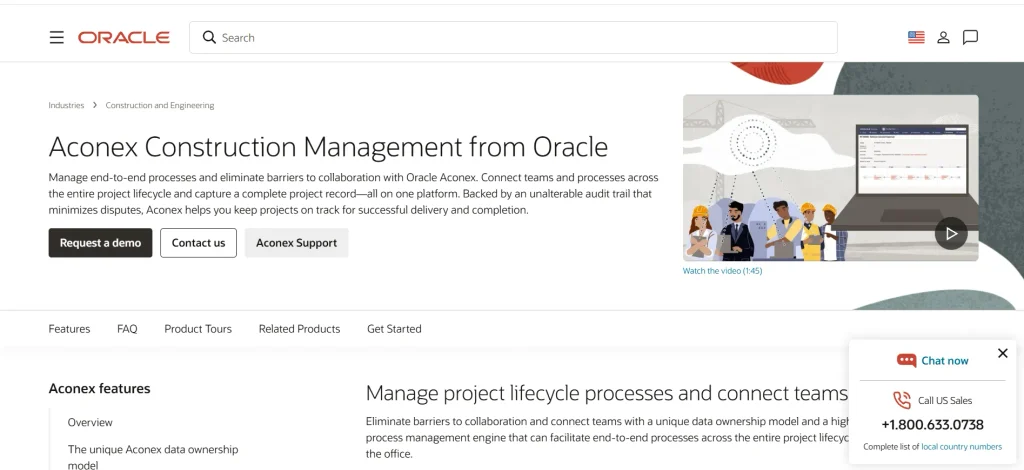
- Website: https://www.oracle.com/construction-engineering/aconex/
- Best Use Cases: Document control and collaboration across large, multi-party construction projects
Oracle Aconex is a collaborative project management solution that enables owners, contractors, and consultants to plan, construct, and commission major projects while providing a shared platform for managing drawings, correspondence, and transmittals in a single, auditable repository.
It is trusted on major infrastructure and building projects where a clear record of communication matters. Its focus is collaboration and documentation rather than job costing, and it is priced for large projects.
Key Features:
- Document Control
- Transmittals And Correspondence
- Workflow And Approvals
- Audit Trail
- Multi-Party Collaboration
Pros:
- Strong Document Control
- Built For Complex Projects
- Clear Audit Trail
Cons:
- Limited Financial Tools
- Enterprise-Level Cost
- Heavier For Small Teams
Pricing:
- Custom, quote-based pricing
11. Trimble ProjectSight
- Website: https://www.trimble.com/
- Best Use Cases: General contractors that use Trimble construction tools and want connected project management
Trimble ProjectSight is a cloud-based project management solution within Trimble’s construction software ecosystem. It helps teams manage documents, RFIs, submittals, meetings, field activities, and project specifications.
Trimble ProjectSight is particularly useful for contractors who already use Trimble products for modeling, estimating, or accounting, as it helps connect project information across their workflows. Contractors who do not use Trimble’s ecosystem may prefer alternative platforms that better fit their existing tools and processes.
Key Features:
- Document Management
- RFIs And Submittals
- Meeting And Issue Tracking
- Field Collaboration
- Trimble Ecosystem Integration
Pros:
- Strong Trimble Integration
- Good For General Contractors
- Mobile Access
Cons:
- Best Within Trimble Ecosystem
- Custom Pricing
- Setup Needs Planning
Pricing:
- Custom, quote-based pricing
12. Knowify
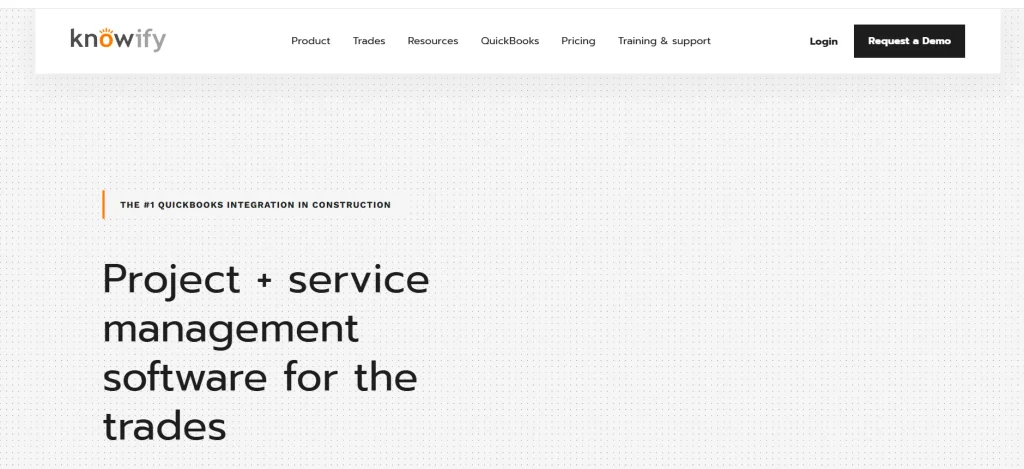
- Website: https://knowify.com/
- Best Use Cases: Job costing and billing for specialty and trade contractors
Knowify is a construction management and financial software designed for specialty and trade contractors, such as electrical, HVAC, and plumbing companies. It is focused on job costing, progress billing, and overall profitability tracking.
The application is great for small and medium-sized trade contractors looking to understand the economics of every job and syncs well with popular accounting software. It has more features related to financial management than to design or BIM workflows.
Key Features:
- Job Costing
- Progress Billing
- Subcontractor Management
- Change Order Tracking
- Accounting Integrations
Pros:
- Strong Job Cost Visibility
- Built For Trade Contractors
- Accounting Integrations
Cons:
- Limited BIM And Design Tools
- Plan-Based Pricing
- Less Suited To Large GCs
Pricing:
- From $99 per month for Core, with Advanced at $329 per month and Enterprise offering custom pricing.
13. ConstructionOnline
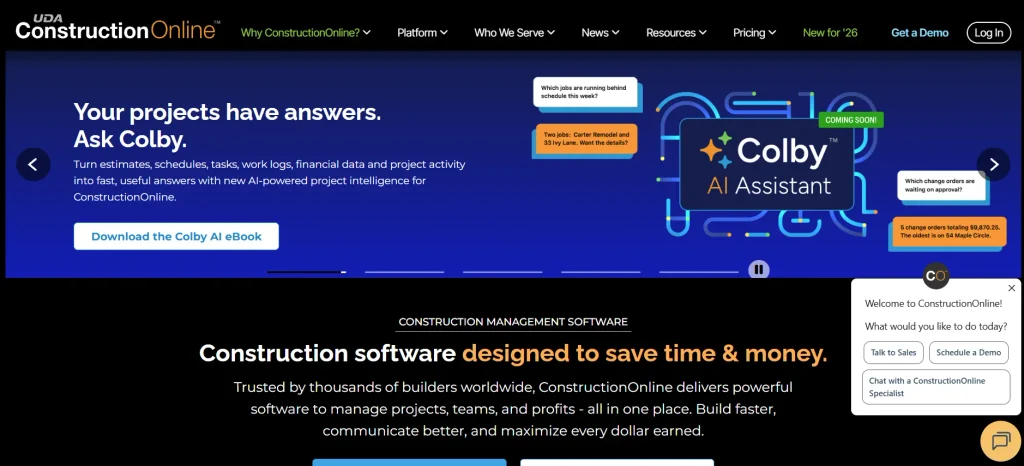
- Website: https://us.constructiononline.com/
- Best Use Cases: Construction companies that need scheduling, estimating, job costing, field reporting, and team collaboration
ConstructionOnline is a construction-specific project management platform from UDA Technologies. It brings estimating, scheduling, job costing, daily logs, project documentation, client communication, and field management into one system.
The platform includes construction scheduling with Gantt charts, task management, time tracking, punch lists, RFI tracking, file sharing, and client and subcontractor portals. Its mobile app also connects field teams with office staff.
Key Features:
- Construction Estimating
- Gantt Scheduling
- Job Costing And Financials
- Daily Logs And Field Reporting
- RFI And Punch List Management
- Client And Subcontractor Portals
Pros:
- Comprehensive Construction Tools
- Strong Scheduling And Financial Features
- Good Field And Office Collaboration
Cons:
- Can Be More Complex For Small Teams
- Advanced Features May Increase Cost
- Implementation Requires Some Training
Pricing:
- Pricing varies by plan and company size. ConstructionOnline offers a free 10-day trial, while enterprise packages currently start at about $36,840 per year.
14. monday.com
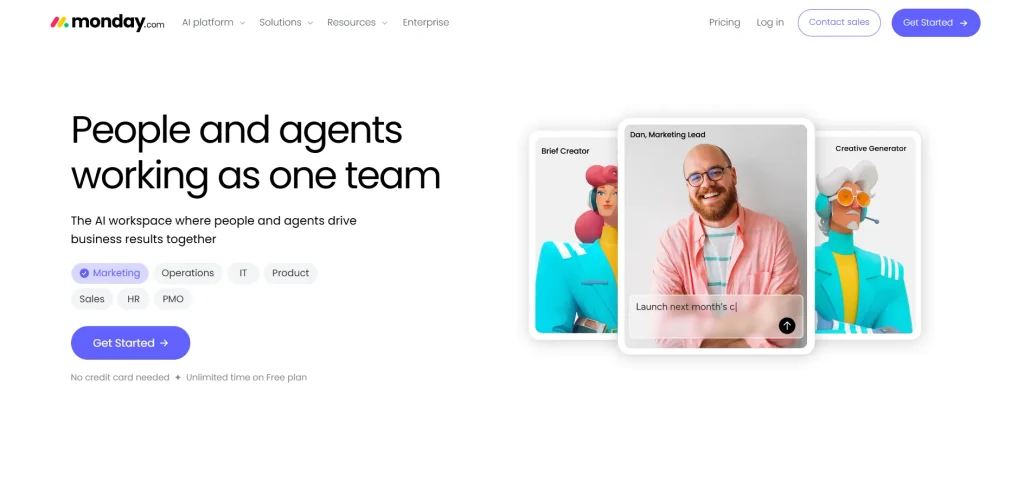
- Website: https://monday.com/
- Best Use Cases: Flexible, customizable project tracking for contractors that want visual boards
monday.com is a general work management platform that contractors can adapt for construction using templates for schedules, tasks, and approvals. Its visual boards, dashboards, and automations make it easier to track progress across multiple jobs.
As a construction project management software option, monday.com works well for small teams that need a flexible way to organize tasks without investing in a full construction-specific platform. However, it lacks specialized features such as job accounting, RFIs, and blueprint markup tools, which may require integrations or additional customization.
Key Features:
- Customizable Boards
- Dashboards And Reports
- Automations
- Timeline And Gantt Views
- Wide App Integrations
Pros:
- Very Flexible
- Easy To Learn
- Free Plan Available
Cons:
- Not Construction-Specific
- No Built-In Job Costing
- Needs Setup And Templates
Pricing:
- Limited free plan, with paid plans from about $9 per seat per month when billed annually
15. Buildxact
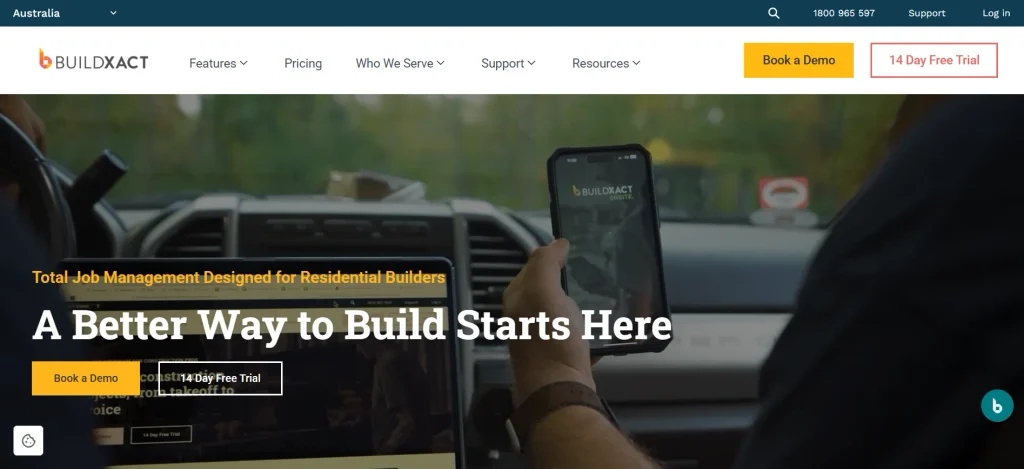
- Website: https://www.buildxact.com/
- Best Use Cases: Estimating-first builders and remodelers that want quotes tied to project management
Buildxact is construction software for builders and remodelers that puts estimating and quoting first. Contractors can create takeoffs, estimates, and proposals from it and carry them through scheduling, purchasing, and job tracking.
It is ideal for smaller and mid-size residential builders who need to create more accurate quotes and keep numbers from change orders consistent throughout the build. Larger or commercial contractors may need more comprehensive project controls.
Key Features:
- Estimating And Takeoffs
- Quotes And Proposals
- Purchase Orders
- Scheduling And Tasks
- Job Tracking
Pros:
- Strong Estimating Tools
- Good For Residential Builders
- Quotes Flow Into Projects
Cons:
- Less Suited To Commercial Work
- Plan-Based Pricing
- Fewer Enterprise Controls
Pricing:
- From $199 per month for Foundation, with Pro at $399 per month and Master at $599 per month.
How To Choose The Right Construction Project Management Software?
The best platform depends on the type of construction work you handle, the size of your team, your budget, and the workflows you need to manage. A tool built for a residential remodeler can be very different from one designed for a large infrastructure contractor.
Before choosing a platform, compare the following factors:
- Project Type: Residential, commercial, specialty trade, and capital projects have different requirements, so choose software built for your type of work.
- Budget: Look beyond the starting price. Check user limits, add-on modules, storage, implementation fees, and other costs to understand the total yearly cost.
- Features: Match the software to your needs, including job costing, RFIs, and document management. Document control software can also help keep project files organized and accessible.
- Mobile & Field Usability: Your crews need to use the software on site, so test the mobile app, offline access, ease of capturing photos, and daily reporting workflows.
- Integrations & Support: Check whether the platform connects with your accounting, estimating, design, and other business tools. Also consider the quality of training and customer support.
Common Mistakes To Avoid When Choosing Construction Project Management Tools
Choosing the right platform is not only about comparing features and prices. Many contractors adopt software that looks good during the sales process but later becomes difficult for field teams to use.
- Choosing Only On Price: The cheapest plan may lack job costing, change order management, or enough users, while add-ons can increase the real cost.
- Buying Too Much Software: An enterprise suite can overwhelm a small crew. Start with the features you actually need and make sure the platform can scale as your business grows.
- Ignoring Field Adoption: If superintendents and foremen find the app difficult to use, important project data may not be entered consistently.
- Skipping The Demo Or Trial: Test real tasks such as creating a daily log, submitting an RFI, and tracking a change order before committing.
- Forgetting Accounting Integration: Poor integration with your accounting system can create double entry and errors, so confirm compatibility before choosing a platform.
- Skipping Training: Even a strong platform can fail without proper onboarding. Plan training for office teams, field crews, and subcontractors where necessary.
Conclusion
Construction project management software can help contractors keep projects on schedule, control project costs, organize documents, and keep office and field teams working from the same information.
The best option depends on the type of construction business you operate. Procore, Autodesk Build, InEight, and Oracle Aconex are better suited to large and complex projects, while Houzz Pro, JobTread, Buildxact, and Contractor Foreman are strong options for residential and small to mid-sized contractors. Fieldwire and Raken focus more heavily on field operations, while Knowify, ConstructionOnline, and monday.com can work well for specific trades or flexible project workflows.
Before making a final decision, compare your project type, budget, required features, mobile usability, and integrations. Shortlist two or three platforms, test them with a real project, and involve both your office and field teams in the final evaluation.
FAQs
Q1: What Is Construction Project Management Tools And How Does It Work?
Construction project management tools brings schedules, budgets, drawings, RFIs, daily logs, documents, and communication into one platform. Office teams and field crews can access the same project information through computers and mobile devices, helping everyone stay updated.
Q2: How Much Does Construction Project Management Tools Cost?
Costs vary widely depending on the platform, number of users, features, and project requirements. Small-contractor tools can start around $49 per month, while residential platforms such as Houzz Pro can start at about $99 per month. Enterprise platforms such as Procore and Autodesk Build generally use custom pricing.
Q3: Which Construction Software Is Best For Small Contractors?
Contractor Foreman and JobTread are popular value-focused options for small contractors, while Fieldwire offers a free plan for small field teams. The best choice depends on whether you need estimating, job costing, field tools, client communication, or a combination of these features.
Q4: What Is The Best Software For Residential Builders And Remodelers?
Houzz Pro is a strong option for residential builders and remodelers that need estimating, project management, scheduling, and client communication in one platform. JobTread and Buildxact are also strong choices, especially for businesses that prioritize estimating and job costing.
Q5: Can Construction Software Be Used On Mobile At The Jobsite?
Yes. Most modern construction project management platforms, including Procore, Houzz Pro, Fieldwire, and Raken, offer mobile apps for viewing plans, logging daily reports, taking photos, and tracking tasks. If your job sites have poor connectivity, check whether the platform supports offline access before purchasing.