

In the digital age, the need to conserve sensitive information has risen to the forefront in the priorities of organisations in any part of the globe. Data classification software is used to assist companies in recognising, defining, and protecting sensitive data throughout the infrastructure.
Personally identifiable information, protected health records or intellectual property, the key is to make the correct choice among the leading data classification tools and ensure the success of compliance rather than expensive payment of fines. This is a great resource guide on the most popular platforms that assist organisations to keep data secure, address regulatory mandates and avoid unauthorised access to vital business data.
What Are Data Classification Tools?
Data classification tools are software-specific applications that can perform the automatic discovery, identification, and classification of sensitive information within the digital landscape of an organisation. Such platforms search files, databases, cloud storage and endpoints to find sensitive information like credit card numbers, social security numbers, medical records and business proprietary information.
These solutions will help companies to adopt necessary security controls, data movement, and show that they are compliant with various regulations, such as GDPR, HIPAA, and CCPA, by labelling and assigning tags that follow specific rules and machine learning algorithms. The state of the art in data classification tools makes the manual process look like an overload that has been automated and turned into a continuous process.
Essential Features to Look for in Data Classification Tools
The most suitable ones are those that provide automated discovery but allow flexibility in policy management so as to provide complete coverage without bottlenecks in operations. When considering possible solutions, look at functionality that is in line with your industry policies, data amounts, and current technology platform.
- Automated Discovery and Scanning: It must be possible to discover sensitive information at various places automatically.
- Ready to use Compliance Templates: Find sites that have ready-to-use classification policies, which are adjusted to major regulatory frameworks.
- Live Tracking Solutions: The success of protection is impossible without constant attention.
- Integration with Current Security Infrastructure: Your classification tool must be integrated well with your existing security infrastructure, such as SIEM solutions, DLP solutions, identity management systems and cloud service providers.
- User Behaviour Analytics: Advanced systems use behavioural analysis to detect atypical data access by users, which could be an insider threat or a compromised credential.
Comparison Table for Top 11 Data Classification Tools
| Tool Name | Rating | Best Feature |
| Fortra Digital Guardian | 4.5/5 | Context-aware classification across endpoints and networks |
| Kitecyber Data Shield | 4.7/5 | 80+ pre-configured compliance templates with data lineage tracking |
| OneTrust DataDiscovery | 4.6/5 | Comprehensive data flow mapping across 500+ sources |
| Satori | 4.4/5 | Automated sensitive data masking without coding |
| Varonis Data Classification Engine | 4.5/5 | Incremental scanning with SIEM/SOAR integration |
| Imperva Data Security | 4.3/5 | Real-time database activity monitoring and classification |
| Securiti | 4.5/5 | AI-powered multi-cloud data mapping automation |
| ManageEngine DataSecurity Plus | 4.2/5 | Affordable compliance reporting for mid-sized teams |
| Forcepoint Data Classification | 4.4/5 | Intent-based classification using behavioural context |
| Netwrix Data Classification | 4.1/5 | Budget-friendly legacy system scanning |
| Microsoft Purview | 4.3/5 | Native Office 365 integration with automated labelling |
Top 10 Data Classification Tools
1. Fortra Digital Guardian
Rating: 4.5/5
Website: https://www.fortra.com/
Best Use Cases: Enterprise endpoint protection with comprehensive context-aware data monitoring
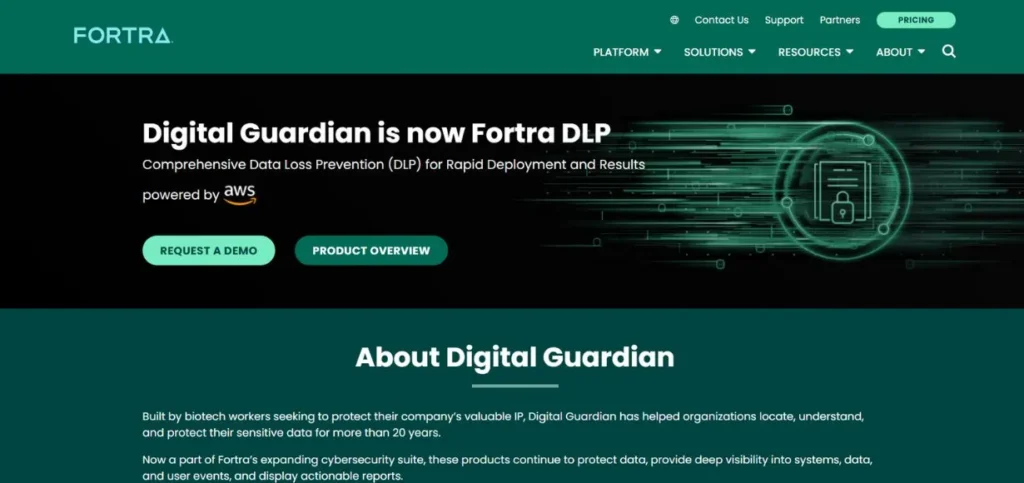
Fortra Digital Guardian is an extremely powerful tool that integrates both automation and manual control features on large-scale data classification projects. The platform has a high capability of scanning and tagging information based not only on the content analysis but also on the context, like regulatory requirements and intellectual property.
It is compatible with both Windows and Mac OS and Linux environments, and it can be integrated with Microsoft Office applications without problems, which makes it exceptionally useful in organisations that are more or less committed to the Microsoft environment. The solution observes data in endpoints, networks, and cloud platforms at the same time, giving a broad view.
Key Features:
- Context-aware data classification
- Multi-platform endpoint monitoring
- Real-time policy enforcement
- Encryption and redaction capabilities
- CrowdStrike and Splunk integration
Pros:
- Comprehensive coverage across environments
- Strong contextual analysis
- Robust third-party integrations
Cons:
- Higher price point
- Resource-intensive deployment requirements
- Complex initial configuration
Pricing: Custom pricing
Also Read: Top Customer Data Platform Software
2. Kitecyber Data Shield
Rating: 4.7/5
Website: https://www.kitecyber.com/
Best Use Cases: Organisations seeking comprehensive endpoint DLP with data lineage capabilities
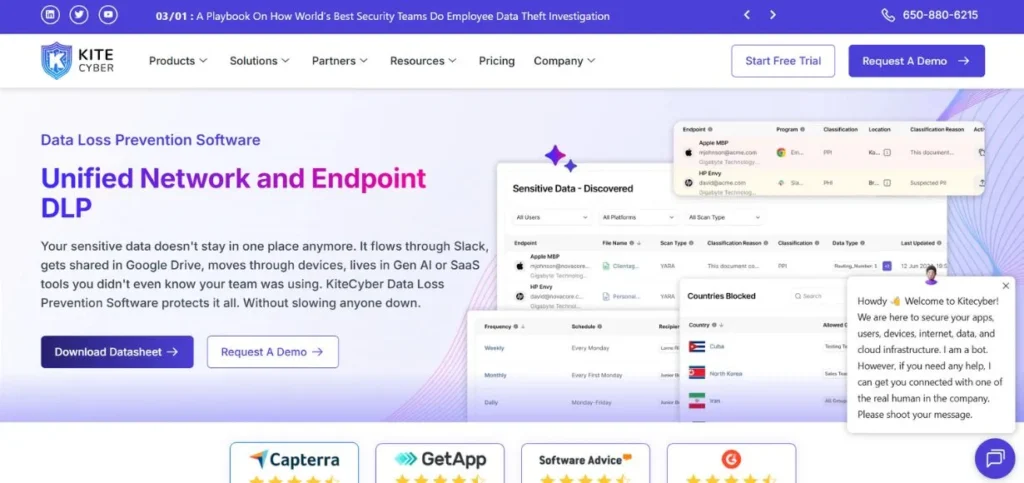
Kitecyber Data Shield is one of the most popular data classification tools since it is an outstanding solution for Windows, Linux, and macOS. The tool is simplified to find sensitive information; it contains a very comprehensive built-in classification tool with more than 80 pre-set classification categories.
Companies are able to quickly locate secured health data, personally identifiable data and other types of critical data without a lot of configuration. Flexibility in the solution enables the manipulation of other categories to present certain business needs and compliance requirements. Its lightweight agent architecture means that it has the least effect on the number of endpoint devices in terms of performance, but is also able to provide full visibility.
Key Features:
- 80+ predefined compliance policies
- User behavioural analytics tracking
- Complete data lineage monitoring
- File activity monitoring capabilities
- AI-powered ransomware detection
Pros:
- Minimal endpoint performance impact
- Extensive pre-built policies
- Cross-platform device support
Cons:
- Requires vendor contact pricing
- Learning curve for features
- Limited public documentation
Pricing: Plan starts at $5/month
3. OneTrust DataDiscovery
Rating: 4.6/5
Website: https://www.onetrust.com/
Best Use Cases: Privacy-focused organisations requiring comprehensive compliance automation and data mapping
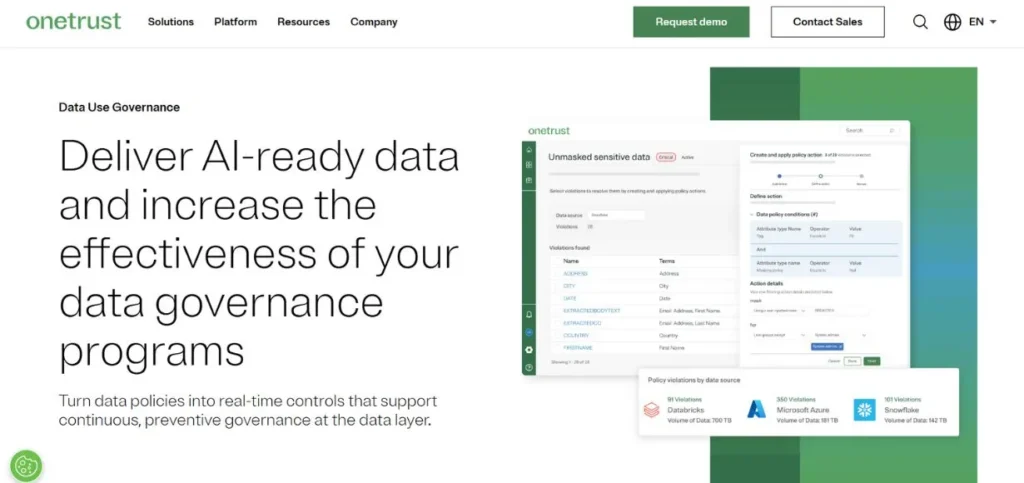
OneTrust DataDiscovery provides automated scanning, classification and listing of information through the entire system landscape of an organisation. The solution is especially brilliant when it comes to compliance efforts, as it allows locating sensitive data and providing an in-depth view of the data flows within the enterprise. These features are of great benefit in risk assessment procedures and the implementation of policies.
OneTrust is a component of the wider privacy management framework of OneTrust and offers built-in consent management, data subject request management, and processing activity documentation processes. The system will scan more than 500 data sources, where tagging of the information will be done using the power of AI to categorise the information correctly.
Key Features:
- 500+ data source scanning
- Automated compliance workflow management
- AI-powered classification tagging
- Visual risk heatmaps
- Enterprise system integrations
Pros:
- Comprehensive data flow visibility
- Strong regulatory compliance features
- Integrated privacy platform
Cons:
- Complex for smaller organisations
- Higher cost for features
- Steep implementation requirements
Pricing: Custom pricing
4. Satori
Rating: 4.4/5
Website: https://satoricyber.com/
Best Use Cases: Data analytics environments requiring automated access management and masking
To identify and mask sensitive data automatically, Satori is linked to various data stores such as Snowflake, Amazon Redshift, and many others. The power of the solution is in the automated processes that scan both analytics and operational data space, managing access control without ensuring the protection of information, without writing specific code.
The dynamic masking features provide security of sensitive data even when the user who views it is authorised but does not need to view real values. The platform is compatible with cloud, on-premises, and hybrid platforms and offers uniform protection despite the selected infrastructure. Consent management controls are used to assist organisations in adhering to privacy policies that entail the need to give explicit user consent to process the data.
Key Features:
- Automated access policy management
- Dynamic data masking
- Cross-environment compatibility
- Consent management workflows
- Comprehensive audit trails
Pros:
- No coding required
- Excellent analytics integration
- Automated policy application
Cons:
- Limited classification analytics depth
- Focused mainly on masking
- Fewer advanced features
Pricing: Custom pricing
5. Varonis Data Classification Engine
Rating: 4.5/5
Website: https://www.varonis.com/
Best Use Cases: Enterprises needing continuous compliance scanning with SIEM integration
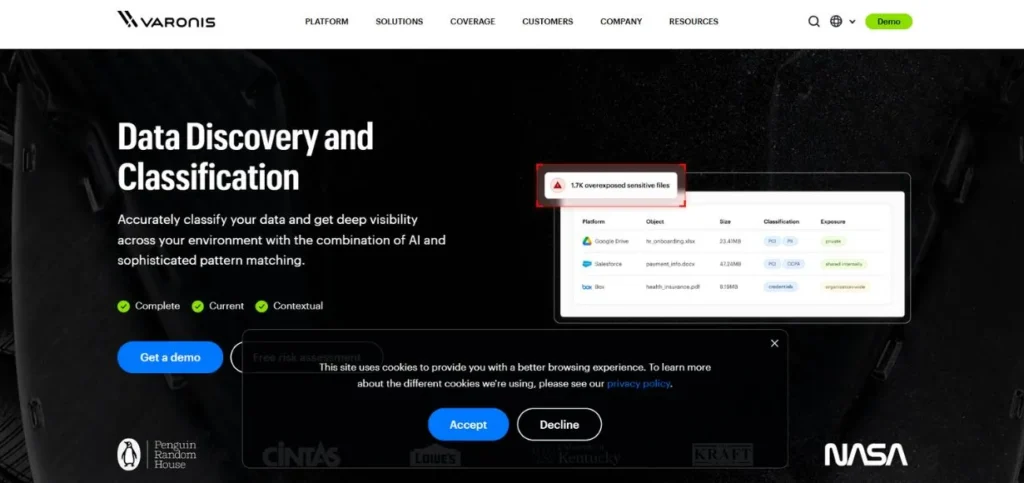
Varonis is an automated classification engine that enables various privacy regulations, such as GDPR and CCPA compliance regulations. The site is continually scanning organisational data to verify continuous compliance and indicating sensitive da, ta and offering the choice of access control changes, deleting information, or quarantining data, which is at risk of exposure.
Moreover, Varonis keeps records of file audit trails that ensure transparency and assist in investigations. Connection to SIEM and SOAR platforms allows workflows of automated response in case classification activities are identified.
Key Features:
- Incremental scanning technology
- GDPR pattern recognition
- SIEM/SOAR integration capabilities
- File audit trail maintenance
- Pre-defined policy templates
Pros:
- Automated incident response integration
- Efficient incremental scanning
- Strong compliance focus
Cons:
- Steep learning curve initially
- Advanced features complexity
- Higher pricing tier
Pricing: Custom pricing
6. Imperva Data Security
Rating: 4.3/5
Website: https://www.imperva.com/
Best Use Cases: Database-centric environments requiring real-time activity monitoring and threat protection
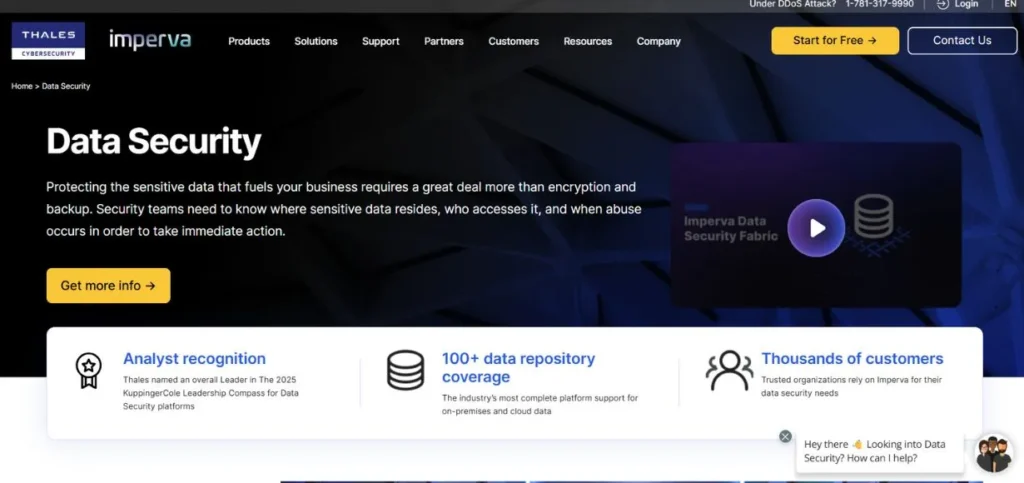
Imperva offers end-to-end data security solutions that address the protection of high-value assets against any threats. The classification features of the platform also assist the organisations in finding, categorising, and tracing sensitive information within a variety of settings to ensure compliance and minimise exposure to risks. The ability to monitor the activities across the database in real-time is one of its specific advantages, as security teams can monitor the access and use of sensitive information in real-time.
The solution is an outstanding one in terms of safeguarding against SQL injection attacks and insider threats using behavioural analysis and anomaly detection. The risk scoring capabilities allow for ranking the remediation efforts by ranking the most important vulnerabilities and focusing on them first.
Key Features:
- Real-time database monitoring
- SQL injection protection
- Risk scoring algorithms
- Vulnerability assessment tools
- Compliance dashboard reporting
Pros:
- Strong database protection focus
- Effective against insider threats
- Comprehensive cloud integration
Cons:
- Infrastructure-heavy approach
- User interface dated
- Database-centric rather than file-focused
Pricing: basic support for $2,500/year
7. Securiti
Rating: 4.5/5
Website: https://securiti.ai/
Best Use Cases: Multi-cloud environments requiring automated privacy policy enforcement
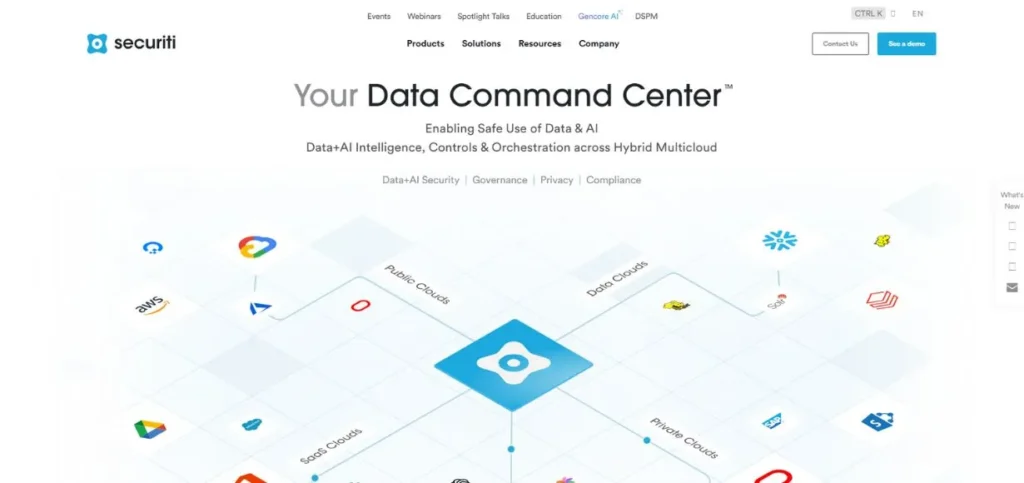
Securiti Data Classification is an automated tool that is used to identify and classify sensitive data in different operational settings. The platform uses machine learning algorithms to classify data in the right way, assign the right security labels, and implement privacy policies automatically. This holistic approach will eventually avoid data leakage, and this will ensure that regulatory requirements are met.
The solution is best suited for the multi-cloud and SaaS systems where there is data sprawl. Automated data mapping features offer full transparency of where sensitive data exists and the chain of flow of information across systems. Consent management functionality assists organisations in meeting the rules that demand clear user permissions.
Key Features:
- Machine learning classification
- Automated data mapping
- Consent management system
- Multi-cloud environment support
- Privacy policy enforcement
Pros:
- Advanced automation capabilities
- Strong multi-cloud support
- Intelligent learning system
Cons:
- Complex setup process
- Requires technical expertise
- Higher resource requirements
Pricing: Custom pricing
8. ManageEngine DataSecurity Plus
Rating: 4.2/5
Website: https://www.manageengine.com/?pos=MEhome&loc=MElogo
Best Use Cases: Small-to mid-sized organisations needing affordable compliance with file monitoring
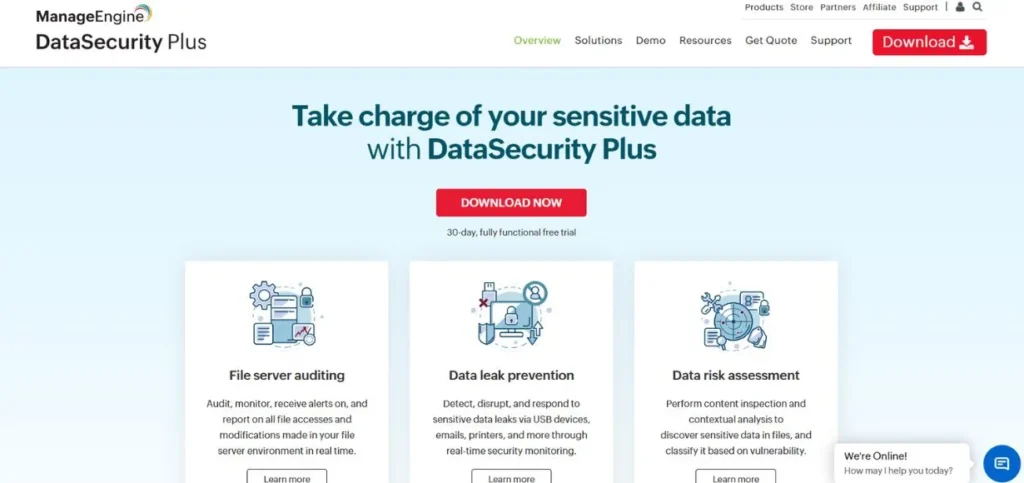
Programmed to specifically report on the classification of personal information and risk management, ManageEngine is useful in locating the personally identifiable information and the protected health information. The platform is used to automate the search for data files in the enterprise that hold sensitive information, threat evaluation, and prevention of data leakage by sending emails or external storage devices.
The product is a combination of data discovery, data classification and compliance reporting in an integrated DLP solution. File activity monitoring monitors who accesses sensitive files and what he/she do with them.
Key Features:
- PII and ePHI identification
- File activity monitoring
- Ransomware detection system
- GDPR/CCPA templates
- ITSM suite integration
Pros:
- Affordable for smaller teams
- Integrated compliance reporting
- User-friendly interface
Cons:
- Limited AI/ML capabilities
- Fewer advanced features
- Not ideal for enterprises
Pricing: Plan starts at $745/year
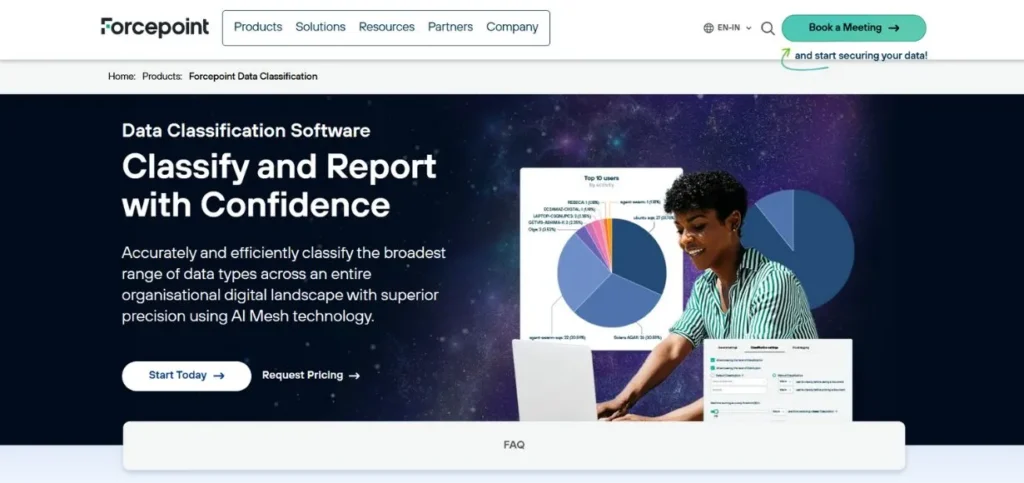
9. Forcepoint Data Classification
Rating: 4.4/5
Website: https://www.forcepoint.com/en-in
Best Use Cases: Organisations requiring user-intent analysis and contextual classification
Forcepoint provides an AI-based classification tool that is designed to work in unstructured data environments. The platform is also integrated with the data warehouses, cloud storage, network drives, and corporate email systems to eliminate the possibility of losing sensitive information. The difference between Forcepoint and the best data classification tools lies in their emphasis on data classification being based on the intent and context-specific factors of the user, rather than just the content analysis.
Such a solution helps to minimise the false positives as it comprehends the purpose of accessing information and the aim of the user to use it. Machine learning functionality is used to identify suspicious activities, which could be data exfiltration attempts or policy breaches.
Key Features:
- Intent-based classification analysis
- Machine learning anomaly detection
- Pre-built policy templates
- DLP and CASB integration
- Microsoft 365 compatibility
Pros:
- Contextual classification approach
- Strong Forcepoint ecosystem integration
- Reduced false positives
Cons:
- Limited standalone flexibility
- Best within the Forcepoint suite
- Fewer third-party integrations
Pricing: Custom pricing
10. Netwrix Data Classification
Rating: 4.1/5
Website: https://netwrix.com/en/
Best Use Cases: Budget-conscious organisations with legacy systems requiring basic classification
The Netwrix Data Classification lets businesses detect and categorise sensitive and business-critical content efficiently and correctly within the organisation. The solution is geared towards curbing risks of data breach and meeting compliance requirements by making less effort and spending less money as compared to the premium options. The platform searches file servers, SharePoint repositories and Box cloud storage to identify sensitive information.
Integrity with Active Directory capitalises on already existing structures of users and groups to simplify access management. Integration with Netwrix Auditor establishes harmonious operations of classification and audit trail operations. Although the user interface is based on an older design approach, the functionality is solid in case the organisation has simple classification requirements. The low cost makes it affordable to organisations that have a tight security budget.
Key Features:
- File server scanning
- Pre-built compliance templates
- Role-based access controls
- Active Directory integration
- Netwrix Auditor compatibility
Pros:
- Budget-friendly pricing
- Good for legacy systems
- Straightforward implementation
Cons:
- Outdated user interface
- Limited cloud focus
- Fewer modern features
Pricing: Custom pricing
How to Choose the Right Data Classification Tool
In the selection of the best tools of data classification that are available, a person must be careful of the specifics of his or her organisation, and not simply select the tool that is ranked in first position.
- Laws of Data Protection: Ascertain the regulations that govern data protection within your organisation, based on the industry and markets that you serve.
- Scalability and Data Volume: Check on your current volumes of data and the projected volume of your data in 3- 5 years. High-speed solutions that are effective with terabytes of data may not perform at the petabyte level.
- Integration Ecosystem: Review your existing security and IT environment to understand what you need to integrate.
- Total Cost of Ownership: Do not merely refer to the initial licensing costs, but also consider total financial commitment.
- User Experience and Adoption: Evaluate the ease of use of the platform by the security administrators and the end users in the event that the solution may need their input.
Conclusion
Every choice of the best data classification tools is a key decision that will affect the security posture of your organisation, compliance level, and efficiency. The reviewed platforms mentioned in this guide are presented with varied features that will address the needs of various organisations, such as those of the enterprise, such as Fortra Digital Guardian and OneTrust, or the affordable ones, such as ManageEngine and Netwrix.
Regardless of your primary concern – automated discovery, real-time or end-to-end compliance support, the current market has options that can meet different needs and budgets. A classification strategy that will keep sensitive information safe and allow business productivity and regulatory compliance will be implemented by the careful consideration of your particular needs in relation to the strengths of each platform.
Frequently Asked Questions
Q: What are the actual tasks of the tools of data classification?
A: Data classification solutions scan and identify, tag sensitive information inside your digital infrastructure automatically and after predefined rules and machine learning algorithms. They assist organisations by making them know the location of confidential data, users and the flow of confidential data within systems.
Q: What is the average cost of tools to classify data?
A: Pricing is also very different depending on features, volumes of data and models of deployment. Small business applications can begin at approximately $5,000 -10,000 per year, whereas an enterprise platform can cost more than 100,000 each year. The vast majority of vendors have individual pricing on the basis of certain requirements.
Q: Does it consume cloud storage platforms?
A: Yes, the leading data classification tools in the current market can be used with such major clouds as AWS, Azure, Google Cloud, Salesforce, and different SaaS applications. Most of them have native integrations that can be used in hybrid environments to provide full coverage.
Q: How many years does the implementation normally take?
A: Projects may be implemented in a few weeks in case of simple deployment and several months in case of enterprise-wide implementations. Duration factors are data volumes, intricacy of integration, customisation needs and availability of internal resources.
Q: Do these tools require technical knowledge to use?A: The majority of platforms need certain technical skills to be able to set them up and administer them. Nevertheless, numerous vendors are providing easy-to-use interfaces in their day-to-day activities and train on them, documenting and supporting teams to learn.
Continue Exploring: Best Data Pipeline Tools