
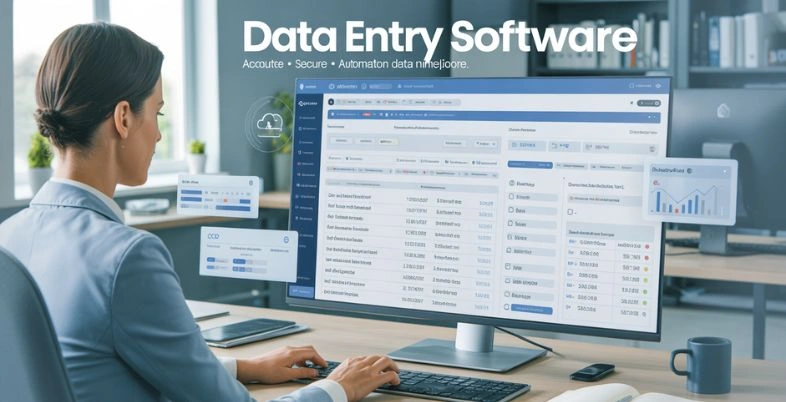
Looking to understand why Data Entry Tools have become essential for businesses operating in today’s data-driven world? As organisations generate massive volumes of information daily, from customer details and invoices to surveys and operational records, manual data entry is no longer efficient or reliable. Errors, duplication, and time-consuming processes can quickly slow down productivity and impact decision-making.
Modern data entry software goes far beyond simple typing tools. It leverages automation, AI-powered extraction, validation rules, integrations, and cloud accessibility to streamline how data is captured, processed, and stored. Whether extracting information from scanned documents, collecting responses through digital forms, or syncing data across business systems, these solutions ensure speed, accuracy, and scalability.
What Is Data Entry Software?
Data entry software are computer program that gathers, enters, processes and controls information in a structured electronic form. It assists persons and organisations to manage information easily and minimise the amount of handwritten work and typing.
Such programs may vary between a basic spreadsheet application and sophisticated systems employing automation, optical character recognition (OCR), and artificial intelligence to read information in documents, forms, emails, or scanned documents. Validation rules, templates, workflow automation, cloud storage, integration with other business applications such as accounting,
CRM or ERP systems and data entry tools have become common features. Data entry software contributes to superior decision making, efficient operations and increased productivity in any industry by enhancing accuracy, speed and ease.
Top Features To Look For In The Data Entry Software
- Automation Capabilities: Automates repetitive data input measures like AI, OCR, or workflow to mitigate manual work and eliminate human error to a remarkably low degree.
- Data validation controls: Contains validation rules, field controls, and error messages to provide a correct, consistent and standardized data entry process.
- Integration Support: Integrates with CRM, ERP, accounting and cloud solutions to facilitate easy transfer of data between systems.
- Easy to use Interface: It gives easy dashboards, drag-and-drop features and simple navigation to enable quick adoption and effective use by a team.
- Cloud Accessibility: Provides cloud storage that is both secure and has real time access, collaboration and accessibility across a variety of devices.
- Security and Compliance: Provides role access, audit trail, data encryption and regulatory compliance in order to protect sensitive information.
- Customizable Templates: The feature enables the creation of custom forms, templates, and workflows, which are specific to the business needs and industry requirements.
- Reporting and Analytics: Provides real-time reports, dashboards, and insights to monitor the performance, detect errors and enhance the efficiency of operations.
List of Top 15 Data Entry Software
1. AutoEntry
Website: https://www.autoentry.com/
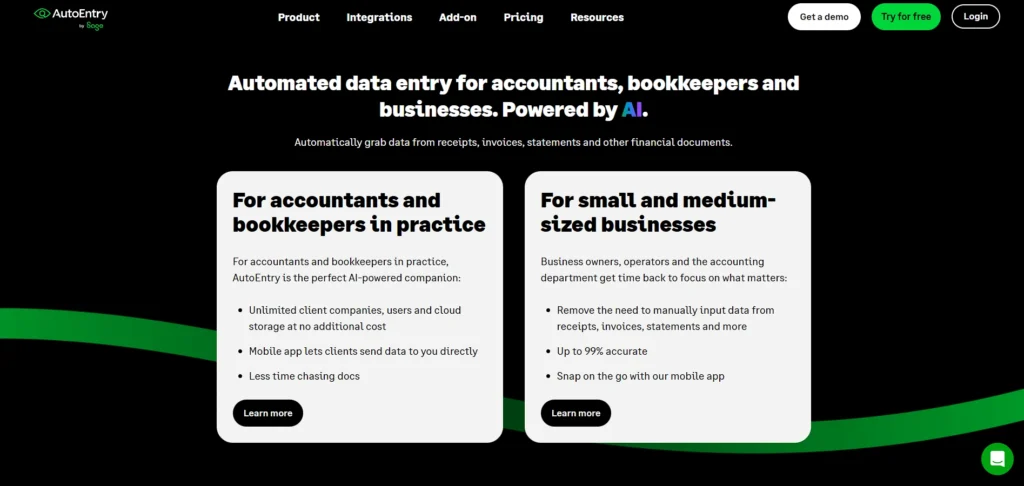
AutoEntry is a cloud-based data entry automation system that is aimed at capturing and digitizing information on paper and electronic documents, including receipts, invoices, statements, and bills.
It operates on the Optical Character Recognition (OCR) to readily retrieve key information precisely and dispense with manual typing which saves a lot of time to accountants and administrative teams. After that, AutoEntry exports the data to the favorite accounting software (e.g., QuickBooks, Xero, Sage) and minimizes the amount of errors and simplifies the process of bookkeeping.
The subscription pricing is credits-based on extraction usage with unlimited user and storage added so that it is adjustable to the needs of growing small and medium-sized businesses.
Key Features:
- Automatic data extraction from invoices, receipts, bank statements
- OCR image/document scanning
- Direct integration with accounting platforms
- Unlimited user accounts
- Cloud storage and backup
- Credit-based usage system
Pros:
- Saves time by removing manual data entry
- Strong accounting integrations
- Easy upload via email or app
- Unlimited users included
- Flexible credits system
Cons:
- Setup/customization effort needed
- May not remember past coding preferences
- Can be slow on large jobs
Pricing:
- Bronze– $13 per month / excl. VAT
- Silver– $24 per month / excl. VAT
- Gold– $47 per month / excl. VAT
- Platinum– $108 per month / excl. VAT
- Diamond– $300 per month / excl. VAT
- Sapphire– $469 per month / excl. VAT
2. Jotform
Website: https://www.jotform.com/
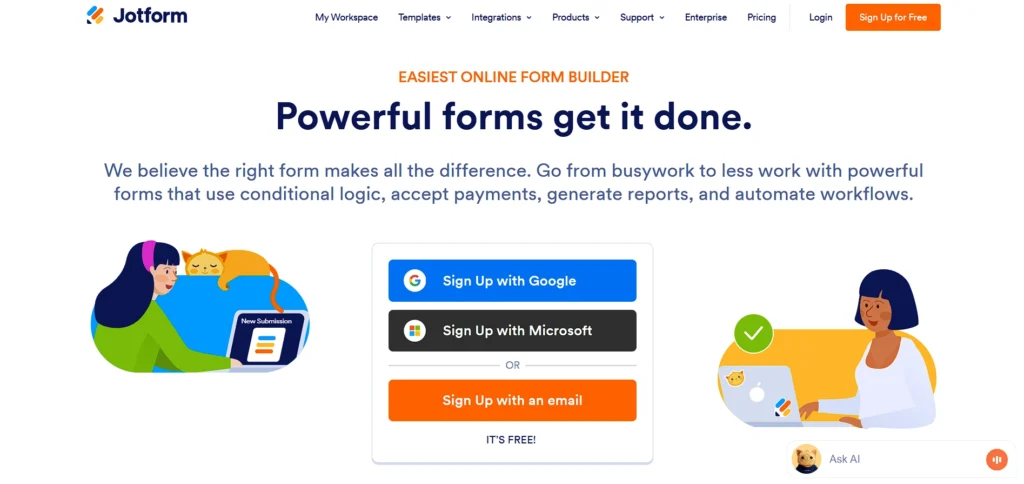
Jotform is a multi-purpose web-based form builder and data entry software that allows users to collect and manage information through customizable online forms. Users can drag and drop fields to create surveys, registration forms, order forms, feedback forms, and more without any coding.
Its huge template library and mobile-friendly interface provide teams with the opportunity to gather structured data quickly and consistently. Jotform connects with a variety of third-party applications, such as Google Sheets, CRM systems, and cloud storage platforms, enabling automatic data transfer and streamlined workflows.
Submission tracking and analytics tools help review responses and measure team performance effectively. It offers both free and premium plans, making it suitable for small startups as well as large enterprises.
Key Features:
- Drag-and-drop form builder
- 10,000+ templates
- Conditional logic
- Integrations with CRMs/Sheets
- Submission tables and analytics
- Custom branding & layout
Pros:
- Easy to use for non-technical users
- Powerful integrations
- Extensive template library
- Mobile-friendly design
- Built-in analytics and reporting
Cons:
- Limited design without CSS
- AI features still developing
- Higher cost on premium tiers
Pricing:
- Bronze– $34/month Billed annually
- Silver– $39/month Billed annually
- Gold– $99/month Billed annually
3. Zoho Forms
Website: https://www.zoho.com/forms/
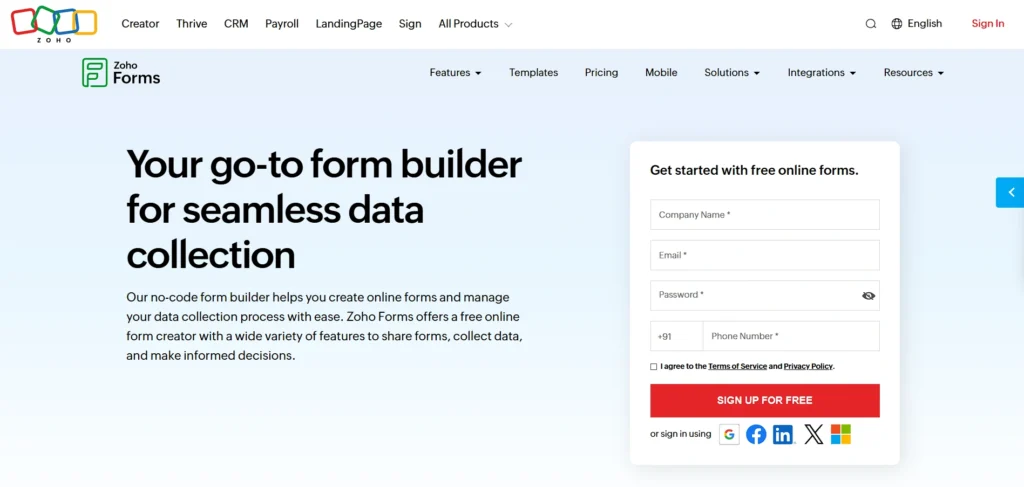
Zoho Forms is a web-based form tool that is aimed at the collection of structured information using web or mobile forms. It has drag-and-drop form creation capability with more than 30 field types and responsive form layouts, which automatically adapt to various devices.
Zoho Forms allows automated workflow, conditional logic, data export, and integration with numerous applications, such as Zoho CRM and Google Sheets, which minimizes manual entry operations.
It provides secure cloud storage of submissions and provides advanced data analysis and data reporting. It can be scaled to all groups, large or small, with numerous pricing levels, including a free plan.
Key Features:
- Online form builder
- Drag-and-drop fields
- Email alerts
- Team collaboration
- Custom branding
- Import/export options
Pros:
- Intuitive UI for beginners
- Flexible alerting & notifications
- Customizable branding
- Mobile access
- Integration workflows
Cons:
- CSS customization limited
- CAPTCHA may reduce conversions
- Offline forms have limitations
Pricing:
- Free
4. Typeform

Website: https://www.typeform.com/
Typeform is a digital data collection system focusing on interactive, conversational surveys and forms to increase the response rates and enhance the quality of data. It shows only one question at a time making it less overwhelming and more user-interactive.
Typeform also allows conditional logic, custom branding, and integrations with more than 120 applications such as CRM systems and productivity tools, and is therefore well-suited to the marketing, onboarding, feedback, and research application use cases.
It is easy to embed forms in websites as well as share links with respondents. The platform has free and paid plans, as well as scalable services to businesses that require interactive data collection.
Key Features:
- Conversational form UI
- Custom fields & templates
- Conditional logic
- Mobile responsive
- Integrations with Sheets/CRM
- Notifications & analytics
Pros:
- Interactive user experience
- Strong embed/share options
- Large template library
- 120+ integrations
- Free plan available
Cons:
- Pricing may be steep for small teams
- Free plan response limits
- Some features tier-gated
Pricing:
- Basic– 39USD/mo
- Plus– 79USD/mo
- Business– 129USD/mo
5. Google Sheets
Website: https://sheets.google.com/
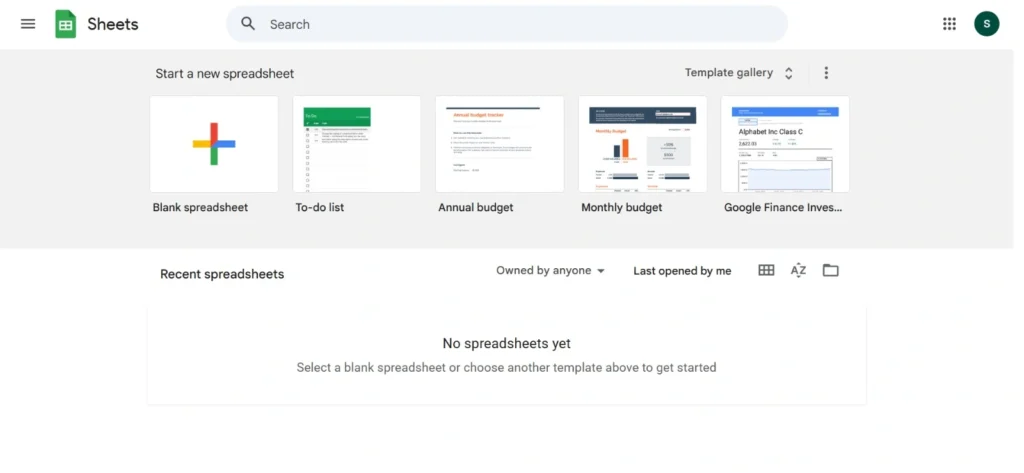
Google Sheets is a cloud-based spreadsheet platform widely used for structured data entry, organization, and real-time collaboration, making it a reliable data entry software solution for businesses and professionals.
Multiple users can edit sheets simultaneously from any device with an internet connection, making it ideal for distributed teams. Sheets supports formulas, data validation, charts, and conditional formatting to streamline analysis and ensure accuracy.
It integrates with Google Forms to collect form responses directly into sheets, and it connects to other tools via Zapier or native integrations. Google Sheets is free for individual users and included in Google Workspace for business accounts, making it accessible and flexible for many needs.
Key Features:
- Real-time collaboration
- Data validation
- Form integration via Google Forms
- Cloud storage and sharing
- Version history
- Add-ons ecosystem
Pros:
- Completely free with a Google account
- Instant collaboration
- Strong ecosystem integrations
- Extensive formula support
- Great for structured tracking
Cons:
- Not specialized for advanced workflows
- Manual setup required for automation
- Larger datasets can lag
Pricing:
- Free
6. Microsoft Excel
Website: https://www.microsoft.com/en-in/microsoft-365/excel/
Microsoft Excel is a feature-rich spreadsheet application used for professional data entry, calculation, analysis, and reporting.
It supports advanced formulas, pivot tables, macros, and data validation to manage complex datasets with accuracy. Excel’s powerful tools are widely adopted in finance, operations, and analytics teams for both manual and semi-automated data tasks.
It integrates with Microsoft Power Automate to build workflows and with many enterprise systems for seamless information exchange. Available as part of Microsoft 365, it offers cloud and desktop versions with collaboration and sharing features suited for team environments.
Key Features:
- Advanced formulas & macros
- PivotTables & charts
- Power Query for ETL
- Data validation rules
- Conditional formatting
- Integration with Power Automate
Pros:
- Industry-standard functionality
- Powerful analytics tools
- Highly customizable
- Works offline
- Deep integration with Office suite
Cons:
- Steeper learning curve
- Collaboration features less real-time than Sheets
- Additional cost for Microsoft 365
Pricing:
- Microsoft 365 Personal– ₹ 6,899.00
- Microsoft 365 Family– ₹ 8,199.00/year
- Microsoft 365 Premium– ₹ 19,999.00/year
7. Airtable
Website: https://www.airtable.com/
Airtable combines the simplicity of spreadsheets with the power of a relational database, enabling structured data entry in customizable tables.
Users create bases to organize information with views like grid, calendar, gallery, and kanban, making it versatile for project management, CRM, and operations workflows. Airtable supports linked records, file attachments, forms for data capture, and automation features to trigger actions based on data changes.
Real-time collaboration and integration with third-party tools, including Zapier and Slack, help teams reduce manual entry and improve workflow efficiency. Free and paid plan options make it scalable from individuals to enterprises.
Key Features:
- Relational database + spreadsheet UI
- Custom views (grid/kanban/calendar)
- Rich field types
- Automations & scripting
- Collaboration & permissions
- API access & integrations
Pros:
- Flexible and visual data structure
- Great for team collaboration
- Powerful automations
- Cross-tool integrations
- Scales with needs
Cons:
- Can get pricey for large teams
- Setup takes planning
- Record limits on lower tiers
Pricing:
- Team– $20 per seat /month billed annually
- Business– $45 per seat /month billed annually
8. Docparser
Website: https://docparser.com/
Docparser is a data extraction tool and data entry software solution that automates capturing structured data from PDFs, scanned documents, and other file types.
Users define parsing rules to extract specific information like invoice numbers, dates, and amounts, then export parsed data to formats such as Excel, JSON, or Google Sheets. Batch processing and integration with workflow tools help eliminate repetitive manual entry tasks and improve overall data quality.
Docparser’s OCR-based engine handles multiple document types and can integrate with apps like Zapier, making it suitable for accounting, logistics, and document-intensive operations.
Key Features:
- Extracts structured data from PDFs & scans
- Zonal OCR rule builder
- Batch processing
- Export to Excel/CSV/JSON
- Workflow integrations
- Cloud storage
Pros:
- Strong document parsing accuracy
- Reduces manual data typing
- Integrates with automation tools
- Configurable rules
- Handles multiple doc types
Cons:
- Learning initial rule setup
- Mainly for doc data, not general entry
- Higher cost than basic form tools
Pricing:
- Starter– $39/ month
- Professional– $74/ month
- Business– $159/ month
9. Nanonets
Website: https://nanonets.com/
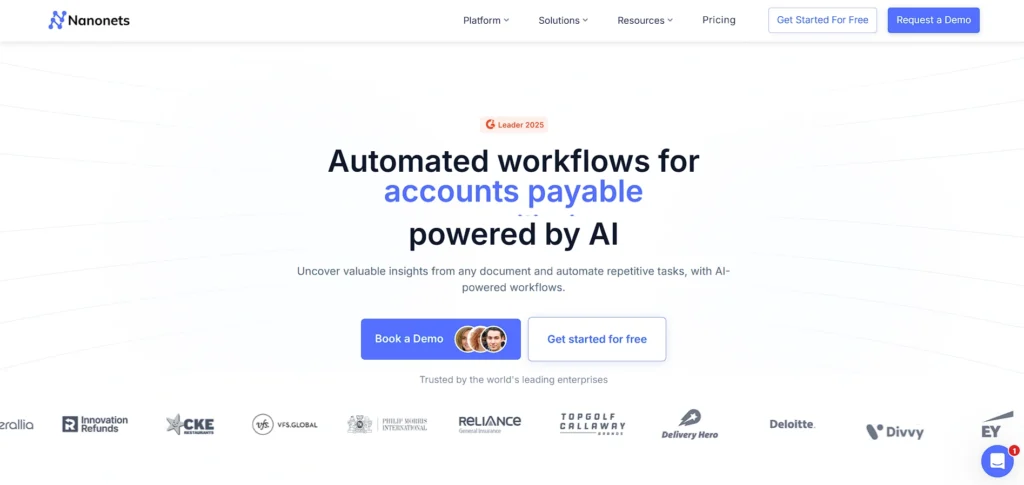
Nanonets uses AI-powered data extraction and OCR to automate entry from documents such as invoices, receipts, forms, and scanned files.
Its no-code platform lets users train models to recognize and extract relevant fields with increasing accuracy over time. Nanonets handles unstructured data and integrates with existing databases or apps via API connections, enabling smoother workflows across systems.
It supports automation of complex entry tasks, validation of extracted data, and error reduction, making it attractive for finance, operations, and enterprise teams. Pricing varies by volume and features, with enterprise options available.
Key Features:
- AI-driven document OCR
- Auto extraction of unstructured data
- Continuous learning models
- API & Zapier connections
- Bulk processing
- Document management system
Pros:
- High accuracy extraction
- No-code automation
- Integrates with 5,000+ apps
- Customizable fields
- Good for complex document workflows
Cons:
- High pricing
- Starter lacks collaboration
- Not ideal for simple form capture
Pricing:
- Contact sales
10. Zapier
Website: https://zapier.com/
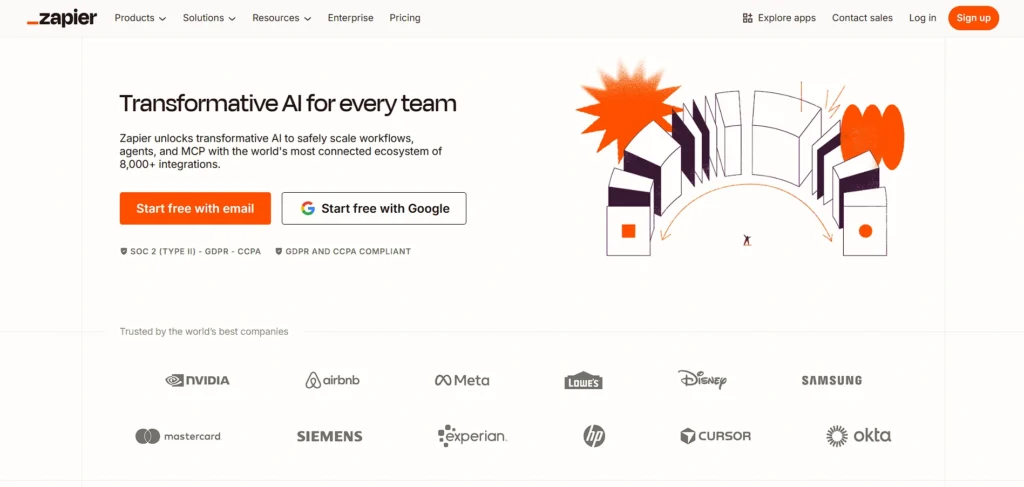
Zapier is a no-code automation platform that connects apps and automates repetitive data entry tasks without manual intervention, and it can also function as Sales tracking software by syncing leads, customer details, and deal updates across multiple systems.
Users build “Zaps” linking triggers (like form submissions) to actions (like adding rows in a spreadsheet or sending data to a CRM), eliminating the need for manual rekeying.
Zapier supports thousands of apps, enabling cross-platform data flow for workflows in marketing, sales, support, and finance. With conditional logic and multi-step automation, it can reduce errors and save time. Zapier offers free plans with basic Zaps and paid tiers for advanced workflows and higher task limits.
Key Features:
- No-code automation workflows
- Connects 5,000+ apps
- Multi-step sequences
- Filters & conditions
- Scheduled tasks
- Shared team connections
Pros:
- Extremely beginner-friendly
- Reduces repetitive entry
- Large integration library
- Conditional logic support
- Scales automation complexity
Cons:
- Free tier limited tasks
- Complex Zaps need testing
- Cost rises with usage
Pricing:
- Professional– $19.99 /mo Billed annually
- Team– $69 /mo Billed annually
11. UiPath
Website: https://www.uipath.com/
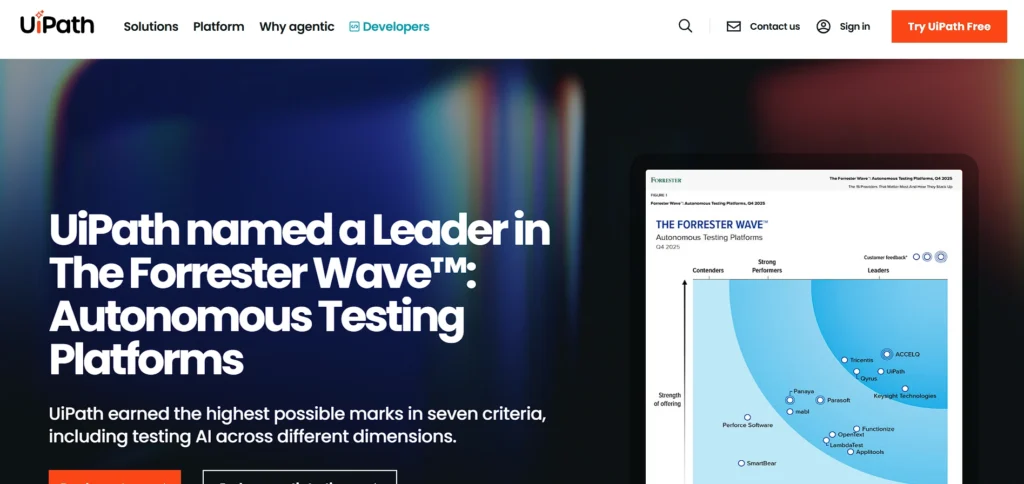
UiPath is a Robotic Process Automation (RPA) platform that automates repetitive workflows and functions effectively as advanced data entry software by building software robots to mimic human interactions across applications.
It includes drag-and-drop automation design, AI-powered document understanding, and integration with hundreds of apps, enabling tasks like invoice capture, form processing, and system updates to run without manual involvement.
UiPath scales from small processes to enterprise-wide automation projects and offers extensive community support and templates. It suits businesses looking to accelerate digital transformation, reduce operational costs, and improve accuracy across routine data tasks.
Key Features:
- RPA bots for UI automation
- Drag-and-drop workflow designer
- AI Document Understanding
- Scheduler & triggers
- Enterprise launcher
- Bot monitoring & analytics
Pros:
- Powerful enterprise automation
- Integrates with business systems
- Reduces manual tasks
- Template library
- Strong community support
Cons:
- Complex to implement
- Higher cost than basic tools
- Steeper learning curve
Pricing:
- Contact sales
12. Nintex
Website: https://www.nintex.com/
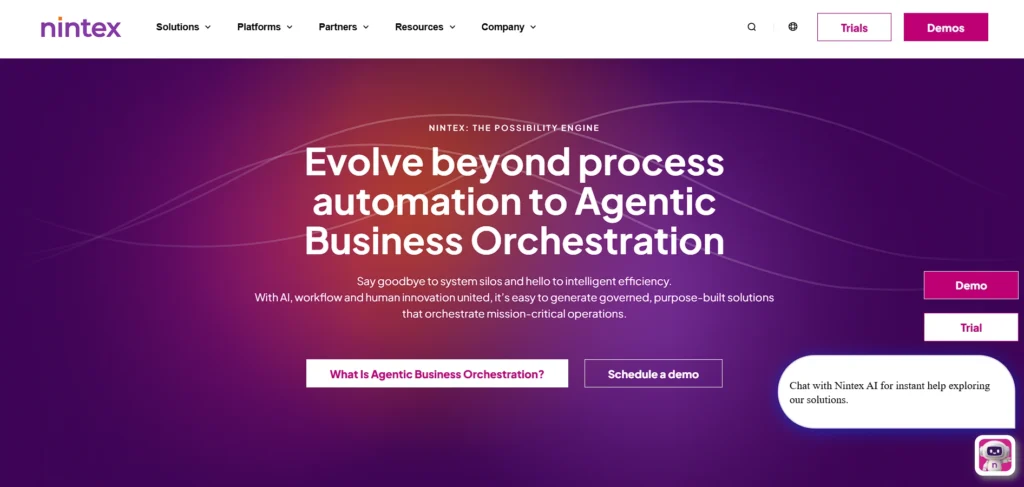
Nintex is an enterprise-grade workflow and process automation platform that helps organizations digitize and automate business processes, including data entry.
It supports digital forms creation, workflow orchestration, document generation, and robotic process automation without heavy coding. Users design automated sequences to collect, validate, route, and store data, which reduces manual entry and accelerates decision cycles.
Nintex integrates with content systems, CRM platforms, and cloud services, enabling complex process automation across departments. While often used in larger organizations due to its advanced capabilities, it can streamline routine data entry and compliance workflows.
Key Features:
- Workflow automation builder
- Digital forms & RPA
- Document generation
- Integration connectors
- Role-based access
- Audit trails
Pros:
- Enterprise-grade automation
- Hybrid deployments possible
- Compliance support
- Strong security
- Good for complex processes
Cons:
- Costly licensing
- Enterprise focus not SMB-friendly
- Setup needs expertise
Pricing:
- Request Pricing
13. Smartsheet
Website: https://www.smartsheet.com/
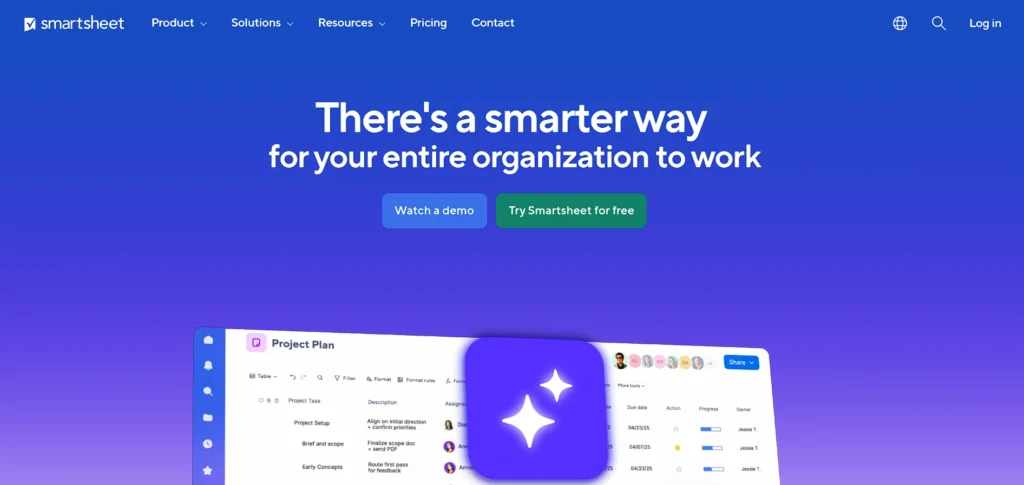
Smartsheet is a collaborative work management platform that combines spreadsheets with automation, reporting, and project tracking features, making it a powerful data entry software for structured and scalable information management.
Users create sheets for structured data entry and use built-in automation rules to trigger notifications, approvals, and data updates based on changes. It supports Gantt charts, dashboards, forms, and resource views, enabling teams to manage operations, projects, and workflows in one place.
Smartsheet’s integrations with tools like Slack, Teams, and CRM systems help reduce manual data transfer and ensure accurate, real-time information across applications. Subscription plans scale with organization size.
Key Features:
- Spreadsheet-like interface
- Automated workflows & forms
- Multiple views (grid/calendar/Gantt)
- Collaboration & sharing
- Rich reporting & dashboards
- Connectors for external systems
Pros:
- Familiar spreadsheet interface
- Powerful automation
- Extensive integrations
- Scalable to enterprise
- Strong reporting options
Cons:
- Steep learning curve
- Cost can be high
- Complex setup for small teams
Pricing:
- Pro– $12 per Member/month
- Business– $24 per Member/month
14. Cognito Forms
Website: https://www.cognitoforms.com/
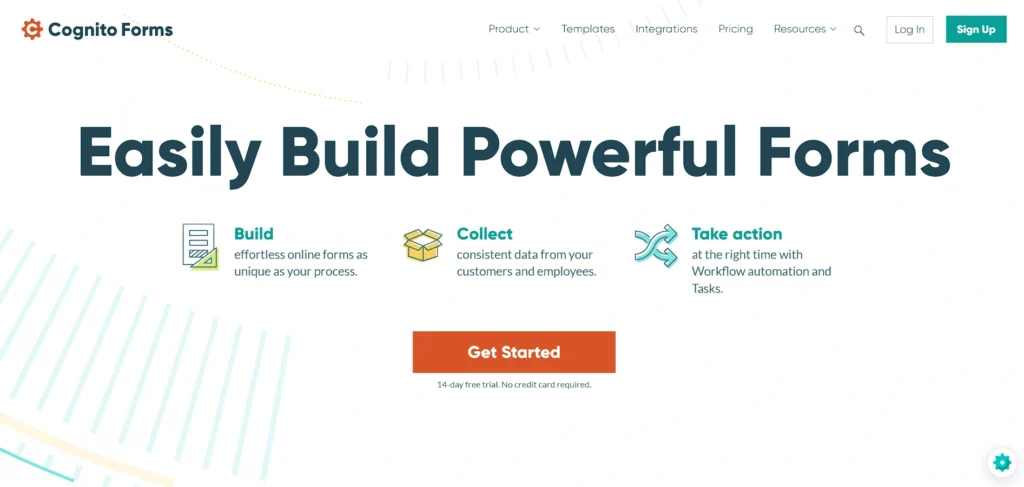
Cognito Forms is an online form builder focused on capturing data with advanced features like conditional logic, repeating sections, calculations, and integrations.
It enables users to build responsive forms that collect, validate, and route information securely. Cognito Forms can merge documents, handle file uploads, and trigger workflows or notifications based on entries, reducing manual handling.
Integrations with tools such as Airtable and automation platforms streamline data export and processing. It offers free and paid plans, making it suitable for businesses that need robust form-based data entry with automation and customization.
Key Features:
- Advanced online forms
- Conditional logic
- Calculations & repeating sections
- File uploads
- Payment collection
- Workflow triggers
Pros:
- Deep logic & calculation support
- Integrates well with apps
- Form automation
- Secure data capture
- Affordable tiers
Cons:
- Learning curve for advanced logic
- Less UI polish than competitors
- Limited free tier features
Pricing:
- Pro– $19/mo
- Team– $39/mo
- Enterprise– $129/mo
15. Questys Capture
Website: https://www.questys.com/
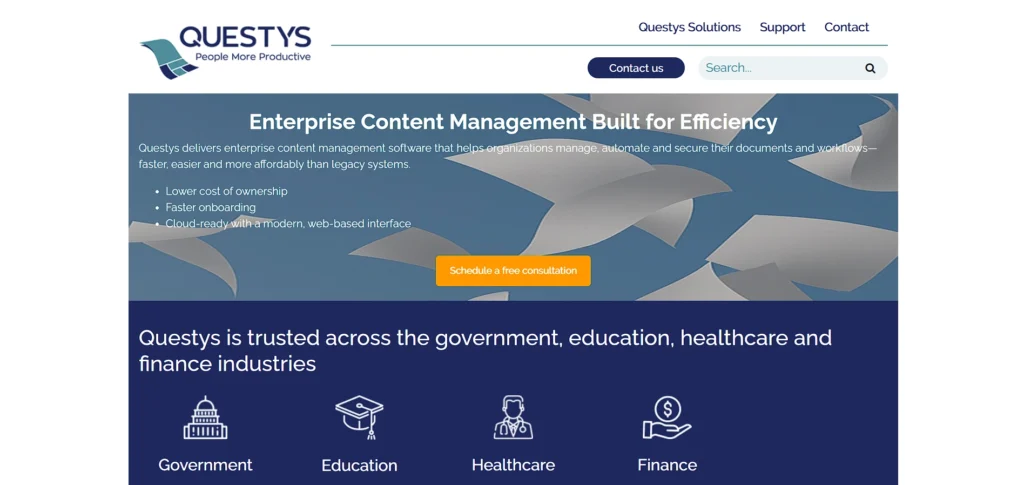
Questys Capture is a data entry automation and forms processing solution that uses advanced OCR (Optical Character Recognition) to extract information from scanned images, PDFs, barcodes, handwritten text, and unstructured documents.
It allows users to automate manual entry workflows by simply scanning documents and letting the software capture and export data to enterprise systems, databases, or formats like XML, PDF, or CSV, significantly reducing time and errors.
With quality-control features and support for high-volume processing, Questys Capture streamlines data workflows for industries like healthcare, finance, and government.
Key Features:
- OCR-based data capture from scanned forms and documents
- Automated metadata extraction and indexing
- Barcode and handwriting recognition
- Integration with Questys ECM and workflow tools
- Data entry verification for quality control
- Centralized digital storage with search and retrieval
Pros:
- Reduces manual data entry errors dramatically
- Supports multiple document types (PDF, forms, images)
- Improves compliance with audit trails
- Enhances workflow automation
- Scalable for mid-to-enterprise usage
Cons:
- Custom pricing, no standard public rate
- Can require training for advanced features
- Better suited for business/enterprise environments
Pricing:
- Contact sales
Quick Comparison
| Name | Best For | Easy of Use | Pricing |
| AutoEntry | Automated invoice & receipt data extraction for accounting teams | Very Easy | Starts at $13/month (credit-based plans) |
| Jotform | Building customizable online forms for structured data collection | Very Easy | Starts at $34/month (Free plan available) |
| Zoho Forms | Businesses needing integrated form data within Zoho ecosystem | Easy | Free plan available (Paid plans vary) |
| Typeform | Interactive surveys and conversational data capture | Very Easy | Starts at $39/month |
| Google Sheets | Collaborative spreadsheet-based data entry & tracking | Very Easy | Free (Google Workspace plans available) |
| Microsoft Excel | Advanced data analysis and structured enterprise reporting | Moderate | Microsoft 365 starts at ₹6,899/year |
| Airtable | Flexible database-style structured data management | Easy to Moderate | Starts at $20/seat/month |
| Docparser | Automated PDF and document data extraction | Moderate | Starts at $39/month |
| Nanonets | AI-driven document OCR and unstructured data processing | Moderate | Custom pricing (Contact sales) |
| Zapier | Automating repetitive data transfer between apps | Very Easy | Starts at $19.99/month (Free plan available) |
| UiPath | Enterprise robotic process automation (RPA) | Moderate to Advanced | Custom pricing (Contact sales) |
| Nintex | Enterprise workflow & compliance automation | Moderate | Custom pricing (Request quote) |
| Smartsheet | Work management with automated spreadsheet workflows | Moderate | Starts at $12/member/month |
| Cognito Forms | Advanced logic-based online form data capture | Easy | Starts at $19/month (Free plan available) |
| Questys Capture | High-volume OCR document processing & compliance workflows | Moderate | Custom pricing (Contact sales) |
Ending Thoughts
In conclusion, data entry software plays a vital role in modern business operations by improving accuracy, efficiency, and overall productivity. As organizations handle increasing volumes of information daily, relying on manual processes is no longer practical or sustainable. Advanced data entry tools streamline workflows through automation, validation controls, integrations, and secure cloud access.
They help minimize human errors, reduce operational costs, and ensure data consistency across departments. Whether for small businesses or large enterprises, choosing the right software depends on specific needs such as scalability, security, and ease of use. By investing in a reliable data entry solution, organizations can enhance decision-making, maintain organized records, and focus more on strategic growth rather than repetitive administrative tasks.
FAQs
What Is Data Entry Software Used For?
Data entry toolsis used to input, collect, organize, and manage information digitally. It helps businesses reduce manual typing, improve accuracy, and streamline data-related workflows.
How Does a Data Entry Solution Reduce Errors?
It uses validation rules, automated workflows, and OCR technology to minimize manual mistakes, ensuring data is consistent, accurate, and properly formatted before storage or processing.
Is Data Entry Software Suitable For Small Businesses?
Yes, many tools offer affordable plans and scalable features, making them ideal for small businesses that want to improve efficiency without large investments.
Can Data Entry Tools Integrate With Other Systems?
Most modern solutions integrate with CRM, ERP, accounting, and cloud platforms to ensure smooth data transfer and eliminate duplicate entries.
Is Data Entry Software Secure?
Reputable software includes encryption, role-based access controls, and compliance features to protect sensitive business and customer information.