
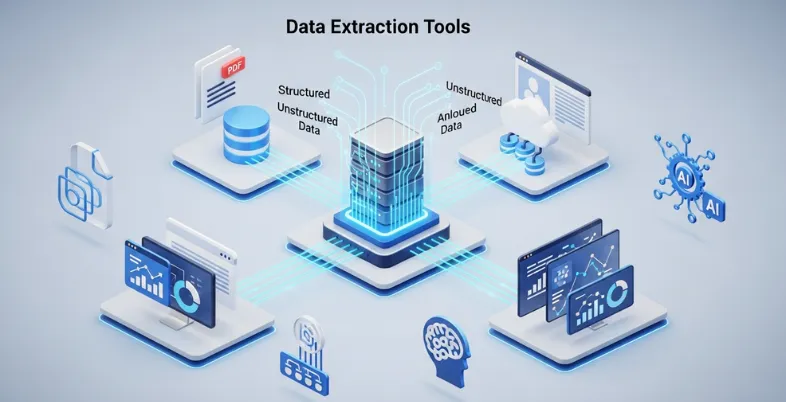
Data overload is slowing down modern businesses. While competitors move quickly with automated workflows and real-time insights, many teams are still stuck manually extracting information from websites, PDFs, and scattered databases. This not only consumes valuable time but also increases the risk of errors, making it harder to make timely, data-driven decisions.
Studies indicate that a significant portion of business data remains unstructured, hidden in formats that are difficult to analyze without proper tools. As organizations increasingly rely on analytics, AI, and business intelligence, converting raw data into structured, usable formats has become more important than ever.
This is where data extraction tools step in as a game-changer. By automating the process of collecting, parsing, and organizing data from multiple sources, these tools help businesses save time, improve accuracy, and unlock actionable insights faster. In the sections ahead, we’ll explore the best data extraction software that can help you streamline your workflows and turn complex data into a powerful business asset.
Why Data Extraction Tools Are Important For Businesses
Data extraction tools are very essential in assisting businesses to gather and sort out large volumes of data in websites, databases, records, and even online resources. In the modern data-driven economy, businesses need information that is correct, timely and able to make informed decisions, determine market trends, and know the customer behavior.
Manual data collection may be tedious, costly and subject to errors particularly when large volumes of data are involved. This is automated by data extraction software , which enable businesses to collect structured information in a fast and efficient manner.
They assist companies in keeping eye on the competition, follow the price fluctuations, create leads, and gather industry intelligence. These tools can help a business to expand productivity, increase strategic planning, and have a competitive edge in their respective markets because they convert messy online data into formats that can be utilized.
How Data Extraction Software Improves Data Processing Efficiency
- Automation of Data Collection: Automatically collects large amounts of data on websites, databases, and documents eliminating manual labour and conserving considerable time in operations.
- Improved Data Processing: Processes and retrieves structured data at a faster rate allowing businesses to access and analyze data in minutes rather than in hours.
- Enhanced Data Accuracy: Minimizes human errors in data collection via automated rules of extraction as well as uniform processing procedures.
- Real-Time Data Availability: Continuous extraction of updated information across various sources aids businesses to make sound decisions in real-time.
- Centralized Data Management: Gathers data on different platforms and makes it available in a single format where it can be more easily sorted and analysed.
- Scalable Data Operations: Manages the growing amounts of data effectively so businesses can have reduced operations as the scale of data grows without adding to the workload.
- Connectivity to Analytics Tools: Extracted data was sent to analytics tools, spreadsheets, or databases to get more insight and report further.
- Cost and Resource Efficiency: Lowers the operational expenses through reduction of manual labor as well as enables the teams to dwell in strategic activities rather than on mundane activities.
Comparison Table Data Extraction Software
| Name | Best For | Data Sources Supported | Output Formats | Ease of Use | Pricing |
| Octoparse | No-code web scraping for businesses | Websites, eCommerce pages, directories | CSV, Excel, JSON, API | Easy | Standard $83/mo, Professional $299/mo |
| ParseHub | Scraping dynamic JavaScript websites | Websites, dynamic web apps | CSV, Excel, JSON | Medium | Standard $189/mo, Professional $599/mo |
| Apify | Developers building scalable scrapers | Websites, social platforms, APIs | JSON, CSV, API datasets | Medium | Starter $29/mo, Scale $199/mo, Business $999/mo |
| Diffbot | AI-powered enterprise data extraction | Websites, articles, product pages | JSON, API datasets | Medium | Startup $299/mo, Plus $899/mo |
| Import.io | Enterprise data intelligence | Websites, online marketplaces | CSV, JSON, API | Medium | Contact Sales |
| WebHarvy | Small businesses and beginners | Websites, product pages, directories | Excel, CSV, XML, Database | Easy | $129–$699 one-time license |
| Scrapy | Developers building custom crawlers | Websites, APIs | JSON, CSV, XML | Hard | Free (Open Source) |
| Beautiful Soup | HTML parsing and small scraping projects | HTML pages, XML files | Custom structured data | Medium | Free |
| OutWit Hub | Research and quick webpage extraction | Websites, files, images, emails | Excel, CSV, Database | Easy | €120 |
| Phantombuster | Social media and lead generation | LinkedIn, Twitter, websites | CSV, JSON, API | Medium | $69–$439/mo |
| Bright Data | Enterprise-scale web scraping | Websites, marketplaces, ad platforms | JSON, API datasets | Hard | $250/mo+ |
| ScraperAPI | Developers needing scraping infrastructure | Websites, dynamic pages | HTML, JSON, API | Medium | $49–$475/mo |
| Grepsr | Managed enterprise data extraction | Websites, directories, marketplaces | CSV, JSON, API | Easy | Starting $350 |
| Coupler.io | Extracting data from cloud apps | SaaS apps, CRMs, marketing platforms | Google Sheets, CSV, BI tools | Easy | $32–$259/mo |
| Mozenda | Enterprise web data automation | Websites, business portals | CSV, Excel, API | Medium | Contact Sales |
List of 15 Best Data Extraction Tools
1. Octoparse
Website: https://www.octoparse.com/
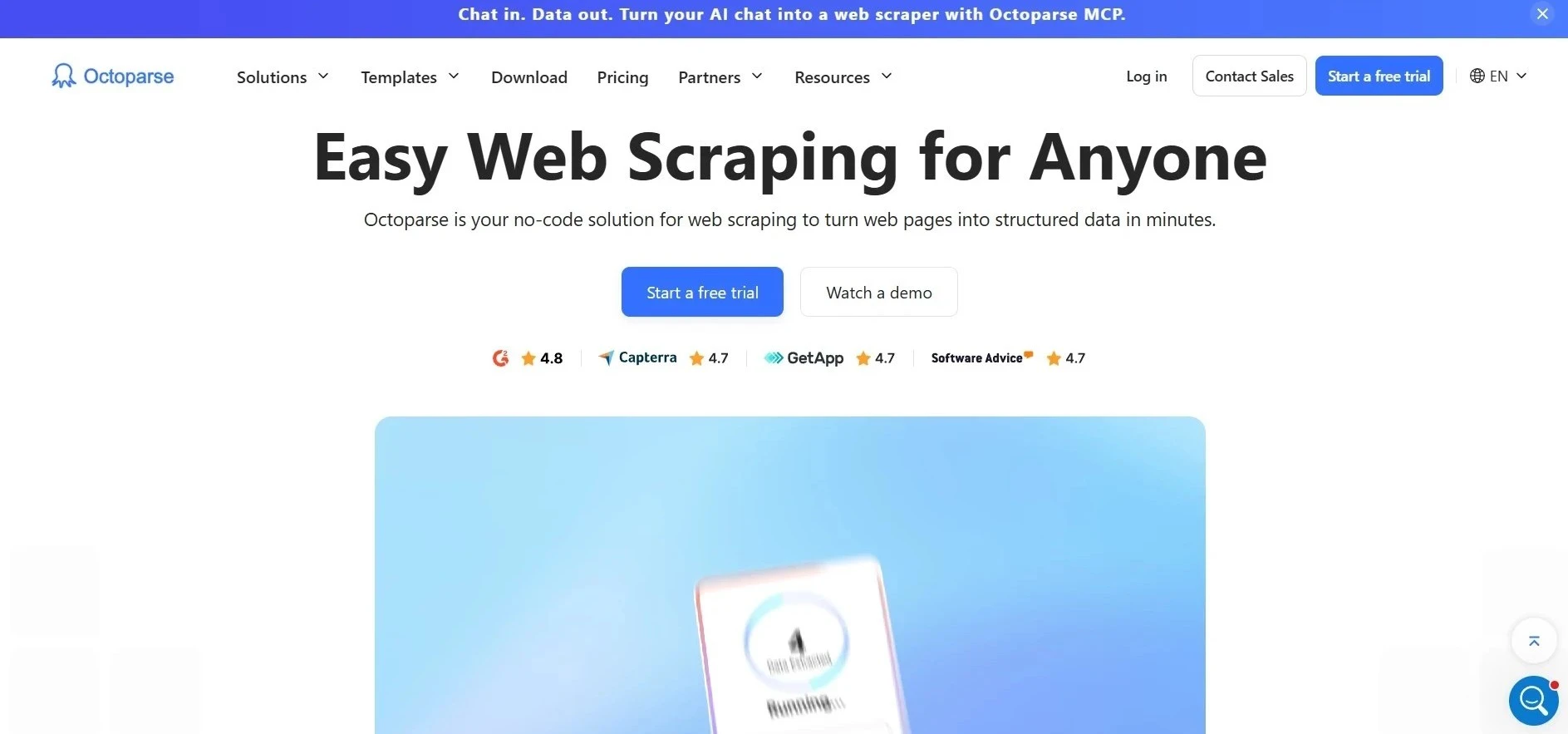
Octoparse is an advanced no-code web data scraper that is user-friendly and enables users to extract data off the Internet without the need to write code. It has a simple and user-friendly point-and-click interface that enables users to pick the elements on a webpage and generate scraping workflows automatically.
The platform facilitates dynamic websites, pagination, AJAX content, and authentication of a login, making it one of the most efficient Data Extraction Tools, and it is appropriate when it comes to extraction of product data, business listing, and market insight. Octoparse has both in-cloud and on-premise extraction, and enables a user to schedule automated scraping.
The data extracted can be exported in Excel, CSV or API formats. Octoparse is widely used by businesses, researchers, and marketers to collect structured web data and use it to analyze and monitor web data and compete.
Key Features:
- No-code point-and-click web scraping interface
- Cloud-based scraping with scheduled automation
- Handles dynamic pages, including AJAX and JavaScript
- Built-in templates for popular websites
- Data export in Excel, CSV, JSON, and API formats
- IP rotation and anti-blocking mechanisms
Pros:
- Beginner-friendly interface
- Supports both local and cloud extraction
- Ready-made scraping templates save time
- Suitable for large-scale data collection
- Good documentation and tutorials
Cons:
- Advanced features require paid plans
- Desktop software installation required for setup
- Can be slow on very complex websites
Pricing:
- Standard Plan- $83/MO
- Professional Plan- $299/MO
2. ParseHub
Website: https://www.parsehub.com/
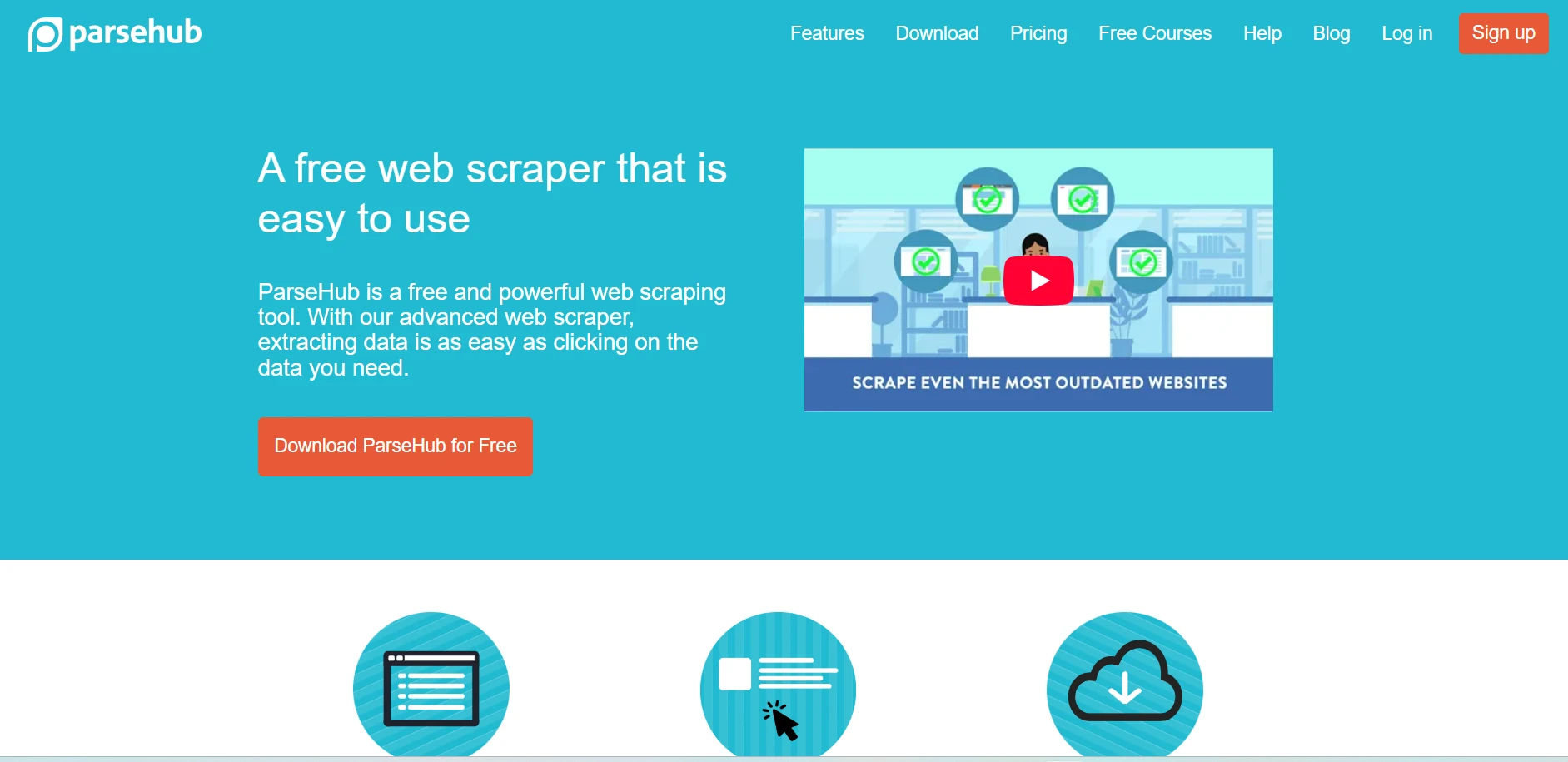
ParseHub is a visual web scraper that assists users in extracting structured data on complex websites without writing code. It operates by enabling users to tap on webpage items and create automated data retrieval workflows.
The platform will be able to process dynamic sites that are dependent on JavaScript, AJAX, dropdown menus, and infinite scrolling. ParseHub also enables the extraction of data behind the forms of logins and pagination.
The data gathered can be saved in the form of CSV or Excel or even JSON to be analyzed further by the user. ParseHub is one of the most reliable Data Extraction Software and is utilized extensively in product data scraping, business research, lead generation, and in monitoring online content in various websites due to its cloud-based automation and scheduling to extract.
Key Features:
- Visual scraping tool for interactive websites
- Supports JavaScript-rendered pages
- Handles dropdowns, forms, and infinite scrolling
- Built-in scheduler for automated data extraction
- Data export in CSV, Excel, and JSON formats
- Cloud-based project execution
Pros:
- Works well with dynamic websites
- Simple visual workflow builder
- Cross-platform support (Windows, Mac, Linux)
- Powerful data extraction logic
- Useful for research and analytics
Cons:
- Interface may feel complex initially
- Limited free plan capabilities
- Large projects may run slowly
Pricing:
- Standard- $189 per month
- Professional- $599 per month
3. Apify
Website: https://apify.com/
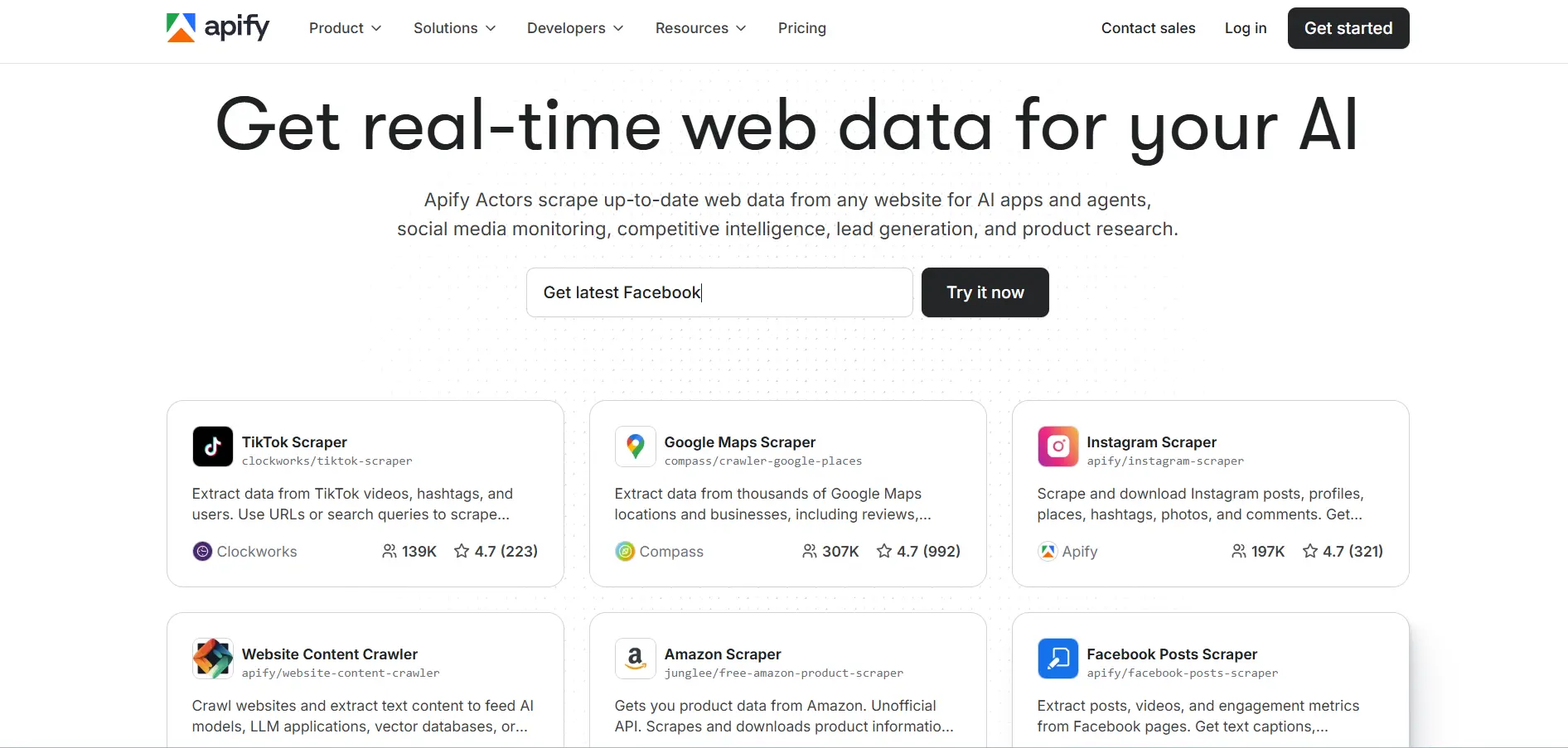
Apify is a web scraping and automation tool that operates on the cloud platform and is targeted at developers and businesses with the need to use scalable data extraction services. It provides ready-made scraping devices called actors that enable users to scrape data on web sites like marketplaces, social sites and search engines.
Using JavaScript, developers are also able to create their own scrapers and run them on the Apify cloud. The platform, as one of the advanced Data Extraction Tools, has the capability of supporting headless browsers, automation API, and scheduling what can be done continuously to collect data.
Apify is compatible with databases and data analytics tools as well as data pipelines, which makes it appropriate in large scale projects. Apify is regularly used by companies to conduct market research, price monitoring, lead generation, and automated web data collection.
Key Features:
- Cloud platform for web scraping and automation
- Prebuilt “actors” for scraping popular websites
- Headless browser support for dynamic content
- REST API integration for data pipelines
- Automatic scaling for large scraping jobs
- Built-in data storage and dataset management
Pros:
- Highly scalable cloud infrastructure
- Developer-friendly platform
- Supports complex automation tasks
- Large marketplace of ready scrapers
- Integrates easily with analytics tools
Cons:
- Requires technical knowledge for customization
- Pricing increases with usage
- Setup may be complex for beginners
Pricing:
- Starter- $29/ month
- Scale- $199/ month
- Business- $999/ month
4. Diffbot
Website: https://www.diffbot.com/
Diffbot is an AI-powered data extraction platform that automatically converts web pages into structured datasets using machine learning and natural language processing. Instead of relying on manual scraping rules, Diffbot analyzes page structure and identifies important entities such as articles, products, companies, and discussions.
The platform also maintains a massive knowledge graph that continuously collects and organizes web information. Diffbot is considered one of the top Data Extraction Software and provides APIs that allow developers and enterprises to extract data at scale without building custom scraping systems.
Businesses commonly use Diffbot for market intelligence, research, content aggregation, and large-scale web analysis. Its automated approach significantly reduces the effort required to gather structured data from the internet.
Key Features:
- AI-powered web data extraction engine
- Automatic webpage structure recognition
- Knowledge graph with billions of entities
- APIs for extracting articles, products, and companies
- Machine learning-based content analysis
- Large-scale web crawling capabilities
Pros:
- Requires minimal manual scraping setup
- Highly accurate data extraction
- Ideal for enterprise intelligence projects
- Structured data output from unstructured pages
- Advanced AI-driven processing
Cons:
- Expensive for small businesses
- Requires API knowledge
- Limited customization for some use cases
Pricing:
- Startup- $299/mo
- Plus- $899/mo
5. Import.io
Website: https://www.import.io/
Import.io is a cloud-based data extraction platform designed to transform unstructured web content into structured datasets that businesses can analyze easily. The platform allows organizations to create automated data extraction pipelines without developing complex scraping scripts.
Users can configure crawlers to collect information from multiple websites and deliver structured data through APIs, dashboards, or downloadable datasets. Import.io is widely used by enterprises for competitive intelligence, pricing analysis, lead generation, and market monitoring.
The platform also offers data quality management tools to ensure reliable results. With scalable infrastructure and automation capabilities, Import.io stands out among leading Data Extraction Tools, helping businesses collect and analyze large volumes of web data efficiently.
Key Features:
- Automated web data extraction pipelines
- Cloud-based crawler configuration
- Data transformation and cleaning tools
- API delivery for structured datasets
- Monitoring and scheduling capabilities
- Enterprise-grade data collection tools
Pros:
- Suitable for large organizations
- Reliable and scalable infrastructure
- Strong data quality management
- Supports automated workflows
- Integrates with BI platforms
Cons:
- Pricing not suitable for small teams
- Learning curve for advanced workflows
- Requires configuration setup
Pricing:
- Contact sales
6. WebHarvy
Website: https://www.webharvy.com/
WebHarvy is a visual web scraping software designed for users who want to extract data from websites using a simple point-and-click interface. The platform automatically detects patterns within webpages and allows users to configure scraping rules without coding knowledge.
WebHarvy can extract text, images, URLs, email addresses, and other structured data from websites. It supports dynamic pages, category navigation, and pagination, making it useful for collecting product listings and directory information.
The software allows users to export extracted data to spreadsheets, databases, or cloud storage systems. Businesses commonly use WebHarvy for e-commerce monitoring, research projects, and competitive analysis.
Key Features:
- Visual point-and-click web scraping
- Automatic pattern detection in webpages
- Image and file extraction support
- Built-in keyword-based scraping
- Multi-level category scraping
- Export data to databases and spreadsheets
Pros:
- Easy to use for beginners
- No coding required
- Supports image and text extraction
- Good for e-commerce data collection
- One-time license option available
Cons:
- Windows-only software
- Limited cloud automation features
- Less scalable than enterprise tools
Pricing:
- $129 Single User License
- $219 2 User License
- $299 3 User License
- $359 4 User License
- $699 Site License
7. Scrapy
Website: https://www.scrapy.org/
Scrapy is a widely used open-source web crawling framework written in Python that enables developers to build powerful data extraction tools. It provides a flexible architecture for creating spiders that automatically navigate websites and collect structured data.
Scrapy supports asynchronous networking, which allows it to process large numbers of requests efficiently. Developers can also build pipelines to clean, validate, and store extracted information.
Because of its scalability and customization capabilities, Scrapy is often used for large-scale web scraping projects in research, e-commerce monitoring, and data science. Many organizations rely on Scrapy when they need complete control over their data extraction workflows.
Key Features:
- Open-source Python scraping framework
- High-performance asynchronous crawling
- Flexible data processing pipelines
- Built-in request scheduling system
- Middleware architecture for customization
- Export data in multiple formats
Pros:
- Highly customizable and flexible
- Excellent performance for large projects
- Strong developer community
- Completely free and open source
- Works well with data pipelines
Cons:
- Requires Python programming skills
- Setup may be complex for beginners
- No graphical user interface
Pricing:
Open source
8. Beautiful Soup
Website: https://www.crummy.com/software/BeautifulSoup/
Beautiful Soup is a Python library designed for parsing HTML and XML documents and extracting useful information from web pages.
It creates a structured parse tree that allows developers to search and manipulate elements within a webpage easily. As one of the useful Data Extraction Software, the library is particularly helpful when working with messy or poorly formatted HTML because it can automatically clean and organize the document structure.
Developers often combine Beautiful Soup with HTTP libraries such as requests to build custom web scraping solutions. It is widely used in data science, research, and automation projects where structured data needs to be extracted from web content and processed for analysis.
Key Features:
- HTML and XML document parsing
- Flexible navigation of webpage structures
- Automatic handling of messy HTML
- Easy tag and element searching
- Integration with Python scraping tools
- Lightweight data extraction library
Pros:
- Simple and easy Python syntax
- Excellent for parsing web pages
- Works well with other libraries
- Good documentation
- Ideal for small scraping tasks
Cons:
- Not a complete scraping framework
- Slower than some alternatives
- Requires coding knowledge
9. OutWit Hub
Website: https://www.outwit.com/
OutWit Hub is a web scraping application that enables users to extract and organize data from websites quickly. The platform includes a built-in browser that allows users to navigate webpages and apply extraction rules directly within the interface.
OutWit Hub can collect links, images, documents, email addresses, and structured information from multiple pages automatically. The tool organizes collected data into tables that can be exported to spreadsheets or databases for further analysis.
Researchers, journalists, and digital marketers often use OutWit Hub to gather online information efficiently. Its user-friendly interface makes it accessible for users who want powerful data extraction without advanced programming skills.
Key Features:
- Built-in browser for scraping websites
- Automated link and data extraction
- Data organization into structured tables
- Support for images, files, and emails
- Advanced filtering and extraction rules
- Export to spreadsheets and databases
Pros:
- Simple and user-friendly interface
- Supports multiple data types
- Quick extraction from webpages
- Works well for research tasks
- No advanced coding required
Cons:
- Limited advanced automation
- Smaller community support
- Fewer integrations than competitors
Pricing:
- 120.00 €
10. Phantombuster
Website: https://phantombuster.com/
Phantombuster is a cloud-based automation and data extraction platform designed to collect information from websites and online platforms.
It provides prebuilt automation scripts known as “Phantoms” that can extract data from social networks, business directories, and other online sources. Users can automate repetitive tasks such as scraping contact details, gathering marketing leads, or collecting profile data.
Phantombuster integrates with CRM systems, spreadsheets, and marketing tools, enabling businesses to use extracted data for outreach and analytics. As one of the powerful Data Extraction Tools, the platform runs automation tasks in the cloud, allowing users to schedule workflows and collect data continuously without managing their own infrastructure or servers.
Key Features:
- Prebuilt automation scripts called “Phantoms.”
- Data extraction from social platforms
- Automated lead generation workflows
- Cloud-based task execution
- Integration with CRM tools and APIs
- Scheduled automation jobs
Pros:
- Great for marketing and growth automation
- Easy setup with ready scripts
- Cloud execution without servers
- Useful integrations with marketing tools
- Supports multiple online platforms
Cons:
- Limited functionality outside automation
- Usage limits on lower plans
- Learning curve for workflow configuration
Pricing:
- Start- $69 per month
- Grow- $159 per month
- Scale- $439 per month
11. Bright Data
Website: https://brightdata.com/
Bright Data is an enterprise-grade web data collection platform that provides infrastructure and tools for large-scale data extraction. The platform combines web scraping APIs, automated data collectors, and a global proxy network to gather information from websites reliably.
Businesses use Bright Data to collect product prices, market trends, advertising data, and consumer insights. As one of the enterprise-grade Data Extraction Software, the platform includes advanced features such as automatic IP rotation, CAPTCHA handling, and browser rendering, which help prevent blocking during scraping operations.
Bright Data also offers ready-to-use datasets across multiple industries. Its scalable architecture makes it suitable for organizations that require continuous and high-volume web data extraction.
Key Features:
- Large proxy network for scraping
- Web scraping APIs and automation tools
- Browser rendering for dynamic websites
- Automated CAPTCHA solving
- Ready-to-use public datasets
- Data collection infrastructure for enterprises
Pros:
- Extremely reliable scraping infrastructure
- Handles large-scale data collection
- High success rate for difficult websites
- Global proxy coverage
- Enterprise-level security and compliance
Cons:
- Expensive for smaller businesses
- Requires technical setup
- Pricing structure can be complex
Pricing:
- Retail Insights- $250/mo
- Managed Data- $1500/mo
12. ScraperAPI
Website: https://www.scraperapi.com/
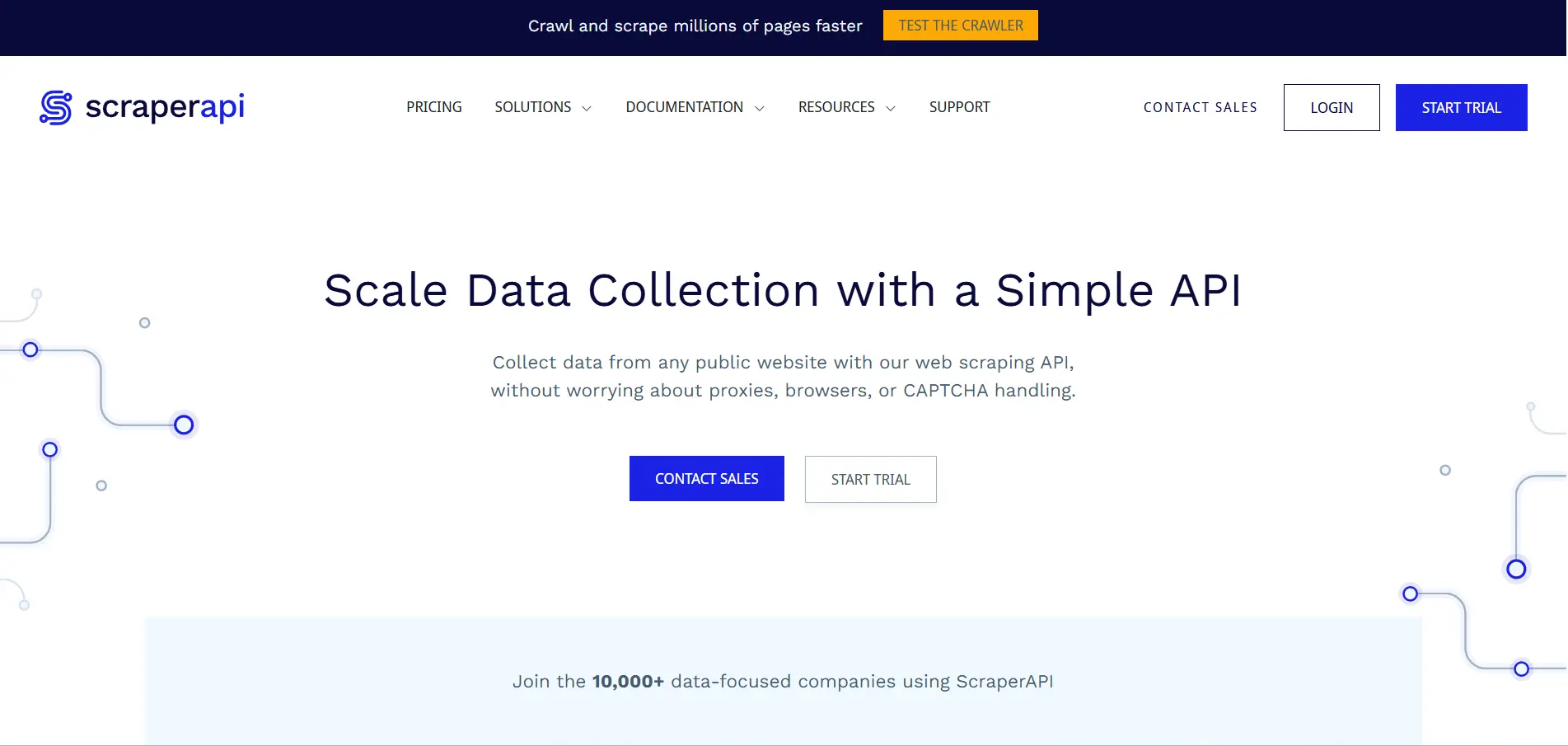
ScraperAPI is a web scraping API designed to simplify data extraction for developers by handling complex infrastructure tasks automatically. Instead of building their own scraping systems, users can send a simple API request to retrieve webpage content.
ScraperAPI manages rotating proxies, CAPTCHA solving, browser rendering, and request retries, ensuring reliable data collection from websites. The service supports large-scale scraping projects and integrates easily with programming languages such as Python, Node.js, and PHP.
Businesses and developers commonly use ScraperAPI for price monitoring, competitor analysis , and large-scale data collection projects. Its simplified approach helps teams focus on analyzing data instead of managing scraping infrastructure.
Key Features:
- Simple API for web scraping requests
- Automatic proxy rotation system
- Built-in CAPTCHA solving
- Headless browser rendering support
- Automatic retry and request handling
- Integration with multiple programming languages
Pros:
- Simplifies web scraping infrastructure
- Easy API integration
- Reliable proxy management
- Scalable for large scraping jobs
- Good developer documentation
Cons:
- Not suitable for non-developers
- Costs increase with usage volume
- Limited visual interface tools
Pricing:
- Hobby- $49/ month
- Startup- $149/ month
- Business- $299/ month
- Scaling- $475/ month
13. Grepsr
Website: https://www.grepsr.com/
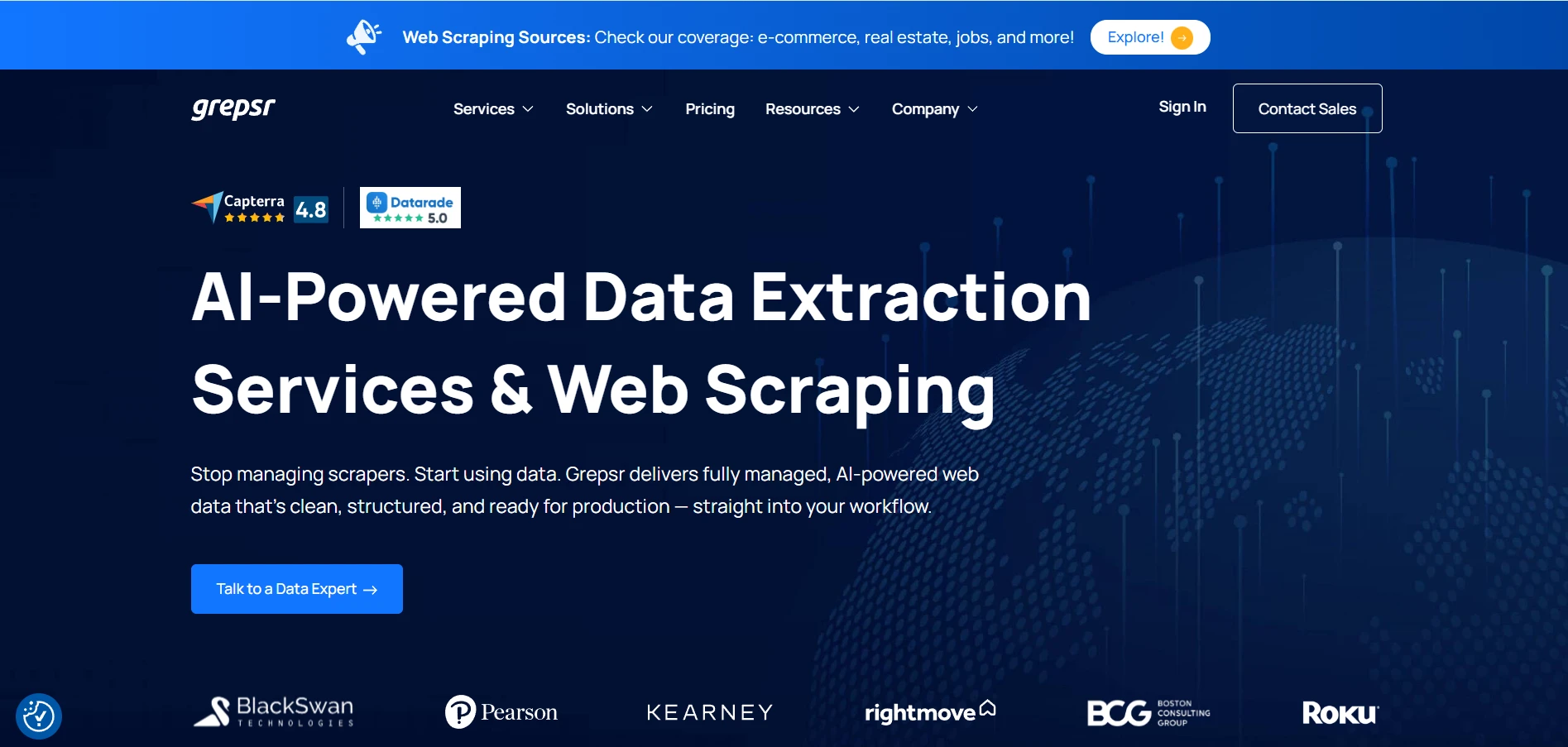
Grepsr is a managed data extraction platform that helps organizations collect structured data from websites, marketplaces, and online directories. Instead of requiring customers to build their own scrapers, Grepsr provides fully managed data collection services supported by automation and expert teams.
The platform gathers information and delivers cleaned datasets through APIs, dashboards, or direct data feeds. Businesses use Grepsr for competitive analysis, financial research, product monitoring, and lead generation.
It also includes data quality controls to ensure accuracy and consistency. Grepsr is particularly useful for companies that want reliable web data extraction without maintaining their own technical infrastructure or scraping systems.
Key Features:
- Managed web data extraction services
- Automated web scraping pipelines
- Data delivery via API or data feeds
- Data cleaning and quality validation
- Scalable cloud-based infrastructure
- Custom extraction solutions for businesses
Pros:
- Fully managed data collection service
- High data accuracy and quality
- Saves time on scraper development
- Scalable enterprise solution
- Reliable customer support
Cons:
- Less control compared to self-built scrapers
- Enterprise-focused pricing
- Custom setup required for projects
Pricing:
- Starter Pack- $350
14. Coupler.io
Website: https://www.coupler.io/
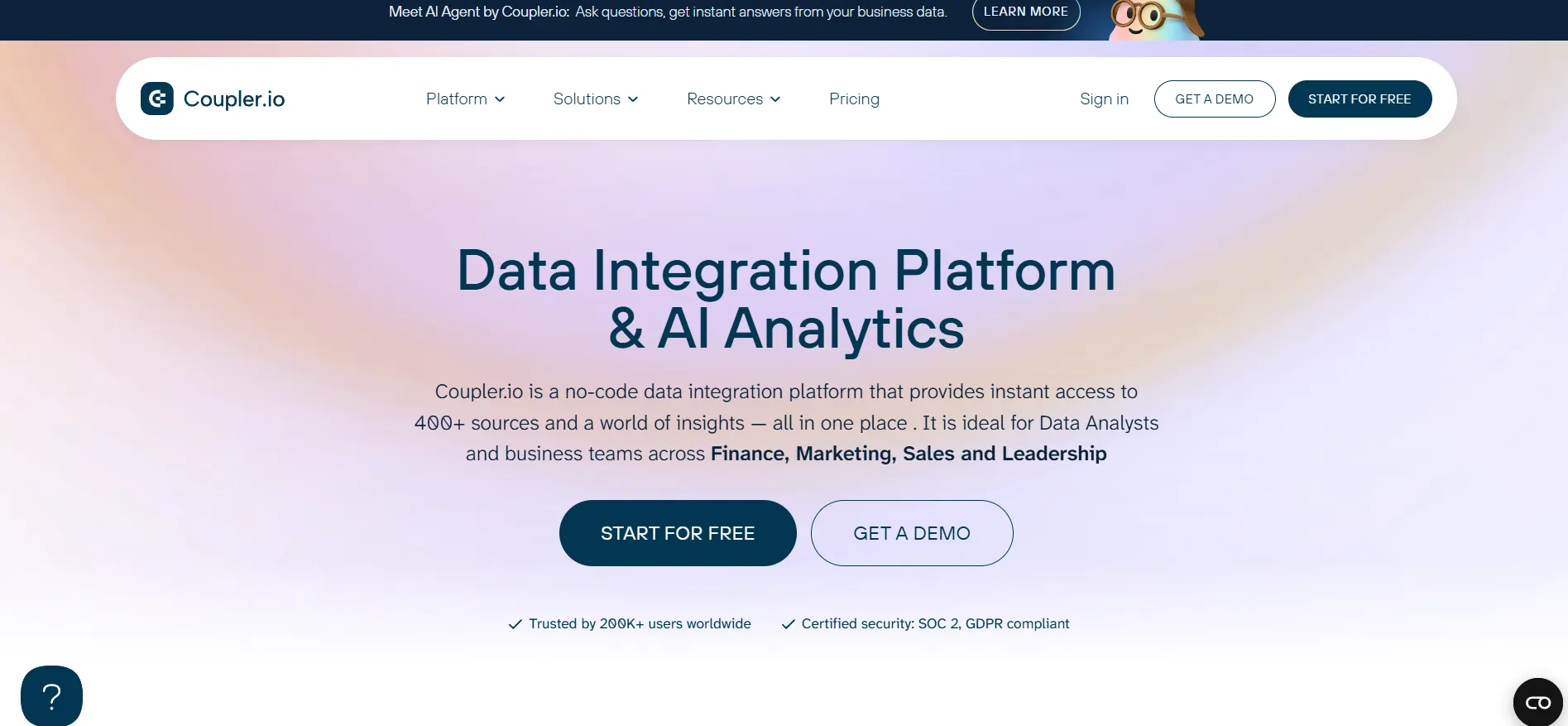
Coupler.io is a data integration and extraction platform that helps businesses automatically collect data from multiple cloud applications and services.
Instead of scraping websites directly, Coupler.io focuses on extracting structured data from marketing platforms, CRMs, finance tools, and analytics services. Users can connect their accounts and schedule automatic data transfers to spreadsheets, data warehouses, or business intelligence dashboards.
The platform supports integrations with tools such as Google Sheets, BigQuery, and Looker Studio. Companies use Coupler.io to consolidate information from various systems and create unified datasets for reporting, performance tracking, and business analytics.
Key Features:
- Automated data import from cloud apps
- Scheduled data synchronization
- Integrations with Google Sheets and BI tools
- No-code data pipeline creation
- Data consolidation from multiple platforms
- Customizable refresh intervals
Pros:
- Easy setup for non-technical users
- Strong integrations with analytics tools
- Automates reporting workflows
- Saves time on manual data transfers
- Reliable cloud automation
Cons:
- Focused mainly on app integrations
- Limited direct web scraping capability
- Advanced features require paid plans
Pricing:
- Starter- $32 per month
- Active- $132 per month
- Pro- $259 per month
15. Mozenda
Website: https://www.mozenda.com/
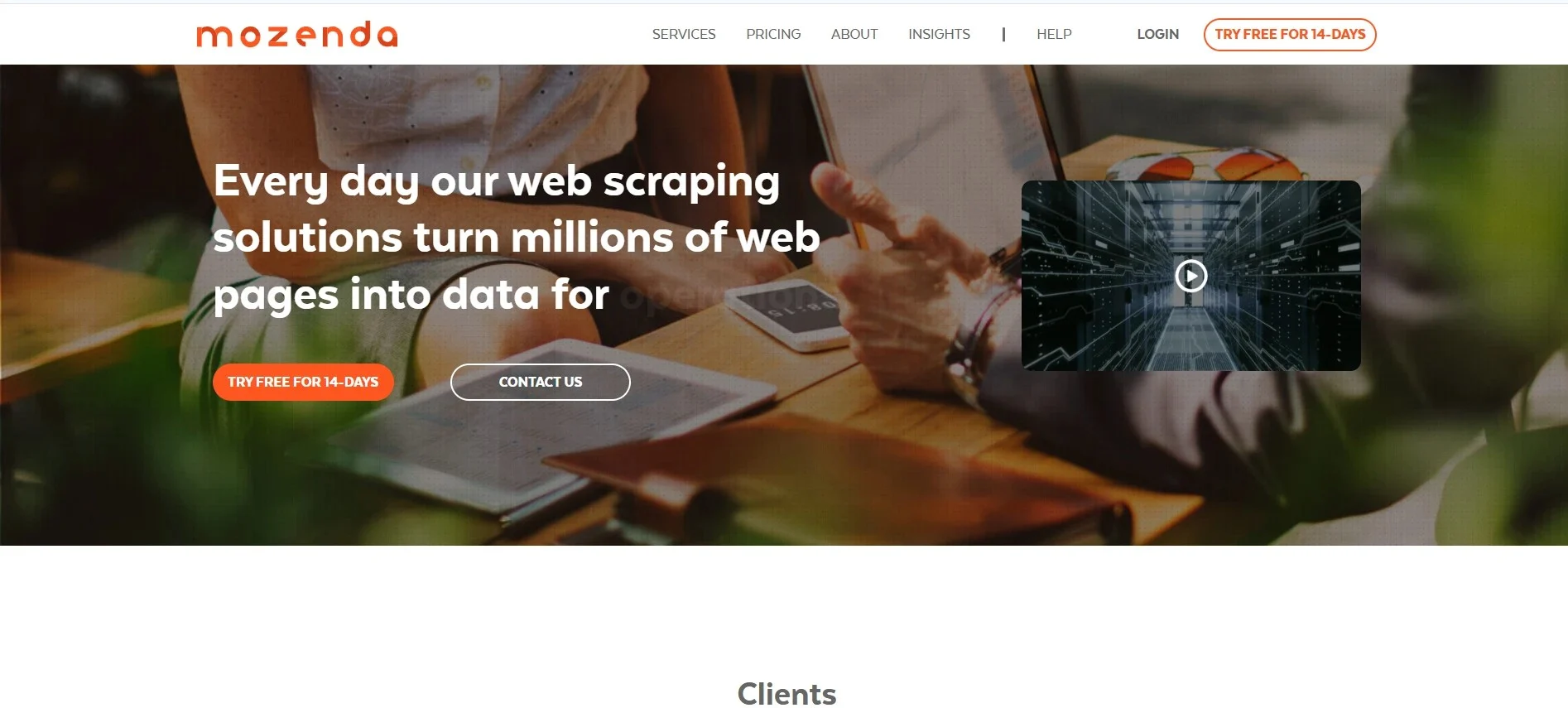
Mozenda is an enterprise web scraping platform designed to automate the collection of structured data from websites. The platform uses automated agents that can navigate webpages, identify relevant information, and extract it into structured datasets.
Mozenda provides a cloud dashboard where users can monitor scraping processes, manage data extraction projects, and export results. Businesses commonly use Mozenda for price monitoring, financial data collection, competitive intelligence, and market research.
The platform focuses on reliability and scalability, allowing organizations to gather data continuously from multiple sources. Its enterprise-level tools help companies transform web content into actionable insights for decision-making.
Key Features:
- Automated web scraping agents
- Cloud-based data extraction platform
- Central dashboard for data management
- Structured dataset export tools
- Monitoring and scheduling automation
- Enterprise-grade security controls
Pros:
- Reliable enterprise data extraction
- Scalable platform for large datasets
- Easy project monitoring dashboard
- Suitable for competitive intelligence
- Strong customer support services
Cons:
- Pricing may be high for startups
- Limited transparency in pricing plans
- Requires setup for complex scraping tasks
Pricing:
- Contact sales
Ending Thoughts
Data extraction tools have become essential for businesses that rely on data to make informed decisions and stay competitive in the digital economy. These tools simplify the process of collecting, organizing, and transforming large volumes of information from websites, applications, and online platforms into structured, usable formats. By automating data collection, businesses can save time, reduce manual errors, and gain faster access to valuable insights.
Whether used for market research, competitor analysis, lead generation, or pricing intelligence, data extraction software help organizations operate more efficiently and strategically. As data continues to grow in importance, choosing the right data extraction solution can significantly improve productivity, support smarter decision-making, and enable businesses to unlock the full potential of the information available across the web.
FAQs
1. What Is A Data Extraction Platform?
A data extraction tool is software that automatically collects structured information from websites, databases, documents, or online platforms for analysis and reporting.
2. Who Uses the Data Extraction Platform?
Businesses, marketers, researchers, data analysts, and developers use these tools for market research, lead generation, and competitor monitoring.
3. Do Data Extraction Software Require Coding Skills?
Not always. Many tools offer no-code or low-code interfaces, while some advanced platforms require programming knowledge.
4. What Types Of Data Can Be Extracted?
These tools can extract text, product details, prices, contact information, images, links, and other structured web data.
5. Are Data Extraction Software Legal To Use?
Yes, but users must follow website terms of service, data privacy laws, and ethical scraping practices when collecting data.