
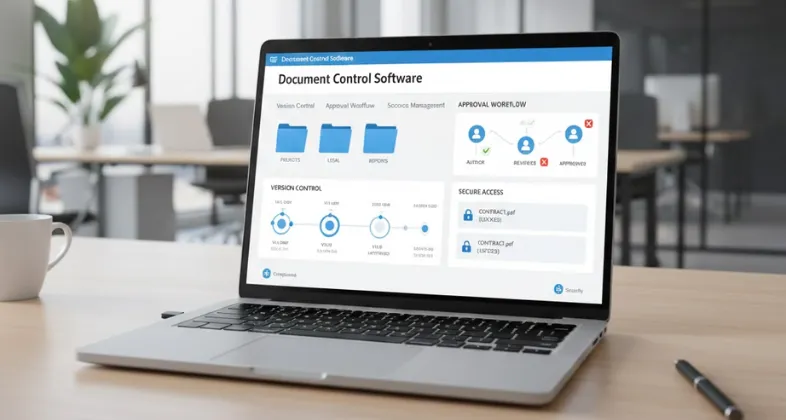
The current business world is very dynamic and time-conscious; therefore, it is essential to ensure that the documents are well-organised, secure, and easily accessible to ensure productivity and compliance. You may have contract records, project records, or other internal records, but by having the right document control software, you could change the manner in which your crew works and the way in which it manages information.
This blog discusses the best document control tool programs in the market, giving the user software features such as version control, audit trails, secure permissions, and cloud accessibility, making the control of documents easier than ever and user-friendly. Regardless of whether you are a small business or a large corporation, or somewhere in the middle, this knowledge of these tools will enable you to select the most appropriate software that can help you cut down on the workflow, minimize errors, and generally manage the documents that you handle. Now, we are going to explore the most appropriate alternatives that can take your process of document control to the next level.
What is Document Control Software?
Document control software is a special software that is directed towards the management of the entire life cycle of documents in an organization, regarding creation, review, approval, storage, versioning, distribution, and archiving. It enables the centralization of access permissions to be applied, document modifications to be traced, and industry needs and standards to be adhered to.
Key Features:
- One central repository of all documents, and make sure everybody is using the most updated version.
- The ability to keep a track of document changes and audit trails.
- Access controls to limit access to documents by authorized personnel.
- Automated review and approval processes.
- Safe storage and archiving with the alternatives of effortless access and backup.
Common Uses
Document Control Tool finds extensive application in any industry where high quality, data security, and compliance are essential, such as engineering, construction, legal, healthcare, and manufacturing industries. It assists organizations to minimize mistakes, simplify cooperation, and be in compliance with regulations, as it offers an organized and identifiable method of document management.
Why is Document Control Software Important?
The importance of document control software is that it helps organizations to manage, track, and ensure the safety of their documents within a given organization in an effective yet efficient manner with precision, regulation, and effectiveness. It also streamlines the work whereby the creation, review, and approval of documents and archiving are automated and thus reduce the level of errors and loss of information, which is paramount.
Key Benefits:
- Version Control: It is adopted to ensure every person has the latest version of the documents, thus there is minimal confusion and mistakes.
- Compliance and Audit Trails: It tracks document modification and approvals, and this is required, as far as regulatory compliance and audit are concerned.
- Security and Access Control: Limit access to documents by authorized members of staff and accessibility of sensitive information.
- Efficiency and Collaboration: Basic sharing and collaboration, especially in distant or distant groups.
- Search and Retrieval: It allows quick search and retrieval of documents, which saves time and energy.
Industries That Benefit
- Manufacturing and engineering (to be in compliance and control the quality)
- Healthcare (patient record and regulatory-related)
- Legal (to manage the contract and ensure confidentiality)
- Finance (audit trail and document security)
A document control tool is needed where there is a need to ensure that accuracy, security, and compliance are upheld in the documentation process of the organization.
List of 10 Best Document Control Software
1. Microsoft SharePoint
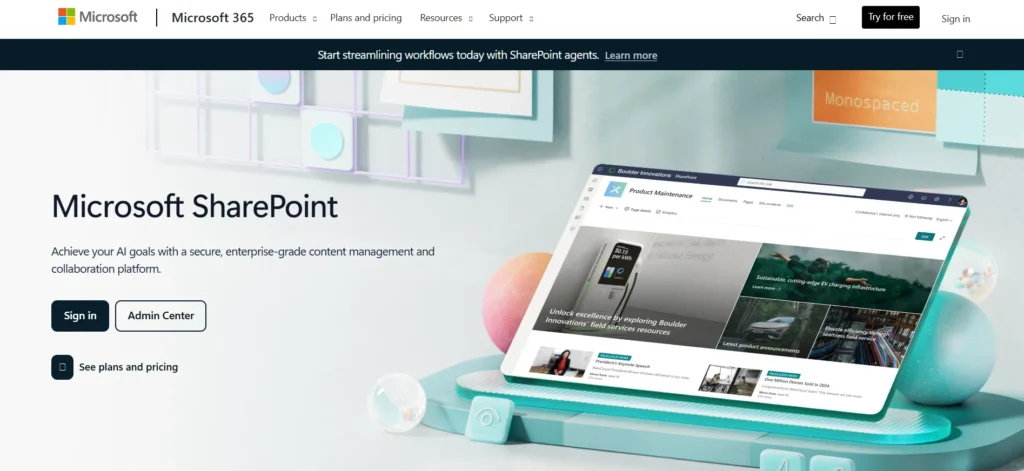
Microsoft SharePoint is an effective document control and management software that provides the organization with the ability to safely store, organize, share, and access the information at any location, on premises or in the cloud. It serves as a centralized point where teams may work in real time and coordinate versions of documents, access permissions, and automate workflows of the approval and review process.
SharePoint is available in Microsoft 365 applications such as Teams, OneDrive, and Outlook that enable users to co-edit documents, place change alerts, and use advanced search and metadata tagging features to find documents more swiftly. It also complies with compatibility necessities as it has characteristics such as document archival, audit trail, and limited data sharing, which makes it applicable in a business industry with stringent regulatory requirements.
Key Features
- Documents are held centrally and managed.
- History and version control of documents.
- Real-time collaboration and co-authoring.
- High permissions and access control.
- Check-in/check-out to eliminate conflicts in editing
- Automated approvals and reviews workflow.
- Making metadata tags and sophisticated searching.
- Plug in with Microsoft 365 and other applications.
- Document activity notifications and alerts.
- Backup and recovery options
Price: The basic cost of SharePoint is about $260 USD per user on an annual basis, and there are free trials.
Website: https://www.microsoft.com/en-us/microsoft-365/sharepoint/collaboration
2. M-Files
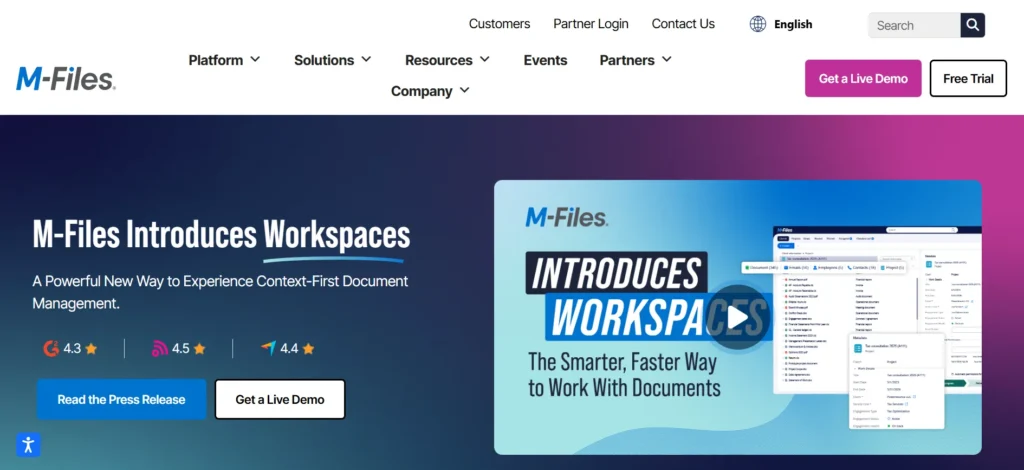
M-Files is a smart document control platform that can assist organizations to streamline workflow, automate business processes, and improve information management with the assistance of its metadata-based architecture, which simplifies and makes document classification, retrieval, and compliance more efficient.
It allows teams to store, track, and collaborate on documents safely, as well as offering strong version control, automatic processes, and access control in a manner that only authorized users can see or modify sensitive files. Having the capacity to capture documents using OCR, electronic signatures, access with mobile, and allowing easy integration with the Microsoft Office suite and third-party applications, M-Files can be deployed in the cloud or on-premise, which makes it very scalable across the board.
Key Features:
- Intelligent document classification and retrieval metadata-driven architecture.
- Process efficiency and compliance automation.
- Versioning and comprehensive revision history.
- Scanning and scanning categorization with OCR.
- Remote work access using a mobile device.
- Connection to Microsoft Office and electronic signature services.
- Searching and customizable metadata.
- Security and compliance audit trails and permissions.
- Cooperation tools and check-in/check-out to work simultaneously.
- Records management and compliance management.
- Reporting and analytics
- Multi-language support
- Cloud, on-premise, and hybrid deployment.
Price: M-Files costs are between $39 and $59 monthly per user, depending on the features and the implementation options.
Website: https://www.m-files.com
3. DocuWare
DocuWare is a multi-purpose document control software and management system, according to which an organization can digitize, store, retrieve, and protect all types of documents in a central storage, where it simplifies the workflow and enhances the team-working ability.. It helps in automated workflows in activities such as approvals and invoicing, provides advanced search and indexing to quickly trace documents, and provides the deployment of strong security with encryption, access, and audit trails to safeguard confidential data. DocuWare is aimed at both large and small businesses and offers scaled solutions that can be used with the existing systems, are mobile-friendly, and are in compliance with regulatory requirements.
Key Features:
- Storing and hierarchy of documents in a centralized system.
- State-of-the-art search and complete-text indexing
- Task and workflow management: Automated.
- Document history tracking and version control
- Access and collaboration remotely via mobile devices.
- Scanner document capture, email, and cloud capture.
- Strong levels of security, encryption, and user access control.
- MS Office and SAP integration with other business systems.
- Audit trail and compliance support.
- Workflow: Electronic signature and approval.
- machine learning-based indexing and smart document processing.
Price: The price of DocuWare is usually on request and will depend on the deployment (cloud or on-premise) and user volume.
Website: https://www.docuware.com.
4. Box (Box Business)
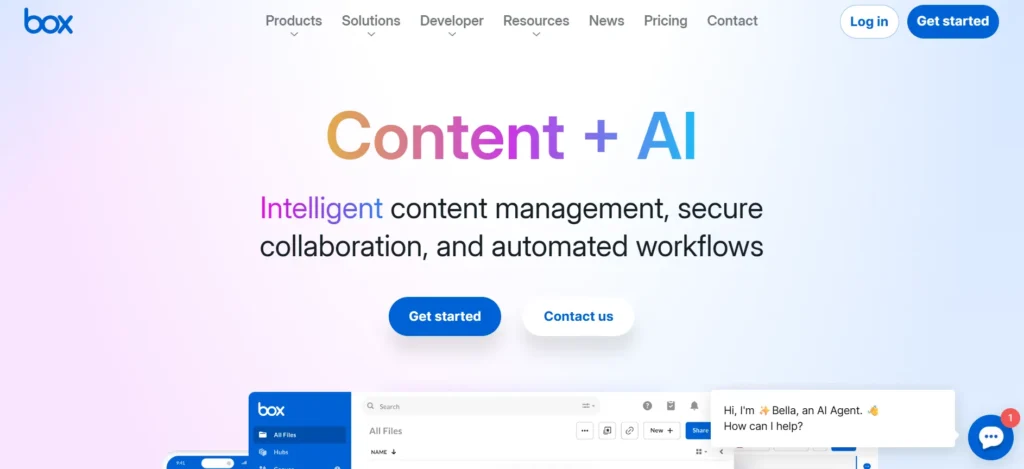
Box (Box Business) is an online document control and content management software that assists business organizations to save, share, and work together effectively on files. It is a secure and centralized platform storing all forms of digital assets, which allows teams to access, edit, and manage documents wherever and whenever with substantial security and compliance capabilities.
Box facilitates easy collaboration with the support of real-time editing, automated processes, and integration with more than 1,500 business applications, including Microsoft 365, Google Workspace, and Slack. Its improved search features, versioning, and controlled permissions provide better security of sensitive data and can be accessed by authorized employees only. Box provides workflow automation, electronic signatures, and compliance to industry regulations as well, and thus is an all-around solution to other document-intensive industries and companies with scalable, secure, and efficient management of files.
Key Features:
- Cloud-based document storage, available on any device and is centralized.
- Live working and file sharing with personalized permissions.
- Connection with more than 1,500 business applications (e.g., Microsoft 365, Slack, Zoom)
- Security controls such as encryption, access as well and intelligent detection of threats.
- Automation of workflow and e-signatures.
- Granular user access and user tracking.
- Regulatory compliance documentation of such regulations as ISO 13485 and FDA QMSR.
- Live editing and web compatibility.
- Access blocking and automated classification of sensitive data (Box Shield)
- In-depth content usage visibility administration console.
Pricing: Box Business costs between £12 and 40 per user per month based on the plan and features needed.
Website: https://www.box.com.
5. Contentverse
The Contentverse DocuShare is an all-inclusive document management and control solution that is used to automate and simplify the storage and organization of documents, as well as control their sharing in both large-scale and small-scale businesses. It provides centralized and encrypted storage and has sophisticated access controls permitting the administrator to provide permission depending on department or user, so only authorized users can access sensitive files.
The platform has version control, thus users can keep track of changes, restore past versions, and have a full audit trail of document activity. Intense search and indexing applications allow fast access to information, and workflow automation and teamwork characteristics can help to effectively manage documents in groups. It is also the appropriate tool to solve, since Contentverse offers compliance management, backup and recovery, electronic signatures, and mobile access that is fitting for an organization that requires a robust, scalable document management system.
Key Features:
- Scan capture of scanners, email, or others.
- Document history tracking, Version control.
- Metadata search and full-text search.
- Role-based access controls and permissions.
- Task management and workflow automation.
- Document access and editing audit trails.
- Team document share tools.
- Electronic signature and document retention policy.
- Metadata and templates that are customizable.
- Mobile accessibility and interlinking with the current systems.
- Disaster recovery and Backup solutions.
- Reporting and Compliance management.
Price: Pricing Contentverse can also be purchased on demand, and it depends on the size of deployment and the features.
Website: computhink.com
6. Laserfiche
Laserfiche DocuShare is an effective management and document control software that is tailored to assist organizations in centralizing, securing, and automating their document processes, which makes it simpler to store, access, and handle digital as well as physical documents with ease. The automation, artificial intelligence, and advanced search technologies can simplify complex procedures, ensure a calm state, improve collaboration, and increase efficiency since the platform eliminates manual work and reduces the error rate during document management. It has several options to deploy, like on-premise, cloud, or hybrid, and allows an organization to choose the mode that meets its security and operations needs.
Key Features:
- Digitizing and capturing documents.
- Metadata control and version control.
- Full-text search and high-profile indexing.
- Automation of workflow and the use of electronic forms.
- Document-level and role-based access security.
- An audit trail/compliance management.
- Mobile connectivity and cloud-based storage.
- CRM, ERP, and Microsoft Office integration.
- AI-assisted document recognition and Optical Character Recognition (OCR).
- Digital signature and template management.
- Document use reporting and analytics.
Pricing: Pricing Laserfiche is priced according to the needs and size of the organization, and thus, there is no standard price in the market. Call Laserfiche and ask them to quote you.
Website: https://www.laserfiche.com.
7. Axero
Axero DocuShare is a full document control and management software that aims at centralizing, securing, and making the management of business documents in the organization more convenient. It also allows teams to upload files, share, version, and manage files securely in customizable digital environments, facilitating easier collaboration by automating workflows and ensuring compliance with the aid of solid audit trails and access controls. It can be used to facilitate high-quality search, workflow automation, and version control, and can integrate with other business tools, which organizations need to ensure that information flows and regulatory compliance are efficient across departments and dispersed teams.
Key Features:
- Single document repository to ensure safety and security in storage and access.
- Document history tracking and version control, Approval and notification workflow automation.
- Metadata and content indexing search.
- Multi-level access control and permissions.
- Audit trails and compliance management.
- Team communication tools.
- Mobile and cloud platforms integration.
- Support of any type of file and document format.
Price: Axero DocuShare does not trade on the stock market and is usually custom quoted by the customer, depending on the needs of companies.
Website: https://axerosolutions.com
8. ShareFile
ShareFile is a risk-free document management and file sharing software that has been developed to offer businesses the utmost security and bureaucracy necessities, especially those in the regulated industries like healthcare and finance. It offers effective capabilities to control, distribute, and monitor documents with strong encryption, access management through granting permissions to the users, and audit monitoring to keep a track of the files to ensure that the sensitive data is secure at all times.
ShareFile can also be applied in workflow, document request (including AI-based request generation), version control, e-signatures, and a simple integration with popular apps, including Microsoft Office and Google Workspace; thus, it is an excellent teamwork tool to apply to the groups that are interested in secure collaboration and adherence to regulations.
Key Features:
- Encrypted file transfer both in transit and at rest.
- Access controls and user permissions. Granular access control and user permissions.
- Document tracking version control.
- Automation of workflow and approvals.
- External user access to document requests and file take-outs.
- Audit trails and activity logs are to be used in compliance.
- Secure document signing E-signature integration.
- Individual branding and reporting/analytics.
- Microsoft Office, Outlook, Google Workspace, and Salesforce integration.
- Accessibility of files via mobile and offline sources.
- Support of regulatory compliance (HIPAA, GDPR, etc.)
Pricing: ShareFile offers entry-level pricing of 100GB storage and a single-user plan at $16/month, with add-on plans for more users, storage, and advanced features to up to $295/month enterprise pricing packages.
Website:https://www.sharefile.com
9. Zoho WorkDrive
Zoho WorkDrive is a team collaborative and work document and cloud management platform that allows teams and organizations to enjoy centralized file control, real-time collaboration, and robust security. It offers a centralized working environment whereby users can store, organize, share, and edit files, and helps in easy collaboration of teams, no matter their locations. It includes an inbuilt version control in which the teams can track the changes, compare versions, and occasionally revert to older ones.
This comes in especially useful to verify the accuracy of the documents and do away with conflicts in case several individuals are working on the same document. Zoho WorkDrive also has intelligent search, fine-grained access control, audit trail, and end-to-end encryption, making it an efficient and secure document management tool; thus, it fits well in companies that need compliance and proper security of data.
Key Features:
- Collaborative team and organizational file storage.
- Live teamwork with control of simultaneous editing and check-in/check-out.
- Infinite versioning and rollback of files.
- The state-of-the-art file management system supports 220+ file types as well as metadata searching.
- Smart search, labels, and quick document search features.
- Granular access control and public/private sharing of team folders.
- Zoho Office Suite (Writer, Sheet, Show) to create and edit documents is built in.
- Transparency and activity monitoring through the use of audit trails.
- File rest and transit encryption. End-to-end encryption.
- Selective local sync, TrueSync technology, which enables the saving of storage space.
- Automation in document reviews and approvals.
- GDPR, HIPAA, and other criteria compliance, remote wipe.
Pricing: Zoho WorkDrive has monthly subscription plans with a starting price of $5 per user per month (yearly), and it also has a 15-day free trial.
Website: https://www.zoho.com/workdrive/
10. Smartsheet
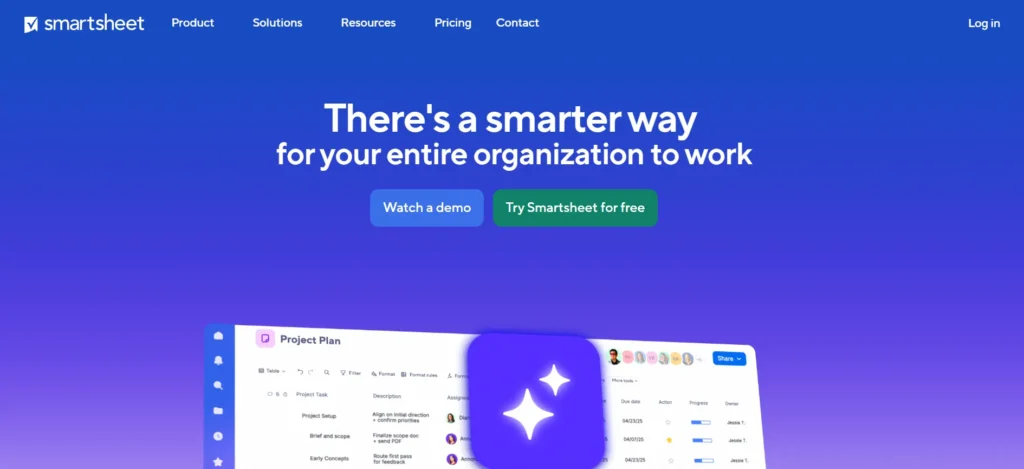
Smartsheet is a work management application that runs on cloud-based technology that combines the simplicity of the spreadsheet interfaces with the work quality of project management, automation, and collaboration capabilities and applications, making it an application that is likely to be compatible with all types of businesses in an attempt to streamline the workflow and enhance productivity.
It enables teams to build, organize, and track documents, tasks, and projects and work in real-time with capabilities such as customizable views ( Grid, Gantt, Card, Calendar), workflow automation, real-time collaboration, integrations with popular tools like Google Workspace, Microsoft 365, Salesforce, Slack, and strong security controls, which offer data protection at enterprise levels.Smartsheet is also capable of supporting advanced reporting, customizable dashboards, document builder, proofing, and wide integrations, which is why this is a flexible tool to deal with complex business processes and document control requirements.
Key Features:
- Grid, Gantt, Card, and Calendar views are flexible.
- Automation of workflow and triggers.
- Immediate cooperation and exchange.
- Developed reporting and custom dashboards.
- Document writer and proofreader.
- CRED IBM has integrations with Google Workspace, Microsoft 365, Salesforce, Slack, and others.
- Security and compliance on an enterprise level.
- Fields and templates that can be customized.
- Accessibility using mobile and multiple devices.
- Infinite sheets, reports, and dashboards (depends on plan)
- The unlimited forms and automations (Business plan).
Pricing: Smartsheet begins with the Pro plan that costs $9 per user per month; there are more expensive alternatives with more functionality and business requirements.
Website: www.smartsheet.com
Things to Consider Before Choosing The Right Document Control Software
In the scope of selecting the appropriate document control software, a few crucial aspects must be taken into consideration so that the software is able to suit well within your organization in terms of efficiency, security, and scalability.
Essential Features:
- Locate robust document security, encryption, role-based access control, and audit trail to keep sensitive data and other industry specifications.
- To prevent errors in outdated documents, this software should have proper version control and revision history to bring in transparency.
- The possibility to connect with the existing systems (ERP, CRM, project management tools, etc.) can streamline the working processes and make them less manual.
Usability and Support
- Select a platform that is easy to use and navigate, and has well-defined support options such as tutorials and technical support.
- Take into account the ability of the software to be expanded as the number of users and documents increases.
- Use customization alternatives to modify the software according to your business needs and procedures.
Additional Considerations
- The analytics and reporting capabilities may be able to give insights into the use of documents and assist in making decisions based on data.
- Ensure maintenance, upgrade, and support of vendors to achieve the lowest costs over the long term.
- Check the feedback and reviews of the users to understand the reliability and real performance.
Considering these factors, you are able to choose a document control platform that will improve organizational productivity, security, and collaboration.
Conclusion
The selection of the appropriate document control software can change how your organization handles its files, optimally managing the workflows and improving the collaboration and the overall productivity. The best document control solutions are both easy and have powerful functionality like version tracking, secure access control, and an automated audit trail, such that it is easy to ensure compliance and minimize errors.
As a small company or a large corporation, by investing in an easy-to-use document control software, you will be able to keep your most important data in order and available as per your requirement and save time, and reduce risks. With user-friendly interfaces and scalable options as its key advantages, these top tools can help a team to be smarter, stay on track, and concentrate on the things that really count to grow your business confidently and efficiently.
FAQs
Q.1 What are The Most Important Characteristics of Document Control Software?
- The storage of documents in one place ensures that they can be accessed easily.
- Approval and notification of their workflow automation.
- Role-based permissions and access control.
- Both file sharing and compliance tools can be secured.
- Interaction with other business systems (e.g., ERP, accounting)
Q.2 What Does Document Control Software Do to Ease Compliance?
Document control tools assist companies in keeping audit-ready documentation, changing records, and applying access controls in order to comply with regulatory standards like ISO, FDA, and GxP.
Q.3 Is it Possible to Integrate Document Control Software With The Existing Systems?
Yes, the vast majority of document control solutions are integrated into popular solutions, such as Microsoft 365, Salesforce, and other ERP systems, either via packaged integrators or via custom APIs.
Q.4 Should a Document Control Platform be Used in Small Businesses?
Yes, solutions that are specifically made to address small and mid-size businesses have affordable prices, are easily installed, and can be scaled.
Q.5 What is The Level of Security of Document Control Software?
To ensure sensitive information is safely held, the document control tool offers powerful security controls like user authentication, role-based access controls, audit trails, and secure file sharing.