
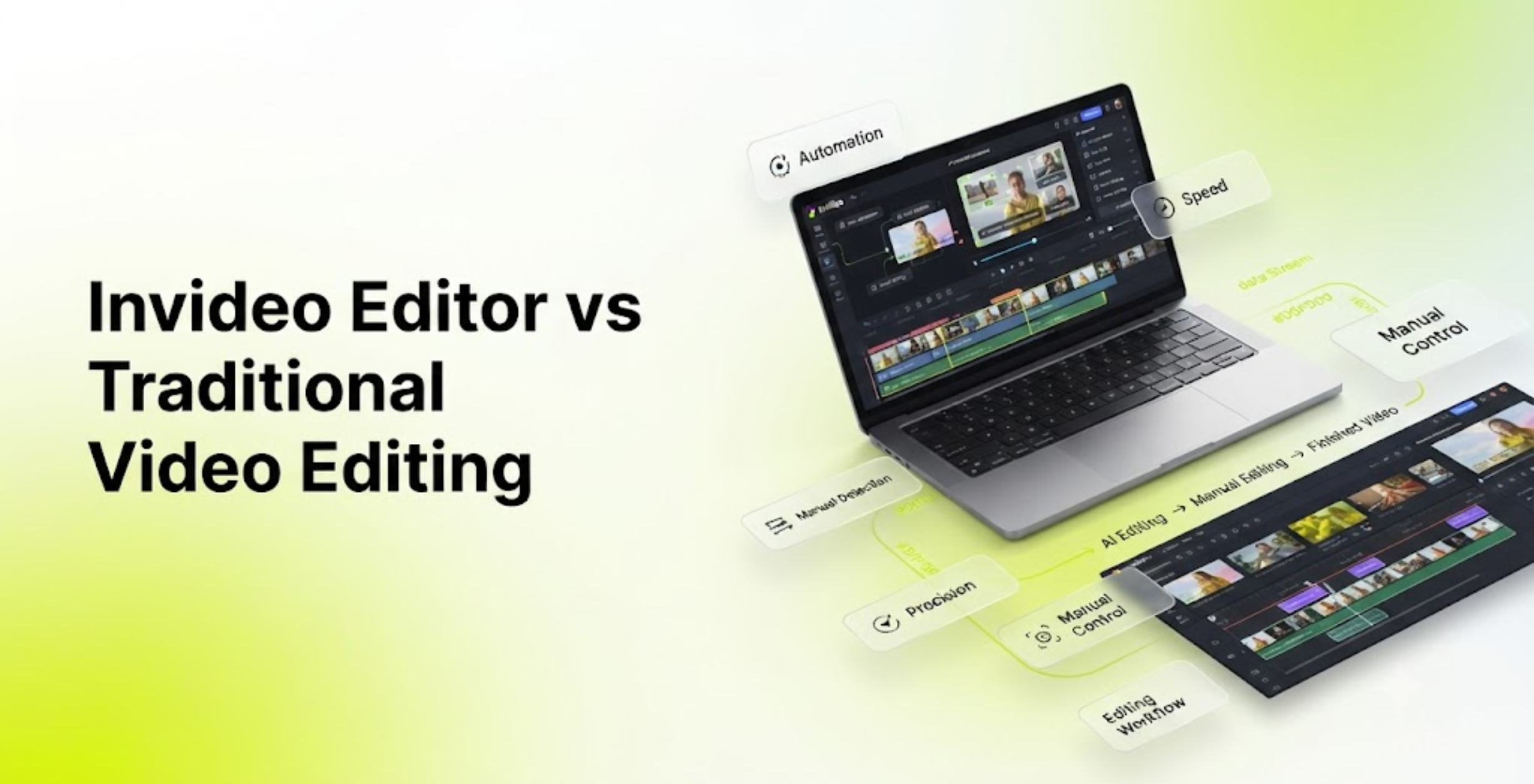
Video editing has traditionally been a time-intensive process. Editors spend hours reviewing raw footage, creating rough cuts, trimming unwanted sections, syncing audio, adding effects, and refining colors before a video is ready for publishing.
However, AI-powered video editing tools are changing how creators approach production. Instead of manually completing every editing step, AI-assisted editors can analyze footage, automate repetitive tasks, and help build an initial timeline.
This raises an important question:
Can AI tools like invideo editor replace traditional manual editing workflows?
The short answer: AI can automate many repetitive editing tasks, but human creativity and professional decision-making remain essential. The future of editing is likely a combination of AI assistance and human control.
In this guide, we compare invideo editor vs traditional video editing to understand how AI-assisted workflows differ from conventional editing methods.
What Is Traditional Video Editing?
Traditional video editing involves manually controlling every part of the editing process through a non-linear editing (NLE) workflow.
Editors typically work through several stages:
- Importing and organizing footage
- Reviewing clips
- Creating an assembly cut
- Building a rough cut
- Refining timing and pacing
- Editing audio
- Applying color correction
- Adding graphics and effects
- Exporting the final video
Professional editors use timeline-based tools where every clip, transition, audio track, and visual effect is manually adjusted.
A traditional workflow includes concepts such as:
- Rough cut
- Fine cut
- Final cut
- Timeline editing
- Multicam editing
- Audio mixing
- Color grading
- Finishing and delivery
These stages form the foundation of professional video production workflows.
What Is invideo editor?
Invideo Editor is an AI-assisted video editing platform designed to help creators edit videos faster through intelligent automation.
Instead of starting every project by manually cutting footage, creators can use AI assistance to analyze clips, organize edits, and speed up repetitive editing tasks.
AI-assisted workflows focus on reducing time-consuming steps such as:
- Finding usable footage
- Removing unnecessary sections
- Creating first-pass edits
- Improving pacing
- Preparing content for different platforms
Modern AI editing tools are built around features such as AI-assisted editing, semantic editing, automatic transcription, AI scene detection, automatic reframing, captions, and AI-powered enhancement workflows.
Invideo Editor vs Traditional Video Editing: Key Differences
| Editing Area | Traditional Video Editing | Invideo Editor AI-Assisted Workflow |
| Footage review | Manual viewing and selection | AI-assisted analysis |
| First draft creation | Editor builds timeline manually | AI helps create an initial edit |
| Cutting mistakes | Manual trimming | AI-assisted removal workflows |
| Pacing adjustments | Editor decides every cut | AI can help identify sections to improve |
| Audio cleanup | Manual effects and adjustments | AI-assisted audio improvements |
| Captions | Manual creation or separate tools | Automated caption workflows |
| Social formats | Manual resizing and reframing | AI-assisted reframing workflows |
| Editing speed | Depends heavily on editor experience | Faster for repetitive tasks |
1. Raw Footage Organization: Manual vs AI-Assisted
Traditional Workflow
Editors usually begin by watching all recorded footage.
For example, a creator records a 45-minute tutorial. The editor must:
- Watch the entire recording
- Mark important sections
- Remove mistakes
- Find the strongest moments
- Arrange clips into a timeline
This process can take longer than the actual recording.
Invideo Editor Workflow
With AI-assisted editing, creators can upload footage and provide instructions about the desired result.
An AI agent can help analyze footage and prepare a starting point for editing.
Instead of spending hours searching through clips, creators can begin with a more organized timeline.
2. Rough Cuts: Who Creates the First Draft Faster?
A rough cut is one of the most important stages of video editing.
It establishes:
- Overall structure
- Clip order
- Story flow
- Basic pacing
Traditional Rough Cut
A human editor manually:
- Selects clips
- Places them on the timeline
- Removes unnecessary sections
- Creates the first version
This gives maximum creative control but requires significant time.
AI-Assisted Rough Cut
With invideo editor AI workflows, creators can use AI assistance to speed up the assembly stage.
The AI can help create an initial version that editors can review and refine.
This does not eliminate the editor’s role it reduces the amount of repetitive preparation work.
3. Cutting and Trimming: Manual Precision vs AI Speed
Cutting footage is one of the most repetitive editing tasks.
Traditional editors manually perform:
- Blade cuts
- Ripple edits
- Removing pauses
- Adjusting clip duration
- Rearranging sequences
These timeline operations are core editing skills.
AI-assisted editing changes the process by allowing creators to describe editing goals.
Examples:
- “Remove unnecessary pauses and keep the conversation engaging.”
- “Create a faster-paced version for social media.”
AI can speed up the first editing pass while the creator maintains final control.
4. Audio Editing: Manual Mixing vs AI Assistance
Audio quality often determines whether a video feels professional.
Traditional audio workflows include:
- Volume adjustments
- Noise reduction
- Dialogue cleanup
- Music balancing
- Audio ducking
Professional editors may spend significant time improving voice clarity and balancing sound elements.
AI-assisted workflows can help automate tasks such as:
- Dialogue enhancement
- Noise reduction
- Audio balancing
- Background music adjustments
This allows creators to spend less time fixing technical issues.
5. Color Correction and Grading
Color is another area where human expertise remains important.
Traditional color workflows involve:
- Exposure correction
- White balance adjustments
- Contrast control
- LUT application
- Shot matching
Color grading helps create a consistent visual style across an entire project.
AI can assist with:
- Automatic color matching
- Visual consistency
- Basic corrections
However, professional filmmakers and editors still rely on creative decisions to achieve a specific cinematic look.
6. Social Media Editing: Where AI Has a Major Advantage
Short-form content has created a demand for faster editing.
Creators now need:
- YouTube Shorts
- Instagram Reels
- TikTok videos
- Vertical advertisements
Traditional workflows require manually creating different versions.
AI-assisted editing can help with:
- Vertical reframing
- Caption generation
- Faster clip creation
- Highlight selection
Features like automatic reframing and AI captions are becoming important parts of modern editing workflows.
Can invideo editor Replace Human Video Editors?
AI can replace some editing tasks, but not the complete creative role of an editor.
AI is excellent for:
- Removing repetitive work
- Creating first drafts
- Organizing footage
- Generating captions
- Improving workflow speed
Human editors remain essential for:
- Storytelling decisions
- Emotional pacing
- Creative direction
- Brand style
- Visual storytelling choices
Editing is not only about cutting clips. It is about deciding what the audience should feel, understand, and remember.
The Future: AI + Human Editing Workflows
The future of video production is likely not AI replacing editors.
Instead, it will be:
Human creativity + AI efficiency
A modern workflow may look like this:
- Step 1: Creator uploads raw footage.
- Step 2: AI creates an initial assembly or rough cut.
- Step 3: Editor reviews structure and pacing.
- Step 4: Human adds creative decisions.
- Step 5: AI assists with captions, formatting, and finishing tasks.
This approach allows creators to produce higher-quality videos faster.
Who Should Use invideo editor?
- Beginners: AI-assisted editing helps beginners create videos without mastering every technical editing skill immediately.
- YouTubers: Creators can spend less time cutting footage and more time creating content.
- Social Media Managers: AI workflows help produce more content across multiple platforms.
- Professional Editors: Experienced editors can use AI to speed up repetitive tasks while maintaining creative control.
Final Verdict: Invideo editor vs Traditional Video Editing
The comparison between invideo editor vs traditional video editing is not about choosing one over the other.
Traditional editing provides complete creative control and remains essential for professional productions.
AI-assisted editing provides speed, automation, and workflow improvements.
The best approach is a hybrid workflow:
- Let AI handle repetitive tasks
- Let humans handle creativity and storytelling
As AI video editing continues to improve, editors will spend less time performing mechanical tasks and more time focusing on the creative decisions that make videos memorable.