
It is not difficult to find the right person on LinkedIn; you may simply type in the keywords Marketing Director in Chicago and get 50 candidates within a few seconds. It is really difficult to be in touch with them. It is also dangerous to request a connection, as numerous individuals check LinkedIn once a week or even less frequently. InMails are expensive and frequently disregarded.
LinkedIn Email Finder tools come in here. The connect button is linked to a one-on-one chat in your inbox. These tools can be your secret weapon, no matter your role in a company as a recruiter, salesperson, or founder.
You see, we are going to discuss all. We will demonstrate the tools and their functionalities, and the one worth paying for, including how LinkedIn email finder Spylead compares against other top platforms in terms of accuracy, speed, and scalability.
By the Numbers: Reason Why You Need This.
We will explain why manual searching wastes time before we get into the tools. Recent data from 2024 and 2025 shows:
- More than 1 billion members. It is no use having the big pool, unless you can get to it.
- Sales reps: approximately 30 percent of their time is wasted on contact information searches; that is, nearly one-third of their time is spent on administration.
- LinkedIn credits six hires every minute. Time is of the essence, and when you take too long to locate an email, someone can have contacted the prospect before you do.
- 90% of B2B decision-makers favor email over other platforms. Email is the best route.
What Is a LinkedIn Email Finder?
A LinkedIn Email Finder is a piece of software, typically a Chrome extension or web application, that searches a LinkedIn profile and finds the professional (and in some cases, personal) email address.
Think of it as a detective. On seeing the profile of a prospect, the tool operates in the background, scans massive databases, crosses company email patterns, firstname.lastname@company.com, and checks the server to provide you with a valid email in a few seconds.
Why use LinkedIn Email Finder Tools?
You may think you can guess email addresses, but it is better to use a dedicated tool. Here’s why:
- The accuracy and deliverability: Speculation usually brings in bounces. Bouncing too many sends out a red flag that opens your account as spam. The applications check email addresses prior to sending, and save your reputation.
- Speed and scale: It can take 10 minutes to find one email manually. A tool gets it in 2 seconds. A tool could scrape hundreds of contacts in the time it takes to make a coffee by hand, which would have required weeks to construct by hand.
- Data enrichment: The tool tends to provide job title, size of the company, location, and, in some cases, a phone number. This allows better personalization of messages.
How LinkedIn Email Finder Tools Work
It might be magic, but it is smart technology. These instruments apply three primary approaches:
- Database matching: The application maintains a huge list of contacts that have already been confirmed. Looking up JohnDoe, it gets its records from his email.
- Pattern intelligence: In case of no record, the tool examines the email pattern of the company and generates the email address, and verifies the email address by pinging the mail server.
- Domain search: Others query the web to locate the email, such as on conference lists, PDFs, and press releases, and retrieve it.
Spylead Review
Spylead was a LinkedIn email-finding tool that helped people quickly get email addresses from LinkedIn profiles
Instead of waiting for a person to accept a LinkedIn connection request or paying for expensive InMails, Spylead lets you extract business email addresses of potential contacts (like prospects, recruiters, clients, etc.) using the name and company from LinkedIn.
People in sales, recruitment, and marketing liked it because it made reaching out to new contacts much faster than doing it manually inside LinkedIn.
Why It Was Popular
Easy Lead Generation: You could find real email addresses from LinkedIn profiles without having to connect first.
Saved Time: No more manually searching for emails or waiting for LinkedIn responses — it automated that part.
Useful for Many Roles
- Sales teams found leads faster
- Recruiters could contact candidates directly
- Founders/marketers could grow outreach quickly
What Happened to Spylead?
LinkedIn and other platforms tightened how third-party tools can access user data. This meant tools that relied on scraping or extracting emails started losing access to critical info.
So Spylead lost some of its key features, especially the ability to scrape emails directly from LinkedIn or Google results, the way it used to.
One of the most popular ways people used Spylead was through a Chrome browser extension. That extension got removed from the official extension store, which made it harder to use or install.
Top 10 LinkedIn Email Finder Spylead Alternatives
The top 10 best alternatives that are currently available in the market in case Spylead is not the best fit would be listed here.
1. Apollo.io
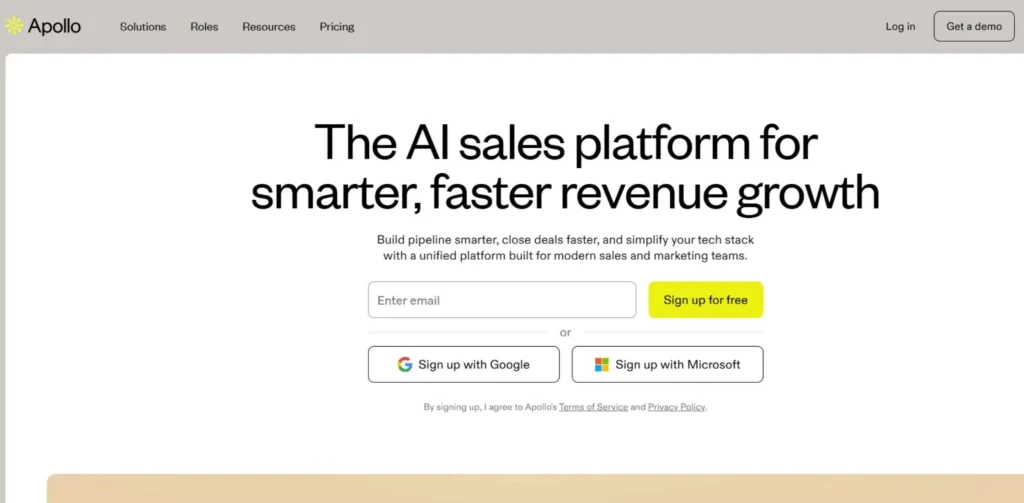
Apollo is a data platform that is one of the most popular B2B email-finders but it is also a sales intelligence tool. It also maintains a database of more than 275 million contacts; therefore, whenever you need to check certain information, you end up getting validated data on its system without necessarily having to search live. Apollo also provides an in-built email sequence, such that you can email the prospects right after the platform.
It has a generous freemium system, providing free users with lots of data points and therefore is popular among startups. The tool connects well with CRMs such as HubSpot and Salesforce, where all the emails are automatically logged and tracked.
Key Features:
- 275 M+ contacts in the database.
- In-built email sequencing and cold outreach.
- Advanced filtering (revenue, technology stack, round of funding).
How It Works:
- Facilitates a Chrome extension to superimpose data on LinkedIn.
- Enables you to search their internal database without even visiting LinkedIn.
Plan: Free plan; paid, and beginning at about $49/user/month.
Link: Apollo.io
2. Snov.io
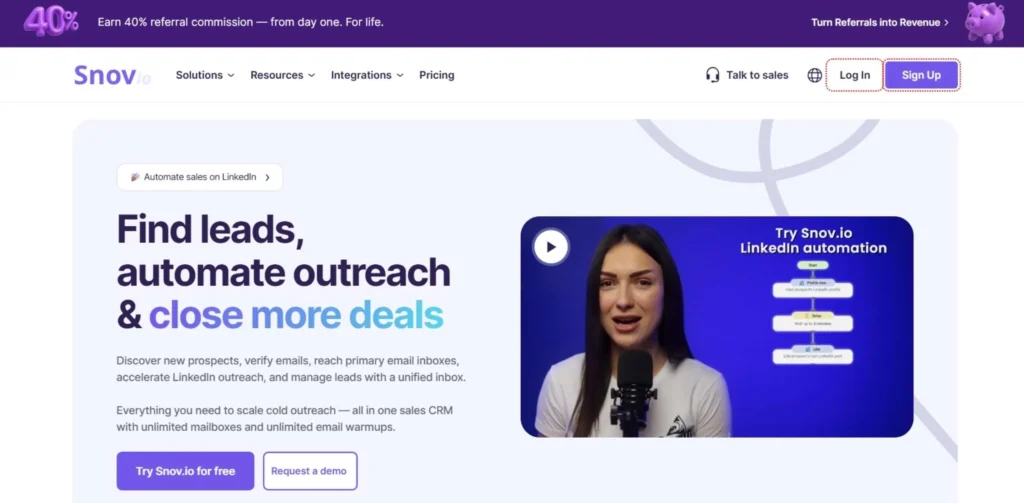
Snov.io is a one-stop shop for cold outreach with email finder, warmers, and campaign sends. Its Chrome feature has the ability to scrape single profiles or entire LinkedIn search results in a single click. One of the outstanding options is the “Technology Checker which locates companies utilizing particular software (e.g., Shopify). This is great for tech sales. It also contains the drag-and-drop drip campaign creator, thus once you have located emails you can create a sequence right away. The verify-on-capture option prevents using your credits to send emails that are not opened.
Key Features:
- Finder and Verifier of emails in one.
- In-built drip email campaigns.
- Tech stack search (find companies by software).
How It Works:
- Turn on the LinkedIn profile extension to indicate contact information.
- Save prospects to the mailing lists in the Snov.io dashboard.
Pricing: Free trial, starter plan begins at approximately $39 / month.
Link: Snov.io
3. Hunter.io
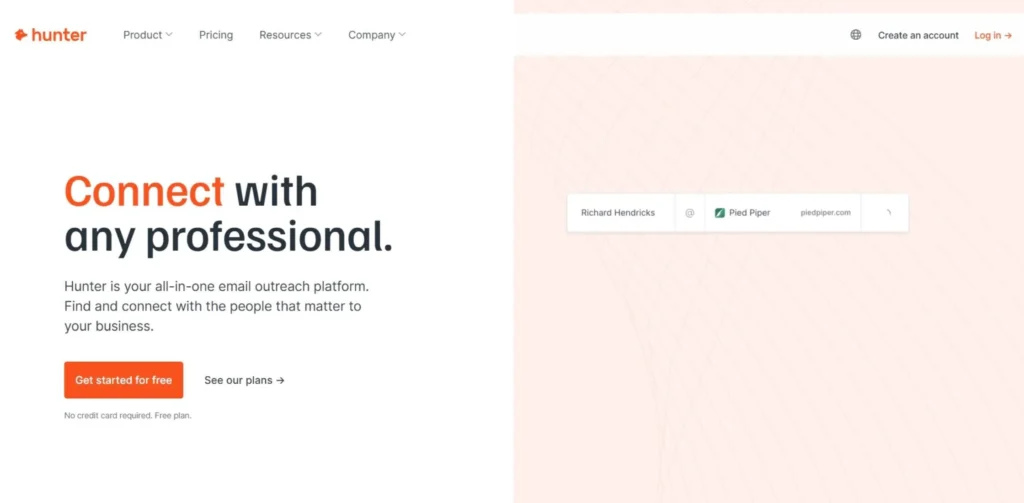
The first email tracker is Hunter, which is credible due to the Domain Search option. It provides a mapping of the whole email addresses of a company by just typing the domain. This comes in handy in cases where you are familiar with the company but not the decision-maker. Hunter’s LinkedIn integration option confirms emails instantly by verifying SMTP servers. Hunter is open; it provides the place where the email was located online, and you have a source URL.
Key Features:
- Domain Search (find all emails of one company).
- Confidence rating of every email.
- Source attribution (in which the email was discovered).
How It Works:
- Search a business name or a web address to be presented with a list of employees.
- – The LinkedIn extension can be used to compare a profile with the email pattern of the company.
Pricing: Free: 25 searches every month; paid: costs approximately $49/month.
Link: Hunter.io
4. Lusha
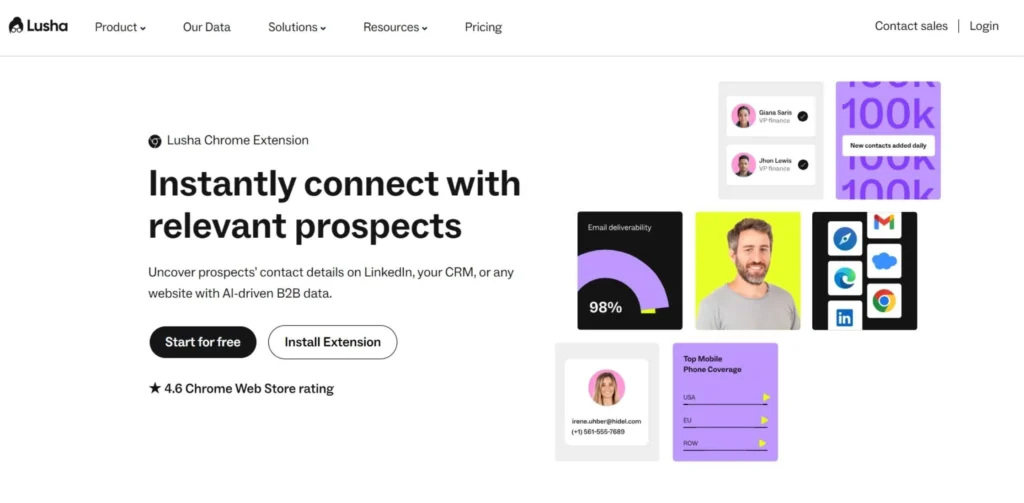
Lusha can best identify the personal numbers and emails of phones and emails that are not identified by other tools. The majority of them rely on patterns of company emails, whereas Lusha relies on a community-based database that provides you with direct mobile numbers and personal Gmail/Yahoo accounts. This comes in handy to recruiters since they have an opportunity to reach out to candidates who do not check work email, and sales reps do not have to go through the corporate gatekeeper.
It functions well as a small sidebar application that is displayed on LinkedIn accounts. Lusha is strict in the rules of data privacy (CCPA/GDPR), which is why big companies do not feel insecure using it. It is slightly more expensive, but in high ticket sales, the direct phone contacts do pay off.
Key Features:
- Accuracy on the direct mobile numbers.
- Individual e-mail addresses (Gmail, etc.).
- CCPA and GDPR compliant data.
How It Works:
- The browser extension will know when you are looking at a profile and provide contact details.
- clicking on Show Contact displays data of 1 credit at a time.
Pricing: free- 5 credits/month; pro- around $29 is the beginning price.
Link: Lusha.com
5. Skrapp.io
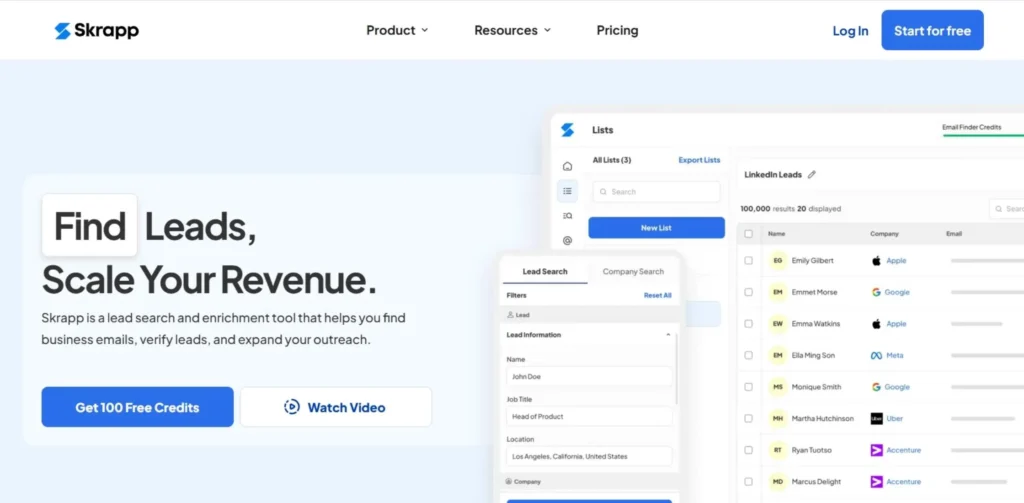
Skrapp.io is designed to create large email lists of LinkedIn and Sales Navigator in a short period of time. It possesses an algorithm that makes guesses about the email address based on company patterns. Skrapp is unique in that it has a simple filing system. The scraped leads can be added directly into lists and folders directly out of the extension, and then exported as clean CSV or Excel files.
It is excellent when working with a team that has to input data into a CRM or cold email tool. It also contains a search Company feature where you enter a company name and see its employees, which makes it work better with LinkedIn, like Hunter.
Key Features:
- Bulk email finder Sales Navigator.
- Company search feature.
- List organization and export of lists through the cloud dashboard.
How It Works:
- LinkedIn profiles contain the Find Email button.
- Bulk save gives you a chance to export the search results pages to your dashboard.
Pricing: The plan is free 50 credits a month, starting at approximately $39/month.
Link: Skrapp.io
6. AeroLeads
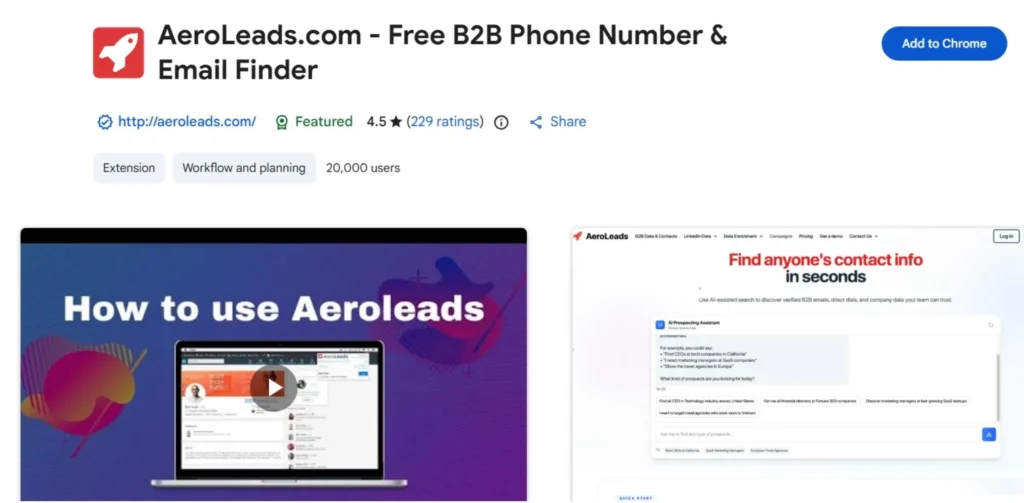
AeroLeads is primarily a Chrome extension that scrapes business emails and phone numbers on LinkedIn, Xing, and AngelList. It has the capacity to gather 15 pieces of information about each prospect i.e. full name, job title, location, generic company emails, and business phone numbers.
AeroLeads supports bulk transfer best – put huge prospect lists on the dashboard, and with one click, they can be transferred directly to Salesforce, Mailchimp, or HubSpot. It is a small utility that will transfer data from LinkedIn directly into your CRM with minimal effort. Its support team is fast when it comes to custom requests or data issues.
Key Features:
- locates corporate e-mails and business phone numbers.
- 1-minute connection to other popular CRMs (Salesforce, HubSpot).
- LinkedIn, Xing and other business network work.
How It Works:
- Have prospects on a sidebar on your screen.
- Go to the AeroLeads web dashboard to export verified data.
Pricing: Free trial; the cost plans begin at approximately $49 per month.
Link: aeroleads.com
7. RocketReach
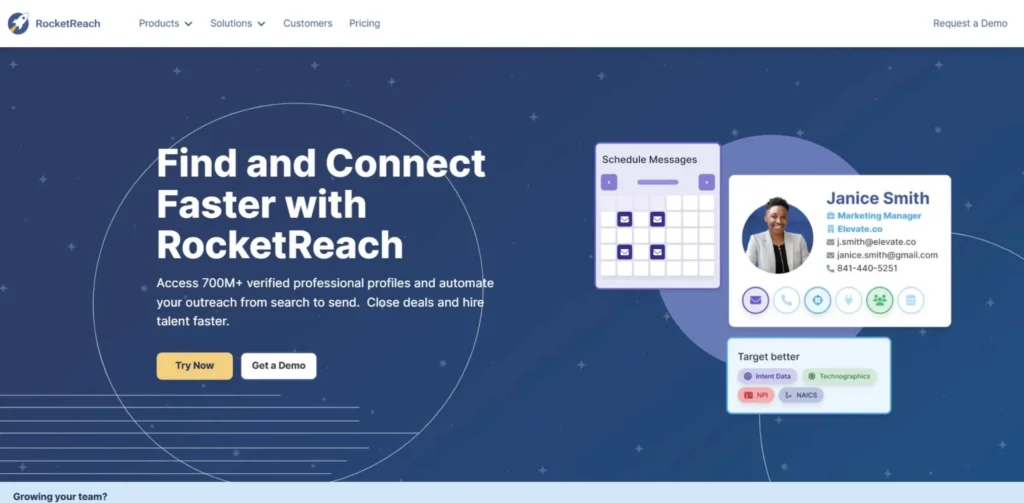
RocketReach boasts a very large and precise database, and the database contains more than 700 million profiles and 35 million companies. In case other tools indicate that a contact is not available, the second tool to be used is RocketReach. It accesses personal email, such as Gmail or Hotmail, and business email, which assists recruiters and individuals who seek freelancers. You are able to search more narrowly by job title, location, industry, and education.
The Bulk Lookups functionality allows you to upload a CSV of LinkedIn URLs, and RocketReach does the reverse. It is more expensive than certain rudimentary tools, yet it is worth it when it comes to serious prospectors because it has a high rate of success with hard-to-find contacts.
Key Features:
- Massive database (700M+ profiles).
- Good at locating personal email.
- API access to higher integrations.
How It Works:
- The browser extension displays a list of emails (by accuracy) of a profile.
- You can filter the search results on the site by advanced search.
Pricing: Paid, begins at approximately 39 dollars per month (annual).
Link: RocketReach.co
8. Kaspr
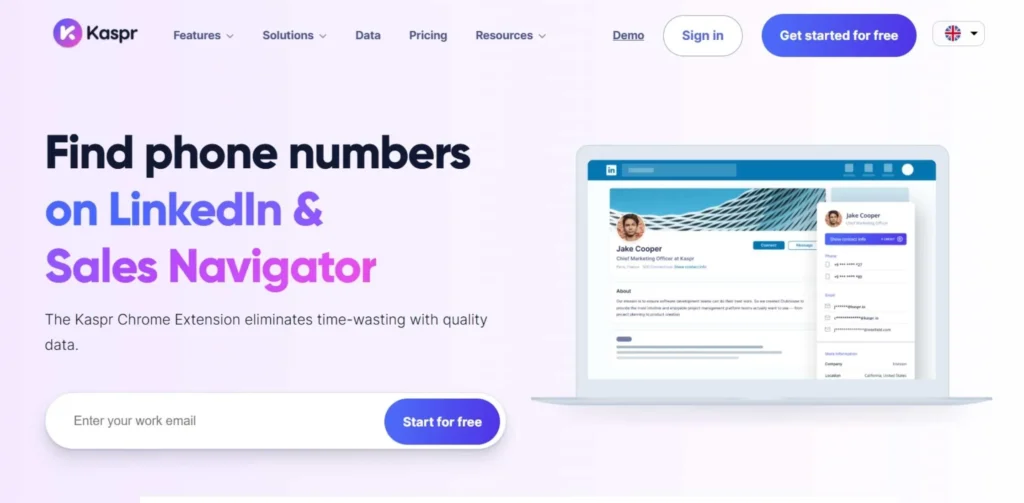
New favourite in terms of lead generation is Kaspr, which is particularly popular in Europe due to its adherence to GDPR and very precise French and European data. Similar to Lusha, Kaspr leaves brief phone numbers and email addresses with a Chrome extension. The widget itself is also interactive – you can control leads directly in it, you do not have to change the tabs.
Another feature that Kaspr offers is a so-called “LinkedIn Workflow” which can automatically send connection requests and follow-up messages to the leads that you just discovered. That renders it beyond being a mere data tool, a miniature automation platform. It is also an excellent tool in the sales team that requires precise mobile numbers to utilize in the cold-calling and emailing outreach system.
Key Features:
- European and mobile data and numbers are highly accurate.
- LinkedIn automation operations (connect + message).
- GDPR compliant.
How It Works:
- The application appears on LinkedIn profiles.
- One touch apportions contact details and links to your CRM.
Pricing: The free plan (unlimited credits) is available, and the first paid plan is approximately 49 dollars per month.
Link: Kaspr.io
9. FindThatLead
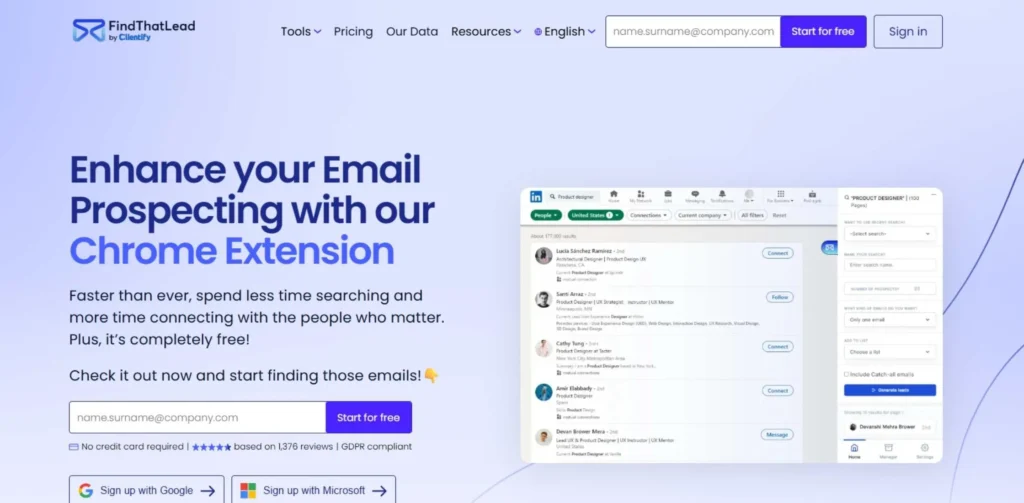
FindThatLead is an application that allows searching social media and finding email addresses. It is popular with marketers since it possesses a Social search feature, which discovers emails on social media pages, not only LinkedIn. Its biggest section is its Lead Search, which allows you to find prospects based on job position, location, and industry.
It also possesses a “Prospector: which constructs a targeted list that is built up. FindThatLead also has a tool for sending emails, so you can send email campaigns out of the dashboard, which includes one place to find, verify, and email leads.
Key Features:
- Social URL Search – search emails with social links.
- Prospector – create own lists.
- Email Sender- send outreach emails.
How It Works:
- Type in domain names or apply the Chrome extension on social networks.
- The tool is used to guess and verify the patterns to give valid emails.
Pricing: 50 credits per month. Growth plan commences at approximately $49 a month.
Link: FindThatLead.com
10. Voila Norbert
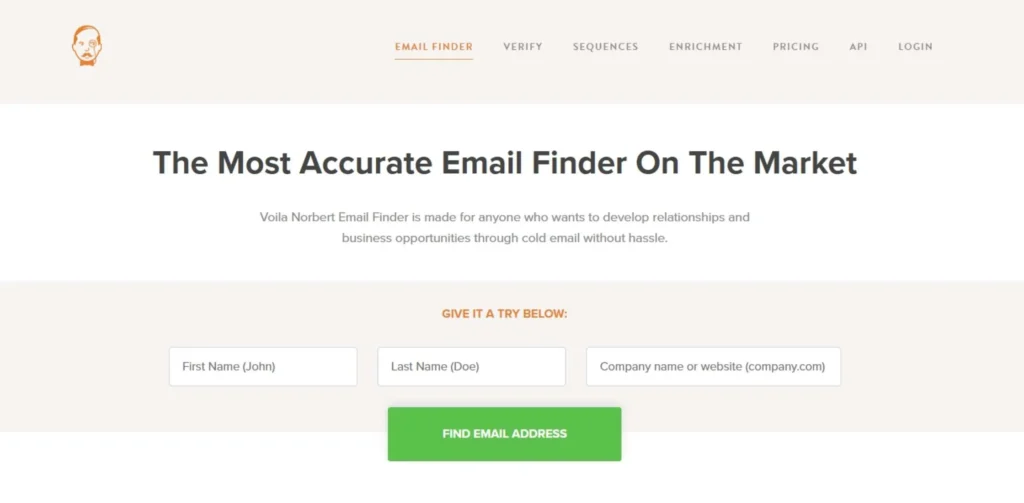
Voila Norbert is a so-called intelligent assistant. It is simple and clean with an interface that is accuracy-centred. Norbert is more about bells and whistles and less about achieving the greatest email deliverability rate. Ahrefs rated it as one of the best email finders. Although it is not as fancy as a LinkedIn plug that can be placed on top of a profile like Lusha, it is efficient in processing a large amount of data.
You may give a list of names and companies in a CSV, and Norbert will complete the blanks. It can be quite handy to PR professionals and content marketers who have to access influencers or journalists. It also possesses a strong verification API which most developers are fond of keeping their database clean.
Key Features:
- Processing accuracy and deliverability oriented.
- Bulk enrichment – upload a CSV.
- Pay-on-demand – no subscription fees.
How It Works:
- Fill in the company domain and name in the web application.
- Norbert bings the mail server to verify presence of the address.
Pricing: Free: 50 leads. Valet plan begins at approximately $49 a month.
Link: VoilaNorbert.com
Comparison Table
In order to make a fast decision, we will provide you with a side-by-side comparison of the best tools.
How to Select the Best Email Searching Tool.
There are so many choices, which one do you make? Here is a simple checklist:
- Specify Your Objective: Do you need high-volume cold emailing (requires bulk scraping, such as Spylead or Skrapp) or do you need high-ticket sniper sales (need phone numbers, such as Lusha)?
- Check Your Budget: Apollo has a free plan that is impossible to beat in case you are a solo founder. ROI with RocketReach or Spylead is better in case it is an agency.
- Data Type: Do you require personal emails (recruiting) or professional emails (B2B sales)? Such tools as Gem (not listed but good) or RocketReach are more personal; Hunter is more professional.
- Integrations: When you want to work within Salesforce or HubSpot, make sure that the tool is native to the application; that is, you do not have to spend time copying and pasting.
Best practices for LinkedIn Email Finder Tools
These are potent tools, and you should exercise caution when using them lest LinkedIn ban you or they suspect you are a spammer.
- Don’t Scrape Too Fast: LinkedIn keeps a record of the number of pages you have looked at. It is impossible to see 500 profiles per hour as a human being and this will result in a warning. Use safe mode items or feel free to only view items in a day.
- Verify Before Sending: Checking a tool Before Sending Even when a tool provides you an email, check it with a verifier (most tools provide this feature). An email deliverability kill rate will be a high bounce rate.
- Focus Your Outreach: It is not enough to Find the email. When you are addressed in your email by the name Sir/Madam, you have wasted your money. Write a message that is relevant using the information (job title, location).
- Honor Privacy: When a person requests to be taken off your list then do so and leave as soon as possible. Adherence to GDPR and CAN-SPAM laws is not a choice.
Conclusion
They are LinkedIn Email Finder tools, which every person must be serious in outbound sales, recruiting, and networking in 2025. They save time, are more accurate in data and they will ultimately ensure you make more deals. Spylead is an excellent option if you prefer a flexible tool that manages both LinkedIn and Google Maps. Apollo.io is the industry standard in case of a massive database with free entry. And as far as direct phone numbers are concerned, Lusha is the winner. The most efficient one is the one that fits in your particular workflow. The majority of them have a free trial, so I can strongly recommend that you should test 2 or 3 of them in the course of this week to see which of them suits you best.
FAQs
1. Is LinkedIn email finder legal?
Yes, generally. These devices scuttle information that has been put on the web publicly or can be sent out emails according to guidelines. Nonetheless, you need to adhere to the laws of data privacy such as GDPR and CCPA in the process of processing and storing such data.
2. Would LinkedIn prohibit me from using such tools?
Yes, if you abuse them. In case you see thousands of profiles in a few minutes with the help of a bot, LinkedIn will block your account. The tools always have settings of daily limits, and it is better to use them to be safe.
3. What is the most precise of the tools?
Accuracy varies by industry. Voila, Norbert, and ZeroBounce (verifier) are usually mentioned as very accurate, whereas RocketReach is the most successful in locating personal emails missed by others.
4. Are these tools able to provide phone numbers?
Yes. Such tools as Lusha, Kaspr, and Apollo focus on direct dial mobile numbers, but the feature can frequently be more expensive in credits than email searching.