
The digital landscape has fundamentally transformed how we capture, edit, and share our visual stories. Whether you are a professional photographer, a digital marketer, or a hobbyist capturing family memories, having the right photo editing software is an absolute necessity. The visual content economy is expanding rapidly, and users actively demand better, faster tools to bring their creative visions to life.
To understand the sheer scale of this visual revolution, consider the current data on content creation. Recent industry reports highlight that 74 percent of social media active users post images on a weekly basis
This massive volume of user-generated content requires accessible, high-quality editing solutions that can keep pace with daily demands. Furthermore, as technology shifts towards portable solutions, user habits are evolving dramatically. Statistics reveal that an incredible 66 percent of non-professional photo editing workflows are now entirely mobile-first
This shift means software developers are constantly racing to provide powerful features that cater to both desktop environments and mobile platforms. With an overwhelming number of options flooding the market, selecting the perfect application can feel incredibly daunting. This comprehensive guide will navigate you through the top tools available today, breaking down their specific strengths, artificial intelligence integrations, and pricing models.
What To Look For In Photo Editing Software
Choosing the right application goes far beyond simply looking at the price tag. You must evaluate the software based on how it fits into your specific creative workflow and technical skill level.
- Evaluate the User Interface: Beginners should avoid complex interfaces with nested menus that severely hinder the creative process. Look for software offering intuitive, slider-based adjustments and logical, customizable workspaces that do not require constant manual consultation.
- Consider Artificial Intelligence Tools: Machine learning algorithms have revolutionized modern photo editing. Smart features like automatic sky replacement, intelligent subject masking, and automated skin retouching are absolutely indispensable for processing images quickly and saving countless hours.
- Assess File Management Capabilities: A robust cataloging system is crucial if you regularly shoot hundreds of images per session. Software offering non-destructive editing paired with excellent digital asset management allows you to rate, tag, and organize your files efficiently.
- Review Export Options: Your final image must look perfect regardless of where it is displayed. Ensure the application actively supports multiple file formats, accommodating everything from web-optimized compressions to high-resolution print formats.
- Analyze the Pricing Structure: The industry offers both recurring monthly subscriptions and one-time perpetual licenses. Subscriptions guarantee immediate access to the latest updates, while one-time purchases save significant money in the long run. Calculate your annual budget and choose accordingly.
Photo Editing Software Comparison
| Photo Editing Software | Best For | AI Features | Free Version | Starting Price |
| Adobe Photoshop | Complex visual art and layered composites | Generative Fill, Neural Filters | No | ₹599.00 / month |
| Adobe Lightroom | Large scale cataloging and global color edits | AI Masking, Denoise | No | ₹382.32 / month |
| Canva | Instant web graphics and social marketing | Magic Studio, Background Removal | Yes | Rs 500/mo |
| Skylum Luminar Neo | Automated styling and quick visual impact | Sky AI, Portrait AI | No | ₹4939 one-time |
| Corel PaintShop Pro | Cost conscious Windows users and casual creators | Upsampling, Artifact Removal | 30-day trial | ₹6899 one-time |
| Affinity Photo | Professional pixel adjustments without recurring fees | Canva AI tools via premium | Yes | Free basic plan |
| DxO PhotoLab | Salvaging high ISO shots and precise lens corrections | DeepPRIME AI noise reduction | Free trial | $129.99 upgrade |
| Capture One Pro | Live studio sessions and exact color science | Smart Adjustments, AI Cropping | No | ₹1,375.00 / month |
| Pixlr | Lightweight web edits and remote working | AI Generative Fill | Yes | $2.49/mo |
| GIMP | Cost free professional level adjustments | None natively | Yes | Free forever |
List Of The Best Photo Editing Software
1. Adobe Photoshop
- Website: adobe.com/photoshop
- Best for: Professional graphic designers and advanced photo manipulation
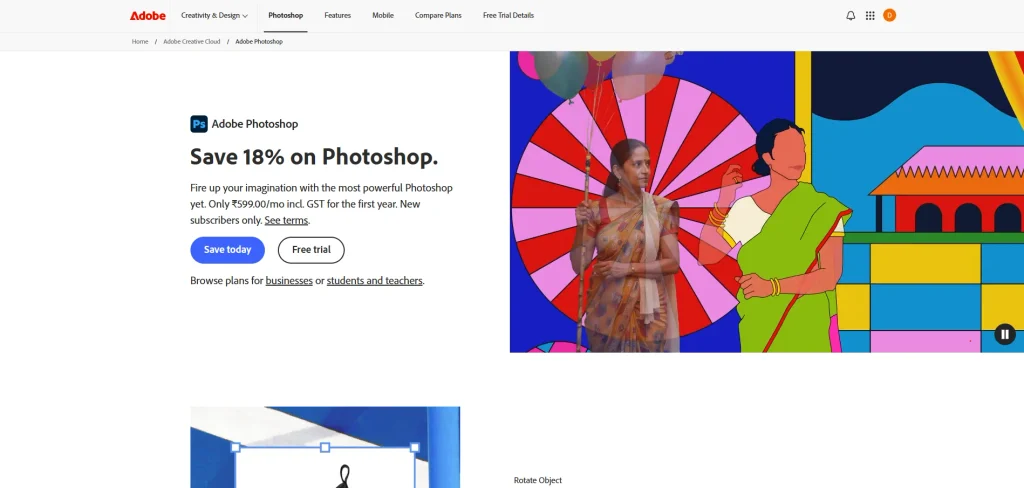
Adobe Photoshop remains the undisputed industry standard for professional image creation and advanced photo manipulation. It offers an unparalleled suite of layer-based editing tools, allowing for complex composites and intricate retouching workflows. With the recent integration of advanced artificial intelligence capabilities like Generative Fill, Photoshop empowers users to add, remove, or expand image content seamlessly.
While the learning curve is admittedly steep, the sheer power and limitless versatility make it an indispensable tool for serious creatives, photographers, and digital artists globally.
Key features:
- Layer-based non-destructive editing
- Advanced AI generative tools
- Vector graphic capabilities
Pros:
- Unmatched professional feature set
- Seamless Adobe ecosystem integration
- Massive global tutorial library
Cons:
- Steep learning curve
- Recurring monthly subscription
- Demands high-performance hardware
Pricing:
- Adobe photoshop: ₹599.00/mo
- Adobe photoshop + lightroom: ₹599.00/mo
2. Adobe Lightroom
- Website: adobe.com/lightroom
- Best for: Professional event photographers and batch processing workflows
Adobe Lightroom is specifically designed for photographers who need to manage, edit, and organize large batches of images efficiently. Unlike Photoshop, Lightroom focuses on global adjustments, color correction, and non-destructive raw file processing. Its intuitive interface features highly responsive sliders for exposure, contrast, and precise color grading.
The robust cloud-based ecosystem ensures that your edits synchronize across desktop, mobile, and web devices seamlessly. It is the ultimate software for achieving consistent visual styles across entire photography portfolios quickly and reliably.
Key features:
- Comprehensive photo organization system
- Advanced color grading tools
- Cloud synchronization across devices
Pros:
- Excellent batch editing capabilities
- Preserves original raw files
- Intuitive slider-based interface
Cons:
- Lacks advanced layer manipulation
- Mandatory subscription pricing model
- Cloud storage limits apply
Pricing:
- Lightroom: ₹382.32/mo
- Adobe photoshop + lightroom: ₹599.00/mo
3. Canva
- Website: canva.com
- Best for: Social media content creators and quick template-based designs
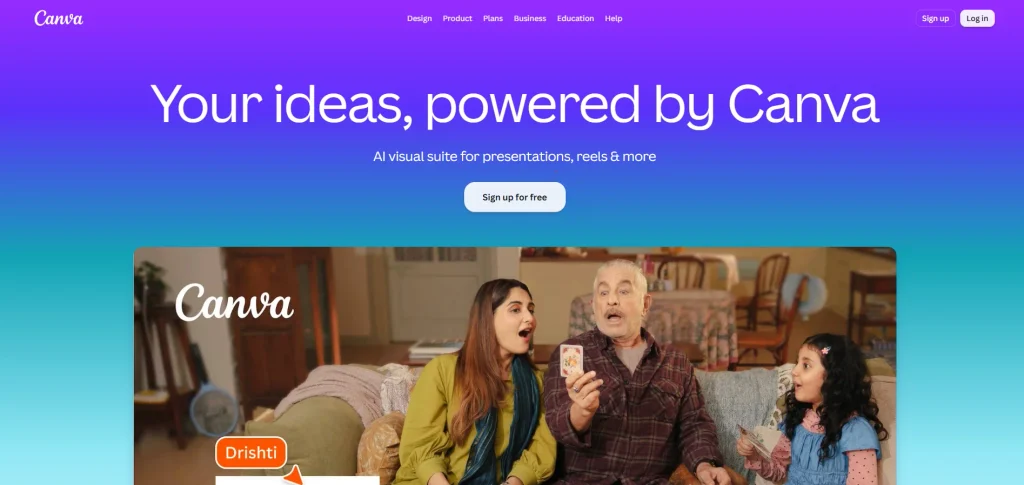
Canva revolutionized the digital design landscape by making photo editing and graphic creation accessible to absolutely everyone. Operating entirely within your standard web browser, it provides millions of customizable templates, high-quality stock photos, and versatile design elements. For marketers, ai tools for marketing can also help streamline content creation and improve marketing workflows.
The intuitive drag-and-drop interface allows users to create stunning social media posts and marketing materials in minutes without prior design experience. For those looking for similar tools with different features, can also provide flexible design options for various creative needs. Recent updates have introduced powerful artificial intelligence tools for automated background removal and image generation, solidifying its position as a quick-edit powerhouse.
Key features:
- Massive library of templates
- One-click background removal
- Real-time collaborative editing
Pros:
- Incredibly easy for beginners
- Functions entirely in-browser
- Generous free tier available
Cons:
- Unsuitable for complex retouching
- Export quality limited freely
- Requires active internet connection
Pricing:
- Free basic version
- Canva Pro: Rs 500 per month (or Rs 4000 annually).
- Business: Rs 680 per month.
- Enterprise Plan: Custom pricing.
4. Skylum Luminar Neo
- Website: skylum.com/luminar
- Best for: AI-driven photo editing and fast creative visual results
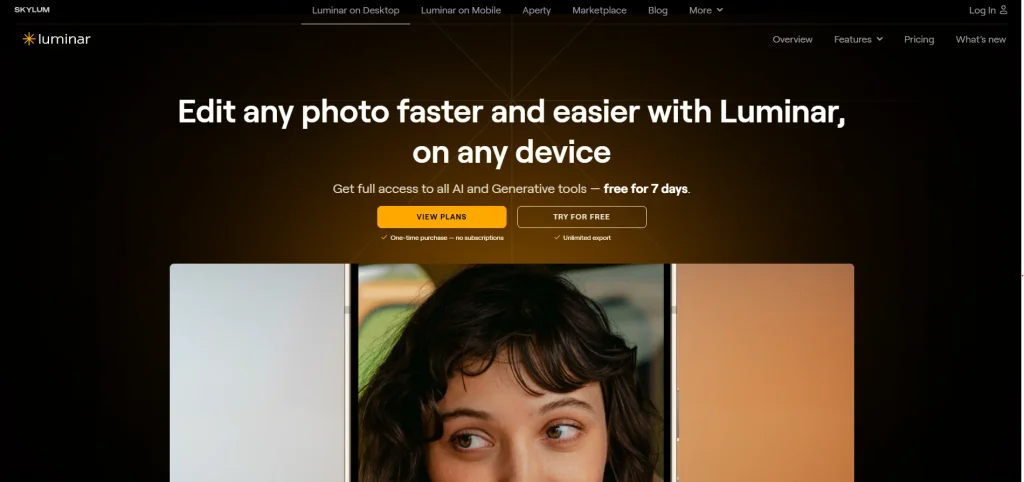
Skylum Luminar Neo is an exceptionally powerful photo editor that relies heavily on artificial intelligence to simplify the most complex editing tasks. It intelligently analyzes your images and offers instantaneous one-click solutions for flawless sky replacement, dramatic portrait enhancement, and complex lighting adjustments.
This software is absolutely perfect for photographers who want professional-looking results without spending hours tweaking manual settings. The interface is clean and user-friendly, allowing creators to focus purely on their artistic vision rather than complicated technical masking.
Key features:
- AI sky replacement tools
- Automated portrait skin retouching
- Relight AI depth mapping
Pros:
- Drastically reduces editing time
- Operates as standalone or plugin
- Highly intuitive visual interface
Cons:
- Resource-heavy on older computers
- Lacks robust asset management
- AI can occasionally overprocess
Pricing:
- One-time payment, use app forever
- All Platforms: ₹6089
- Max :₹7619
- Desktop Only: ₹4939
5. Corel PaintShop Pro
- Website: paintshoppro.com
- Best for: Windows operating system users and One-time purchase hobbyists
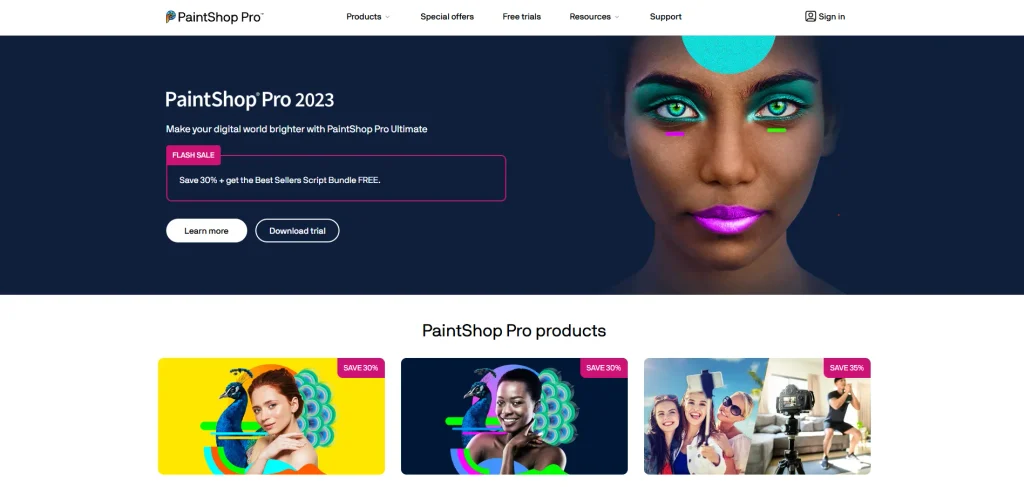
Corel PaintShop Pro offers a comprehensive suite of high-quality photo editing and graphic design tools tailored exclusively for Windows users. It provides a highly capable robust alternative to expensive subscription-based software, delivering advanced layer editing, raw file processing, and artificial intelligence-powered enhancements for a single upfront price.
The workspace is highly customizable, catering beautifully to both absolute beginners and seasoned professionals alike. Corel continuously updates the software, making it a reliable and incredibly cost-effective powerhouse for diverse digital art projects.
Key features:
- Extensive raw image processing
- AI upsampling and artifact removal
- Highly customizable user workspaces
Pros:
- Single one-time purchase fee
- Comprehensive professional tool set included
- Excellent format support compatibility
Cons:
- Exclusive to Windows platforms
- Interface feels slightly dated
- Occasional performance lag issues
Pricing:
- PaintShop Pro: ₹6899
- PaintShop Pro ultimate: ₹8999
- 30 days free trial
6. Affinity Photo
- Website: affinity.serif.com/photo
- Best for: Subscription-averse creative professionals and detailed raster graphics creation
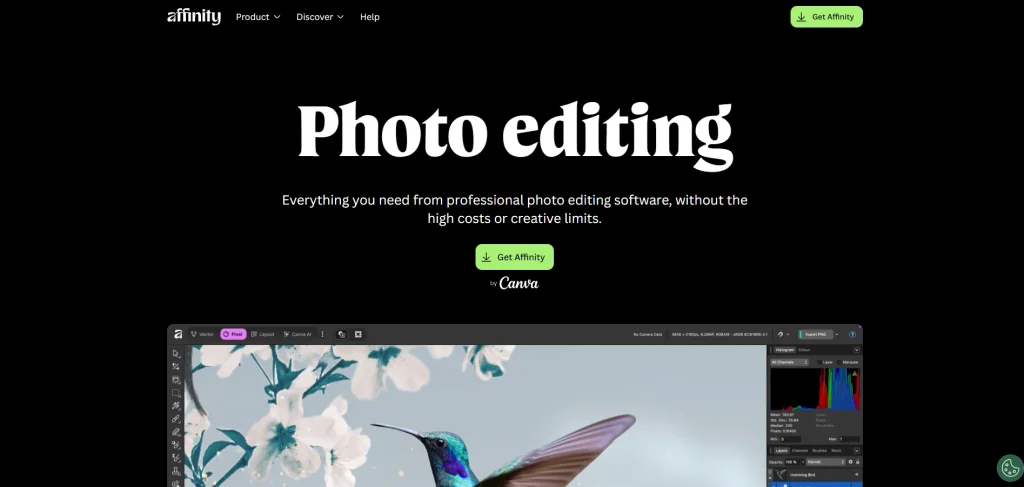
Affinity Photo has quickly emerged as one of the most formidable competitors to industry giants, offering a truly professional-grade editing experience without the heavy burden of a monthly subscription. It boasts incredibly fast processing performance, seamless real-time rendering, and complete comprehensive support for infinite layers.
The software handles massive digital file sizes effortlessly and includes highly advanced tools for HDR merging and precise focus stacking. It remains a top favorite among professionals who demand uncompromising speed and absolute creative control.
Key features:
- Real-time rendering performance speeds
- Advanced panorama stitching tools
- Full PSD file compatibility
Pros:
- No monthly subscription required
- Blazing fast computer performance
- Professional-level feature integration
Cons:
- Steeper learning curve exists
- Lacks photo cataloging systems
- Fewer third-party plugins available
Pricing:
- Free Plan: Available for basic usage.
- Note: Unlocking Canva AI tools within Affinity requires a premium Canva plan.
7. DxO PhotoLab
- Website: www.dxo.com/en/dxo-photolab/
- Best for: Ultimate raw image processing and unmatched digital noise reduction
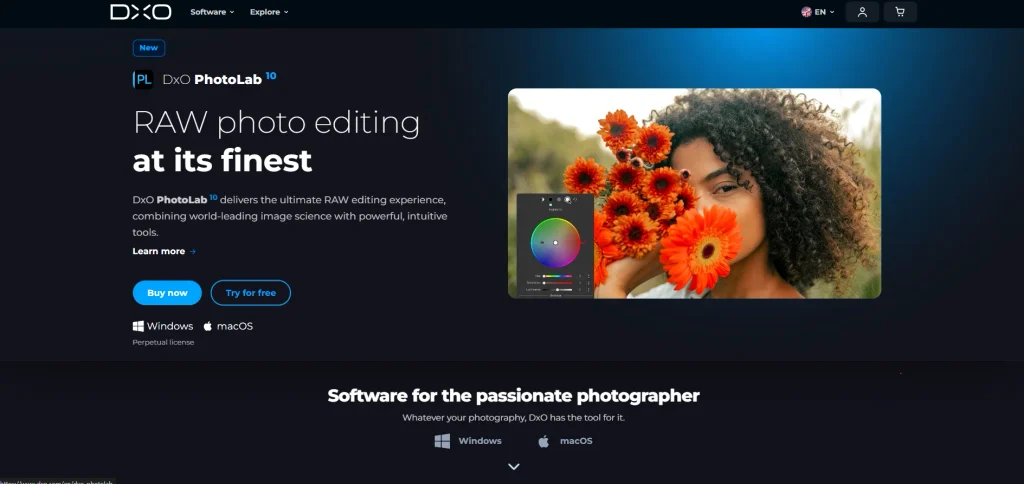
DxO PhotoLab is highly revered in the professional photography community for its exceptional raw conversion engine and industry leading noise reduction technology. Utilizing its proprietary DeepPRIME artificial intelligence algorithms, it can miraculously salvage noisy, low light images that other software would render entirely unusable.
Furthermore, DxO provides highly bespoke optical corrections based on meticulous laboratory testing of specific camera and lens combinations. It is the absolute preferred choice for pixel peeping purists who demand the highest possible image quality from their expensive gear.
Key features:
- DeepPRIME AI noise reduction
- Bespoke optical correction profiles
- U Point local adjustments
Pros:
- Incredible high ISO performance
- Outstanding automatic lens correction
- Highly effective masking tools
Cons:
- Interface overwhelms casual users
- Lacks advanced compositing layers
- Higher initial upfront cost
Pricing:
- Elite Edition: $249 one time fee.
- Upgrade Pricing: from $129.99
- Free trial available
8. Capture One Pro
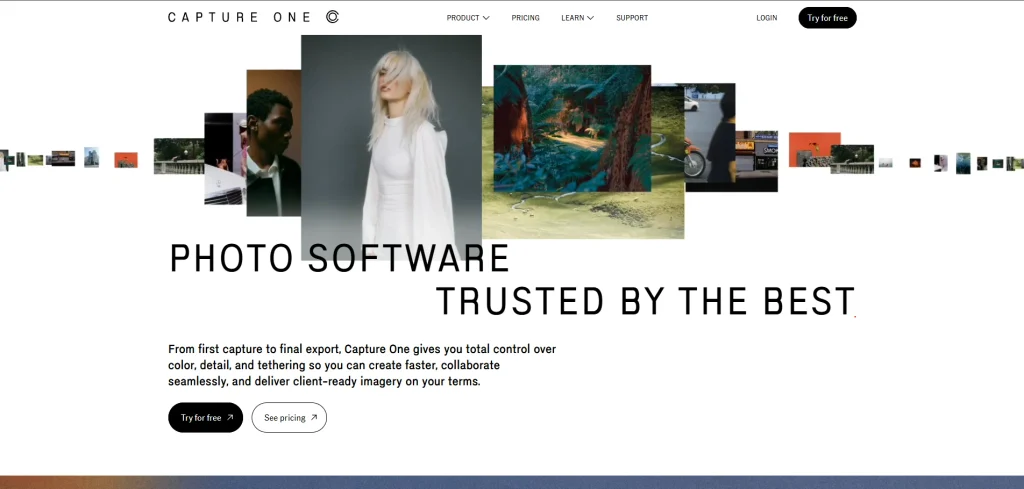
- Website: captureone.com
- Best for: High-end commercial studio photographers requiring seamless tethered camera shooting.
Capture One Pro remains the premier choice for high-end studio and commercial photography, offering the photography industry’s absolute most robust tethered shooting capabilities available. It is globally renowned for its exceptional default color rendition directly straight out of the camera, providing rich, highly accurate true-to-life tones.
The software features incredibly advanced color grading tools and a fully customizable user interface, allowing professionals to perfectly tailor their workspace. Its bulletproof reliability and uncompromising image processing quality make it totally essential for studios.
Key features:
- Industry-leading tethered live capture
- Advanced color grading editor
- Completely customizable user workspace
Pros:
- Exceptional default color profiles
- Blazing fast tethered performance
- Powerful local adjustment tools
Cons:
- Highly expensive premium pricing
- Intimidating for beginner photographers
- Requires significant computer resources
Pricing:
- Pro Desktop Plan: ₹1,375.00/ month
- All-in-One Plan: ₹1,949.00/ month
- Studio Plan: ₹7,498.00/ month
- Pro License: ₹17,136.00
9. Pixlr
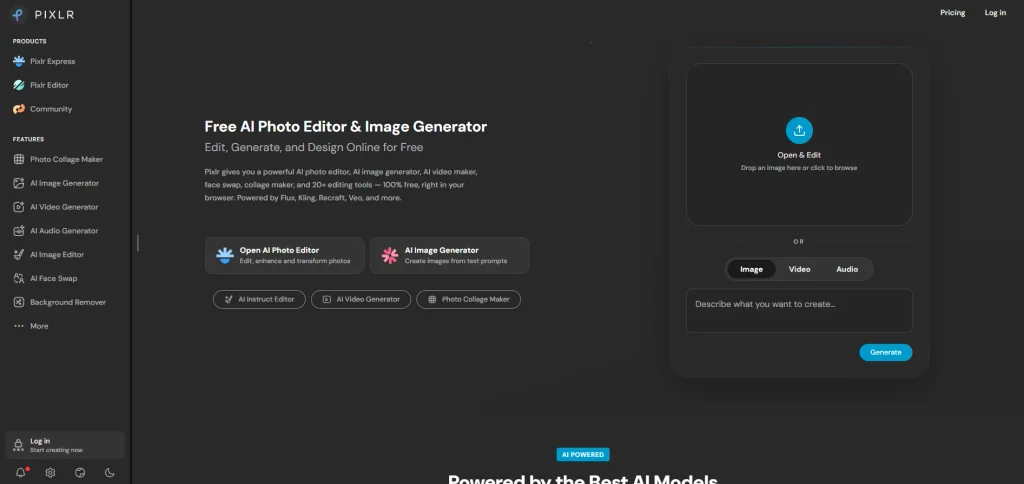
- Website: pixlr.com
- Best for: Quick on-the-go photo edits and free browser-based editing solutions for budget-conscious creators.
Pixlr is an incredibly versatile, highly accessible browser-based photo editor that delivers surprising creative power without requiring any complicated software installation whatsoever. It smartly offers multiple user interfaces, ranging from a beautifully simple express editor for quick tweaks to a fully featured advanced workspace mimicking traditional desktop applications.
The new artificial intelligence generation tools make it absolutely perfect for budget-conscious users and students interested tools for creators.
Key features:
- Operates completely in-browser
- Multiple simplified workspace options
- Integrated AI Image generation tools
Pros:
- Extremely accessible from anywhere
- Generous free basic version
- Very intuitive and easy
Cons:
- Requires constant internet connection
- Free version contains advertisements
- Struggles with massive files
Pricing:
- Free Version: Basic access with limited daily saves and advertisements.
- Plus Plan: $2.49 billed monthly.
- Premium Plan: $9.99 billed monthly.
- Ultra Plan: $24.99 per month
10. GIMP
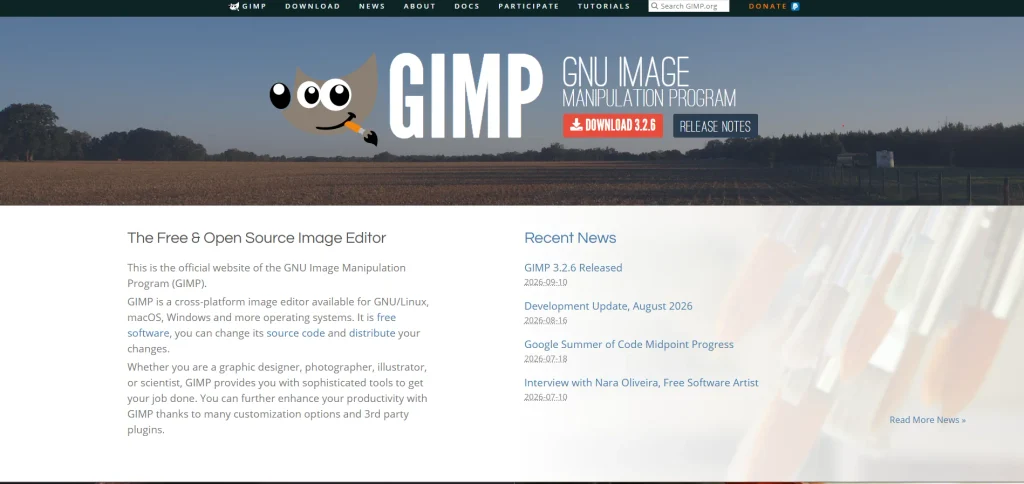
- Website: gimp.org
- Best for: Budget-conscious students, creators, and open-source software community enthusiasts.
GIMP, which stands for GNU Image Manipulation Program, is undoubtedly the most powerful free and completely open-source photo editing software available to the public today. It actively provides a highly comprehensive set of professional-quality digital tools for intricate image retouching, digital composition, and graphic authoring.
Being entirely community-driven, it continually benefits from a massive global ecosystem of third-party plugins that extend its functionality immensely. It remains an invaluable, zero-cost professional alternative for dedicated creators who completely reject expensive commercial software subscriptions.
Key features:
- Completely free open-source architecture
- Comprehensive retouching and compositing
- Highly expandable via plugins
Pros:
- Absolutely free without subscriptions
- Multi-platform operating system support
- Extremely powerful professional toolset
Cons:
- Highly unconventional user interface
- Lacks non-destructive adjustment layers
- Limited CMYK print support
- Pricing: 100 percent free to download and use forever.
How To Choose The Right Photo Editing Software For You
Selecting the perfect software requires a careful assessment of your workflow and creative goals. Do not simply purchase the most expensive program assuming it will automatically make your photos better.
- Identify Your Primary Focus: If you perform heavy digital manipulation, compositing, or complex graphic design, layer based editors are absolutely mandatory. Software like Adobe Photoshop or Affinity Photo provides the granular control needed for pixel level adjustments. These programs allow you to stack effects and blend multiple exposures without destroying the original pixels.
- Analyze Your Image Volume: If you shoot hundreds of images in a single weekend, you need a workflow centric application. Programs like Adobe Lightroom or Capture One Pro excel here. They allow you to apply global color grading presets to entire batches instantly. Their robust cataloging systems mean you can sort and export massive client galleries in a fraction of the time.
- Determine Your Budget Preferences: Subscription models guarantee access to bleeding edge artificial intelligence features but can feel burdensome over time. If you despise recurring fees, look into powerful perpetual license alternatives like DxO PhotoLab.
- Utilize Free Trials: Always take advantage of free trial periods to evaluate how intuitive the interface feels before committing your money.
Common Mistakes When Choosing Photo Editing Software
When navigating the crowded software market, many users fall into predictable traps that ultimately cost them both time and money. Being aware of these pitfalls can save you from immense frustration.
- Overestimating Your Technical Needs: Many beginners purchase professional grade, highly complex software simply because industry experts recommend it, leading to severe overwhelm. If you only need to crop photos and apply simple color filters for social media service platforms, investing in heavy layer based software is a complete waste of resources. Start with accessible tools like Canva and upgrade only when you outgrow their capabilities.
- Ignoring Computer Hardware Specifications: High end editing programs require significant processing power, dedicated graphics cards, and abundant random access memory to function smoothly. Purchasing premium software only to discover that it crashes your outdated laptop is incredibly disheartening. Always check the recommended system requirements listed by the developer.
- Overlooking Tutorials and Community Support: You will inevitably get stuck trying to learn a new editing technique. Software with a massive user base will have thousands of free video tutorials available online, which is crucial for your learning process. Many users also turn to video editing software guides and tutorials to understand advanced features and improve their editing skills.
- Failing to Consider File Management: Ensure your chosen software supports standard file formats that will remain accessible decades from now. Long term file management is critical for preserving your digital archive.
Conclusion
The perfect photo editing software is ultimately the one that seamlessly empowers your unique creative vision without causing unnecessary technical friction. The digital market offers incredible diversity, ranging from totally free, open-source solutions to highly advanced, artificial intelligence-powered studio suites. By carefully considering your specific workflow requirements, accurately assessing your computer hardware capabilities, and respecting your financial budget, you can confidently select a program that elevates your digital photography to the next level.
Remember that the software is merely a digital tool; your creative eye and artistic passion remain the most important elements of any captivating photograph. Take full advantage of free software trials, experiment with different user interfaces, and commit to the application that makes the editing process feel deeply inspiring rather than like a tedious chore.
FAQs
What Is The Best Photo Editing Software For Absolute Beginners?
For beginners, software with an intuitive, visually guided interface is highly recommended. Canva and Skylum Luminar Neo are exceptional starting points. They utilize smart templates and artificial intelligence to automate complex edits, allowing new users to achieve stunning results immediately without learning complicated layer masking techniques.
Do I Absolutely Need To Pay A Monthly Subscription For Professional Tools?
No, you do not need a subscription to access professional-level tools. While Adobe utilizes a subscription model, formidable alternatives like Affinity Photo and Corel PaintShop Pro offer robust, professional-grade features for a single, one-time purchase fee. Additionally, GIMP provides a highly capable open-source toolset completely free.
What Is The Distinct Difference Between Adobe Photoshop And Adobe Lightroom?
Adobe Photoshop is a pixel-level, layer-based editor designed for deep image manipulation and complex compositing. In contrast, Adobe Lightroom is specifically built for photography workflow management, allowing users to organize, color grade, and batch process hundreds of raw photos simultaneously without permanently altering the original files.
Does Photo Editing Software Require A Highly Powerful Computer?
It depends entirely on your workflow. Browser-based tools like Canva run smoothly on almost any basic machine. However, advanced programs utilizing complex artificial intelligence features or handling massive raw files strongly require modern processors, dedicated graphics cards, and significant memory to prevent severe performance lag.
Can I Effectively Edit Professional Photos Strictly On A Smartphone?
Yes, mobile editing capabilities have advanced exponentially. Applications like Adobe Lightroom Mobile offer incredibly powerful raw processing tools right on your device. A massive portion of daily content creation is now handled entirely on high-end mobile devices.