
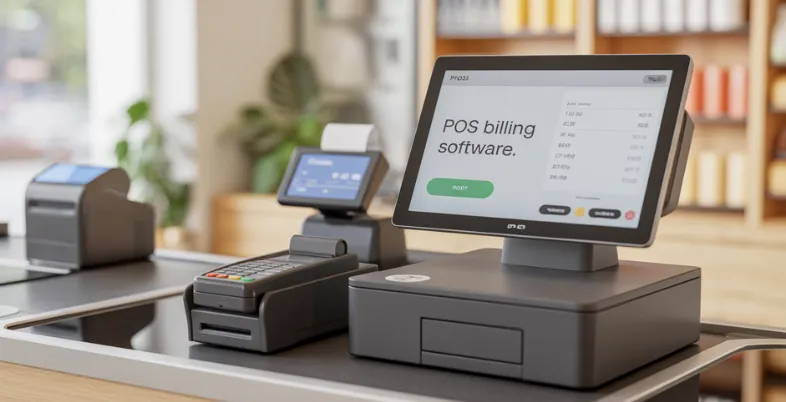
Do you operate a business in the current dynamic market? The customers require prompt service, correct billing, and easy checkout services. Billing is a significant part of your day-to-day business, whether you run a small retail shop, grocery store, cafe or restaurant. Conventional billing systems (i.e. manually calculated or outdated cash counters) are prone to delays, errors, and misunderstandings. They are also able to complicate in keeping track of inventory, controlling taxes, and keeping accurate records of sales. That is why POS billing software could be defined as one of the key instruments of the modern business.
The POS billing platform saves you time in creating bills, accepts multiple payment options, automatically tracks stock levels and prepares reports that can be used to make better decisions. Companies require smarter systems to remain in the competitive market, enhance the level of customer satisfaction, and minimize stress related to operations. This blog will make you appreciate what a POS billing solution is, how it functions and why it is significant to the growth of businesses.
What Is POS Billing Software?
Point of Sale billing software is also referred to as POS billing software, which is a computer-based tool that allows businesses to process their billing and sales-related transactions in a systematized manner. It assists the shop owners and restaurants in being able to check out the entire process of checking out using a single system. Through the POS billing platform, the business will be able to record consumer purchases, issue invoices, receive payment, track inventory, and view the sales accounts without any problems.
A POS system does everything automatically as opposed to manual billing, where one has to take time to do calculations and make entries on taxes. It sums up the total, GST or any form of discount is applied and a professional bill is generated within seconds.
For eg, a customer who purchases more than one item automatically has the prices added onto the item, tax charged, invoice printed or emailed, and the stock level is automatically updated by the POS software. This facilitates quicker, precise, and efficient billing to contemporary businesses.
How do POS Billing Platforms Work?
- Product Entry: To insert items in the billing screen, scan or search by barcode is done.
- Automatic Calculation: The system calculates a total amount, GST, discounts and charges automatically.
- Payment Processing: The customers are allowed to make payments by cash, UPI, debit/credit cards, wallets or split payments.
- Instant Billing Generation: A bill is generated within seconds and it may be printed or electronically delivered to the customer.
- Real-Time Stock Update: The level of inventory decreases automatically upon the completion of a sale.
- Sales Data Recording: Sales records are all recorded to be used in reports, analytics, and tracking of the business.
POS Billing Software Comparison Table
| Software | Best For | GST Support | Payment Integration | Starting Price | Pros | Cons |
|---|---|---|---|---|---|---|
| Square POS | Small retail, cafes | Yes | Cards, Digital Payments | $0/month | Free plan available, clean interface, strong analytics, easy setup | Limited India presence, higher premium plans |
| Vyapar | Small Indian retailers | Yes | UPI, Barcode | ₹3959/month | Simple GST billing, mobile + desktop access, affordable | Limited advanced features, basic reporting |
| Zoho POS | Growing retail stores | Yes | Multiple options | ₹0/month | Cloud + offline billing, integrates with Zoho apps, scalable | Advanced plans cost more, learning curve for beginners |
| Marg ERP / MargBooks | Pharmacies, supermarkets | Yes | Multiple | ₹5400/month | Strong GST compliance, expiry tracking, detailed reports | Interface feels complex, higher pricing tiers |
| GoFrugal POS | Retail & restaurants | Yes | Digital payments | ₹8999/year | Multi-branch support, CRM tools, restaurant features | Higher initial cost, setup may need training |
| HDPOS Smart | Supermarkets, franchises | Yes | Multiple | Custom pricing | Multi-counter billing, detailed stock reports, flexible usage | No transparent pricing, complex for small shops |
| MyBillBook | Small MSMEs | Yes | UPI, Cash | ₹217/month | Very affordable, easy to use, quick GST invoices | Limited scalability, fewer advanced analytics |
| Paytm POS | Paytm-based retailers | Yes | UPI, Wallet, Cards | Custom pricing | Integrated payments, fast checkout, cloud access | Dependent on Paytm ecosystem, limited customization |
| Digify POS | Retail chains | Yes | Multiple | $140/month | Online + offline billing, customizable modules, strong analytics | Expensive for small businesses |
| TallyPrime POS | Accounting-focused businesses | Yes | Multiple | ₹750/month | Billing + accounting in one system, strong tax reports | Desktop-focused, less modern interface |
List of the Best 10 POS Billing Software
1. Square POS
Website: https://squareup.com/us/en/pricing
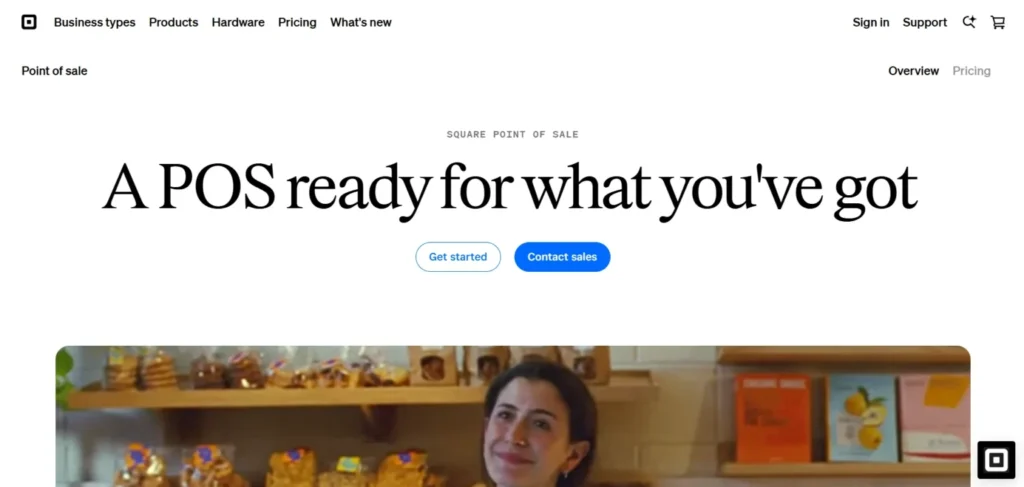
Square POS is an internationally renowned POS billing software which is characterized by its user-friendly interface and a more payment-friendly system. It can be used in smaller retail shops, cafes, restaurants, and other service-oriented companies that require a convenient digital billing option. Square enables a user to easily make bills, accept payments in card and digital format, control stock, and have an overview of their customers’ real-time purchases.
The software also has cloud access; this implies that the business owners can access the sales reports and the history of transactions anywhere. Customer engagement tools, employee management, and customized receipts are also a part of Square POS. It is particularly useful in those cases when a business wants to have a clean and modern checkout experience without a complicated setup.
Square does not have as strong a presence in the international market, but it is gaining importance within the Indian business with international POS standards.
Key Features
- Quick online cloud billing system.
- Inbuilt digital payment support.
- Live sales and inventory management services.
- Customer and employee management software.
- Intelligent reporting and analytics.
Pricing:
- Square free: $0/ month
- Square Plus: $49/ month
- Square premium: $149/ month
- Square Pro: $1499/ month
2. Vyapar
Website: https://vyaparapp.in/pricing
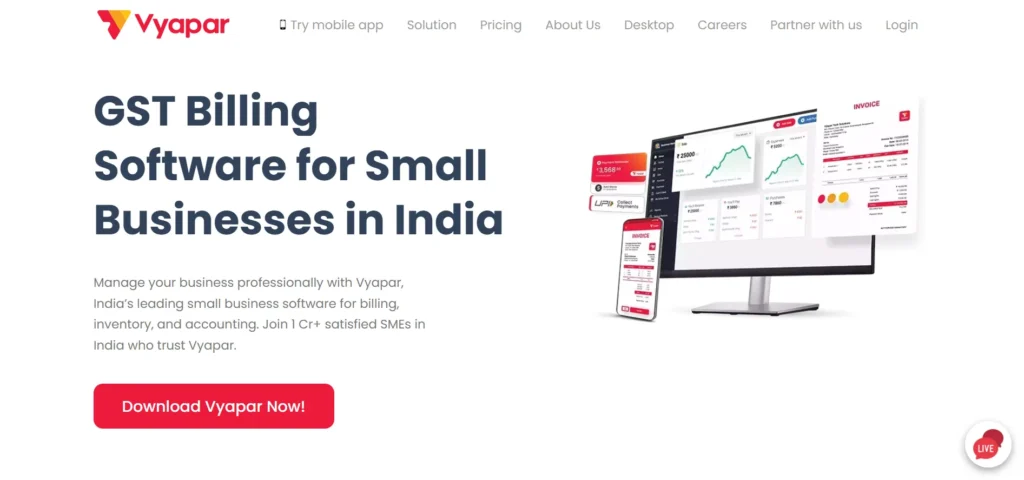
Vyapar is an easy and cheap POS Billing solution which is targeted at the owners of small shops, traders and local retailing businesses in India. It goes ahead to give convenient billing, GST invoice creation, inventory management, and payment control all at a single point. Small businesses are the ones that have been using Vyapar due to the easy user interface with low learning curve.
The software also allows barcode scanning, UPI payments, and professional invoice formats, which enable retailers to accelerate the checkout process. It also provides rudimentary inventory control features like low-stock notifications, purchase history, and a customer database.
Vyapar is suitable for grocery stores, clothing shops, mobile stores, and wholesalers who would want to use a lightweight POS solution. Its ability to do business both on the go and on the desktop enables the business owners to manage sales and inventory at any time.
Key Features
- GST-ready billing invoices
- Simple inventory tracking
- Works on mobile and desktop
- Barcode payment and UPI payment.
- Customer records/supplier records.
Pricing:
- Gold: ₹4319/ month
- Silver: ₹ 3959/ month
3. Zoho POS
Website: https://www.zoho.com/en-in/pos/pricing.html
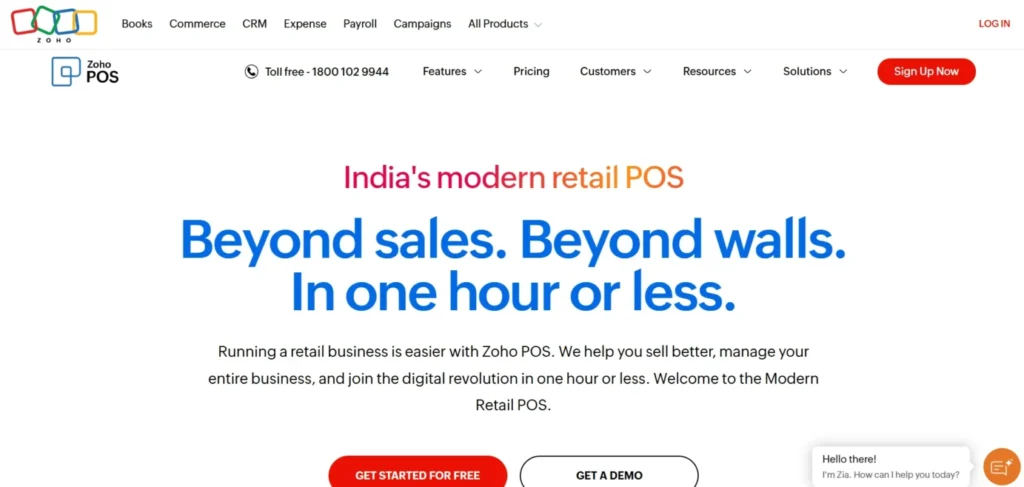
Zoho POS is a new cloud-based POS billing software that is targeted at technology-conscious retailers and expanding companies in India. It offers automatic billing, GST invoicing, real-time stock tracking and integration with the Zoho ecosystem, such as Zoho Books and Zoho CRM. Zoho POS also supports online and offline billing thus suitable in stores that do not have reliable internet connections.
Through a single dashboard, retailers are able to manage products, sales performance, returns, and purchase history of customers. There is also the provision of advanced analytics which assists businesses in understanding the trends and making a better decision based on customer trends as well.
Zoho POS is suitable in fashion stores, electronic stores, and retail stores with a requirement to have scalable billing software. Zoho POS is a viable alternative when the company is strategizing to expand in the long run with cloud access, multi-store support, and safe data backups. Its business interface simplifies and streamlines the process of billing.
Key Features
- Cloud + offline billing service.
- GST-compliant invoicing
- Integration with Zoho tools
- Tracking customers and loyalty.
- Advanced sales analytics
Pricing:
- Free: ₹0/ month
- Standard:₹649/ month
- Professional: ₹1299/ month
- Premium: ₹2099/ month
4. Marg ERP / MargBooks POS
Website: https://margbooks.com/pricing.html?
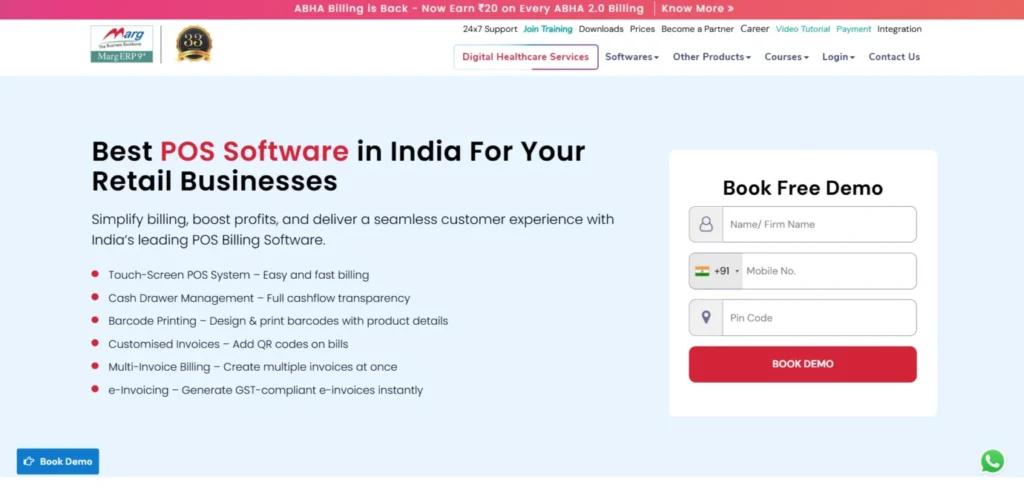
Marg ERP is a POS billing and retail management software that is in use in most of India, particularly pharmacies, supermarkets, and general stores. It provides a full GST billing, inventory management, purchase management as well as tax reporting. Marg ERP is also suited to support complicated business processes, such as batch tracking, expiry warnings, and multi-location inventory.
Retailers are able to create invoices at a very fast rate, supplier control, and performance monitoring in the daily sales. It also has the support of barcode scanning, multiple billing counters, and detailed financial reporting with the help of the software. Marg ERP is also well-trusted as it has a high level of compliance support and its industry-specific solutions for medical and FMCG stores. It can be implemented online and offline as per the business requirements.
The retailer interested in having a full billing plus accounting system should have Marg ERP due to its strength in the background controls and the customizable modules.
Key Features
- GST billing and tax reports
- Vigorous pharmacy and retail divisions.
- Expiry tracking inventory.
- Multi-counter billing assistance.
- Buying and supplier management.
Pricing:
- Gold: ₹5400/ month
- Diamond: ₹8100/ month
- Platinum: ₹15300/ month
- Platinum plus:₹29700/ month
- Enterprise: custom pricing
5. GoFrugal POS
Website: https://www.gofrugal.com/plans-pricing.html
GoFrugal POS is a feature-based retail management and POS Billing software aimed at retail outlets as well as restaurants in India. It has quick billing, barcode, real-time inventory management, and customer management functionality. GoFrugal assists companies in simplifying the work process with the help of unified modules such as stock management, purchase order, loyalty programs, and electronic payment options.
This would particularly be handy when the business has branches in different locations since it offers centralized reporting and cloud access. The retailers can keep track of the sales trends, employee performance and even handle the promotions. GoFrugal also provides mobile POS solutions, which facilitate billing flexibility of the current stores. Order management functions that can be used in restaurants include order tickets in the kitchen and billing at the table.
The program assists in invoicing of GST, which is in line with the Indian taxation laws. GoFrugal POS will suit growing businesses that require advanced billing and inventory within a single solution with scalable plans and powerful support services.
Key Features
- Retail + restaurant billing service.
- Real-time inventory control
- Loyalty and CRM tools
- Multi-branch management
- GST-ready invoicing
Pricing:
- Starter: ₹8999/ yr
- Standard:₹14999/ yr
- Professional: ₹24999/yr
6. HDPOS Smart
Website: https://www.hyperdrivesolutions.com/hderp-erp-software/price/
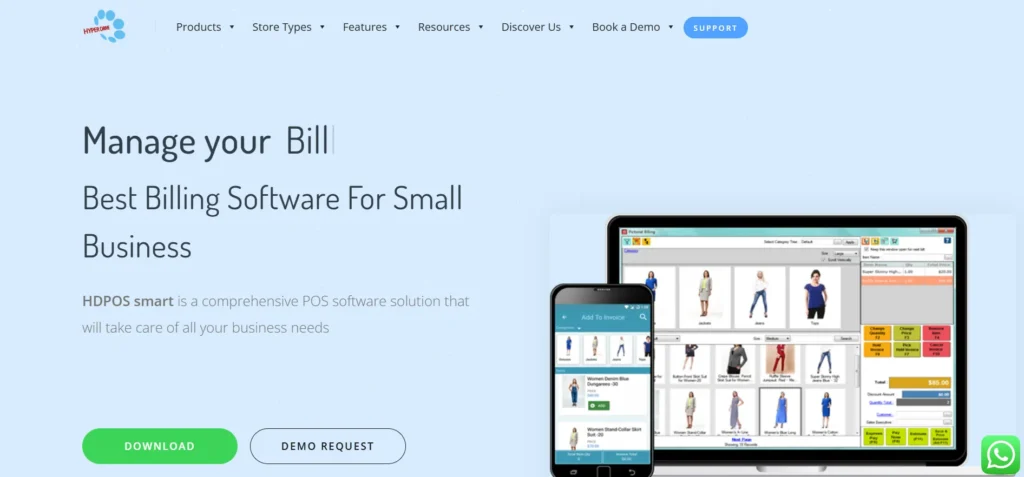
HDPOS Smart is a robust POS billing package aimed at an Indian retailer who needs to have advanced software as well as multi-counter billing features. It offers quick invoice creation, billing through barcode, GST regulation and up-to-date stock information. HDPOS Smart is applicable with supermarkets, clothing shops, electronic shops, and retail businesses with franchises. The software involves inventory control, purchase orders, supplier management and in-depth sales reports to enhance efficiency in the stores.
The capability to operate a variety of billing terminals at one time is also its strength, which makes it suitable in the high-footfall stores. Customer loyalty, promotional pricing and monitoring of staff performance is also available in HDPOS Smart. The system may be used both offline and online, which will be flexible depending on the needs of the store.
Key Features
- Multi-counter billing assistance.
- Barcode and GST invoicing
- Real-time inventory updates
- Customer loyalty management.
- Comprehensive stock and sales reports.
Pricing:
- Custom pricing
7. MyBillBook
Website: https://mybillbook.in/pricing-plans
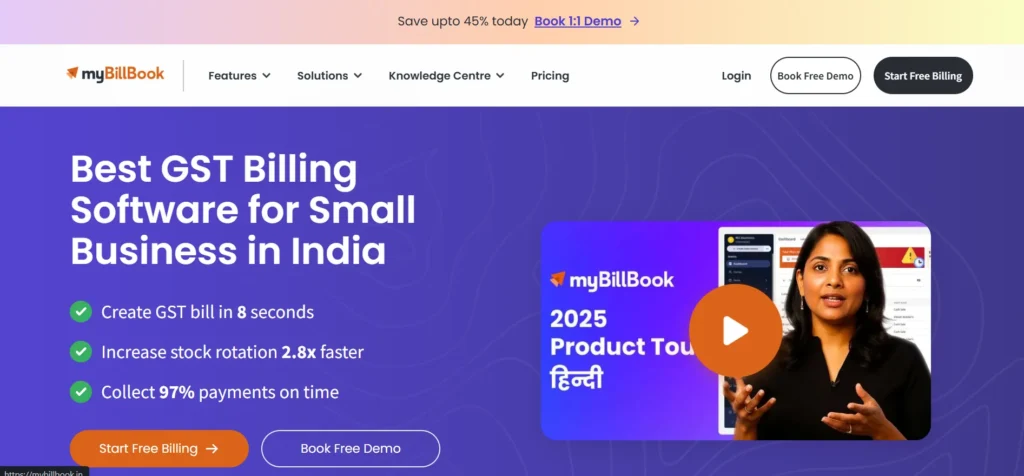
MyBillBook is an easy-to-use and simple POS billing and GST invoicing software developed to suit small businesses in India. It assists the shop owners in creating professional invoices, doing daily sales, maintaining inventory, and making customer payments without complications. The site is fast to install and needs very little technical skills, which means that it is suited to small retailers, wholesalers, and service providers.
MyBillBook software allows GST billing, scanning barcodes, payment notices, and stock alerts, allowing an organization to be orderly without a complicated system. It also enables users to receive billing information using both mobile and desktop devices, and this renders business management flexible. Retailers will be able to monitor pending payments,the purchase history of their customers and reports on profit at the end of the day. The program is low-cost and has subscription packages that fit within the MSMEs.
Key Features
- Simple GST invoice creation
- Mobile-friendly POS billing
- Inventory and stock alerts
- Payment tracking and customer tracking.
- Affordable small shop plans.
Pricing:
- Diamond: ₹217/ month
- Platinum:₹250/ month
- Enterprise:₹ 417/ month
8. Paytm POS Billing Software
Website: https://business.paytm.com/amp/pricing
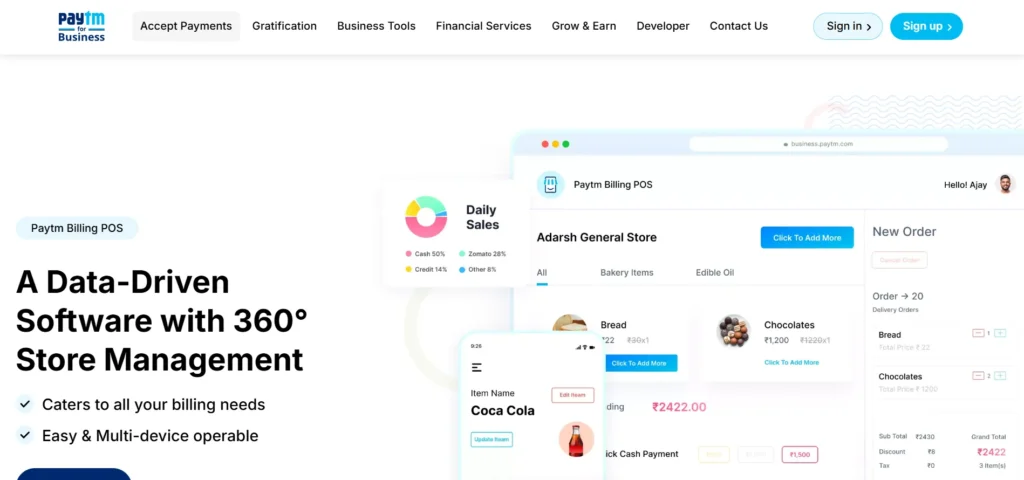
Paytm POS Billing Software is a combined billing and payment system that is offered to Indian retailers who prefer to conduct smooth online transactions. It is a combination of POS billing, inventory control and Paytm payment acceptance. Retailers will be able to issue GST invoices, accept UPI, card, wallet payment and monitor sales in real-time. Small shops, cafes, and stores are particularly interested in Paytm POS which provides them with a faster checkout and already integrated payments.
The system offers real-time stock tracking, billing history of customers, and sales reports per day. It also assists the businesses in dealing with various products, promotion of discounts and providing electronic receipts in a short period of time. Paytm has a good ecosystem that makes it easy to use by traders who are already paying through Paytm business tools. The software is cloud-based, which enables the store owners to track the sales outside the store.
Key Features
- Incident and payment integration.
- Supports UPI, cards, wallets
- GST invoice generation
- Real-time inventory updates
- Sales monitoring on clouds.
Pricing:
- Custom pricing
9. Digify Soft Solutions POS
Website: https://digify.com/pricing/#/plans
Digify Soft Solutions POS is a smart billing and retail management software that is designed to cater to Indian retailers who require offline and online POS. It is quick to bill, GST invoicing, inventory management and customer management. Digify POS can be offered to supermarkets, garment stores, electronic stores, and small chains that need stable performance in billing.
The program will assist in scanning barcodes, multi-counter billing, purchase control, and tracking of suppliers. It also provides a breakdown of what is sold, profits, and the stock movement and assists the owners of the business to make sound decisions. It is assumed that Digify POS is characterized by flexible modules, which enables retailers to customize the system according to the size and needs of the business.
Offline has the advantage of allowing stores to operate even without the internet and still send the bills. It is supported by a cloud that will provide backup of the data and its accessibility during the connection.
Key Features
- Online + offline billing service.
- GST invoices with bar codes.
- Multi-counter billing system.
- Inventory and supplier control.
- Individual reports and analytics.
Pricing:
- Pro: $140/ month
- Team: $350/ month
- Enterprise: custom pricing
10. TallyPrime POS
Website: https://tallysolutions.com/buy-tally/
TallyPrime POS is a POS system based on Indian billing and accounting that is trusted by companies in need of the smooth integration of sales and financial management. It suits retail shops, wholesalers, and small businesses that are already using Tally to do their bookkeeping. The software enables businesses to create GST-compliant invoices, inventory, sales transactions and customer payments effectively. TallyPrime POS also accommodates barcode billing, multiple payment choices as well as real-time stock adjustment.
Its greatest strength is that it is an integrated billing system as well as an accounting system, which eliminates the use of additional applications. The retailers are able to track the profit margins, manage tax reports and maintain proper financial records on a single platform. It is applicable to businesses which want to have POS billing and accounting installed in one system.
Key Features
- GST-compliant accounting billing.
- Retail invoicing with barcodes.
- Stock and inventory control.
- Combined financial and tax report.
- Secure multi-user access
Pricing:
- 1month: ₹750
- 3 months: ₹2138
- 12 months: ₹8100
- lifetime: ₹22500
Benefits of POS Billing Software
- Quick Checkout Process: POS systems are quicker in billing, they save on waiting time, and offer easy customer service.
- Fewer Billing Mistakes: Totals, discounts, and tax entries will be computed automatically, preventing manual errors.
- Enhanced Inventory Management: The inventory will be updated immediately after every sale and this will enable the tracking of the inventory to be easy and precise.
- Customer Satisfaction: Customers can enjoy a better shopping experience due to improved service, digital invoices, and loyalty features.
- Simpler Tax Filling and Compliance: GST-ready billing and tax reports assist the business in remaining compliant and save time at the time of filing.
- Smarter Business Decisions: Sales reports and analytics can give insights to plan the pricing, offers, and stock management.
How to Choose the Right POS Billing Software?
1. Type of Business Compatibility
Select a POS solution that can fit your business requirements.
Example: A restaurant point of sale system should have table ordering and kitchen tickets, whereas retail should have barcode billing and product returns.
2. GST Billing & Invoicing Support
Ensure that the software can produce GST-ready invoices automatically.
Example: When a customer is present, then the POS must immediately apply the GST and print an appropriate tax invoice without any need to figure out the tax manually.
3. Inventory & Stock Management
Choose a POS that monitors stock levels in real time and generates alerts when products are running low.
Examples: When a grocery store is selling rice in 10 packets, this will automatically decrease the stock and will sound an alarm when it comes to the order level.
4. Cloud Access & Remote Control
Cloud POS allows getting access to your business data anywhere.
Example: A shop owner can access daily sales and stock reports on the phone even when s/he is not in the shop.
5. Multi-User Staff Access
The POS is supposed to have multiple logins of staff where there are roles.
Example: Cashiers will have access only to the bills of the customers, whereas the manager will be able to see the reports, discounts, and inventory settings.
6. Integration, Support, and Pricing
Select software that is compatible with accounting software and provides quality customer support at the appropriate cost.
Example: A POS that is integrated with Tally or QuickBooks will assist in a simple bookkeeping process, and provide customer support that will rapidly resolve problems.
Conclusion
POS billing software is no longer just a convenience—it is a necessity for businesses that want speed, accuracy, and better control over daily operations. From generating GST-ready invoices to tracking inventory in real time and accepting multiple payment methods, a modern POS system simplifies complex tasks into a smooth, automated process.
Whether you manage a small retail store, supermarket, café, or multi-branch outlet, the right POS billing solution reduces errors, improves customer experience, and provides valuable sales insights for smarter decision-making. By investing in reliable POS billing software, businesses can save time, increase efficiency, and create a strong foundation for long-term growth in a competitive market.
FAQs
What Is POS Billing Software?
It is one of the digital systems that assist businesses to control billing, payments, inventory and sales reporting.
Does The POS Billing Platform Benefit Small Shops?
It does make billing quicker, minimizes errors, and makes stock management simple to small businesses.
Is The POS Billing Software For GST Invoicing?
The majority of the POS solutions in the modern world create invoices that comply with GST automatically.
Is It Possible To Operate Several Stores With Cloud POS?
Yes, cloud POS enables centralized management of billing and inventory of the various outlets.
Is POS Software Compatible With Any Special Hardware?
No, the majority of POS systems are compatible with laptops, tablets, and even smartphones with the simplest accessories.