
Lots of people have walked out of meetings (in person or virtual) and thought, What was the point? You are not the only one. We meet too much and we desire connection and clarity. Chaos around the meetings is the actual issue, not the meetings themselves. That mess consists of lost action items, agendas written on scrap paper (or not written at all), and one-on-ones that are more akin to status reports than actual conversations.
This is the teamwork issue that nobody likes to speak about. It is not about new tools, it is about right conversations and a system that counts. To this end, there are specialised meeting and agenda management software, of which TouchBase is the most popular.
But what about the case when TouchBase does not fit your team, its unique workflow, budget, or culture? What about when something more integrated, more flexible, or more specific to a particular collaboration need is required?
You have come to the right place. This guide will review the most efficient touchbase alternatives tools in 2025 and assist you in finding the optimum platform to make the discussions of your team chaotic to meaningful.
What Is TouchBase?
TouchBase is a dedicated software tool that brings order and increases the productivity of the most critical conversations of your team. It is a focused space to schedule one-on-one meetings, team huddles, and cross-functional check-ins. Managers and their direct reports can create collaborative agendas, note the discussion items, assign action items, and maintain a running record of their discussions. The goal is obvious: to ensure that all meetings are worthwhile, progress-oriented, and enhance organizational alignment and accountability.
Why Teams Are Flocking to TouchBase in 2025
The trends to organized teamwork are not accidental. When working remotely and in hybrid teams are the norm, it is not uncommon to attempt to manage teams in the old fashioned way and this simply fails. This is why such tools as TouchBase alternatives are so necessary:
- Fighting Meeting Fatigue: Meetings are focused and have a clear purpose and agenda, thus meetings are shorter and more useful.
- Supporting Remote and Hybrid Teams: It can serve as a source of truth in regards to team discussion and can make sure everyone is on the same page no matter what time zone they are in.
- Accountability: There are no more lost action items in email chains. They are allocated, monitored and followed up directly in the platform.
- Enhancing Manager-Employee Relationships: It transforms the mundane one-on-one into a potent coaching, feedback and genuine connection tool, increasing employee engagement.
- Centralization of Knowledge: Important decisions and notes of discussion are recorded and can be searched easily so that knowledge is not lost when team members change roles.
- Motivating Goal Alignment: Most platforms connect to goal-setting systems such as OKRs (Objectives and Key Results), and align daily discussions with company-wide goals.
Comparison Table: TouchBase vs. Its Top Touchbase Alternatives
| Tool | Core Focus | Best For | Key Differentiator | Pricing Model |
| TouchBase | Meeting & 1-on-1 Management | Managers wanting structure | Simplicity and focus on meeting hygiene | Per User/Month |
| Fellow | Meeting Productivity & Engagement | Managers and remote teams | Best-in-class UI and culture features | Freemium, Per User/Month |
| Notion | All-in-One Workspace | Tech-savvy, DIY teams | Ultimate flexibility and customization | Freemium, Per User/Month |
| Asana | Project & Task Management | Project-driven teams | Tightly couples meetings with tasks | Freemium, Per User/Month |
| Lattice | People Success & Performance | HR-led organizations | Integrates 1-on-1s with performance | Per User/Month (Higher Tier) |
| ClickUp | All-in-One Productivity | Teams wanting to consolidate tools | Massive feature set at a competitive price | Freemium, Per User/Month |
| Range | Remote Team Communication | Remote & hybrid teams | Asynchronous check-ins and inclusivity | Freemium, Per User/Month |
| Hypercontext | Goal-Driven Meetings | Goal-oriented managers | Tying discussions to OKRs and goals | Freemium, Per User/Month |
| Trello | Visual Project Management | Visual thinkers, small teams | Simplicity and Power-Up ecosystem | Freemium, Per User/Month |
| Calendly | Scheduling & Meeting Lifecycle | Sales & external-facing teams | Seamless scheduling-to-notes workflow | Freemium, Per User/Month |
| Google Workspace | Core Business Productivity | Budget-conscious, Google-native teams | No extra cost and ultimate familiarity | Per User/Month (Business plans) |
Top 10 TouchBase Alternatives
The following are some of the TouchBase alternatives. All of them have their advantages and are more suited in different cases.
1. Fellow
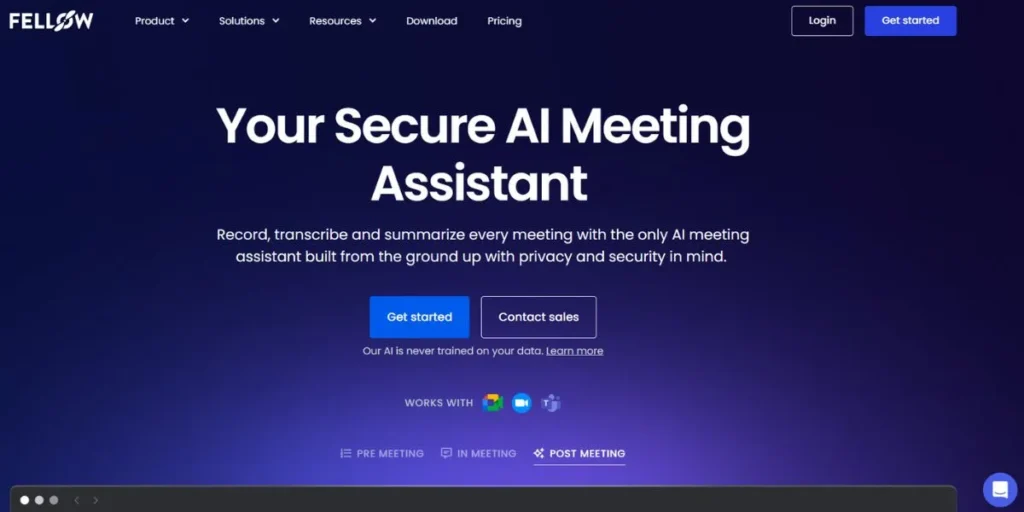
Fellow is a meeting management tool that has swiftly become a favorite among managers who do not want to schedule meetings, but rather lead them. This is where the bulk of team discussions occur, whether it be the hushed one-on-one, or the raucous team huddle.
The platform can take you through the entire meeting process—planning the agenda, taking down what transpires during the discussion, and following up on action items after the meeting. As a strong alternative for teams seeking collaboration software like TouchBase, Fellow is of the opinion that great meetings are the pulse of a good company culture. It connects seamlessly to your calendar, recommends meetings that require an agenda, and it is simple to be ready.
Why It Is an Alternative to TouchBase: Fellow is probably the closest rival to TouchBase, as it is specifically aimed at making meetings productive by creating collaborative agendas, action items, and feedback.
Key Features:
- Large collection of meeting agenda templates.
- Live collaborative note taking.
- Smooth integrations with Slack, Google Calendar, Microsoft Teams, etc.
- Specific channels of 360-degree feedback and compliments.
- Features that will summarize meetings and provide talking points powered by AI.
Best For: Managers and teams of any size that desire a focused, best-in-class solution to meeting productivity and employee engagement.
Pros:
- Superior user experience and interface.
- High-performance integrations that integrate into current processes.
- Great focus on productivity and good team culture.
- Powerful free small-team plan.
Cons:
- May be experienced as just another tool when not embraced by the team.
- Paid levels have advanced features locked.
- Less concerned with general project management.
Official Website: https://fellow.app
2. Notion
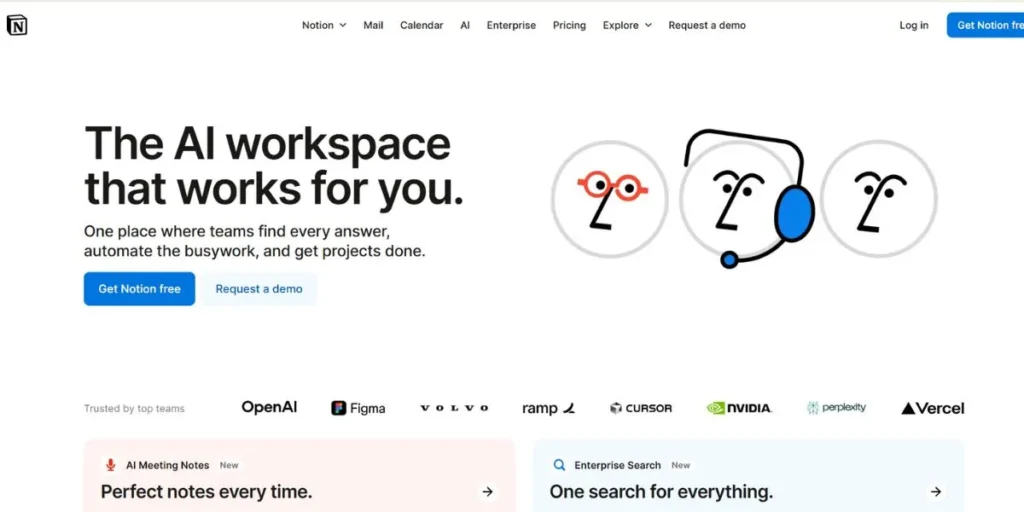
Notion is not just a tool, it is an entire office system. You are able to write, plan, collaborate, and arrange everything at one location. Notion can be compared to meeting apps, except that it provides pages, databases, calendars, and other blocks. These building blocks will allow you to build any system that fits your team. You are able to create a separate meeting notes database, attach to-do items on an agenda to a project board, and embed documents directly in your meeting notes.
Among project management platforms similar to TouchBase, Notion stands out for its infinite flexibility. Teams are using Notion to create company wikis, content calendars, CRM pipelines, and even meetings.
Why It is a TouchBase Alternative: It is not a specific meetings tool, but its databases and templates are powerful enough to allow you to build a solid foundation of agendas, notes, and action items.
Key Features:
- Stacked and nested pages as deep as you require.
- Table, board, calendar and gallery views databases.
- An official template library and a huge community.
- Notion AI which can summarize, draft and generate ideas.
Best For: Teams who are technologically advanced and prefer to have complete control and customization over creating a single workspace.
Pros:
- Hugely pliable and strong.
- Is able to substitute a variety of other paid tools.
- Excellent in knowledge writing, documentation and management.
- Provides a generous free personal plan.
Cons:
- A steep learning curve.
- May be sluggish and overwhelming unless it is organized properly.
- Does not have the purpose-built meeting workflows of special tools.
- Notion does not provide notifications and task management as well as specialized apps.
Official Website: https://notion.so
3. Asana
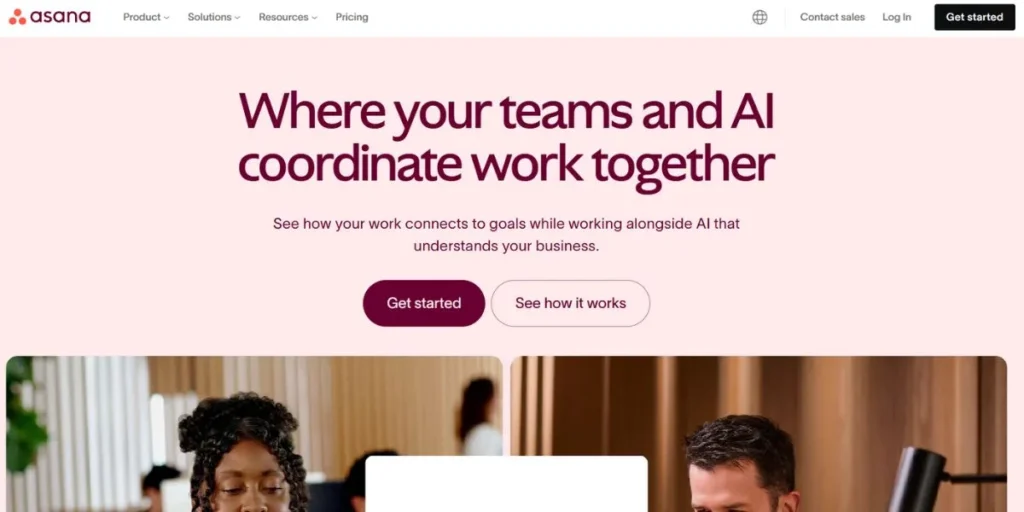
Asana is a powerful work and project management tool. It assists teams in planning and coordinating their activities, both small day-to-day tasks and large strategic concepts. It primarily addresses the questions of who is doing what by when. Although initially constructed to handle projects and tasks, it has now incorporated features that facilitate the collaboration of the work.
Among the best TouchBase competitors, Asana stands out for its versatility and robust features. Tasks can be used to construct meeting agendas, record notes in the description field, and convert discussion items into subtasks following the meeting. Asana links the conversations of your team to the real work being done with its timeline views, workload management, and goal-setting tools. It transforms plans into action and provides leaders with high level visibility to monitor the progress of numerous projects and teams.
Why It is a TouchBase Alternative: Teams that are already using Asana to manage their projects can use it to manage their meeting agendas and action items so that conversation remains directly connected to the work. Additionally, teams can enhance their collaboration further by joining specialized professional communities such as a Link Building Slack community, where marketers and SEO experts share insights, tools, and productivity techniques
Key Features:
- Powerful task and project management including multiple views (List, Board, Timeline, Calendar).
- Automation regulations to simplify the usual procedures.
- Leadership visibility in portfolio and workload management.
- Tracking of goals to connect work with corporate goals.
Best For: Teams who require to maintain a strong connection between the discussions in their meetings and the development of their project and the tasks.
Pros:
- Best-in-class project and task management.
- Superb in cross-functional teamwork and visibility.
- Attractive, smart interface.
- Powerful integrations to a variety of business tools.
Cons:
- Its secondary feature is meeting management, and it is not its strength.
- May be costly with bigger teams.
- Might be too complicated for teams that only require a basic meeting notes tool.
- It is task-oriented, rather than the quality of conversation.
Official Website: https://asana.com
4. Lattice
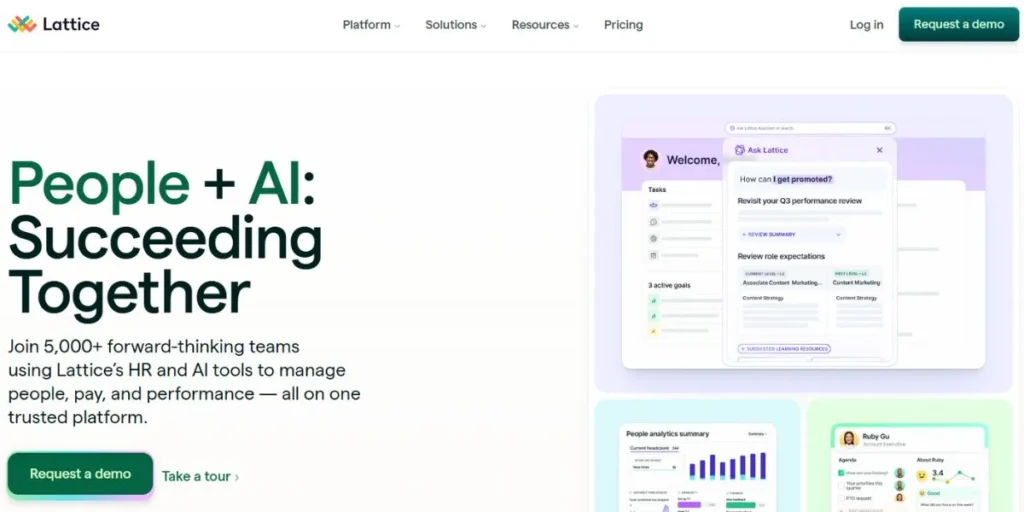
Lattice is a people-success platform that connects performance, engagement, and development. It is established on the premise that growth of the people makes a company successful. Other tools are task oriented, Lattice is human oriented. It has the following major functionalities: performance reviews, employee engagement surveys, goal and OKR tracking, and powerful one-on-one management.
The 1-on-1 tool is a direct substitute and one of the best TouchBase replacement tools, which provides managers and employees with a specific area to create agendas, monitor goals, and provide feedback. What is unique about Lattice is that these discussions occur in the context of an individual’s performance data, career path, and feedback history, which provides a comprehensive picture of employee growth and makes each check-in highly personal and strategic.
Why It is a TouchBase Alternative: It has a powerful, purpose-built 1-on-1 that is deeply integrated with a complete suite of HR and performance management capabilities.
Key Features:
- Linked performance evaluation and 360-degree feedback.
- Goal and OKR management.
- Surveys and analytics of employee engagement.
- Individualized 1-on-1 module and shared agendas.
Best For: HR departments and managers that would like to integrate their one-on-one meetings into the greater performance management and employee growth lifecycle.
Pros:
- People management as a whole.
- Perfect to establish a culture of feedback and growth.
- Relates discussions to actual performance measures.
- Powerful HR leader analytics and reporting.
Cons:
- It is an all-encompassing HR platform, which is unnecessary in the case of teams that require a meeting tool only.
- Much more costly than plain meeting apps.
- Less attention to overall team meetings or project check-ins.
Official Website: https://lattice.com
5. ClickUp
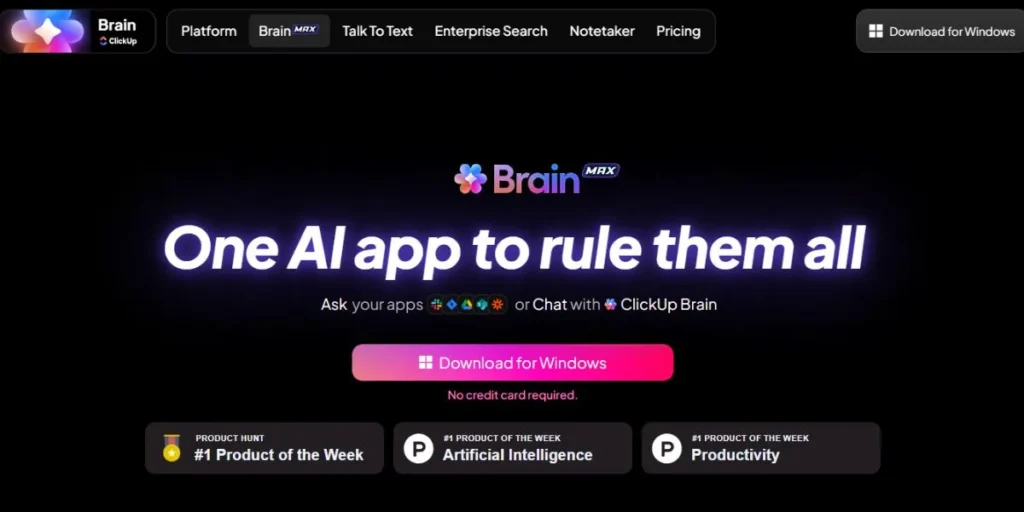
ClickUp refers to itself as the one app to replace them all. It is a versatile productivity application designed to ensure every team is organized. It is primarily a task management tool, but offers Docs, Whiteboards, Dashboards, and Goal tracking.
Among the top alternatives to TouchBase, ClickUp stands out for its high level of customization and integrated features. Almost everything is customizable, including task statuses and field types, so that your workflow fits the needs of your team. In the case of meetings, you can create shared agendas with ClickUp Docs and directly attach tasks to them, and also use the notepad feature to jot down a quick idea. The actual power of the app lies in the way it interconnects all the parts.
Why It is a TouchBase Alternative: Similar to Notion and Asana, ClickUp is a complete platform that has the functionality to support the entire meeting cycle, agenda to action.
Key Features:
- Over 15 various task and project views (List, Board, Gantt, etc.).
- Combined Docs, Whiteboards and live chat.
- Extensive workflow, status and custom field customization.
- AI assistant to accelerate writing and brainstorming, as well as summarizing.
Best For: Teams who desire a very customizable platform to manage projects, documents, and meetings within the same platform.
Pros:
- Extremely feature-laden and frequently cheaper than the competition.
- Great versatility to fit into any workflow.
- Integrates the features of numerous applications.
- Good free forever plan.
Cons:
- New users may be overwhelmed by the number of features.
- The user interface can appear cluttered and less refined than some competitors.
- It is complex, which at times causes performance to lag.
- Requires a specific arrangement to be effective in meeting management.
Official Website: https://clickup.com
6. Range
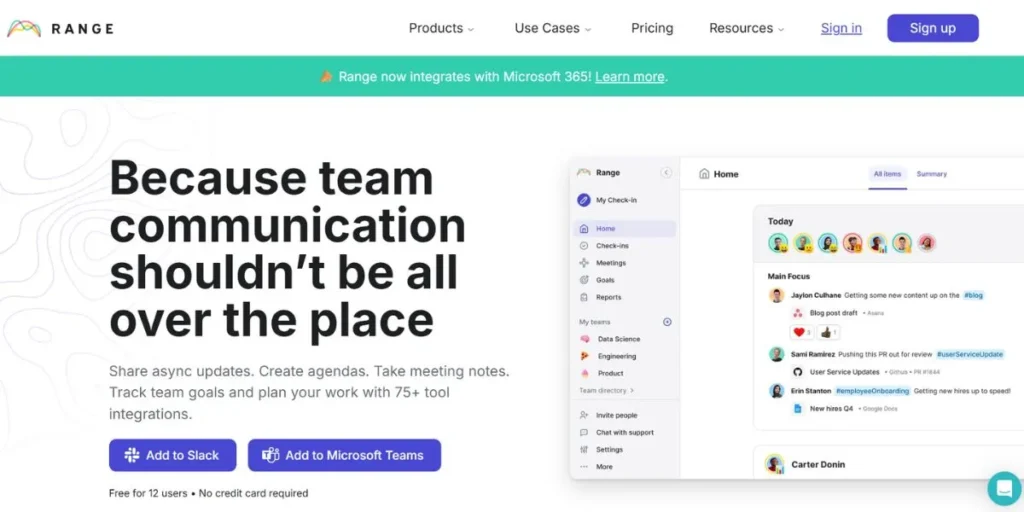
Range is an application to assist geographically dispersed and hybrid teams to connect, focus, and communicate. It is primarily characterized by the asynchronous Check-in that allows individuals to share their plans, progress, and emotions without another meeting. It also enhances the way teams conduct meetings: it helps them create agendas, spins a wheel to pick the next speaker, and employs a timer to ensure that discussions do not go out of control.
As a standout example of collaboration software like TouchBase, Range emphasizes psychological safety and team cohesion. It also poses icebreaker questions to team members and makes them express their moods with color-coded flags, which introduces a human element into the rigid environment of remote work.
Why It is a TouchBase Alternative: Range is designed to turn team check-ins and meetings into a more human and quality experience, with particular focus on asynchronous communication with remote teams.
Key Features:
- To substitute status meetings with Asynchronous Check-ins.
- Meeting facilitation tools (spinner, timer, agenda builder).
- Slack, Google Calendar, Asana, etc. to bring in work context.
- Icebreaker questions and mood sharing as team-building functions.
Best For: Completely remote or hybrid teams that need to cut down on status update meetings and better their synchronous and asynchronous communication.
Pros:
- Great to foster a team culture and psychological safety.
- Decreases frequency of synchronous status meetings.
- Considered, people-friendly design.
- Fits well to give context of other tools.
Cons:
- Not so concerned with in-depth project management.
- Not necessarily appropriate in very large, enterprise-type organizations.
- The value is so much reliant on a regular team adoption.
Official Website: https://www.range.co
7. Hypercontext
The other tool that addresses the meeting challenge is hypercontext. It allows managers and their teams to exchange agendas, take notes, delegate activities, and exchange feedback. The platform states that all chats must have a purpose, so it provides an enormous list of starter questions and pre-written agendas of hundreds of professionals to make leaders discuss growth, motivation, and barriers.
One of its most notable features is analytics, which indicates which employees (and which ones do not) conduct regular one-on-ones and ensures that the management best practices will not be forgotten in the company.
Why It Is a TouchBase Alternative: It is a specialized tool to conduct one-on-ones and team meetings and has a high emphasis on connecting conversations to goals and holding people accountable.
Key Features:
- A huge catalog of recommended questions and agenda templates.
- Goal setting and tracking in real-time (OKRs).
- Email summaries and analytics after the meeting.
- Good integrations with Slack, Microsoft Teams, and Google.
Best For: Goal oriented managers and organizations wishing to standardize their meeting practices and hold people accountable.
Pros:
- Great at goal alignment in meetings.
- Useful information and suggestions to managers.
- Gives leadership meeting habits analytics.
- The free plan is very generous.
Cons:
- The user interface is practical yet less up to date than others.
- Might be more stiff than more pliable tools.
- There is much emphasis on manager-led meetings.
Official Website: https://hypercontext.com
8. Trello (with Meeting Power-Ups)
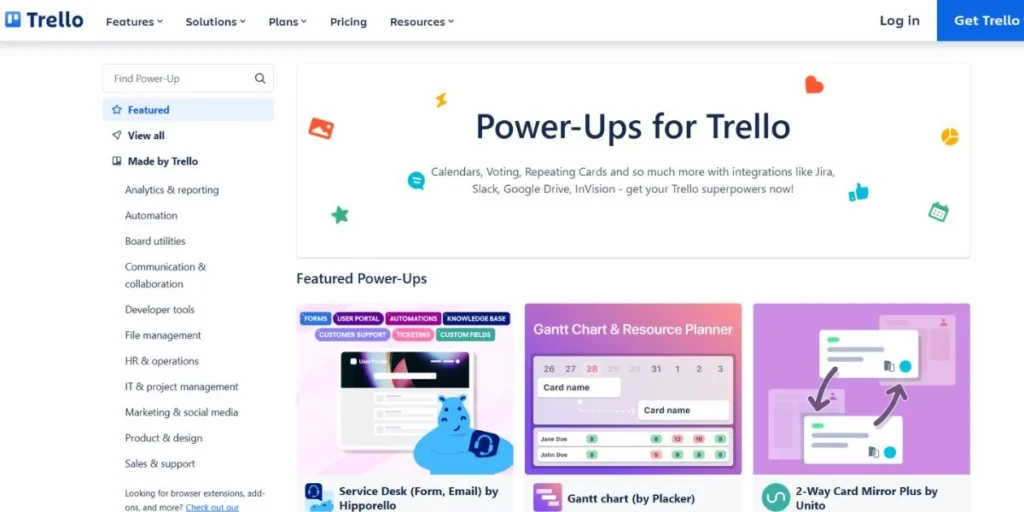
Trello is quite simple and provides a clear view of your work in its boards, cards, and lists. You are able to control projects with it and even enjoy it. Trello is not a meeting tool in itself but you can treat it as one. Create a board titled “Meetings” and create lists named Upcoming, In Progress, and Completed.
Among project management platforms similar to TouchBase, Trello offers a straightforward and flexible way to manage meetings and tasks. Every meeting will have its card where you can write a checklist of the agenda, put comments as notes, and attach files as the context. To strengthen this configuration, include Power-Ups (integrations) such as Google Calendar, Slack, or other meeting tools. These Power-Ups transform an ordinary Trello board into a firm meeting management hub.
Why It is TouchBase Alternative: Teams that currently use and enjoy Trello to manage their day-to-day tasks can configure it with Power-Ups to support simple meeting management requirements.
Key Features:
- Easy and transparent design of the Kanban board.
- Detailed card information including checklists, due dates, attachments and comments.
- Large collection of Power-Ups to extend functionality.
- Butler, an in-built automation system of rules and repetitive tasks.
Best For: Small and medium-sized teams already using Trello and who want a visual method of working.
Pros:
- Simple to study and operate.
- Fulfilling visual workflow.
- Versatile to fit just about anything.
- Great free version.
Cons:
- Requires manual configuration and special Power-Ups to be used as a meeting tool.
- Lacks specific functionality such as a shared notes or a meeting history.
- Large or complex projects can get cluttered and difficult to manage.
Official Website: https://trello.com
9. Hugo (Now part of Calendly)
Hugo has merged with Calendly and their tools are being integrated with Calendly. Hugo started as a platform of meeting notes. It is connected to your calendar and assists in preparation, scheduling, and follow-up of meetings. Its central notion is to associate notes with events in order to search and share them throughout the entire organization.
This was aimed at shattering the information silos that are created by individual meeting notes. These features will be embedded in the most popular scheduling tool in the world after the acquisition. It is now possible to organize a meeting with Calendly, plan the agenda, and take notes, all on the same platform.
How it is a TouchBase Alternative: The Calendly and Hugo integrated experience provides a single platform to schedule, create agendas and record meetings.
Key Features:
- Flawless integration with your calendar to schedule (The main strength of Calendly).
- Shared, real-time agenda and note taking templates.
- Single point of storage, where all meeting notes can be searched.
- Task removal and syncing with project management software such as Asana and Trello.
Best For: Teams and individuals who are heavy users of Calendly and are looking to have an integrated solution to the whole meeting process.
Pros:
- Decreases the tension between meeting preparation and scheduling.
- Ideal both for external (sales, interviews) and internal meetings.
- Enhances a knowledge sharing culture.
Cons:
- The complete feature list is yet to be perfected after the acquisition.
- Not necessarily as feature-rich internally with performance management as Lattice or Fellow.
- Features may be integrated and pricing and packaging may vary.
Official Website: https://calendly.com
10. Google Workspace + Add-ons
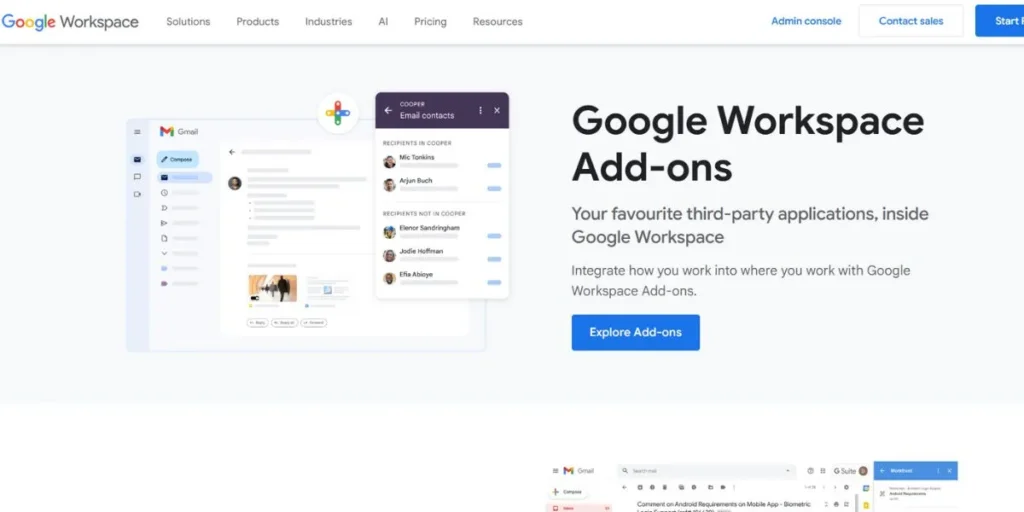
Millions of teams do their collaboration primarily on Google Workspace (formerly G Suite). This system is constituted by Gmail, Calendar, Drive, Docs, and Sheets. You can make it a meeting manager: draft agenda in a Google Doc, add it to Calendar and invite people who can edit the agenda in real time. Assign tasks and mention people in the text using comments. Put all in the same shared Drive folder. To make the configuration even more perfect, the Google Workspace Marketplace has add-ons that provide additional structure, like task management or approval tools.
As one of the best TouchBase competitors, Google Workspace offers a seamless ecosystem that many teams rely on for collaboration and meeting management.
Why It Is a TouchBase Alternative: It is free (or you already pay for it) and extremely flexible, allowing teams to create their own meeting workflow using tools they already know, instead of learning a new one.
Key Features:
- Google Docs and Sheets real-time collaboration.
- Easy connectivity with Google calendar to schedule and share calendars.
- Centralized document storage (Shared Drives).
- Commenting and @-mentioning action items.
Best For: Teams that are cost-conscious and heavily invested in Google and do not want to learn a new tool, specifically designed to fit their needs.
Pros:
- No extra charge when you are already using Google Workspace.
- No learning curve on the core tools.
- Expandable and adaptable to infinity.
- Strong search in Drive and Gmail.
Cons:
- Needs to be set up manually and is disciplined by the team.
- Does not have automated reminders and workflow of specific apps.
- Action-items are not tracked in a centralized location and can be lost.
- No in-built analytics of meeting effectiveness.
Official Website: https://workspace.google.com
Use Case Mapping: Best Tools by Team Type
- Engineering and Product teams: Asana or ClickUp. Such teams must tie sprint planning meetings and stand-ups to tickets, tasks, and roadmaps. The possibility to connect discussions to actionable work items is important.
- Operations and Marketing: Notion or ClickUp. Such teams typically oversee complex projects, content calendars and processes. An adaptable, end-to-end system which allows them to create bespoke processes to launch campaigns and have weekly syncs is perfect.
- Completely remote teams: Range or Fellow. These teams battle isolation and fatigue of meetings. Range encourages asynchronous communication to substitute status updates, and Fellow makes synchronous time highly productive and interesting.
- To Sales and client-facing teams: Calendly with Hugo. Their life is all about appointments and organization of outside meetings. A single platform to streamline the whole booking and follow-up process is a major efficiency advantage.
- To HR and people-oriented leaders: Lattice. A specialized “People Success” platform is the obvious solution when the objective is to systematically enhance manager effectiveness, employee engagement, and performance. It connects all 1-on-1s to the larger employee development.
Final Thoughts
Locating a more excellent TouchBase is not just a matter of changing tools but a matter of improved collaboration. The tool that is best is determined by what you specifically need.
Other teams require a direct touchbase alternatives such as Fellow or Hypercontext to provide sanity to meeting madness. Others require another solution, not the new application. A team which resides in Asana may find it more natural to add meeting agendas to project boards. A start-up that adores Notion can create a bespoke meeting system which is more powerful than any ready-made one.
One last question to ask before you change tools, are you seeking a replacement or a solution to a problem? The aim is not only a new meeting notes app. It is an accountability, clarity and connection culture. The correct tool is just the tool that will get your team to this objective as quickly as possible.
FAQs
Which free TouchBase alternative is best?
Dedicated meeting tool: Both of these are great free plans for small teams: Fellow and Hypercontext. When you need an all-in-one solution, ClickUp and Notion have powerful free plans that can be adjusted to meet management.
Is it possible to use a project management tool such as Asana, rather than a meeting tool?
Absolutely. In case your meetings are mostly about project updates and task assignments, then Asana or a similar tool can be more effective since it keeps the conversation and the work side by side.
What is the significance of integrations in the selection of an alternative?
Extremely important. A tool that is not synced with your calendar (Google, Outlook) and communication tool (Slack, Teams) will make your life harder than it will make it easier. Easy integration is not a negotiable component of team-wide adoption.
Can these tools be used in non-technical teams?
Yes. The software such as Fellow, Trello, and Range are user-friendly. They are oriented towards intuitive interfaces and straightforward workflows, therefore, they are absolutely appropriate to be used by marketing, sales, HR, and other non-technical departments.