
A video can hold valuable information, but sometimes the real business value lies in its sound. From podcasts and interviews to webinars, presentations, training sessions, and marketing videos, extracting that audio can make content easier to reuse, distribute, and store.
That is where MOV to MP3 converters become useful. In 2026, businesses and creators have access to numerous free tools that can transform MOV files into widely compatible MP3 audio without requiring expensive software. However, free does not automatically mean efficient or secure. File-size restrictions, audio quality, privacy practices, advertisements, conversion speed, and batch capabilities can significantly affect productivity.
This blog explores the top 10 free MOV to MP3 converters, helping businesses identify practical tools that balance convenience, performance, security, and operational value.
What Is a MOV to MP3 Converter?
A MOV to MP3 converter is a digital tool that extracts audio from MOV video files and saves it in the widely supported MP3 format. This simple conversion can turn video content into practical audio assets for podcasts, presentations, social media, training materials, music libraries, or business archives. For businesses, the value goes beyond changing file formats—it can reduce storage requirements, improve content accessibility, and make existing media easier to repurpose across platforms.
However, not every converter delivers the same balance of speed, quality, privacy, and usability. Free tools may introduce advertisements, file-size limits, or security concerns, while premium solutions can offer batch processing and advanced controls. Choosing the right converter therefore depends on workflow demands, content volume, and how much efficiency your business expects from its media operations.
Is It Safe to Use Free MOV to MP3 Converters?
MOV to MP3 converters can save money, but convenience should not outweigh security, privacy, or output-quality concerns. Businesses should evaluate these risks before uploading valuable media.
- Check Website Reputation- Use established converters with transparent ownership, clear policies, and positive user feedback. Avoid unfamiliar websites making unrealistic promises.
- Review Privacy Policies– Check whether uploaded files are stored, analyzed, shared, or automatically deleted. Avoid services with vague or missing privacy terms.
- Avoid Suspicious Downloads- Do not install unknown software, browser extensions, or additional programs offered during conversion. They may introduce malware or unwanted applications.
- Check File Size Limits- Free converters often restrict upload sizes or conversion frequency. Businesses handling larger files may need paid alternatives for efficiency.
- Protect Sensitive Content – Never upload confidential recordings, client materials, internal meeting recordings, or proprietary content to a converter unless it provides credible security protections. If the recording was made using video conferencing software, check its privacy and sharing settings before converting it.
- Watch for Excessive Ads– Aggressive pop-ups, misleading download buttons, and redirects can indicate poor website quality and increase the risk of accidental downloads.
- Verify Audio Quality– Some free converters compress audio heavily or provide limited bitrate options. Check output quality before using converted files professionally.
- Consider Offline Converters– Desktop converters can process files locally, reducing the need to upload sensitive media. However, download software only from trusted sources.
Essential Features to Look for in the MOV to MP3 Converters
The best free MOV to MP3 converters combine convenience with dependable performance. Businesses should prioritize features that improve productivity, security, compatibility, and workflow efficiency.
- High-Quality Audio Output– Choose converters supporting adjustable bitrates and clear audio extraction, ensuring professional sound quality without unnecessary compression or distracting artifacts during playback.
- Fast Conversion Speed– Fast processing reduces waiting time, particularly when converting multiple files. Efficient tools help businesses maintain smoother workflows and meet deadlines consistently.
- Batch Conversion– Batch processing allows users to convert multiple MOV files simultaneously, saving valuable time and reducing repetitive manual tasks during large projects.
- Simple User Interface– An intuitive interface makes conversion straightforward for beginners and professionals, minimizing learning curves and helping users complete tasks efficiently without technical expertise.
- Privacy Protection– Prioritize converters with secure processing, transparent privacy policies, and automatic file deletion to reduce exposure of confidential business or personal media.
- Multiple Bitrate Options– Flexible bitrate settings let users balance audio quality and file size, supporting different requirements for streaming, storage, editing, and professional distribution.
- Broad Device Compatibility– A reliable converter should work smoothly across smartphones, tablets, desktops, and major operating systems, providing consistent access across different business environments.
- No Unnecessary Restrictions– Look for free converters without excessive file limits, intrusive advertisements, watermarks, or forced registrations that interrupt productivity and complicate routine conversion tasks.
MOV to MP3 Converters Compared: Features and Limitations
Choosing among MOV to MP3 converters becomes easier when key business considerations are visible together. This comparison highlights platform type, file capacity, and the most suitable use case.
| MOV to MP3 Converter | Online/Desktop | Max File Size | Best For |
| CloudConvert | Online | Free usage limits | Business automation |
| FreeConvert | Online | Up to 1GB | Large media files |
| Convertio | Online | 100MB | Quality customization |
| Zamzar | Online | 50MB | Quick file conversion |
| Online Audio Converter | Online | Free limits vary | Batch audio conversion |
| Online-Convert | Online | 100MB | Advanced audio controls |
| Media.io | Online | Free limits vary | Content creation |
| VEED | Online | Up to 1GB | Video-production workflows |
| MConverter | Online | 100MB | Batch processing |
| Ezgif | Online | 200MB | Occasional conversions |
List of Top 10 Free MOV to MP3 Converters
1. CloudConvert
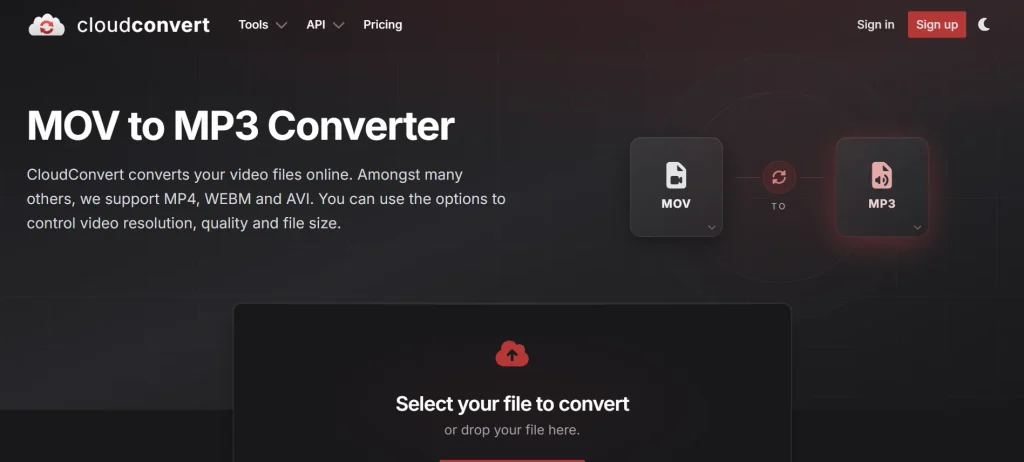
- Conversion Quality: High-quality MP3 with adjustable conversion settings
- File Size Limit: Free tier has daily conversion limits
- Supported Platforms: Windows, macOS, Linux, Android, iOS
- Website: https://cloudconvert.com/mov-to-mp3
CloudConvert is a versatile online converter designed for users who need reliable MOV-to-MP3 conversion without installing desktop software. Among MOV to MP3 Converters, it stands out for its browser-based workflow, support for common video formats, and options for controlling quality and file size.
For businesses, CloudConvert stands out because its broader conversion ecosystem can support different media workflows beyond a single format change. It also offers API capabilities, making it relevant for companies considering automated file-processing operations. This makes it a practical option for MOV to MP3 Converters in business environments.
However, its free usage comes with limits, so organizations handling frequent or high-volume conversions may eventually need a paid plan. Users comparing MOV to MP3 Converters should consider these restrictions before choosing a suitable solution.
Key features:
- Browser-based MOV to MP3 conversion
- Adjustable quality and file-size controls
- Supports numerous multimedia formats
- Cloud storage integration options available
- Batch conversion supports workflow efficiency
- API enables business automation
Pros:
- Strong format compatibility for businesses
- Professional conversion workflow and interface
- Useful quality adjustment options
- Supports automated conversion through API
- No desktop installation required
Cons:
- Free usage has conversion limits
- Large workflows may require payment
- Uploading requires internet connectivity
- Sensitive files need privacy consideration
2. FreeConvert
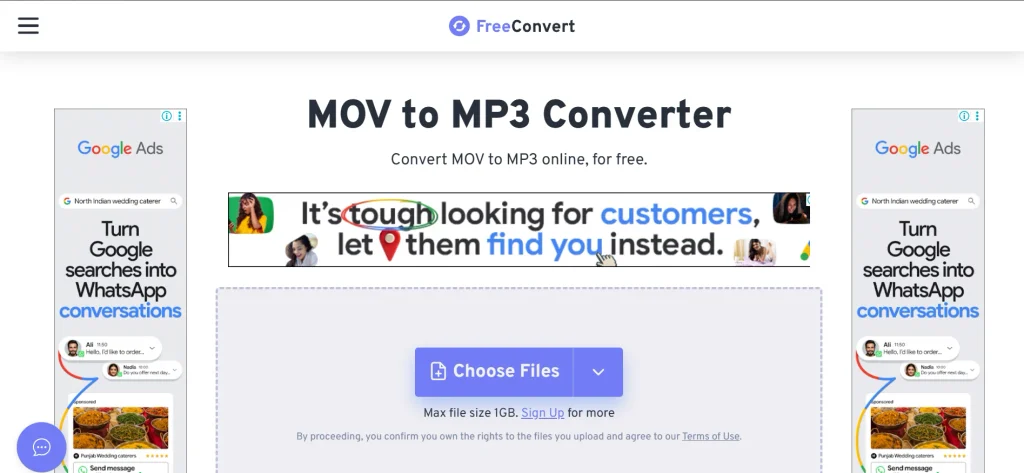
- Conversion Quality: Customizable audio conversion with advanced settings
- File Size Limit: Up to 1GB free
- Supported Platforms: Windows, macOS, Linux, Android, iOS
- Website: https://www.freeconvert.com/mov-to-mp3
FreeConvert positions itself as a practical online solution for converting MOV files into MP3 without requiring specialized software. Its relatively generous free file-size allowance makes it useful for larger recordings, while advanced settings provide additional control over audio processing.
Businesses can also benefit from integrations with cloud-storage services, making the platform convenient for distributed workflows. The service goes beyond basic format conversion by offering options such as volume adjustment and audio fading.
However, users working with confidential media should consider the implications of uploading files to an online service before choosing it for business-critical content.
Key features:
- Supports MOV to MP3 conversion
- Up to 1GB file support
- Google Drive integration for uploads
- Dropbox and OneDrive integration
- Adjustable audio volume controls
- Fade-in and fade-out options
Pros:
- Generous free file-size allowance
- Useful audio adjustment capabilities
- Multiple cloud-storage integrations available
- Simple browser-based conversion process
- Supports numerous input formats
Cons:
- Free tier includes usage restrictions
- Online uploads create privacy considerations
- Advertisements can affect user experience
- High-volume workflows may require upgrading
3. Convertio
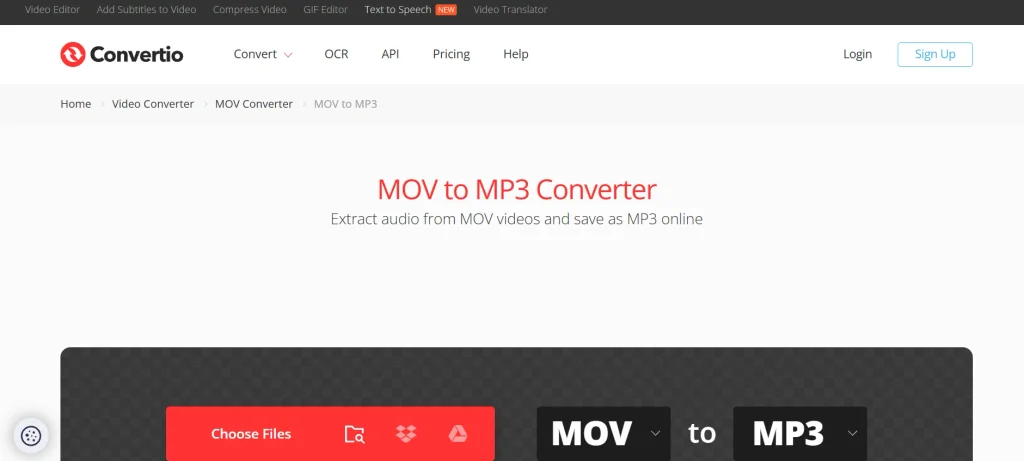
- Conversion Quality: Adjustable bitrate and audio-channel settings
- File Size Limit: 100MB free-tier limit
- Supported Platforms: Windows, macOS, Linux, Android, iOS
- Website: https://convertio.co/mov-mp3/
Convertio is a browser-based conversion platform focused on making file-format changes accessible without desktop installations. Its MOV-to-MP3 converter provides detailed audio controls, including bitrate selection, constant or variable bitrate options, and channel settings. It is one of the Free MOV to MP3 Converters that offers users control over their audio conversion settings.
This flexibility makes it suitable for users who want greater control over the balance between audio quality and file size. For businesses, its cross-device accessibility can simplify routine media conversion across different teams and devices.
The main limitation is its free file-size restriction, which can become a bottleneck when organizations regularly process longer, higher-resolution MOV recordings. Businesses comparing MOV to MP3 Converters should consider this restriction when selecting a tool for frequent media processing.
Key features:
- Adjustable MP3 bitrate settings
- Constant and variable bitrate
- Mono and stereo channel controls
- Browser-based file conversion workflow
- Batch conversion capabilities available
- Supports extensive file formats
Pros:
- Detailed audio-quality controls available
- Clean and accessible conversion workflow
- Works across major operating systems
- Supports many different file formats
- No software installation required
Cons:
- Free file-size limit restricts usage
- Large projects require paid plans
- Internet connection required for processing
- Uploading creates privacy considerations
4. Zamzar
- Conversion Quality: Adjustable bitrate and audio settings
- File Size Limit: 50MB free
- Supported Platforms: Windows, macOS, Linux, Android, iOS
- Website: https://www.zamzar.com/convert/mov-to-mp3/
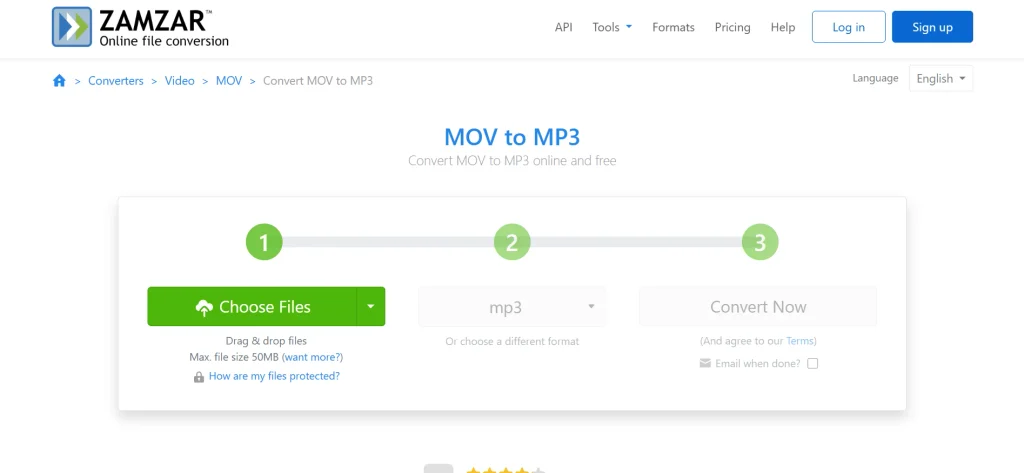
Zamzar is a long-established online file-conversion platform supporting more than 1,100 conversion types, including MOV to MP3. Its straightforward three-step process makes it particularly accessible for users who want to convert files without installing software or navigating complicated settings.
The platform also provides optional controls for bitrate, sample rate, channels, volume, and audio fades. For businesses, its broad format coverage can reduce the need for multiple specialized conversion tools.
However, the free 50MB file-size limit is restrictive for longer videos, making Zamzar more suitable for smaller media files and occasional conversion requirements.
Key features:
- Supports over 1,100 conversions
- Simple three-step conversion process
- Adjustable bitrate and sample rate
- Mono and stereo audio options
- Volume and fade controls
- No software installation required
Pros:
- Extensive format compatibility for businesses
- Very simple conversion workflow
- Established conversion service since 2006
- Useful audio customization controls
- Free conversions require no installation
Cons:
- 50MB free file-size limit
- Large videos require paid access
- Free usage has conversion restrictions
- Online processing raises privacy considerations
5. Online Audio Converter
- Conversion Quality: Adjustable bitrate, frequency, and audio channels
- File Size Limit: Free tier has file-size restrictions
- Supported Platforms: Windows, macOS, Linux, Android, iOS
- Website: https://online-audio-converter.com/
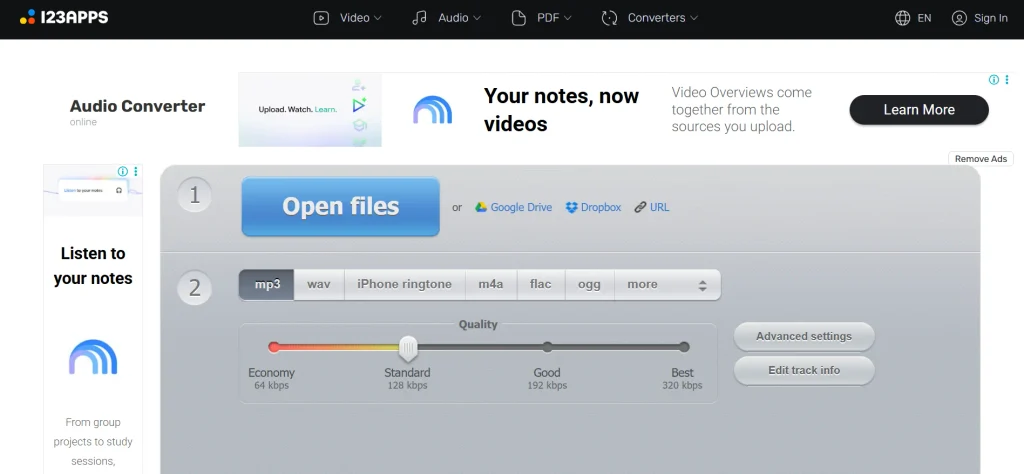
Online Audio Converter by 123apps focuses specifically on extracting and converting audio through a browser-based workflow. It supports hundreds of formats and provides useful controls for bitrate, frequency, channels, and audio tags.
Its ability to process multiple files simultaneously makes it attractive for users handling recurring conversion tasks. Businesses can use it for preparing recordings, presentations, podcasts, and other media assets without installing dedicated software.
However, the service is ad-supported and uploads files for processing, so organizations should avoid using it for highly confidential content unless its current privacy terms meet their requirements.
Key features:
- Supports over 300 file formats
- Extracts audio from video
- Adjustable bitrate and frequency
- Multiple-channel audio configuration
- Batch conversion and ZIP downloads
- Audio editing solutions
Pros:
- Strong audio-format compatibility
- Useful controls for output quality
- Batch processing saves operational time
- Browser-based and installation-free workflow
- Suitable for recurring conversions
Cons:
- Free service is ad-supported
- Upload-based processing creates privacy concerns
- Exact free limits can vary
- Large workflows may face restrictions
6. Online-Convert
- Conversion Quality: Detailed bitrate and audio-processing controls
- File Size Limit: 100MB free
- Supported Platforms: Windows, macOS, Linux, Android, iOS
- Website: https://audio.online-convert.com/convert-to-mp3
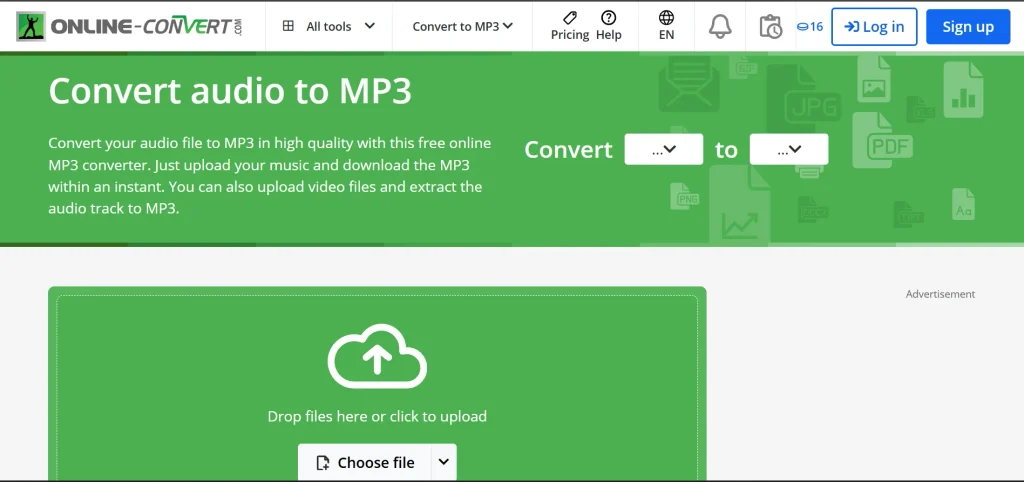
Online-Convert is a feature-rich browser converter designed for users who want more control over their MP3 output.
Alongside basic MOV-to-MP3 conversion, it provides settings for bitrate, sample rate, channels, and other audio adjustments. This makes it more appealing to users with specific technical requirements rather than those seeking only one-click conversion.
For business users, detailed output controls can help standardize audio files for different publishing or distribution channels. Its principal drawback is the free 100MB file-size limit, while the interface can also feel more cluttered than simpler competitors.
Key features:
- Detailed MP3 output configuration
- Adjustable bitrate and sample rate
- Audio channel customization options
- Browser-based conversion workflow
- Supports numerous media formats
- Additional audio processing controls
Pros:
- Extensive output customization capabilities
- Suitable for technically demanding workflows
- Works directly through web browsers
- Supports multiple audio formats
- No dedicated software installation required
Cons:
- 100MB free file-size limit
- Interface can appear cluttered
- Free tier includes advertisements
- Large conversions require paid access
7. Media.io
- Conversion Quality: High-quality audio conversion with media-processing tools
- File Size Limit: Free limits may vary by account
- Supported Platforms: Windows, macOS, Android, iOS, Web
- Website: https://www.media.io/
Media.io combines file conversion with a broader collection of browser-based media tools, making it useful for creators and businesses managing multiple content formats. Its conversion workflow supports extracting audio from video while fitting into a wider ecosystem of editing and media-production functions, making it a versatile option among Free MOV to MP3 Converters.
This can be valuable for marketing teams, content creators, and small businesses that prefer consolidating several media tasks within one platform. Its broader feature set also means users can perform more than simple format conversion.
However, free usage comes with restrictions, and frequent professional users may need a paid plan for higher limits and expanded capabilities. Users comparing MOV to MP3 Converters should consider these restrictions when choosing a platform for regular use.
Key features:
- Browser-based video-to-audio conversion
- Supports multiple multimedia formats
- Integrated media editing capabilities
- Accessible across multiple devices
- Designed for content creators
- Additional AI marketing tools available
Pros:
- Broader media workflow than converters
- Useful for content marketing teams
- Convenient browser-based accessibility
- Multiple creative tools in-platform
- Suitable for quick conversions
Cons:
- Free usage has restrictions
- Advanced features require paid access
- Internet connection needed for processing
- Larger workflows may become expensive
8. VEED
- Conversion Quality: Good-quality browser-based audio conversion
- File Size Limit: Up to 1GB on free plan
- Supported Platforms: Windows, macOS, Linux, Android, iOS
- Website: https://www.veed.io/convert/mov-to-mp3
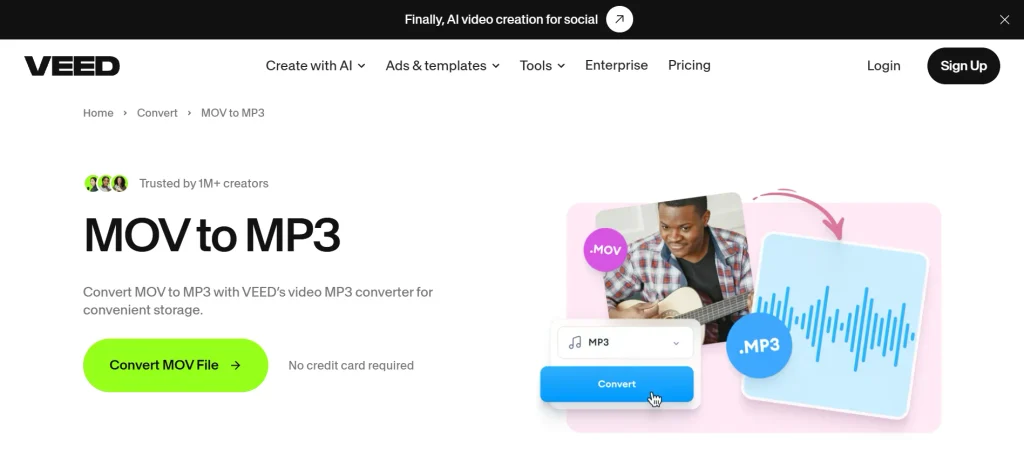
VEED approaches MOV-to-MP3 conversion as part of a broader online video-production platform rather than a standalone converter. Users can upload a MOV file, convert it into an audio format, and continue working within VEED’s wider media ecosystem.
Its browser-based workflow eliminates software installation and supports files up to 1GB on the free plan. For businesses, this makes VEED particularly relevant when conversion is only one stage of a larger content-production process.
However, users seeking a lightweight, dedicated converter may find its broader editing environment unnecessary for simple audio extraction tasks.
Key features:
- Browser-based MOV to MP3 conversion
- Supports files up to 1GB
- Integrated video editing tools
- No software installation required
- Works across modern browsers
- Supports broader content workflows
Pros:
- Generous free file-size allowance
- Conversion integrates with editing tools
- Useful for marketing teams
- Simple browser-based workflow
- Supports wider content production
Cons:
- Broader platform may feel unnecessary
- Free plan has usage limitations
- Internet connection required for conversion
- Advanced capabilities require paid access
9. MConverter
- Conversion Quality: Reliable conversion with multiple output formats
- File Size Limit: 100MB free
- Supported Platforms: Windows, macOS, Linux, Android, iOS
- Website: https://mconverter.eu/convert/mov/mp3/
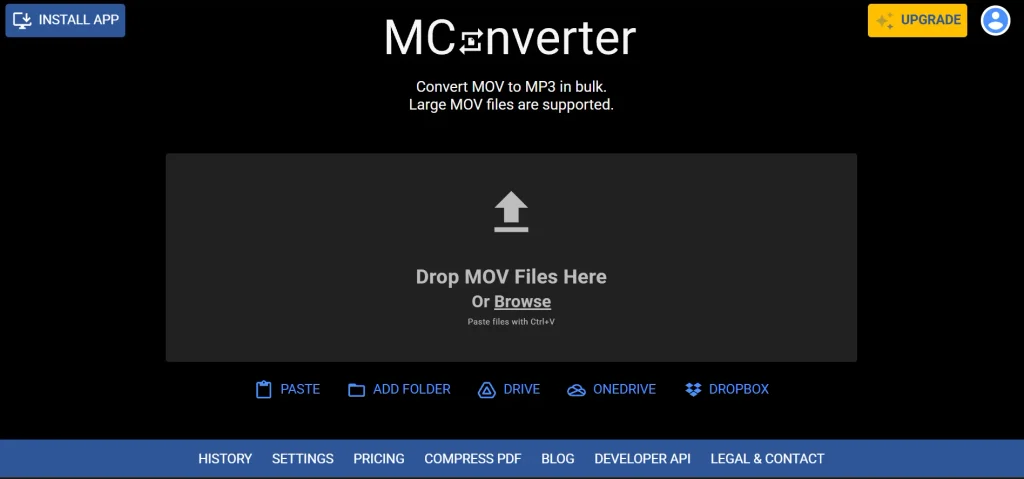
MConverter is an online file-conversion platform designed for users who need straightforward processing across numerous formats. Its MOV-to-MP3 tool supports direct uploads from devices and cloud-storage solutions, while folder conversion makes it useful for handling multiple files. These features make it a practical choice among Free MOV to MP3 Converters.
The free plan currently supports up to 15 files daily, with a maximum of eight files at once and a 100MB file-size limit, although limits can be reduced depending on usage.
For businesses, its batch-oriented workflow can improve repetitive media processing. However, larger operations may require one of its paid plans.
Key features:
- MOV-to-MP3 conversion through browser
- Supports folder-based conversion workflows
- Google Drive and Dropbox integration
- OneDrive import support available
- Batch processing for multiple files
- Automatic download options available
Pros:
- Useful batch conversion capabilities
- Multiple cloud-storage sources supported
- Straightforward conversion interface
- Free plan supports multiple files
- Suitable for recurring workflows
Cons:
- 100MB free file-size limit
- Daily conversion limits can apply
- Free version includes advertisements
- Larger workflows require paid plans
10. Ezgif
- Conversion Quality: Standard MP3 extraction with audio-processing tools
- File Size Limit: Approximately 200MB for supported video tools
- Supported Platforms: Windows, macOS, Linux, Android, iOS
- Website: https://ezgif.com/
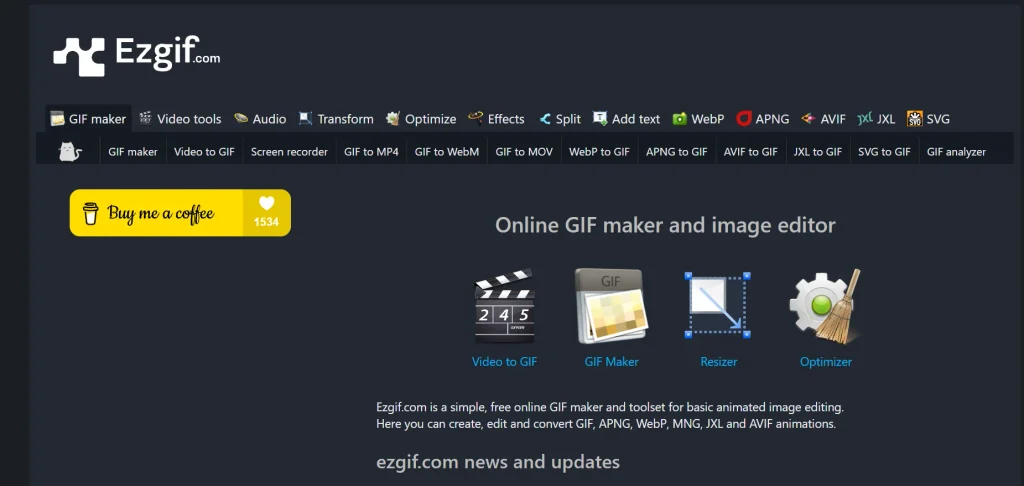
Ezgif is best known for lightweight browser-based image and video tools, but its capabilities have expanded to include dedicated audio utilities and video-to-audio extraction. The platform supports MP3 alongside WAV, FLAC, M4A, and OGG, giving users several options beyond basic conversion.
For businesses, Ezgif can be useful when a media workflow involves quick editing, compression, audio extraction, or format changes in the same environment. Its straightforward tools suit occasional tasks particularly well.
However, it lacks the broader automation and enterprise-oriented capabilities offered by more specialized conversion platforms.
Key features:
- Extracts audio from video
- Supports MP3 and WAV formats
- FLAC, M4A, OGG support
- Audio compression tools available
- Audio fade controls available
- Browser-based processing workflow
Pros:
- Completely browser-based conversion workflow
- Useful collection of media tools
- Supports several audio formats
- Simple for occasional conversions
- No desktop installation required
Cons:
- Less business automation functionality
- Interface focuses on utility tools
- Advanced workflow features are limited
- Large projects may need alternatives
How to Choose the Best Free MOV to MP3 Converter
Choosing a free MOV to MP3 converter should involve more than comparing conversion speeds. Businesses should assess reliability, security, scalability, usability, and overall value.
- Assess Conversion Quality– Check bitrate, sample-rate options, and output clarity to ensure converted audio meets professional requirements without unnecessary quality loss during processing.
- Check File Size Limits– Compare free file-size restrictions against your typical MOV files, particularly when converting lengthy recordings, presentations, interviews, or high-resolution business videos.
- Prioritize Privacy and Security– Review privacy policies, encryption practices, retention periods, and deletion procedures before uploading confidential recordings, proprietary content, client files, or internal communications.
- Compare Conversion Speed– Choose a converter that processes files quickly without compromising output quality, especially when frequent conversions are essential for content-heavy business workflows.
- Look for Batch Conversion– Batch processing can significantly reduce repetitive work by converting multiple MOV files simultaneously, improving productivity for marketers, creators, educators, and businesses.
- Evaluate Supported Platforms- Select tools compatible with your devices and operating systems, ensuring employees can access consistent conversion capabilities across smartphones, tablets, and computers.
- Consider Output Customization- Look for bitrate, channel, volume, and audio-format controls when specific publishing, storage, editing, or distribution requirements demand greater flexibility.
- Examine Usage Restrictions– Understand daily conversion limits, advertisements, registration requirements, watermarks, and download restrictions to determine whether the free version genuinely supports your workflow.
- Check Ease of Use- A clean interface minimizes training requirements, reduces conversion errors, and helps teams complete routine media tasks efficiently without specialized technical knowledge.
- Consider Future Business Needs– Choose a converter that can scale with increasing workloads, offering automation, integrations, batch processing, or affordable upgrades when business requirements eventually expand.
Common Problems When Converting MOV to MP3
MOV-to-MP3 conversion looks simple, but technical limitations can create unexpected problems. Understanding these issues helps users protect audio quality, avoid wasted time, and maintain efficient workflows.
- Poor Audio Quality– Incorrect bitrate or aggressive compression can produce distorted, muffled, or unclear audio, reducing usability for professional presentations, podcasts, and marketing content.
- Large File Sizes– High-resolution MOV files can exceed free converter limits, forcing users to compress videos first or choose alternative conversion solutions.
- Failed Conversions– Corrupted files, unsupported codecs, unstable connections, or overloaded conversion servers can interrupt processing and produce incomplete or unusable MP3 files.
- Audio-Video Synchronization Issues– Some converters may incorrectly process variable frame rates, potentially causing extracted audio to start late, finish early, or become misaligned.
- Privacy and Security Risks– Uploading confidential MOV files to unknown online converters can expose sensitive information, especially when platforms have unclear storage or deletion policies.
- Loss of Metadata– Conversion may remove titles, artist information, timestamps, or other embedded metadata, requiring users to manually restore important file details.
- Limited Free Features– Free converters commonly restrict file sizes, daily conversions, batch processing, or customization options, potentially slowing down larger business workflows.
- Unwanted Software or Ads– Some free platforms use aggressive advertisements, misleading download buttons, or bundled software, creating security risks and disrupting the conversion experience.
Conclusion
MOV to MP3 conversion may look like a simple technical task, but for businesses, choosing from Free MOV to MP3 Converters can influence productivity, content reuse, storage efficiency, and operational security. Free tools make audio extraction accessible without immediate software costs, yet “free” should never mean overlooking privacy, file limits, quality, or reliability. A smart choice depends on the volume and sensitivity of your media, required output quality, conversion speed, and future workflow needs.
For occasional conversions, a trustworthy online tool can deliver sufficient value. However, content-heavy businesses may benefit from stronger batch processing, automation, and security capabilities. Ultimately, the best MOV to MP3 converter is not necessarily the one with the lowest price, but the one that delivers dependable performance while protecting your content and supporting efficient business operations.
FAQs
Is MOV to MP3 conversion free?
Yes, many converters offer free conversion, although file-size, daily-use, or feature restrictions may apply.
Does Converting MOV To MP3 Reduce Quality?
Potentially. MP3 compression can reduce audio quality, particularly when using lower bitrates.
Are Free Online Converters Safe?
Some are reliable, but users should check privacy policies, security practices, and file-deletion policies before uploading content.
Can I Convert Large MOV Files?
Yes, but free converters often impose file-size limits. Check the specific tool before uploading larger videos.
Can MOV Files Be Converted On Phones?
Yes. Most browser-based converters work on Android and iOS without requiring dedicated software.
Which Converter Is Best For Businesses?
The best option depends on volume, security, quality, and workflow requirements rather than price alone.