
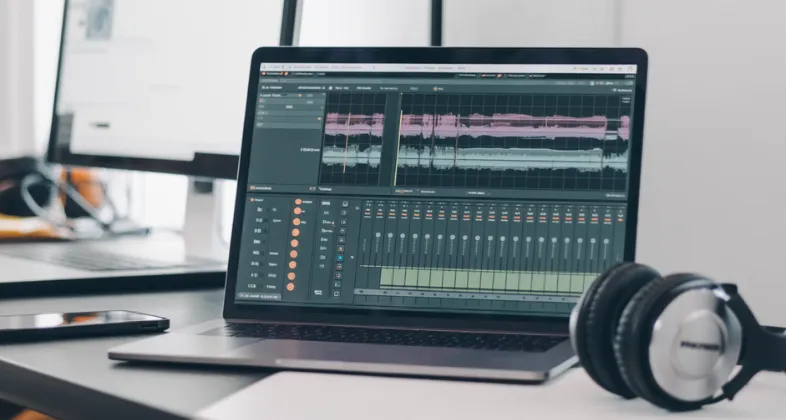
Ever wondered why some podcasts sound super clear, songs feel professionally polished, or YouTube videos have perfect background audio? The secret isn’t just a good microphone — it’s the right audio editing software. Whether you’re recording music in your bedroom, editing a podcast after work, or cleaning up voiceovers for videos, good audio editing can instantly level up your content.
But here’s the problem: there are too many audio editing tools out there, and choosing the right one can feel confusing. Some are perfect for beginners, some are built for professional studios, and others sit right in between. That’s why we’ve created this simple and practical list of the Top 14 Best Audio Editing Tools so you can quickly find the one that fits your needs, skill level, and budget without wasting hours searching online.
In this article, you’ll discover powerful free tools, industry-standard professional software, and easy-to-use options for podcasts, music, and voice editing. No technical jargon, no boring explanations — just clear, honest information to help you pick the best audio editing software for your creative journey.
Why Choosing the Right Audio Editing Software Matters
- High-quality audio editing tools help eliminate background noise, hissing, distortion, and uneven volume, making your content sound clean and professional.
- Clear and polished audio improves listener retention, which is especially important for podcasts, music tracks, audiobooks, and YouTube videos.
- The right software reduces editing time by offering smart tools like automatic noise removal, audio leveling, and non-destructive editing.
- Professional audio tools allow better control over sound effects, equalization, and mixing, giving creators creative freedom.
- Using suitable software ensures your audio meets platform standards for streaming services, podcasts, and social media.
- Scalable software grows with your skills, helping beginners gradually move toward professional-level production.
- Reliable audio editing tools minimize crashes and performance issues during large or complex projects.
How to Choose the Best Audio Editing Software for Your Needs
- Beginners should choose software with a clean interface, simple controls, and guided workflows to avoid a steep learning curve.
- Podcasters and voice artists should prioritize tools with strong noise reduction, voice enhancement, and loudness normalization features.
- Check system compatibility carefully, as some software works only on Windows or macOS and may require powerful hardware.
- Budget considerations are important—some tools are free, while others require subscriptions or one-time purchases.
- Plugin support is essential if you plan to expand functionality using third-party effects and instruments.
- Community support, tutorials, and updates play a major role in long-term usability and learning.
List of Top 14 Audio Editing Software
1. Adobe Audition
Adobe Audition is a professional-grade audio editing tool widely used in music production, podcasting, radio broadcasting, and film post-production. It provides a powerful multitrack environment along with precise waveform editing, making it ideal for both beginners and advanced audio professionals. Its clean interface and robust toolset allow users to record, mix, edit, and restore audio with high accuracy.
One of Adobe Audition’s biggest strengths is its seamless integration with other Adobe products like Premiere Pro and After Effects. This makes it a go-to choice for video creators who need high-quality audio editing. With advanced noise reduction, audio restoration tools, and support for high-resolution audio formats, Audition delivers studio-level results.
Top Features:
- Multitrack and waveform editing
- Advanced noise reduction and audio restoration
- Seamless integration with Adobe Premiere Pro
- Support for VST and AU plugins
- Professional mastering and mixing tools
Website:https://www.adobe.com/products/audition.html
Pricing: $22.99/mo
2. Audacity
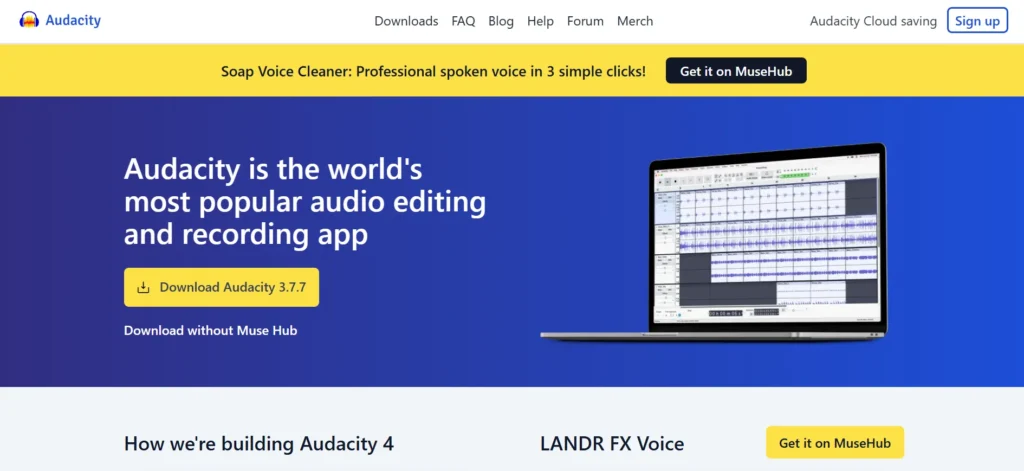
Audacity is a popular open-source audio editing software that is completely free to use. It is widely preferred by beginners, podcasters, educators, and hobbyists due to its simplicity and powerful core features. Despite being free, Audacity offers a surprisingly wide range of tools for recording, editing, and exporting audio.
The software supports multiple audio formats and allows users to apply various effects such as echo, reverb, equalization, and noise reduction. Audacity’s lightweight design ensures it runs smoothly even on low-end systems. Its large community also provides extensive tutorials and plugins, making it easy to learn and customize.
Top Features:
- Free and open-source
- Multitrack audio editing
- Noise reduction and audio effects
- Supports multiple audio formats
- Plugin support and community extensions
Website:https://www.audacityteam.org
Pricing: Free
3. FL Studio
FL Studio is a powerful digital audio workstation (DAW) best known for music production and beat making. It offers an intuitive interface with advanced tools for composing, arranging, recording, editing, and mixing audio. Many professional music producers prefer FL Studio for its flexibility and creative workflow.
The software comes with a wide range of built-in instruments, effects, and loops, allowing users to create complete tracks without external plugins. Its lifetime free updates make it a cost-effective choice for long-term use. FL Studio is suitable for beginners as well as professionals looking for a complete music production solution.
Top Features:
- Advanced music production tools
- Built-in instruments and effects
- Lifetime free updates
- MIDI support and automation
- Intuitive drag-and-drop interface
Website:https://www.image-line.com
Pricing:
| Fruity | Producer | Signature |
| $28.70/mo | $68.44/mo | $132.38/mo |
4. Logic Pro
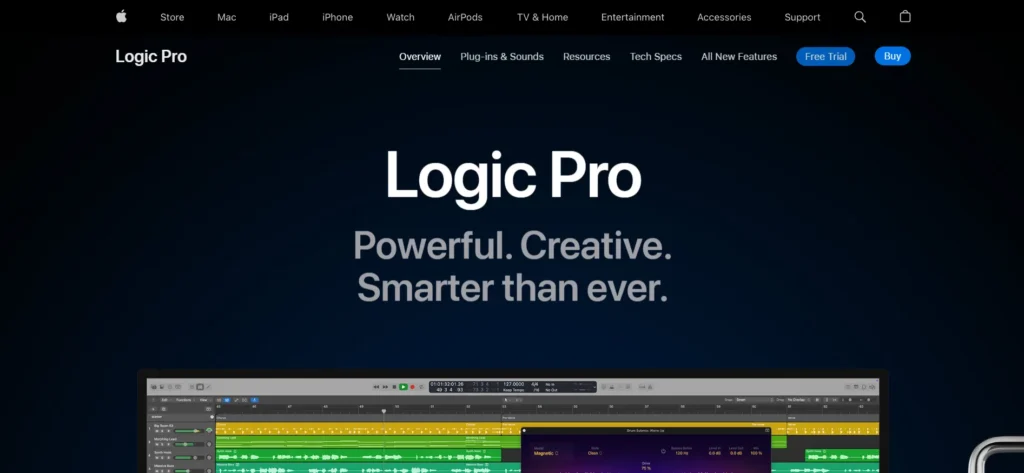
Logic Pro is Apple’s professional audio editing and music production software designed exclusively for macOS users. It provides an extensive collection of tools for audio recording, editing, mixing, and mastering.. Logic Pro is widely used by musicians, composers, and sound engineers for its high-quality sound processing and stability.
The software includes a massive library of instruments, loops, and sound effects, making it ideal for music creation and film scoring. Logic Pro also features advanced MIDI capabilities and smart tools that help streamline the editing process. Its one-time purchase model provides excellent value for professionals.
Top Features:
- Professional-grade audio editing
- Large sound library and virtual instruments
- Advanced MIDI editing tools
- Optimized for macOS performance
- One-time purchase with no subscription
Website:https://www.apple.com/logic-pro
Pricing: $199.99
5. Pro Tools
Pro Tools is considered the industry standard for audio recording and editing, especially in music studios and film production. It offers extremely precise editing tools, making it ideal for complex audio projects that require professional accuracy. Many recording studios and audio engineers rely on Pro Tools for its reliability and sound quality.
The software supports advanced multitrack recording, surround sound mixing, and collaboration features. Pro Tools also integrates well with professional hardware and third-party plugins. While it has a learning curve, it delivers unmatched performance for high-end audio production.
Top Features:
- Industry-standard audio editing tools
- High-quality multitrack recording
- Advanced mixing and mastering
- Hardware and plugin compatibility
- Collaboration and cloud support
Website:https://www.avid.com/pro-tools
Pricing:
| Artist | Studio | Ultimate |
| $79/yr | $199/yr | $359/yr |
6. GarageBand
GarageBand is a user-friendly audio editing and music production software developed by Apple. It is ideal for beginners who want to create music, podcasts, or simple audio projects without dealing with complex tools. The clean interface and guided workflow make it easy for users to start recording and editing audio quickly.
Despite being beginner-friendly, GarageBand offers powerful features such as virtual instruments, multi-track recording, and sound effects. It comes with a large library of loops and presets that help users create professional-sounding audio. GarageBand is especially popular among aspiring musicians and content creators using macOS or iOS devices.
Top Features:
- Simple and beginner-friendly interface
- Multi-track audio recording
- Built-in virtual instruments and loops
- Podcast and voice recording support
- Seamless Apple ecosystem integration
Website:https://www.apple.com/mac/garageband
Pricing: Free
7. Ableton Live
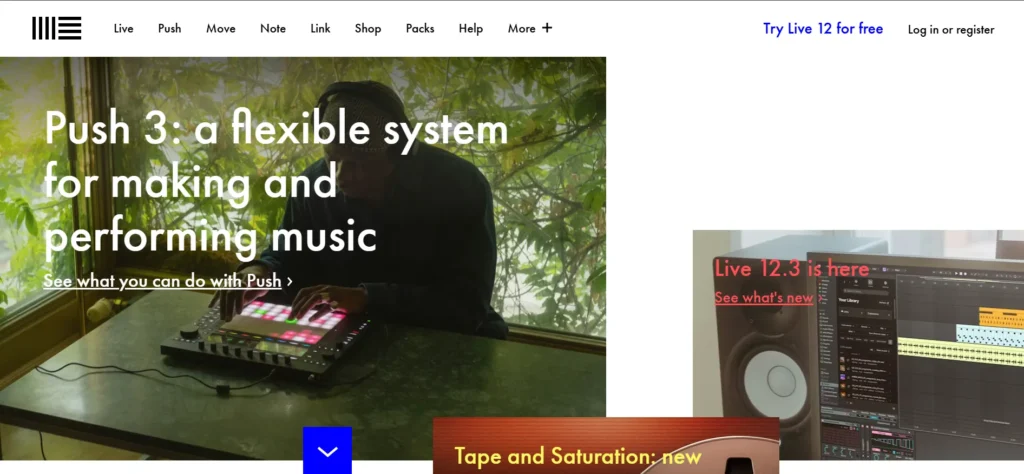
Ableton Live is a professional audio editing and music production software widely used by electronic music producers and live performers. It is known for its unique session-based workflow that allows users to experiment with sounds and loops in real time. This makes it perfect for both studio production and live performances.
The software offers powerful audio editing, MIDI sequencing, and sound design tools. Ableton Live also supports a wide range of plugins and hardware controllers. Its flexibility and speed make it a favorite among DJs, producers, and sound designers worldwide.
Top Features:
- Real-time audio editing and looping
- Powerful MIDI and sound design tools
- Ideal for live performances
- Plugin and hardware controller support
- Fast and flexible workflow
Website:https://www.ableton.com
Pricing:
| Intro | Standard | Suite |
| $55.10 | $220.71 | $441.54 |
8. Reaper
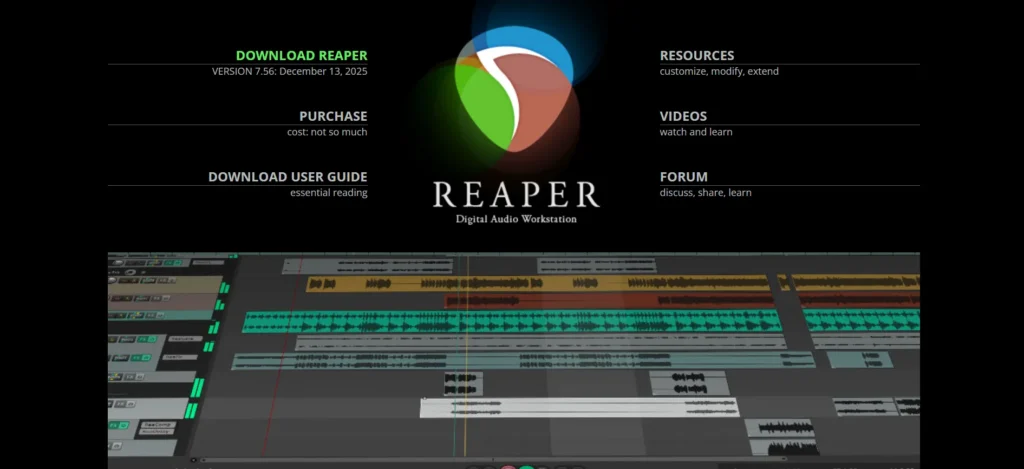
Reaper is a lightweight yet highly powerful digital audio workstation known for its customization and affordability. It supports advanced audio editing, recording, and mixing features while maintaining excellent performance even on low-end systems. Reaper is widely used by independent creators and professionals alike.
One of Reaper’s standout qualities is its flexibility. Users can customize shortcuts, layouts, and workflows to match their editing style. It supports a wide range of plugins and file formats, making it a versatile choice for music production, podcasting, and sound design.
Top Features:
- Highly customizable interface
- Lightweight and fast performance
- Advanced multitrack editing
- Wide plugin and format support
- Affordable licensing model
Website:https://www.reaper.fm
Pricing: $225
Suggested Read: Spotify Alternatives
9. WavePad
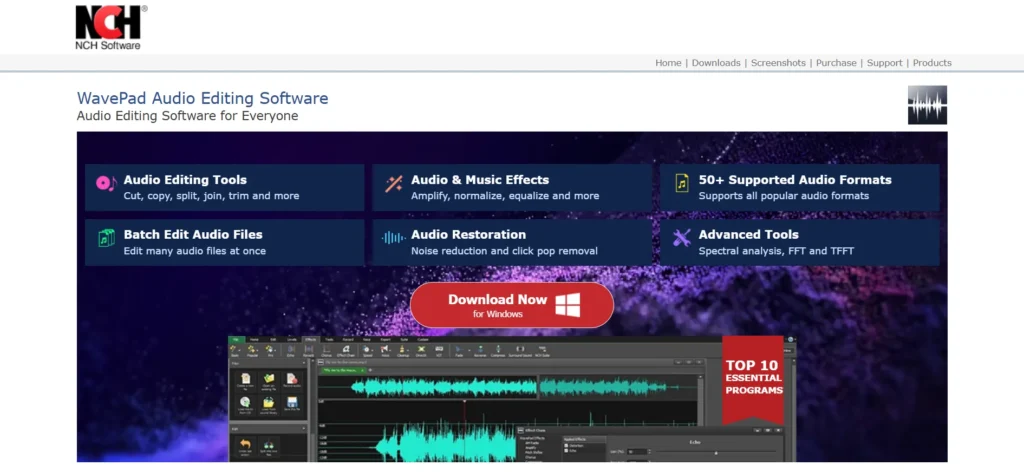
WavePad is a versatile audio editing software suitable for both beginners and professionals. It allows users to edit, record, and enhance audio files with ease. WavePad supports a wide variety of audio formats, making it useful for tasks like voice editing, music production, and audio restoration.
The software includes a range of effects such as noise reduction, echo, amplification, and equalization. WavePad is available on multiple platforms, including Windows, macOS, Android, and iOS, making it a convenient option for users who work across devices.
Top Features:
- Easy-to-use audio editing tools
- Supports multiple audio formats
- Built-in audio effects and filters
- Cross-platform compatibility
- Batch audio processing
Website: https://www.nch.com.au/wavepad
Pricing:
| Standard | Master |
| $34.99 | $59.95 |
10. Ocenaudio
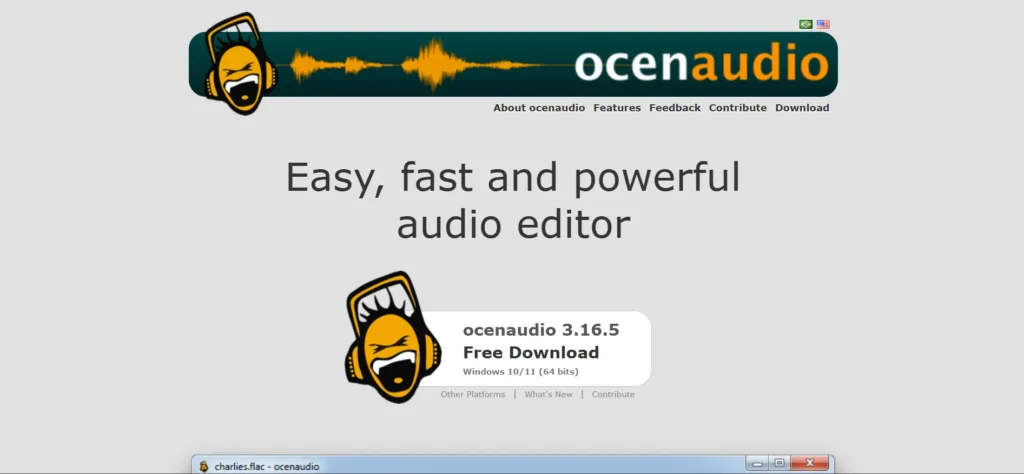
Ocenaudio is a free and lightweight audio editing software designed for fast and efficient audio processing. It is suitable for users who want a simple yet powerful tool for editing audio files without the complexity of full-scale DAWs. The interface is clean and easy to understand.
Ocenaudio offers a real-time preview of effects, allowing users to hear changes instantly. It supports large audio files and provides useful tools for waveform analysis and spectral editing. This makes it a great option for quick edits, voice recordings, and sound effect creation.
Top Features:
- Free and lightweight software
- Real-time effect preview
- Supports large audio files
- Spectral analysis tools
- Simple and clean interface
Website:https://www.ocenaudio.com
Pricing: Free
11. Sound Forge
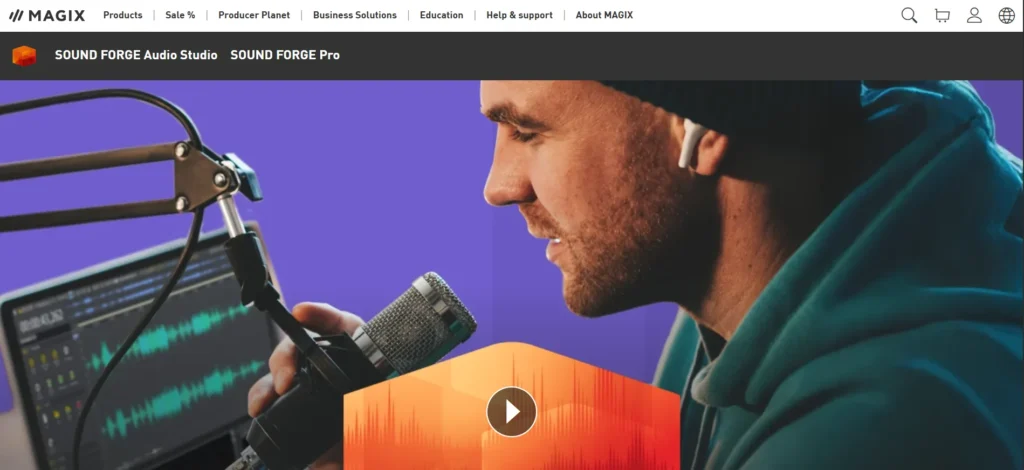
Sound Forge is a professional audio editing software known for its precision and high-quality audio processing. It is widely used for tasks such as audio mastering, restoration, and detailed waveform editing. The software provides powerful tools that allow users to work on audio at a very granular level.
Sound Forge is especially popular among audio engineers who need accurate control over sound quality. It supports high-resolution audio formats and advanced plugins, making it suitable for studio environments. Its clean interface and efficient workflow help users complete editing tasks quickly and accurately.
Top Features:
- High-precision waveform editing
- Professional mastering tools
- Audio restoration and noise reduction
- Plugin and high-resolution format support
- Efficient and stable performance
Website: https://www.magix.com/us/
Pricing:
| Premium | Ultimate | Unlimited |
| $39.99 | $99.99 | $149.99 |
12. Cubase
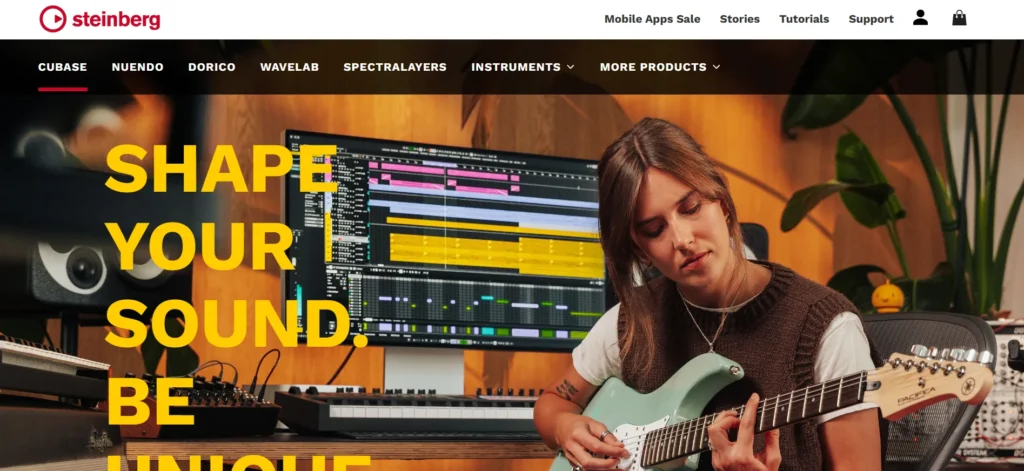
Cubase is a comprehensive digital audio workstation used by musicians, composers, and producers worldwide. It offers advanced tools for recording, editing, mixing, and arranging audio. Cubase is particularly well known for its strong MIDI capabilities and high-quality audio engine.
The software supports complex compositions and large projects, making it ideal for professional music production. Cubase also includes a wide range of built-in effects and virtual instruments. Its flexible workflow and detailed control make it suitable for both studio and home-based creators.
Top Features:
- Advanced audio and MIDI editing
- Professional mixing and mastering tools
- Built-in virtual instruments and effects
- Scalable for small and large projects
- High-quality audio engine
Website:https://www.steinberg.net/cubase
Pricing: $117.44
13. Studio One
Studio One is a modern audio editing and music production software known for its drag-and-drop workflow. It simplifies complex editing tasks, making it easier for users to focus on creativity. Studio One is widely used by producers, musicians, and audio engineers for its clean design and powerful tools.
The software offers advanced mixing, mastering, and recording capabilities. It also integrates seamlessly with hardware controllers and supports a wide range of plugins. Studio One is a great choice for users who want professional features with an easy learning curve.
Top Features:
- Drag-and-drop workflow
- Professional mixing and mastering
- Integrated hardware support
- Advanced recording tools
- Clean and modern interface
Website: https://www.presonus.com/studio-one
Pricing: $199.99
14. Hindenburg Journalist
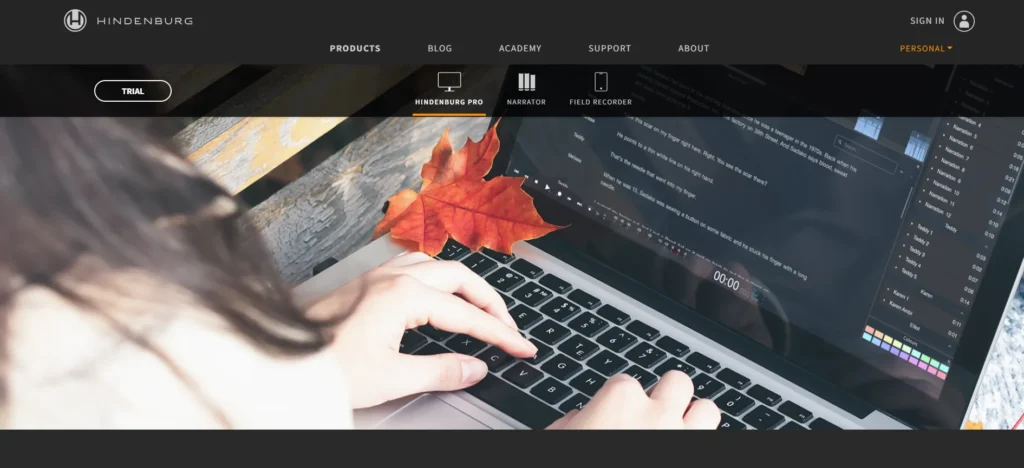
Hindenburg Journalist is a specialized audio editing software designed specifically for radio broadcasters and podcasters. It focuses on voice-based audio and storytelling rather than music production. The software automatically optimizes audio levels, making spoken content sound clear and professional.
Its intuitive interface allows users to edit interviews, podcasts, and radio segments efficiently. Hindenburg Journalist includes features like automatic loudness control and non-destructive editing, making it ideal for journalists and content creators who want high-quality voice recordings without technical complexity.
Top Features:
- Designed for podcasting and radio
- Automatic audio leveling
- Non-destructive editing
- Optimized for voice recordings
- Simple and focused workflow
Website:https://hindenburg.com
Pricing:
| Standard | Plus | Premium |
| $14.94 | $18.68 | $37.35 |
Conclusion
In conclusion, choosing the right audio editing Tool can completely change the quality of your work. Good audio makes everything sound more polished and captivating, whether you are making music, recording podcasts, editing voiceovers, or working on video material. Even basic recordings can be turned into crisp, professional audio with the correct equipment.
There are choices for novices, enthusiasts, and experts on the list of the Top 14 Best Audio Editing Software. While some programs are simple to use and free, others offer sophisticated functionality for professional-level production. Before making a decision, it’s essential to understand your needs, skill level, and financial constraints. Start out basic, experiment with the features, and advance as your abilities develop.
FAQs
Is Free Audio Editing Software Good Enough For Professional Use?
Yes, in many cases. Free tools like Audacity and Ocenaudio are powerful enough for podcasts, voiceovers, and basic music editing. However, professional studios may prefer advanced paid software for more control and features.
What is The Best Audio Editing Tool For Podcasting?
For podcasting, software that focuses on voice clarity and noise reduction works best. Adobe Audition and Hindenburg Journalist are popular choices due to their strong voice editing and audio leveling features.
Do I Need Powerful Hardware to Run Audio Editing Software?
Not always. Lightweight software like Reaper, Audacity, and Ocenaudio can run smoothly on basic systems. Advanced tools with large projects may require more RAM and processing power.
Can Audio Editing Tools be Used For Music Production?
Yes, many audio editing tools are also full music production platforms. Software like FL Studio, Ableton Live, Logic Pro, and Cubase are widely used for creating, mixing, and mastering music.
How do I Choose the Right Audio Editing Software For My Needs?
Start by identifying your main purpose — music, podcasting, voice editing, or video content. Then consider your experience level, budget, and system compatibility. Trying free versions or demos can also help you decide.