
Containers make it faster and easier to build and deploy modern applications, but they can also hide vulnerabilities, outdated dependencies, and exposed secrets. A single insecure container image can introduce risks before an application even reaches production.
That’s why container scanning tools are essential for modern development teams. They scan images for security issues, integrate with CI/CD workflows, and help developers fix vulnerabilities before deployment. In this guide, we’ll compare the top container scanning solutions, their key features, pricing, pros, and cons to help you find the right fit for your security needs.
What Is Container Scanning And Why It Matters?
Container scanning is the process of analyzing container images for security vulnerabilities, exposed secrets, outdated software, and configuration issues. Since container images are built from multiple layers, including operating systems, third-party libraries, and application code, each layer can introduce security risks. Container scanning solutions check these layers against vulnerability databases to identify potential threats before deployment.
Container scanning is important because traditional cybersecurity software may not fully protect dynamic container environments. By integrating automated scans into CI/CD pipelines, teams can detect and fix vulnerabilities early, following a shift-left security approach. By integrating automated scans into CI/CD pipelines, teams can detect and fix vulnerabilities early, following a shift-left security approach. It also helps maintain compliance, protect the software supply chain, and reduce the risk of vulnerable components reaching production.
Key Features To Look For In Container Scanning Solutions
Selecting the most appropriate container scanning tool requires a thorough and contextual understanding of the distinct features that differentiate standard open source solutions from comprehensive enterprise grade platforms. Not all scanning engines are created equal, and the optimal choice depends heavily on your specific operational requirements, team size, and infrastructure complexity.
- First and foremost, comprehensive vulnerability detection serves as the absolute cornerstone of any effective scanning tool. The chosen solution must accurately identify outdated software packages, known vulnerabilities, and common exposures across a remarkably wide range of operating systems and programming languages. It should utilize frequently updated global threat intelligence databases to guarantee that its detection capabilities remain highly effective against newly emerging cyber threats.
- Second, seamless integration directly into your continuous integration and continuous deployment pipelines is absolutely essential. The tool should operate natively within your existing development workflows, automatically scanning new container images the moment they are built. This immediate automation empowers developers to receive rapid security feedback and apply necessary fixes without disrupting their productivity.
- Third, the ability to automatically generate and continuously manage a detailed Software Bill of Materials is becoming increasingly critical. A Software Bill of Materials provides a complete, transparent inventory of every single component concealed within a container image, which is legally and operationally vital for supply chain security and regulatory compliance.
- Fourth, advanced runtime protection and continuous environmental monitoring distinguish premium tools from basic static scanners. While pre deployment scanning is undeniably crucial, the ideal tool should also continuously monitor containers running actively in production to detect behavioral anomalies, unauthorized modifications, and zero day vulnerabilities.
- Finally, intuitive user experience and actionable security reporting are paramount. The platform must provide clear, appropriately prioritized alerts accompanied by specific remediation guidance, ensuring that engineering teams can resolve critical issues quickly without feeling overwhelmed by irrelevant data alerts.
Comparison Of Container Scanning Solutions
| Tool | Best For | Container Image Scanning | Vulnerability Detection | SBOM | Pricing |
|---|---|---|---|---|---|
| Snyk Container | Developer pipeline integration | Yes | Yes | Yes | Freemium and Paid starts at $25/mo |
| Trivy | Fast lightweight scanning | Yes | Yes | Yes | Free Open Source |
| Prisma Cloud | Multi cloud enterprise security | Yes | Yes | Yes | Custom Enterprise |
| Anchore Enterprise | Supply chain policy enforcement | Yes | Yes | Yes | Custom Enterprise |
| Grype | Quick command line checks | Yes | Yes | Yes | Free Open Source |
| Clair | Registry backend integration | Yes | Yes | No | Free Open Source |
| Sysdig Secure | Runtime threat detection | Yes | Yes | Yes | Custom Enterprise |
| JFrog Xray | Complex dependency analysis | Yes | Yes | Yes | Plans start at $50/ mo |
| Wiz | Agentless cloud security | Yes | Yes | Yes | Custom Enterprise |
| Qualys Security | Hybrid global environments | Yes | Yes | Yes | Custom Enterprise |
List of Top 10 Container Scanning Tools
1. Snyk Container

- Website: Container vulnerability management | Container Security Tools | Kubernetes Security Solutions | Snyk
- Best for: Developers seeking native pipeline integration
Snyk Container is an industry leading security platform designed to empower developers by integrating vulnerability detection seamlessly into the daily workflow. It allows teams to scan container images and uncover hidden risks during the early stages of the software development life cycle.
Snyk places a strong emphasis on actionable remediation advice and automated fix pull requests to ensure security never slows down innovation. This developer first mindset promotes a proactive security culture across the entire engineering department.
Key features:
- Seamless integration with major continuous deployment pipelines
- Automated vulnerability fix suggestions and pull requests
- Production environment active threat monitoring capabilities
- Deep dependency tree analysis for nested libraries
Pros:
- Highly intuitive and developer friendly user interface
- Excellent native code repository system integrations
- Highly accurate and frequently updated vulnerability databases
Cons:
- Premium pricing structures can burden small organizations
- Lacks deeply advanced behavioral runtime blocking features
- Requires an active internet connection for full functionality
Pricing:
| Plan Name | Monthly Price |
| Free | $0 |
| Team | $25 |
| Ignite | $105* |
| Enterprise | Contact Sales |
2. Trivy (Aqua Security)

- Website: GitHub – aquasecurity/trivy: Find vulnerabilities, misconfigurations, secrets, SBOM in containers, Kubernetes, code repositories, clouds and more · GitHub
- Best for: Teams needing fast and lightweight scanning
Trivy is a highly popular and open source container security scanner developed by Aqua Security. As one of the widely used container scanning tools, it is renowned for its remarkable speed and simplicity when evaluating container images for vulnerabilities and misconfigurations.
Trivy operates smoothly in standalone environments and continuous integration pipelines without requiring complex database setups or heavy background processes. By focusing on rapid execution and high accuracy, Trivy has become an essential utility for security professionals and platform engineers aiming to secure modern infrastructure.
Key features:
- Comprehensive scanning for base operating system packages
- Built in infrastructure as code misconfiguration detection
- Automated cryptographic secret scanning to prevent leakage
- Instant generation of comprehensive Software Bill of Materials
Pros:
- Completely free and entirely open source utility
- Exceptionally fast scanning speeds with minimal overhead
- Incredibly easy command line installation and operational usage
Cons:
- Lacks a native graphical interface for visual reporting
- Comprehensive enterprise support requires the commercial platform
- Advanced pipeline orchestration requires extensive manual configuration
Pricing:
- Completely Free
3. Prisma Cloud (Palo Alto Networks)

- Website: Login – Palo Alto Networks
- Best for: Large enterprises managing complex multi cloud environments
Prisma Cloud by Palo Alto Networks is a highly advanced cloud native security platform that offers exceptional container protection capabilities, along with broader cloud security posture management tools for managing cloud risks and misconfigurations.
It goes beyond basic image scanning by delivering comprehensive runtime defence, compliance monitoring, and infrastructure security across multiple cloud providers. The platform is engineered to give security operations teams complete visibility into container health from the development phase all the way to production deployment. This holistic approach makes it a premier choice for heavily regulated industries.
Key features:
- Deep vulnerability scanning across diverse container registries
- Advanced behavioral monitoring for active runtime threats
- Pre built compliance templates for strict industry regulations
- Seamless integration with major Kubernetes orchestration platforms
Pros:
- Delivers complete end to end application lifecycle security
- Highly scalable architecture designed for massive enterprises
- Supported by unparalleled Palo Alto Networks threat intelligence
Cons:
- The interface feels overwhelmingly complex for new users
- Initial platform deployment requires significant engineering time
- Extremely high cost barrier for small to medium businesses
Pricing:
- Custom Quote
4. Anchore Enterprise
- Listing: SBOM-Powered Software Composition Analysis • Anchore
- Best for: Organizations prioritizing deep software supply chain security
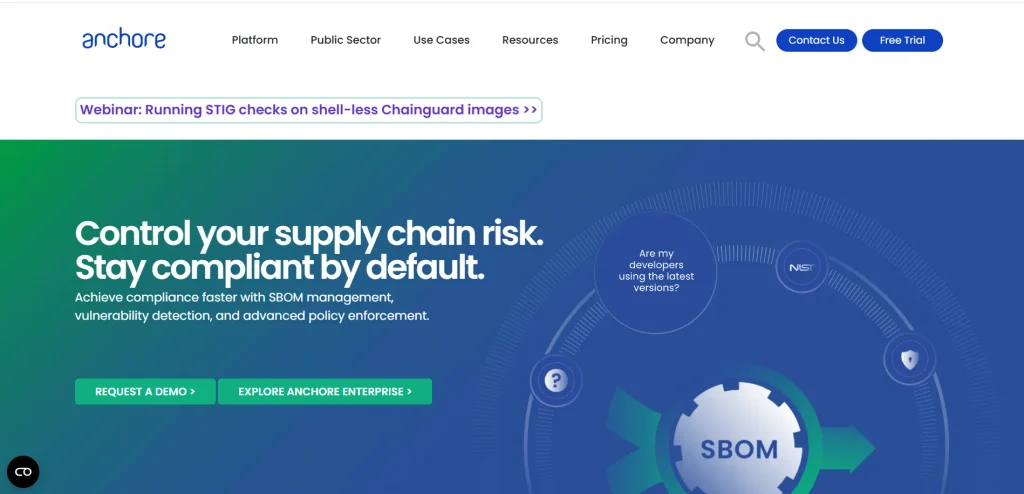
Anchore Enterprise is a comprehensive container security platform designed to secure the modern software supply chain. It provides deep inspection of container images to uncover vulnerabilities, hidden malware, and unauthorized software packages.
Anchore is highly regarded for its robust policy engine, which allows organizations to define custom security rules and enforce them strictly across their development pipelines. This proactive approach ensures that only secure and compliant container images are allowed to reach the production environment.
Key features:
- Granular policy enforcement based on custom organizational rules
- Deep inspection of operating system packages and libraries
- Complete Software Bill of Materials generation and management
- Direct integration with multiple enterprise container registry solutions
Pros:
- Incredibly flexible engine for highly customized security policies
- Exceptional visibility into specific container image layer composition
- Unmatched focus on software supply chain integrity maintenance
Cons:
- The initial architectural setup process is highly complex
- Demands significant database resources for optimal scanning performance
- The graphical dashboard is less intuitive than modern competitors
Pricing:
- Custom Quote
Suggested read:
5. Grype
- Website: Releases · anchore/grype
- Best for: Software developers needing straightforward local vulnerability checks
Grype is an open source vulnerability scanner developed by Anchore, explicitly designed to analyze container images and filesystems with exceptional speed. As one of the lightweight container scanning tools, it serves as an efficient alternative to heavier enterprise solutions, focusing on detecting vulnerabilities within software components and operating system packages.
Grype integrates seamlessly into local development environments and automated pipelines, allowing engineers to identify security flaws before code is pushed to production. Its simplicity and precision make it a favorite among developers.
Key features:
- Extremely fast vulnerability matching against global security advisories
- Direct native integration with Syft for component inventory
- Broad compatibility with diverse programming languages and packages
- Highly streamlined command line interface for local execution
Pros:
- Blistering fast execution times that preserve system resources
- Open source framework backed by a highly active community
- Remarkably accurate detection of common open source vulnerabilities
Cons:
- Strictly limits scope to vulnerabilities without misconfiguration checks
- Absolutely no graphical user dashboard for historical metrics
- Cannot provide active runtime protection for deployed production workloads
Pricing:
- Completely Free
6. Clair

- Website: GitHub – quay/clair: Vulnerability Static Analysis for Containers · GitHub
- Best for: Platform engineers actively running private container registries
Clair is a well known open source project designed for the static analysis of vulnerabilities within application containers. Originally developed by CoreOS and now maintained by Red Hat, Clair parses container image layers to identify known security flaws based on a comprehensive set of vulnerability databases.
It is frequently deployed as a backend scanning engine for container registries like Quay, providing automated security assessments whenever a new image is pushed. This automated approach ensures continuous registry hygiene.
Key features:
- Systematic layer by layer static vulnerability image analysis
- Automated periodic synchronization with multiple public vulnerability databases
- Application programming interface driven architecture for registry integration
- Flexible support for highly specific modular threat data sources
Pros:
- Flawless backend integration with enterprise grade registry solutions
- Completely open source framework enabling extensive internal customization
- Highly reliable vulnerability detection across complex image layers
Cons:
- Requires the deployment and management of a PostgreSQL database
- Architectural setup is particularly challenging for inexperienced operators
- Lacks native plug and play integrations for continuous deployment pipelines
Pricing:
- Completely Free
7. Sysdig Secure

- Website: Sysdig Platform | Sysdig
- Best for: Organizations needing unified cloud native and container security
Sysdig Secure is a powerful cloud native security platform that provides comprehensive container scanning alongside exceptional runtime protection. Built on open source Falco technology, Sysdig excels at identifying vulnerabilities during the build phase and continuously monitoring container behavior in production environments.
The platform offers deep visibility into Kubernetes deployments, enabling security teams to detect anomalies, enforce compliance policies, and respond to active threats immediately. This unified approach bridges the gap between development and operations security.
Key features:
- Comprehensive image scanning integrated natively into development pipelines
- Advanced real time threat detection utilizing open source Falco
- Continuous automated compliance monitoring for expansive Kubernetes infrastructure
- Detailed incident response forensics capturing critical system level activities
Pros:
- Unmatched comprehensive visibility into deep runtime system behaviors
- Seamless practical unification of vulnerability management and threat defense
- Exceptionally strong capabilities for complex Kubernetes security challenges
Cons:
- The massive feature set introduces a remarkably steep learning curve
- Requires mandatory agent deployment for comprehensive runtime monitoring
- Highly premium pricing model targeted strictly at large enterprises
Pricing:
- Custom Quote
8. JFrog Xray
- Website: Xray Main – 2026 | JFrog
- Best for: Enterprises already utilizing JFrog Artifactory for artifact management
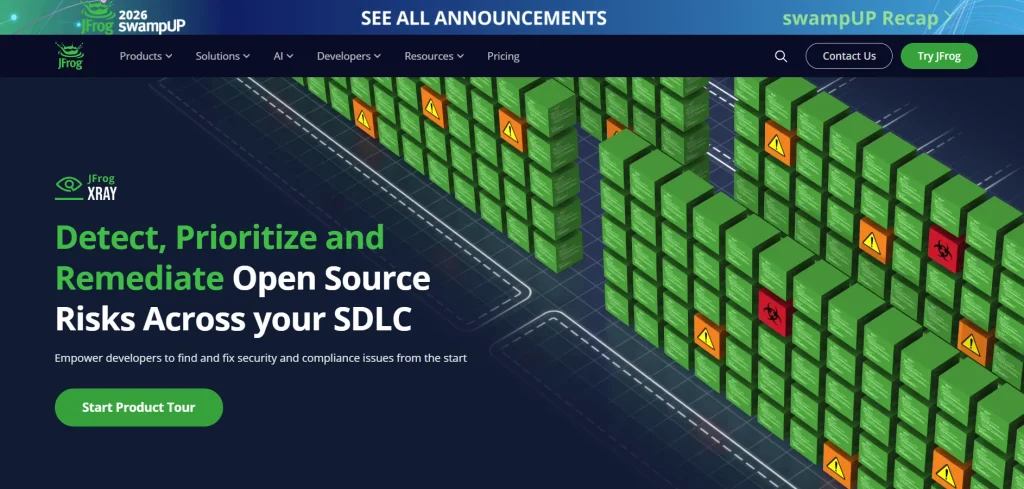
JFrog Xray is a universal software composition analysis tool that provides deep, recursive security scanning for container images and software artifacts. As a core component of the JFrog platform, Xray integrates perfectly with Artifactory to continuously analyze binaries and dependencies for vulnerabilities and license compliance issues.
As one of the comprehensive container scanning tools, it can unpack complex container layers to identify hidden threats deep within the software supply chain. This thorough inspection helps ensure that deployed applications remain secure and compliant.
Key features:
- Advanced recursive scanning technology addressing deeply nested dependencies
- Flawless native integration with the JFrog Artifactory management ecosystem
- Automated open source license compliance tracking and policy enforcement
- Comprehensive graphical impact analysis detailing project vulnerability scope
Pros:
- Exceptional analytical depth for massively complex software supply chains
- Perfect turnkey integration for existing JFrog enterprise platform users
- Highly robust open source software licensing and legal compliance tracking
Cons:
- Operates primarily as an extension requiring the Artifactory base platform
- Deep recursive scans can be heavily resource intensive and slow
- The interface navigation can confuse users unfamiliar with JFrog workflows
Pricing:
| Plan Name | Monthly Price |
| Pro | $50 |
| Enterprise X | $950 |
| Enterprise + | Contact Sales |
9. Wiz
- Website: Wiz: AI Cybersecurity for All Your Cloud and AI Applications
- Best for: Modern organizations desiring completely agentless cloud security deployments
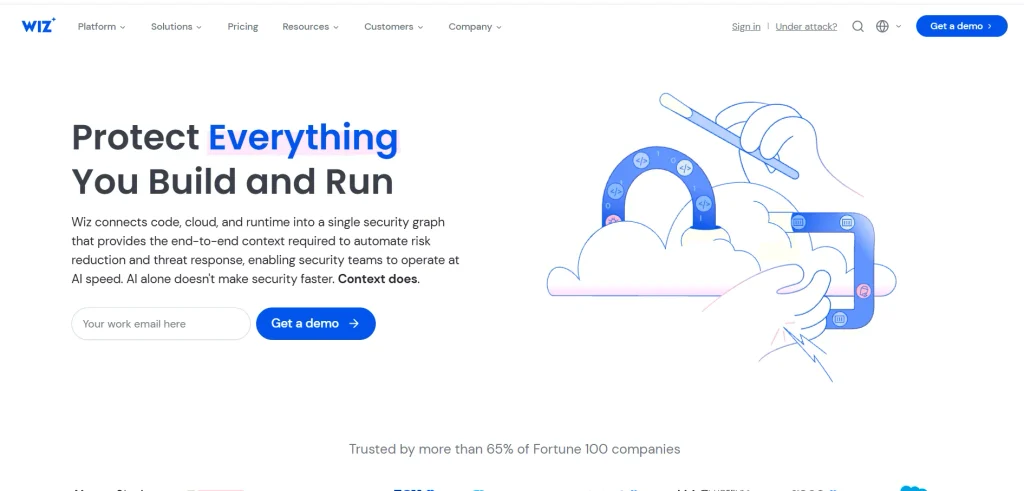
Wiz is a revolutionary cloud security platform that provides comprehensive container scanning through an entirely agentless architecture. It connects directly to cloud provider environments to analyze container images, workloads, and infrastructure configurations without the need to deploy complex software agents.
Wiz provides a unified graph view that correlates vulnerabilities with network exposure and identity risks, allowing teams to prioritize the most critical threats rapidly. This innovative approach significantly reduces deployment friction and operational overhead.
Key features:
- Entirely agentless scanning architecture ensuring rapid frictionless platform deployment
- Unified contextual security graph correlating distinct vulnerabilities with environmental exposure
- Automated comprehensive detection of infrastructure misconfigurations and exposed secrets
- Continuous passive monitoring across multiple distinct public cloud provider environments
Pros:
- Exceptionally rapid deployment speeds devoid of complex agent management overhead
- Unparalleled intelligent risk prioritization utilizing rich contextual cloud exposure data
- Highly intuitive and visually compelling user interface enhancing operational efficiency
Cons:
- Does not offer traditional inline active prevention mechanisms within continuous pipelines
- Exceedingly high pricing structure geared entirely toward massive enterprise budgets
- Lacks deeply granular real time behavioral process blocking capabilities
Pricing:
- Custom Quote
10. Qualys Container Security

- Website: Complete Kubernetes & Container Security by Qualys
- Best for: Massive enterprises currently standardizing on the Qualys security ecosystem
Qualys Container Security provides robust vulnerability management and compliance checking for containerized environments, serving as an extension of the broader Qualys Cloud Platform. It allows security teams to discover, track, and secure containers from the build stage through to runtime deployment.
The solution leverages the extensive Qualys vulnerability knowledge base to ensure highly accurate detection of security flaws. For organizations already utilizing Qualys for traditional infrastructure, this tool offers a seamless transition into cloud native security.
Key features:
- Continuous automated discovery and tracking of active distributed container assets
- Deep rigorous vulnerability analysis utilizing the legendary Qualys knowledge base
- Strict automated enforcement of essential configuration compliance and security standards
- Direct robust integration with continuous integration platforms for proactive defense
Pros:
- Effortless functional integration with the vast established Qualys security ecosystem
- Extraordinarily accurate and relentlessly updated global vulnerability threat intelligence
- Extremely powerful capabilities for managing complex enterprise regulatory compliance reporting
Cons:
- The graphical user interface feels notably dated compared to modern alternatives
- Initial deployment architectures can be rigidly complex and difficult to customize
- Commercial pricing is typically bundled making standalone adoption quite expensive
Pricing:
- Custom Quote
How To Choose The Right Container Scanning Tools?
Choosing a container scanning tool is a strategic decision that impacts both your security posture and engineering velocity. Carefully evaluate these critical factors before making a commitment:
Align with Your Existing Technology Stack
Analyze your current deployment architecture and cloud environments (e.g., Kubernetes). Prioritize tools that offer certified, native integrations for your specific ecosystem.
The goal is that the tool should fit seamlessly into your existing workflows without forcing developers to change their daily routines.
Tailor to Your Primary Users
If the goal is to empower developers to handle security early, choose a tool with an intuitive UI, clear remediation advice, and seamless code repository integration.
If dedicated analysts are the primary users, prioritize advanced historical reporting, continuous compliance tracking, and highly granular policy enforcement.
Evaluate the Total Cost of Ownership (TCO)
Open Source Tools offer excellent baseline security with zero initial licensing costs, but often require significant internal engineering resources to configure, maintain, and scale.
Commercial Enterprise Platforms provide comprehensive features and dedicated technical support, but come with high licensing fees that may not suit smaller organizations. Teams should also consider how container security integrates with broader risk management software to track, prioritize, and address security risks across the organization.
The Goal is to meticulously balance your strict security requirements with your realistic, long-term budget constraints to ensure a sustainable choice.
Common Mistakes When Implementing Container Scanning
Implementing container scanning is vital for securing modern cloud applications, but it requires avoiding common operational pitfalls to be truly effective.
Integrate Security Early (“Shift Left”)
Treating security as an afterthought by waiting until the final deployment stages to scan images. This guarantees deployment delays, developer frustration, and rushed fixes. To fix this, aggressively integrate automated security scans early into your continuous integration (CI) pipeline so you can catch vulnerabilities while they are still cheap and easy to fix.
Prioritize Alerts Strategically
Trying to fix every minor informational flaw simultaneously. Because modern scanning tools generate hundreds of alerts, treating them all with equal urgency quickly leads to severe alert fatigue. To get rid of it, establish clear operational frameworks that focus on critical vulnerabilities, active real-world exploits, and unique issues that present genuine, quantifiable business risk.
Maintain Continuous Runtime Monitoring
Treating a safe pre-deployment scan as permanent security. A scan is merely a static historical snapshot, and new zero-day vulnerabilities are discovered constantly. This can be saved by implement active, continuous monitoring within your live production environment so you aren’t blind to emerging modern threats that could compromise your systems.
Conclusion
Securing highly dynamic containerized applications is a complex, continuous operational process that demands the right combination of organizational culture, automated processes, and modern technology. As the adoption of microservices and complex cloud-native architectures accelerates, seamlessly integrating automated security measures becomes increasingly important for protecting applications and data.
By carefully selecting specialized container scanning tools that align with your development workflows and operational requirements, you can identify vulnerabilities earlier, reduce your attack surface, and strengthen application security. Whether you choose a lightweight open source command-line scanner or a comprehensive commercial enterprise platform, the goal remains the same: empowering engineering teams to build, deploy, and scale applications with greater security and confidence.
FAQs
1. What Is The Primary Operational Purpose Of A Container Scanning Tool?
The main purpose is to automatically inspect container images to identify security vulnerabilities, infrastructure misconfigurations, and exposed cryptographic secrets before the application is deployed into a live production environment.
2. At Exactly What Specific Stage Should Organizational Container Scanning Occur?
Scanning should occur at multiple distinct stages, beginning early at the developer workstation, continuing throughout the automated continuous integration pipeline, and extending actively into continuous monitoring during live runtime deployment.
3. Are Completely Free Open Source Container Scanners Genuinely Effective?
Yes, open source scanners are highly effective for identifying common known vulnerabilities and provide an excellent starting point, though they may entirely lack the advanced reporting and automated runtime protection found in premium commercial tools.
4. What Exactly Is A Software Bill Of Materials In Container Security?
A Software Bill of Materials is a highly comprehensive inventory detailing absolutely every software component, library, and hidden dependency included within a container image, which is legally essential for security auditing and compliance.
5. Can Utilizing Container Scanning Perfectly Prevent All Future Security Breaches?
No single tool can prevent all breaches. Container scanning is a highly critical layer of proactive defense, but it must be combined closely with proper network security, strict access controls, and active runtime monitoring to ensure protection.