

Flowcharts help simplify complex processes and are widely used in 2026 for workflows, decision-making, automation, and documentation across teams. However, traditional tools can be slow and hard to maintain as processes change.
AI-powered flowchart generators solve this by turning plain-language descriptions into structured diagrams automatically.
This guide reviews the best AI flowchart tools of 2026, based on usability, customization, AI features, collaboration, and real-world effectiveness.
What Is an AI Flowchart Generator?
An AI flowchart generator is a tool that turns written process descriptions into visual diagrams. Instead of assembling shapes and connectors manually, users can describe a workflow in plain language and the system automatically organizes the steps into a structured flowchart.
Modern AI-powered diagram tools in 2026 typically include features such as:
- Editable diagram elements
- Workflow templates for common processes
- Collaboration features for teams
- Text-to-flowchart generation
- Export options like PNG, SVG, or PDF
Different platforms in 2026 focus on different use cases. Some prioritize operational workflows and process documentation, while others emphasize visual design flexibility or technical diagramming.
Comparison Table of the Best AI Flowchart Generators in 2026
| Tool | Main Function | Best For |
| Jotform AI Flowchart Generator | Workflow-focused diagram creation | Business processes and operational workflows |
| Lucidchart AI Flowchart Generator | Advanced diagram editing environment | Technical documentation and system architecture |
| Miro AI Flowchart Generator | Collaborative visual workspace | Agile teams and remote planning sessions |
| Creately AI Flowchart Generator | Multi-diagram collaboration platform | Complex team workflows and visual documentation |
| EdrawMax AI Flowchart Generator | Comprehensive diagramming suite | Technical diagrams and structured documentation |
| FlowMapp AI Flowchart Tool | UX flow and digital experience mapping | UX designers and product teams |
| Venngage AI Flowchart Generator | Design-focused visual customization | Client presentations and branded visuals |
| Whimsical AI Flowchart Generator | Minimal interface for rapid ideation | Product planning and brainstorming |
| Eraser.io AI Flowchart Generator | Developer-focused diagram generation | Engineering workflows and system logic |
| NoteGPT.io AI Flowchart Generator | Quick text-to-diagram conversion | Students, educators, and fast visual explanations |
List of Best AI Flowchart Generators in 2026
1. Jotform AI Flowchart Generator
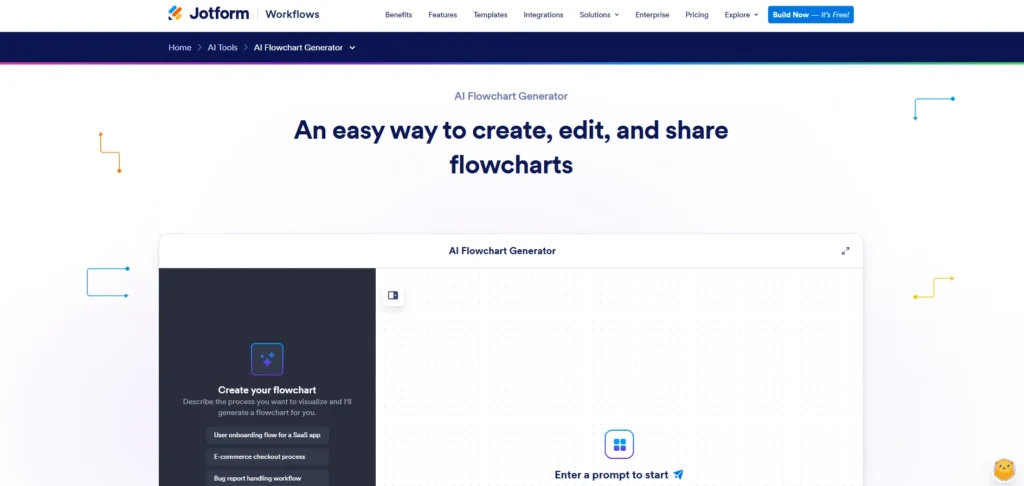
Jotform AI Flowchart Generator is widely considered one of the best AI flowchart generators for visualizing processes and decision paths in 2026.
Instead of building diagrams manually, users can describe a process in plain language and the platform automatically generates a visual flowchart. After the diagram is created, users can edit nodes, adjust connections, change the layout direction, and customize colors directly in the editor.
Because the flowchart remains fully editable after generation, the tool works well for teams that need flexible diagrams for documenting processes, approvals, onboarding steps, or internal procedures.
Jotform AI Flowchart Generator Pros
- Flowcharts remain fully editable after creation
- Converts written descriptions into structured diagrams
- Supports sharing and exporting diagrams for documentation
- Allows users to adjust nodes, connections, and layout easily
Jotform AI Flowchart Generator Cons
- Flowcharts may require some manual adjustments after generation to fully match the intended process
- Fewer visual styling options than design-oriented diagram tools
Jotform AI Flowchart Generator Pricing
- Free forever plan available
- Bronze: $34/month
- Silver: $39/month
- Gold: $99/month
- Enterprise: Contact sales
Jotform AI Flowchart Generator Is Best For
Teams documenting processes, approvals, and internal procedures with editable AI-generated flowcharts.
2. Lucidchart AI Flowchart Generator
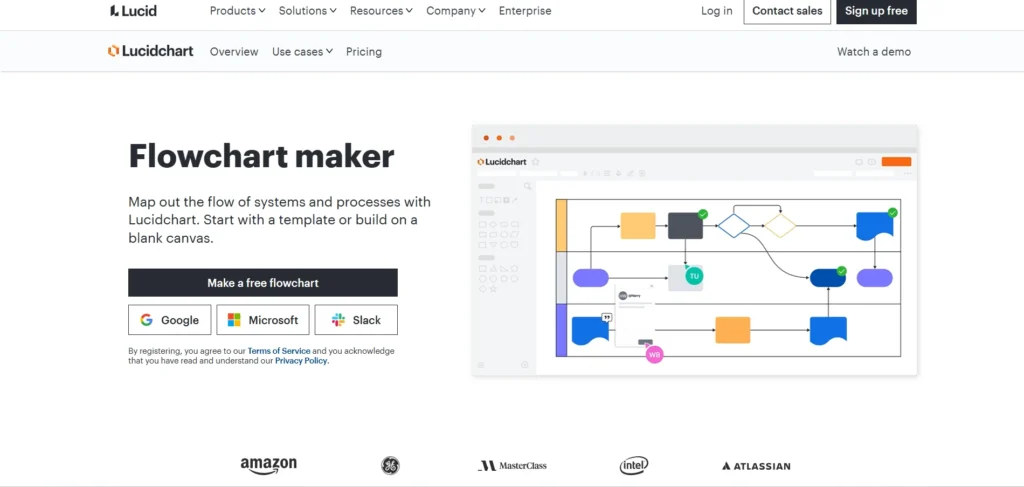
In 2026, Lucidchart brings AI-powered flowchart generation into a well-established diagramming platform. Users can describe a process in plain language and the system produces a structured flowchart that can then be adjusted using Lucidchart’s editing tools.
Beyond flowcharts, the platform supports a wide range of visual formats such as network diagrams, system architecture maps, and technical documentation. Teams can collaborate on diagrams in real time, leave comments, and track revisions through version history.
By combining AI-assisted diagram creation with a mature visual editing environment, Lucidchart offers flexibility for teams that regularly work with complex diagrams.
Lucidchart AI Flowchart Generator Pros
- Advanced diagram editing tools
- Real-time collaboration and commenting
- Extensive template and shape libraries
- Supports multiple diagram types beyond flowcharts
Lucidchart AI Flowchart Generator Cons
- Interface may feel complex for beginners
- Some advanced features are available only in paid plans
Lucidchart AI Flowchart Generator Pricing
- Free plan available
- Individual: $9
- Team: $10 per user
- Enterprise: Contact sales
Lucidchart AI Flowchart Generator Is Best For
Organizations that rely on visual documentation for technical systems, architecture diagrams, or detailed process mapping.
3. Miro AI Flowchart Generator
Miro AI Flowchart Generator operates inside the platform’s collaborative whiteboard environment, where teams can map ideas, plans, and workflows on a shared visual canvas. Users can describe a process in text and the AI generates a diagram directly on Miro’s infinite workspace.
Because the platform is built around real-time collaboration, teams can adjust diagrams while working alongside sticky notes, project boards, and brainstorming tools on the same canvas. By 2026, this type of visual workspace has become common in remote workshops, sprint planning sessions, and distributed team collaboration.
Rather than prioritizing strict process documentation, Miro focuses on flexible visual thinking and collaborative diagramming.
Miro AI Flowchart Generator Pros
- Quickly converts text descriptions into visual diagrams
- Designed for real-time team collaboration
- Infinite canvas for flexible diagram layouts
Miro AI Flowchart Generator Cons
- Less tailored to formal documentation exports compared with some competitors
- Requires a Miro account; AI features may use credits depending on plan
Miro AI Flowchart Generator Pricing
- Free plan available
- Starter: $8/member/month
- Business: $20/member/month
- Enterprise: Contact sales
Miro AI Flowchart Generator Is Best For:
Product teams and distributed groups that rely on collaborative whiteboards for planning and ideation.
4. Creately AI Flowchart Generator
In 2026, Creately combines AI-powered flowchart generation with a broader diagramming platform. Users can describe a process in text, and the AI generates a structured diagram that can then be refined using Creately’s editing tools.
Beyond flowcharts, the platform supports many diagram formats including org charts, process maps, and technical diagrams. Teams can collaborate in real time while editing diagrams and organizing visual content within shared workspaces.
Creately AI Flowchart Generator Pros
- Large set of diagram types and templates
- Customizable shapes, connectors, and layout options
- Context-aware AI suggestions and deeper structural insights
Creately AI Flowchart Generator Cons
- Interface can feel dense for users only needing basic flowcharts
- Some AI capabilities may require a paid subscription
Creately AI Flowchart Generator Pricing
- Free plan with no AI features
- Personal: $5/month
- Team: $5/user/month
- Business: $89/month
- Enterprise or OnPrem: Contact sales
Creately AI Flowchart Generator Is Best For:
Organizations that rely on visual collaboration and need tools supporting multiple diagram formats.
5. EdrawMax AI Flowchart Generator
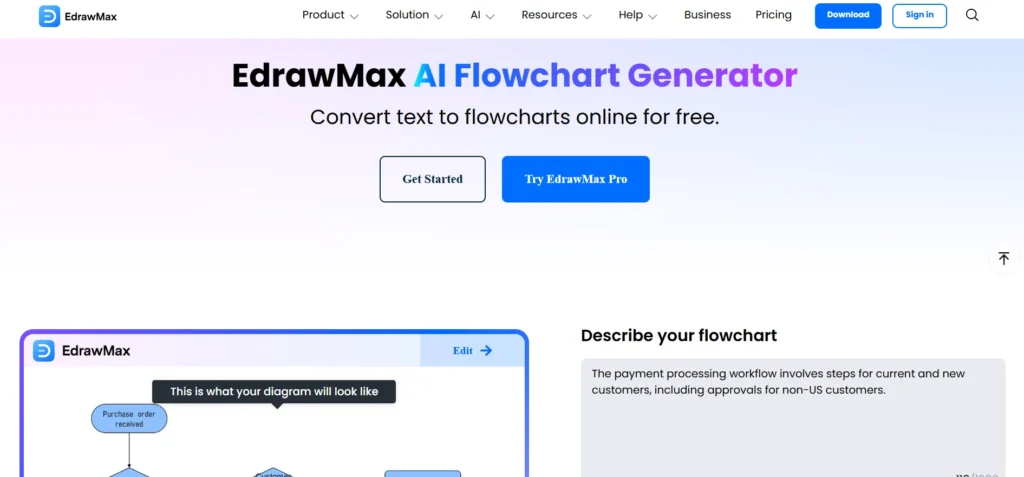
EdrawMax integrates AI flowchart generation into a comprehensive diagramming suite that, by 2026, supports a wide range of visual documentation workflows. Users can convert text descriptions into structured flowcharts and then refine them using the platform’s visual editing tools.
Beyond flowcharts, EdrawMax supports many diagram types including Gantt charts, UML diagrams, and technical process maps, making it useful for teams working on detailed visual documentation.
EdrawMax AI Flowchart Generator Pros
- Many templates and export options
- Extensive diagramming tools beyond flowcharts
- AI conversion from text within a mature visual editor
EdrawMax AI Flowchart Generator Cons
- Interface can be complex for beginners
- AI token limits in the free version
EdrawMax AI Flowchart Generator Pricing
- Free trial available
- Semi-annual: $69/6 months
- Annual: $99/year
- Perpetual: $198/one-time purchase
EdrawMax AI Flowchart Generator Is Best For:
Teams that need advanced diagramming tools for technical documentation and complex system visualization.
6. FlowMapp AI Flowchart Tool
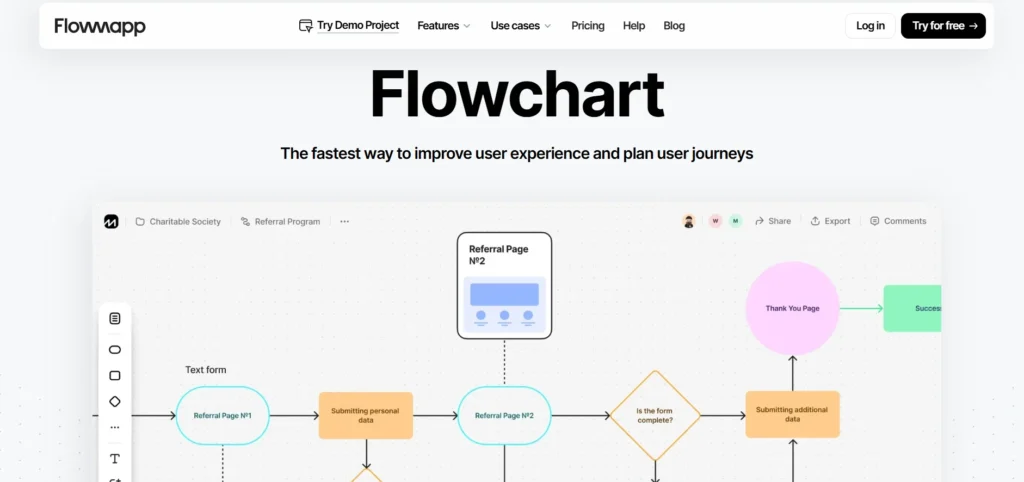
FlowMapp provides tools for mapping digital experiences and product workflows in 2026. The platform helps teams create visual flows that represent user journeys, site structures, and interaction paths.
It is commonly used in UX and product planning environments where teams need to visualize how users move through digital interfaces and websites.
FlowMapp AI Flowchart Tool Pros
- Designed for UX and product flow mapping
- Supports site mapping and user journey visualization
- Collaborative editing and project sharing features
FlowMapp AI Flowchart Tool Cons
- More focused on digital experience planning than general business workflows
- Limited diagram categories outside UX and product design use cases
FlowMapp AI Flowchart Tool Pricing
- Free plan available
- Pro: $8.25/month
- Team: $19.25/month
- Agency: $54.45/month
FlowMapp AI Flowchart Tool Is Best For:
UX designers and product teams mapping digital experiences.
7. Venngage AI Flowchart Generator
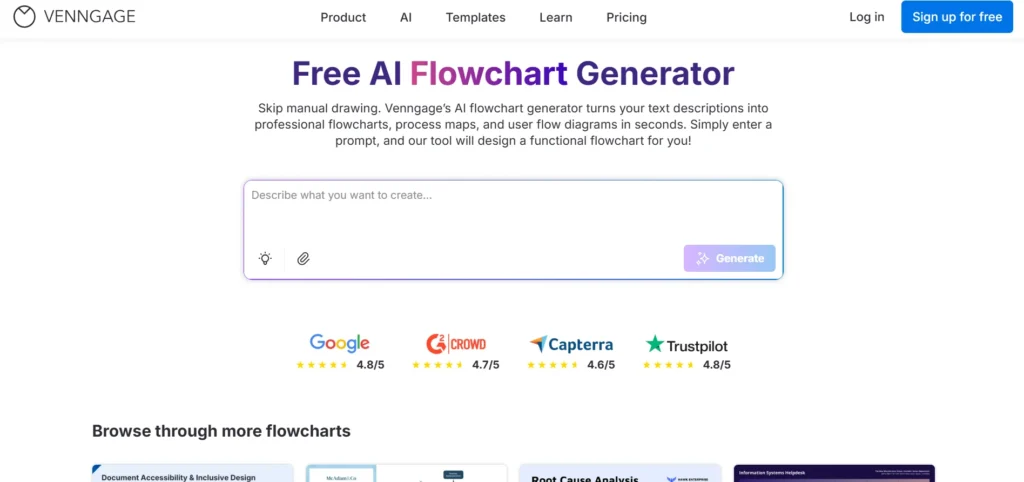
Venngage’s AI Flowchart Generator helps teams turn simple text prompts into polished flowcharts, process maps, and user journey diagrams in 2026. The platform focuses strongly on visual presentation, allowing users to customize diagrams with brand colors, fonts, and layout elements.
With its design-oriented interface, Venngage works well when diagrams need to be presentation-ready. Teams can generate a flowchart from a written description and refine the visual styling for reports, client presentations, or educational materials.
Venngage AI Flowchart Generator Pros
- Quickly generates flowcharts from text prompts
- Strong visual customization with brand kit support
- Large library of templates and visual assets
- Multiple export formats including PDF, PNG, and SVG
Venngage AI Flowchart Generator Cons
- Advanced customization may require some familiarity with design tools
- Certain features are limited to paid subscription plans
Venngage AI Flowchart Generator Pricing
- Free plan available
- Premium: $10/month
- Business: $24/user/month
- Enterprise: Starts at $499
Venngage AI Flowchart Generator Is Best For
Marketing teams, educators, and consultants who need polished visual diagrams with customizable branding for presentations, reports, or client materials.
8. Whimsical AI Flowchart Generator
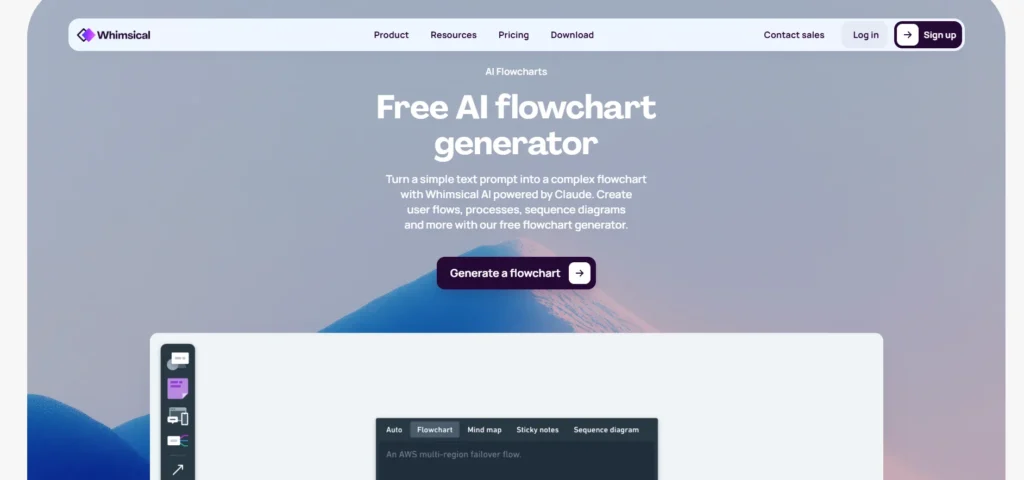
Whimsical combines a minimalist diagram editor with AI that can generate flowcharts, user flows, and sequence diagrams from simple text descriptions, a capability that many teams rely on in 2026 for quick ideation and early-stage planning. Its clean interface makes it particularly useful when clarity and speed matter more than complex configuration.
Whimsical AI Flowchart Generator Pros
- Generates diagrams quickly from natural language descriptions
- Works well for user flows and brainstorming diagrams
- Clean interface with a minimal learning curve
- Built-in collaboration features within shared boards
Whimsical AI Flowchart Generator Cons
- Advanced customization options may be limited for complex enterprise workflows
- Export capabilities can be more restricted compared to some specialized diagram tools
Whimsical AI Flowchart Generator Pricing
- Free plan available
- Pro: $10/editor/month
- Business: $15/editor/month
- Enterprise: $20/editor/month
Whimsical AI Flowchart Generator Is Best For:
Organizations that need quick visual diagrams for brainstorming, product planning, and simple user flows.
9. Eraser.io AI Flowchart Generator
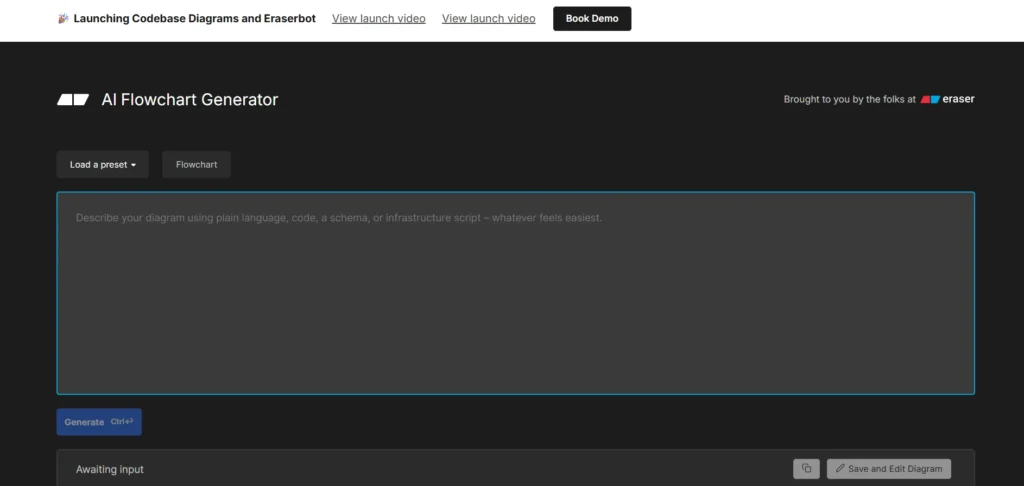
Eraser’s flowchart tool uses natural language or structured text to generate visual charts instantly, a workflow that remains especially practical in 2026 for developers and technical teams. It is well suited to users who want a no-code way to turn written logic into diagrams without spending time on complex visual editing.
The platform is often used by developers, product managers, and technical teams that want fast diagram generation from text-based inputs.
Eraser.io AI Flowchart Generator Pros
- Quick, developer-friendly tool
- Free access with instant results
- Generates diagrams from plain English or structured text
Eraser.io AI Flowchart Generator Cons
- Focus is narrower than some productivity-oriented tools
- Less comprehensive visual editing post-creation
Eraser.io AI Flowchart Generator Pricing
- Free plan available
- Starter: $15/member/month
- Business: $45/member/month
- Enterprise: Contact sales
10. Notegpt.io AI Flowchart Generator
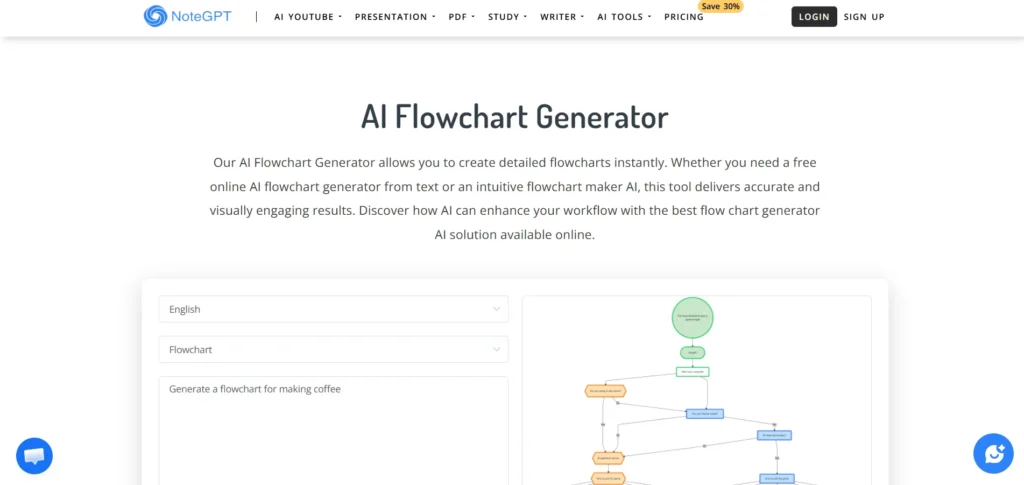
NoteGPT’s AI flowchart generator converts written prompts or uploaded content into clear visual diagrams, a capability that remains useful in 2026 for quickly explaining processes and workflows. The tool focuses on speed and simplicity, allowing users to generate flowcharts without navigating a complex interface.
This makes it particularly helpful for educators, students, and small teams that need quick visual explanations rather than highly customized diagrams.
NoteGPT.io AI Flowchart Generator Pros
- Can build diagram structures from text or uploaded documents
- Available online with free access options
- Quickly generates flowcharts from simple input
- Works well for straightforward and moderately detailed workflows
NoteGPT.io AI Flowchart Generator Cons
- Fewer collaboration and advanced customization features
- Primarily focused on quick flowchart generation
NoteGPT.io AI Flowchart Generator Pricing
- Free to use AI flowchart generator
- Pro: $9/month
- Unlimited: $19.92/month
- Max: $69/month
NoteGPT.io AI Flowchart Generator Is Best For:
Anyone looking for fast, straightforward flowchart creation without the complexity of full diagram platforms.
FAQs
What is the Best AI Flowchart Generator in 2026?
The best option depends on how the flowchart will be used. For documenting structured business workflows, Jotform offers strong support. For collaborative diagramming, Miro is widely used. Tools like Lucidchart and EdrawMax work well for technical documentation and complex diagrams.
Can AI Automatically Create a Flowchart from Text?
Yes. AI flowchart generators can convert written descriptions into diagrams. Users describe a process in plain language, and the system automatically builds a structured flowchart with steps and decision points.
Are AI Flowchart Generators suitable for Teams in 2026?
Yes. Many platforms include collaboration features such as shared editing, comments, and version tracking. Tools like Miro, Lucidchart, and Creately are designed for team workflows.
Do AI Flowchart Tools require Design Experience?
No. Most AI flowchart generators are built for non-designers. The AI handles diagram structure automatically, while users simply describe the workflow they want to visualize.
Are there free AI Flowchart Generators in 2026?
Yes. Many platforms offer free plans or trials. Tools like Jotform, Miro, NoteGPT, and Whimsical provide free access with certain limitations.