
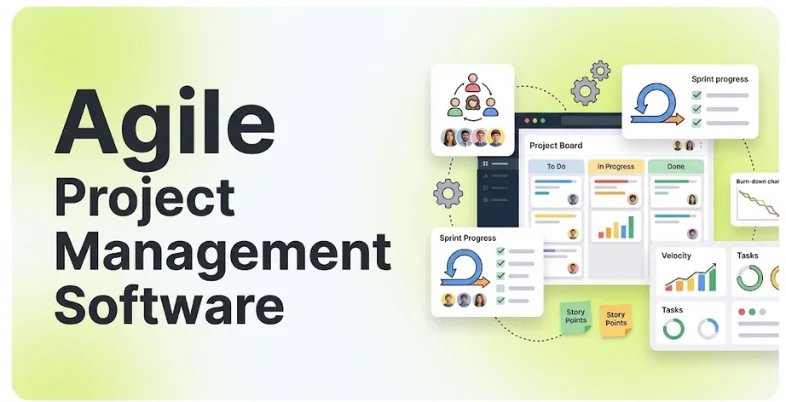
Agile teams work in short cycles, adjust plans often, and ship improvements continuously. That style needs tools that keep backlogs organized, sprints visible, and priorities clear; otherwise, sticky notes, spreadsheets, and chat threads quickly turn into chaos.
Agile project management tool brings sprint planning, boards, backlogs, roadmaps, and reports into one place. It helps product owners, scrum masters, developers, and stakeholders see what is being built, what is blocked, and how fast the team is moving. This guide compares the 15 best agile project management software options for 2026, from developer-focused trackers to flexible work platforms and enterprise agile suites.
What Is Agile Project Management Software?
Agile project management software is a digital tool that helps to implement agile methodologies such as the Scrum framework, Kanban, and scaled agile. This application helps project managers organize their team, manage a product backlog, plan and track sprints, create task boards, and visualize progress using burndown charts or velocity charts.
Unlike traditional tools, these programs give an up-to-date perspective of the status of the project and changing demands. Some tools offer collaboration features with repositories, automated repetitive tasks, integration, and utilization of artificial intelligence to document sprints or tickets and flag probable issues.
Why Agile Project Management Software Matters ?
Teams are expected to ship faster, respond to feedback quickly, and work across time zones. Tracking this manually does not scale, so dedicated agile software has become a core part of modern product and software delivery.
- Clear Priorities: A ranked backlog shows exactly what the team should work on next, which reduces confusion and rework.
- Predictable Delivery: Velocity and burndown charts help teams forecast what they can finish in a sprint.
- Better Collaboration: Developers, designers, and stakeholders see the same board, comments, and updates in real time.
- Faster Feedback Loops: Short sprints, retrospectives, and visible metrics help teams learn and improve every cycle.
- Automation: Workflows and reminders cut manual updates, while AI tools for business help teams plan and communicate more efficiently.
Key Features Of Agile Project Management Software
Good agile tools support the way your team actually works, whether that is Scrum, Kanban, or a mix of both.
- Backlog Management: Create, rank, and refine user stories, tasks, and bugs in one prioritized list.
- Sprint Planning & Boards: Plan sprints, assign work, and move cards across Scrum or Kanban boards.
- Roadmaps & Epics: Group work into epics and show long-term plans so stakeholders see the bigger picture.
- Reports & Metrics: Track burndown, velocity, cycle time, and cumulative flow to spot bottlenecks early.
- Integrations: Connect with GitHub, GitLab, Slack, and CI/CD tools so work updates itself from code activity.
- Automation & AI: Use rules, templates, and AI to create tickets, summarize sprints, and reduce routine admin.
Comparison of Best Agile Project Management Software
| Software | Best For | Scrum & Kanban | Developer Integrations | Pricing Model |
| Jira | Software teams and enterprise Scrum | Yes | Advanced | Free plan, per user |
| Azure DevOps | Microsoft and .NET teams | Yes | Advanced | Custom quote |
| Linear | Fast-moving product and engineering teams | Yes | Yes | Free plan, per user |
| ClickUp | Cross-functional agile teams on a budget | Yes | Yes | Free plan, per user |
| monday dev | Visual sprint workflows | Yes | Yes | Per seat, 3-seat minimum |
| Shortcut | Teams outgrowing Jira complexity | Yes | Yes | Free plan, per user |
| YouTrack | JetBrains users and custom workflows | Yes | Yes | Free for 10 users, per user |
| ZenHub | GitHub-centered teams | Yes | Advanced | Free plan, per user |
| Asana | Cross-team work tracking | Basic | Basic | Per user per month |
| Trello | Simple, visual Kanban | Kanban | Basic | Free plan, per user |
| Zoho Sprints | Small teams in the Zoho ecosystem | Yes | Yes | Free plan, per user |
| Businessmap | Kanban and flow-focused organizations | Yes | Yes | Per user, quote options |
| Digital.ai Agility | Enterprise agile at scale | Yes | Advanced | Custom quote |
| Targetprocess | Visual, enterprise portfolio agility | Yes | Yes | Custom quote |
| Rally | Large-scale enterprise agile | Yes | Yes | Custom quote |
List of Top 15 Agile Project Management Software
1. Jira
- Website: https://www.atlassian.com/software/jira
- Best Use Cases: Software development teams running Scrum, Kanban, and DevOps workflows at any scale
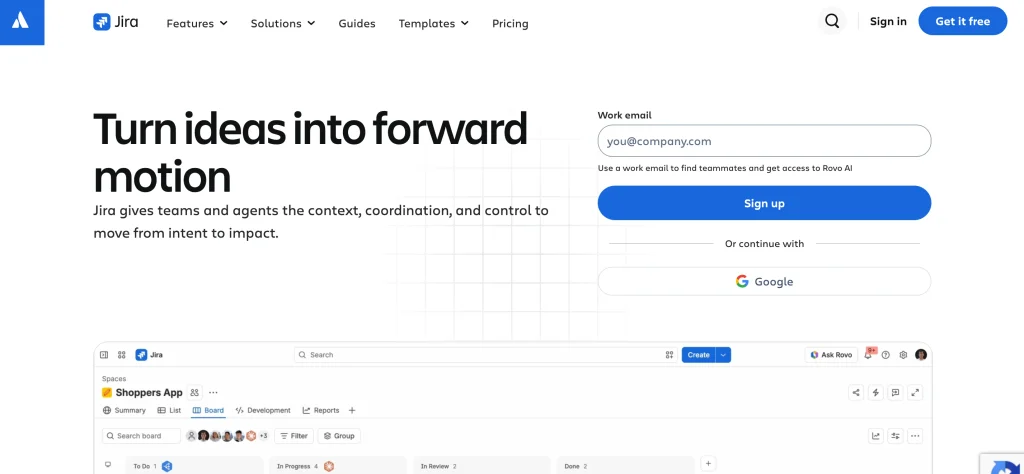
Jira is the industry-standard agile platform for software teams. It offers deep Scrum and Kanban boards, backlogs, sprints, roadmaps, and reports, plus tight links to Confluence, Bitbucket, and a huge marketplace of integrations.
It is powerful enough for large organizations with complex permissions and flexible enough for small teams. That flexibility comes with a learning curve and configuration work, and some teams find it heavy compared with newer, more opinionated tools.
Key Features:
- Scrum And Kanban Boards
- Backlog And Sprint Planning
- Roadmaps And Epics
- Custom Workflows
- Large Integration Marketplace
Pros:
- Deepest Agile Feature Set
- Large Ecosystem
- Scales To Enterprise
Cons:
- Steep Configuration Learning Curve
- Can Feel Heavy
- Advanced Features On Higher Plans
Pricing:
- Free: $0
- Standard: $7.91 per user/month
- Premium: $14.54 per user/month
- Enterprise: Custom pricing; contact sales for details
2. Azure DevOps
- Website: https://azure.microsoft.com/en-us/products/devops/
- Best Use Cases: Agile boards for teams in the Microsoft ecosystem that also need pipelines and repositories
Azure DevOps combines agile boards with repositories, build pipelines, and test tools in one Microsoft platform. Azure Boards has built-in Scrum and Kanban templates, making it effective agile project management software for teams already using Microsoft and .NET tools.
It is a strong choice when you want planning and delivery in a single environment. Teams outside the Microsoft ecosystem may find the interface less friendly than newer tools, and extra services such as test plans cost more.
Key Features:
- Scrum And Kanban Boards
- Repos And Pipelines
- Sprint And Backlog Management
- Dashboards And Reports
- Microsoft Ecosystem Integration
Pros:
- Planning And Delivery Together
- Generous Free Tier
- Strong For Microsoft Teams
Cons:
- Interface Feels Dated
- Extra Services Cost More
- Best Inside Microsoft Ecosystem
Pricing:
- Custom, quote-based pricing
3. Linear

- Website: https://linear.app/
- Best Use Cases: Fast-moving product and engineering teams that value speed and a clean workflow
Linear is a flexible and powerful modern issue tracker designed for speed and simplicity. It has a keyboard-centric UI, a focused set of project management features like cycles for sprints, projects, and roadmaps, and an opinionated, learn-by-doing workflow.
Startups and product-led companies tend to adopt it before heavier issue tracking solutions. It lacks the configurability of Jira, so it’s not suited to organizations with highly specialized governance or customization needs.
Key Features:
- Keyboard-First Interface
- Cycles For Sprints
- Projects And Roadmaps
- GitHub And Slack Integrations
- AI-Assisted Workflows
Pros:
- Very Fast And Clean
- Quick To Adopt
- Strong Developer Experience
Cons:
- Less Configurable Than Jira
- Limited For Complex Governance
- Mainly For Software Teams
Pricing:
- Free: $0
- Basic: $10 per user/month (billed yearly)
- Business: $16 per user/month (billed yearly)
- Enterprise: Custom pricing (annual billing only)
4. ClickUp
- Website: https://clickup.com/
- Best Use Cases: Cross-functional teams that want sprints, docs, goals, and tasks in one flexible workspace
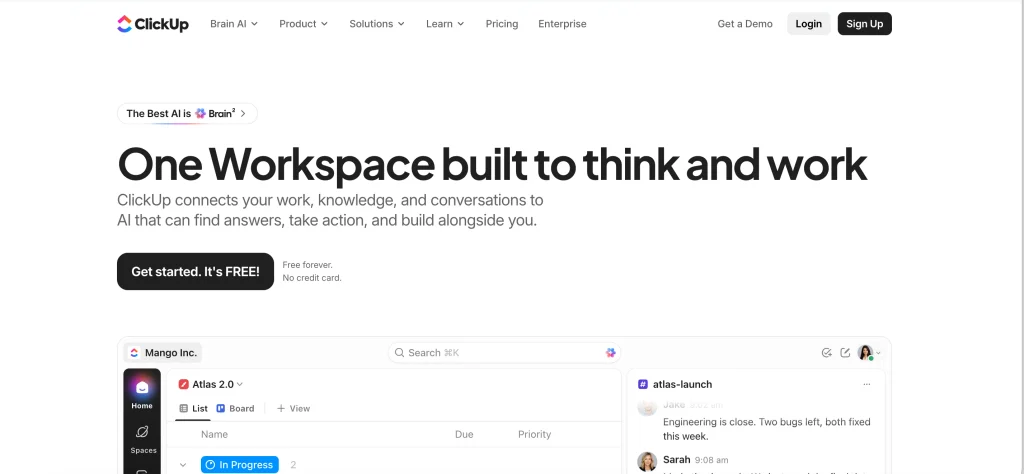
ClickUp is an all-in-one workspace that offers sprint management, burndown charts, velocity tracking, and story points, even on lower-priced plans. This agile project management software lets teams manage agile projects alongside documentation, goals, and dashboards in one place.
Its low cost per user and generous free plan make it a popular choice for teams scaling their software development processes. However, the wide range of tools may require time to master and standardize workflows across team members.
Key Features:
- Sprint Management
- Burndown And Velocity Charts
- Story Points
- Docs And Goals
- Custom Dashboards
Pros:
- Very Affordable
- Generous Free Plan
- Highly Customizable
Cons:
- Can Feel Overwhelming
- Setup Takes Time
- Some Performance Complaints
Pricing:
- Free Forever: $0
- Unlimited: $7 per user/month, billed yearly
- Business: $12 per user/month, billed yearly
- Enterprise: Custom pricing (contact sales)
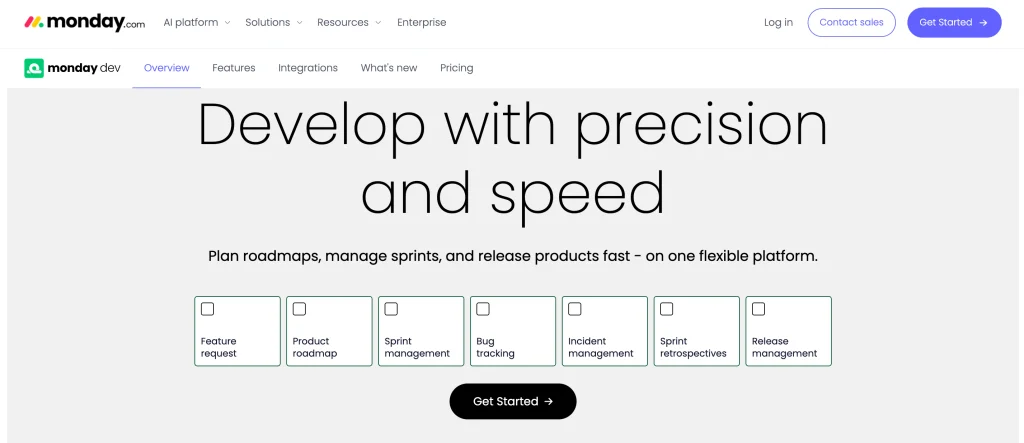
5. monday dev
- Website: https://monday.com/dev
- Best Use Cases: Visual sprint workflows that non-engineers can read at a glance
monday dev is monday.com’s product for software and product teams. It includes features like sprint management, burndown and velocity views, bug tracking, and roadmaps alongside the company’s easy-to-use drag-and-drop boards.
It integrates with GitHub, GitLab, and Azure DevOps, and its powerful visual dashboards enable stakeholders to stay informed on the status of their products without having to get into engineering tickets. It is not as deep for complex agile programs as compared to Jira but requires a minimum of three seats for a plan.
Key Features:
- Sprint Boards And Burndown
- Bug Tracking
- Roadmaps
- GitHub And GitLab Integrations
- AI Sprint Summaries
Pros:
- Easy For Non-Engineers
- Attractive Dashboards
- Quick To Set Up
Cons:
- Less Depth Than Jira
- Three-Seat Minimum
- Costs Rise With Seats
Pricing:
- Basic: $9 per seat/month
- Standard: $12 per seat/month
- Pro: $20 per seat/month
- Enterprise: Custom pricing (contact sales)
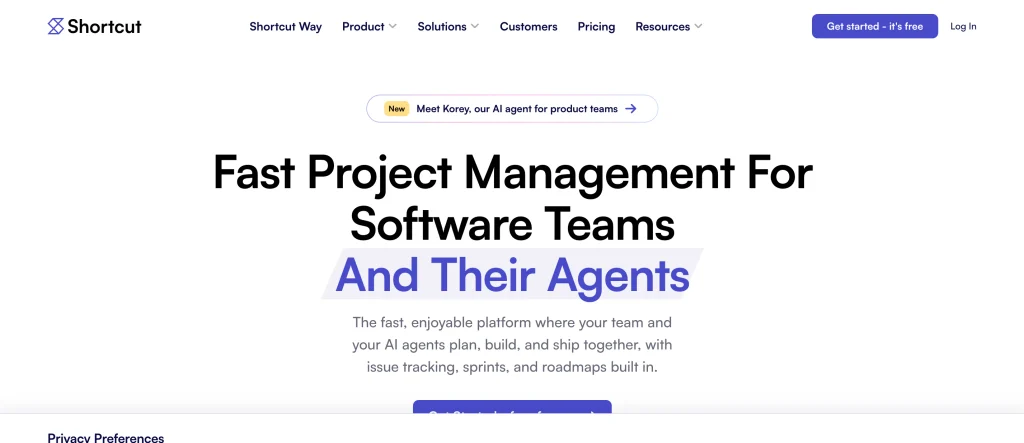
6. Shortcut
- Website: https://shortcut.com/
- Best Use Cases: Mid-sized software teams that want Jira-style power with a lighter, cleaner feel
Shortcut, formerly known as Clubhouse, is a story-centric planning tool that uses widely recognized agile terminology, including stories, epics, and iterations. This agile project management software provides velocity and burndown charts while minimizing the need for complex configurations.
Shortcut is positioned between Jira and Linear. While it may not suit organizations requiring extensive governance and plugin options, it is an excellent choice for most product and engineering teams.
Key Features:
- Stories And Epics
- Iteration Planning
- Velocity And Burndown Charts
- GitHub And GitLab Integration
- Roadmaps
Pros:
- Clean, Fast Interface
- Familiar Agile Concepts
- Free Plan Available
Cons:
- Less Configurable Than Jira
- Smaller Ecosystem
- Limited Enterprise Governance
Pricing:
- Free Plan: $0 per user/month
- Team Plan: $10 per user/month
- Business Plan: $16 per user/month
- Enterprise Plan: Custom pricing
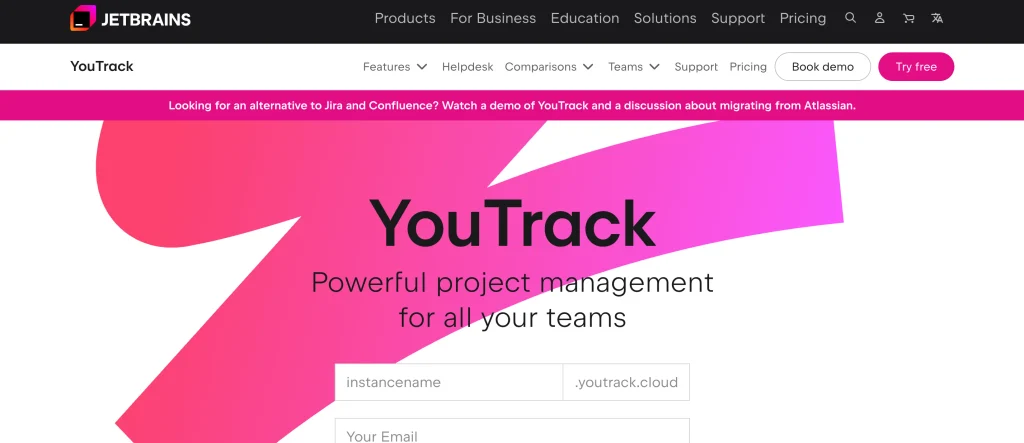
7. YouTrack
- Website: https://www.jetbrains.com/youtrack/
- Best Use Cases: Teams that want flexible issue tracking, powerful search, and agile boards at a low price
YouTrack is JetBrains’ issue tracker and agile project management tool. It offers Scrum and Kanban boards, custom workflows, a powerful query-based search, time tracking, and Gantt views.
A low per-seat cost and a free plan for up to 10 users make it a good value, and you can host it in the cloud or on your own servers. Teams new to the product will have to spend some time learning its query language and customization options.
Key Features:
- Scrum And Kanban Boards
- Powerful Query-Based Search
- Custom Workflows
- Time Tracking
- Cloud Or Self-Hosted Options
Pros:
- Low Price
- Free Plan For 10 Users
- Flexible Workflows
Cons:
- Learning Curve For Queries
- Smaller Community Than Jira
- Interface Can Feel Dense
Pricing:
- 1–10 Users: Free
- 11+ Users: US $5.40 per user/month
Also Read :
8. ZenHub

- Website: https://www.zenhub.com/
- Best Use Cases: GitHub-centered engineering teams that want agile planning without leaving GitHub
ZenHub integrates agile boards, roadmaps, and sprint planning directly into GitHub. This agile project management software helps developers work where they manage their code, minimizing context switching and keeping issues and pull requests closely linked.
It is ideal for teams that do almost everything in GitHub. Users who primarily work with GitLab or Bitbucket may find it less compelling, and it offers fewer non-engineering project management capabilities than most standalone tools.
Key Features:
- Boards Inside GitHub
- Sprint And Roadmap Planning
- Velocity Reports
- AI Sprint Reviews
- Native Issue And PR Linking
Pros:
- Deep GitHub Integration
- Low Context Switching
- Affordable Pricing
Cons:
- GitHub-Focused
- Less For Non-Engineering Teams
- Smaller Ecosystem
Pricing:
- Free: $0 per user/month
- Teams: $4.99 per user/month
- Enterprise: Custom pricing
9. Asana

- Website: https://asana.com/
- Best Use Cases: Cross-functional teams that mix agile boards with broader work tracking
Asana is a popular work management platform with board views, timelines, goals, and workflow automation. Teams can run lightweight agile workflows such as Kanban or simple sprints while keeping marketing, operations, and product work in the same tool.
It is easy to adopt and strong for collaboration. It is not built specifically for software agile, so developers who need deep sprint metrics, story points, and code integrations may prefer dedicated tools.
Key Features:
- Board And Timeline Views
- Goals And Workflows
- Automation Rules
- Workload Management
- Wide Integrations
Pros:
- Easy To Use
- Great Cross-Team Collaboration
- Clean Interface
Cons:
- Limited Native Sprint Metrics
- Less For Developers
- Advanced Features On Higher Tiers
Pricing:
- Personal: $0 (Free forever)
- Starter: $10.99 per user/month (billed annually)
- Advanced: $24.99 per user/month (billed annually)
- Enterprise: Custom pricing
10. Trello

- Website: https://trello.com/
- Best Use Cases: Simple, visual Kanban for small teams and lightweight agile workflows
Trello is a card-and-board interface that helps teams implement Kanban and visualize their project management processes. This agile project management software lets users drag cards between columns, add checklists and due dates, and use Power-Ups for calendars, automation, and other features.
Trello works well for small teams, individual users, and lightweight Agile workflows. However, it lacks native Scrum features such as dedicated sprint planning, burndown charts, and velocity reports. Teams that need a structured Scrum process may require additional Power-Ups or a dedicated Agile tool.
Key Features:
- Kanban Boards
- Power-Ups
- Automation With Butler
- Checklists And Due Dates
- Easy Sharing
Pros:
- Very Easy To Learn
- Free Plan Available
- Highly Visual
Cons:
- No Native Sprint Metrics
- Limited For Complex Projects
- Power-Ups Needed For More
Pricing:
- Free: $0 (free for up to 10 collaborators per workspace)
- Standard: $5 per user/month
- Premium: $10 per user/month
- Enterprise: $17.50 per user/month
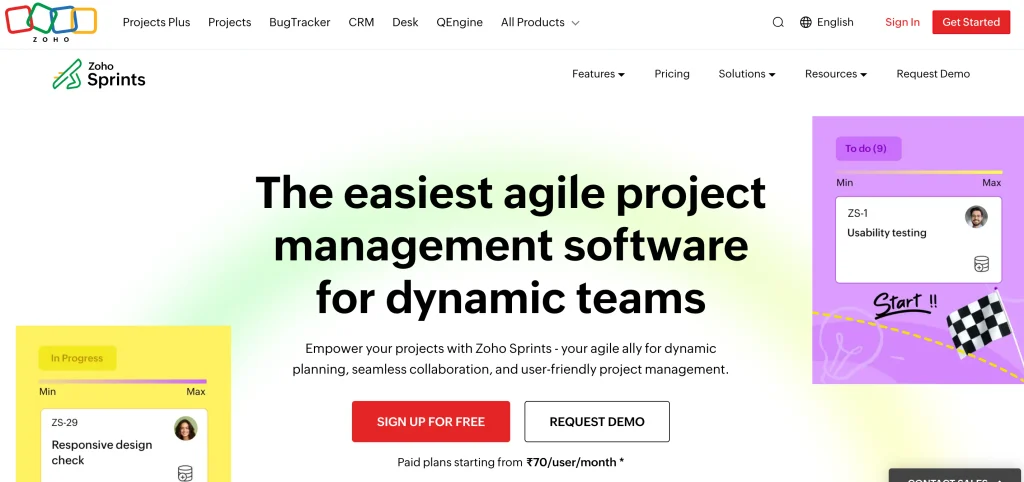
11. Zoho Sprints
- Website: https://www.zoho.com/sprints/
- Best Use Cases: Small and mid-sized teams that want affordable Scrum tools in the Zoho ecosystem
Zoho Sprints is a Scrum-focused project management tool that offers backlog management, sprint planning, boards, and retrospectives. Its integration with other Zoho products makes it a practical option for teams already using the Zoho ecosystem.
It offers decent agile project management features for a low cost and is a great option for small teams that want to maintain structure without having to invest much in an enterprise-level tool. Its reduced ecosystem and less feature-rich reporting make it a less attractive option for larger organizations.
Key Features:
- Backlog And Sprint Planning
- Scrum And Kanban Boards
- Retrospectives
- Burndown Charts
- Zoho Integrations
Pros:
- Affordable
- Good For Small Teams
- Fits Zoho Ecosystem
Cons:
- Smaller Ecosystem
- Lighter Advanced Reporting
- Best Inside Zoho Apps
Pricing:
- Free: ₹0
- Starter: ₹70 per user/month
- Elite: ₹175 per user/month
- Premier: ₹350 per user/month
- Enterprise: ₹525 per user/month
12. Businessmap
- Website: https://businessmap.io/
- Best Use Cases: Kanban and flow-focused organizations that want strong visualization and metrics
Businessmap, formerly known as Kanbanize, is an agile project management software focused on Kanban and workflow management. It provides advanced boards, powerful workflow policies, analytics, and portfolio views that help organizations control work in progress.
This tool is suitable for project managers in companies focused on cycle time and workflow improvement, including non-software development departments. However, teams that prefer the classic Scrum framework or developer-focused tools may find it less appealing.
Key Features:
- Advanced Kanban Boards
- Flow Analytics
- Workflow Policies
- Portfolio Views
- Integrations
Pros:
- Strong Flow Metrics
- Good For Enterprise Kanban
- Visual And Flexible
Cons:
- Less Scrum-Focused
- Pricing Needs Confirmation
- Learning Curve For Flow Concepts
Pricing:
- Annual Plan: €7.40 per user/month
- Total: €773.00/month or €9,276.00/year
13. Digital.ai Agility

- Website: https://digital.ai/products/agility/
- Best Use Cases: Enterprise agile at scale with portfolio planning and SAFe support
Digital.ai Agility is an enterprise-level agile planning solution that is aimed at large businesses with hundreds of teams and programs. This tool helps companies manage portfolio planning, releases, and scaled agile frameworks like SAFe.
It helps senior leaders align strategic priorities with execution across teams and programs. However, its extensive features may be too complex for small teams, and pricing depends on the organization’s requirements.
Key Features:
- Portfolio Planning
- Release Tracking
- SAFe Support
- Team And Program Boards
- Enterprise Reporting
Pros:
- Built For Scaled Agile
- Good Portfolio Visibility
- Supports Large Programs
Cons:
- Custom Pricing Only
- Too Much For Small Teams
- Implementation Takes Time
Pricing:
- Custom, quote-based pricing
14. Targetprocess
- Website: https://www.targetprocess.com/
- Best Use Cases: Visual, flexible agile planning for enterprises and portfolio-level programs
Targetprocess is an agile project management software platform designed for enterprise agile and portfolio planning. It enables large companies to organize teams and programs while managing dependencies through a customizable interface.
This software is ideal for large enterprises that need to structure and visualize multiple agile teams and their interdependencies. However, configuring the planning system takes time, and its quote-based pricing requires a dedicated budget, making it less suitable for small and medium-sized businesses.
Key Features:
- Customizable Visual Views
- Program And Portfolio Planning
- Dependency Mapping
- Team Boards
- Enterprise Reporting
Pros:
- Very Flexible Visuals
- Good For Portfolio Agility
- Suited To Large Programs
Cons:
- Custom Pricing
- Setup Takes Planning
- Overkill For Small Teams
Pricing:
- Custom, quote-based pricing
15. Rally
- Website: https://www.broadcom.com/products/software/value-stream-management/rally
- Best Use Cases: Large-scale enterprise agile planning, portfolio management, and program coordination
Rally (now part of Broadcom) is an enterprise agile management software designed for multiple teams and large-scale programs. It offers backlog management, iterations, releases, and portfolio planning features.
The platform is popular among enterprises that want to scale their agile practices while enforcing cross-team coordination, reporting, governance, and control. Like most enterprise-level solutions, Rally requires a notable initial investment and is typically only cost-effective for large organizations.
Key Features:
- Backlog And Iteration Planning
- Release Planning
- Portfolio Management
- Dependency Tracking
- Enterprise Reporting
Pros:
- Built For Large Programs
- Strong Portfolio Features
- Enterprise Governance
Cons:
- Custom Pricing
- Heavy For Small Teams
- Setup Takes Time
Pricing:
- Custom, quote-based pricing
How To Choose The Right Agile Project Management Software?
The best tool matches your methodology, team size, and tech stack. A scrum team of developers has different needs from a marketing team using Kanban.
- Methodology: Choose Scrum tools for sprints and velocity, and Kanban tools for continuous flow, or a platform that supports both.
- Budget: Look beyond the per-user price. Check seat minimums, user limits, and add-on costs for AI, advanced reports, or security.
- Developer Integrations: If you build software, make sure the tool connects well with GitHub, GitLab, and your CI/CD pipeline.
- Team Type & Size: Small teams often prefer lightweight tools, while large organizations may need portfolio views, governance, and SAFe support.
- Ease Of Adoption & Support: Pick a tool your team will actually use, test it with a real sprint, and check vendor support, plus links with B2B CRM tools if you share work with customer teams.
Common Mistakes To Avoid When Choosing Agile Software
Many teams pick a tool that does not match how they really work. Avoid these common mistakes.
- Following The Crowd: A popular tool may be too heavy or too light. Test it against your real workflow before committing.
- Over-Configuring Workflows: Too many custom fields and statuses slow teams down, so keep workflows simple.
- Ignoring Free Plan Limits: User caps and missing features can force an upgrade sooner than expected.
- Skipping A Trial Sprint: Run a real sprint, including planning, daily updates, and a retrospective, before you commit.
- Forgetting Integrations: If the tool does not link to your code, chat, and docs, updates become manual and teams stop using it.
- Neglecting Team Training: Even the best tool fails without agreed practices, so train the team and define how you will use boards and backlogs.
Conclusion
Agile project management software helps teams plan clearly, deliver steadily, and adapt quickly. Jira, Azure DevOps, Linear, and Shortcut are strong choices for software teams, ClickUp, monday dev, and Asana suit cross-functional work, and YouTrack, ZenHub, Zoho Sprints, and Trello offer value for smaller teams. Enterprises running agile at scale can look at Digital.ai Agility, Targetprocess, Rally, and Businessmap.
By comparing methodology, budget, integrations, team size, and ease of use, you can choose the platform that fits today and grows with you. Shortlist two or three tools, run a trial sprint with your real backlog, and involve your developers, product owners, and stakeholders in the decision.
FAQs
Q1: What Is The Best Agile Project Management Software?
Jira is the deepest option for software teams running Scrum or Kanban, Linear suits fast-moving product teams, and ClickUp or monday dev suit cross-functional teams. The best choice depends on team size, methodology, and budget.
Q2: What Is The Best Free Agile Project Management Software?
Jira’s free plan supports up to 10 users, Azure DevOps is free for the first 5 users, and Shortcut, YouTrack, Trello, and ClickUp also offer free plans. Check user limits and feature limits before relying on any free plan.
Q3: What Is The Difference Between Scrum And Kanban Tools?
Scrum tools support fixed-length sprints, backlogs, and velocity tracking, while Kanban tools focus on a continuous flow of work with limits on work in progress. Most modern platforms such as Jira, ClickUp, and Shortcut support both.
Q4: Which Agile Tool Is Best For Small Teams And Startups?
Linear, Shortcut, ClickUp, YouTrack, and Trello are popular with small teams because they are quick to set up and affordable. Linear and Shortcut suit software teams, while Trello suits simple Kanban workflows.
Q5: Which Agile Software Is Best For Large Enterprises?
Jira, Digital.ai Agility, Targetprocess, and Rally are common choices for large organizations because they support portfolio planning, governance, and scaled frameworks such as SAFe. Azure DevOps suits large Microsoft-based teams.