
As organizations adopt more software to boost efficiency, keeping track of every application becomes a complex task. Unchecked programs can create security risks, reduce system performance, and complicate compliance efforts. Application control tools offer a solution by allowing IT teams to set clear policies for software usage, ensuring only authorized applications run on company systems. These tools not only enhance cybersecurity but also provide valuable insights into software activity, helping businesses optimize resources and maintain smooth operations.
By preventing unauthorized installations and monitoring usage patterns, they reduce potential vulnerabilities and keep systems running reliably. Whether it’s a small business looking to protect sensitive data or a large enterprise aiming to streamline IT management, application control software provides a proactive way to manage software efficiently. In this blog, we’ll examine how these tools work, their key benefits, and their role in creating a secure, organized digital environment.
What Are Application Control Tools?
Application control tools are cybersecurity solutions designed to manage, monitor, and restrict the applications that are allowed to run on computers, servers, and enterprise networks. Their primary purpose is to prevent unauthorized, untrusted, or malicious software from executing, thereby reducing security risks such as malware infections, ransomware attacks, and data breaches.
These tools work by implementing techniques like application whitelisting, blacklisting, and rule-based controls, ensuring only approved applications and processes can operate. Application control software is widely used by organisations to enforce IT policies, protect sensitive data, and maintain security system integrity.
They also help improve operational stability by preventing unwanted software installations that may cause system crashes or performance issues. In addition, application control tools support regulatory compliance by providing detailed logs, visibility, and audit trails of application usage across endpoints and networks.
These tools are widely used by organisations to enforce IT policies, protect sensitive data, and maintain system integrity by following recognised endpoint security best practices adopted across global enterprises.
Why You Need An Application Control Tool
- Prevent Unauthorised Software Execution: Application control tools block unapproved programs from running, reducing risks caused by employees installing unsafe, pirated, or unverified applications on systems.
- Protect Against Malware and Ransomware: By allowing only trusted applications, these tools significantly reduce malware, ransomware, and zero-day attack risks across endpoints and enterprise networks.
- Enforce IT Security Policies: They help organisations strictly enforce security and usage policies, ensuring employees follow approved software standards without manual monitoring or intervention.
- Improve System Stability and Performance: Blocking unnecessary or conflicting applications prevents crashes, slowdowns, and compatibility issues, resulting in smoother system performance and fewer technical disruptions.
- Support Regulatory Compliance: Application control tools assist in meeting compliance requirements by maintaining detailed logs, audit trails, and reports of application usage and access.
- Reduce Insider Threats: Limiting application access minimises the chances of intentional or accidental misuse by insiders, protecting sensitive data from internal security breaches.
- Enhance Visibility and Control: They provide complete visibility into which applications are used, when, and by whom, enabling better decision-making and security oversight.
- Lower IT Support and Maintenance Costs: Preventing unauthorised software reduces troubleshooting efforts, system repairs, and support tickets, ultimately lowering overall IT maintenance and operational costs.
Quick Comparison
| SMBs and enterprises need network-level application control. | Best For | Ease of Use | Pricing |
| ThreatLocker Zero Trust Endpoint Protection Platform | Enterprises seeking zero-trust application control and endpoint security. | Moderate; intuitive interface but initial setup requires planning. | Subscription-based |
| VMware Carbon Black App Control | Large organizations needing enterprise-grade endpoint application whitelisting. | Moderate; policy creation can be complex for beginners. | Subscription-based |
| Check Point Application Control | Network-centric organizations requiring granular application governance. | Moderate; integrates with Check Point firewall; policy management may need training. | Subscription-based |
| CyberArk Endpoint Privilege Manager | Organizations needing privileged access management and application control. | Moderate; intuitive but policy configuration requires planning. | Subscription-based |
| ManageEngine Application Control Plus | Medium to large enterprises seeking centralized application whitelisting and audit management. | Easy; user-friendly dashboard with guided workflows. | Subscription-based |
| Airlock Digital Application Control | Critical infrastructure and high-security environments needing strict application governance. | Moderate; requires security expertise for optimal deployment. | Subscription-based |
| Ivanti Application Control | Enterprises require dynamic application control and compliance management. | Easy; integrates with endpoint management tools, simple policy enforcement. | Subscription-based |
| McAfee Application Control | Enterprises needing strong endpoint protection and malware prevention. | Moderate; centralized management is efficient but initial setup complex. | Subscription-based |
| Symantec Critical System Protection (CSP) | Enterprises with sensitive data or regulated environments. | Moderate; requires trained personnel for configuration. | Subscription-based |
| Faronics Anti‑Executable | Schools, healthcare, and organizations needing strict whitelisting. | Easy; simple interface and policy management. | Subscription-based |
| Trellix | Enterprises require application control with change monitoring. | Moderate; provides detailed reporting but initial setup requires planning. | Subscription-based |
| WatchGuard Firebox | SMBs and enterprises needing network-level application control. | Easy; integrates with WatchGuard firewalls, intuitive interface. | Subscription-based |
| Zscaler Posture Control | Cloud-first and remote organizations enforcing endpoint posture and application control. | Moderate; requires cloud administration knowledge. | Subscription-based |
| Fortinet FortiClient | Enterprises requiring unified endpoint and network security. | Easy; integrates with Fortinet security fabric, simple policy deployment. | Subscription-based |
| Panda Adaptive Defense 360 | Enterprises seeking combined EDR, application control, and proactive malware defense. | Easy; automated classification of applications simplifies management. | Subscription-based |
List of Top 15 Application Control Tools
1. ThreatLocker Zero Trust Endpoint Protection Platform
ThreatLocker is a zero-trust security platform that offers granular application control, ringfencing, and storage control. It enables the organisations to whitelist the trusted programs and block unknown or malicious programs. The system has endpoint privilege control, which blocks the unauthorised use or editing of files and controls systems.
It offers audit and compliance real-time monitoring and auditing. The zero-trust strategy in ThreatLocker also only allows approved applications and scripts to run, reducing the risk of malware and ransomware.
The solution combines with existing security systems, is scalable to enterprises, and is suitable to organisations requiring active endpoint security that provides a high level of application control.
Website: https://www.threatlocker.com
Key Features:
- Zero-trust application control with endpoint protection
- Dynamic allow/block lists and ringfencing
- Centralized policy management for users and devices
- Audit logs and real-time alerts
- Integration with SIEM and ITSM tools
Pros:
- Enterprise-grade zero-trust security
- Granular application control
- Scalable for large organizations
- Detailed reporting and audit logs
- Strong endpoint protection
Cons:
- High cost for SMBs
- Setup can be complex
- Learning curve for administrators
Pricing:
- Pricing is customized based on your organization’s specific needs
2. VMware Carbon Black App Control
Carbon Black App Control VMware is a commercial endpoint protection product that provides application whitelisting, privilege controls and lockdown features.
It constantly checks and implements policies on programs, which only trusted programs run, and blocks unwanted software. Its change control option will avoid making unapproved changes to critical files and system configurations, thus minimising malware. The tool offers compliance audit, IT management reporting, and analytics.
VMware Carbon Black App Control is the perfect solution when organisations are required to manage a centralized application control, data protection, and proactive threat prevention on endpoints of an enterprise.
Website: https://www.vmware.com/products/carbon-black.html
Key Features:
- Enterprise-grade endpoint application whitelisting
- Continuous monitoring and threat detection
- Policy-based application control enforcement
- Integration with VMware Workspace Security
- Audit and compliance reporting
Pros:
- Strong malware prevention
- Centralised management console
- Flexible policy enforcement
- Supports large enterprise environments
- Advanced reporting and analytics
Cons:
- Expensive licensing
- Complex configuration
- Resource-intensive on endpoints
Pricing:
- ~ $36.99/year/endpoint: For Windows Desktop/Laptop (1-year subscription)
- ~ $55.52/year/endpoint: For Desktop (1-year subscription)
3. Check Point Application Control
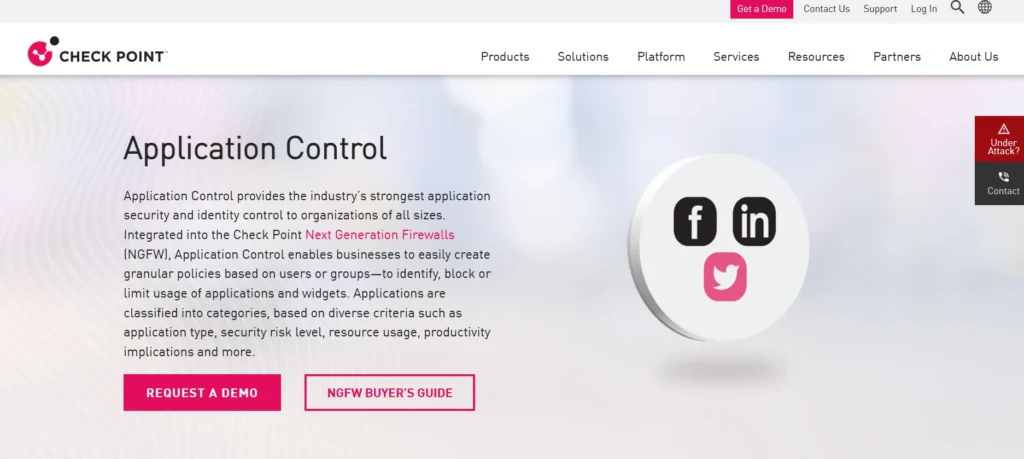
Checkpoint Application Control is a universal security system that is used to monitor, control, and limit the use of applications on networks. It allows administrators to deploy fine-grained policies, preventing unsafe or dangerous applications and permitting those that are safe.
This tool is embedded into the next-generation firewall of Check Point and offers a single network and endpoint protection. It has real-time monitoring, logging, and reporting capabilities to trace the application use and policy violations.
Application Control enables Check Point to detect and remove potential attacks through threat intelligence integration. It is best suited to organisations that need rigid application control, productivity control, and enterprise-wide security controls.
Website: https://www.checkpoint.com/products/application-control/
Key Features:
- Firewall-based application control
- Granular app and URL filtering
- Real-time monitoring of application activity
- Threat prevention integration
- Policy-driven access controls
Pros:
- Tight network security integration
- Granular control over apps
- Real-time monitoring
- Scalable for enterprises
- Robust reporting capabilities
Cons:
- Requires a Check Point firewall
- Complex for beginners
- Policy management requires expertise
Pricing:
- Solution quote based on hardware + subscription + support
4. CyberArk Endpoint Privilege Manager
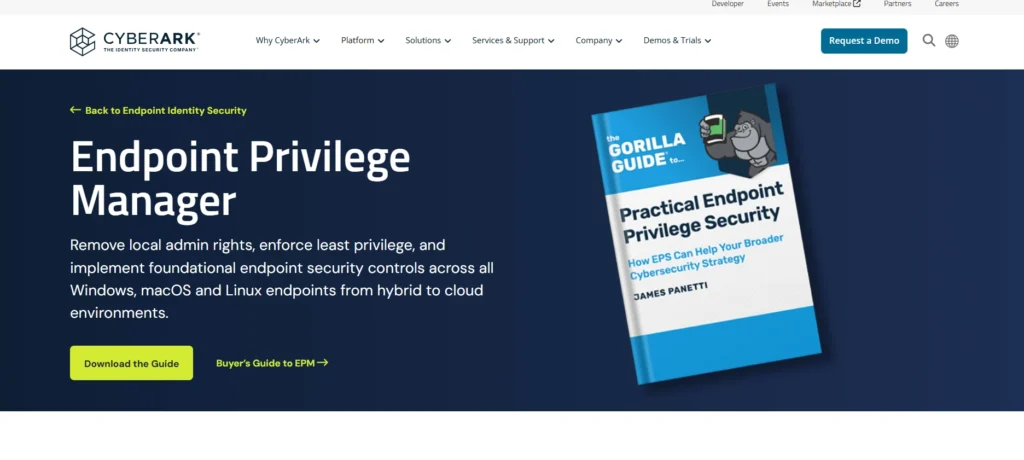
CyberArk Endpoint Privilege Manager is an application control software through the implementation of least-privilege policies and application enforcement. It assists organisations in controlling malware and ransomware by limiting unreliable applications and scripts.
The tool consists of application whitelisting, on-demand privilege elevation and compliance audit reporting. It works smoothly with internal security systems, and it gives a centralized policy enforcement in both Windows and macOS operating systems.
The solution of CyberArk reduces attack surfaces, protects sensitive data, and only trusted applications and users are given elevated privileges. Endpoint Privilege Manager is ideal in enterprises that need regulatory compliance and do not need to interfere with the workflow.
Website: https://www.cyberark.com/products/endpoint-privilege-manager/
Key Features:
- Privileged access management for endpoints
- Application whitelisting and control
- Threat analytics and automated remediation
- Policy enforcement across Windows and Mac
- Integration with SIEM tools
Pros:
- Excellent for privileged access security
- Reduces risk of malware execution
- Granular policy control
- Supports remote endpoints
- Strong audit and compliance reporting
Cons:
- Licensing is costly
- Initial configuration complex
- Requires admin training
Pricing:
- Request a custom quote for tailored pricing
5. ManageEngine Application Control Plus
ManageEngine Application Control Plus provides centralized application control (whitelisting and blacklisting) and executable control of enterprise endpoints. It enables IT administrators to establish fine-grained policies to deter illicit or malicious software execution.
The tool has real-time monitoring, audit trails, and reporting to confirm the security standards. It has features such as application discovery, version control, and automatic policy enforcement over Windows systems. As one of the leading application control tools, the solution provided by ManageEngine minimizes malware threat, software sprawl, and data breach, which improves security systems at endpoints.
Its user-friendly interface and compatibility with other ManageEngine products enable it to be used in medium to large enterprises that need scalable, efficient, and compliant application control solutions.
Website: https://www.manageengine.com/products/application-control/
Key Features:
- Centralised application whitelisting
- Endpoint auditing and reporting
- Policy-based app control for Windows and Mac
- Automated compliance enforcement
- Integration with ITSM and AD
Pros:
- User-friendly interface
- Easy deployment
- Detailed compliance reporting
- Scalable for medium and large businesses
- Policy automation
Cons:
- Limited advanced threat intelligence
- Requires AD environment
- Fewer third-party integrations
Pricing:
- Contact them for detailed pricing and demos
6. Airlock Digital Application Control
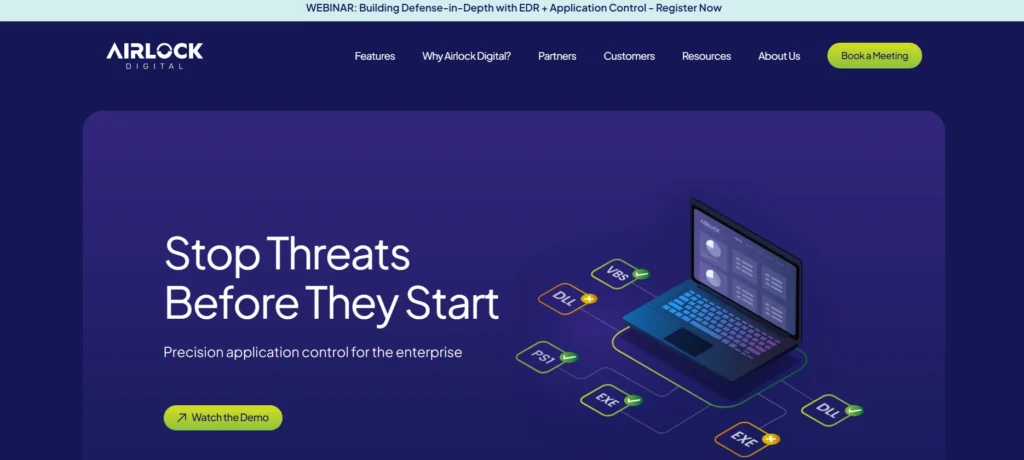
Airlock Digital Application Control is an endpoint security system that specialises in application whitelisting, privilege, and malware protection. It blocks unknown or unsafe programs and only authorises applications and scripts that run.
The tool offers audit trail, policy implementation and real time suspect notification. Airlock Digital helps to create policies automatically and connect with the existing enterprise security systems to enable work with numerous devices. It is specifically useful in securing high-security and critical infrastructure.
The solution will balance the needs of security and operational flexibility to ensure trusted software can be run with the lowest possible threats of malicious applications, ransomware, and insider threats.
Website: https://www.airlockdigital.com/
Key Features:
- Application whitelisting and execution control
- Policy-based security for endpoints
- Audit trails and compliance reporting
- Protection against malware and ransomware
- Remote management capabilities
Pros:
- Strong security for critical systems
- Detailed reporting and logs
- Easy policy enforcement
- High reliability for critical infrastructure
- Granular app control
Cons:
- Steep learning curve
- Requires IT expertise
- Licensing can be expensive
Pricing:
- Airlock Digital offers tailored plans, so contacting them or a partner (like Avocado Consulting) is necessary for exact figures
7. Ivanti Application Control
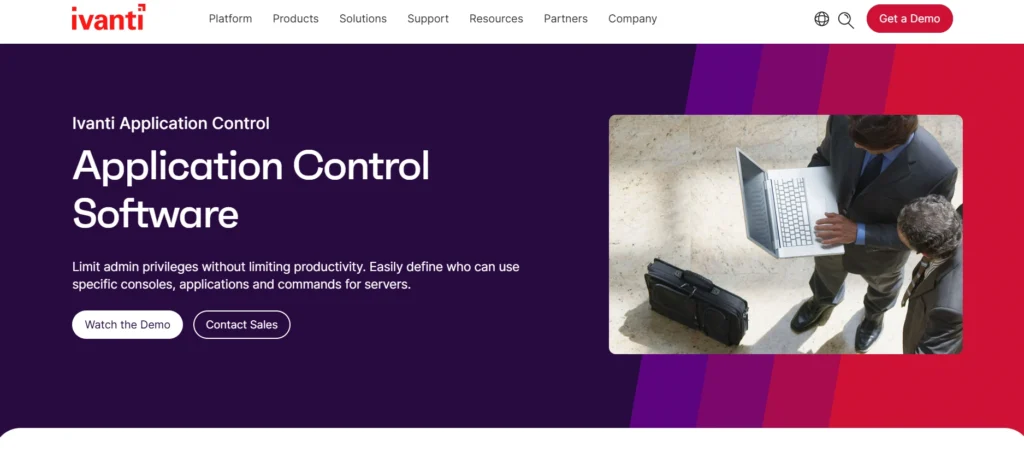
Ivanti Application Control offers business-level security and allows companies to implement application whitelisting, block unauthorized software, and control endpoint privileges. The remedy incorporates policy-based execution control, which averts the installation and execution of unauthorized programs.
It offers auditing, logging and reporting capabilities to monitor the use of the application and ensure compliance. Ivanti Application Control is compatible with dynamic whitelisting, dynamic control, and third-party integration with the broader endpoint management tools.
The system minimises malware and ransomware threats and guarantees efficiency. Ivanti solution is suitable in medium to large enterprises and it provides application governance, regulatory compliance and protection of sensitive data without affecting user productivity.
Website: https://www.ivanti.com/products/application-control
Key Features:
- Application whitelisting and blacklistin
- Policy-based enforcement on endpoints
- Integration with endpoint management tools
- Automated software restriction policies
- Audit and compliance reporting
Pros:
- User-friendly interface
- Integrates with endpoint management
- Simplifies compliance enforcement
- Reduces malware risk
- Easy to deploy
Cons:
- Limited advanced threat analytics
- Costs can scale with endpoints
- May need admin training
Pricing:
- Subscription: Around $32 – $51 USD per user/year for smaller volumes
8. McAfee Application Control
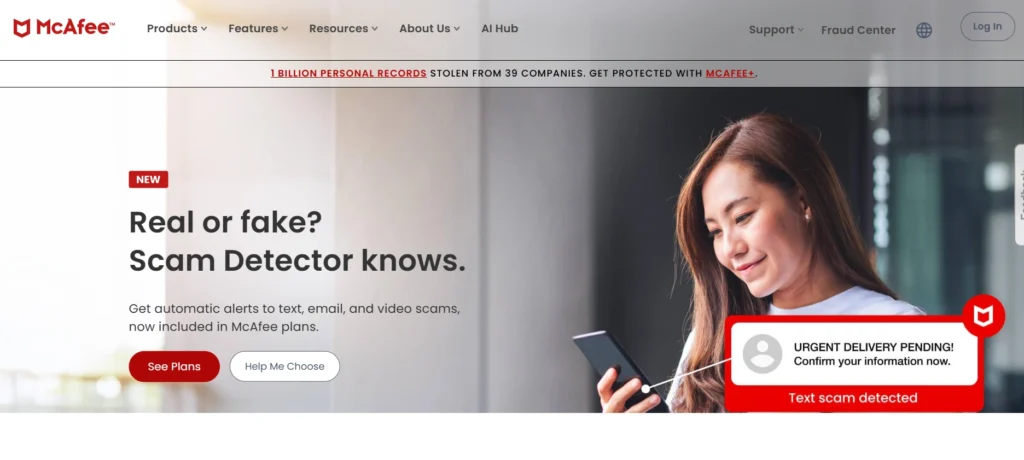
McAfee Application Control software is a security solution offering a high level of whitelisting, blacklisting, and device control to enterprise endpoints.
It blocks non-approved applications, scripts, and malware and safeguards critical systems and confidential data. The tool has active whitelisting, central policy management, and compliance audit logging. As one of the leading application control tools, it is used together with other McAfee security products to provide layered enterprise-wide protection.
McAfee Application Control is necessary when the organization needs strict software control, regulatory compliance, and active defense against ransomware and zero-day attacks. The solution ensures that endpoints execute only trusted software with minimal vulnerabilities and without affecting performance.
Website: https://www.mcafee.com/enterprise/en-us/products/application-control.html
Key Features:
- Application whitelisting for enterprise endpoints
- Change control and enforcement
- Real-time malware protection
- Policy-based security
- Integration with McAfee ePO
Pros:
- Enterprise-grade security
- Strong malware prevention
- Centralized management console
- Scalable for large networks
- Policy automation
Cons:
- Complex initial setup
- Resource-intensive
- Licensing cost high
Pricing:
- Around $250+ for a single server license with 1-year Gold Support
9. Symantec Critical System Protection (CSP)
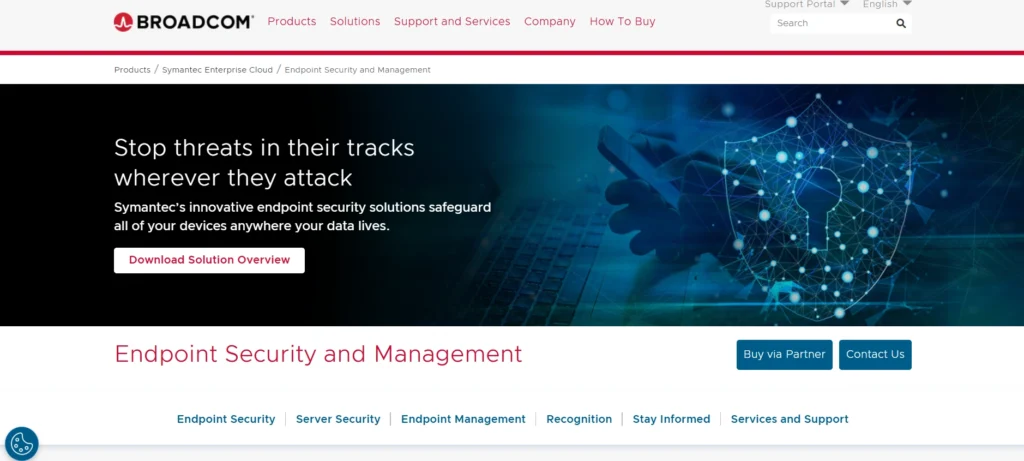
Symantec Critical System Protection (CSP) is a payment endpoint security that applies application control, integrity watch, and intrusion prevention. CSP guarantees the execution of authorised applications only without malware and unauthorized modifications to critical systems.
The tool can be used to manage policies centrally, monitor, and report in detail to facilitate compliance and auditing. It has whitelisting, privilege management, and unauthorized script or code protection. Symantec CSP is compatible with existing security systems to provide multiple layers of protection.
It is a perfect fit in a business with sensitive data or controlled surroundings and balances the security, compliance, and continuity of operations with the lowest endpoint risks of untrusted applications.
Website: https://www.broadcom.com/products/cyber-security/endpoint
Key Features:
- Endpoint application control and whitelisting
- Intrusion prevention system (IPS)
- Real-time threat detection
- Policy-based access control
- Compliance and audit reporting
Pros:
- Strong endpoint protection
- Granular app control
- Centralized management
- Detailed logs for auditing
- Supports regulatory compliance
Cons:
- Setup requires expertise
- High learning curve
- Subscription cost
Pricing:
- Pricing is volume-based and depends on nodes/devices and subscription length
10. Faronics Anti‑Executable
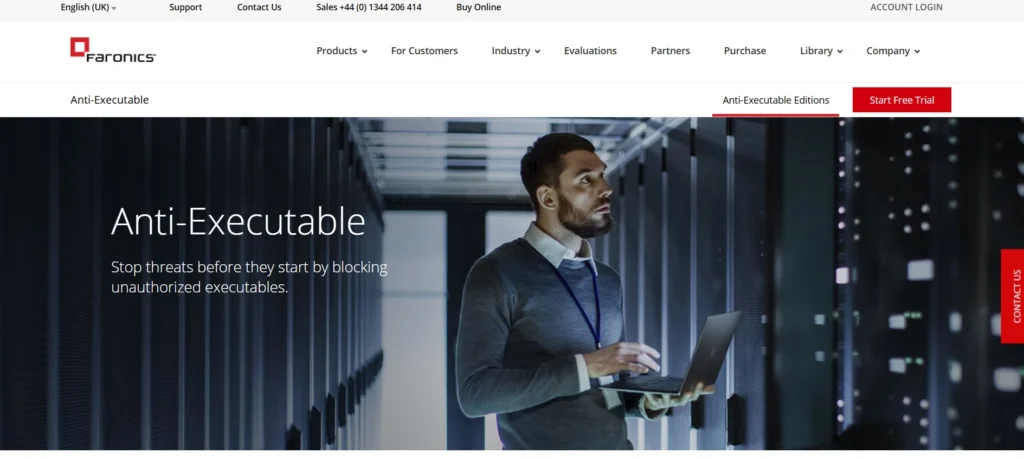
Faronics Anti-Executable defends endpoints by permitting only approved applications to execute, preventing malware, ransomware, and unauthorized software. It has whitelisting, blacklisting, and execution control by policy.
The security compliance tool has auditing, logging, and reporting. As one of the trusted application control tools, Anti-Executable is used with endpoint management systems to provide uniform policies across devices. It promotes dynamism in whitelisting and customization of policies.
Faronics’ solution applies to schools, healthcare, and other enterprises that require strict application control. It minimizes the attack surface and operational risks by allowing only trusted software to run, enabling safe and efficient endpoint usage without reducing user productivity or security system performance.
Website: https://www.faronics.com/products/anti-executable
Key Features:
- Application whitelisting for Windows endpoints
- Prevents unauthorized programs from running
- Centralized management console
- Automated policy updates
- Audit and reporting tools
Pros:
- Simple interface
- Lightweight and reliable
- Effective malware prevention
- Easy deployment
- Minimal resource usage
Cons:
- Limited advanced analytics
- Mainly Windows-only
- Small-scale deployment features
Pricing:
- Listed at approximately $34.67 USD
11. Trellix
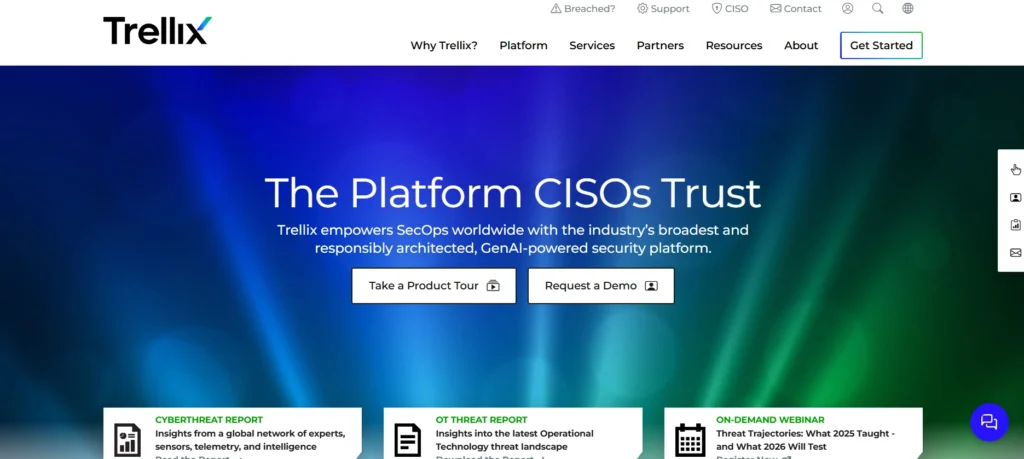
Trellix Application & Change Control secures the enterprise endpoints through application/change monitoring, privilege management, and whitelisting. It controls software execution and alteration of vital system files.
The solution gives real-time notifications, audit reports and compliance reports. Trellix is integrated into the broader security system to provide centralized enforcement of policies and proactive mitigation of the threat. Its dynamic application control and change tracking reduce malware, ransomware and insider threats.
Trellix is made to provide both protection and flexibility to the enterprises needing regulatory compliance and operational security, so that only trusted applications run, and to prevent any form of unauthorized changes, which improves endpoint integrity and security.
Website: https://www.trellix.com/
Key Features:
- Application whitelisting and change monitoring
- Endpoint threat detection
- Policy-based execution control
- Audit and reporting
- Integration with SIEM solutions
Pros:
- Enterprise-focused controls
- Detailed audit logs
- Strong malware prevention
- Scalable solution
Cons:
- Complex setup
- High cost
- Admin training required
Pricing:
- Endpoint Core: ~$83/user/year (12-mo contract, 250 min).
- Endpoint Advanced: ~$99/user/year (12-mo contract, 250 min).
- Endpoint Enterprise (with Forensics): ~$134/user/year (12-mo contract, 250 min).
12. WatchGuard Firebox
- WatchGuard Firebox
WatchGuard Firebox Application Control software allows monitoring and control of applications in the network through software, putting restrictions to block malicious or unauthorised programs. It grants the ability to see granular application use on the network.
The tool consists of real-time alerts, reporting, and WatchGuard firewall and security system integration. It assists organizations in avoiding malware, ransomware, and policy breaches. It allows application-specific rules, making it productive and reducing risks.
WatchGuard can generate centralized management, compliance, and full visibility of endpoint and network activity to protect against threats, which is ideal for enterprises and SMBs with its solution that unites application control and network-level security.
Website: https://www.watchguard.com/wgrd-products/firebox-application-control
Key Features:
- Firewall-based application control
- Real-time monitoring of app traffic
- Threat detection and blocking
- Policy-based application enforcement
- Integration with WatchGuard firewalls
Pros:
- Easy integration
- Intuitive interface
- Effective traffic filtering
- Scalable for SMBs
- Strong threat protection
Cons:
- Limited advanced analytics
- Dependent on Firebox hardware
- Some features require add-ons
Pricing:
- Pricing is complex, combining hardware cost with multi-year security subscriptions, so getting a quote from a reseller is best for accurate figures.
13. Zscaler Posture Control
Zscaler Posture Control is a cloud-based solution used in endpoint security, application control tools, and compliance enforcement. It checks endpoint posture, ensuring approved applications run and devices comply with security policies.
The tool offers centralized control, real-time analytics, and integration with cloud applications and security frameworks. Zscaler Posture Control enables automatic remediation, audit, and compliance reporting, minimizing threats from malware, ransomware, and non-compliant software installations.
It is ideal for organizations that follow a remote and cloud-first strategy, implementing zero-trust principles, secure application execution, and enforcing endpoint posture across multiple network devices and networks.
Website: https://www.zscaler.com/products/posture-control
Key Features:
- Cloud-based application control
- Endpoint posture and compliance checks
- Threat prevention and malware detection
- Policy enforcement across devices
- Integration with cloud security stack
Pros:
- Cloud-native and scalable
- Simplifies endpoint compliance
- Centralized management
- Supports remote work
- Automated posture assessments
Cons:
- Requires cloud expertise
- Subscription cost
- Complex initial setup
Pricing:
- Custom pricing rather than fixed public packages
14. Fortinet FortiClient
Fortinet FortiClient offers the protection of the endpoints with built-in application control, firewall, and antivirus services. It enables the organisations to whitelist applications, block applications and control privileges. The tool has centralized policy management, logging, and real-time alerts.
FortiClient is integrated into the security system fabric offered by Fortinet and offers these layers of protection at both the endpoint and network. It decreases the risk of malware, ransomware, and unapproved apps and ensures efficiency in operations. FortiClient is relevant to the work of companies and SMBs, securing compliance, policy enforcement, and safe running of applications.
Its integrated security strategy integrates endpoint security and network-wide security, offering high levels of security and surveillance to enterprise networks.
Website: https://www.fortinet.com/products/endpoint-security/forticlient
Key Features:
- Endpoint application firewall and control
- Malware protection and detection
- VPN and network integration
- Policy-based enforcement
- Centralised management via FortiManager
Pros:
- Easy integration with Fortinet ecosystem
- User-friendly interface
- Centralised policy management
- Malware prevention
- Supports remote endpoints
Cons:
- Limited features outside the Fortinet stack
- Resource usage on endpoints
- Subscription-based
Pricing:
- FortiClient VPN/ZTNA (Cloud-Hosted EMS): Around $770 for 25 endpoints (1 year), includes EPP/APT & FortiCare Premium.
- FortiClient VPN/ZTNA/EPP/APT (On-Premise EMS): About $570 for 25 endpoints (1 year), includes FortiCare.
15. Panda Adaptive Defense 360
Panda Adaptive Defense 360 is an amalgamation of advanced endpoint protection, application control, whitelisting, and real-time monitoring. It automatically identifies applications and blocks unknown or malicious softwares.
The platform has threat intelligence, audit logging, and centralised policy management, compliance and reporting. Panda AD360 is built on a multi-layered security system by combining antivirus, EDR, and device control. It reduces risks of malware and ransomware and only executes trusted applications.
Available to businesses of any size, Adaptive Defense 360 is proactive, flexible, and regulatory, supporting organisations to maintain endpoint integrity, block cyber threats, and improve overall security posture within the network.
Website: https://www.pandasecurity.com/enterprise/adaptive-defense-360/
Key Features:
- Combined EDR and application control
- Threat detection and classification
- Policy-based application enforcement
- Endpoint monitoring and reporting
- Cloud-based management
Pros:
- Automatic application classification
- Excellent threat detection
- Easy-to-use interface
- Cloud-managed endpoints
- Scalable for enterprises
Cons:
- Subscription cost
- Cloud dependency
- Initial setup requires planning
Pricing:
Reach out to WatchGuard partners for a precise quote based on your specific needs.
- 1-50 Users: Around $69
- 101-500 Users: Around $53
- 10,000+ Users: As low as $19.50
Ending Thoughts
Choosing the right application control software is essential for building a strong and proactive security posture in today’s threat-driven digital landscape. The top 15 application control tools offer diverse capabilities, including whitelisting, blacklisting, real-time monitoring, and policy-based enforcement, helping organizations prevent unauthorized software execution and reduce attack surfaces.
These solutions not only enhance protection against malware and ransomware but also improve compliance, system stability, and operational efficiency. Whether for small businesses or large enterprises, selecting a tool that aligns with infrastructure size, compliance needs, and user behavior is crucial. By investing in a reliable application control solution, organisations can ensure safer endpoints, better visibility, and long-term resilience against evolving cyber threats.
FAQs
Why are Application Control Tools Important for Cybersecurity?
They reduce attack surfaces, block malware, prevent ransomware infections, and ensure only trusted applications operate within the network.
How does Application Control Software Work?
They use whitelisting, blacklisting, or rule-based policies to allow or restrict applications based on predefined security system criteria.
Are Application Control Tools Suitable for Small Businesses?
Yes, many tools offer scalable and cost-effective plans designed for small and medium-sized businesses.
Can Application Control Software Help With Compliance?
Yes, they support regulatory compliance by enforcing software usage policies and maintaining audit-ready logs.
Do Application Control Platforms Affect System Performance?
Most modern tools are lightweight and optimised to run without impacting system performance.