
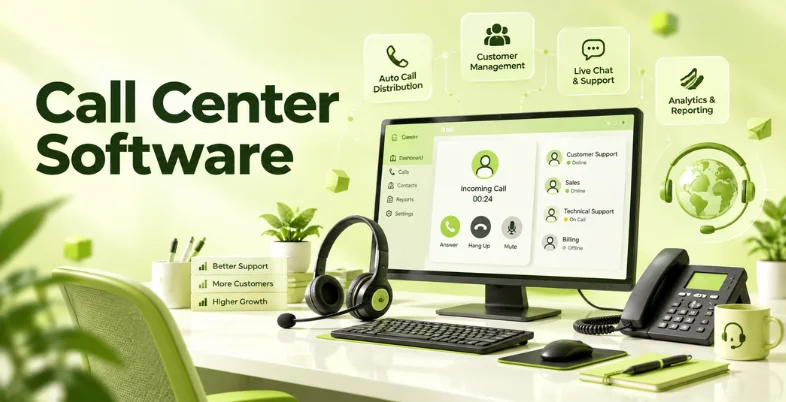
It can replace your separate phone systems and your spreadsheets full of manually tracked calls with a complete toolbox- call routing, IVR, call recording, queues, analytics, call tracking, etc. It replaces multiple phone systems and manual call tracking with a whole suite of tools, including call routing, IVR, call recording, queues, analytics, and agent management.
Modern call center solutions also integrate with CRM software, help desks, chat platforms, and other business tools, giving reps customer information while they’re on a call and helping managers keep track of their team.
Today’s market features everything from simple cloud phone systems for small teams to comprehensive contact center platforms for enterprise call centers. Prices range from monthly agent-based fees to usage-based plans, to plans where customers pay for a set number of seats. This guide covers all the basics- types of call center solution, features, pricing, benefits, challenges, and a list of 10 popular call center software solutions.
What Is Call Center Software?
Call center software is a system used to manage inbound and outbound business calls. It gives agents tools for answering, transferring, routing, recording, and tracking customer conversations.
Most modern solutions are cloud-based. Agents use a browser, desktop application, or mobile application instead of relying on traditional office phone hardware.
Common functions include:
- Inbound and outbound calling
- Interactive voice response (IVR)
- Automatic call distribution (ACD)
- Call queues
- Call recording
- Call routing
- Voicemail
- Call monitoring
- Agent dashboards
- Call analytics
- CRM integration
- Outbound dialers
- Workforce management
For example, when a customer calls a support number, an IVR system might ask the caller to select sales, billing, or technical support. The software then routes the call to the appropriate queue or agent.
Types Of Call Center Software
Inbound Call Center Platform
Inbound call center software is designed for businesses that receive customer calls. It is commonly used for customer support software, technical assistance, billing enquiries, appointment booking, and order support.
Key functions include IVR, automatic call distribution, queues, call routing, call recording, and agent monitoring.
Outbound Call Center Platform
Outbound software is designed for teams making large numbers of calls. Sales teams, collection agencies, research companies, and appointment-setting teams often use these systems.
Features often include power dialers, predictive dialers, call lists, campaign management, call dispositions, and automated follow-ups.
Blended Call Center Software
Blended platforms support both inbound and outbound calling. Agents might answer customer enquiries during one part of their shift and make sales or follow-up calls during another.
This setup suits teams where agents handle several types of customer interactions.
Omnichannel Contact Center Software
Omnichannel platforms combine voice with channels such as email, live chat, SMS, social messaging, and web messaging.
They give agents a broader customer history and help businesses manage different communication channels from one platform.
Cloud-Based Call Center Software
Cloud-based software runs through the internet. The vendor manages the underlying infrastructure, updates, and much of the technical maintenance.
This setup supports remote and hybrid teams and generally requires less on-site hardware than traditional systems.
On-Premise Call Center Solution
On-premise software runs on infrastructure managed by the business. It gives organizations direct control over their telephony environment and internal systems.
The trade-off is greater responsibility for hardware, upgrades, maintenance, security, and technical support.
Key Features To Look For In Call Center Software
- IVR- Interactive voice response gives your callers automated options to get through automated menus.
- Call routing- The system that determines the calls of users. Calls can be routed based on factors such as opening hours, position of the caller, customer characteristics and history, or skills of agents.
- Automatic Call Distribution (ACD)- Incoming calls can be routed based on a set of rules like agent availability, department, language, skill, or queue.
- Call Recording- Call recordings are saved conversations with customers for training, quality, compliance, dispute or other reasons. Storage limits and legal restrictions should be considered when choosing call recording features.
- Call Monitoring- Call managers can listen to calls in real-time, access recordings, monitor live conversations, and evaluate agent performance. Many systems also offer whisper and barge-in.
- Call Analytics- Analytics data can show call volume, abandon rate, wait time, missed calls, handling time, service level, agent activity, and other data relating to contacts’ calling activities.
- CRM Integration- Integration between the contact center and the CRM allows calls to be linked with customer data platform. Contact center agents can view information stored in the CRM, including contact details, previous calls, sales lead status, service tickets, and notes.
- Outbound Dialers- Power and predictive dialers support outbound calling by reducing the amount of manual number dialing and helping staff work through larger call volumes.
- Workforce Management- Contact centers that manage a lot of contacts will require planning and scheduling tools including forecasting, staffing, scheduling, adherence, and performance management.
- AI Features- Many current platforms include AI transcription, call summaries, sentiment analysis, automated quality checks, agent assistance, virtual agents, and conversational analytics.
Comparison Of Call Center Software
| Tool Name | Best For | Key Feature | Pricing | CRM Integration |
| Zendesk | Omnichannel customer service | AI-powered routing and voice support | From $19/agent/month for Support. Contact Center add-on from $83/agent/month | Salesforce, HubSpot, Microsoft Dynamics and more |
| Freshcaller | Small and growing teams | IVR and call management | Free. Paid plans from $15/agent/month plus usage | Freshsales and third-party integrations |
| Aircall | Sales and support teams | 250+ integrations | From $30/license/month | Salesforce, HubSpot, Zoho, Pipedrive and more |
| Five9 | Enterprise contact centers | AI and workforce management | From $119/seat/month for Digital | Salesforce, ServiceNow, Microsoft Dynamics and more |
| Genesys | Large contact centers | Advanced routing and analytics | From $75/user/month | Salesforce and other CRM integrations |
| Talkdesk | Enterprise voice operations | Voice engagement and routing | From $105/user/month | Salesforce, Microsoft Dynamics and others |
| RingCentral | Business communications | Calling and call management | Contact for Contact Center pricing | Salesforce, Microsoft Dynamics and others |
| Nextiva | SMB communications | Voice, SMS and call routing | From $15/user/month | Salesforce, HubSpot and others |
| Dialpad | AI-assisted calling | AI transcription and call insights | Contact for current Contact Center pricing | Salesforce, HubSpot, Microsoft Dynamics and others |
| Zoho Voice | Zoho users and small businesses | Native Zoho integrations | Free Solo plan. Paid plans available | Zoho CRM, Desk, Recruit, Bigin and others |
List of Top 10 Call Center Software
1. Zendesk
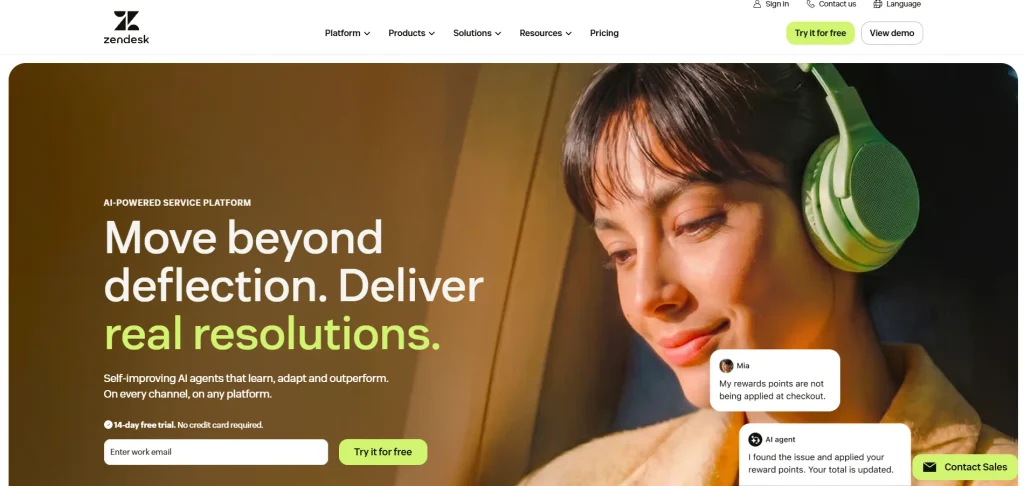
- Website: https://www.zendesk.com/in/
- Best for: Customer service teams that need voice, ticketing, messaging, and customer support in one platform.
Zendesk combines customer support software with voice and contact center functionality. It supports call routing, IVR, recording, reporting, AI features, and customer interaction management.
Teams using Zendesk for ticketing get customer information alongside voice interactions. It is particularly useful for businesses building an omnichannel customer service operation.
Key features
- IVR and call routing
- Call recording
- Call transcription
- AI agents
- Agent assistance
- Ticket management
- Customer profiles
- Omnichannel support
- Reporting and analytics
- Workforce management options
Pros
- Strong customer service features
- Good omnichannel capabilities
- Large integration ecosystem
- AI features
- Useful ticketing and voice combination
Cons
- Advanced features increase costs
- Voice usage charges can apply
- Larger implementations require more configuration
Pricing
- Support Team: $19/agent/month, billed annually
- Support Professional: $55/agent/month, billed annually
- Support Enterprise: $115/agent/month, billed annually
- Contact Center: $50 per agent/month for the add-on on eligible plans
- Contact Center add-on pricing varies by configuration and usage
- Zendesk’s current published pricing includes a 14-day trial. Its contact center offering adds voice and other contact center capabilities to the service platform.
2. Freshcaller
- Website: https://developers.freshcaller.com/
- Best for: Small and growing businesses looking for cloud-based call management.
Freshcaller is Freshworks’ cloud phone system for inbound and outbound business calls. It includes IVR, queues, call recording, routing, call monitoring, and reporting. Its plans range from a free option for basic calling to an enterprise plan with advanced routing and service-level features. Freshcaller also charges usage fees for calls.
Key features
- IVR
- Call queues
- Call recording
- Call routing
- Call monitoring
- Call metrics
- Voicemail
- Agent statuses
- Routing automation
- Service-level monitoring
Pros
- Free entry-level plan
- Simple interface
- Suitable for small teams
- Clear published pricing
- 14-day trial of Enterprise features
Cons
- Per-minute charges apply
- Advanced features require higher plans
- Some enterprise requirements need additional planning
Pricing
- Free: $0/agent/month + pay per minute
- Growth: $15/agent/month + pay per minute
- Pro: $39/agent/month + pay per minute
- Enterprise: $69/agent/month + pay per minute
- Freshcaller currently lists 2,000 incoming minutes on Growth, 3,000 on Pro, and 5,000 on Enterprise. All paid plans are shown with annual billing.
3. Aircall
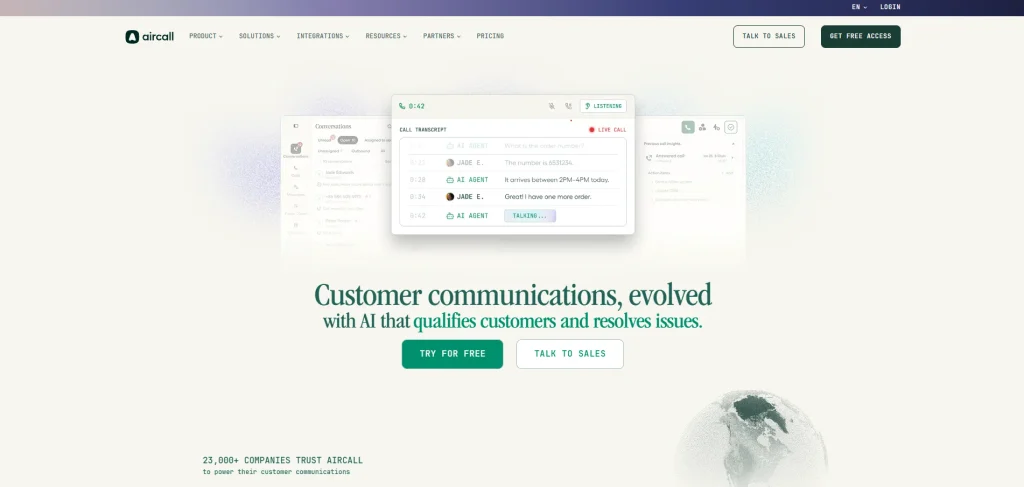
- Website: https://aircall.io/
- Best for: Sales and customer support teams that need strong CRM and business application integrations.
Aircall is a cloud phone and customer communication platform designed for sales and support teams. It offers IVR, call recording, click-to-dial, SMS, analytics, routing, and more than 250 integrations.
Its Professional plan adds advanced analytics, live monitoring, Power Dialer, and enhanced routing. Aircall also provides AI features for call assistance and voice agents.
Key features
- IVR
- Call recording
- Click-to-dial
- Call routing
- SMS and MMS
- Power Dialer
- Call analytics
- Live monitoring
- 250+ integrations
- AI voice features
Pros
- Easy cloud deployment
- Strong CRM integrations
- Good sales calling features
- Useful analytics
- Large integration library
Cons
- Three-license minimum on standard paid plans
- International calling costs vary
- Advanced features require higher plans
Pricing
- Essentials: $30/license/month, billed annually
- Professional: $50/license/month, billed annually
- Custom: Contact sales
- Essentials and Professional: 3-license minimum
- Custom: 25-license minimum
- Aircall lists 50 free AI Voice Agent minutes per account each month, along with additional AI minutes under its current plans.
4. Five9
- Website: https://www.five9.com/
- Best for: Mid-market and enterprise contact centers with high call volumes.
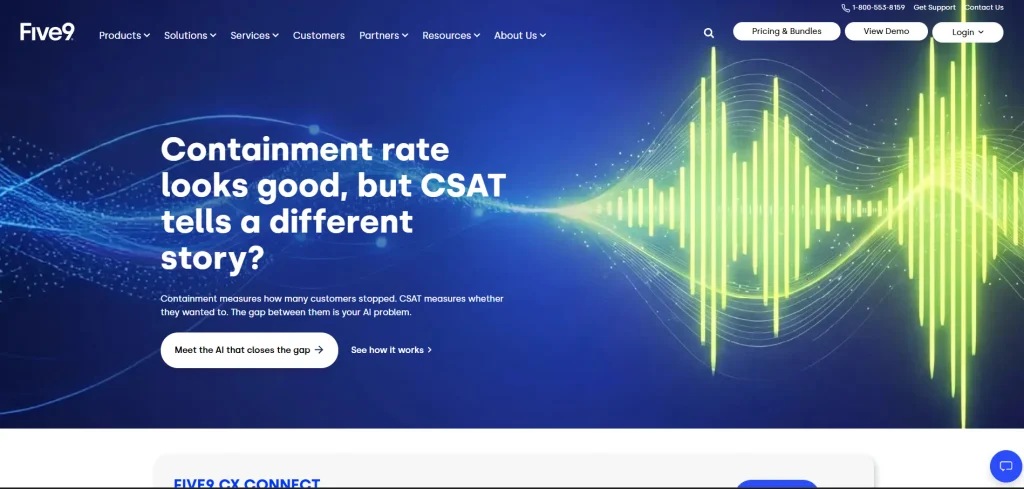
Five9 is a cloud contact center platform covering voice, digital channels, AI, CRM integrations, and workforce management. Its platform supports inbound and outbound calling, dialers, recording, routing, analytics, and AI-assisted operations. Five9 offers several solution bundles based on the level of AI and workforce management required. It is designed for larger contact center operations rather than basic business calling.
Key features
- Inbound and outbound calling
- IVR
- Automatic call distribution
- Predictive dialing
- Call recording
- AI summaries
- Agent assist
- CRM adapters
- Workforce management
- Digital channels
Pros
- Extensive enterprise features
- Strong outbound capabilities
- AI tools
- Workforce management
- CRM integrations
Cons
- Higher starting cost
- Minimum seat requirements
- Usage charges can apply
- Implementation is more complex than basic phone systems
Pricing
- Digital: $119/month per seat
- Core: $159/month per seat
- Plus: Contact sales
- Pro: Contact sales
- Enterprise: Contact sales
- Five9 states that published prices are based on concurrent users and that its bundles have a minimum of 50 seats. Additional usage-based pricing may apply.
5. Genesys Cloud CX
- Website: https://www.genesys.com/
- Best for: Large organizations with complex voice, digital, routing, analytics, and workforce requirements.
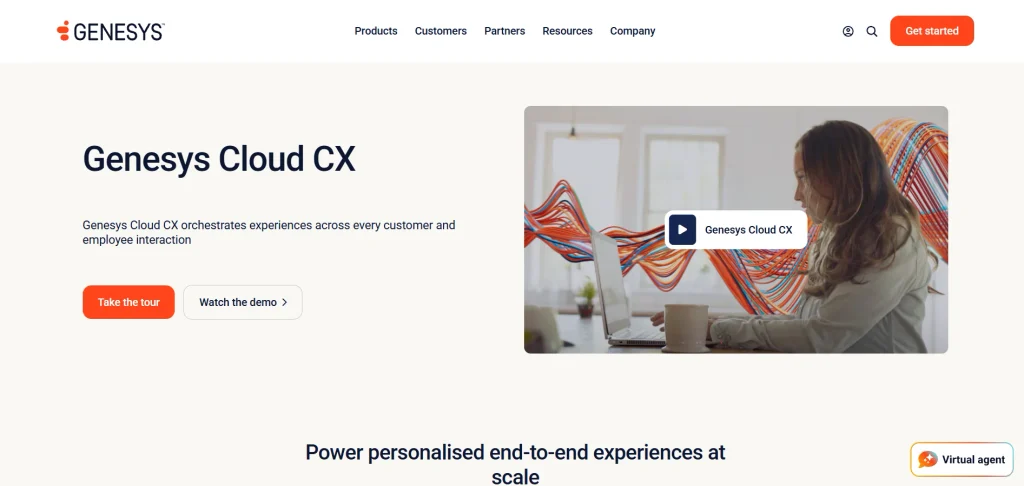
Genesys Cloud CX provides voice and digital contact center functionality through a cloud platform. Its tools cover IVR, routing, outbound campaigns, analytics, workforce management, quality management, and AI. Different editions provide progressively broader omnichannel and workforce features. It also supports integrations through its AppFoundry marketplace.
Key features
- Advanced call routing
- Speech-enabled IVR
- Outbound campaigns
- Omnichannel routing
- Workforce management
- Quality management
- Speech and text analytics
- AI agent assistance
- Predictive routing
- Reporting
Pros
- Broad enterprise functionality
- Strong routing capabilities
- Multiple licensing options
- Extensive AI features
- Strong workforce management
Cons
- Higher cost at advanced tiers
- More complex setup
- Some features are add-ons
- Usage-based pricing can apply
Pricing
- Genesys Cloud CX 1: $75/user/month
- Genesys Cloud CX 2: $115/user/month
- Genesys Cloud CX 3: $155/user/month
- Genesys Cloud CX 4: $240/user/month
- The listed prices are based on annual billing. Genesys also offers named, concurrent, and hourly interacting licensing options.
6. Talkdesk
- Website: https://www.talkdesk.com/
- Best for: Businesses looking for cloud-based voice or omnichannel contact center software.
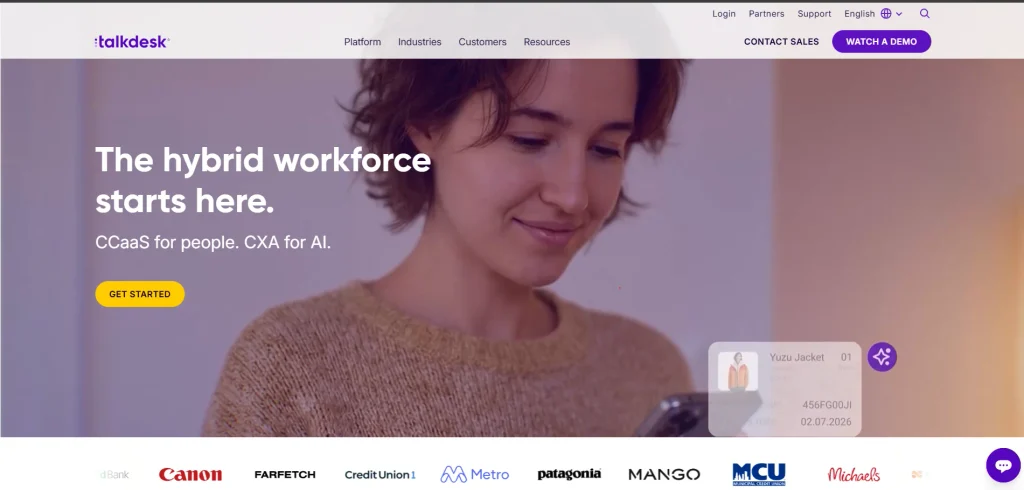
Talkdesk provides cloud contact center tools for voice and digital customer interactions. Its voice offering includes routing, dashboards, reports, APIs, speech recognition, and voicemail transcription.
The platform also provides digital engagement and higher-level omnichannel features. Businesses can select plans based on their communication channels and operational requirements.
Key features
- Voice engagement
- Digital engagement
- Call routing
- Speech recognition
- Voicemail transcription
- Dashboards
- Reporting
- APIs
- Omnichannel support
- Workforce management options
Pros
- Strong cloud voice capabilities
- Good reporting
- Digital channel support
- Enterprise features
- API access
Cons
- Advanced features cost more
- Some features require add-ons
- Enterprise pricing depends on configuration
Pricing
- Digital Essentials: $85/user/month
- Voice Essentials: $105/user/month
- Elite: Contact sales
- Industry Experience Clouds: Contact sales
- Talkdesk currently lists Digital Essentials at $85 and Voice Essentials at $105 per user/month. Its Elite and industry-specific offerings require a sales discussion.
7. RingCentral
- Website: https://www.ringcentral.com/
- Best for: Businesses that need cloud communications alongside customer calling.
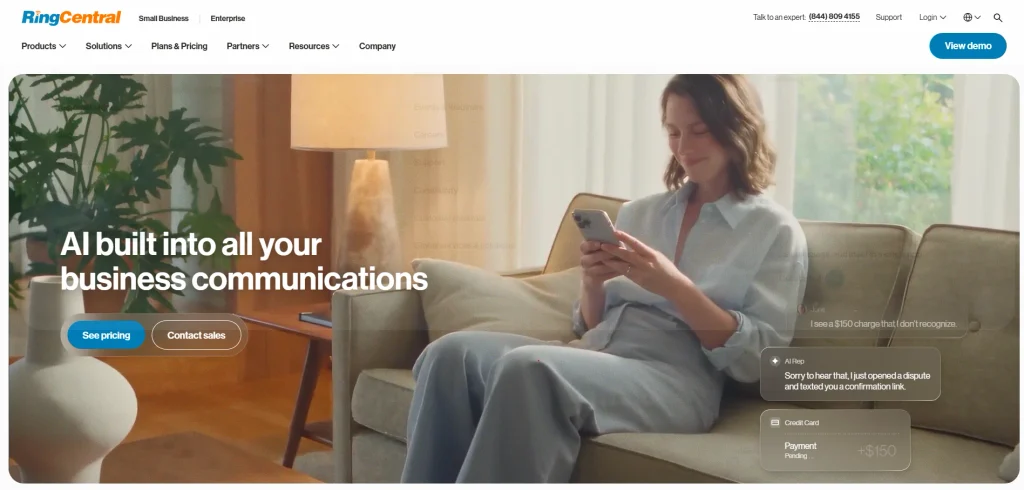
RingCentral provides business calling, messaging, meetings, and customer engagement tools. Its contact center capabilities include call routing, queues, analytics, and integrations with business applications.
The platform suits organizations already using RingCentral for internal communications. Contact center pricing depends on the selected customer engagement configuration.
Key features
- Business phone system
- Call routing
- Call queues
- IVR
- Business SMS
- Analytics
- AI features
- Customer engagement
- CRM integrations
Pros
- Broad communication capabilities
- Suitable for hybrid teams
- Strong business calling
- Multiple integrations
Cons
- Contact center pricing is configuration dependent
- Advanced features require higher plans
- The product range can be broad for small teams
Pricing
- RingEX Core: pricing varies by current offer and user count
- RingEX Advanced: pricing varies by current offer and user count
- RingEX Ultra: pricing varies by current offer and user count
- RingCX Contact Center: Contact sales for current pricing
- RingCentral offers separate business communications and contact center products, so businesses should request a quote based on the required number of agents and features.
8. Nextiva
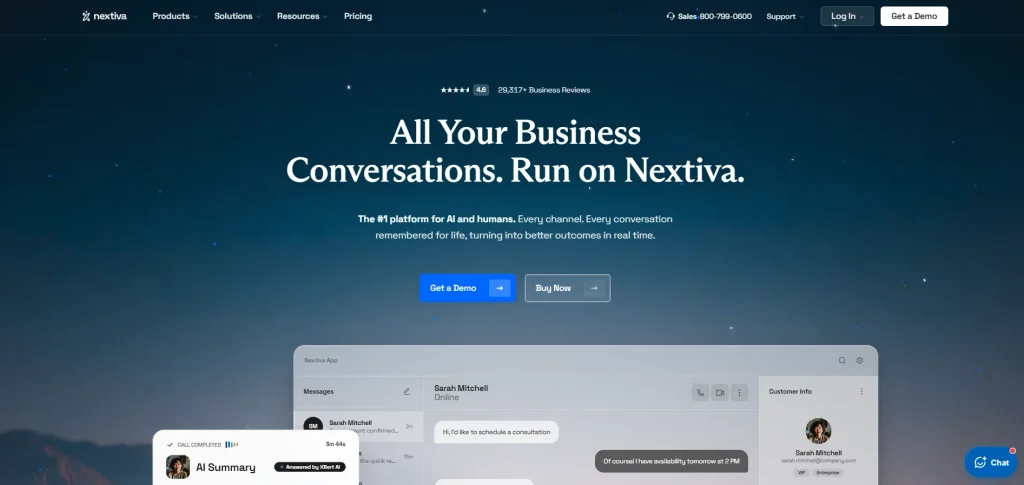
- Website: https://www.nextiva.com
- Best for: Small and medium-sized businesses that need calling, messaging, and customer communication tools.
Nextiva combines business phone services with messaging, video, SMS, call routing, and customer experience features. Its platform is designed to bring business communications into one system. Contact center features add tools for handling inbound and outbound customer interactions. It is suited to organizations looking for a communication platform without the complexity of a large enterprise contact center.
Key features
- Business calling
- Call routing
- IVR
- SMS
- Call queues
- Analytics
- Video meetings
- Customer experience tools
- CRM integrations
Pros
- Suitable for SMBs
- Multiple communication channels
- Simple cloud deployment
- CRM integrations
Cons
- Advanced contact center features require higher plans
- Some pricing depends on user count and term
- Enterprise requirements might require additional configuration
Pricing
- Core: From $15/user/month
- Engage: From $25/user/month
- Scale: From $75/user/month
- Enterprise: Contact sales
- Pricing varies according to the selected term, number of users, and product configuration.
9. Dialpad
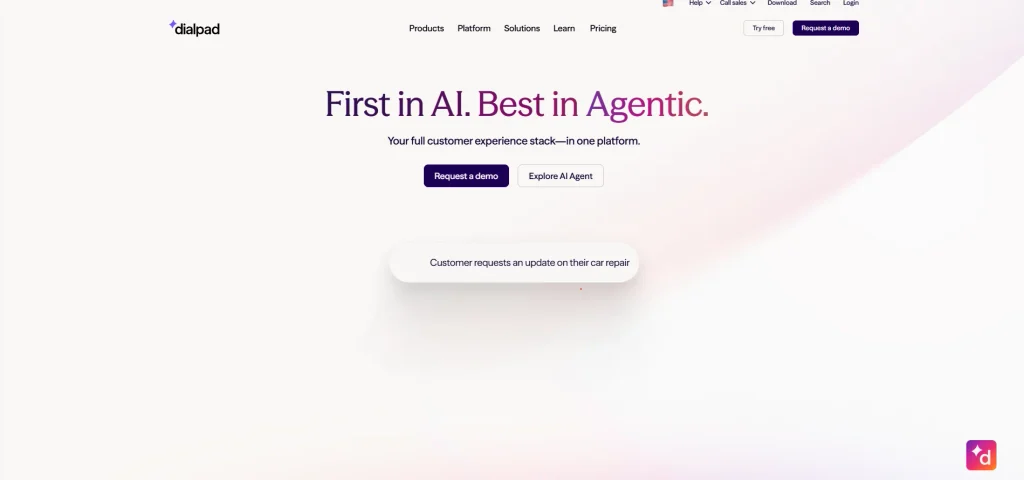
- Website: https://www.dialpad.com/
- Best for: Businesses looking for AI-assisted calling and conversation analysis.
Dialpad combines cloud calling software with AI-powered transcription and conversation intelligence. Its platform supports voice, messaging, call routing, analytics, and customer interaction management. AI tools help teams generate transcripts and call summaries and analyze conversations. It also integrates with popular CRM and business applications.
Key features
- AI transcription
- Call summaries
- Call recording
- IVR
- Call routing
- Conversation intelligence
- Analytics
- CRM integrations
- AI assistance
Pros
- Strong AI functionality
- Useful conversation analytics
- Cloud-based deployment
- Good business communication features
Cons
- Advanced contact center features require higher plans
- Contact center pricing is often quote based
- AI usage and product features vary by plan
Pricing
- Dialpad Connect: Plan pricing varies by current package
- Dialpad Support: Contact sales
- Dialpad Sell: Contact sales
- Dialpad AI Contact Center: Contact sales
- Enterprise: Custom pricing
- Dialpad’s contact center pricing depends on the required features, number of agents, AI functionality, and deployment requirements.
10. Zoho Voice
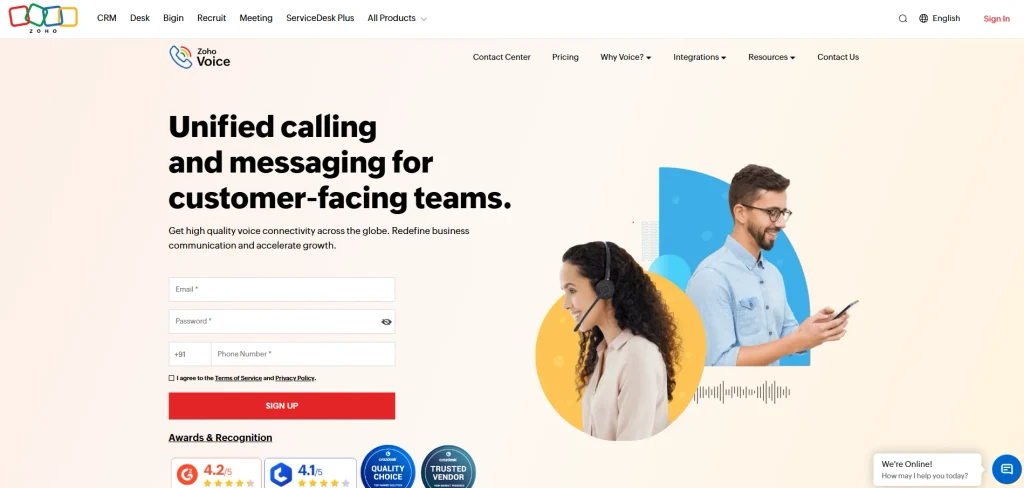
- Website: https://www.zoho.com/voice/
- Best for: Small businesses and organizations already using Zoho CRM and other Zoho applications.
Zoho Voice is a cloud telephony platform with inbound and outbound calling, IVR, queues, recording, voicemail, monitoring, and analytics. Its strongest integration advantage is its connection with Zoho CRM, Desk, Recruit, Bigin, and other Zoho applications.
It also supports desktop, mobile, and browser-based calling. The platform offers both business phone and enterprise telephony plans. Businesses comparing anydesk alternatives can also consider Zoho Voice for its calling and communication features.
Key features
- Inbound and outbound calling
- IVR
- Call queues
- Call recording
- Call monitoring
- Power Dialer
- Call analytics
- Voicemail
- Zoho CRM integration
- Mobile and desktop apps
Pros
- Strong Zoho ecosystem integration
- Free Solo plan
- Multiple plan options
- Useful calling features
- 15-day free trial
Cons
- Call charges apply
- Some features are paid add-ons
- Pricing and features vary by region
- India has specific telephony restrictions
Pricing
- Solo: Free, with call charges
- Team: Paid plan for up to 10 users
- Office: Paid plan for up to 30 users
- Corporate: Paid plan for up to 100 users
- Basic: Enterprise Telephony plan
- Standard: Enterprise Telephony plan with 10 telephony agents
- Contact Center: Enterprise Telephony plan with 10 telephony agents
- Additional users, Power Dialer, call monitoring, queue metrics, and other features are available as add-ons
- Zoho currently provides a 15-day free trial. Its India pricing page also lists regional calling rates and number rental charges.
How To Choose The Right Call Center Software
Start by identifying how your team handles calls. An inbound support team needs strong queues, IVR, routing, recording, and customer history. A sales team might need Power Dialer, call lists, CRM integration, and outbound campaign management.
Then calculate the actual size of your operation.
Consider:
- Number of agents
- Monthly call volume
- Average call duration
- Inbound and outbound call ratio
- Domestic and international calling
- CRM
- Required phone numbers
- IVR complexity
- Call recording
- Reporting requirements
- AI requirements
- Omnichannel requirements
- Workforce management
- Security and compliance
CRM integration should receive particular attention. You should check how calls, notes, recordings, customer information, and call outcomes are transferred between systems.
Compare the overall cost rather than the advertised starting price. Add agent licenses, call minutes, phone numbers, recording storage, AI usage, integrations, implementation, and premium support.
Common Mistakes When Choosing Call Center Software
- Choosing Only by Starting Price: A low monthly price does not necessarily represent the final cost. Call minutes, phone numbers, storage, AI, integrations, and add-ons might increase the bill.
- Ignoring CRM Integration: Agents lose time when customer information sits in a separate system. Check whether the CRM connection is native and what information transfers automatically.
- Paying for Unused Features: Small teams often do not need enterprise workforce management or advanced routing. Choose features based on actual operational requirements.
- Not Checking Calling Rates: Per-minute charges matter when call volume is high. Review domestic, international, toll-free, mobile, and landline rates before calculating your budget.
- Ignoring the Number of Users or Seats: Some providers have minimum seat requirements. Five9, for example, states a minimum of 50 seats for its published bundles, while Aircall’s standard paid plans have a three-license minimum.
- Overlooking Free Trial Restrictions: A free trial might provide access to features without representing the exact production setup. Test the features, integrations, phone numbers, and calling routes your team will actually use.
- Not Testing Call Quality: A call center depends on reliable voice communication. Test calls from different locations, devices, and internet connections before signing a contract.
- Ignoring Data and Compliance Requirements: Call recordings and customer information need appropriate access controls and retention policies. Review the provider’s security documentation and the regulations relevant to your business.
- Choosing Software Without Considering Growth: Agent numbers, call volumes, channels, and reporting requirements often increase as a business expands. Check higher plans, API access, integrations, and additional channels before committing.
Conclusion
The decision is going to come down to your agents, call volume, CRM, channel mix, budget and features. For companies that need more complicated systems Zendesk, Five9, Genesys Cloud CX, Talkdesk, Ring Central, and Dialpad would be a better choice. Freshcaller, Aircall, Nextiva and Zoho Voice are good options for companies that need relatively simple cloud calling.
It is best to compare lifetime costs (not just starting prices), select a trial, perform a pilot on your workflows and consider calling and integration requirements for the best long-term fit. This helps you select the best call center software based on your requirements.
FAQs
What Is Call Center Software?
Call center platform is a business calling system with dialling, IVR, routing, queues, recording, analytics, agent management and CRM.
What Does Call Center Software Cost?
Cost depends on the provider and the size of your business. Some products have a free plan, and paid plans generally start at about $15-$30 per agent/license per month. Large contact center platforms generally start over $75 per seat/month.
What Is the Distinction Between Call Center Platform and Contact Center Software?
Call center software programs are mainly used for voice calls, whereas contact center software programs support voice and digital channels, together with electronic mail, chat, SMS/texting, social messaging, and different messaging channels.
What Features Should A Small Enterprise Consider?
Small groups want dependable calling, queues, IVR, call routing, recording, analytics, CRM integration, and easy reporting. Identify what additional features you want to ensure your staff’s efficiently and choose your supplier accordingly.
What Features Do Large Name Facilities Want?
These massive operations want automatic name distribution, predictive dialers, workforce administration, superior analytics, AI, omnichannel help, safety, call recording, and advanced reporting.