
Startups often struggle to manage customer relationships while trying to grow quickly with limited resources. In the early stages, many teams rely on spreadsheets, scattered notes, or multiple communication tools to track leads, follow-ups, and customer interactions. As the business starts gaining traction, this unorganized approach can lead to missed opportunities, lost leads, poor communication, and difficulty in maintaining strong relationships with potential customers.
This is where CRM software for startups becomes essential. A Customer Relationship Management (CRM) system helps startups organize customer data, track interactions, automate follow-ups, and manage the entire sales pipeline from one centralized platform. Instead of juggling multiple tools, startups can streamline their sales, marketing, and customer support processes while improving team collaboration.
What is CRM Software?
CRM simply refers to Customer Relationship Management. CRM program is an online software that collects, oversees and handles every discussion that your company has with both existing and prospective clients.
Earlier on, CRM used to be an electronic Rolodex at the very least, which was a place to store names, phone numbers and email addresses. Nowadays, CRMs are regarded as the brains of business. They are intelligent systems that bring together your marketing, sales, and customer support departments.
With a good CRM, a customer can be considered a prospect when he or she touches your brand, this could be by downloading an eBook or submitting a form. After that, it captures all the communication: the emails they read, the features of the web pages they navigate to, the sales calls they make, and the support tickets that they place. It organizes all that information into a single straightforward timeline of each contact as well as each company of your database.
Modern CRM software does not merely store information. It also automates the process of repetitive activities such as follow-up emailing or meeting scheduling. It grades your leads, which indicates your sales team who is willing to purchase and who requires further consideration. It provides graphical pipelines on which you can drag the deals between the sections of Meeting Scheduled and Contract Sent and Closed Won. Simply stated, a CRM manages the chaotic, uncontrollable, and unidentified nature of human relationships and reinvents it as a stable, replicable, and quantifiable revenue generator.
Why Does a Startup Need a CRM?
A shared belief among younger founders is that CRM tools apply to very big businesses with a large number of salespeople. However, in practice, the faster a startup employs a CRM, the better its base for fast development. It is here that the why of why your startup needs to embrace a CRM system is broken down into details.
1. The Destruction of Data Anarchy and Excel Books.
Spreadsheets are excellent on financial modelling and data analysis, however, they are weak on relationship management. Excel will not warn you when a prospect is viewing your proposal. It can not automatically record the phone conversation that you just had. In the case of your team using spreadsheets, the whole process of data entry is entirely manual. Mistakes of human nature emerge, and data silos are created. With an exit of a lead salesperson, his or her spreadsheet with all notes and relationship context simply leaves with them. The centralization of data under one source of truth owned by the company in a CRM gets rid of the data silos entirely and secures the institutional knowledge of your company.
2. Extreme Automation of Banal and Routine Chores.
It is also true that startups are resource-constrained. CRM Software for Startups helps teams focus on speaking with prospects, forming relationships, and closing deals rather than spending time entering administrative data. Modern CRM systems handle much of the routine work. Whenever a lead fills out a form, the CRM automatically creates the profile, pulls company information from the internet, assigns the lead to a salesperson based on territory, and initiates an introductory email sequence. It also logs all sent and received emails automatically without the staff needing to lift a finger. This automation becomes a force multiplier, allowing a small sales team of three people to operate with the efficiency of ten.
3. Full Pipeline Transparency and Revenue Prediction.
When an investor poses a question to you, such as, what would be your revenue within the next quarter, you cannot give an answer based on the guess. You need hard data. CRM gives you a visual display of the whole sales pipeline. You will be able to know the number of deals that are currently at the negotiation stage, the total value of those deals in monetary terms, and the likelihood of those deals succeeding in the past. Such visibility enables founders to predict revenue with point separateness, detect bottlenecks in sales procedure (e.g. What is causing deals to fall through at the contract stage?), and make knowledgeable choices about labor force, advertising spending and exhibit creation.
4. Smooth Interlinking of Marketing and sales.
Without a CRM, marketing and sales functions can be quite opposing and adversarial in a startup. The marketing is saying that they are making huge leads and the sales is saying that the leads are awful. A CRM is a perfect solution to this gap. Due to the fact that the two teams are running on the same platform, the feedback loop is immediate. Marketing can know precisely what of their campaigns are in fact leading to closed down revenue, and how to spend their ad money optimally. The sales team can know the precise marketing content a potential was involved with prior to the call and therefore can present their pitch to fit.
5. Improved Customer Service and sales.
The cost of obtaining a new customer is immeasurably high compared to maintaining a current one. A CRM is not only used to seal the deal but the complete lifecycle of the customer. The representative will be able to immediately retrieve the CRM profile of a client calling your support line to know their complete history with your startup (what they purchased, what problems have occurred with them in the past and who their account manager is). This saves the customer the hassle of telling a story five times to the five different people and gives them a highly personalized and premium experience which creates a strong and treasured brand loyalty.
6. Scalability and Investor Attractiveness.
Investors seek startups that are scaled. When doing your operations through sticky notes and various disjointed apps, an investor will get to see a business that will fall down with the sheer weight of its own expansion. The application of a CRM reflects maturity in operating. It indicates that you have designed a scalable repeatable sales process. When you eventually venture into raising Series A or B rounds, your CRM will have undergone a great deal of audit in the due diligence audit to confirm your growth measures as well as customer acquisition cost.
Comparison Table: Top CRM Software for Startups
| CRM Software | Best For | Key Features | Starting Price | Ease of Use | Ideal Startup Type |
|---|---|---|---|---|---|
| HubSpot CRM | Early-stage startups | Contact management, email tracking, sales pipeline, marketing tools | Free / $8.99+ per month | Very Easy | SaaS, inbound marketing startups |
| Salesforce (Starter Edition) | Scalable enterprise growth | Contact management, advanced reporting, integrations, AppExchange apps | Quote-based | Moderate | High-growth startups planning long-term scale |
| Pipedrive | Sales-focused teams | Visual pipeline, activity tracking, automation, AI deal suggestions | $14+ per month | Easy | Small sales teams and B2B startups |
| Zoho CRM | Budget-friendly CRM | AI assistant (Zia), workflow automation, multi-channel communication | $8.99+ per month | Moderate | Startups wanting many features at low cost |
| Monday Sales CRM | Custom workflows | Custom dashboards, automation recipes, sales tracking | $12+ per month | Easy | Agencies, consultants, service startups |
| Freshsales | AI-powered sales CRM | Freddy AI, built-in telephony, lead scoring, website tracking | $8.99+ per month | Easy | SaaS startups with inbound leads |
| ActiveCampaign | Marketing automation | Email automation, lead scoring, customer journeys | $15+ per month | Moderate | marketing and Ecommerce startups |
| Copper | Google Workspace users | Gmail integration, auto data capture, pipeline tracking | $12+ per month | Very Easy | Startups using Gmail and Google apps |
| Keap | All-in-one sales & marketing | Sales automation, payments, email marketing, scheduling | $299+ per month | Moderate | Consultants, coaches, service businesses |
| Close CRM | Outbound sales teams | Power dialer, SMS, email automation, predictive dialing | $49+ per month | Easy | Startups with SDR teams and cold outreach |
List of Top 10 CRM Software for Startups
1. HubSpot CRM
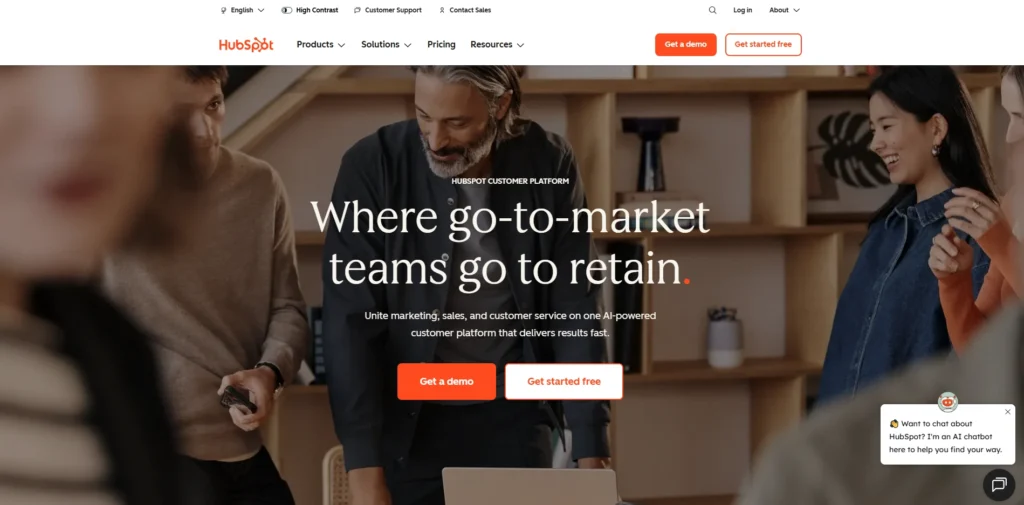
website: hubspot.com.
HubSpot CRM is a product that is described as the best startup choice. It has gained much applause and it remains a leader as of 2026.
The concept of HubSpot is to provide a free basic database based on which all startups can operate indefinitely. Subsequently, you can then do paid “Hubs” in Marketing, Sales, Customer Service, and Operations when you achieve growth. The free edition has a storage capacity of one million people, visual pipeline to display offers, integrates both Gmail and Outlook, and records calls and performs elementary email monitoring and meeting consensus, with no expenditure.
Paid plans of HubSpot provide you with advanced automation and reporting when your startup begins to earn. The software is straightforward and hence salespeople like it. HubSpot adheres to the approach known as inbound, which automatically adds company details to the Internet and monitors all actions of the prospect on the websites.
HubSpot, too, boasts of an enormous library of native integrations with virtually any SaaS based tool, be it Slack or Stripe or Zoom.
Pricing:
- $8.99/month onwards
Pros:
- FREE huge plans ideal to early bootstrappers.
- Extremely user friendly interface which requires minimal training.
- One stop marketing, sales and services.
- Big learning HubSpot Academy.
Cons:
- Paid plans are costly to use when you increase your contacts list and workforce.
- Descriptions of complex data objects are only rudimentary as compared to Salesforce.
2. Salesforce (Starter Edition)
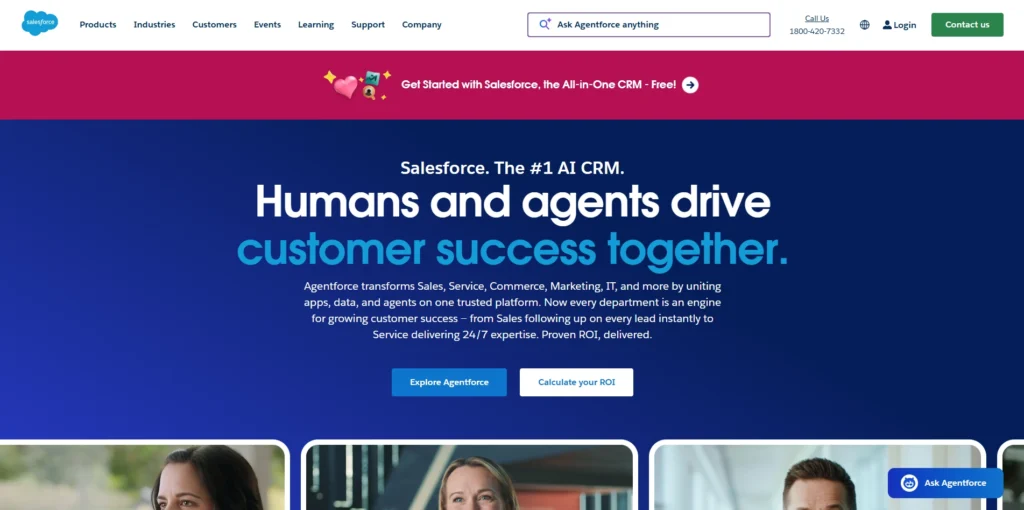
website: salesforce.com.
Salesforce has been energizing the biggest Fortune 500 businesses for many years. It was not used by startups due to full versions being cumbersome and expensive, but Salesforce now offers an easier Starter edition designed as CRM Software for Startups.
The Starter package includes account and contact management, email, and a moldable sales pipeline that can be set up in just a couple of minutes. It keeps Salesforce on a powerful platform, allowing businesses to grow without migration concerns.
Should your startup suddenly require multifaceted API connections, tailored applications, or expansion into international markets, you can upgrade instead of relocating your information.
Pricing:
- Quote based
Pros:
- The most scalable platform you will not exceed.
- Access to a vast board of third parties through the AppExchange.
- Intense reporting and dashboard facilities.
- Simple onboarding, particularly to Starter users.
Cons:
- It is very costly to advance to superior levels.
- High-end custom work normally requires special administrators.
3. Pipedrive
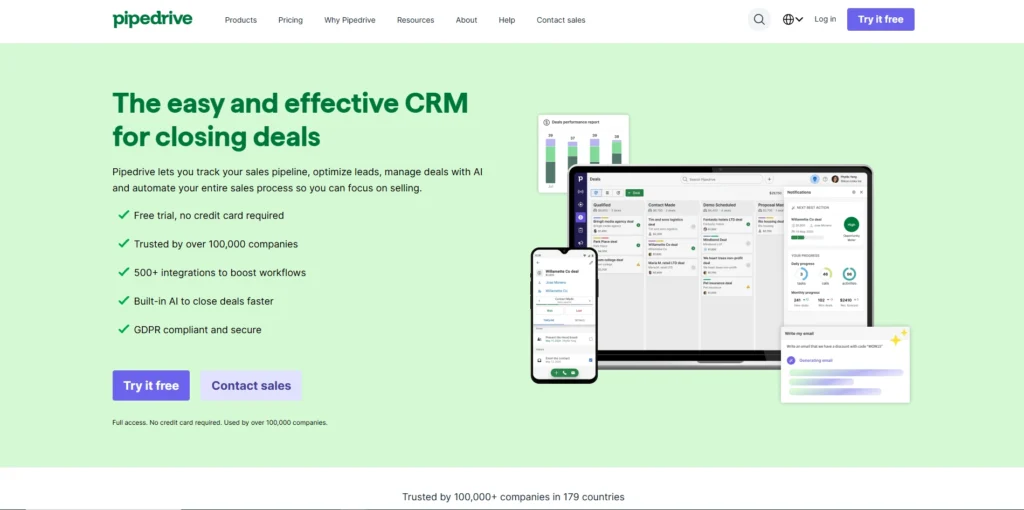
website:pipedrive.com
Pipedrive is a sales person to sales person product. It is solely concentrated on getting reps to make deals quicker. Representatives will be able to have a vivid sales pipeline lined up in front of their eyes with understanding of what the next step is. The graphical interface allows them to drag and drop deals into phases.
This system is activity-driven: every task is followed by an invitation to schedule the next call, email or meeting. No deal stays inactive. An inbuilt AI recommends what deals to focus on. Depending on some conditions, workflows can automatically send an email or transfer deals. The software is light and accelerates the speed of new employees.
Pricing:
- $14/month onwards
Pros:
- The most aesthetically attractive Kanban type pipeline.
- Convenient and quick reps such as daily use.
- Very affordable paid plans.
- Pay attention to the activity transactions in order to keep reps encouraged.
Cons:
- It does not have powerful marketing automation.
- Does not work in extremely complex B2B organizations with intricate account hierarchies.
4. Zoho CRM
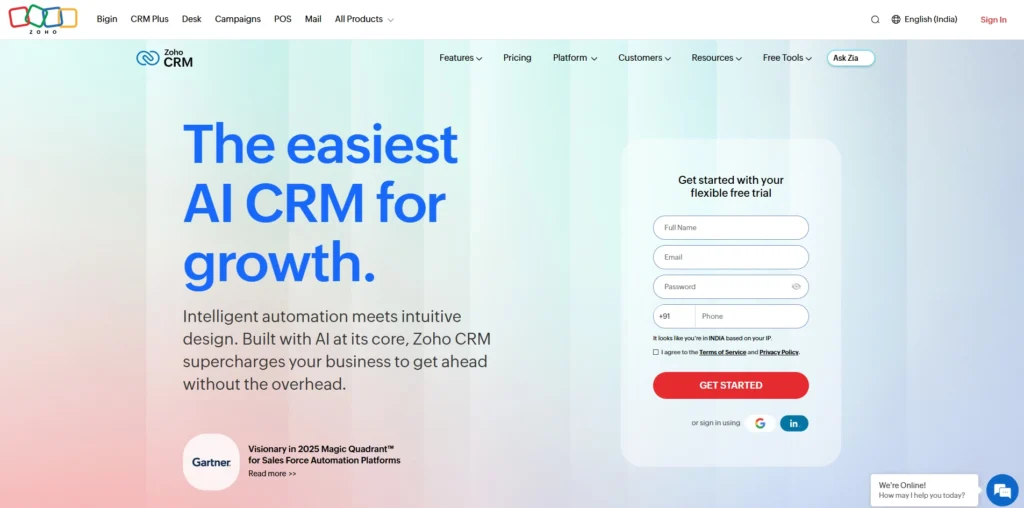
Website: zoho.com/crm
Zoho CRM is a multifunctional system that offers much functionality at an affordable cost, making it a popular CRM Software for Startups. It belongs to Zoho One, a collection of 40+ business applications which are interconnected.
The email, chat, social media and phone can be handled by the CRM directly on contact records. Zoho also introduced AI named Zia which predicts when a deal is going to close, identifies strange sales patterns and reads the emotions of mail to alert of a prospect being upset. There is a little bloat to the interface, but it can be highly personalized with the right knowledge.
Pricing:
- $8.99/month onwards
Pros:
- Superior value features and enterprise to small businesses.
- Integration with the entire Zoho pack.
- Zia AI provides actual predictive analysis.
- Pages and workflows which can be personalized greatly.
Cons:
- Interfaces may be cluttered and have to be learnt.
- The price levels are not always at a faster pace.
5. Monday.com (Monday Sales CRM)
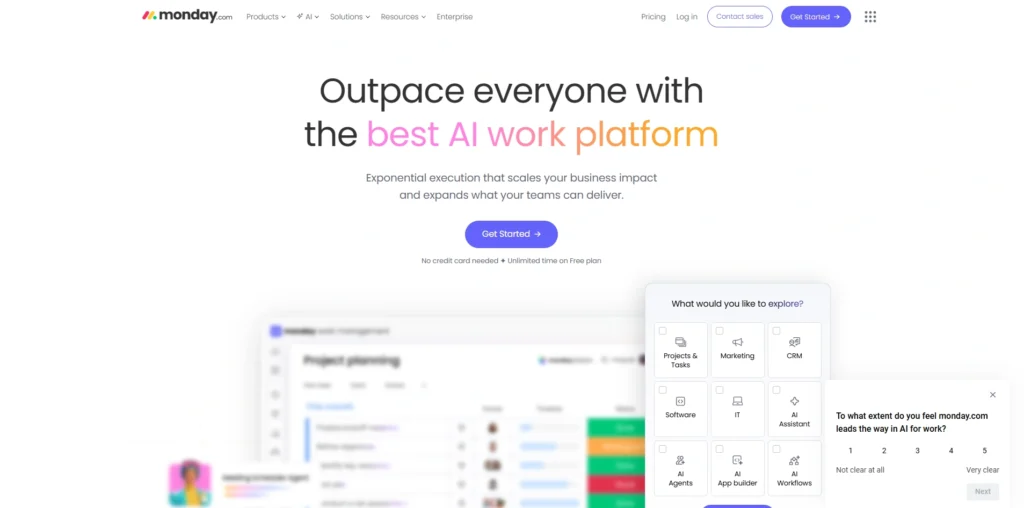
Website : Monday.com/
The foundation of Monday.com was built out of a colorful project management tool. The firm also found numerous companies utilizing its boards as a makeshift CRM, and, as such, developed a specific Sales CRM build.
Monday Sales CRM allows you to structure where the sales process remains allowing you to customize columns, formulas, timelines and status tags. It is easy to automate: compose a recipe such as When a deal is marked Won, notify onboarding about it using Slack and create a new project board.
The connection between closing a sale and the followup work makes it a very suitable one to agencies, consultants and service companies that need post sale service.
Pricing:
- $12/month onwards
Pros:
- Highly interactive and bright interface.
- You are able to make all the parts of the system yourself.
- Ideal when dealing with a group requiring sales and after sales activity.
- There is time saved on no code automation.
Cons:
- Customizing the system is cost in terms of upfront.
- In the absence of stringent regulations, the information may cause chaos.
6. Freshsales (by Freshworks)
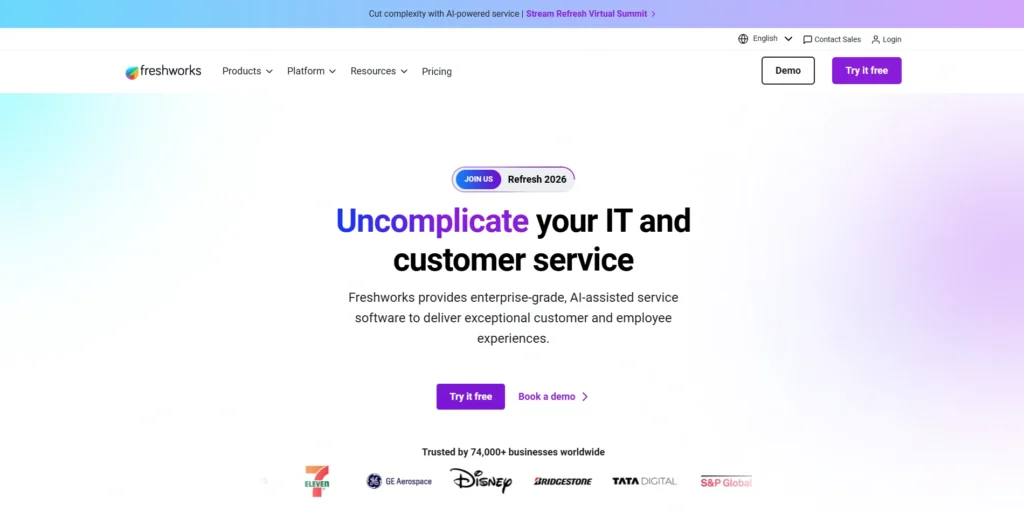
Website: freshworks.com
Freshsales is another rapidly developing CRM Software for startups. It retains a comprehensive image of a customer through monitoring website activity, and these insights are displayed in the sales rep’s dashboard.
The standout feature is Freddy AI. It automatically scores leads, clears duplicated records, proposes the most appropriate time to email, and powers a chatbot on your site. Freshsales also features built-in telephony: reps can get local numbers, make calls, and record conversations directly inside the CRM, avoiding additional expenditures on phone integration products.
Pricing:
- $8.99/month onwards
Pros:
- Built-in telephony implies that you will not require dialers.
- Freddy AI is a helpful scorer of leads.
- Excellent visitor tracking lends some context to reps.
- Low start up cost of bootstrapped teams.
Cons:
- It is easier to make reports than in Salesforce or HubSpot.
- 3rd party integration library is less as compared to the government competitors.
7. ActiveCampaign
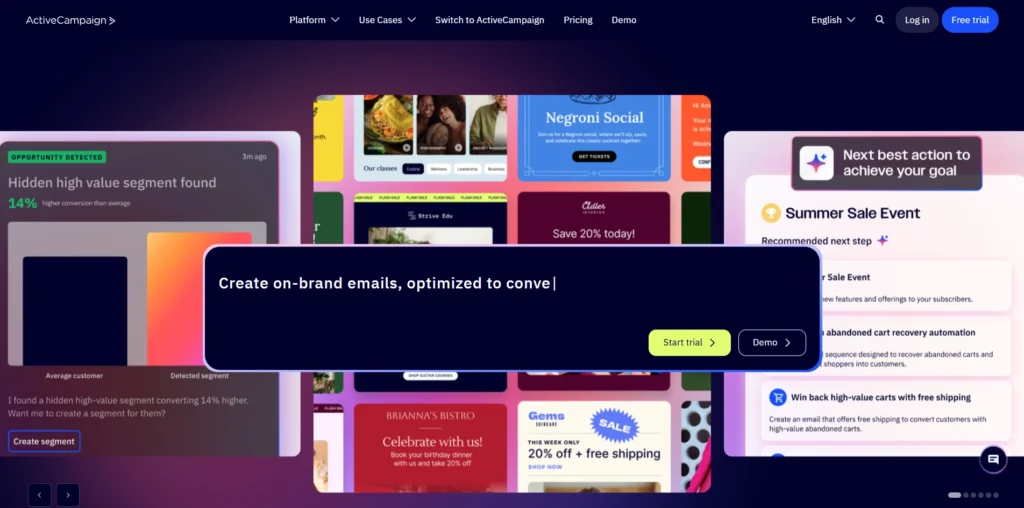
Website: activecampaign.com
ActiveCampaign is a choice in case your startup requires intricate, tailored email marketing, outbound nurturing, and computerized digital marketing. The majority of the other platforms are primarily Sales CRMs that are augmented with a few marketing tools. ActiveCampaign is a leading marketing automation which even has a powerful Sales CRM within it.
ActiveCampaign allows building stepwise automation chains. You can establish very precise events to take place when an individual opens an email, visits a page or clicks a link. As an example, when the prospect clicks a link to an Enterprise Pricing newsletter, ActiveCampaign can increase their lead score, advance the deal to the stage of Hot Lead and send a Slack message to a sales rep so she can make a phone call immediately. This will ensure your sales team is making calls only to qualified leads. The CRM features drag and drop pipelines, task lists, and lead scoring, so it is very effective with B2C startups, e-commerce websites, and SaaS businesses with product based expansion.
Pricing:
- $15/month onwards
Pros:
- extremely potent and adaptive marketing automation architect.
- Extremely detailed lead scoring on the basis of digitals actions.
- Holds marketing and sales closely together.
- Attractive email iPPS.
Cons:
- The automation builder will have a steep learning curve.
- Expenses increase as the number of contacts increases, and they may be costly.
8. Copper
Website: copper.com
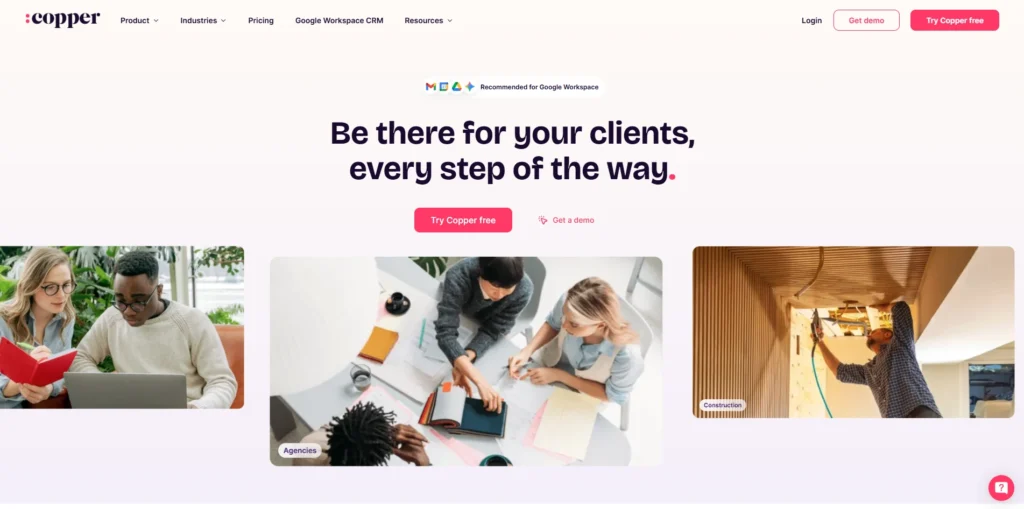
Copper is the simplest CRM to work with if you are using Gmail, Google Calendar, and Google Drive. Many CRM undertakings have failed due to lack of use by the sales team. Maintaining records is difficult and reps do not like to change their email. This is fixed by Copper as a CRM Software for Startups that integrates deeply with Google Workspace.
Copper appears as a sidebar on Gmail. When you send the prospect an email, it gathers their data on the Internet, forms a contact record, and records the entire email history and chat invitation to the CRM without the individual having to open a new tab. It attempts to automate all the administration. It is also compatible with Google Sheets for reports and Google Docs for proposals. In case you require a good pipeline system and do not want a heavy new interface, then the best invisible choice is Copper.
Pricing:
- $12/month onwards
Pros:
- Richest Google Workspace.
- Makes it easy to encourage users to utilize it, having no visuals within Gmail.
- scrapes and logs data automatically, removing manual data entry.
- Easy to use clean interface designed like Google.
Cons:
- Only works with Google Workspace, otherwise it is useless with Outlook.
- Has a higher entry point than a few of its rivals.
9. Keap
Website: www.keap.com
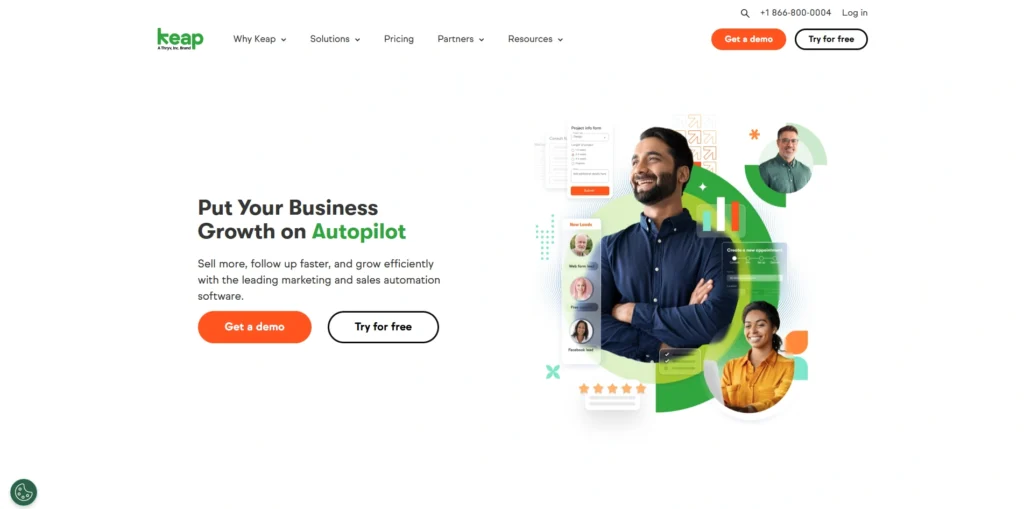
Formerly Infusionsoft, Keap is a single founder-friendly CRM Software built especially to bring sales, marketing, and payment tools into one platform. Many startup founders often use several different services such as email marketing, CRM, appointment scheduling, and invoicing. The Keap platform combines them into a single, streamlined system.
The primary functionality of Keap is the Campaign Builder, which allows founders to develop automated funnels that nurture leads, send post-meeting follow-ups, and manage onboarding after a sale. Keap places strong emphasis on online sales and payment collection. Within the platform, you can create native checkout pages, send e-invoices, and accept credit card payments. It also provides a business phone line and text messaging inside the Keap app, enabling founders to keep their personal number private. Overall, it offers an all-in-one solution designed for growing startups.
Pricing:
- $299/month onwards (minimum 2 users)
Pros:
- Integrates CRM, marketing, scheduling and invoicing on the same platform.
- ideal with consultants, coaches and service corporations.
- Intrinsic business phone line and text messaging.
- Customer relationship management (CRM) software.
Cons:
- Expensive entry compared to most entry level CRMs.
- It can be too complicated when you do not need ecommerce.
10. Close CRM
Website: close.com
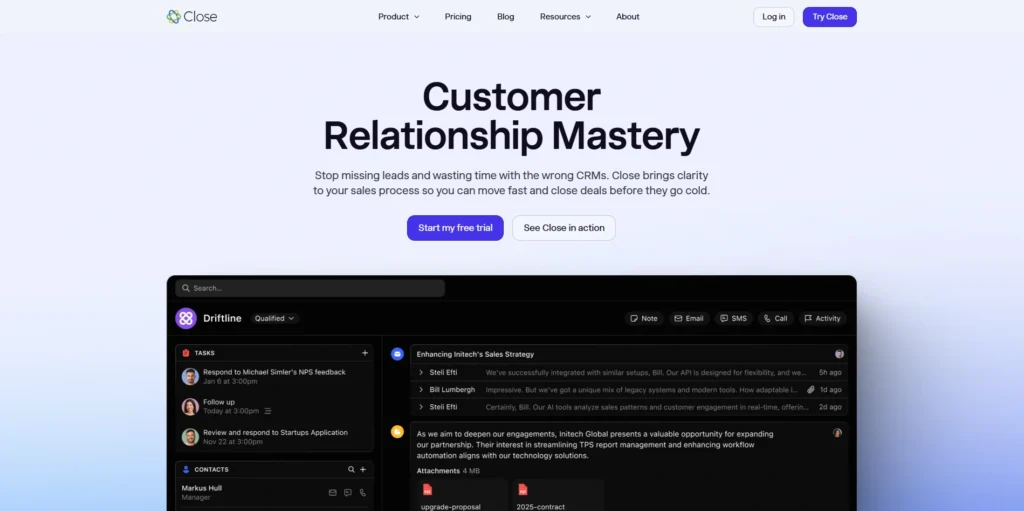
Close CRM is a good option among CRM Software for Startups, especially if your startup relies on a large volume of outbound sales including cold calling, cold emailing, as well as texts. Created by leading sales professionals, Close is designed to help reps communicate with prospects more efficiently while reducing manual work.
Close has an embedded Power Dialer as well as a Predictive Dialer. With one button, a rep can call hundreds of leads, leave a voicemail when there is no response, and connect only when someone answers. Multi-channel automated outreach can also be configured in Close. For example, you can send a cold email on day one, make a call on day three, and send a text on day five. It is highly focused on outbound speed and optimization, making it suitable for SaaS companies, real estate tech businesses, and any firm with a high-activity SDR team.
Price:
- $49/month onwards (minimum 3 users)
Pros:
- Power Dialer, SMS and best native calling.
- Intense mix media outreach automation.
- Rapid interface designed to be quickly accessed by high volume representatives.
- Fair pricing, No extra charges.
Cons:
- It might be high cost when using low outbound volume.
- Low level of marketing automation and after sales services.
Conclusion
It is not just picking a software but a plan on how you are going to grow your business having chosen the right CRM Software for Startups. When you use memory, spreadsheet, and independent inboxes to maintain customer relations, you are putting an upper constraint to the potential development of your startup.
The advantage of current software is that in the modern world, there are applications related to any kind of sales or marketing strategy available. HubSpot would be a good choice in case you are a bootstrapping founder and require robust inbound marketing. Close can increase your productivity by providing an organization with a fast flowing cold-calling SDR team. With Copper, adoption is a friction-free process in case your business is based around Gmail. And in case you want to grow into a large company, beginning with Salesforce will ensure that you do not need to shift your architecture in future.
Evaluate your existing sales cycle, consider where you would like to go within the coming three years, give the free trial of the sites, and get acceptably settled in your CRM. An engaged CRM is many times over, multiplying the output of your startup, and converting cold leads into hot clients and unpredictable days into forecastable and repeatable revenue.
FAQs
1. Is CRM Valuable to a Pre-Revenue Company?
Yes. Most CRMs such as HubSpot or Zoho provide free subscriptions so that startups with no income can have their data in order. A CRM used early gives you the chance to strategize your selling activities, jot down beta tester comments and maintain a clean database. Once you begin to earn a living, you already have a system capable of expanding hence you are not in a lot of chaos bad startups go through.
2. Is It Just Possible To Use Excel Or Google Sheets Instead Of A CRM?
The spreadsheets may be helpful for some time, but to develop, they are not sufficient. They remain constant, require all data to be typed manually, cannot communicate with email, do not send reminders and fail to keep themselves safe when an employee omits. A CRM is a living database which does these activities to you and displays live data and maintains information on every customer conversation. Free sheets are cheap, however, in terms of lost time and lost sales, it may cost you a lot.
3. How Much Time Will It Require To Deploy A New CRM System?
It will depend on the size and complexity of the CRM and your startup. The basic off the sheet CRMs, like Pipedrive, Copper, or Monday Sales, can be installed, with a connection to the email, and be operable within a few hours. Large, bespoke systems such as Salesforce or a bespoke Zoho develop can be weeks, as you have to create data strata, elaborate automation, and train the staff.
4. What Is A Marketing CRM And Sales CRM?
A CRM like pipedrive or close takes care of the Sales pipe, personal calls or emails, and keeps track of the one to one contact to finalize every deal. A Marketing CRM such as ActiveCampaign bombards thousands of individuals, monitors their activity on the internet, grades the leads by their online activity, and sends them a series of emails until they are saleable. HubSpot attempts to accomplish both simultaneously.
5. What Are The Hidden Costs That I Need To Know About Purchasing A CRM?
Yes. Startups must scrutinize the information. Vendors may begin with a low price, but retain some important features in premium plans. There might be some unnoticeable charges on additional contacts, high quality API connections, special setup and support and additional automation processes. Another major thing most vendors require is a request to pay annually so as to offer the best monthly rates.
6. Are CRMs Compatible With Moral Programs, Such As QuickBooks Or Xero?
Yes. The best CRMs are connected or have links to heart accounting software such as QuickBooks or Xero. This association aids the bipartisanship of sales and finance. Once the deal is indicated as closed, the CRM is capable of generating an invoice in QuickBooks that will be filled with the customer and product information after which it can be sent. This eliminates entry of data twice and reduces errors.
7. How Soon Should One Upgrade Or Switch To A Bigger Enterprise CRM?
When the current CRM is not able to accommodate the needs, switch to a larger system like Salesforce Enterprise. It will require an upgrade in case you have numerous product lines with numerous pipelines, you grow to foreign lands and require more sophisticated territory controls, the software is running sluggishly due to numerous records, or you require unique API connectivity that heavy CRMs do not have. Mobilities are difficult to move, so it is better to choose a scaledup CRM initially.