

Management of a nonprofit organization is not straightforward. You have to deal with donors, follow up on donations, write thank-you emails, prepare reports, and perform numerous other tasks. It is time and energy-consuming to do all this manually. At this point, Donor Management Software comes to your rescue.
Donor Management Software is a unique software that enables nonprofits, churches, and charity organizations to manage their donors and donations without complications. It contains all the details of donors in a single location, it sends out automated thank-you messages, makes reports, and lets you know more about your donors.
Over 75 percent of small donors aged between 25 and 35 years favor online donation in 2026. This implies that your organization must have a good Donor Management Software to receive the online donations and make the donors happy. The appropriate software will not only save time, but also assist you in raising more funds and in a better relationship with your donors.
The highest-ranked 10 Donor Management Software tools will be discussed in this article. We are going to describe each of the tools in exceedingly simple terms to enable you to select the most suitable tool to use in your organization.
What is Donor Management Software?
This is a computer application that assists organizations in monitoring and managing their donors and donations. Consider it a virtual filing cabinet, whereby you put all the details on supplying people who contribute to your organization.
These tools work like a donor database management system that keeps records of donor names, contact details, donation amounts, donation dates, and donation history. When one donates to your organization, the software automatically stores his/her details.
Explore: Best Audio Editing Software
Key Features to Look for in Donor Management Software
- Easy to Use Interface: The software must be easy to learn and operate, even for individuals who are not so techno-savvy and computer experts.
- Donation Form Builder: Good donor management software must be able to allow you to design beautiful donation forms that you can easily add to your site without the assistance of a programmer.
- Thank You Messages are automated: The software must be made to automatically notify the donors of their appreciation by sending a thank-you email and tax receipt right after they have made a donation.
- Reporting and Analytics Tools: Find donor management software that will generate comprehensive reports with the patterns of donation, the retention rates of the donors, and the performance of the campaigns to make improved decisions.
- Integration with Other Tools: The most desirable Donor Management Software must interface well with your email marketing programs, accounting systems, and website to run smoothly.
Top 10 Donor Management Software
1. Bloomerang
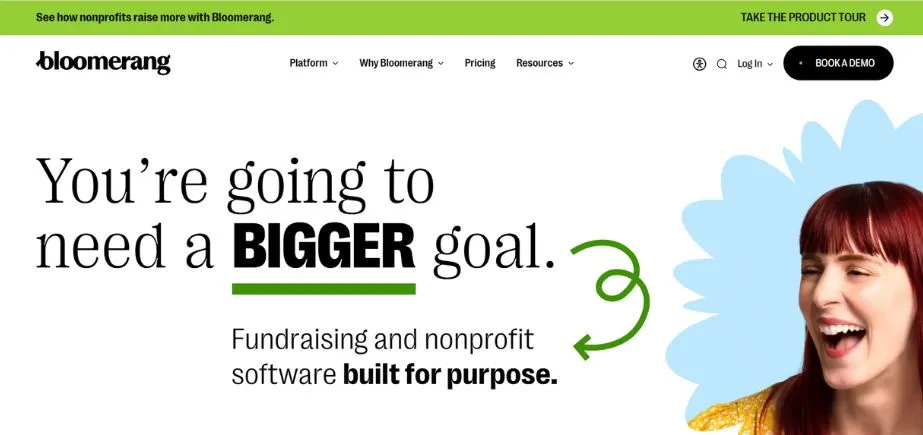
Bloomerang is among the most used Donor Management Software tools, which is specifically used by small and medium-sized nonprofits. The main orientation of this software is to ensure that organizations retain their donors to be happy and satisfied over a long period. Bloomerang works differently, where it reminds you of the donors who may change their minds in the near future, and you could contact them to retain them. The software is highly user-friendly, and it requires no technical expertise to use.
Key Features:
- Clear history of donation and extensive donor database.
- At-risk donors are recognized by engagement scores.
- Donor management anywhere mobile application.
Pros:
- Very easy to learn and use
- Effective emphasis on retaining donors.
- Good training and customer service are present.
Cons:
- Very small nonprofits are expensive to use.
- Lack of customization of highly complex needs.
- Certain integrations require additional configuration.
Best For: Small nonprofits
Pricing: Starts at $125/month
Website: https://bloomerang.co
2. DonorPerfect
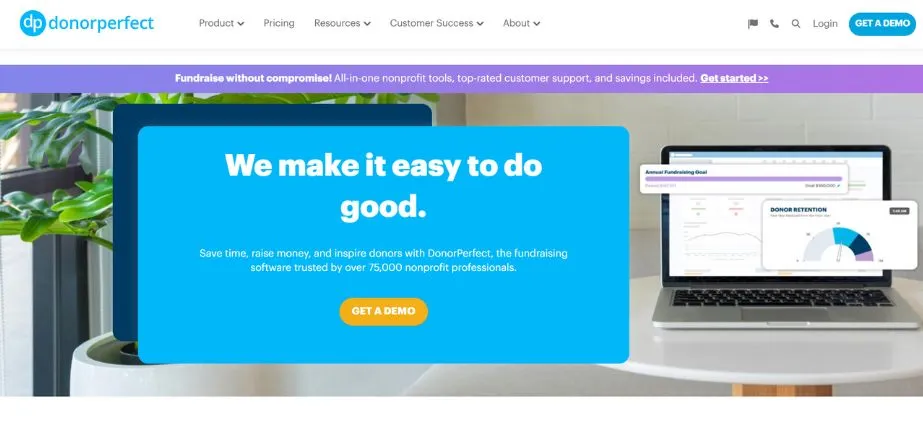
DonorPerfect is a highly customizable and powerful Donor Management Software that is over 30 years old and has been assisting nonprofits. The software is suitable for both large and small organizations, including small local organizations and large international charities. DonorPerfect gives numerous flexibility choices to set the software to fit your organization’s needs and processes. The software is packed with powerful reporting capabilities that assist in the analysis of donation trends and donor behavior patterns. DonorPerfect also automated numerous monotonous processes, such as sending Thank-You emails as well as generating tax receipts that save your staff time.
Key Features:
- Individualized donation forms for different campaigns.
- High reporting to analyze in detail.
- Automated appreciation emails are time-saving.
Pros:
- Extremely tailor-made to requirements.
- Very good reporting capabilities and automation.
- Support that is solid and with content for customers.
Cons:
- Complex installation takes time to train.
- Plans of a higher level are more expensive.
- The interface is obsolete to users.
Best For: All nonprofits
Pricing: Custom pricing based on needs
Website: https://www.donorperfect.com
3. Donorbox
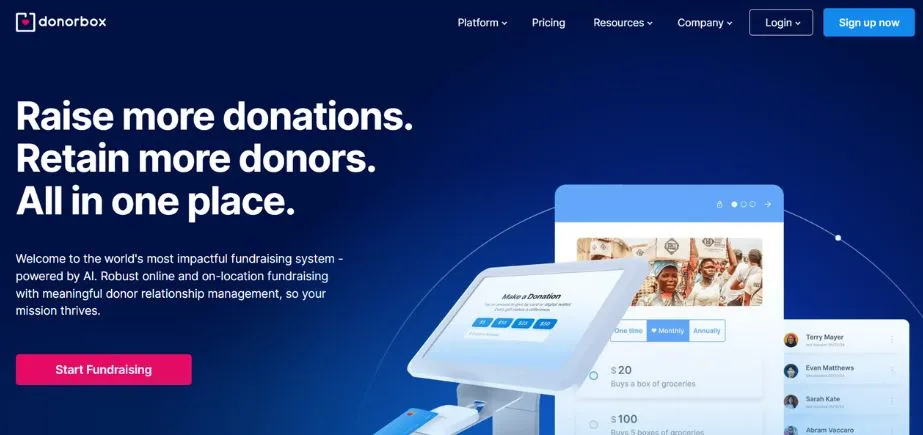
Donorbox is a simple and cheap Donor Management Software that is ideal for small nonprofits and organizations that have just begun their fundraising process. With this software, one can easily design stunning donation forms and install them on your website in a few minutes. Donorbox has a free option for small organizations whose monthly donations are less than 1000 dollars, and that is why it is affordable to all. The software also accepts several currencies and payment systems such as PayPal, Apple Pay, and Google Pay, which are easy to use by donors globally.
Key Features:
- Donation forms can be customized to support more currencies.
- QuickDonate: quick repeat donation.
- WordPress and Salesforce integration.
Pros:
- Free small organization plan.
- Very easy to set up quickly
- Large selection of payment methods.
Cons:
- Poor advanced functions in comparison to others.
- Fees for processing are charged on any plan.
- Little configuration of sophisticated needs.
Best For: Startups
Pricing: Free / Starts at $159/month
Website: https://donorbox.org
4. Givebutter
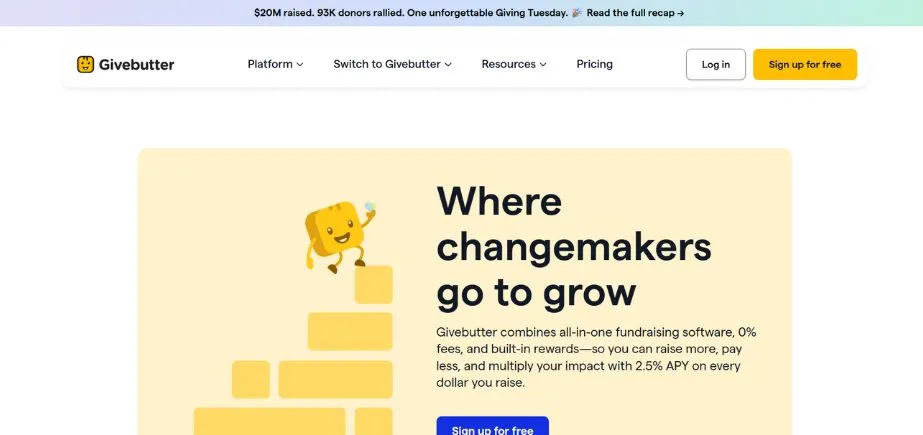
Givebutter is a new and entirely free-of-charge Donor Management Software that promises exceptionally strong capabilities at no monthly charges. This software is ideal to use when a small nonprofit, community organization, school, or grassroots movement wants to have professional fundraising tools without having to spend money. Givebutter provides all the features: donation forms, donor tracking, automatic emails, fundraising event tickets, and peer-to-peer fundraising campaigns. The interface of the software is beautiful in appearance, and it is very easy to use and appears lovely on mobile phones and tablets.
Key Features:
- Personalized donation and peer campaigning.
- Donor history records the entire history.
- Thank-you message workflow automation.
Pros:
- Fully liberated with powerful features.
- Today and usability interface design.
- Good customer satisfaction scores on the Internet.
Cons:
- Platform fee unless donors can cover.
- Premium features are offered on a paid basis.
- Low scalability to large organizations.
Best For: Communities
Pricing: Free / $549/year for advanced features
Website: https://givebutter.com
5. Little Green Light
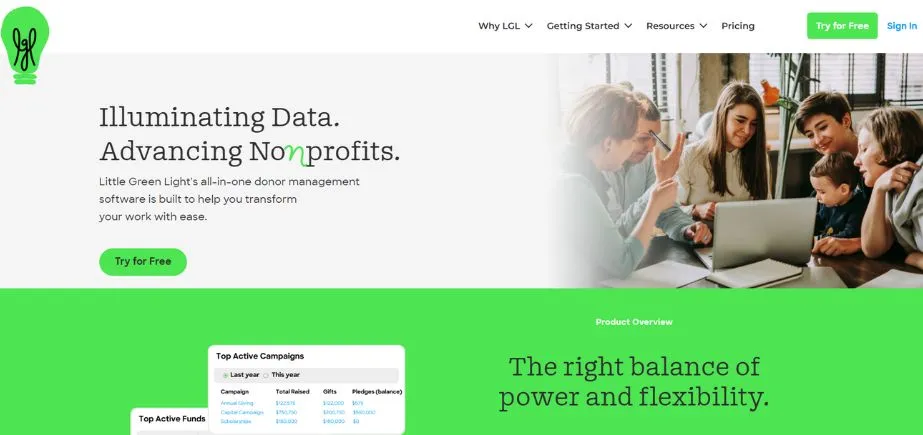
Little Green Light is a Donor Management Software that is cloud-based and meant to be used by small and medium-sized nonprofits that require cheap but effective donor management systems. This software is oriented to offering superior reporting capabilities at a low rate as compared to the expensive enterprise solutions. Little Green Light has all your donor data in a central database, which your team is free to access from any place, provided one is connected to the internet. The software has some handy functions, such as event planning tools, attendance tracking, and mail merge to create individual letters and communications.
Key Features:
- The database of custom fields of donors is centralized.
- Event management and ticketing.
- Connection to Stripe and QuickBooks.
Pros:
- Low cost-effective pricing.
- Customization and flexibility in reporting.
- Good accounting integration.
Cons:
- Poorly developed sophistication in automation.
- The interface is untidy at times.
- Response in customer service is varied.
Best For: Small organizations
Pricing: Starts at $99/month
Website: https://www.littlegreenlight.com
Read More: Best Canteen Management Software
6. Neon CRM
Neon CRM is an all-encompassing Donor Management Software that integrates donor management and fundraising tools in addition to marketing capabilities in a single robust platform. The software is also perfect in the case of a nonprofit organization needing to automate most of its repetitive processes and spend more time on its mission. Neon CRM has automated workflow features that can automatically send thank-you emails, update donor records as well, and create reports without manual labor. The software provides you with an in-depth segmentation of donors, and you can segment the donors according to the amount donated, frequency, location, or interests so that you can make personalized communications to the donors.
Key Features:
- Donor forms that can be customized and contain analytics.
- Thank-you email workflow is automated.
- Personal communication segmentation with donors.
Pros:
- Strong automation and reporting facilities.
- Scalable to any size of organization.
- Form builder with analytics and easy to use.
Cons:
- Greater price on higher-level features.
- High initial training cost.
- Infrequent glitches in the integration.
Best For: Growing nonprofits
Pricing: Custom pricing based on size
Website: https://neoncrm.com
7. Bonterra Fundraising and Engagement
Bonterra is a complete, nonprofit, Donor Management Software that is aimed at medium and large-sized nonprofits that require full fundraising and engagement applications. This software is superior in the handling of complex fundraising campaigns, such as Giving Day events, where you have to raise money within a short time. Bonterra provides multi-channel tools of communication, which will enable you to get in touch with the donors by email and text messages, as well as video messages, to have a more engaging interaction. The software also has powerful analytics that can help you see the behavioral trends of the donors and be able to predict which donors will probably make another contribution in the near future.
Key Features:
- Personalised donation page and Giving Days.
- Multi-channel donor communication through email/text.
- Integration with Stripe and PayPal.
Pros:
- Complete campaign functionality.
- Intense emphasis on donor participation.
- Available flexible payment systems.
Cons:
- Raised prices of smaller organizations.
- A complex installation will need technical skills.
- No or low-cost availability.
Best For: Large nonprofits
Pricing: Custom pricing based on requirements
Website: https://www.bonterratech.com
8. Servant Keeper
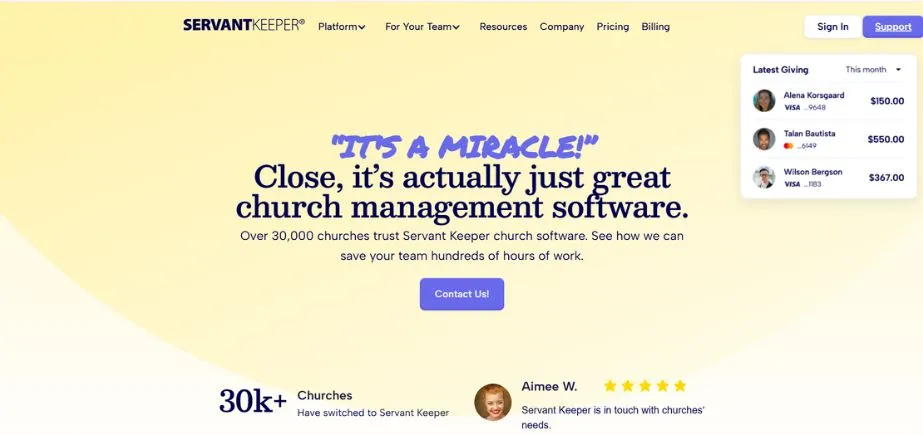
Servant Keeper is a fully church and faith-based-specific Donor Management Software. This software knows the special needs of the religious organizations, such as tithing, membership, and sacrament records, which are not available in ordinary nonprofit software. Servant Keeper also has online giving capabilities, which enable the church members to easily contribute to the church by giving tithes and offerings via a site or even a mobile application. The software creates detailed giving statements to pay taxes and attendance of services and events. Servant Keeper also maintains schedules of volunteers, small groups, as well as ministry programs, all under one roof.
Key Features:
- Tithing online giving tools.
- Financial dashboards and real-time reporting.
- Member management mobile applications.
Pros:
- Developed specifically for churches.
- Low-priced cloud solutions found.
- Simple to use by non-technical employees.
Cons:
- Poor extrachurch attractiveness.
- Fewer integrations than competitors.
- Less powerful in reporting.
Best For: Churches
Pricing: Starts at $69.99/month
Website: https://www.servantkeeper.com
9. Keela
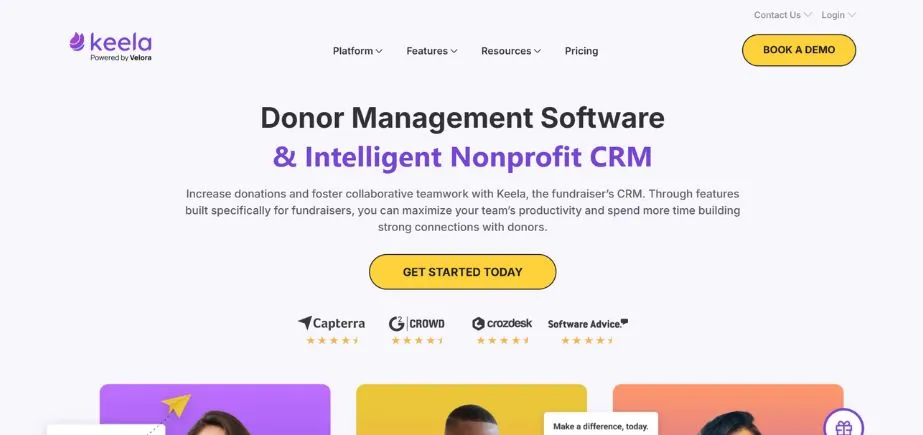
Keela is a smart Donor Management Software that relies on artificial intelligence (AI) to assist nonprofits in raising more money with the least effort. The software has a special innovative Smart Ask function, which analyses information about the donors and recommends the most appropriate amount of donation to seek from every donor based on the AI. This will raise the possibility of receiving bigger donations since you are requesting at the correct time with the correct amount. Keela is a very user-friendly, clean, and modern interface that is easily learnable even by individuals with minimal technical abilities. The software also has peer-to-peer fundraising features that allow your supporters to have their own fundraising pages and raise funds on your behalf.
Key Features:
- Smart Ask option for custom requests.
- Personalized donations and event registration.
- Premium integrations with Mailchimp and QuickBooks.
Pros:
- Intelligence-generated ideas improve fundraising efforts.
- Simple interface that is easy to use and set up.
- Small budgets are affordable to nonprofits.
Cons:
- Fewer advanced enterprise functions.
- Customer support can be slow.
- Certain functions require upgrades.
Best For: Small teams
Pricing: Starts at $99/month
Website: https://www.keela.co
10. DonorSnap
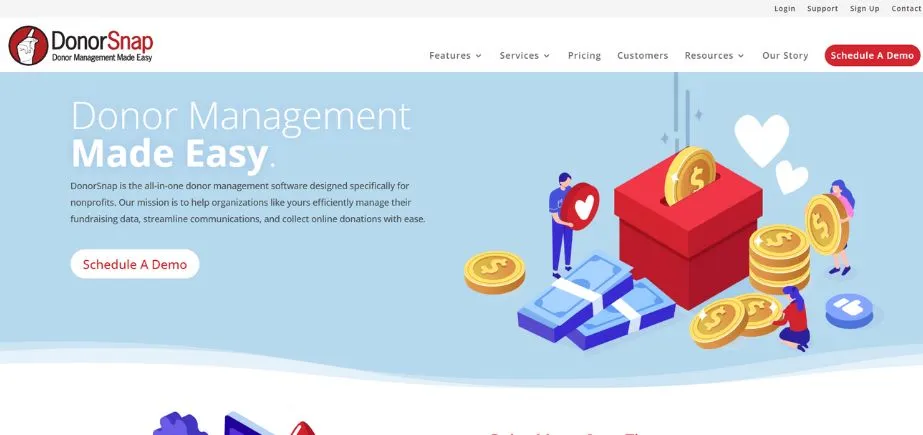
DonorSnap is a very flexible cloud cloud-based Donor Management Software created to meet the needs of nonprofits who need flexibility and control over their donor data. This software enables you to develop individual fields, forms, as well as reports that perfectly fit the requirements of your organization. DonorSnap has powerful reporting features that enable you to understand the patterns of donation, the performance of a campaign, and which of your donors will yield the greatest response. The software can be easily combined with QuickBooks to use accounting and Mailchimp to use email marketing because it is integrated into one place where you can manage all the elements of your fundraising.
Key Features:
- A donor database that is customizable and has custom fields.
- Campaign Insight Advanced Reporting.
- QuickBooks and Mailchimp integration.
Pros:
- Very tailor-made to individual requirements.
- Good reporting and integration capabilities.
- Free trial with the import of data for 30 days.
Cons:
- The interface is aesthetically dated.
- Installation may require time in the beginning.
- Poor capabilities of the mobile apps.
Best For: Custom needs
Pricing: Starts at $50/month
Website: https://www.donorsnap.com
How to Choose the Right Donor Management Software
- Take into account your organization’s Size: Nonprofits with smaller budgets need to consider inexpensive or free Donor Management Software, such as Donorbox or Givebutter; however, larger organizations require solutions that can be scaled, such as DonorPerfect or Neon CRM.
- Set a Realistic Budget: Determine how much your organization can afford monthly or yearly for donor relationship management tools, remembering to include processing fees and potential upgrade costs.
- Check Integration Capabilities: Ensure that Donor Management Software is easily integrated with applications that you are familiar with, such as email service, accounting software, and web builder.
- Test with Free Trials: The majority of Donor management software providers have their free demos or trials, and therefore, one can evaluate and test various options before finalizing to ensure the best choice.
- Evaluate Customer Support: The customer support is the most crucial aspect, particularly when you are undergoing training on new Donor Management Software, and thus, you will want to check reviews and determine their response time before you purchase.
Conclusion
The selection of an appropriate Management Software is among the key decisions that your nonprofit organization will make in the year 2025. Good Donor Management Software will save you time, assist you in raising more money, establish better relationships with donors, and also make your fundraising activity more efficient and organized.
The ten Donor Management Software solutions identified in this paper, including Bloomerang, DonorPerfect, Donorbox, Givebutter, Little Green Light, Neon CRM, Bonterra, Servant Keeper, Keela, and DonorSnap, are all great to use in various kinds of organizations. Free solutions such as Givebutter or Donorbox will suffice at small nonprofits, and larger organizations may require complex solutions such as Neon CRM or Bonterra.
FAQs
1. What do you mean by Donor Management Software?
Donor Management Software is a software that assists nonprofits in tracking donors and managing their donations, sending their donors thank-you mails, and making automatic reports. You require it to save time, arrange the information of donors in order, receive online donations, and establish better relations with your supporters to succeed in long-term fundraising.
2. What is the price of Donor Management Software?
Prices of Donor Management Software range between free (Givebutter, Donorbox free plan), to $50-125/month based plans (DonorSnap, Little Green Light, Bloomerang), and custom prices based on large nonprofits.
3. Are small nonprofits able to afford good Donor Management Software?
Yes, little nonprofits can certainly afford good Donor Management Software. Such tools as Givebutter and Donorbox have free plans with the necessary features. DonorSnap starts at just $50/month, and Little Green Light costs $99/month, making professional donor tracking software accessible for organizations of all sizes and budgets.
4. What is the distinction between the CRM and the Donor Management Software?
The Nonprofit Donor Management Software has been tailored to meet the needs of nonprofits, so far as donation control and donors are concerned, with such features as donation forms and tax receipts. CRM (Customer Relationship Management) software that is used to deal with customers and sales on a regular basis is aimed at businesses.
5. What is the process of moving data to the new Donor Management Software?
The majority of the Donor Management Software vendor companies provide free data migration services or data importation. Export all your existing donor data into either a CSV or an Excel file, and upload it to the new software.
Also Read: Best Document Control Software