
Remote desktop applications have emerged as a necessity in our world that is fast becoming more and more digital, with people being able to access computers anywhere in the world. Although AnyDesk has become a household name as a remote access application, there are a host of other users looking into Free AnyDesk Alternatives to gain similar or more functional use without the need to license or be restricted to commercial use.
Be it a home user, trying to assist family members in finding a solution to some technical glitch, a freelance IT expert, offering remote support, or just a person who prefers the convenience of having access to his/her working computer at home, locating the best remote desktop product is essential. This is an excellent guide on 10 of the best Free AnyDesk Alternatives that are offering a potent set of features, exceptional security, and easy cross-platform compatibility without busting your wallet.
What is Remote Desktop Software?
Remote desktop software allows users to access and use a second computer remotely over the internet or a local network, and also to operate it as though they were right in front of it. It is a technology that sends screen displays, keyboard inputs, and mouse movements between devices in real time, thus being able to control the remote system fully. Users can access files, execute applications, troubleshoot issues, and do administrative duties virtually.
Remote desktop applications have proven to be essential to IT support staff, telecommuters, firms dealing with dispersed staff, and individuals who require convenient access to their PCs when traveling or working in different places.
Why People Look for Alternatives to AnyDesk in 2025
- Detection of commercial use: AnyDesk regularly issues warnings of possible commercial use when it sees a potential customer and disrupts free personal sessions to upgrade to a paid plan.
- Connection Speed Limitations: Free tier users will have their connection speed limited and their performance slowed down at times of peak usage.
- Privacy Concerns: Users who want to have more control over their data would like to use a self-hosted/open-source version that does not use third-party servers to connect.
- Limitations of Features: Most of the advanced features, such as file transfer, recordings of sessions, and multi-monitors, are restricted to paid subscriptions.
- Greenwashing: The line between personal and commercial use may be gray, and since it causes apprehension about compliance in the case of freelancers and small business owners.
- Alternative Preferences: The users find that other solutions are more compatible with their particular operating systems, workflows, or security needs.
Criteria for Selecting Free Remote Desktop Software
- Complimentary Access: The software must provide free access without any hidden charges, time-based trial, or required upgrades to access necessities.
- Cross-Platform Compatibility: Windows, macOS, Linux, Android, and iOS can make the platform flexible and compatible with various devices and operating systems.
- Security Standards: Sensitive data protection: Powerful encryption measures, a two-factor authentication system, and a privacy-oriented design will secure sensitive data in remote sessions.
- User-Friendliness: The software is also easy to install and use with user-friendly interfaces that do not require advanced levels of technical expertise.
- Quality of performance: Small latency, responsive control, and efficient use of bandwidth guarantee a seamless session of remoteness even on low-speed connections.
- Commercial Use Clarity: Definitive licensing conditions that explicitly authorize personal use devoid of commercial limitations and intrusive authorization systems.
10 Best Free AnyDesk Alternatives for 2026
1. Chrome Remote Desktop
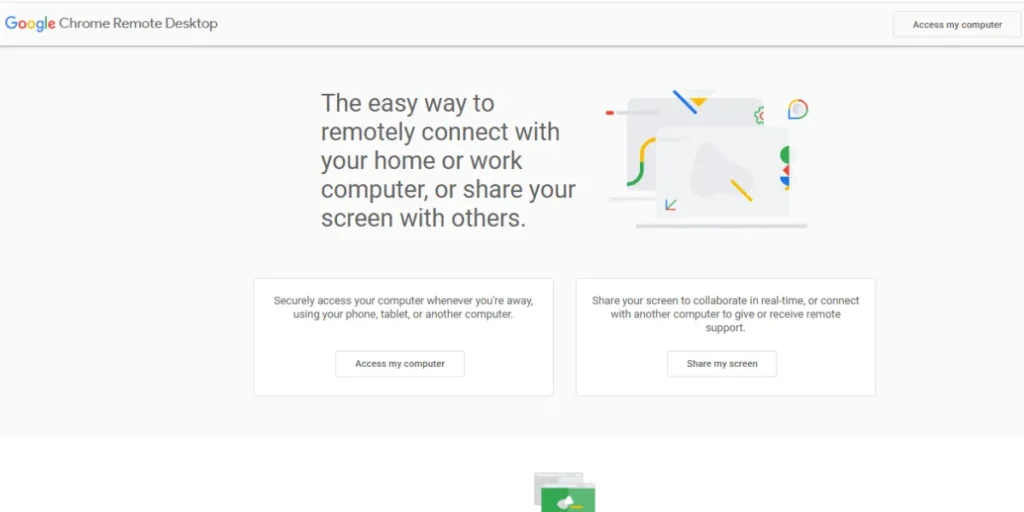
One of the most convenient Free AnyDesk Alternatives is Chrome Remote Desktop because its implementation is based on Google infrastructure, and the option provides a smooth remote access experience using any Chrome browser. This is a solution that does not need any complicated program to be installed; all you need is to add the browser extension, and you are connected. I
t has a convenient integration with Google accounts, and it is also secured. The service can work perfectly with Windows, Mac, Linux, and Chromebook systems, and it is the best choice in households with heterogeneous device ecosystems and users who favor solutions based on the browser.
Key Free Features:
- Browser-based remote access
- Inter-platform device coverage.
- No installation required
- Google authentication is secure.
Why It’s a Free AnyDesk Alternative: It is free of charge and has no commercial limitations and usage restrictions.
Platforms Supported: Windows, MacOS, Linux, Chrome OS, Android, iOS.
Best For: The application with less demanding users who want to use a simple and rapid remote application but who are not interested in complex system configurations.
Limitations: Few high-end capabilities as the special desktop programs..
Link: https://remotedesktop.google.com/
2. RustDesk (Open Source)
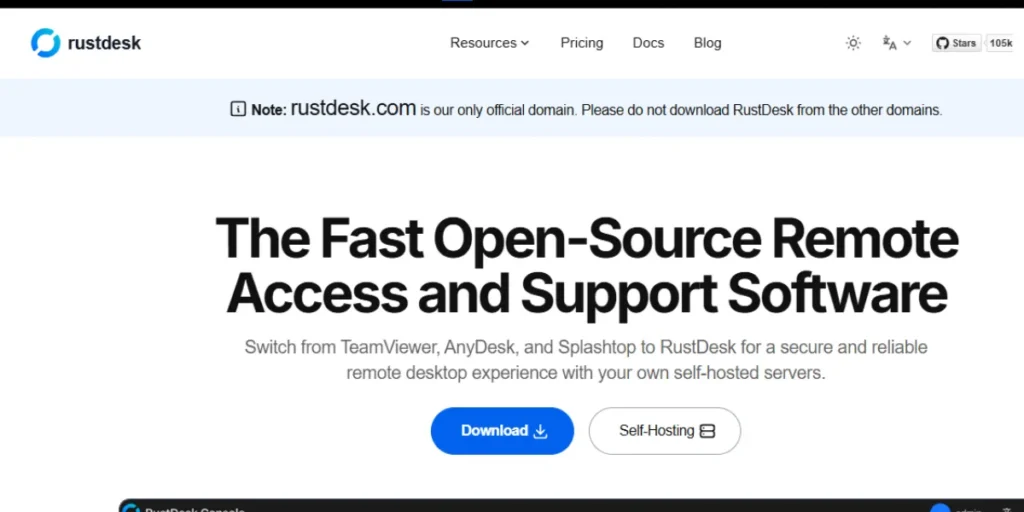
RustDesk is the next generation of Free AnyDesk Alternatives since it has a fully open-source structure and it is incredibly privacy-friendly. It is an open-source tool that enables users to provision their own relay servers, which essentially guarantees full sovereignty of their data and removes any worry about third-party accessibility.
The software offers similar performance to AnyDesk with low latency and responsive controls, as well as providing users with excellent customization opportunities that have never been seen before, even by technically savvy users. Its active community of developers constantly develops new functionalities and security additions, so RustDesk becomes more popular among privacy-conscious people and organizations.
Key Free Features:
- Self-hosted server option
- Open-source transparency
- End-to-end encryption
- No commercial restrictions
Why It’s a Free AnyDesk Alternative: It is free to use and has a self-hosting option to have the best privacy.
Platforms Supported: Windows, macOS, Linux, Android, iOS.
Best For: Privacy-minded users and developers desiring to have complete control over connections.
Limitations: Self-hosting needs technical skills and server capability.
Link: https://rustdesk.com/
3. TeamViewer
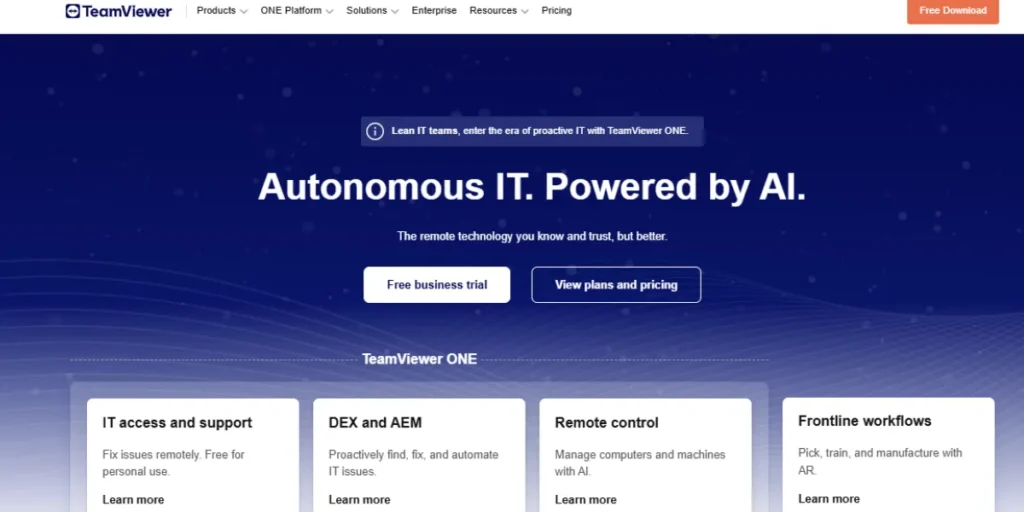
Decades of refinement and development of features have earned TeamViewer its reputation as one of the giants of the Free AnyDesk Alternatives. Although it is mainly sold as enterprise software, the free personal-use license offers an amazing capacity to use it in applications that have non-commercial purposes.
Users enjoy some other features such as file transfer abilities, multi-monitors, Wake-on-LAN, and even unattended access to computers, which will be remotely controlled without any person present. The high level of reliability of the software and the world server network, makes it the ideal choice in offering technical support to friends and family due to the fast and stable connection anywhere around the world.
Key Free Features:
- File transfer capability
- Multi-monitor support
- Wake-on-LAN functionality
- Unattended access mode
Why It’s a Free AnyDesk Alternative: Strong free version, which can only be used in a personal, non-commercial mode.
Platforms Supported: Windows, macOS, Linux, Chrome OS, Android, iOS, Windows Phone.
Best For: personal use with high levels of troubleshooting and support functionality.
Limitations: Detection of commercial use: Purchase of a license is obligatory.
Link: https://www.teamviewer.com/
4. Zoho Assist
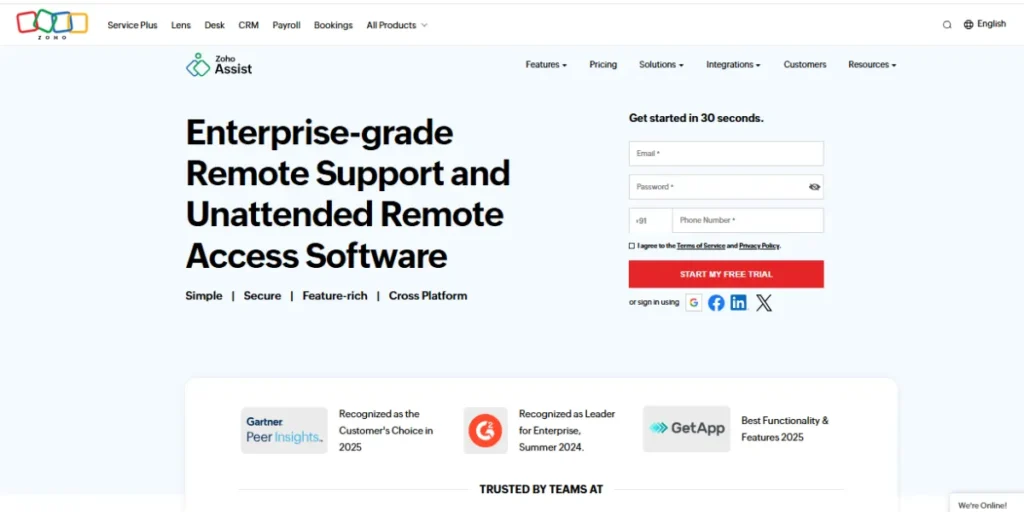
Zoho Assist stands out in a range of Free AnyDesk Alternatives as it has a Free Forever plan, which is explicitly intended to serve the needs of individual IT professionals and freelance technicians. This is a browser-based product that does not require any installation on the part of the clients, and it also gives the technicians the necessary facilities of remote support, such as screen sharing, file transfer, and remote printing.
The basic plan has one simultaneous technician and unattended access to remote computers, which is remarkably effective when it comes to small operations. Zoho is known in the business software market, which also guarantees high levels of reliability and frequent updates.
Key Free Features:
- Browser-based access
- Unattended remote access
- File transfer support
- Recording features of the session.
Why It’s a Free AnyDesk Alternative: Essentials of remote support on the free plan.
Platforms Supported: Windows, MacOS, Linux (web-based), Android, iOS.
Best For: single IT support staff and freelance techs.
Limitations: Free tier is limited to one technician and simple functions.
Link: https://www.zoho.com/assist/
5. UltraVNC
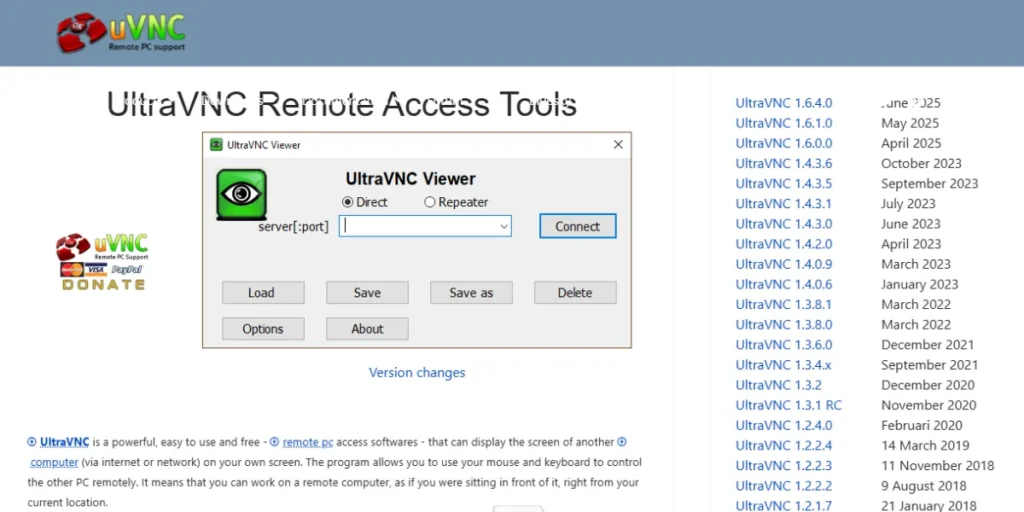
UltraVNC can be considered one of the most well-developed Free AnyDesk Alternatives, a lightweight but potent open-source VNC capable of use by users on Windows. This is an old software that has undergone years of development to deliver superior performance even with the older hardware setups. UltraVNC can also be used to transfer files, chat using text and provide optional encryption plug-ins to provide additional security.
It is extremely customizable and thus caters to system administrators in need of fine-tuning remote access options. Although the interface might look outdated against the current options, its stability and low use of resources render it priceless when it comes to certain scenarios.
Key Free Features:
- File transfer capability
- Text chat functionality
- Encryption plugin support
- Lightweight resource usage
Why It’s a Free AnyDesk Alternative: It is an open-source utility with no usage limitations, and it is entirely free.
Platforms Supported: Windows (primary), other platform viewers supported.
Best For: Advanced windows system administrators who need to have customized remote access.
Limitations: Windows-based and an obsolete interface, and a higher learning curve.
Link: https://www.uvnc.com/
More Info: PC Cleaners to Supercharge Your System
6. SupRemo
SupRemo is a product that wins its position among Free AnyDesk Alternatives due to outstanding portability and simplicity. This is an Italian-written solution that does not need to be installed; a user just needs to download the small executable file, run it, and have an instant remote connection.
The software is based on a simple ID and password system, like AnyDesk, and will therefore be instantly identifiable by the customer. The small size of SupRemo (Less than 2MB) ensures that it is ideal to carry on USB drives or download fast when offering emergency help. Although it is still very minimalist, it has a decent performance and it has fundamental capabilities such as file transfer.
Key Free Features:
- Portable, no installation
- Tiny file size
- Simple ID-based connection
- File transfer support
Why It’s a Free AnyDesk Alternative: It is free to use personally, with a portable and lightweight construction.
Platforms Supported: Windows, MacOS, Linux, Android, iOS.
Best For: This is the best choice when users require an easy-to-carry remote access solution (run and go).
Limitations: Commercial use requires a license.
Link: https://www.supremocontrol.com/
7. DWService
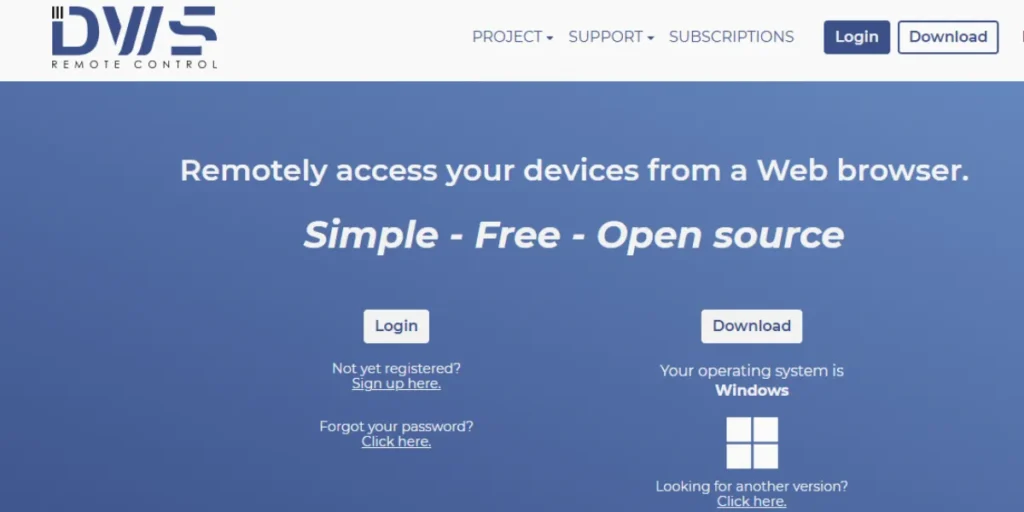
DWService is an alternative to Free AnyDesk that is the only option with a free architecture based entirely on the web, and thus, requires no software to be installed on the accessing device. This is a solution hosted in the cloud that uses any recent web-based browser, which makes it the perfect fit in an application where you are not able to install the software, like when using computers in a library or a restricted corporate machine.
It is a service that offers permanent remote access to configured computers, which allows file management, terminal access, and screen sharing. It is especially popular among small businesses and freelancers, especially due to its open-source nature and zero cost (the license) of its usage, whether personal or commercial.
Key Free Features:
- Web-based browser access
- No client installation
- Permanent remote access
- File management-capabilities.
Why It’s a Free AnyDesk Alternative: It is totally free to use for personal and commercial purposes through a browser.
Platforms Supported: Windows, macOS, Linux (client, web-based), Android.
Best For: To access computers using limited devices without the need to install the software.
Limitations: It will demand constant internet connectivity and web browsers.
Link: https://www.dwservice.net/
8. Iperius Remote
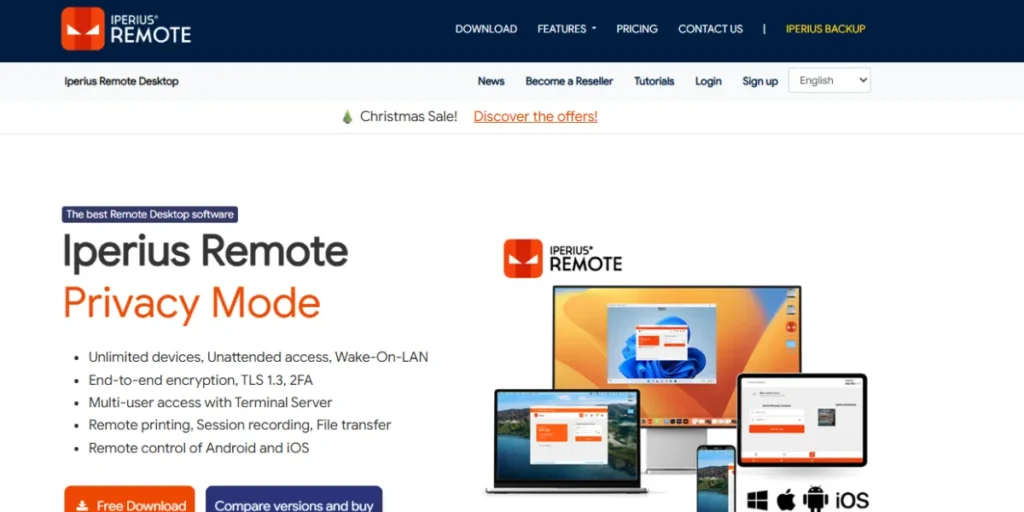
Iperius Remote is a good contender as an entry to Free AnyDesk Alternatives because of its sleek interface and the professional features offered with the free personal-use edition. The Italian software has surprisingly good features such as support for multiple monitors, file transfer, and remote printing, which are usually offered at higher-priced levels in other applications.
The interface is more or less similar to the intuitive design of AnyDesk, which reduces the learning curve for users who are making the switch. Iperius Remote is fairly connected and has responsive controls and maintains low resource usage, hence it can be used by different hardware and network statuses.
Key Free Features:
- Multiple monitor display capabilities.
- Transfer capability of files.
- Remote printing capability
- Clean, intuitive interface
Why It’s a Free AnyDesk Alternative: The Free version has an Interface Like AnyDesk, and Professional features.
Platforms Supported: Windows, macOS, Android, iOS.
Best For: Users who want lightweight software that has an interface similar to AnyDesk.
Limitations: The Free version could only be used for personal and non-commercial use.
Link: https://www.iperiusremote.com/
9. TightVNC
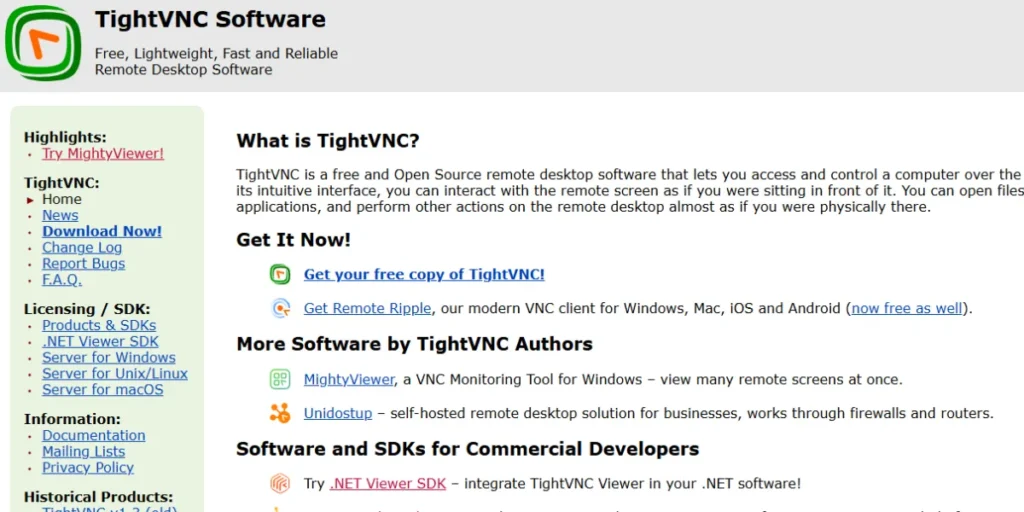
As a reflection of the remarkably efficient low-resource solution, TightVNC has established its niche in Free AnyDesk Alternatives as a highly efficient solution to use in old hardware or networks with limited bandwidth. This is a mature and open-source software that uses the VNC protocol with specific optimization to reduce data transfer and enhance performance over slow connections.
TightVNC is known to have a solid foundation and a predictable behavior that system administrators appreciate about monitoring servers or old systems. It is not a modern, polished, and advanced solution. Still, its level of reliability and low system demands make it invaluable in certain technical situations where resource efficiency overrides user interface finishes.
Key Free Features:
- Low bandwidth optimization
- Low resource needs.
- Stable, proven reliability
- Java viewer option
Why It’s a Free AnyDesk Alternative: No charges under GNU GPL to all applications with performance optimisation.
Platforms Supported: Windows, Linux, macOS (Java viewer).
Best For: Connection with low bandwidth and hardware systems of an older date.
Limitations: Simple interface and less features and conveniences.
Link: https://www.tightvnc.com/
10. HopToDesk
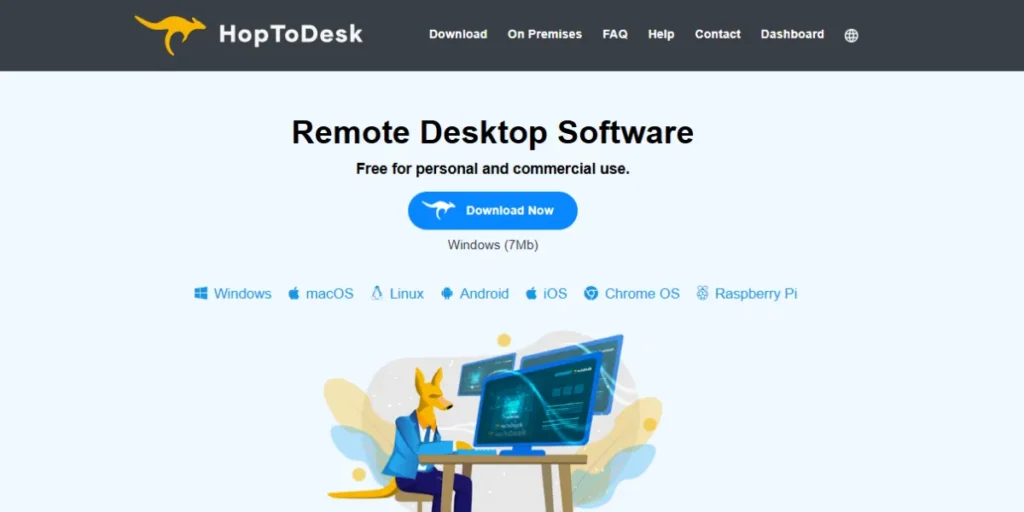
HopToDesk completes our Free AnyDesk Alternatives as a straight, no-frills substitute that is almost as functional as AnyDesk and is entirely free to use both personally and commercially. This is a cross-platform solution that provides end-to-end encryption of all remote sessions and keeps the data safe without affecting the performance.
There is no registration or account creation needed in HopToDesk; just install the software, write down the connection ID, and begin connecting. The developers have focused on simplicity and reliability, developing a tool that is compatible with a variety of platforms and network setups and has a small footprint of installation and a responsive interface.
Key Free Features:
- End-to-end encryption
- No registration required
- Commercial use allowed
- Cross-platform compatibility
Why It’s a Free AnyDesk Alternative: It is free for personal and commercial use without limitations.
Platforms Supported: Windows, macOS, Linux, Android, iOS.
Best For: Direct, unrestricted model of AnyDesk replacement.
Limitations: The newer software has a smaller user community than the established ones.
Link: https://www.hoptodesk.com/
Free Alternatives Download & Setup Basics
- Official Sources Only: It is always best to download the remote desktop software on the official website to avoid malware, trojans, or other alterations to the software that may lead to security breaches.
- System Requirement Check: It is necessary to check your operating system version to make sure it is operating under minimum requirements to avoid compatibility and poor performance.
- Firewall Settings: Firewalls must open particular ports to allow most of the remote desktop tools to be used- refer to the documentation to set up networks appropriately.
- Account Registration: There are services that need account creation to manage connection management, and those that operate using simple ID-based systems and do not need any account creation.
- Primary Testing: Check local networks. Test connectivity on the networks first, and then use remote access to diagnose and fix any configuration problems in controlled environments.
- Review of Security Settings: Before using the remote access, you need to set password requirements, two-factor authentication, and access permissions based on your security requirements.
Conclusion
The correct Free AnyDesk Alternatives would all be found in your individual needs, your technical background, and various situations of usage. Be it simplicity with Chrome Remote Desktop, total privacy with the self-hosting options of RustDesk, enterprise-level features with the personal license of TeamViewer, or the simplicity of HopToDesk, this guide has offered an option to every type of user. These Free AnyDesk Alternatives demonstrate that great remote desktop functionality does not have to be costly and licensed.
All the solutions possess their own advantages, including the convenience of browsers and the transparency of open-source systems, as well as portability and the ability to include all features of professional uses. Considering your needs alongside the functionality, constraints, and vendor licensing of these options, you will be assured of choosing a remote desktop software that will provide you with reliable, secure, and cost-efficient remote access over the next few years.
FAQs
Are these Free AnyDesk alternatives really free or trial?
Any of the listed alternatives is truly free on the basic level, some with the exception of personal usage (TeamViewer, SupRemo), others being absolutely free of any use but not time-limited (RustDesk, HopToDesk, DWService).
What is the most secure and private free alternative?
RustDesk offers a better level of privacy with self-hosting and open-source transparency, whilst HopToDesk and Chrome Remote Desktop are well-end-to-end encrypted to meet the average needs of remote access.
Is it possible to use these alternatives commercially without any payment?
HopToDesk, DWService, RustDesk, and the open-source VNC (UltraVNC, TightVNC) allow commercial use with no restrictions, whereas TeamViewer, SupRemo, and Iperius Remote only allow free versions to be used personally.
Which is the most effective alternative for non-technical family members?
Chrome Remote Desktop is user-friendly because of its simplicity through the browser and integration with a Google account. In contrast, SupRemo is portable and has a simple ID system, which is also suitable to provide immediate support to a family.
Do such alternatives work with other operating systems?
The majority of the listed options work with Windows, macOS, Linux, Android, and iOS with different levels of functionality, whereas UltraVNC supports Windows mainly, and the other options, such as Chrome Remote Desktop, are highly compatible across platforms.