
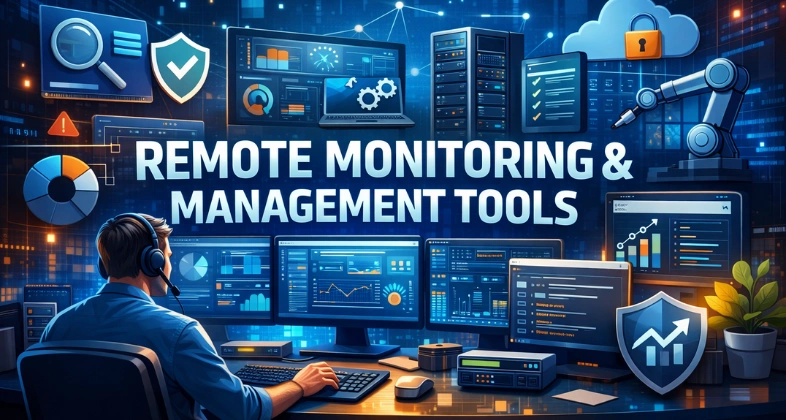
Remote Monitoring and Management (RMM) tools have become a core component of modern IT operations, especially for managed service providers and in-house IT teams handling multiple systems. These platforms allow businesses to monitor endpoints, servers, and networks from a centralized dashboard, ensuring systems remain secure, updated, and performing optimally. RMM tools help automate routine tasks such as patch management, software updates, performance tracking, and issue alerts, reducing manual workload and response time.
By providing real-time visibility into system health, they enable proactive maintenance instead of reactive troubleshooting, which minimizes downtime and improves user experience. As organizations continue to adopt remote and hybrid work models, RMM software play a critical role in managing distributed IT environments efficiently. They also support scalability, making it easier to manage growing infrastructure without increasing operational complexity. Overall, RMM tools empower IT teams to deliver faster support, enhance security posture, and maintain consistent performance across all connected devices.
What Are RMM Tools?
Remote Monitoring and Management (RMM) Tools are a centralized software platform that is utilized by an IT team and Managed Service Providers (MSP) to monitor, control, and maintain IT systems remotely. These tools can be linked to endpoints like desk tops, laptops, servers and network devices thus enabling the teams to monitor performance, security and availability in a single dashboard.
RMM tools are used to monitor the health of the system continuously, identify possible failures, and provide warnings before issues affect the running of the business. Other than monitoring, they facilitate remote troubleshooting, automatic deployment of patches, software updates, and optimization of the system without having to touch the system.
This renders them a necessity in contemporary, spread out IT settings. Put simply, RMM software assist the IT staff to detect problems in their initial stage, address them fast, and avoid disruption in the future – transforming reactive support into active IT management.
How RMM Tools Work?
RMM platforms operate through installation of small software agents on devices under its control. These agents execute silently in the background and they gather real-time information on CPU and memory utilization, disk performance, security status, uptime, and applications of the system. The data is sent to a centralized management control desk whereby IT teams have complete access to all systems.
In the event of irregular activity or performance, automatic notifications are generated on the platform based on predefined thresholds through Remote Monitoring and Management (RMM) tools. Technicians can then remotely access affected devices, execute scripts, install patches, restart or shut down services, and debug issues in real time.
RMM solutions are not limited to fundamental monitoring anymore but have automation, predictive alerts, compliance reports, and integrations with cybersecurity and services desk solutions, which makes IT operations faster, smarter, and reliable.
Who Needs RMM Tools?
Remote Monitoring and Management (RMM) tools are a centralized software platform that is utilized by an IT team and Managed Service Providers (MSP) to monitor, control, and maintain IT systems remotely. These tools can be linked to endpoints like desk tops, laptops, servers and network devices thus enabling the teams to monitor performance, security and availability in a single dashboard.
RMM tools are used to monitor the health of the system continuously, identify possible failures, and provide warnings before issues affect the running of the business. Other than monitoring, they facilitate remote troubleshooting, automatic deployment of patches, software updates, and optimization of the system without having to touch the system. This renders them a necessity in contemporary, spread out IT settings. Put simply, RMM software assist the IT staff to detect problems in their initial stage, address them fast, and avoid disruption in the future – transforming reactive support into active IT management.
Benefits of Remote Monitoring and Management Tools.
- Issue detection in advance– It finds system problems before they affect the users or business processes.
- Reduced downtime– Automation makes the monitoring and maintenance of systems run smoothly and reliably.
- Centralized IT management- Control all devices, all networks, all over one integrated dashboard.
- Quickly troubleshooting- Secure remote access enables troubling shooting in real-time without the need to be present.
- Enhanced security stance – Favorable to patching, tracking vulnerabilities and detecting threats.
- Reduced operation expenses- Automation eliminates manual labor and IT personnel.
- Scalability in IT operations -Manage the increasing infrastructures with ease.
How to Choose the Right RMM Software?
- Measuring Your Infrastructure and Scalability: Begin by assessing the number of devices, servers and network components under your control and operating systems and cloud service solutions. A startup enterprise of 50 endpoints is in no way similar to an MSP dealing with thousands. Select the platform that can easily manage your current workload and would be able to support your future expansion without any major upgrades or migrations.
- Determine Your Core IT Sources of Pain: Identify what issues you wish the RMM software will address. There can be recurrent downtime, manual patches, poor visibility, slow response to support, and security holes, among others, but the solution implemented should tackle these issues, not create additional layers of unnecessary complexity.
- Test Automation and Patch Administration: Good automation decreases work and human error. Find tools that assist with OS and 3rd party patching, scripting, scheduled maintenance and policy based actions. One of the largest long-term benefits of an RMM platform in terms of productivity is the capability to automate routine fixes.
- Check Security and Readiness to Compliance: Make sure that it is on the platform that has encryption, multi-factor authentication, audit logs and role based access control. Assuming that you are in regulated industries, ensure that it assists in compliance reporting, vulnerability monitoring and data protection standards.
- Reconsideration with Current Tools: Your RMM solution must be compatible with your existing ticketing solutions, cybersecurity solutions, backup systems and cloud providers. Good integrations minimize redundancy in work, enhance the workflow, and establish a consolidated IT management environment.
- Take into consideration Ease of Use and Deployment: A good tool would be of no use when it is so complicated to act upon. Find platforms that have user-friendly dashboards, installing agents easily, have straightforward documentation, and have easy access to training materials to get your staff to adopt the platform within a short time.
- Pricing and Total Cost of Ownership: Exceed monthly subscription rates. Include the cost of onboarding, support, training, scalability pricing, and add on modules. The most economical solution may end up costing a lot in the event that it is not automated or scalable.
- Test Before You Commit: A free trial or proof-of-concept is always desired. This is due to the fact that before committing to a long time investment such as investing into hiring another employee, you should test the platform in your real world environment to see the quality of alerts, the strength of automation, the reliability of remote access and usability in general.
List of 10 Best RMM Tools
1. NinjaOne
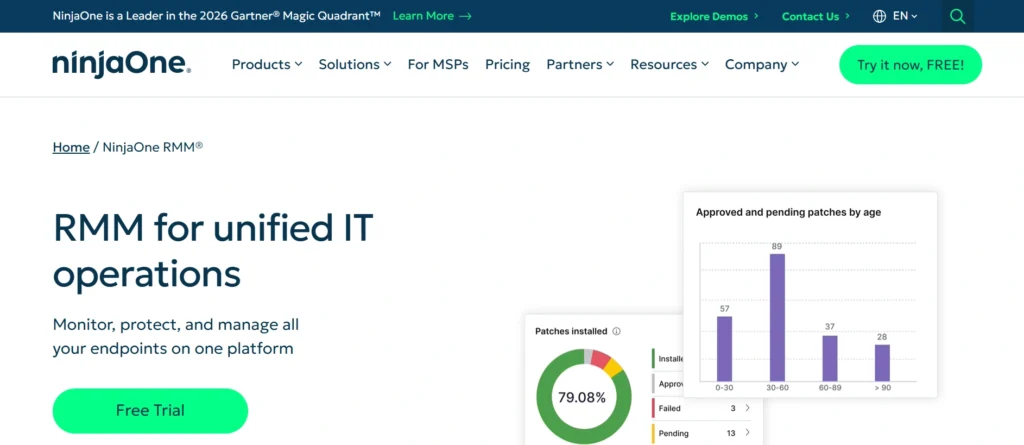
NinjaOne is a new remote monitoring and management service that is developed to make endpoint management easier, but offering a strong automation capability. It offers real-time monitoring of Windows, MacOS, Linux, and mobile devices enabling IT teams to monitor the performance, apply patches and troubleshoots using a single cloud-based dashboard. A clean interface, rapid deployment and low learning curve are highly recognized features of NinjaOne that allow technicians to become productive in very little time.
The platform allows automated alerting and scripting and policy-based management to assist teams in removing repetitive manual tasks and decrease downtime through Remote Monitoring and Management (RMM) tools. Built-in safe remote access offers real-time troubleshooting, whereas asset management applications provide a comprehensive overview of hardware and software inventories.
NinjaOne is also connected with the famous service desk, backup and security software, which forms a single IT operations environment. It can be applied to internal IT teams and managed services providers that need speed, reliability, scalability, and good automation without the unneeded complexity.
Key Features
- Instantaneous tracking with smart notifications.
- OS and application patch management Automated.
- Have safeguarded inbuilt remote access tools.
- High-level scripting and automation engine.
- Tracking of assets and in-depth reporting.
Pricing:
- on request
Pros:
- Clean and intuitive user interface
- Strong automation and scripting
- Fast deployment and onboarding
- Reliable remote access and monitoring
Cons:
- Pricing is not publicly disclosed
- Limited built-in PSA capabilities compared to competitors
2. ConnectWise
ConnectWise RMM is an effective remote monitoring and management tool that is targeting both the providers of managed services and enterprise IT departments which need profound visibility, automation and scalability. It provides real time tracking of whereabouts of endpoints, servers, and networks enabling technicians to detect problems at the onset before it affects the users.
It is also among the company’s greatest strengths, offering full integration with the ConnectWise PSA through Remote Monitoring and Management (RMM) tools, which allows service delivery, ticketing, billing, and client management within the same ecosystem.
ConnectWise RMM will facilitate automated patch management, remote access, and advanced scripting to facilitate mundane IT processes. Detailed reporting, finding assets, and monitoring compliance also are offered on the platform that helps organizations to ensure the operational and regulatory standards.
ConnectWise RMM allows scalability to support both small IT teams and large MSPs operating thousands of endpoints in their environment with its scalable architecture. It particularly fits well with service providers who require a highly integrated, automation-based, IT management system with a high level of efficiency, accountability and quality of services.
Key Features
- Native Integration with ConnectWise PSA.
- Automated patch management and monitoring.
- VPN remote problem-solving software.
- Further automation, scripting.
- Detailed reporting and discovery of assets.
Pricing:
- on request
Pros:
- Deep integration with ConnectWise PSA
- Highly scalable for large MSPs
- Powerful automation and workflow tools
Cons:
- Steep learning curve for beginners
- Complex initial setup and configuration
3. Atera
Atera is a cloud-based RMM and PSA platform that is designed to enable IT professionals to operate it by managing infrastructure, supporting users and automating processes through one interface. It integrates remote monitoring, patch management, helpdesk and billing tools into a single system and is very popular with small to mid-sized managed service providers.
Atera offers real-time monitoring of the system, automatic notifications, and the ability to access it remotely through Remote Monitoring and Management (RMM) tools, enabling technicians to fix problems in the shortest and most effective way.
The automation capabilities that it has built-in allow it to minimize the workload of its humans in performing routine maintenance, software deployment, and system update tasks. The per-technician pricing model used in Atera is also another significant plus as it enables organizations to grow without concerns about the per-endpoint pricing.
Having an easy-to-use interface, AI-based support, and a quick setup time, Atera helps the IT teams deliver services more effectively and retain a low operational overhead. It is best suited to smaller teams in the IT department who need to be affordable, easy, and all-in-one.
Key Features
- Integrated RMM, PSA and helpdesk platform.
- Automated surveillance and warning.
- Technician price model.
- Remote access and patching are included in the building.
- Artificial intelligence and robotization.
Pricing:
- Professional: $149/month
- Expert: $189/ month
- Master:$219/month
Pros:
- Simple per-technician pricing model
- All-in-one RMM + PSA platform
- Beginner-friendly interface
- AI-powered features included
Cons:
- Limited advanced customization
- Not ideal for very large MSPs
4. N-able (N-central / N-sight)
N-able has two highly powerful RMM solutions (N-central and N-sight) that are targeted to assist both expanding IT organizations and large scale managed service providers. These platforms offer end-point, server, and network device comprehensive surveillance in highly-complex IT environments.
N-able has a reputation of robust automation framework, policy based management and profound visibility into system performance and security risks.
The platform allows operating system and third-party applications to be patched automatically to minimize vulnerabilities and enhance compliance. N-able is also closely integrated with Microsoft environments, with centralized control of Microsoft 365, Azure, and Intune. It can be tailored to provide workflows that are highly customizable and is therefore appropriate with enterprises that require sophisticated infrastructure.
N-able enables IT teams to scale operations, enhance security stance, and provide consistent service through distributed networks and multi-tenant environments with such functions as proactive alerting, access remotely, asset tracking, and reporting.
Key Features
- Elastic architecture to large-scale IT operations.
- High-level automation and policy control.
- integration with Microsoft 365 and Azure.
- Patching and monitoring is automated.
- Individualized alerts and reporting.
Pricing:
- Not available
Pros:
- Highly scalable for enterprise environments
- Strong Microsoft and cloud integrations
- Policy-based automation and monitoring
Cons:
- Complex interface
- Higher learning curve for new users
5. Kaseya VSA
Kasey VSA is a well-developed remote monitoring and management solution that has been developed to provide deep control, automation, and integration solutions to IT teams and managed service providers. It offers end point, server and network infrastructure real time monitoring which allows detection of issues before they occur and quick responsiveness.
Kaseya VSA is specifically distinguished by a wide range of scripting and automation capabilities through Remote Monitoring and Management (RMM) tools, giving technicians the opportunity to create advanced workflows that automate maintenance, remediation, and system management operations.
The platform compliments centralized patch management, software deployment, and remote access and assists organisations to reduce manual effort and enhance service efficiency. Kaseya VSA is also compatible with a broad range of IT operations, backup, security and service management tools and builds a cohesive management platform.
Kaseya VSA is also a solid option that fits the needs of both mid-sized settings and larger MSPs, based on its emphasis on automation, flexibility, and ecosystem-based IT administration through Remote Monitoring and Management (RMM) tools.
Key Features
- State-of-the-art scripting and automation engine.
- Single node patch and software deployment.
- Real time monitoring and alerting.
- Secure remote access tools
- Considerable third-party integrations.
Pricing:
- on Request
Pros:
- Powerful automation and scripting engine
- Large third-party integration ecosystem
- Suitable for automation-driven MSPs
Cons:
- Interface can feel complex and dated
- Pricing lacks transparency
6. Datto RMM
Datto RMM is a cloud based remote monitoring and management platform designed to facilitate contemporary IT processes and managed service providers. It provides real-time visibility of the endpoints, servers and the network devices and allows identifying the performance and security problems proactively.
Datto RMM also offers a high degree of automation through Remote Monitoring and Management (RMM) tools, allowing technicians to implement updates, execute scripts, and carry out automated remediation processes across extensive environments.
It is a strong point of the company because it is tightly integrated with the backup and data recovery offering of Datto, which provides an integrated system monitoring and protection platform. Inbuilt ransomware detection is also present on the platform, and it can assist an organization in detecting the suspicious behavior promptly. Datto RMM can be easily accessed remotely via web and thus, technicians can access systems via any browser without extra software.
Datto RMM is optimally suited to MSPs and IT teams who are concerned with uptime, security, and service reliability, as well as have flexible policies, detailed reporting, and extensive integrations.
Key Features
- Monitoring and automation on the cloud.
- In-house ransomware protection.
- Internet remote access security.
- Automated patch management
- Backup and recovery tools integration.
Pricing:
- on Request
Pros:
- Strong focus on uptime and security
- Built-in ransomware detection
- Seamless backup and recovery integration
Cons:
- Best features depend on Datto ecosystem
- Less flexible for non-Datto users
7. Pulseway
Pulseway is a remote monitor and management platform that is mobile-first and can be used to allow IT teams that need real-time visibility and control wherever they are. It enables technicians to track servers, workstations and network devices using user friendly mobile and web interfaces.
Pulseway is considered to possess instant push notifications, which notify the technicians as soon as problems in the system occur. It features automatic patching, monitoring of the system and allows remote access and thus quick troubleshooting without necessarily being on the ground.
Pulseway also has asset tracking and backup monitoring, along with some simple automation features included to ease daily IT operations through Remote Monitoring and Management (RMM) tools. Its light agent is fast to install and requires minimal system resources, making it an appropriate solution for small to mid-size environments.
Having high mobile functionality, Pulseway is particularly useful to on-call technicians and small IT departments in need of flexibility and responsibility. It provides an applicable answer to the organizations that want simplicity, mobility and discernment of the systems in real time.
Key Features
- Mobile first IT management platform.
- Live notifications and alerts.
- A distant access and troubleshooting.
- Patching and monitoring is automated.
- Asset and backup monitoring software.
Pricing:
- $67/ month
Pros:
- Mobile-first design with real-time alerts
- Very easy to set up and use
- Ideal for on-call IT teams
Cons:
- Limited enterprise-grade features
- Less advanced automation options
8. SuperOps.ai
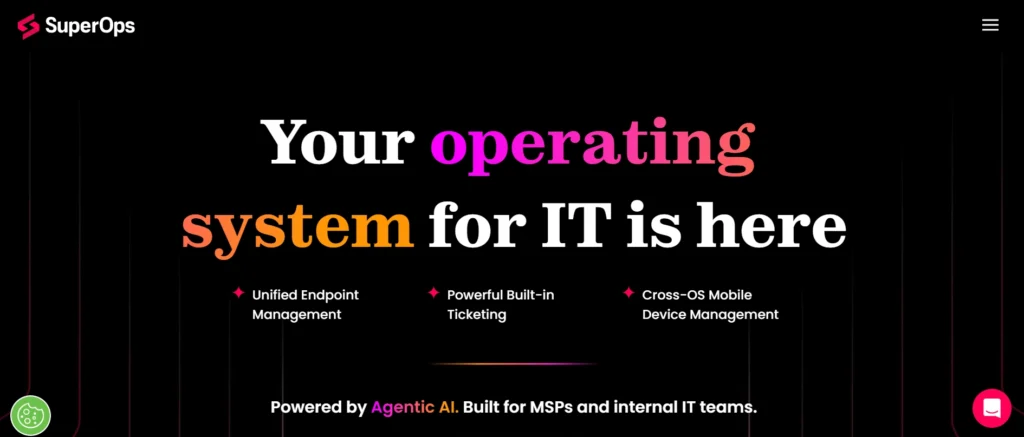
SuperOps.ai is an innovative next generation RMM and PSA platform that is designed to align IT operations to automate, advance, and streamline operations. It is built to serve mainly managed service providers and integrates remote monitoring, patch management, asset tracking, ticketing and billing into one cloud platform. SuperOps.ai has the focus on proactive IT management with smart alerting and workflow automation minimizing the use of human intervention.
The platform has real time endpoint monitoring, automated software updates, and embedded remote access tools to speed the support resolution. SuperOps.ai has a clean, modern interface as well that eases day-to-day operations and enhances productivity of the technicians. It features inbuilt PSA functionality enabling MSPs to operate service tickets, contracts and billing clients without the use of third party systems.
SuperOps.ai can be described as scalable, security-oriented, and continuously developing features and, therefore, applicable to modern MSPs to seek a single, automation-based solution that helps optimize efficiency, visibility, and service quality of all the managed settings.
Key Features
- Unified RMM and PSA platform
- Smart automation processes.
- Patching and real time monitoring.
- in-house service desk and billing.
- Contemporary, easy to use interface.
Pricing:
- Pro : $149 / month
- Super: $179/ month
Pros:
- Modern and clean UI
- Built-in PSA functionality
- Smart workflows and automation
Cons:
- Newer platform with smaller ecosystem
- Fewer third-party integrations
9. Syncro
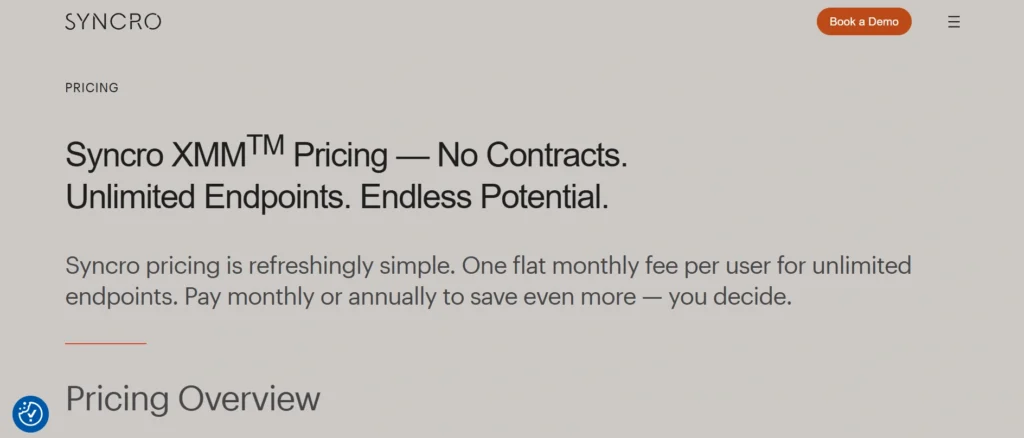
Syncro is a single-platform RMM / PSA designed with the specific mission of simplicity and efficiency to work with small IT teams and managed service providers. It integrates distantly overseeing, automated preservation, ticketing, invoicing and customer control into one unified framework.
Syncro grants technicians the ability to check endpoints in real time, install patches, automate scripting, and remotely troubleshoot devices through Remote Monitoring and Management (RMM) tools on a single dashboard. Its integrated PSA capabilities enable teams to manage tickets, recurring billing, contracts, and customer communication without any external tools.
The scripting engine of Syncro allows a high level of automation through Remote Monitoring and Management (RMM) tools, helping decrease repetitive tasks and enhance response times. Asset management, policy-based monitoring, and customizable warnings are also available on the platform to ensure system reliability.
Self-priced per-technician and relatively quick set-up process makes Syncro especially interesting to small and medium-sized MSPs. It offers a scalable and economical option to teams that want to optimize the processes of IT and services delivery.
Key Features
- RMM and PSA integrated platform.
- Patching and monitoring is automated.
- Inhouse ticketing and billing.
- Higher level scripting and automation.
- Asset and customer management.
Pricing:
- $129/ month
Pros:
- Combines RMM, PSA, and billing
- Strong scripting capabilities
- Simple per-technician pricing
Cons:
- Limited scalability for large enterprises
- UI is functional but less modern
10. ManageEngine RMM Central
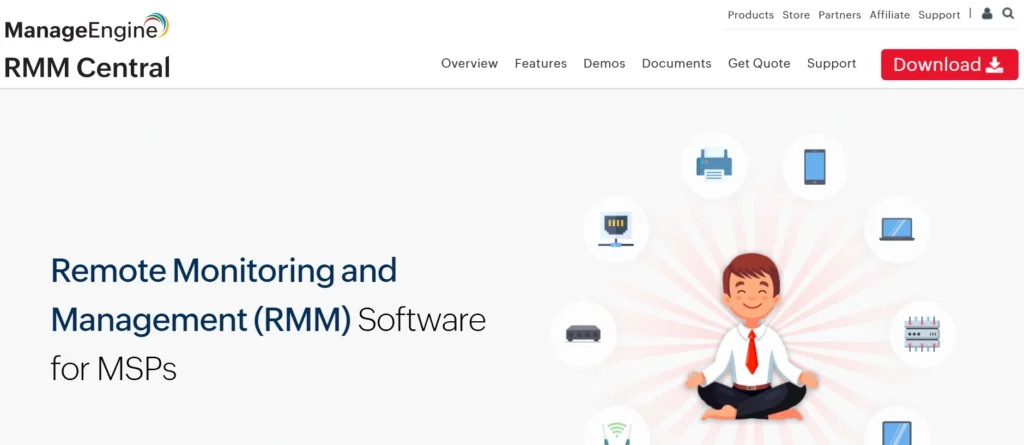
ManageEngine RMM Central is a single remote monitoring and management system that is used to assist IT departments to monitor, manage, and protect endpoints, servers, and networks through a centralized console. It works with Windows, macOS, and Linux systems, which is why it can be used in different IT settings. The site also provides a real-time status, automatic patching and proactive alerting to identify and fix the problems before they affect the operations.
ManageEngine RMM Central also consists of remote access, asset management, and software deployment features that make the task of managing IT administration easier on a daily basis. Its inbuilt automation processes enable technicians to plan maintenance, run scripts and apply policies on a large scale to several devices at a time. The platform is compatible with other ManageEngine products and forms an ecosystem of IT operations and service management.
Being highly reportable and equipped with customizable dashboards, ManageEngine RMM Central offers both technical and executive perspectives through Remote Monitoring and Management (RMM) tools. It is best suited for businesses seeking a low-priced, scalable, and integrated RMM solution.
Key Features
- Real-time network and endpoint monitoring.
- Auto OS and third party patching.
- Protective remote troubleshooting tools.
- Precise finding of assets and stock management.
- Unique dashboards and compliance reports.
Pricing:
- Not available
Pros:
- Affordable pricing
- Strong reporting and monitoring features
- Wide IT management coverage
Cons:
- Interface feels less modern
- Can be complex for first-time users
Comparison Table of Best RMM Tools
| Software Name | Price Model | Ease of Use | Best For | Free Trial |
| NinjaOne | Subscription | Beginner-friendly | Fast-growing IT teams & MSPs | Yes |
| ConnectWise RMM | Subscription | Advanced | Large MSPs & enterprises | Yes |
| Atera | Subscription (per technician) | Beginner-friendly | Small & mid-sized MSPs | Yes |
| N-able (N-central/N-sight) | Subscription | Advanced | Large IT teams & enterprises | Yes |
| Kaseya VSA | Subscription | Advanced | Automation-focused MSPs | Yes |
| Datto RMM | Subscription | Intermediate | MSPs focused on uptime & security | Yes |
| Pulseway | Subscription | Beginner-friendly | Small IT teams & on-call technicians | Yes |
| SuperOps.ai | Subscription | Beginner-friendly | Modern MSPs | Yes |
| Syncro | Subscription (per technician) | Intermediate | Small & mid-sized MSPs | Yes |
| ManageEngine RMM Central | Subscription | Intermediate | Businesses using ManageEngine ecosystem | Yes |
Conclusion
Remote Monitoring and Management (RMM) tools are now considered a pillar of IT operations in the modern world. Traditional on-site support models can no longer keep pace with the shift of businesses toward remote work, cloud infrastructure, and multi-location environments. RMM systems enable IT specialists and managed service providers to monitor systems in real time, automate maintenance, enhance security, and resolve issues remotely before they disrupt operations.
RMM tools decrease the downtime and enhance visibility as well as remove the repetitive manual tasks, thereby, enhancing the operational efficiency and improving business continuity and service quality. This is because selecting the appropriate RMM solution can help organizations to scale without fear, secure their critical infrastructure and reshape IT no longer as a reactive cost center but as part of the strategic function.
FAQs
1. What is an RMM Tool?
RMM software is a platform through which the IT teams are able to remotely monitor, man and maintain devices, servers and networks over a centralized dashboard.
2. Who Should Use RMM Software?
RMM is suitable in the case of IT departments, managed services providers, and any organization operating multiple systems or remote users.
3. Are RMM Tools Effective Towards Enhancing Cybersecurity?
Yes, they are in favor of automatedpatching, vulnerability monitoring, alerting, and security integrations, which enhance protection.
4. Are RMM Software Only for MSPs?
No, they are both as useful in managing distributed or growing infrastructures by internal IT teams.
5. What is the Correct RMM Platform to Select?
Choose one depending on your infrastructure size, automation requirements, security requirements, integrations, scalability, and budget.