
The challenge in this visually driven and fast-paced digital age is this: with each and every presentation in every classroom, every pitch in every conference room, and every presentation in every board room, how do we convey our idea in a compelling way? With our attention span diminishing and information overload increasing, simple text just isn’t sufficient anymore.
That’s where modern presentation software becomes an indispensable communication tool. These platforms go far beyond simple slides—they help organize thoughts, enhance messages with visuals and multimedia, encourage collaboration, and transform complex concepts into engaging narratives. From education and training to sales pitches, marketing strategies, and executive briefings, presentation tools empower speakers to inform, persuade, and inspire.
Why Do You Need Presentation Software?
- Clear Communication of Ideas: Presentation platform also assists in organizing information in a clear way using slides, visuals and properly structured information and presenting complicated ideas in an easier way to comprehend, retain and share with the audience.
- Visual Enhancement and Engagement: It enables the inclusion of images, charts, graphs, and animations, videos, which attract attention, enhance engagement, and create better comprehension with the audience than plain text explanations.
- Professional Appearance: Presentation tools offer templates and design capabilities to assist in the formulation of professional-looking presentations that are considered polished and fit academic, corporate, training and business presentations.
- Time-Saving and Efficiency: Drag-and-drop tools, ready-made templates, and automation aspects are time-saving, less manual work on formatting, and allow creating quality presentations in a short period of time.
- Improved Content Organization: Presentation software organizes the content into rational slides and assists the presenters in organizing the ideas in a sequence and making the flow of the presentation logical and coherent.
- Collaboration Support: A large number of presentation aids support collaboration, where numerous users may comment, edit and collaborate in real-time, and thus making teamwork effective in group projects and during the work remotely.
- Enhanced Audience Engagement: The ability to use animations, hyperlinks, quizzes, polls, embedded media, etc., will engage the audience and keep them interested throughout presentations.
- Flexibility in Multiple Areas: Presentation software can be used in education, business, training, marketing, research and conferences, helping to fulfill a wide range of communication requirements in industries and audiences.
Quick Comparison
| Name | Pros | Cons |
| Microsoft PowerPoint | Industry-standard software with unmatched compatibility and advanced presentation features. | Full feature access requires a paid Microsoft 365 subscription. |
| Google Slides | Excellent real-time collaboration with automatic cloud saving. | Limited advanced design and animation capabilities compared to PowerPoint. |
| Canva | Extremely easy to create visually appealing presentations without design skills. | A subscription plan is necessary for premium assets and advanced functionality. |
| Prezi | Unique zooming, non-linear format enhances storytelling and engagement. | Zoom-based transitions may cause distraction or motion discomfort for some viewers. |
| Visme | Strong data visualization and interactive content creation capabilities. | Higher pricing compared to basic presentation tools. |
| Beautiful.ai | AI automation ensures clean, professional slide layouts consistently. | Limited manual customization compared to traditional slide editors. |
| Zoho Show | Seamless integration with the Zoho business application ecosystem. | Fewer advanced templates compared to premium design-focused tools. |
| Slidebean | Excellent for creating investor-ready pitch decks quickly using AI. | Less flexibility for custom slide design and creativity. |
| Pitch | Built specifically for team collaboration with modern workflow integrations. | Limited offline functionality compared to desktop-based tools. |
| Powtoon | Ideal for animated, storytelling-focused presentations and explainer videos. | Can be time-consuming for simple or text-heavy presentations. |
| Gamma | AI-driven, scroll-based presentations offer a modern content experience. | Not suitable for users who prefer traditional slide-by-slide formats. |
| Mentimeter | Outstanding audience engagement through live polls and interactive features. | Not designed for creating full-length, traditional slide presentations. |
| Apple Keynote | Superior visual quality and smooth animations optimized for Apple devices. | Best features are limited to the Apple ecosystem. |
| WPS Presentation | Lightweight and highly compatible with Microsoft PowerPoint formats. | Free version includes advertisements and limited advanced features. |
| LibreOffice Impress | Completely free, open-source software with full offline functionality. | Interface and templates feel less modern compared to commercial tools. |
List of 15 Best Presentation Software
1. Microsoft PowerPoint
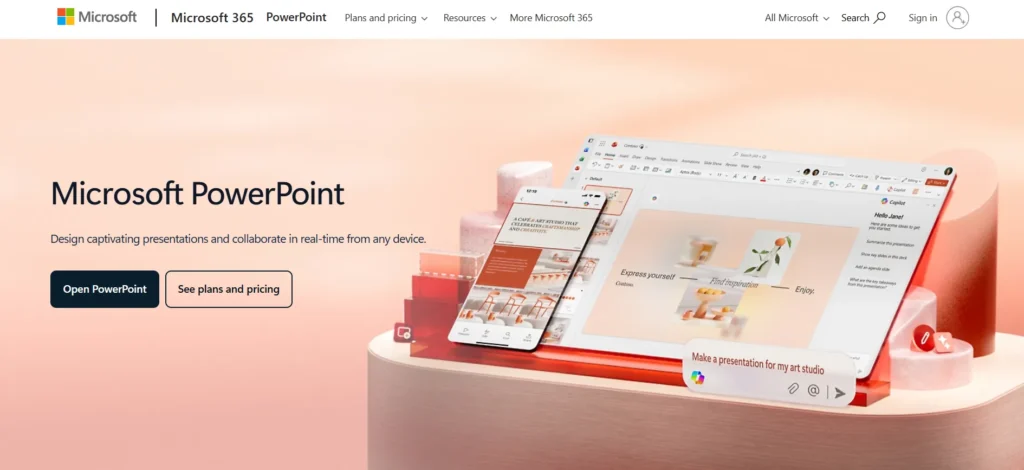
Microsoft PowerPoint is the most used presentation platform in the world and it is the standard in the industry in terms of creating professional slides. It provides all the tools required to create slides with text, pictures, charts, tables, animations, transitions, and multimedia embedded in them.
PowerPoint can be used as an offline or a cloud-based application with Microsoft 365, which allows real-time collaboration, comments, and tracking of versions. AI applications like Designer suggestions and Presenter coach can be used to enhance visual attractiveness and delivery of presentations.
PowerPoint is an indispensable part of business, education, and corporate communication as it has a huge amount of templates, cross-platform functionality, and integration with Word, Excel, and Teams.
Website: https://www.microsoft.com/en-in/microsoft-365/powerpoint/
Key Features:
- Advanced slide design tools with animations and transitions
- Seamless integration with Microsoft Word, Excel, and Teams
- AI-powered Designer suggests professional slide layouts automatically
- Offline and cloud-based presentation creation and editing
- Wide compatibility with multiple file formats and devices
Pricing:
- Microsoft 365 Personal– ₹ 689.00/month
- Microsoft 365 Family– ₹ 819.00/month
- Microsoft 365 Premium– ₹ 1,999.00/month
- Microsoft 365 Business Basic– ₹ 145.00 user/month
- Microsoft 365 Business Standard– ₹ 770.00 user/month
- Microsoft 365 Business Premium– ₹ 1,830.00 user/month
2. Google Slides
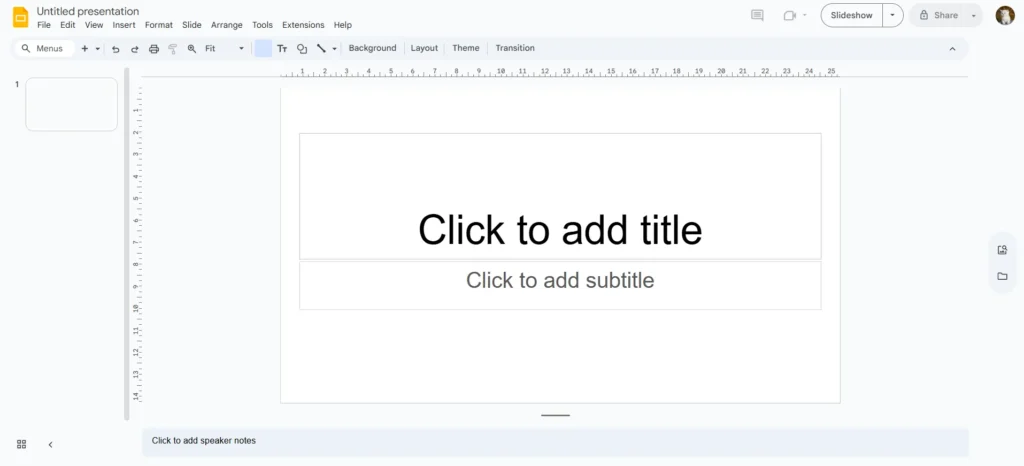
Google Slides is a cloud-based presentation tool developed for collaboration, accessibility, and simplicity. It allows users to create, edit, and present slides directly from a web browser, with automatic saving to Google Drive.
Multiple users can work on the same presentation simultaneously, add comments, suggest edits, and track revision history in real time. Google Slides integrates seamlessly with other Google Workspace tools such as Docs, Sheets, Gmail, and Google Meet.
It supports PowerPoint file import and export, multimedia embedding, and basic animations. Its free availability, ease of sharing, and collaborative nature make it ideal for students, teachers, and remote teams.
Website: https://www.google.com/slides
Key Features:
- Real-time collaboration with simultaneous multi-user editing support
- Automatic cloud saving through secure Google Drive storage
- Seamless integration with Google Workspace productivity tools
- Easy sharing with permissions and comment controls
- PowerPoint file import and export compatibility
Pricing:
- Business Starter: $6-$7/user/month
- Business Standard: $12-$14/user/month
- Business Plus: $18-$22/user/month
3. Canva
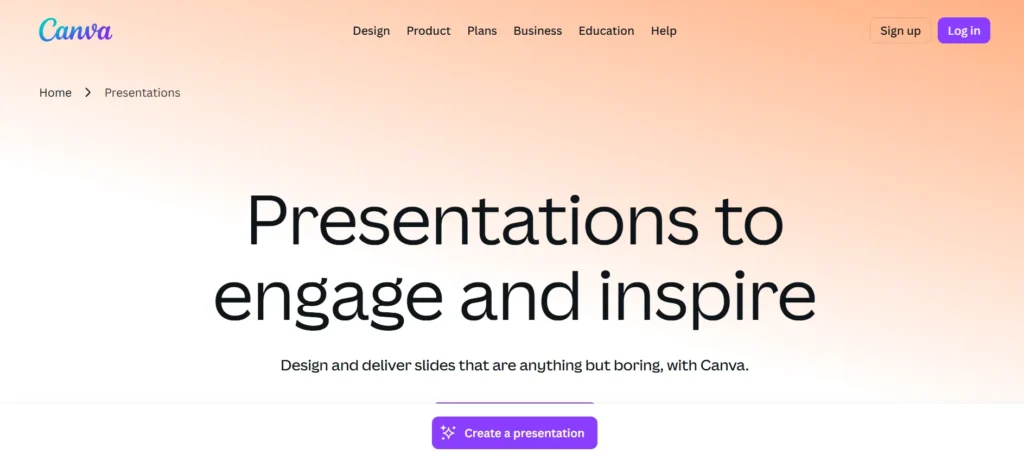
Canva is a design-centric presentation platform that enables users to create visually appealing slides without advanced design skills. It offers thousands of professionally designed templates, fonts, color palettes, icons, illustrations, photos, videos, and animations.
Canva’s drag-and-drop interface makes slide creation fast and intuitive. Collaboration tools allow teams to edit video, edit presentations together, leave comments, and manage brand kits for consistent visual identity.
Presentations can be shared online, downloaded in multiple formats, or presented live. Widely used by marketers, educators, startups, and content creators, Canva is a must-have tool for modern, visually engaging presentations.
Website: https://www.canva.in/
Key Features:
- Thousands of professionally designed, customizable presentation templates
- Drag-and-drop editor for easy visual content creation
- Built-in stock photos, icons, videos, and animations
- Brand kits for consistent fonts, colors, and logos
- Online presentation sharing and live presenting options
Pricing:
- Pro– ₹500/month
- Business– ₹650/month
4. Prezi
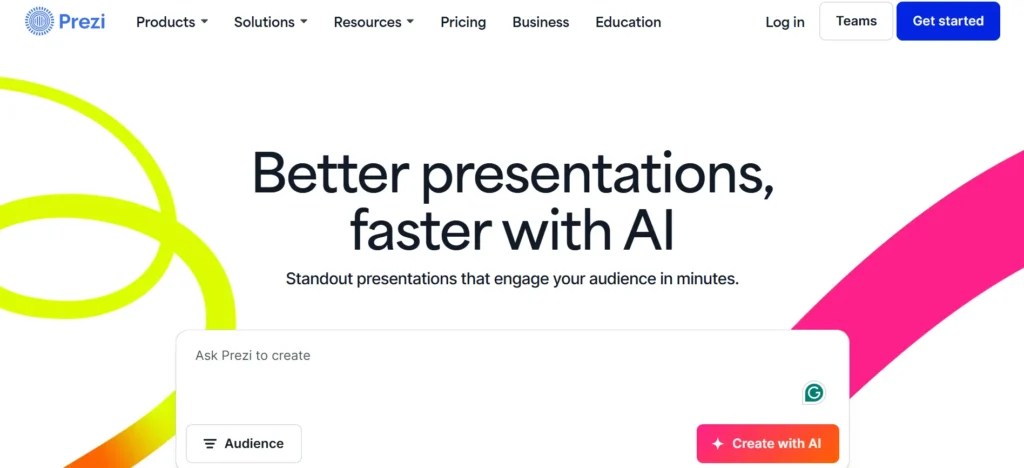
Prezi is a presentation tool that has a non-linear presentation style and zoom presentation. Prezi does not have a slide-by-slide navigation, but a giant visual board where presenters zoom in and out to depict how ideas are related to each other.
This method improves narration and involvement of the audience. Prezi offers custom templates, multimedia integration and collaborative work over the clouds. Users may offer live presentations, share interactive presentation links, or video record presentations which can be viewed asynchronously.
Video conferencing platforms are also integrated with Prezi, which makes it suitable in virtual presentations. It is particularly appropriate to teachers, trainers and orators who desire dynamic presentations that are memorable
Website: https://prezi.com/
Key Features:
- Non-linear zooming canvas for dynamic visual storytelling
- Engaging transitions that show relationships between ideas
- Cloud-based collaboration and real-time presentation editing
- Video presentation recording with webcam integration
- Interactive presentations shareable through live links
Pricing:
- Plus– $15 per month
- Premium– $25 per month
- Teams– $39 per month, per user
5. Visme
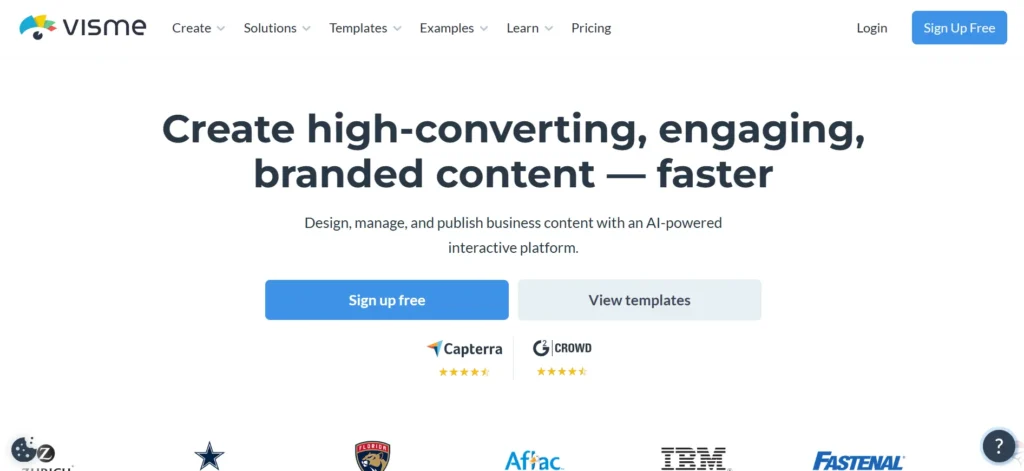
Visme is a visual communication tool that is an all-in-one tool that includes presentations, infographics, reports, and data visualization. It has a vast amount of templates, charts, icons, animations, and interactivity.
Visme enables the user to make data-driven presentations by using clickable buttons, incorporated video, and interactive graphs. Teamwork capabilities include common working areas, comments and branding tools. Visme presentations may be downloaded, shared on the internet, or embedded on websites.
Specifically, marketers, business professionals, and educators are fond of it since they require presentations that are both engaging, information-driven and boasting a solid visual narrative and branding.
Website: https://www.visme.co/
Key Features:
- Interactive presentations with clickable elements and animations
- Built-in data visualization tools for charts and graphs
- Extensive template library for business and education
- Team collaboration with shared workspaces and comments
- Brand management tools for consistent visual identity
Pricing:
- Starter– US$29/month per person
- Pro– US$59/month per person
6. Beautiful.ai
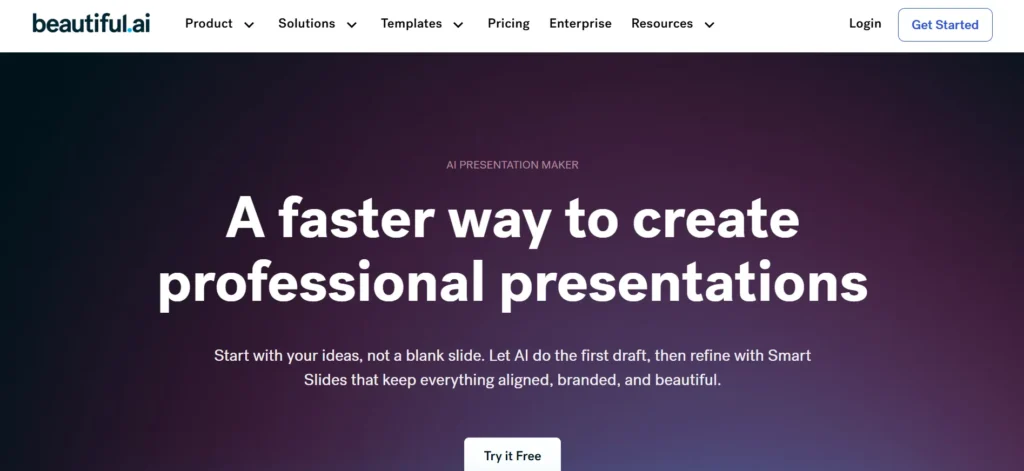
Beautiful.ai is a presentation software that uses AI to assist users in creating professionally designed slides without having to exert a lot of effort in designing. The platform has intelligent templates that change their space, alignment and layout automatically when content is added or edited.
This provides consistency in the visual aspect and avoidance of traditional design errors. Beautiful.ai has gained popularity in making presentations to the business, pitch decks, reports, and executive summaries.
It promotes teamwork, history, brand management, and sharing. Automation of design decisions, emphasis on clarity, and balance make Beautiful.ai save time and assist users in creating high-quality presentations in a brief period of time and with confidence.
Website: https://www.beautiful.ai/
Key Features:
- AI-powered smart templates automatically adjust slide layouts
- Consistent visual alignment without manual formatting effort
- Professional templates optimized for business presentations
- Brand control features for fonts, colors, and logos
- Easy collaboration with sharing and version history
Pricing:
- Pro– $12 /mo
- Teams– $40 /MO/User
7. Zoho Show
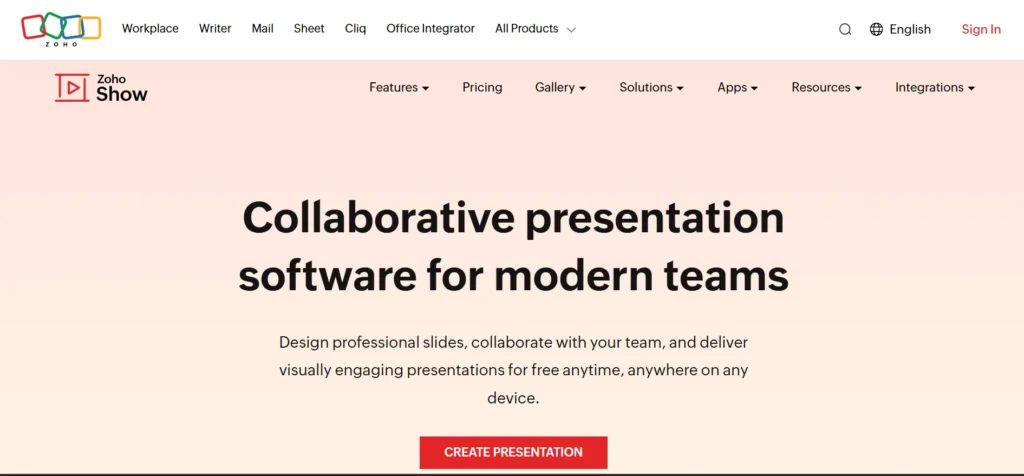
Zoho Show is a presentation application in the Zoho Office suite that can be used as a cloud solution. It enables users to create, edit, collaborate and present slides completely over the internet.
Zoho Show can support animations, transitions, charts, pictures, audio, and embedding of videos. It is possible to work in teams in real time and comment and control access rights.
It is also compatible with other Zoho applications like Zoho CRM, Zoho Projects, and Zoho WorkDrive and hence the application is suitable to business teams that are already working with Zoho products. Zoho Show is cloud-based, safe, and economical, which is appropriate to startups, teachers, and institutions.
Website: https://www.zoho.com/show/
Key Features:
- Browser-based presentation creation without software installation
- Real-time team collaboration with commenting and sharing
- Integration with Zoho CRM and business applications
- Supports animations, multimedia, and PowerPoint compatibility
- Secure cloud storage with access control settings
Pricing:
- Professional Plan– ₹140 per user/month/billed annually
8. Slidebean

Slidebean is an AI-based presentation tool that specializes in business storytelling and pitching of startups. It keeps the design and content generation separate so that people can write their post and the software will do the layout and structure.
Slidebean provides professionally created templates of pitch decks, investor presentations, marketing plans, and company profiles. The platform also offers analytics to monitor the interaction of the viewer with presentations. Teamwork Collaboration features allow teams to work effectively.
Slidebean is particularly useful among entrepreneurs and startups who require to create clean, persuasive and investor ready presentations without the time wasted in designing their slides.
Website: https://slidebean.com/
Key Features:
- AI-driven slide design focused on content-first creation
- Startup-focused pitch deck and investor templates
- Automatic layout formatting for clean professional slides
- Presentation analytics to track viewer engagement
- Team collaboration for startup and business workflows
Pricing:
- Starter– $12/mo
- Accelerate– $99/mo
9. Pitch

Pitch is a modern presentation software built specifically for teamwork and fast collaboration. It provides real-time co-editing, comments, version history, and shared workspaces.
Pitch includes high-quality templates, brand customization, charts, animations, and multimedia support. It integrates with popular tools such as Slack, Google Drive, and Notion to improve workflow efficiency. Pitch also offers presentation analytics, allowing teams to track engagement.
Designed for startups, marketing teams, and remote organizations, Pitch combines sleek design with productivity-focused features, making it a strong alternative to traditional presentation tools.
Website: https://pitch.com/
Key Features:
- Real-time collaborative editing for modern team workflows
- Sleek templates designed for startups and creative teams
- Shared workspaces with version control and comments
- Integration with Slack, Google Drive, and productivity tools
- Presentation analytics to measure audience engagement
Pricing:
- Pro– $24 per month
- Business– $96 per month
Also Read: AI Content Detectors
10. Gamma
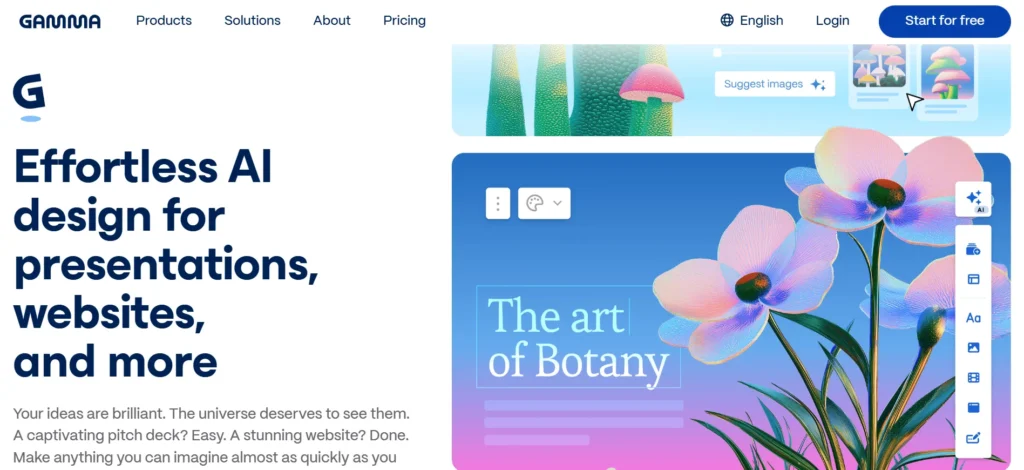
Gamma is an AI-powered content creation platform designed for presentations, documents, and interactive pages. Instead of traditional slides, Gamma focuses on clean, scroll-based layouts that adapt well to modern viewing habits.
Users can generate presentations using AI prompts and then customize text, images, charts, and embedded media. Gamma supports collaboration, easy sharing, and responsive design across devices.
It is especially useful for professionals who want fast content creation with a modern look. Gamma’s AI-driven workflow and interactive presentation style make it a powerful tool for storytelling and information sharing.
Website: https://gamma.app/
Key Features:
- AI-generated presentations from simple text prompts
- Scroll-based interactive layouts instead of traditional slides
- Embedded videos, charts, links, and media support
- Fast collaboration with easy sharing and editing
- Responsive design optimized for all screen sizes
Pricing:
- Plus– ₹500/seat/month
- Pro– ₹1,300/seat/month
- Ultra– ₹8,704/seat/month
- Team– ₹1,741/seat/month
- Business– ₹3,482/seat/month
11. Mentimeter
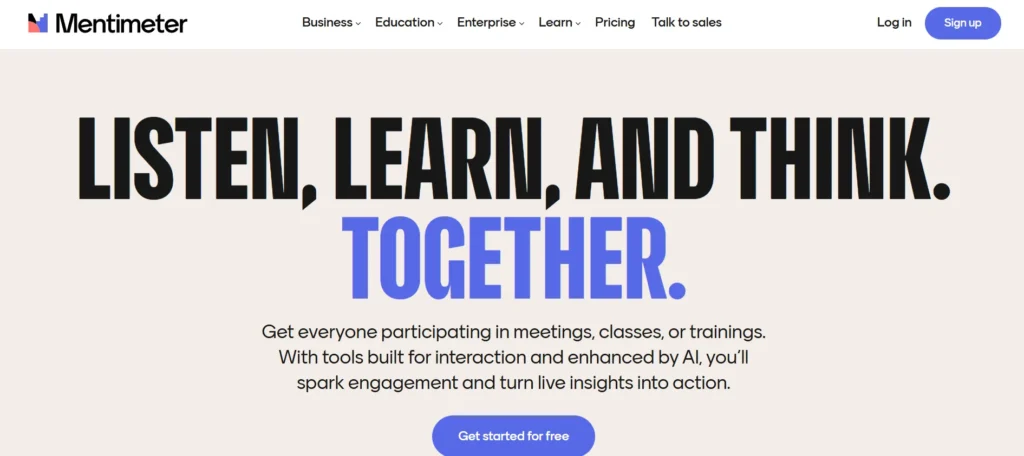
Mentimeter is an interactive presentation software focused on audience participation and engagement. Using their computers or smartphones, audiences can participate in live polls, quizzes, word clouds, rating systems, and Q&A sessions created by presenters.
Responses are displayed in real time, making presentations more engaging and data-driven. Mentimeter is widely used in classrooms, corporate meetings, workshops, and conferences.
It helps presenters gather instant feedback and encourage active participation. Mentimeter is a must-have tool for educators, trainers, and speakers who want interactive and engaging presentations.
Website: https://www.mentimeter.com/
Key Features:
- Live polls and quizzes for audience participation
- Real-time data visualization during presentations
- Audience responses collected via mobile devices
- Interactive Q&A and word cloud features
- Useful for classrooms, meetings, and conferences
Pricing:
- Basic– €17,99 Per presenter/month
- Pro– €27 Per presenter/month
12. Apple Keynote
Keynote is Apple’s presentation tool, known for its elegant design, smooth animations, and cinematic transitions. It offers beautifully crafted templates, advanced typography, charts, and visual effects.
Keynote works seamlessly across macOS, iPadOS, and iOS devices, with real-time collaboration through iCloud. Users can export presentations to PowerPoint, PDF, and video formats. Keynote is especially popular among Apple users who value visual polish and performance.
Its intuitive interface and professional output make it ideal for business presentations, educational content, and creative storytelling within the Apple ecosystem.
Website: https://support.apple.com/keynote
Key Features:
- Cinematic animations and smooth slide transitions
- Elegant templates designed specifically for Apple devices
- Real-time collaboration through iCloud across Apple ecosystem
- Advanced typography and visual effects support
- Export presentations to PowerPoint and PDF formats
13. WPS Presentation
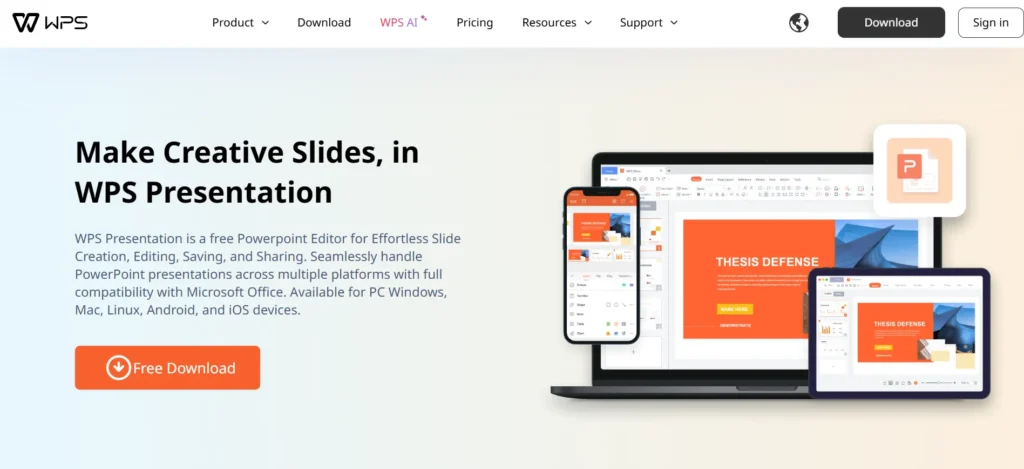
WPS Presentation is part of the WPS Office suite and provides a PowerPoint-compatible presentation solution. It supports slide creation, animations, transitions, charts, templates, and multimedia content.
WPS Presentation works across Windows, macOS, Linux, Android, and iOS, offering both online and offline functionality. The software is lightweight and efficient, making it suitable for devices with limited system resources.
It also supports cloud storage and file sharing. WPS Presentation is a practical and cost-effective option for users seeking compatibility with Microsoft PowerPoint formats.
Website: https://www.wps.com/
Key Features:
- PowerPoint-compatible presentation creation and editing features
- Lightweight software optimized for low-resource devices
- Cross-platform support for desktop and mobile devices
- Cloud storage and easy file-sharing options
- Offline access with full presentation functionality
Pricing:
- WPS Pro+WPS AI– ₹541.66/month
- WPS Pro– ₹145.83/month
- WPS AI– ₹491.66/month
- WPS Pro for Teams– ₹245.83/month/user
14. LibreOffice Impress
The LibreOffice suite includes LibreOffice Impress, a free and open-source presentation program. It allows users to create professional presentations with slides, animations, transitions, charts, and multimedia elements.
Impress supports multiple file formats, including Microsoft PowerPoint, and works completely offline. It is available on Windows, macOS, and Linux systems. LibreOffice Impress is ideal for users who prefer open-source software, data privacy, and cost-free solutions.
With strong community support and regular updates, Impress remains a reliable presentation tool for students, educators, and organizations.
Website: https://www.libreoffice.org/discover/impress
Key Features:
- Free open-source presentation platform with offline functionality
- Supports PowerPoint formats and open document standards
- Custom animations, transitions, and multimedia support
- Available across Windows, macOS, and Linux systems
- Strong community support with regular updates
Pricing:
- Open source
Ending Thoughts
Presentation software has become an essential tool for effective communication in today’s academic, professional, and business environments. It helps presenters organize information logically while enhancing messages through visuals, animations, charts, and multimedia elements. By improving clarity and audience engagement, presentation tools make complex ideas easier to understand and remember.
Features such as templates, collaboration, and cloud access save time and support teamwork, especially in digital and remote settings. Whether used for teaching, training, marketing, or corporate communication, a presentation platform ensures information is delivered confidently and professionally. Overall, it strengthens communication skills, improves presentation quality, and plays a vital role in sharing ideas effectively across diverse fields.
FAQs
What is Presentation Software?
Presentation software is a digital tool used to create visual slide-based content that supports oral or visual communication using text, images, charts, animations, and multimedia.
Who Uses a Presentation Platform?
This software is used by students, teachers, business professionals, trainers, marketers, researchers, and speakers across various academic and professional fields.
What Are the Main Features of Presentation Software?
Common features include slide creation, templates, animations, transitions, multimedia embedding, charts, collaboration tools, and options to share or present online.
Can a Presentation Platform be Used for Online Presentations?
Yes, most modern presentation tools support online presenting, screen sharing, cloud collaboration, and integration with video conferencing platforms.
Is Presentation Software Difficult to Use?
No, most presentation tool offers user-friendly interfaces, templates, and drag-and-drop tools, making it easy for beginners and professionals to use them effectively.