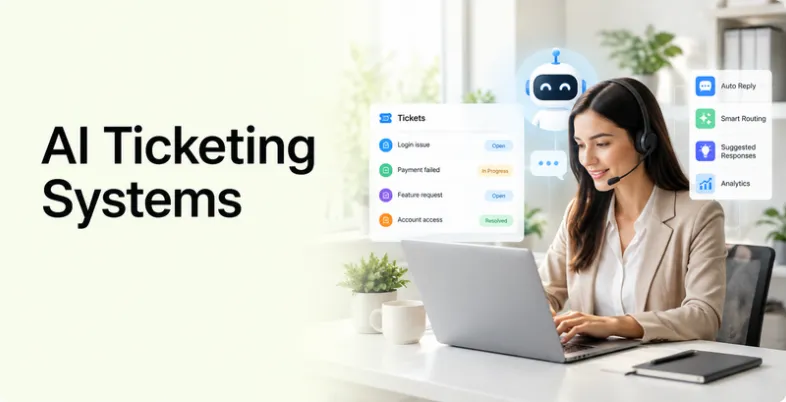
Customer support teams often deal with hundreds or even thousands of tickets every month. Sorting these tickets, assigning them to the right agent, answering repetitive questions, and tracking unresolved issues can take a lot of time. This is where AI ticketing systems can make a major difference.
An AI ticketing system combines traditional help desk features with artificial intelligence. It can classify incoming requests, suggest replies, summarise long conversations, identify customer intent, route tickets, and in some cases resolve customer issues without human involvement. Modern platforms are also moving towards AI agents that can take actions instead of simply generating answers.
The market has also changed from simple chatbot tools to complete AI-powered customer service platforms. For example, Intercom’s Fin can work on existing help desks, while Zendesk, Freshdesk, Jira Service Management, Zoho Desk and other platforms combine ticket management with AI features.
What Is An AI Ticketing System?
An AI ticketing system is customer support software that uses artificial intelligence to manage and process support tickets. A ticket can be created when a customer sends an email, starts a chat, submits a support form, or contacts a company through another connected channel.
Traditional ticketing systems mainly help teams organise these requests. An AI ticketing system adds another layer by understanding the content of the request and helping with the next step. For example, it can identify whether a customer needs help with a refund, delivery issue, account problem, technical error, or product question.
Some systems can go further. AI agents can use information from a company’s knowledge base to answer questions, ask follow-up questions, route complex cases to human agents, and perform selected actions. Jira Service Management, for example, provides an AI-powered virtual agent that can search connected knowledge sources, answer questions and guide customers through support flows.
This makes AI ticketing system useful for both customer-facing support and internal service desks. A customer service team may use one to handle product enquiries, while an IT team can use it to manage employee requests, incidents and service issues.
Key Features Of An AI Ticketing System
- AI Ticket Classification: AI can analyse incoming requests and identify their subject, urgency and intent. This can help automatically categorise tickets instead of requiring an agent to manually read and label every request.
- Automated Ticket Routing: After identifying the nature of a request, the system can route it to the right team or agent. A billing question can go to the finance support team, while a technical problem can be sent to technical support.
- AI-Generated Responses: Many platforms can generate suggested replies using information from previous conversations, help centre articles and internal knowledge bases. Agents can review these responses before sending them to customers.
- AI Ticket Summaries: Long support conversations can be difficult for agents to review. AI can summarise the key issue, previous actions and current status so that a new agent can understand the case more quickly.
- Automated Customer Responses: AI agents can respond directly to common customer questions. This is particularly useful for repetitive enquiries such as order status, return policies, account information and basic troubleshooting.
- Knowledge Base Integration: A reliable AI ticketing system should be able to use approved company information. Connecting the AI to a knowledge base helps it answer questions using the company’s own policies, documentation and product information.
- Sentiment and Intent Detection: AI can analyse customer language to identify sentiment or intent. A message containing words that indicate frustration may be prioritised or escalated for human attention.
- Workflow Automation: Ticketing platforms can automate repetitive processes such as assigning tickets, sending notifications, setting priorities, updating statuses and triggering follow-up actions.
- SLA Management: Service-level agreements help companies define response and resolution targets. AI-powered systems can monitor tickets and alert teams when an issue is approaching an SLA deadline.
- Omnichannel Support: Modern platforms can combine email, chat, social messaging, voice and other channels. This allows support teams to manage different customer conversations from one system rather than switching between multiple tools.
Comparison of Best AI Ticketing System
The pricing below represents publicly available starting or commonly listed pricing and should be checked on the vendor’s website before purchase. AI features may have separate usage-based charges, especially when AI agents are billed per resolution, outcome or session.
| AI Ticketing System | Best For | Pricing | Free Trial |
| Zendesk | Mid-sized and enterprise customer support | From around $55/agent/month for Suite Team; AI usage may be extra | Yes |
| Freshdesk | Small and mid-sized support teams | From around $19/agent/month on annual billing | Yes |
| Intercom | AI-first, conversational customer support | From $29/seat/month + $0.99 per Fin outcome | Yes |
| Jira Service Management | IT and internal service teams | Free for up to 3 agents; Standard from $20/agent/month | Yes |
| Zoho Desk | Budget-conscious businesses | Free plan available; paid plans vary by region | Yes |
| Help Scout | Small teams and email-led support | Free plan; paid plans from around $30/user/month | Yes |
| Gorgias | Ecommerce and Shopify support | Plans from around $10/month; higher plans and AI usage vary | Yes |
| HubSpot Service Hub | CRM-connected customer service | Free tools; paid Service Hub plans available | Yes |
| Tidio | Small businesses and website support | Free plan available; paid plans vary by features and usage | Yes |
| Salesforce Service Cloud | Large organisations using Salesforce | From around $25/user/month for entry-level Service Cloud offerings | Yes |
List Of 10 Best AI Ticketing Systems
1. Zendesk
- Rating: 4.3/5 on G2
- Website: Zendesk
- Best For: Mid-sized and enterprise customer support teams
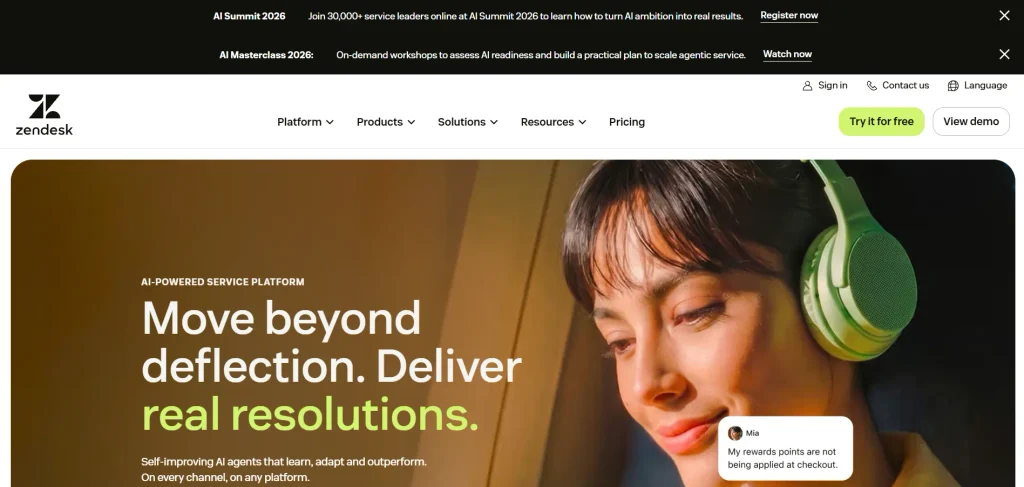
Zendesk is a mature customer service platform that combines ticket management, omnichannel support, automation, analytics and AI. Its AI capabilities are designed around customer service workflows rather than being added as a simple chatbot.
Teams can use AI to support agents, automate customer interactions and work with large volumes of tickets. Zendesk is particularly useful for businesses that need structured support processes and detailed reporting. Its broad feature set also makes it suitable for organisations managing multiple customer service channels.
Key Features
- AI agents for automated customer support
- AI-powered ticket routing and triage
- Agent assistance and suggested responses
- Automated ticket summaries
- Knowledge base and help centre
- Omnichannel customer support
- Reporting and analytics
- Workflow automation
- SLA and service management tools
- Large integration ecosystem
Pros
- Zendesk offers a broad set of customer service features and is suitable for complex support operations. Its AI features are closely connected with ticketing, knowledge management and agent workflows.
Cons
- The platform can become expensive as teams add higher plans and AI capabilities. Its large number of features can also require more setup and training than simpler help desk products.
Pricing
- Zendesk’s Suite plans start at around $55 per agent per month for the Team tier when billed annually in current 2026 pricing comparisons. AI agent usage can be charged separately depending on the plan and usage model.
2. Freshdesk
- Rating: 4.4/5 on G2
- Website: Freshdesk
- Best For: Small and mid-sized customer support teams
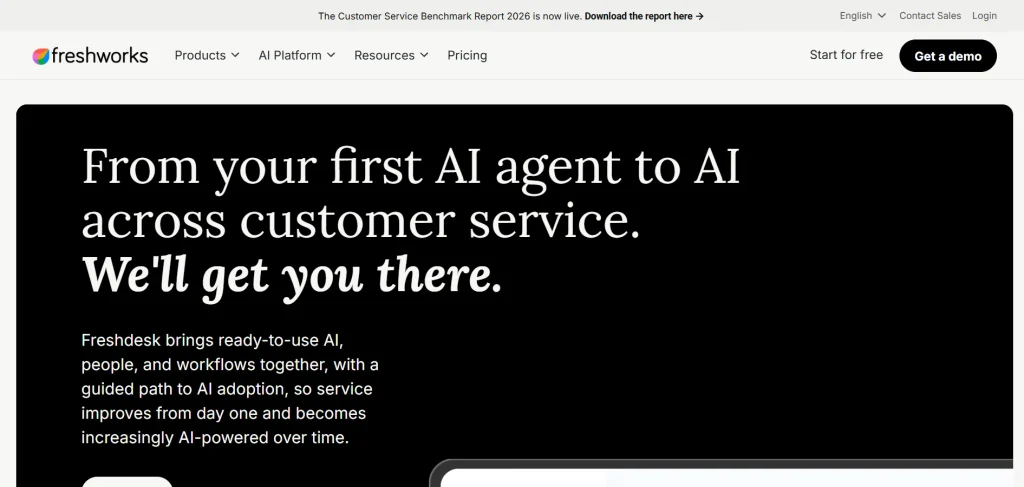
Freshdesk is a popular help desk platform from Freshworks that combines ticket management with automation and AI. Its Freddy AI features can help support teams generate responses, summarise conversations and automate customer interactions.
Among modern AI ticketing systems, Freshdesk is useful for companies that want to start with conventional ticket management and gradually add AI capabilities. The platform supports multiple customer communication channels and provides workflows for organising support requests.
Key Features
- Freddy AI
- Automated ticket assignment
- AI-assisted responses
- Ticket prioritisation
- Knowledge base
- SLA management
- Workflow automation
- Reporting and analytics
- Multichannel support
- Customer self-service
Pros
- Freshdesk offers a relatively accessible entry point for smaller teams and provides a good combination of ticket management and AI. It is also part of the wider Freshworks ecosystem.
Cons
- Advanced AI features and usage can add to the overall cost. Teams with highly complex workflows may also need higher plans or additional configuration.
Pricing
- Freshdesk is currently listed from around $19 per agent per month on annual billing in 2026 comparisons. Freshworks also lists Freddy Copilot from $29 per agent per month when billed annually, with a monthly option also available.
3. Intercom
- Rating: 4.5/5 on G2
- Website: Intercom
- Best For: SaaS businesses and conversational customer support
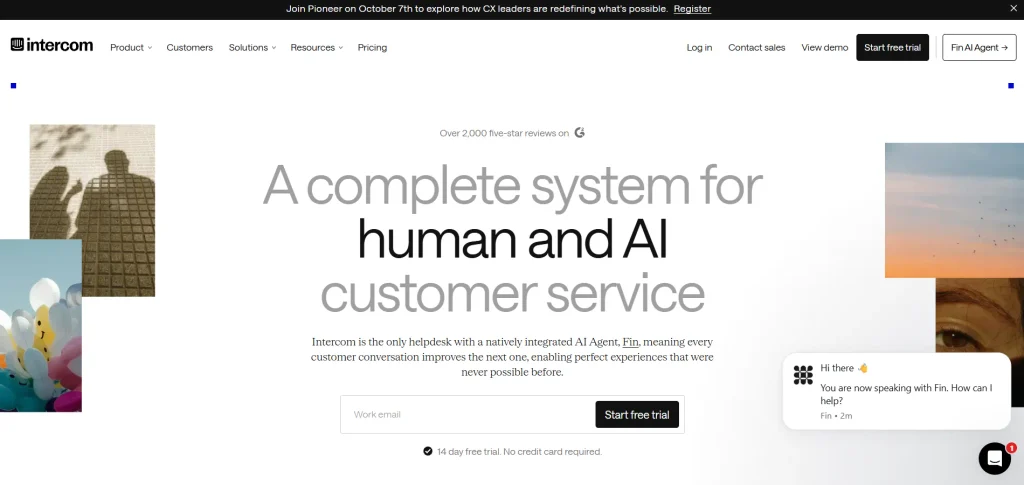
Intercom approaches ticketing from a conversation-first perspective. Its platform combines shared inboxes, messaging, help centre tools and AI through Fin. This makes it particularly useful for SaaS and digital businesses where customers frequently interact with the company through chat or in-app messaging.
Fin can answer questions using a company’s support content and can also work with existing help desks. This makes Intercom useful for businesses that want to combine automated support with conversational customer engagement.
Key Features
- Fin AI Agent
- AI-powered customer conversations
- Shared inbox
- Ticketing
- Help centre
- Workflow automation
- Customer messaging
- Multilingual support
- AI-powered reporting
- Support across multiple channels
Pros
- Intercom has a strong conversational experience and its AI agent is deeply connected with customer support workflows. Fin can also be used with existing help desk platforms.
Cons
- The pricing model can become difficult to predict for businesses with high AI interaction volumes because Fin is charged by outcome. Some of the advanced features are also designed for growing support teams rather than very small operations.
Pricing
- Intercom currently lists its Essential plan from $29 per seat per month, while Fin AI Agent is priced from $0.99 per outcome. Advanced plans start at $85 per seat per month.
4. Jira Service Management
- Rating: 4.4/5 on G2
- Website: Jira Service Management
- Best For: IT teams, developers and internal service desks
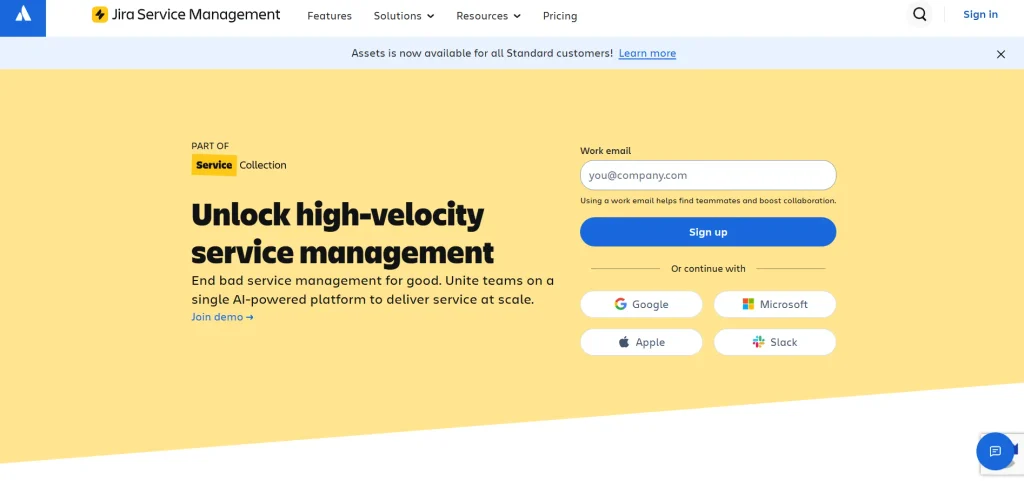
Jira Service Management is designed mainly for IT service management and internal support rather than traditional customer service alone. Its AI capabilities are integrated with Atlassian’s Rovo technology and can help teams find information, summarise issues and automate support interactions. The platform is especially useful when support tickets are closely connected with software development, incidents, assets or internal business workflows.
Key Features
- AI-powered virtual agent
- Rovo AI features
- Incident management
- Request management
- Knowledge base
- Asset management
- Workflow automation
- SLA management
- Developer and Jira integration
- On-call management
Pros
- Jira Service Management is a strong option for IT and technical teams. Its connection with Jira makes it easier to link service requests with development and operational workflows.
Cons
- It can feel more complex for a small customer service team that only needs basic email ticketing. Some AI functionality is also connected to specific Atlassian plans and usage limits.
Pricing
- Jira Service Management has a free plan for up to three agents. Its Standard plan is currently listed at around $20 per agent per month, with higher plans available for larger requirements.
5. Zoho Desk
- Rating: 4.4/5 on G2
- Website: Zoho Desk
- Best For: Small businesses and companies using the Zoho ecosystem
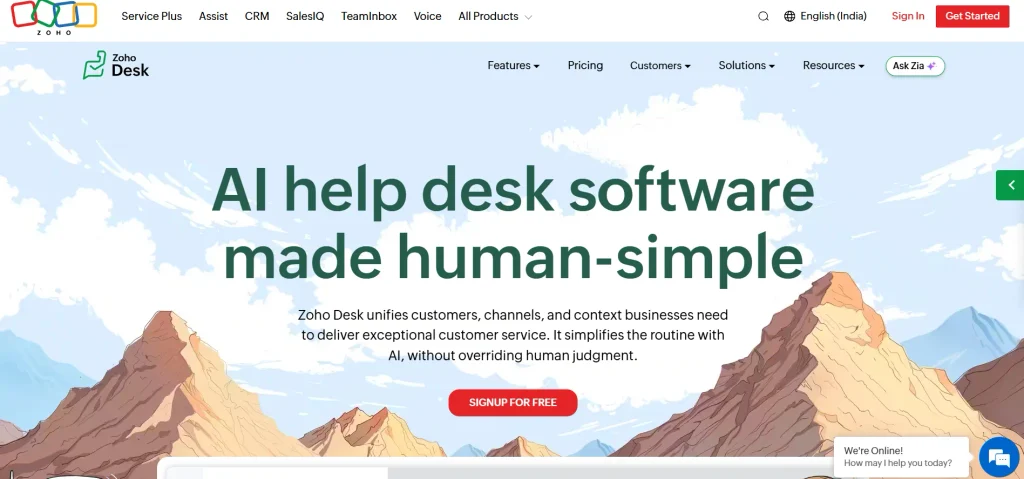
Zoho Desk is a customer support platform that combines ticket management, automation, analytics and AI capabilities through Zoho’s ecosystem. Its AI assistant, Zia, can help with customer conversations and support workflows.
Among AI ticketing systems, Zoho Desk is particularly relevant for small and growing businesses that already use Zoho CRM, Zoho Books or other Zoho applications. Its broad integration with the Zoho ecosystem can help businesses keep customer information and support activity connected.
Key Features
- Zia AI assistant
- Automated ticket assignment
- SLA management
- Ticket prioritisation
- CRM solution
- Customer self-service
- Workflow automation
- Reporting
- Multichannel support
- Zoho ecosystem integration
Pros
- Zoho Desk offers a broad feature set and is suitable for businesses that want customer support connected with other business applications. It also provides a free plan.
Cons
- Some advanced features require higher plans, and new users may need time to understand the platform’s configuration options.
Pricing
- Zoho Desk offers a free plan, while paid pricing varies by plan and region. G2 currently lists Zoho Desk at a 4.4/5 rating across more than 7,500 reviews.
6. Help Scout
- Rating: 4.4/5 on G2
- Website: Help Scout
- Best For: Small support teams and email-led customer service
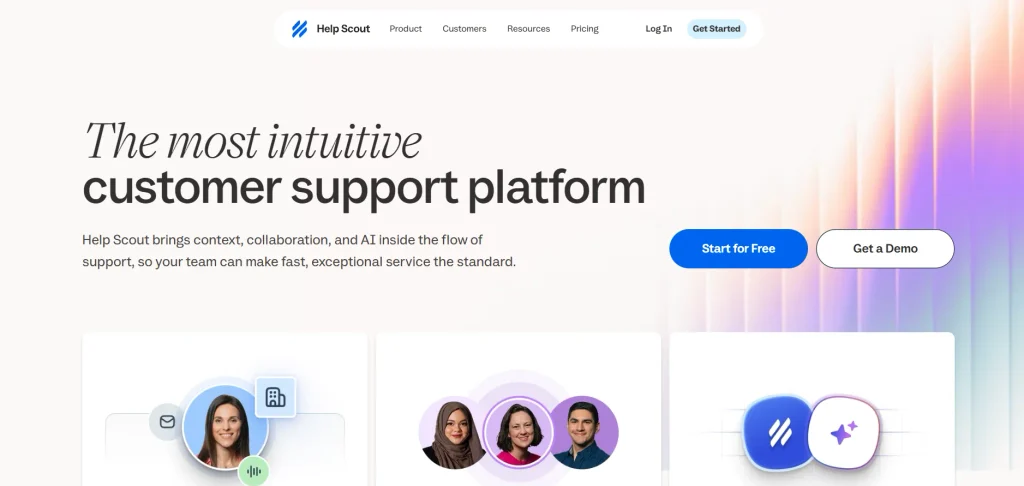
Help Scout is built around making customer support feel simple and conversational. It combines shared inboxes, help centre tools, customer profiles and AI assistance. This makes it a practical option for smaller businesses that do not need the complexity of a large enterprise service platform. Its AI Answers feature can help customers find information without waiting for a support agent, while human agents can continue handling more complicated cases through the same system.
Key Features
- Shared inbox
- AI Answers
- Knowledge base
- Automated workflows
- Customer profiles
- Reporting
- Saved replies
- Help centre
- Email and chat support
- Customer self-service
Pros
- Help Scout is relatively easy to understand and works well for teams that want a clean support workflow. Its free plan can also make it useful for very small teams.
Cons
- It does not offer the same depth of ITSM or enterprise workflow functionality as platforms such as Jira Service Management or Zendesk.
Pricing
- Help Scout currently offers a free plan for up to five users. Paid plans listed by G2 start at around $30 per user per month, while its AI Answers add-on is listed at $0.75 per resolution.
7. Gorgias
- Rating: 4.6/5 on G2
- Website: Gorgias
- Best For: Ecommerce businesses and Shopify stores
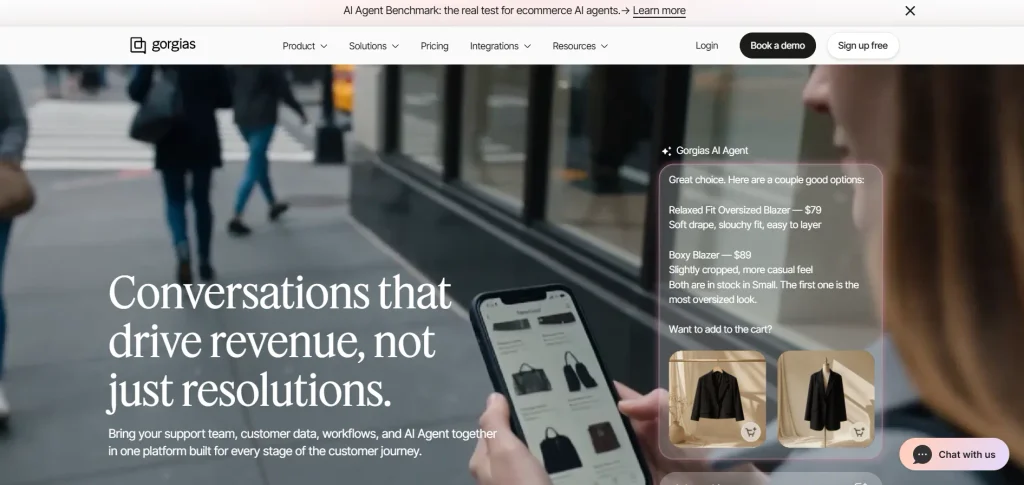
Gorgias is designed specifically around ecommerce customer service. It connects support conversations with information from ecommerce platforms, allowing agents to see customer and order information while handling tickets. Its AI features can automate common enquiries and support actions such as order updates, subscription questions and product recommendations. This makes Gorgias particularly useful for online stores where many support requests are related to orders, shipping, returns and products.
Key Features
- AI Agent
- Shopify integration
- Order management
- Automated responses
- Email and chat ticketing
- Social support
- Macros and rules
- Customer profiles
- Returns and order workflows
- Ecommerce integrations
Pros
- Gorgias has deep ecommerce integrations and can connect support conversations with order information. Its AI features are also designed around practical ecommerce support use cases.
Cons
- The pricing can increase as support volume grows. Some advanced automation and reporting workflows may also require additional configuration.
Pricing
- Gorgias has publicly listed plans starting from around $10 per month, while higher plans and AI usage vary according to the business’s requirements. G2 currently lists Gorgias at 4.6/5 from more than 500 reviews.
8. HubSpot Service Hub
- Rating: 4.4/5 on G2
- Website: HubSpot Service Hub
- Best For: Businesses already using HubSpot CRM
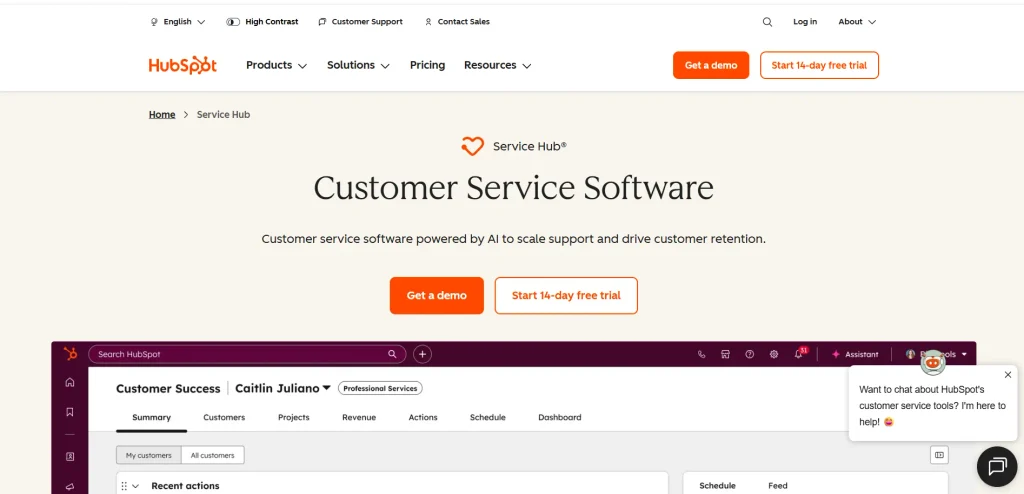
HubSpot Service Hub connects customer support with the wider HubSpot CRM platform. This means support agents can work with customer records, sales information and service activity in the same ecosystem. Its AI tools can help with customer conversations, content generation, ticket management and automation.
Among AI ticketing systems, HubSpot Service Hub can be particularly useful for businesses where customer service is closely connected with marketing and sales because customer information does not need to be maintained across completely separate systems.
Key Features
- AI-powered customer service tools
- Ticket management
- Customer portal
- Knowledge base
- Help desk automation
- CRM integration
- Customer feedback tools
- Reporting
- Live chat
- Customer agent features
Pros
- HubSpot is useful when a company already uses the CRM and wants to connect sales, marketing and support information. The interface is also relatively familiar for teams already working in HubSpot.
Cons
- Advanced service and AI functionality may require higher-tier plans. Businesses that only need basic ticketing may find the wider CRM ecosystem unnecessary.
Pricing
- HubSpot offers free customer service tools, while paid Service Hub plans provide additional automation, reporting and AI capabilities. Current market comparisons list Professional from around $90 per seat per month.
9. Tidio
- Rating: 4.6/5 on G2
- Website: Tidio
- Best For: Small businesses and website-based customer support
Tidio combines live chat, help desk functionality, automation and AI support in one platform. Its Lyro AI Agent can handle common customer questions and help businesses provide instant responses outside normal working hours.
The platform is particularly useful for small businesses that want to add AI-powered support to a website without implementing a large enterprise ticketing system. It can also help businesses manage conversations and automated flows from a central interface.
Key Features
- Lyro AI Agent
- Live chat
- Ticketing
- Chatbot automation
- Customer inbox
- Automated workflows
- Website integration
- Customer analytics
- Multichannel support
- AI-assisted customer conversations
Pros
- Tidio is relatively easy to set up and focuses strongly on website conversations. Its combination of live chat and AI makes it useful for smaller teams.
Cons
- Businesses with complex IT service management needs may find it less suitable than Jira Service Management. Advanced features can also require higher plans.
Pricing
- Tidio offers a free option, while paid plans depend on the features and usage required. G2 currently lists Tidio at 4.6/5 from more than 1,900 reviews.
10. Salesforce Service Cloud
- Rating: Varies by Salesforce product and G2 category
- Website: Salesforce Service Cloud
- Best For: Large businesses already using Salesforce
Salesforce Service Cloud is designed for organisations that need customer service connected with a larger CRM and business data environment. Its AI capabilities can help agents work with customer information, automate service processes and provide AI-powered assistance.
The platform is especially relevant to large organisations that already use Salesforce because customer service data can be connected with sales, marketing and customer relationship information.
Key Features
- AI-powered service assistance
- Agentforce capabilities
- Case management
- Customer information management
- Knowledge management
- Workflow automation
- Omnichannel support
- Service analytics
- CRM integration
- Self-service portals
Pros
- Salesforce offers deep CRM integration and extensive customisation. It is suitable for organisations with complex customer service operations and large amounts of customer data.
Cons
- The platform can be more expensive and complicated to implement than smaller help desk systems. Businesses may also need technical resources to manage customisation and integrations.
Pricing
- Salesforce Service Cloud pricing varies by edition and configuration. Current market comparisons list entry-level Service Cloud options from around $25 per user per month, while advanced editions and AI capabilities can cost substantially more.
Benefits Of Using An AI Ticketing Systems
- Faster Ticket Resolution: AI can handle repetitive tasks that would otherwise require an agent to read, classify and respond to every ticket manually. This can reduce the time spent on simple support requests.
- Lower Pressure on Support Teams: When AI handles routine questions, human agents can spend more time on complex problems. This does not necessarily remove the need for support staff. Instead, it can change how their time is used.
- 24/7 Customer Support: AI agents can respond to customer questions outside normal working hours. This is especially useful for online businesses with customers across different time zones.
- Better Ticket Organisation: AI can automatically classify, prioritise and route incoming tickets. This helps prevent requests from sitting in the wrong queue and makes it easier for teams to manage high ticket volumes.
- More Consistent Responses: AI can use approved knowledge base content and predefined workflows to provide consistent answers. This can reduce variation between different support agents.
- Faster Agent Onboarding: New support agents often need time to learn products, policies and previous customer conversations. AI summaries and suggested responses can make it easier for them to understand tickets and find relevant information.
- Better Use of Customer Data: Modern AI ticketing system can connect customer conversations with CRM, ecommerce, product and account information. This gives agents more context when responding to customers.
- Improved Self-Service: AI can guide customers towards relevant knowledge base articles or answer common questions directly. This can reduce the number of tickets that need to reach a human agent.
How To Choose The Best AI Ticketing System?
The right AI ticketing system depends on the type of support your business provides. A small ecommerce store does not need the same platform as a global IT department, so compare the tools according to your actual workflow.
1. Define Your Support Channels: First, identify where customers contact your company. If most enquiries arrive through email, a simple help desk may be enough. If customers use chat, WhatsApp, social media, voice and email, look for a platform with strong omnichannel capabilities.
2. Check the AI Capabilities: Do not select a platform simply because it has an “AI” label. Check what the AI can actually do. Look for features such as ticket classification, automated responses, summarisation, knowledge retrieval, ticket routing and AI agents.
3. Understand AI Pricing: AI pricing can work differently across platforms. Some vendors charge per agent, while others charge per AI session, outcome or resolution. Intercom, for example, charges Fin by outcome, while Freshworks has session-based Freddy AI pricing for some AI capabilities.
4. Check Knowledge Base Integration: AI is only as useful as the information it can access. Make sure the platform can connect to your help centre, internal documentation and approved support content.
5. Look at Human Handoffs: AI should have a clear way to transfer complicated or sensitive cases to human agents. Check whether conversations, customer details and previous actions are preserved during the handoff.
6. Consider Integrations: Check whether the ticketing system connects with the tools your team already uses. These may include CRM software, ecommerce platforms, communication tools, payment systems, project management software and internal databases.
7. Review Reporting Features: A good system should show more than the number of tickets received. Look for reports covering response time, resolution time, ticket volume, SLA performance, customer satisfaction and AI performance.
8. Test Before Buying: Use a free trial or demo before making a long-term commitment. Test the system with real examples of common customer questions and difficult support cases. This will give you a better understanding of how the AI performs in your actual workflow.
Challenges And Limitations Of AI Ticketing Systems
1. AI Can Give Incorrect Answers
AI systems can sometimes generate incorrect or incomplete information. This is particularly risky when the AI is answering questions about refunds, payments, technical instructions or company policies.
For this reason, businesses should give AI access to reliable knowledge sources and create clear escalation rules for situations that require human judgement.
2. Setup Takes Time
An AI ticketing system does not automatically become useful after installation. Teams need to organise knowledge bases, define workflows, configure routing rules and decide which issues can be automated.
3. AI Pricing Can Be Difficult to Predict
Some systems use per-seat pricing, while others charge for AI sessions, outcomes or resolutions. A business with a sudden increase in support volume may therefore see higher costs even if the number of human agents stays the same.
4. Human Oversight Is Still Important
AI works well for repetitive and predictable questions, but complex complaints, unusual technical problems and sensitive customer situations may require human involvement.
5. Poor Knowledge Can Produce Poor Answers
If a company’s help centre contains outdated information, the AI may use that information when responding to customers. Regular knowledge-base maintenance is therefore an important part of AI support management.
6. Integration Can Become Complicated
Connecting the ticketing system with CRM, ecommerce, billing and internal applications can require technical work. Businesses should check integration requirements before selecting a platform.
7. Privacy and Security Need Attention
Customer support tickets can contain names, contact details, account information and other sensitive business data. Companies should review data handling, access controls, retention policies and security features before deploying AI at scale.
Conclusion
AI ticketing systems are changing the way customer support teams manage incoming requests. Instead of using AI only as a chatbot, businesses can now use it for ticket classification, routing, summarisation, knowledge retrieval, response generation and automated resolution.
The best option depends on the type of support operation. Zendesk and Freshdesk are suitable for structured customer support, Intercom focuses strongly on conversational AI, Jira Service Management is built for IT and internal service workflows, while Gorgias is particularly suited to ecommerce businesses. Zoho Desk, Help Scout and Tidio can also work well for smaller teams with different support requirements.
Before choosing a platform, look beyond the advertised AI features. Compare the ticketing workflow, AI pricing model, knowledge base, integrations, reporting, human handoff process and overall cost. A system that fits your existing support process is usually more useful than one that simply has the largest list of AI features.
FAQs
1. What Is An AI Ticketing System?
An AI ticketing system is customer support software that uses artificial intelligence to manage support requests. It can classify tickets, suggest responses, summarise conversations, route requests and, in some cases, resolve customer issues automatically.
2. What Is The Difference Between A Ticketing System And An AI Ticketing System?
A traditional ticketing system mainly helps teams create, organise, assign and track support tickets. An AI ticketing system adds artificial intelligence to automate tasks such as classification, response generation, summarisation, routing and customer self-service.
3. Which AI Ticketing System Is Best For Small Businesses?
Small businesses can consider platforms such as Freshdesk, Zoho Desk, Help Scout and Tidio. The right choice depends on the number of agents, support channels, integrations and AI usage required.
4. Can AI Ticketing System Replace Customer Support Agents?
AI ticketing system can automate many repetitive support tasks, but they do not completely replace human agents in every situation. Complex complaints, sensitive cases and unusual technical problems may still require human judgement and intervention.
5. How Much Does An AI Ticketing System Cost?
Pricing varies considerably. Some platforms offer free plans, while paid products can charge per agent, seat, AI session, outcome or resolution. For example, Intercom currently charges $0.99 per Fin outcome in addition to its seat pricing, while Freshworks offers separate pricing for Freddy AI capabilities.