
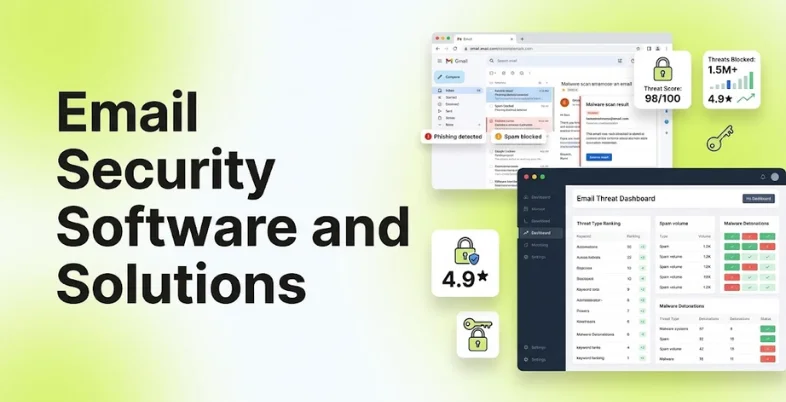
Email remains one of the most important communication channels for businesses, but it is also one of the most common ways attackers try to enter an organisation. Phishing emails, malicious attachments, fake invoices, credential theft and business email compromise can target employees across departments. A single successful attack can expose sensitive information or lead to financial loss.
Email security software helps businesses identify and block these threats before they reach an employee’s inbox. Modern email security software and solutions do more than scan attachments for viruses. They can analyse sender behaviour, inspect links, detect impersonation, identify unusual communication patterns and prevent sensitive information from leaving the organisation.
The need for stronger email protection is also growing as attackers use more convincing messages and AI-assisted techniques. The FBI’s Internet Crime Complaint Center recorded more than $2.77 billion in reported losses from business email compromise between January 2022 and December 2023. This makes email security an important part of a wider cybersecurity strategy rather than simply an additional email filter.
What Is Email Security Software?
Email security software is a cybersecurity solution that protects business email accounts from threats such as phishing, malware, spam, ransomware, malicious links and business email compromise.
The software typically sits between incoming and outgoing email traffic and the organisation’s mail system. It analyses messages using techniques such as threat intelligence, reputation checks, machine learning, URL analysis, attachment scanning and behavioural detection.
Modern email security solutions can also protect outbound messages. For example, a data loss prevention feature can identify sensitive information such as financial records, customer data or confidential documents before an employee accidentally sends it outside the organisation.
Email security can be delivered in several ways. Businesses can use a cloud-based email security gateway, software integrated directly with Microsoft 365 or Google Workspace, or a combination of email security and broader endpoint or identity protection.
Why Is Email Security Important for Businesses?
- Email Is a Major Attack Surface: Employees use email every day to exchange documents, invoices, passwords, payment information and business communications. This makes email attractive to attackers because compromising one account can sometimes provide access to other business systems.
- Phishing Attacks Are Becoming More Convincing: Traditional phishing emails were often easy to identify because of spelling mistakes or unusual formatting. Modern campaigns can look much more professional and may imitate a supplier, executive, bank or trusted service.
- Business Email Compromise Can Cause Direct Financial Loss: Business email compromise, or BEC, involves criminals impersonating executives, suppliers or business partners to persuade employees to transfer money or reveal sensitive information.
- Remote Work Has Increased Email Dependence: Employees working from different locations often depend heavily on cloud email platforms such as Microsoft 365 and Google Workspace. This creates a need for security tools that protect users wherever they work rather than only when they are connected to a corporate network.
- Email Can Become a Data Leakage Channel: Employees may accidentally send confidential documents, customer information or financial data to the wrong recipient. Data loss prevention features can identify certain types of sensitive information and apply company policies before the message leaves the organisation.
Common Email Security Threats Businesses Need to Prevent
- Phishing: Phishing is an attempt to trick a recipient into clicking a malicious link, opening an attachment or providing confidential information. The attacker may pretend to be a bank, colleague, vendor or online service.
- Business Email Compromise: BEC attacks use impersonation and social engineering rather than relying only on malicious files. An attacker may imitate a senior executive and ask an employee to make a payment or change a supplier’s bank details.
- Malware and Ransomware: Attackers can use email attachments or links to deliver malicious software. Once opened, the malware may steal information, damage systems or provide attackers with access to the organisation.
- Credential Theft: Fake login pages can be used to collect Microsoft 365, Google Workspace, banking or other business credentials. These attacks can be particularly dangerous when employees reuse passwords or do not have strong authentication controls.
- Spoofing and Impersonation: Attackers may make an email appear to come from a legitimate company, executive or supplier. Email authentication standards such as SPF, DKIM and DMARC can help organisations reduce certain types of spoofing.
- Malicious Links: A message may contain a link that looks legitimate but redirects the user to a phishing page or malicious website. Security systems can inspect URLs and block known or suspicious destinations.
- Malicious Attachments: PDFs, Office files, archives and other attachments can be used to distribute malware. Advanced email security tools can scan files and, in some cases, analyse their behaviour in isolated environments.
- Account Takeover: If attackers obtain an employee’s credentials, they may use the compromised account to send convincing messages to colleagues, customers or suppliers. This can make the attack more difficult to detect because the messages appear to originate from a genuine account.
Email Security Software Comparison
The following comparison focuses on capabilities that are particularly relevant to business email protection. Availability of individual features can vary by product edition and deployment.
| Software | Best For | Deployment | Phishing Protection | BEC Protection | DLP | Encryption | Microsoft 365 Support |
| Microsoft Defender for Office 365 | Microsoft 365 organisations | Cloud | Yes | Yes | Yes | Yes | Native |
| Proofpoint Email Protection | Enterprise email security | Cloud / Hybrid | Yes | Yes | Yes | Yes | Yes |
| Mimecast | Email security and resilience | Cloud | Yes | Yes | Yes | Yes | Yes |
| Barracuda Email Protection | SMBs and enterprises | Cloud | Yes | Yes | Yes | Yes | Yes |
| Abnormal Security | AI-based threat detection | Cloud | Yes | Yes | Yes | Yes | Yes |
| Cisco Secure Email | Enterprise security teams | Cloud / Hybrid | Yes | Yes | Yes | Yes | Yes |
| Sophos Email | SMB and mid-market businesses | Cloud | Yes | Yes | Yes | Yes | Yes |
| Trend Micro Email Security | Businesses needing layered email protection | Cloud | Yes | Yes | Yes | Yes | Yes |
| Check Point Harmony Email & Collaboration | Cloud collaboration security | Cloud | Yes | Yes | Yes | Yes | Yes |
| IRONSCALES | Automated email threat response | Cloud | Yes | Yes | Yes | Yes | Yes |
These capabilities are product- and plan-dependent. For example, Microsoft Defender for Office 365 provides capabilities such as Safe Links, Safe Attachments, anti-phishing and threat protection within Microsoft 365, while Proofpoint and Mimecast provide broader email security and data protection platforms.
List of Best Email Security Software and Solutions
1. Microsoft Defender for Office 365
- Rating: 4.5/5 on G2
- Website: https://www.microsoft.com/en-in/security/business
- Best For: Businesses already using Microsoft 365
Microsoft Defender for Office 365 is Microsoft’s dedicated security layer for Microsoft 365 email and collaboration services. It combines protection against phishing, malicious links, harmful attachments, impersonation and other email threats.
Because it is built into the Microsoft ecosystem, it can work with Microsoft 365 identities, Exchange Online and other security products. This makes it particularly relevant for organisations that already use Microsoft 365 and want email security connected with their wider security environment.
Key Features
- Anti-phishing protection
- Safe Links
- Safe Attachments
- Impersonation protection
- Business email compromise protection
- Threat intelligence
- Email investigation
- Automated remediation
- Data loss prevention
- Microsoft Purview integration
Pros
Microsoft Defender provides strong integration with Microsoft 365 and can connect email protection with identity and endpoint security. Businesses can also manage many security controls from the Microsoft security ecosystem.
Cons
The feature set can be complex for smaller organisations. Advanced capabilities may also require specific Microsoft 365 or Defender licensing.
Pricing
Pricing depends on the Microsoft 365 plan and Defender edition. Microsoft Defender for Office 365 Plan 1 and Plan 2 are sold separately, while some Microsoft 365 enterprise subscriptions include relevant security capabilities.
2. Proofpoint Email Protection
- Rating: 4.6/5 on G2
- Website: https://www.proofpoint.com/us
- Best For: Large organisations and high-risk email environments
Proofpoint is an enterprise-focused cybersecurity provider with a strong emphasis on email and human-centric security. Its email security software and solutions help protect organisations against phishing, malware, impersonation and business email compromise.
Proofpoint also provides security awareness, data loss prevention and information protection capabilities. Its approach focuses not only on identifying malicious messages but also on understanding the people and data involved in an attack.
Key Features
- Advanced threat protection
- Anti-phishing
- BEC protection
- Impersonation detection
- Malware removal tools
- URL defence
- Attachment analysis
- DLP
- Email encryption
- Security awareness tools
Pros
Proofpoint offers broad email security and information protection capabilities for larger organisations. Its threat intelligence and BEC protection are particularly relevant to businesses dealing with targeted attacks.
Cons
It is generally more suited to organisations with dedicated security teams and larger budgets. Pricing is also typically quote-based.
Pricing
Proofpoint uses quotation-based pricing. The final cost depends on users, products, deployment and additional security modules.
3. Mimecast
- Rating: 4.4/5 on G2
- Website: https://www.mimecast.com/
- Best For: Businesses wanting email security, continuity and resilience
Mimecast provides a broad email security platform that combines threat protection with email continuity, archiving and data protection capabilities. It can detect phishing, malware, impersonation and other email threats while also helping organisations maintain access to email during service disruptions.
This combination makes Mimecast useful for businesses that view email as a critical business system rather than simply a communication tool.
Key Features
- Anti-phishing
- BEC protection
- Malware detection
- Impersonation protection
- URL protection
- Email continuity
- Email archiving
- DLP
- Encryption
- Security awareness
Pros
Mimecast combines security with email resilience and continuity. It can therefore address both cyber threats and email availability requirements.
Cons
The platform has a wide range of products and may require more configuration than a simple email security service. Pricing is generally quote-based.
Pricing
Mimecast provides customised pricing based on the required products, users and deployment.
4. Barracuda Email Protection
- Rating: 4.3/5 on G2
- Website: https://www.barracuda.com/
- Best For: Small and mid-sized businesses
Barracuda Email Protection provides email security software and solutions designed to protect business email against phishing, malware, spam and impersonation. Its platform can also provide data protection and email continuity features.
Barracuda has a broad security portfolio, but its email security products are particularly relevant to organisations that need protection without building a highly complex internal email security infrastructure.
Key Features
- Phishing protection
- Malware protection
- BEC defence
- Impersonation protection
- Spam filtering
- DLP
- Email encryption
- Email continuity
- Threat intelligence
- Security awareness
Pros
Barracuda provides multiple email security functions through one platform and supports Microsoft 365 and other business email environments.
Cons
The number of available products and editions can make purchasing decisions complicated. Some advanced capabilities also require additional products or licences.
Pricing
Barracuda generally provides pricing through customised quotes based on users and selected services.
5. Abnormal Security
- Rating: 4.6/5 on G2
- Website: https://globalcybersecuritynetwork.com/company/abnormalsecurity/
- Best For: Businesses focused on BEC and sophisticated social engineering
Abnormal Security uses behavioural analysis and AI to detect email attacks that may bypass traditional security filters. Instead of relying only on known malicious links or files, the platform can analyse communication patterns and other signals to identify unusual messages.
This approach is particularly useful for business email compromise, vendor impersonation, account takeover and other attacks that may contain no traditional malware.
Key Features
- AI-based email protection
- BEC detection
- Account takeover protection
- Vendor email compromise protection
- Phishing detection
- Behavioural analysis
- Threat response
- Automated remediation
- Microsoft 365 integration
- Google Workspace integration
Pros
Abnormal focuses strongly on attacks involving social engineering and unusual communication behaviour. This makes it useful for organisations concerned about BEC and impersonation.
Cons
It is primarily an enterprise-focused security platform and may be more than a small business needs. Pricing is also quotation-based.
Pricing
Abnormal Security provides customised pricing based on users and selected security products.
Also Read :
6. Cisco Secure Email
- Rating: 4.3/5 on G2
- Website: https://www.cisco.com/
- Best For: Enterprise security teams
Cisco Secure Email provides email security software and solutions that protect against spam, malware, phishing and other threats. It can be deployed through cloud-based services or within certain enterprise security environments.
Cisco also provides broader security products, allowing email security to become part of a larger cybersecurity architecture. This can be useful for organisations that already have Cisco infrastructure and security operations.
Key Features
- Anti-phishing
- Malware detection
- Spam filtering
- BEC protection
- URL and attachment protection
- DLP
- Email encryption
- Threat intelligence
- Cloud security solutions
- Microsoft 365 support
Pros
Cisco provides extensive security capabilities and can fit into larger enterprise security environments. It is also suitable for organisations that already use Cisco security technologies.
Cons
The product is designed for more mature security environments and may require specialist knowledge to configure and manage effectively.
Pricing
Cisco uses quotation-based pricing for many Secure Email deployments. Costs depend on deployment type, user count and selected services.
7. Sophos Email
- Rating: 4.5/5 on G2
- Website: https://www.sophos.com/
- Best For: Small and mid-sized businesses
Sophos Email provides protection against spam, phishing, malware and other email threats. It can work with Microsoft 365 and Google Workspace and can be managed alongside other Sophos security products. The platform combines email filtering with security controls designed to identify suspicious messages and reduce the chance of users interacting with malicious content.
Key Features
- Anti-phishing
- Malware protection
- BEC protection
- Spam filtering
- Impersonation protection
- URL protection
- Attachment scanning
- DLP
- Email encryption
- Microsoft 365 integration
Pros
Sophos Email can be a practical option for organisations already using Sophos endpoint or network security. Its centralised management also helps businesses maintain multiple security layers.
Cons
Some organisations may need additional Sophos products for more advanced data protection and security requirements. Pricing varies according to the deployment.
Pricing
Sophos provides pricing through partners and customised quotes. The final cost depends on users, product selection and licensing.
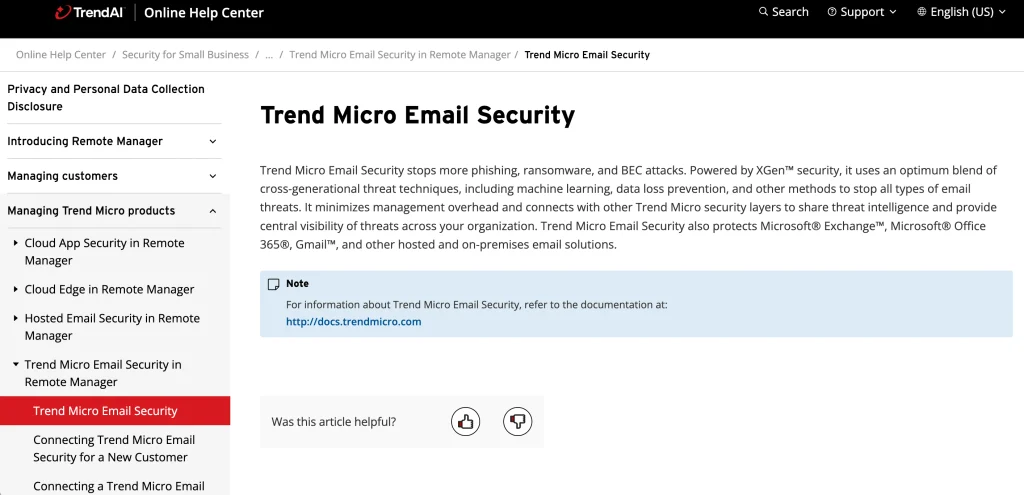
8. Trend Micro Email Security
- Rating: 4.4/5 on G2
- Website: https://docs.trendmicro.com/
- Best For: Businesses wanting layered email protection
Trend Micro Email Security provides email security software and solutions that use multiple detection techniques to protect business email from phishing, malware, spam and other threats. It can analyse suspicious messages and attachments while also providing protection against targeted email attacks.
The platform can integrate with Microsoft 365 and other email environments, making it useful for businesses that want an additional security layer around cloud email.
Key Features
- Anti-phishing
- Malware protection
- BEC protection
- URL reputation
- Attachment scanning
- Sandboxing
- DLP
- Email encryption
- Cloud email protection
- Microsoft 365 integration
Pros
Trend Micro offers layered protection and has experience across endpoint, network and cloud security. Its email product can form part of a broader security strategy.
Cons
Businesses may need additional Trend Micro products to cover other security areas. Pricing and capabilities vary between editions.
Pricing
Trend Micro generally provides pricing through its sales and partner network. Cost depends on the number of users and selected services.
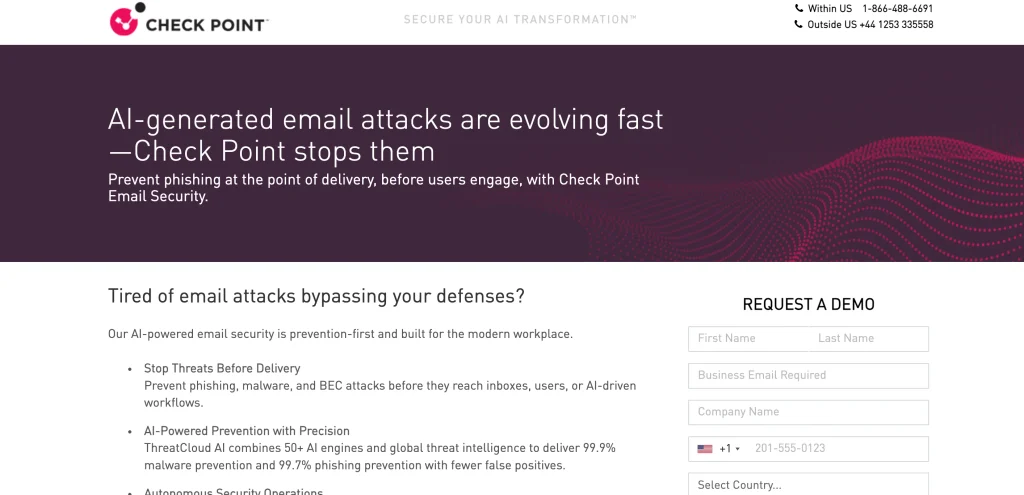
9. Check Point Harmony Email & Collaboration
- Rating: 4.5/5 on G2
- Website: https://pages.checkpoint.com/
- Best For: Cloud email and collaboration security
Check Point Harmony Email & Collaboration is designed to protect cloud-based email and collaboration applications. It provides protection against phishing, malicious files, account takeover and other threats.
The platform is particularly useful for organisations that want to protect Microsoft 365, Google Workspace and other collaboration environments. Its broader Check Point security ecosystem can also provide additional visibility across an organisation’s security infrastructure.
Key Features
- Phishing protection
- BEC protection
- Account takeover protection
- Malware detection
- URL protection
- Attachment protection
- DLP
- Email encryption
- Microsoft 365 support
- Google Workspace support
Pros
The platform protects more than traditional email and can cover collaboration applications as well. It is useful for organisations already using Check Point security products.
Cons
The wider platform can be more complex than a basic email filtering product. Pricing is generally customised.
Pricing
Check Point uses quotation-based pricing for Harmony Email & Collaboration. Costs depend on users, applications and selected security capabilities.
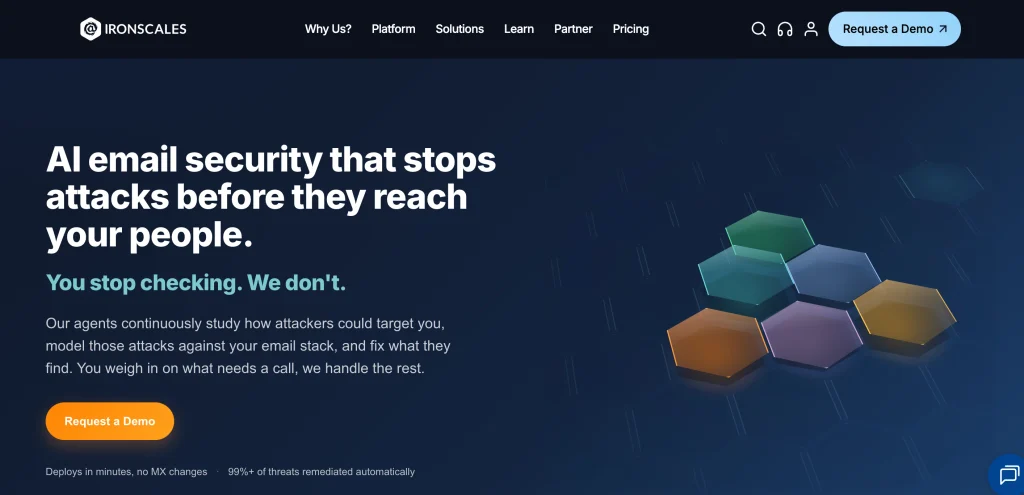
10. IRONSCALES
- Rating: 4.6/5 on G2
- Website: https://ironscales.com/
- Best For: Automated email threat response
IRONSCALES focuses on cloud-based email security software and solutions with automated response capabilities. Its platform uses machine learning and threat intelligence to identify phishing, BEC and other email attacks. One of its useful features is the ability to combine automated detection with feedback from security teams and employees.
This can help organisations respond to new threats without requiring security staff to manually investigate every suspicious message.
Key Features
- Phishing protection
- BEC protection
- Malware detection
- Automated remediation
- Threat intelligence
- Employee-reported phishing
- Security awareness
- Microsoft 365 integration
- Google Workspace integration
- Email threat investigation
Pros
IRONSCALES places a strong emphasis on automation and response. Employee reporting can also provide an additional source of threat intelligence.
Cons
Organisations looking for a full DLP or enterprise information governance platform may need additional security products. Pricing is generally quote-based.
Pricing
IRONSCALES uses customised pricing based on the number of users and selected protection modules.
Key Features to Look for in Email Security Software
- Advanced Phishing Detection: Basic spam filtering is no longer enough for many businesses. Look for a system that can detect phishing based on links, sender behaviour, domain reputation, impersonation and other signals.
- Business Email Compromise Protection: BEC attacks may not contain malware or suspicious links. The software should therefore analyse communication patterns and identify impersonation, unusual requests and suspicious financial instructions.
- Malware and Attachment Protection: The solution should inspect attachments for known and unknown threats. Advanced products may use sandboxing or behavioural analysis to examine suspicious files.
- URL and Link Protection: Email security software should analyse links before or when users click them. Some platforms rewrite URLs and check the destination in real time.
- Email Authentication: Look for support for SPF, DKIM and DMARC. These standards can help organisations verify legitimate senders and reduce certain types of spoofing.
- Data Loss Prevention: DLP policies can detect sensitive information in outgoing emails. This can help prevent accidental or unauthorised sharing of confidential business data.
- Email Encryption: Encryption can protect sensitive messages when they are sent outside the organisation. This is particularly useful for industries handling financial, legal, healthcare or customer information.
- Microsoft 365 and Google Workspace Integration: Most modern businesses use cloud email platforms. The security solution should integrate with the organisation’s existing email environment without creating unnecessary operational complexity.
- Threat Intelligence: Threat intelligence allows the security system to compare suspicious messages, domains, files and other indicators against known threats and broader security signals.
- Automated Remediation: If a malicious email reaches an inbox, the system should ideally be able to remove or quarantine it automatically after the threat has been identified.
Benefits of Email Security Software
- Reduces Phishing Risk: Email security software can identify suspicious messages before employees interact with them. This creates an additional security layer between attackers and users.
- Protects Business Accounts: Strong email protection can help reduce credential theft, account takeover and impersonation attacks. This is particularly important because compromised accounts can be used to attack other employees.
- Helps Prevent Financial Fraud: BEC protection can identify suspicious payment requests and impersonation attempts. This can reduce the risk of employees acting on fraudulent financial instructions.
- Protects Sensitive Data: DLP and encryption features help businesses control sensitive information leaving the organisation through email.
- Reduces Security Team Workload: Automated filtering, investigation and remediation can reduce the number of suspicious emails that security teams need to examine manually.
- Improves Employee Protection: Employees do not need to identify every sophisticated attack themselves. Email security adds automated controls that can stop threats before they reach the inbox.
- Supports Compliance Requirements: Some industries have strict requirements around data protection, access control and information security. Email security tools can provide controls and records that support broader compliance programmes.
- Provides Better Visibility: Modern platforms can show security teams which users are being targeted, which threats are reaching the organisation and how incidents are being handled.
How to Choose the Right Email Security Solution
- Start With Your Email Platform: First identify whether your organisation uses Microsoft 365, Google Workspace, Exchange or another email environment. Some security solutions are designed specifically for cloud platforms, while others support hybrid deployments.
- Identify Your Main Threats: A company dealing with frequent phishing may need strong URL and impersonation protection. A financial organisation may place greater importance on BEC detection, DLP and encryption.
- Check BEC and Impersonation Protection: Do not evaluate products only on malware detection. Ask how the solution identifies fake executives, supplier impersonation and unusual payment requests.
- Review DLP Capabilities: If your business handles sensitive customer or financial information, check whether the solution can detect and control outbound data.
- Consider Deployment: Cloud-based solutions are often easier to deploy for cloud email users. Larger organisations with legacy infrastructure may need hybrid or gateway-based deployment.
- Test Detection Accuracy: Request a demonstration or trial and test realistic examples of phishing, impersonation and malicious attachments. This can give your security team a better idea of how the product behaves in real conditions.
- Check Integration: Look at integrations with identity providers, endpoint security, SIEM platforms, ticketing systems and other security tools. Good integration can reduce the number of disconnected security alerts.
- Understand Pricing: Email security pricing can be based on users, mailboxes, features, deployment and contract length. Ask for the complete cost rather than comparing only the base licence.
- Review Vendor Support: Check support availability, response times, documentation and onboarding assistance. This becomes particularly important during an active email security incident.
Common Mistakes to Avoid When Choosing Email Security Software
- Choosing Only on Price: The cheapest email security product may not provide the controls required by your business. Compare protection capabilities, integrations and administration requirements along with licence cost.
- Focusing Only on Spam: Spam filtering is only one part of email security. Phishing, BEC, account takeover and data leakage can cause more serious business problems.
- Ignoring Microsoft 365 or Google Workspace Configuration: Email security tools work best when the underlying email platform is configured correctly. Security teams should also review authentication, identity protection and access controls.
- Forgetting Outbound Email Protection: Some organisations focus entirely on incoming threats. However, sensitive data can also leave through legitimate employee accounts, making DLP and outbound monitoring important.
- Not Testing BEC Scenarios: A product may perform well against obvious phishing links but struggle with realistic executive or supplier impersonation. Test these scenarios before selecting the solution.
- Buying Too Many Unconnected Tools: Adding several security products without considering how they work together can create duplicate alerts and increase administrative work. Look for solutions that integrate with your existing security stack.
- Ignoring Employee Reporting: Employees are often the first people to notice a suspicious email. A good solution should make it easy for them to report messages and should allow security teams to investigate those reports.
- Not Reviewing Data and Privacy Controls: Email security platforms process business communications. Before deployment, review how email data is processed, stored and accessed and whether the platform meets your organisation’s privacy and compliance requirements.
Conclusion
Email security software has become an important part of business cybersecurity. Modern threats are no longer limited to spam and obvious malware. Attackers increasingly use phishing, impersonation, account takeover and business email compromise to target employees and business processes.
The right email security software and solutions depend on the organisation’s size, email platform, security requirements and existing technology stack. Microsoft Defender for Office 365 can be closely integrated with Microsoft 365, while Proofpoint and Mimecast provide broad enterprise email protection. Abnormal Security focuses strongly on behavioural detection and BEC, while Barracuda, Sophos and Trend Micro offer broader email security options for different business environments.
When comparing email security software, look beyond the number of features. Check phishing detection, BEC protection, DLP, encryption, authentication support, Microsoft 365 or Google Workspace compatibility, deployment requirements and pricing. A solution should also fit into the organisation’s wider identity, endpoint and security monitoring strategy.
FAQs
1. What is Email Security Software?
Email security software protects business email from threats such as phishing, malware, ransomware, spam, business email compromise, malicious links and impersonation. Some platforms also provide DLP, encryption and email archiving.
2. Why do Businesses Need Email Security?
Email is a common route for cyberattacks because employees regularly use it to exchange credentials, documents, financial information and business communications. Email security adds automated protection that can identify and block suspicious messages.
3. What is the Difference Between Email Security and Spam Filtering?
Spam filtering mainly focuses on unwanted or unsolicited messages. Email security provides broader protection against phishing, malware, impersonation, BEC, malicious links, account takeover and data leakage.
4. What is BEC Protection in Email Security Software?
Business email compromise protection helps detect attacks where criminals impersonate executives, suppliers or other trusted contacts. These attacks often attempt to persuade employees to transfer money, change payment details or disclose information.
5. Does Microsoft 365 Need Additional Email Security?
Microsoft 365 already includes several security capabilities, with the exact features depending on the subscription. Organisations with higher security requirements may consider Microsoft Defender for Office 365 or third-party platforms for additional protection, detection and response capabilities.