
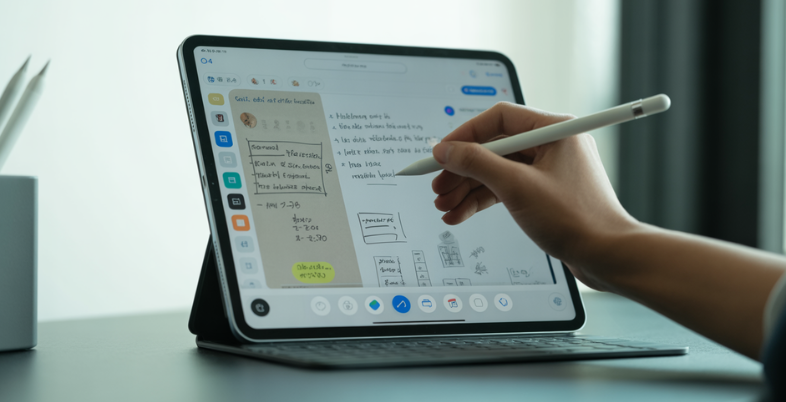
The iPad has changed the way we take notes. With the right app, it becomes more than just a screen—it turns into a powerful notebook, planner, and creative space. Note-taking applications on iPad can help you work faster and more systematically, whether you are a student in an online course, a meeting manager, or someone who is simply sketching some ideas.
Since Apple Pencil comes with handwritten notes, typed notes, voice recordings, and cloud sync, the current apps are smart in every requirement. Here we are going to discuss the 12 best Note Taking Apps for iPad to use on an iPad and stay productive, capture ideas clearly, and store them all in a single place without any stress or clutter.
Key Features To Look for In An IPad Note-Taking App
- Apple Pencil Support:The most suitable iPad note applications are compatible with the Apple Pencil. The typewriting is natural as paper and pressured with tilting. They are also compatible with keyboards to type faster.
- Organization Tools:Good note-taking applications can keep you organized. You can also use folders, notebooks, tags, and categories to sort your notes and thus search old notes in no time and without stress.
- Multi-device Syncing:The best apps are cross-synced between iPads, iPhones, and laptops. One can see, edit, and add notes at any time on any device without losing the work.
- Exporting and Sharing::Very nice note applications allow you to save notes as PDF or other documents. You can print, email, share, or work with other people with ease.
- Productivity Enhancers, such as AI::The most useful apps consist of audio recording, image support, handwriting search, and intelligent AI Productivity tools that can organize notes, save time, and enhance productivity.
Comparison Table: IPad Note-Taking Apps
| App Name | Price | Free Plan | Best Use |
| GoodNotes 6 | From $11.99/year | Yes | Handwritten notes, students, PDFs |
| Apple Notes | Free | Yes | Daily notes, quick tasks |
| Nebo | Free (paid upgrade) | Yes | Handwriting to text, math notes |
| Microsoft OneNote | Free (paid via Microsoft 365) | Yes | Long notes, cross-platform work |
| Notability | Free / $19.99–$99.99/year | Yes (limited) | Lecture notes with audio |
| Zoho Notebook | Free / ₹999–₹3,999/year | Yes | Typed notes, visual organization |
| Noteshelf | Free (limited) | Yes | Custom handwriting notes |
| CollaNote | Free | Yes | Creative notes, collaboration |
| LiquidText | Free / Paid plans | Yes | Research, PDF study |
| Penbook | Free | Yes (limited) | Planners, custom templates |
| Evernote | Free / ₹2,999+/year | Yes (limited) | Productivity, task management |
| ZoomNotes | Free (limited) | Yes | Visual notes, mind mapping |
List of 12 Best Note Taking Apps for iPad
1. Goodnotes 6
Website :https://www.goodnotes.com
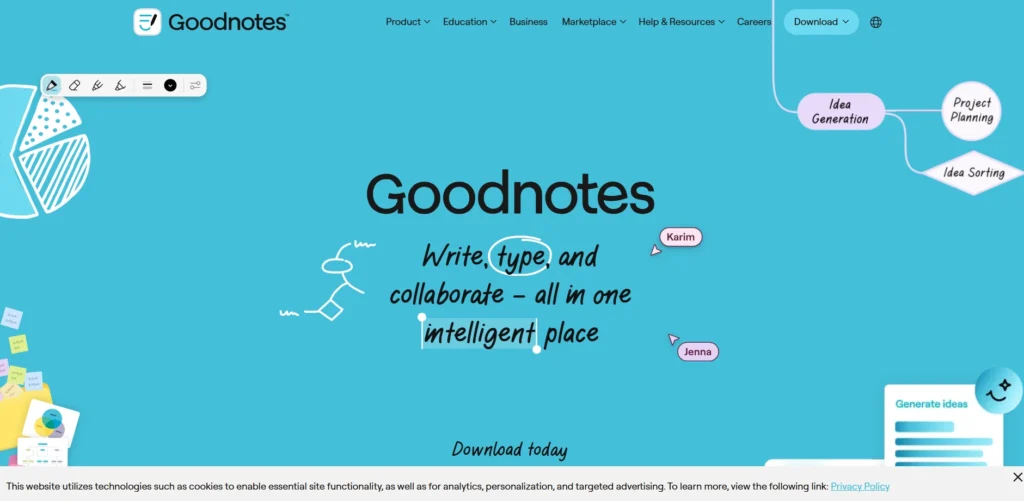
GoodNotes 6 is one of the most popular note taking apps for iPad among iPad users. It works well with handwritten notes with the Apple Pencil. One can create notebooks, folders, and subfolders to organize everything.
The application has PDF annotations, handwriting search, and cloud integration. It is effective with students, teachers, and practitioners who make a lot of notes. The text is smooth and natural, and it is almost like writing on real paper.
Key Features
- Smooth Apple Pencil writing
- Notebook and folder system
- PDF annotation and markup
- Handwriting search
- iCloud sync
- AI study tools
Pros
- Very natural writing feel
- Strong organisation tools
- Reliable PDF support
- Clean and simple design
- Great for students
Cons
- Text conversion feels slow
- Limited toolbar customisation
- Some features need payment
- No audio sync like Notability
Pricing:
- Free: $0
- Essential: $11.99/year
- Pro: $35.99/year
- Special Edition: $35.99 one-time
2. Apple Notes
Website :https://apps.apple.com/us/app/notes-notes-for-pencil/id1609361989
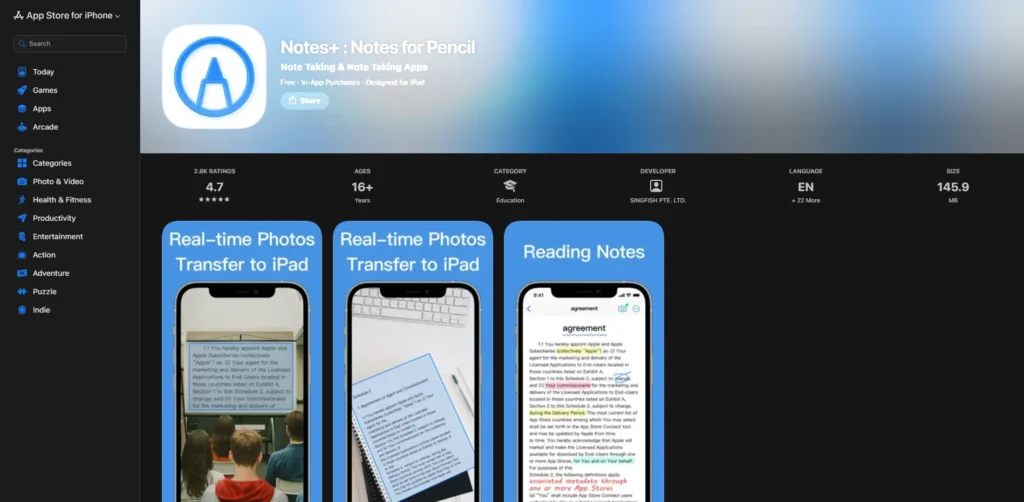
Apple Notes is a free application that is installed on all iPads and is one of the most accessible note taking apps for iPad. It is straightforward, quick, and simple to operate. It is possible to write notes, use Apple Pencil, and make checklists, tables, and scans of documents.
Apple devices are able to sync their notes via iCloud. Although it does not provide advanced customization, it suits daily note-taking. It is perfect for those who have an interest in a clean and reliable application with no additional complexity.
Key Features
- Free and preinstalled
- Apple Pencil support
- Typed and handwritten notes
- iCloud syncing
- Tables and checklists
Pros
- Completely free
- Very easy to use
- Fast syncing across Apple devices
- Stable and reliable
- No learning curve
Cons
- Limited customisation
- Weak organisation options
- Basic PDF handling
- No advanced study tools
Pricing:
- Free
3. Nebo (Myscript)
Website :https://www.myscript.com/notes/
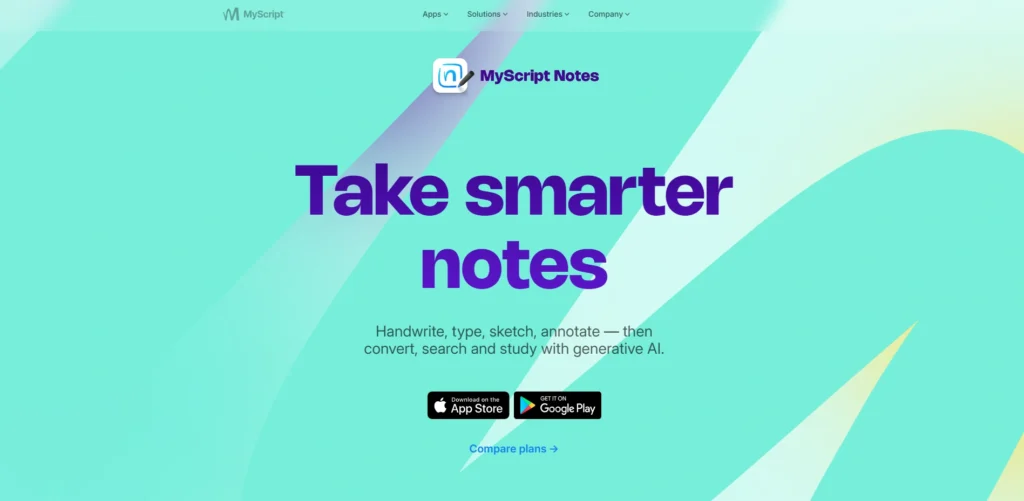
Nebo can be considered a good handwriting-to-text converter and one of the reliable note taking apps for iPad. The Apple Pencil allows you to write in natural form, and Nebo translates it to typed form (in real time). It also has a good command of math equations.
It is possible to use a combination of handwriting and typing in the same document. Nebo is developed on various systems, Windows and Android. It is fantastic among users who prefer to use neat, editable notes, but not to lose the sensation of writing.
Key Features
- Best handwriting-to-text
- Real-time text conversion
- Math equation support
- Mixed typing and writing
- Cross-platform use
Pros
- Very accurate handwriting recognition
- Excellent for math notes
- Clean document layout
- Works on many devices
- Affordable upgrades
Cons
- Limited templates
- Weak freeform drawing
- Formatting can feel tricky.
- Not ideal for pure handwriting
Pricing:
- Free
4. Microsoft OneNote
Website:https://www.microsoft.com/en-in/microsoft-365/onenote/digital-note-taking-app
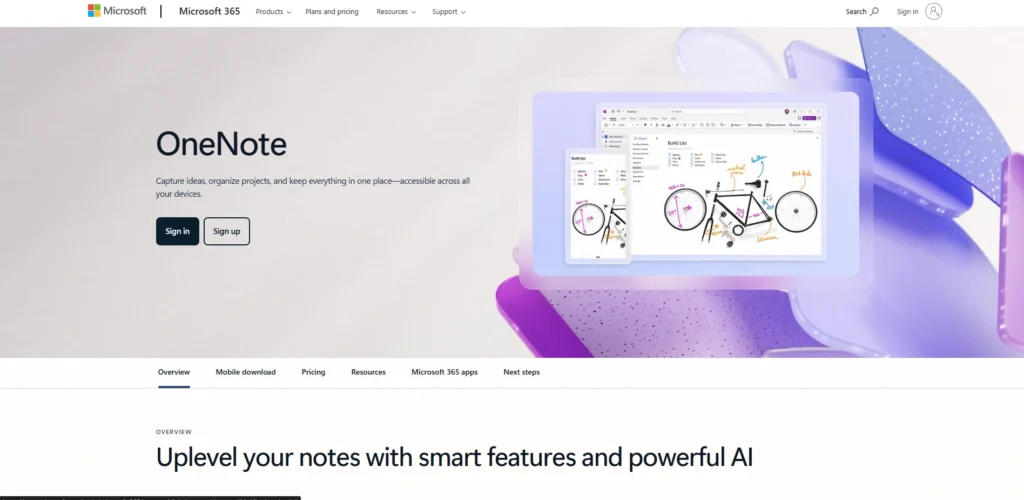
Microsoft OneNote is a free and effective note-taking application. It is compatible with typing and handwriting. Notes are arranged in the form of notebooks, sections, and pages.
The app integrates with OneDrive and is compatible with iPad, iPhone, Windows, and Android. OneNote can be recommended to students and professionals who are already using Microsoft. It also allows recording of audio, drawing, and simple math functions, thus being extremely versatile.
Key Features
- Free note-taking app
- Typed and handwritten notes
- Notebook-section-page structure
- OneDrive sync
- Math assistant
Pros
- Fully free to use
- Works on all platforms
- Good for long notes
- Strong Microsoft integration
- Large user base
Cons
- Limited pen types
- The interface can feel busy
- Storage limit on the free plan
- Backup only to OneDrive
Pricing:
- Starter:Free
- Microsoft 365 Personal: ₹689/month
- Microsoft 365 Family: ₹819/month
- Microsoft 365 Premium: ₹1,999/month
5. Notability
Website:https://notability.com
Notability is the favorite among the students, particularly for lectures and one of the popular note taking apps for iPad. The largest strength it has is the audio recording that is synchronized with your handwritten notes. Tap on a word and listen to what was said at that time.
It also types, draws, and annotates PDFs and can multitask and have several notes open. The interface is user-friendly and uncomplicated. Notability also provides a free, limited version and a paid version with a full structure.
Key Features
- Audio synced with notes
- Apple Pencil support
- Multi-note view
- PDF annotation
- AI summaries
Pros
- Best for lecture notes
- Easy-to-use interface
- Strong audio features
- Smooth handwriting
- Good multitasking tools
Cons
- Subscription required for full use
- Limited free plan
- Weak organization system
- No iCloud sync on the free version
Pricing:
- Starter:free
- Plus – $19.99/year
- Pro – $99.99/year
6. Zoho Notebook
Website:https://www.zoho.com/notebook/
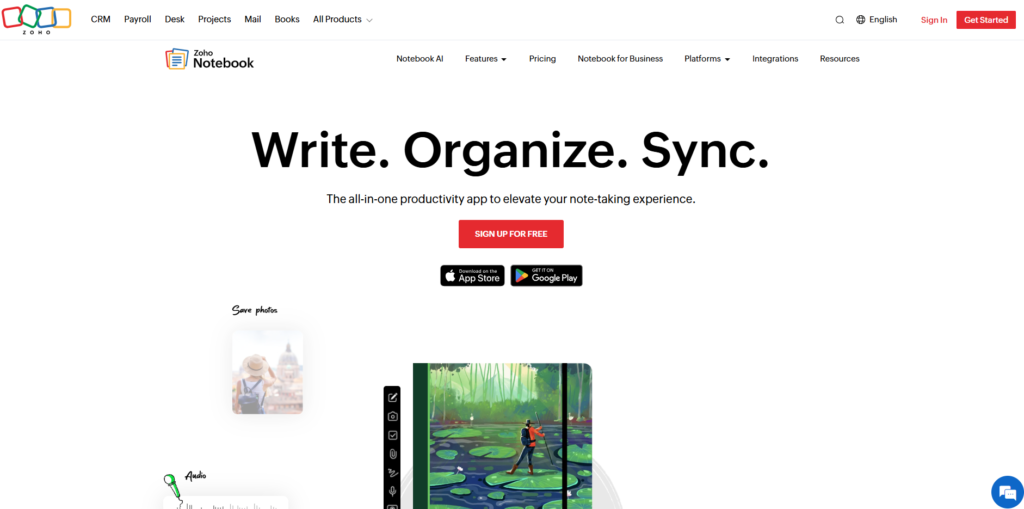
Zoho Notebook is colorful and attractive in design. The notes are stored in the form of cards that resemble digital sticky notes. You can add text documents, checklists, drawings, audio documents, and so on.
It is cross-device and allows teamwork. As one of the Note Taking Apps for iPad, although the tools of handwriting are few, it works well with organized, typed notes. Zoho Notebook suits those users who prefer a pleasant design and a stylish look.
Key Features
- Card-based note system
- Beautiful notebook designs
- Audio, sketch, checklist cards
- Cross-device syncing
- Smart web cards
Pros
- Very attractive design
- Easy visual organization
- Good for typed notes
- Real-time collaboration
- Password protection
Cons
- Limited handwriting tools
- Weak search in the free plan
- Fixed text styles
- Storage limits on free version
Pricing:
- Essential :Free
- Pro — ₹83.25/month
- Business — ₹333.25/month
7. Noteshelf
Website:https://www.noteshelf.net
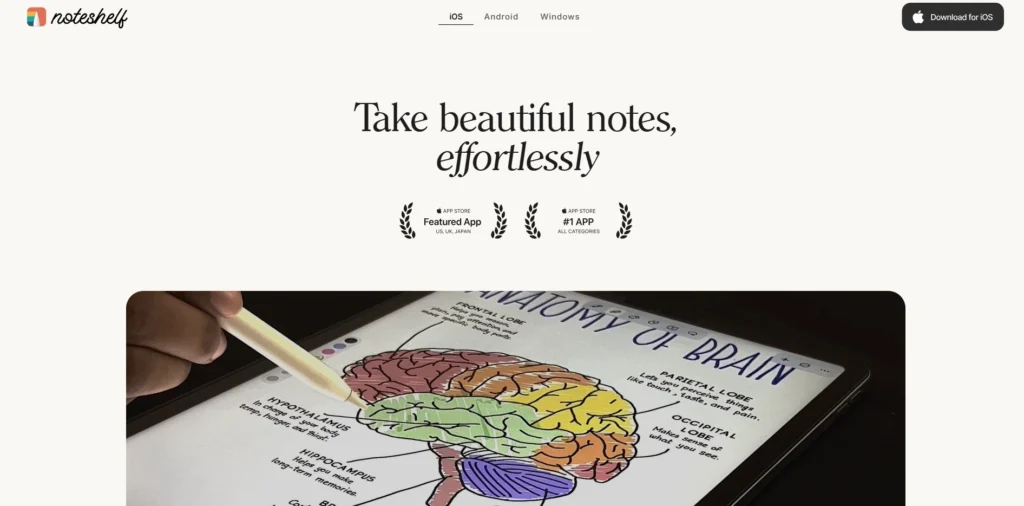
Noteshelf provides a fair combination of both handwriting and typing capabilities and is one of the versatile note taking Apps for iPad. It is compatible with Apple Pencil, audio recording, PDF annotation tools, and powerful customization. You have options of page templates, pen styles, and notebook covers.
The zoom box feature assists in writing small texts in a neat way. Noteshelf is compatible with several platforms, but may have difficulty synchronizing across them. Serious note-takers need control and flexibility, so it is best.
Key Features
- Apple Pencil writing
- Audio recording
- Zoom writing box
- Page templates
- Customizable toolbar
Pros
- Strong handwriting experience
- Many customization options
- Great for heavy note-takers
- Clean interface
- Useful zoom feature
Cons
- The free version is very limited
- Reorganizing notes is slow
- Cross-platform sync issues
- Smaller user community
Pricing:
- Free
8. Colla Note
Website:https://www.collanote.com/home
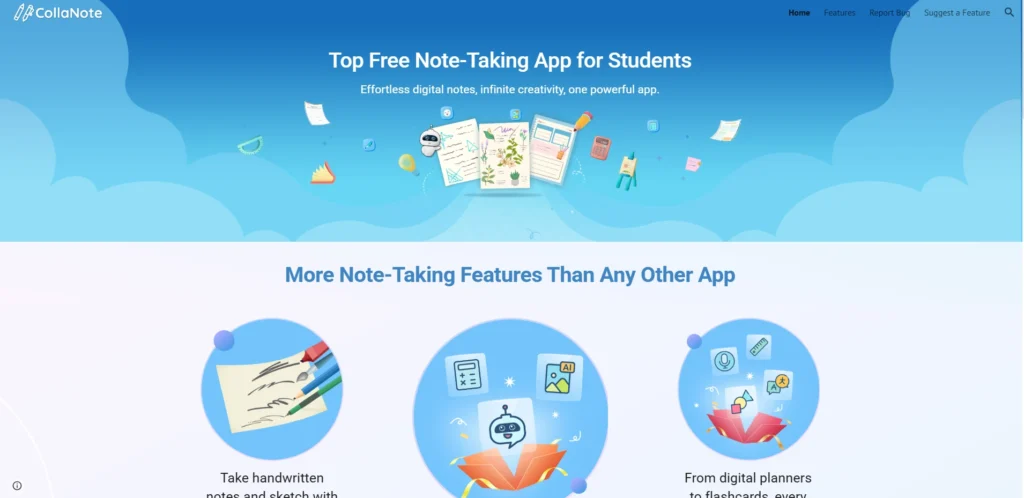
CollaNote is a free application that is gaining a lot of popularity. It provides a lot of pen styles, brushes, and colors, and it is excellent for creative notes. You are able to work with others simultaneously and make notes together.
The application allows the importation of PDF files, audio, and flashcards. As one of the Note Taking Apps for iPad, although the organization tools are rudimentary, CollaNote is an ideal tool used by students who desire to have a fun, powerful, and affordable note-taking app.
Key Features
- Many pens and brushes
- Apple Pencil support
- Real-time collaboration
- PDF import
- Flashcards
Pros
- Very generous free version
- Creative pen tools
- Fun and modern design
- Easy collaboration
- Growing feature set
Cons
- Limited organization tools
- iPad and iPhone only
- Sync depends on the account
- Still under development
Pricing:
- Free
9. LiquidText
Website:https://www.liquidtext.net
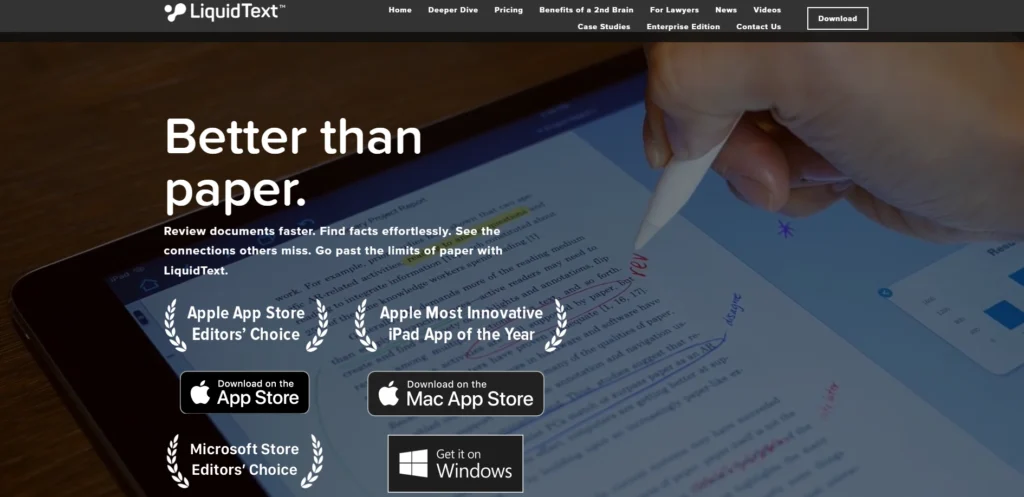
LiquidText is a program primarily meant for researching and studying documents and is one of the specialized note taking Apps for iPad. Rather than blank pages, it concentrates on the working of the PDFs and articles. You can drag out text snippets, connect ideas, and generate mind-map-like notes.
It is highly convenient for law students, researchers, and academicians. But it can be complicated for the everyday scribblers. Deep reading, analysis, and work, which is heavy with research, are better done with LiquidText.
Key Features
- PDF-focused workspace
- Text snippet extraction
- Mind-map style notes
- Multiple document view
- Infinite canvas
Pros
- Excellent for research
- Great PDF handling
- Visual idea linking
- Powerful study tool
- Supports deep reading
Cons
- Not beginner-friendly
- Feels crowded
- Easy to lose snippets
- Not ideal for daily notes
Pricing:
- Basic: Free
- Pro 2023 — $79.99/month
- LIVE — $3.99/month
- LIVE Unlimited — $5.99/month
10. Penbook
Website:https://apps.apple.com/us/app/penbook/id1473064295
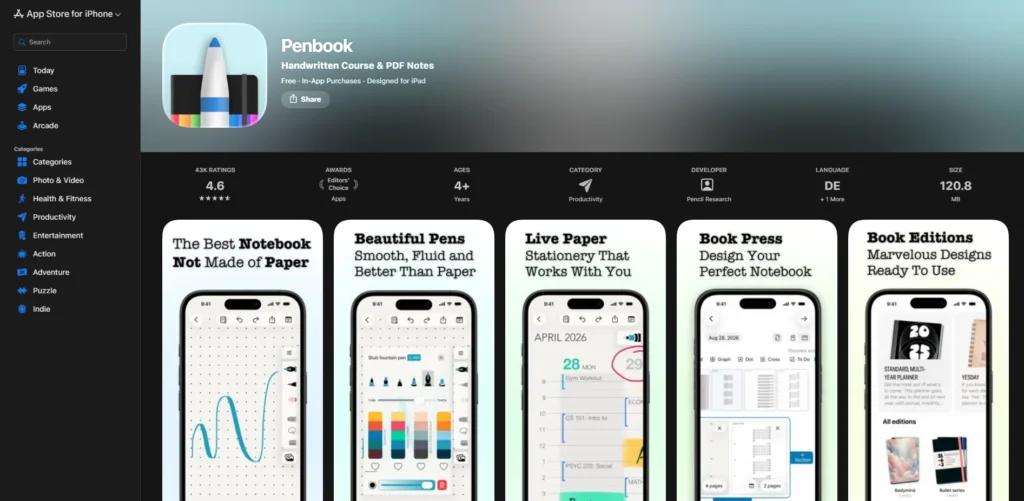
Penbook is everything about customization. It has hundreds of page templates and sizes to suit all requirements, such as planners, music sheets, and technical notes. The colors, fonts, and layouts can be customized completely.
The Apple Pencil is smooth to write with, yet the writing application may be slow to master. The tools of organization are simple, and the level of creativity is very high. Penbook would be liked by people who like to make their own layouts and notebooks.
Key Features
- 1,000+ templates
- Full page customization
- Apple Pencil support
- Notebook editions
- Live date and time pages
Pros
- Extremely customizable
- Creative layouts
- Smooth writing feel
- Great for planners
- Unique templates
Cons
- Hard to learn at first
- Weak organizational system
- The free version is very limited
- Navigation feels confusing
Pricing:
- Free
11. Evernote
Website:https://evernote.com
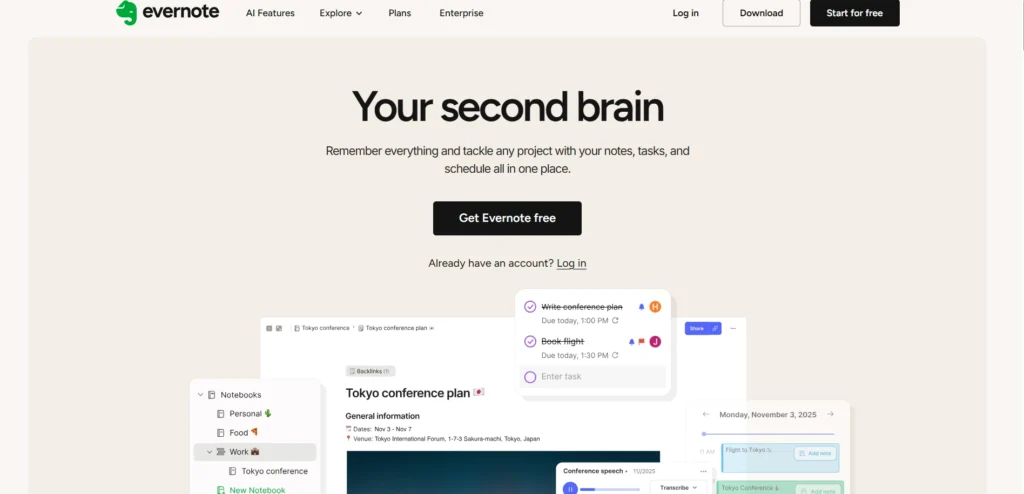
Evernote is rather more productivity-oriented than handwriting and is among the widely used note taking Apps for iPad. It is effective in taking notes, doing activities, and organizing data, making it a strong option when compared with NoteGPT Alternatives. Content can be cut and pasted on the web, templates may be utilized, reminders can be added, and files may be attached. Writing is restricted and is a matter of pictures.
Evernote is a cross-platform app. It suits the professionals who prefer to manage tasks and take notes in a single place, even though the full functions are available on subscription.
Key Features
- Typed notes and tasks
- Web clipper
- Templates
- File attachments
- Cross-platform sync
Pros
- Strong productivity focus
- Excellent organization
- Great for work notes
- Reliable syncing
- Task management included
Cons
- Poor handwriting support
- One device limit on the free plan
- Expensive subscription
- Sketch mode feels basic
Pricing:
- Starter — ₹249.91/month
- Advanced — ₹641.58/month
- Enterprise — Custom pricing
12. ZoomNotes
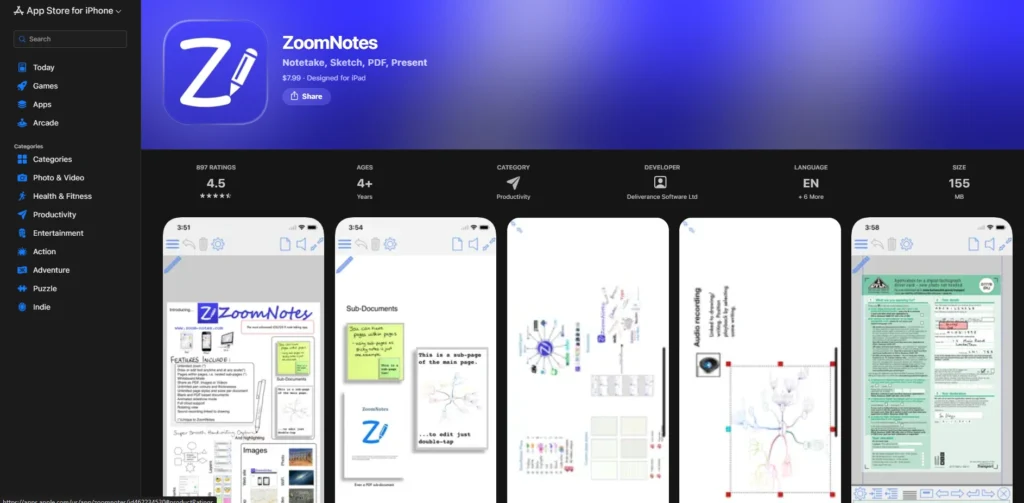
Website:https://apps.apple.com/us/app/zoomnotes/id462234530
ZoomNotes gives the consumer an unlimited canvas, and it is ideal for visual thinkers, making it one of the flexible note taking Apps for iPad. During writing or drawing, one can zoom in and out continuously. It also allows you to make pages on pages, like sticky notes or connected PDFs.
The app is also strong, yet it can be intimidating initially. Numerous customization options are available. ZoomNotes is the best application for mind maps and graphical planning, and for users who prefer to work with large interrelated ideas.
Key Features
- Infinite canvas
- Extreme zoom levels
- Sub-pages inside notes
- Audio recording
- App integrations
Pros
- Perfect for visual notes
- Endless space to write
- Powerful linking tools
- Deep customization
- One-time purchase option
Cons
- Steep learning curve
- Cluttered interface
- Limited free version
- Can feel overwhelming
Pricing:
- Free
Ending Note
The process of selecting the appropriate Note Taking Apps for iPad can go a long way when it comes to your learning, organization, and work on your iPad. The most useful app is not the one that has the most features but the one that fits into your daily routine and that is easy to use.
Certain applications are ideal for handwriting notes, and others are excellent for typing, managing files, or sharing with others. Test some of them, compare their tools, and find what helps you to be focused and organized.
The iPad can be your own personal office, your own study partner, and your own idea journal, all in one, with the right note-taking app. Begin to use the app of your best choice and make smarter notes every day.
Read More:
FAQs
1. What Is The Most Effective IPad Note-Taking Application?
The most favored app will be based on your needs, such as handwriting, typing, organization tools, Apple Pencil compatibility, and the ability to sync devices.
2. Are IPad Note-Taking Applications Compatible With Apple Pencil?
Yep, the best apps still support Apple Pencil, which is smooth to write on, has pressure sensitivity, has tilt effects, and has the feel of handwriting.
3. Is It Possible To Share My Notes Between Devices?
Yes, good note apps are able to access notes on iPads, iPhones, and computers (using cloud services) and can be accessed in any of these locations.
4. Is It Possible To Save Notes Through IPad Applications?
The majority of note apps have a feature of exporting the notes to PDF, image, or text to be printed, shared, emailed, or stored long-term.
5. Are The Free Note-Taking Applications Satisfactory?
The free apps are good when it comes to simple notes; the paid features are advanced and provide superior organization, syncing, and productivity.