
Smart backlinking is the first step to improving the visibility of your YouTube video. backlink generation tools will make it more convenient for creators and marketers to obtain more traffic, boost their search engine rankings, and connect with the relevant crowd with minimal technical involvement. This guide will introduce you to the top YouTube backlink generator tools that are safe, effective, and easy to use.
From sharing your initial video content to managing a growing channel, these tools can help boost visibility, enhance SEO metrics, and foster consistent growth. We emphasize the functionality, transparency in pricing, and tangible outcomes to help you select the tools you need based on your objectives and budget. Keep reading to discover some of the most effective and easy-to-use tools available, that can help improve your YouTube marketing in 2026 without compromising quality and authenticity.
What is a YouTube Backlink Generator?
A YouTube backlink generator is a tool or service that allows you to generate backlinks to your YouTube video from other websites to boost its visibility in search results. Putting your video link out there on the web in simple and humble terms so that more people (and sometimes search engines) will find it quicker. These tools can create various types of backlinks, depending on the platform and method used. While some will use it to improve their rankings, many of those links are of poor quality or spammy and may not result in a real benefit and could actually have a negative impact.
How Do YouTube Backlinks Actually Work in 2026?
YouTube backlinks serve primarily as traffic and trust signals, rather than as ranking magic. You’ll find the most effective approach is to position suitable links in the correct location on YouTube, which will capture attention, keep audiences engaged, and drive them to your website or other page.
- Video Descriptions: Include your website link in the description for viewers to learn more after watching the video. When paired with YouTube scheduling tools, you can publish videos consistently while driving steady referral traffic to your website.
- Channel profile links: Add a link to your channel profile page so that people can be directed to your business or blog from your channel.
- Pinned comments: If there is a helpful link that is beneficial to the video discussion, try using a pinned comment.
- End screens and cards: Direct viewers to another video, channel, or approved destination to ensure they continue on your content journey.
- Clicks are key: The more people click it, the better the backlink will perform; traffic and engagement are the most important advantages of a backlink.
- Relevant links are important: if the topic of the video doesn’t match the links, they may seem spammy and be ignored.
- Most of the YouTube links are nofollow: This means that they generally don’t generate as much SEO juice as a traditional dofollow link, but they can still drive traffic and awareness to your website.
- Use them for discovery: YouTube links may be useful in driving traffic to your site, product, or offer, but not necessarily to rank well on their own.
Why Do You Need a YouTube Backlink Generator Tool?
A backlink generator for YouTube can aid your videohend up more quickly getting noticed by developing links that lead to it from various other websites. It is primarily used for video discovery and basic SEO purposes but shouldn’t be the sole approach to growth.
- Assists in quicker indexing: Having more links linking to your video can help it be found by search engines.
- Improves video visibility: A higher number of backlinks may help your content be accessible on various pages.
- Saves time: This tool can automatically link the tool to the other tools instead of manually doing backlinking.
- Supports early promotion: It can provide a kick-start to a new video when you’re just beginning to share it.
- Good for SEO assistance: It works alongside other YouTube SEO techniques, including title, description, and thumbnail optimization. Combining backlink strategies with SEO optimization tools helps identify technical improvements and content opportunities that support long-term organic growth.
- Increases additional opportunities for traffic: Other pages can link to your video, which can help drive more traffic.
- Easy to use for new users: It is used by many people as it is considered a simple method to begin off-page SEO.
Key Features To Look For In a YouTube Backlink Generator
The best YouTube backlink generator should provide you with easy-to-use tools, create relevant links, and promote safe SEO development.
- Easy interface: This tool should be easy to use, even for novices. A video link should be pasted and you should be able to get started rapidly.
- High-quality backlink sources: Seek out tools that make connections between helpful and relevant sites. High-quality sources are more likely to provide high-quality SEO.
- Fast link generation: A quality tool should create links in a speedy way and save time. This will be useful if you are looking to market a new video right after you upload it.
- Allows you to process multiple video URLs: Bulk support is critical if you are handling a lot of videos. It allows you to create content and communicate at a faster pace and with a greater amount of content in a shorter time.
- A safe and clean process: The tool should not include spammy or risky link building. Safe backlinking is more beneficial as YouTube is looking at trust more than forcing links, watch time, and engagement.
- Indexing support: There are some tools that assist the search engines in discovering your video quicker. This can enhance discovery, particularly with respect to new videos.
- Extra SEO features: Useful features can also be sharing, embedding, audits, or reports. All of these add-ons will help to monitor the results and make your video promotion more effective.
Quick Comparison Table Of the Best YouTube Backlink Generator Tools
To help you decide which tool fits your channel’s specific SEO strategy, we’ve broken down all 15 platforms side-by-side. Use this table to compare core use cases, pricing models, and key feature highlights at a glance.
| Tool Name | Best For | Pricing | Key Feature Highlight |
| 1. Small SEO Tools | Instant Automated Video Indexing | Free | One-click directory & iframe embed generator |
| 2. DupliChecker | Safe Foundational Link Building | Freemium | Spam-conscious submission algorithms |
| 3. NimTools | High-Volume Automated Submissions | Free | High-speed batch processing & ping engine |
| 4. W3Era | Verified Foundational Backlink Building | Free | High-authority citation directory submissions |
| 5. WebToolsKit | Beginner-Friendly Video Rank Boosting | Free | Simple, zero-registration link generator |
| 6. SEO Magnifier | Batch Video Indexing & Embed Distribution | Free | Direct pinging with responsive embed output |
| 7. Links Indexer | Automated Bulk Video Backlink Creation | Free | Instant web indexer network distribution |
| 8. Web 2.0 Ranker | Automated Video Embed & Citation Links | Free / Custom | Automated web 2.0 citation & embed tool |
| 9. Elfsight | Professional Video Embed Syndication | Freemium | Custom interactive video widgets & schema support |
| 10. Vefogix | Quick Bulk Link Creation & Indexing | Free | Downloadable submission reports & indexer pinging |
| 11. Prepostseo | Automated Multi-Source Link Generation | Freemium | Multi-source batch creation with DA evaluation |
| 12. Sitechecker | Foundational Link Building & Monitoring | Freemium | Real-time HTTP status & link index monitoring |
| 13. LenosTube | YouTube-Specific Backlink & Embeds | Freemium | YouTube-first web 2.0 & bookmarking syndication |
| 14. SEOClerks | Custom YouTube Backlink Services | Paid (from $1) | Freelance marketplace for targeted manual embeds |
| 15. EmbedPress | Multi-Site Video Embed Syndication | Freemium | WordPress plugin for multi-site responsive embeds |
List of 10 Best YouTube Backlink Generator Tools in 2026
1. Small SEO Tools – Best For Instant Automated Video Indexing
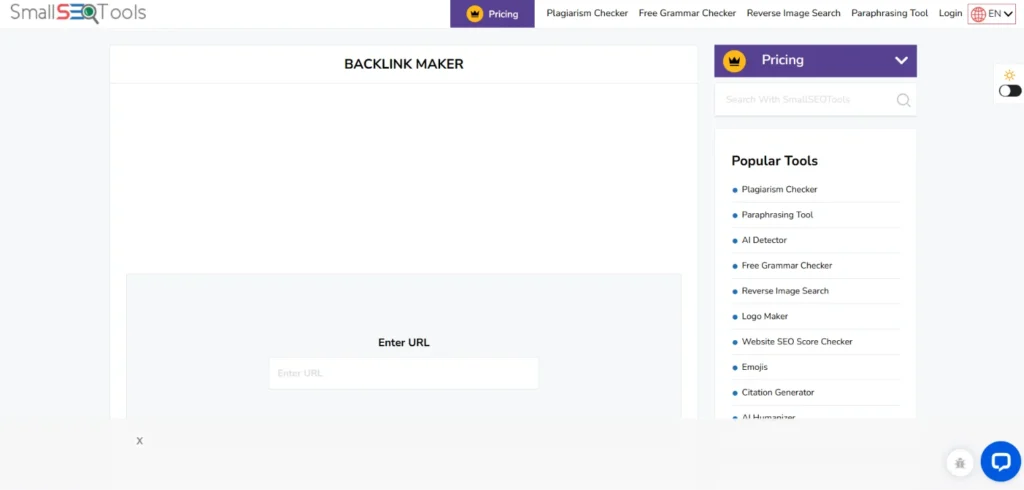
Website Link: https://smallseotools.com/
Small SEO Tools YouTube backlink generator is a completely web-based utility designed for content creators who need rapid off-page SEO distribution. By pasting a single video URL, the tool automatically submits your video link and iframe embed code to dozens of high-traffic web directories, web 2.0 properties, and ping networks.
This immediate distribution signals search engine spiders to crawl your new upload faster, bridging the gap between publishing a video and getting it indexed on Google Search SERPs. It is built specifically for vloggers, small business channels, and beginners who want zero technical hassle.
Key Features:
- One-click batch submission process requiring no API configuration or software installation.
- Simultaneous generation of direct hyperlink placements and visual <iframe> video embeds.
- Automated pinging to major search engine indexers to accelerate crawling schedules.
- Live status reporting that verifies successful page submissions in real time.
- Clean, web-based interface requiring no registration or personal account details.
Pros:
- 100% free with no hidden paywalls or submission limits.
- Extremely easy to use—requires only copying and pasting your YouTube URL.
- Accelerates Google search bot indexing for fresh video uploads.
Cons:
- Provides limited control over anchor text and surrounding target keywords.
- Submits primarily to general web directories rather than hyper-niche websites.
Pricing:
| Monthly | Yearly | Custom |
| $9.99/mo | $119.88/yr | Available on request |
verdict: Simple, zero-cost solution for creators seeking instant indexation without account registration.
2. DupliChecker – Best For Safe Foundational Link Building
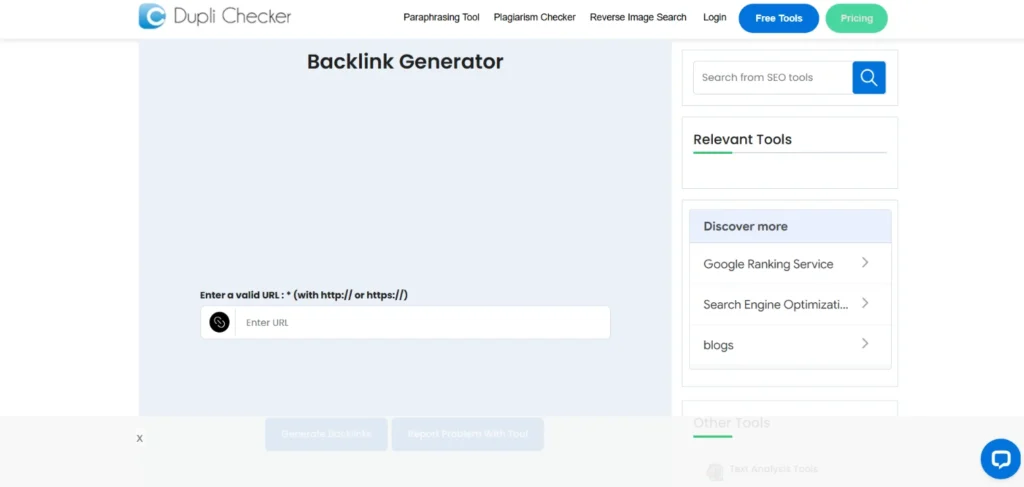
Website Link: https://www.duplichecker.com/backlink-maker.php
DupliChecker YouTube backlink generator focuses on providing creators with a simple, secure pathway to build foundational backlinks across safe online spaces. The platform automatically takes your video link and deploys it to a verified list of public web pages, site stats portals, and content aggregators.
It aims to generate diverse external signals without triggering search engine spam filters. Ideal for entry-level digital marketers, educators, and YouTube creators, this tool helps establish an initial web presence for newly launched videos without requiring manual submission work across dozens of individual platforms.
Key Features:
- Automated distribution across verified, active web directories and indexation portals.
- Spam-conscious submission algorithms designed to protect channel search standing.
- Multi-browser compatibility with fast server processing for instant link outputs.
- Integrated suite of complementary tools including title, tag, and description checkers.
- Built-in URL validation to prevent broken link generation during batch processing.
Pros:
- No account signup or financial commitment required to generate links.
- Delivers immediate submission status feedback with direct links to created pages.
- Safe foundational backlink creation for newly launched YouTube channels.
Cons:
- Lacks detailed analytical reports on long-term link retention rates.
- Offers no manual options to select specific target domain categories.
Pricing:
| Basic | Pro |
| $9.99/mo | $19.99/mo |
verdict: Ideal for new YouTubers looking to establish early link signals safely and effortlessly.
3. NimTools – Best For High-Volume Automated Submissions
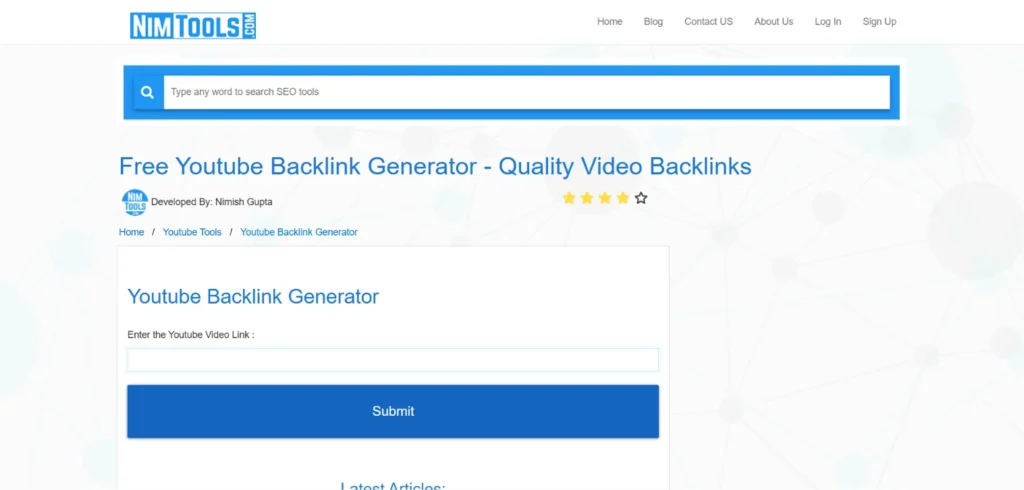
Website Link: https://nimtools.com/youtube-shorts-backlink-generator
NimTools YouTube backlink generator is a specialized online SEO utility built for rapid, high-volume backlink creation. It processes YouTube video URLs and automatically creates external links across a broad network of web analysis platforms, pinging engines, and open directories.
By broadcasting your video link across multiple web nodes simultaneously, NimTools helps increase off-site footprint visibility. It is tailored for digital marketers, video production agencies, and affiliate creators. Combining it with keyword research tools helps identify high-performing search terms before launching new video campaigns.who run multiple YouTube channels and need an efficient, repeatable way to distribute fresh content instantly after publishing.
Key Features:
- High-speed automated batch processing capable of generating dozens of links in seconds.
- Dual support for standard video URLs and shortened youtu.be link formats.
- Automated ping service integration to notify major search crawlers immediately.
- Lightweight, responsive interface optimized for desktop and mobile web browsers.
- Clear visual progress bar tracking active submissions during generation runs.
Pros:
- Extremely fast execution time per video submission batch.
- Completely free tool with no login requirements or captcha walls.
- Helps boost referral pathways and indexation speed for new videos.
Cons:
- Generates mostly automated directory placements rather than contextual blog links.
- High link volume requires careful monitoring to prevent aggressive backlink velocity.
Pricing:
- Free
verdict: Best for multi-channel creators needing high-speed, automated link distribution.
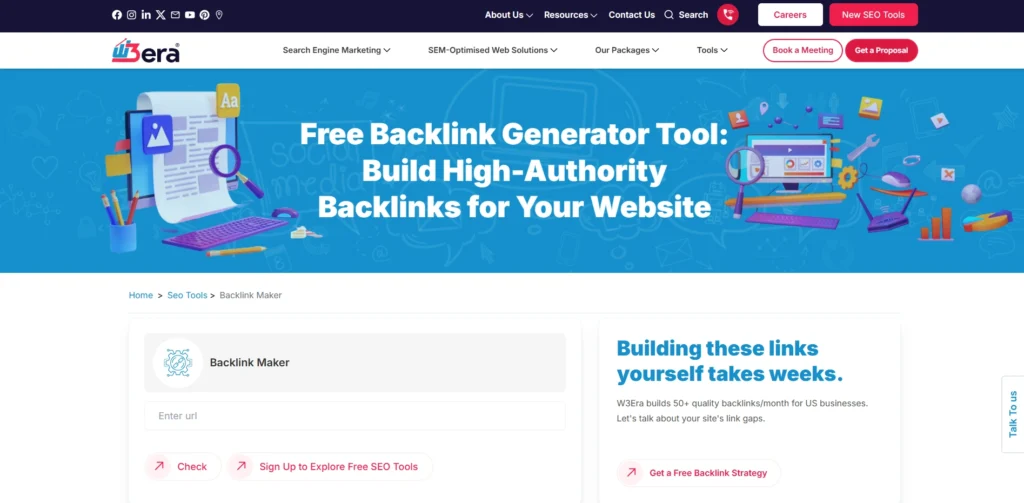
4. W3Era – Best For Verified Foundational Backlink Building
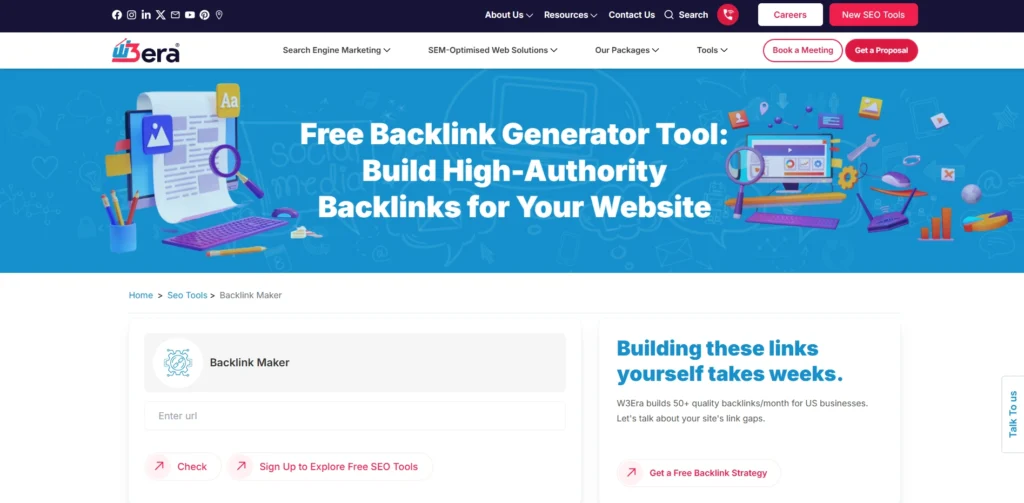
Website Link: https://www.w3era.com/seo-tools/backlink-maker/
W3Era backlink generator is a web-based SEO utility designed to help video creators and website owners establish safe off-page indexing signals. Instead of relying on automated link-farm bots, the tool identifies verified high-authority platforms, web directories, and citation hubs to distribute your video links.
By submitting your YouTube video URL, W3Era creates clean entry pathways that prompt search engine bots to crawl and index your content faster on Google Search SERPs and video carousels. It is ideally built for digital marketers, SEO agencies, and YouTubers seeking white-hat link acquisition.
Key Features:
- Automated identification of high-authority web directories and citation platforms.
- Integrated ping service to alert major search engine crawlers immediately upon submission.
- Live status reporting to track active and pending link creations in real time.
- Multi-format support for standard YouTube URLs, channel links, and Shorts.
- Web-accessible interface requiring zero software installation or account sign-up.
Pros:
- Focuses on clean, brand-safe platforms to prevent search engine penalty risks.
- Completely free to access without daily submission restrictions or mandatory sign-ups.
- Helps accelerate Google crawling for newly published YouTube videos.
Cons:
- Requires manual follow-up for specific profile-based placements.
- Does not support automated anchor text customization for specific target keywords.
Pricing:
- Free
5. WebToolsKit – Best For Beginner-Friendly Video Rank Boosting
Website Link: https://webtoolkt.com/backlink-checker
WebToolsKit YouTube backlink generator provides a straightforward web application designed to help video creators generate quality backlinks without technical complexities. Upon entering a video URL, the system broadcasts the link across various internet service portals, domain evaluation pages, and content indexing networks.
This widespread link creation alerts search engine spiders to new video releases, encouraging faster SERP indexing and improving visibility in video carousel results. It is built for small business owners, casual creators, and social media managers looking for a reliable, no-cost tool to support video launches.
Key Features:
- Instant link creation across a pre-verified network of web directories and aggregators.
- Native support for standard, HD, and Shorts YouTube video link formats.
- Real-time submission logs showing exact URLs where backlinks have been deployed.
- Optimized server infrastructure ensures smooth, low-latency submission runs.
- Seamless operation without requiring software downloads, browser extensions, or registration.
Pros:
- User-friendly experience requiring zero prior SEO knowledge.
- Generates live, clickable backlinks to verify active placement.
- Completely free access with no hidden restrictions or usage caps.
Cons:
- Link sources are fixed within the platform’s preset directory list.
- Does not offer backlink quality scoring or domain rating filters.
Pricing:
- Free
verdict: Perfect for beginner creators seeking a simple, fast tool to kickstart video SEO.
6. SEO Magnifier – Best For Batch Video Indexing & Embed Distribution
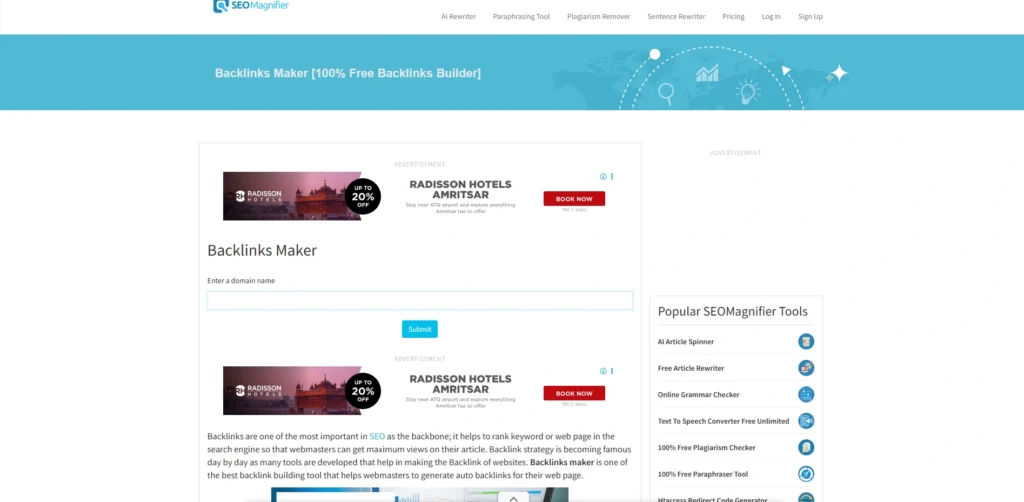
Website Link: https://seomagnifier.com/backlinks-maker
SEO Magnifier provides an automated online YouTube backlink generator built to streamline video syndication. Upon entering your video link, the platform systematically submits the URL and responsive iframe embed across a network of active web analysis sites, ping services, and online directories.
This initial link distribution creates multiple entry pathways for search engine bots, encouraging faster crawling and indexation on Google Search SERPs. It is well-suited for content creators, digital agencies, and affiliate marketers who require a free, fast tool to establish baseline off-page SEO signals for new uploads.
Key Features:
- Automated generation of direct hyperlinks alongside responsive iframe embeds.
- Direct integration with search engine pinging engines to accelerate crawling schedules.
- Supports standard video URLs, shortened video links, and YouTube Shorts formats.
- Real-time submission logs displaying active URLs where links are placed.
- Cloud-based operation requiring no login, API tokens, or software installation.
Pros:
- 100% free with unlimited daily video submission runs.
- Creates functional video embeds that allow external video playbacks.
- Simple one-click execution ideal for beginners and busy creators.
Cons:
- Does not offer anchor text selection or contextual text surrounding the links.
- Network relies on general web directories rather than niche-specific blogs.
Pricing:
- Free
verdict: Quick, zero-cost solution for automated video embed distribution and accelerated indexation.
7. Links Indexer – Best For Automated Bulk Video Backlink Creation
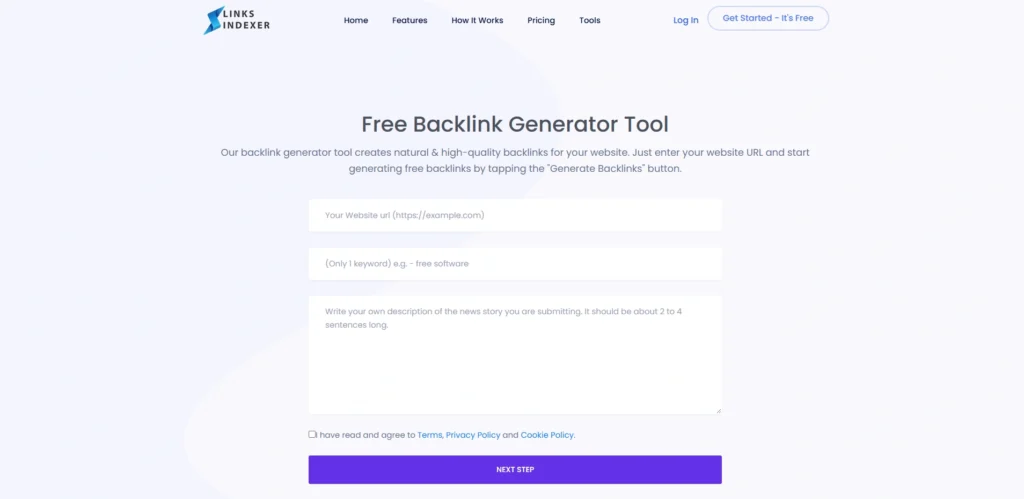
Website Link: https://linksindexer.com/tools/backlink-generator
Links Indexer YouTube backlink generator is a free web-based submission tool designed to create instant backlink profiles for YouTube video URLs. By pasting a YouTube video link, the system automatically submits the URL across an automated web indexer network, site metrics hubs, and domain valuation portals.
This process ping-broadcasts the video link across dozens of active web nodes simultaneously to accelerate search engine discovery, helping fresh uploads index faster in Google SERPs and video carousels. It is designed for creators, webmasters, and social media managers needing a direct, no-cost tool to build quick video link equity.
Key Features:
- Instant batch creation of direct hyperlinks and indexing pings across public web directories.
- Automated pinging to major search engine crawlers to trigger faster indexation.
- Full compatibility with standard YouTube video URLs, mobile links, and channel links.
- Real-time submission logs showing active submission status for generated links.
- 100% web-based execution with zero downloads or account registration required.
Pros:
- Entirely free to use with rapid batch execution speeds.
- Promotes rapid discovery by Google crawlers for newly published video links.
- Simple one-click interface requiring no technical SEO knowledge.
Cons:
- Does not allow custom anchor text targeting or contextual article placement.
- Backlink profile consists of general web directory entries rather than editorial blogs.
Pricing:
- Free
verdict: Simple, zero-cost choice for video creators who need an automated tool to blast video links and speed up indexing.
8. Web 2.0 Ranker – Best For Automated Video Embed & Citation Link Building
Website Link: https://web20ranker.com/
Web 2.0 Ranker offers an automated YouTube backlink generator designed specifically for content creators and video SEO strategists. Upon entering your YouTube video URL, the tool automatically generates and submits standard hyperlinks alongside responsive <iframe> video embeds across web directory hubs, site valuation portals, and indexing networks.
This automated broadcast creates immediate external pathways for search engine spiders, helping accelerate indexing and improve organic search visibility on Google SERPs and video carousels.
Key Features:
- Automated generation of direct video hyperlinks and responsive video embed codes.
- Instant pinging to major search engine indexers upon URL submission.
- Supports standard YouTube links, shortened URLs, and channel-level links.
- Real-time status report displaying submission progress and output URLs.
- 100% web-based execution operating without account registration or downloads.
Pros:
- Entirely free to access with zero daily submission limits.
- Generates live video embeds that enable direct playback on external web nodes.
- Simple one-click interface suitable for quick post-upload link distribution.
Cons:
- Lacks manual control over anchor text targeting or contextual article text.
- Placement network consists primarily of directory and metric sites rather than niche blogs.
Pricing:
- Available on request
verdict: Ideal for video creators who want a straightforward, automated tool to create embeds and speed up Google indexing.
9. Elfsight – Best For Professional Video Embed Syndication
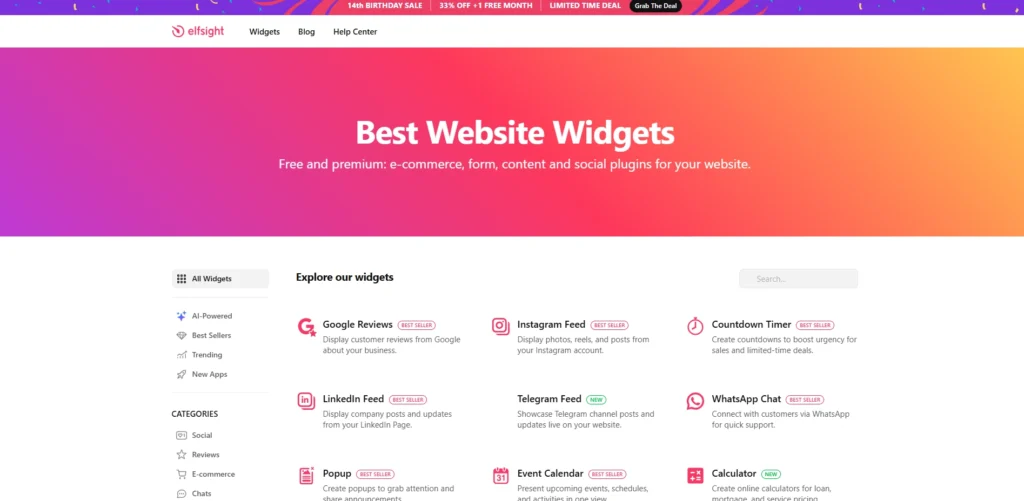
Website Link: https://elfsight.com/youtube-channel-plugin-yottie/templates/youtube-code-generator/
Elfsight offers a web-based YouTube Embed Code Generator designed to create clean, responsive video widgets for external website distribution. Instead of creating low-quality directory links, Elfsight helps creators format and syndicate their videos, playlists, or entire channels onto high-authority third-party websites, blogs, and e-commerce stores.
The embedded videos pass contextual relevance and referral traffic directly back to your channel while increasing watch time and user engagement. It is tailored for business owners, web designers, and creators who manage partner blogs.
Key Features:
- Customizable video, playlist, and channel embed widget templates.
- Custom layout configurations including sliders, grids, and popups.
- Fully responsive design optimized for seamless mobile and desktop rendering.
- Schema markup support to assist search engines in indexing embedded videos.
- Easy integration code compatible with WordPress, Shopify, Squarespace, and Wix.
Pros:
- Generates high-quality, interactive video embeds that drive legitimate views and dwell time.
- 100% white-hat method with zero risk of search engine spam penalties.
- Highly customizable visual elements to match any external website’s branding.
Cons:
- Requires access to or partnerships with external websites to place the generated embed codes.
- Free plan includes Elfsight branding on embedded widgets.
Pricing:
| Free | Basic | Pro | Premium |
| $0 | $4/mo | $8/mo | $16/mo |
verdict: Top pick for brands and creators looking to build authority through contextual, high-converting website embeds.
10. Vefogix – Best For Quick Bulk Link Creation & Indexing Support
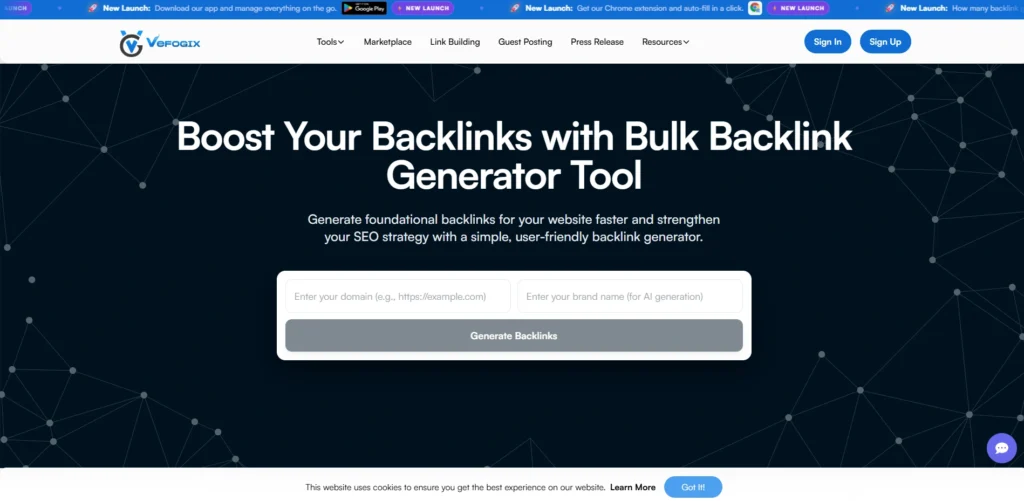
Website Link: https://www.vefogix.com/seo-tools/backlink-generator/
Vefogix provides an online backlink generator designed to simplify early-stage link building for video creators and site owners. By submitting your YouTube video URL or channel domain, the system automatically broadcasts your link across public web evaluation portals, domain metric checkers, and indexation directories.
This initial broadcast generates dozens of immediate entry points for search engine spiders, helping accelerate indexing schedules on Google SERPs and video carousels. It serves as a practical asset for digital marketers, vloggers, and agency owners needing a direct, no-cost tool to build foundational off-page signals.
Key Features:
- Automated generation of foundational backlinks across public web directories.
- One-click batch submission process requiring no user sign-up or software installation.
- Direct indexer pinging to encourage search engine crawlers to discover new uploads faster.
- Instant downloadable reports to review generated link sources for verification.
- Cloud-based application compatible with both mobile and desktop browsers.
Pros:
- 100% free tool requiring zero financial commitment or registration.
- Reduces repetitive manual outreach by automating foundational link placements.
- Helps accelerate Google crawling for fresh video uploads.
Cons:
- Does not offer anchor text customization or contextual paragraph writing.
- Submissions are limited to directory and metric sites rather than high-tier editorial blogs.
Pricing:
- Free
verdict: Best for creators who need a simple, zero-cost tool to blast foundational links and accelerate video indexation.
11. Prepostseo – Best For Automated Multi-Source Link Generation
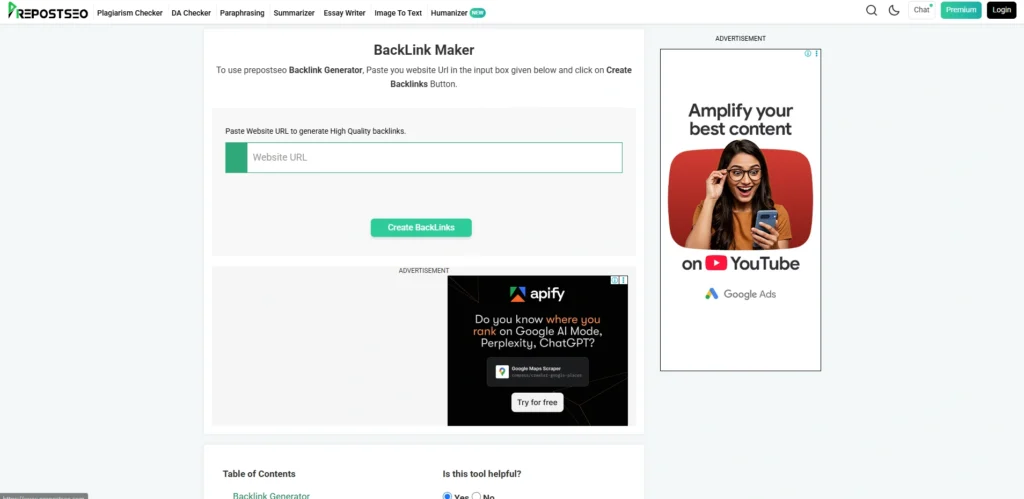
Website Link: https://www.prepostseo.com/backlinks-maker
Prepostseo Backlinks Maker is a web-based SEO utility built to help content creators generate rapid inbound links from authority web portals. By entering your YouTube video URL into the portal, the engine automatically deploys your link across a list of pre-verified web platforms, ping networks, and domain stats indexers.
This creates multiple discovery paths for search engine spiders, prompting faster indexing and improving SERP presence. It is tailored for digital marketers, educators, and YouTube creators who need a fast, reliable utility to support video launches.
Key Features:
- Instant batch creation of up to 50 backlink URLs per submission run.
- Automated pinging to major search engines to speed up link discovery.
- Built-in domain authority evaluation to verify the quality of destination platforms.
- Clean browser interface requiring zero coding or API setup.
- Native support for standard YouTube links, shortened URLs, and channel pages.
Pros:
- Free tool with instant execution speeds and straightforward options.
- Helps jumpstart crawling schedules for newly published video links.
- Provides visibility into referring web domain quality scores.
Cons:
- Requires ad-blocker deactivation or social sharing to access free runs.
- Placements consist of automated web entries rather than contextual article links.
Pricing:
| Freemium | Basic | Standard | Company |
| Free with ads | $4.17/mo | $12.50/mo | $29.17/mo |
verdict: Ideal choice for creators seeking rapid, multi-source backlink generation with domain metric checks.
12. Sitechecker – Best For Foundational Link Building & Monitoring
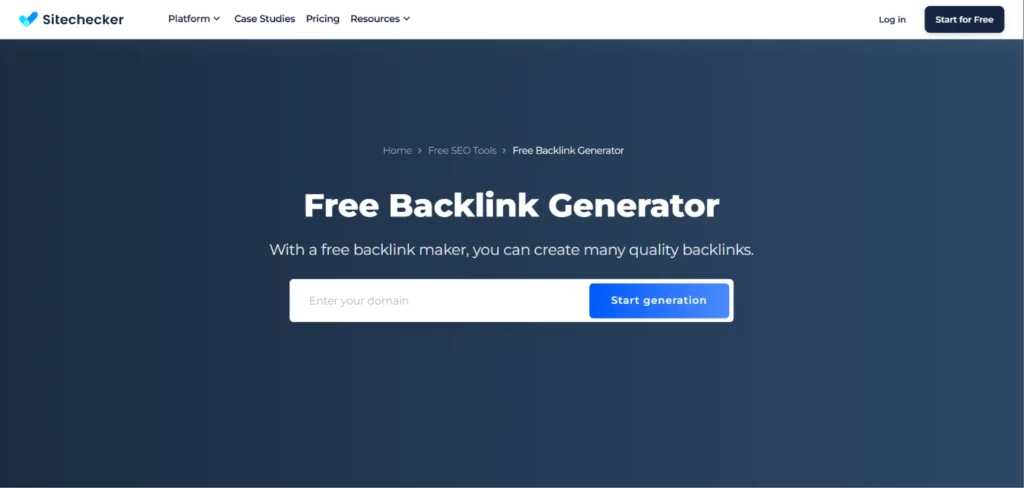
Website Link: https://sitechecker.pro/backlinks-generator/
Sitechecker Backlink Generator provides a structured approach to generating and tracking foundational links across trusted domains. Upon submitting your video domain or link, the platform identifies indexed, high-authority web portals, citation hubs, and metrics sites to establish initial entry points.
Unlike simple link-blasting bots, Sitechecker integrates generated links directly into a live monitoring dashboard so you can track index status, HTTP status codes, and link retention over time. It is built for SEO consultants, business owners, and channels looking for measurable link acquisition.
Key Features:
- Automated generation of foundational links across active, indexed domains.
- Integrated backlink tracker to monitor active, pending, or lost links dynamically.
- Live HTTP status code monitoring (200 OK, 404, redirects) for all created placements.
- Comprehensive SEO audit capabilities integrated within the same interface.
- Exportable backlink reports for agency client updates or personal records.
Pros:
- Combines link generation with ongoing tracking and status monitoring.
- Focuses on indexed, reputable domains to protect search reputation.
- Provides actionable insights into referral link health and performance.
Cons:
- Full long-term tracking features require account sign-up.
- The automated portion is restricted to foundational web hubs rather than editorial press releases.
Pricing:
- Free
verdict: Great pick for marketers who want to generate foundational links while tracking their index status in real time.
13. LenosTube – Best For YouTube-Specific Backlink & Embed Distribution
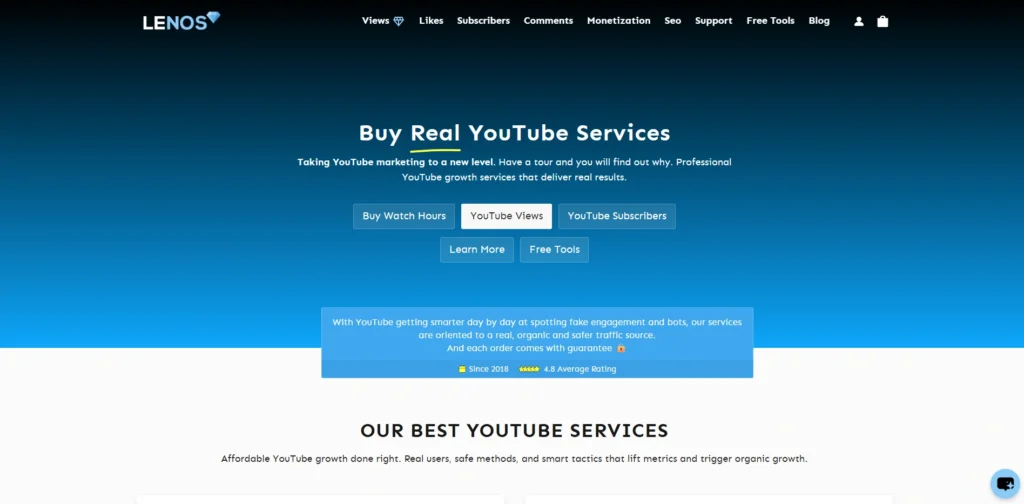
Website Link: https://www.lenostube.com/
LenosTube is a specialized YouTube growth platform that features an automated YouTube Backlink Generator built specifically for video content. By entering your video URL, the tool automatically deploys your video link and iframe embed code across a network of web 2.0 properties, social bookmarking hubs, and open indexing portals.
This creates an instant off-page link footprint that alerts search engine spiders to crawl and index your upload faster on Google Search SERPs. It is designed for vloggers, affiliate marketers, and creators seeking a YouTube-first link distribution utility.
Key Features:
- Automated distribution of YouTube video links and responsive iframe embeds.
- Integrated indexing ping service to help search engine crawlers process new links.
- Support for partial keyword and anchor text customization on submissions.
- Specialized distribution across web 2.0 sites, bookmarking hubs, and RSS feeds.
- One-click execution interface built strictly for YouTube video URLs.
Pros:
- Purpose-built exclusively for YouTube video links rather than general websites.
- Helps jumpstart search engine indexing for newly published videos.
- Simple submission workflow with no software download required.
Cons:
- Generated backlinks come primarily from lower-DA web 2.0 sites and indexers.
- Free submission runs are capped, requiring paid packages for larger volume campaigns.
Pricing:
- Freemium
verdict: Top choice for creators looking for a dedicated YouTube-first generator to build quick video embeds and speed up indexing.
14. SEOClerks – Best For Custom YouTube Backlink & Syndication Services
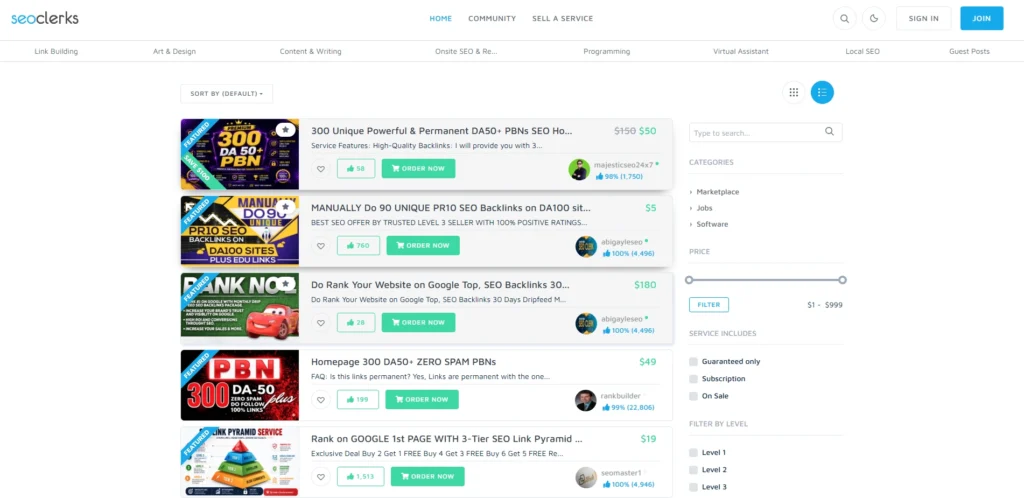
Website Link: https://www.seoclerks.com
SEOClerks is a specialized digital marketplace connecting video creators directly with freelance SEO specialists who build custom YouTube backlink campaigns. Rather than relying on generic auto-spammers, users can order targeted video syndication packages, including manual Web 2.0 embeds, social bookmarking campaigns, and high-DA profile links tailored to specific video URLs.
This platform provides creators with access to custom anchor text placements and niche-relevant outreach that standard web software cannot offer. It is built for channel managers, affiliate marketers, and business owners.
Key Features:
- Access to thousands of freelance link-building and video syndication gigs.
- Granular filtering options by seller rating, delivery speed, and pricing starting at $1.
- Capabilities to request custom anchor text, target keywords, and contextual embeds.
- Seller verification system with public reviews and completed order histories.
- Built-in messaging platform to coordinate specific video distribution parameters.
Pros:
- Allows creators to acquire real contextual embeds and targeted web 2.0 backlinks.
- High affordability with scalable packages to fit any budget.
- Delivers detailed submission reports provided directly by service providers.
Cons:
- Requires manual seller vetting to avoid low-quality automated gig providers.
- Not an instant self-serve software tool—turnaround time depends on the seller.
Pricing:
- Paid (Services start from $1 per gig)
verdict: Best for creators who want tailored, manual video backlink campaigns and contextual embeds at low cost.
15. EmbedPress – Best For Automated Multi-Site Video Embed Syndication
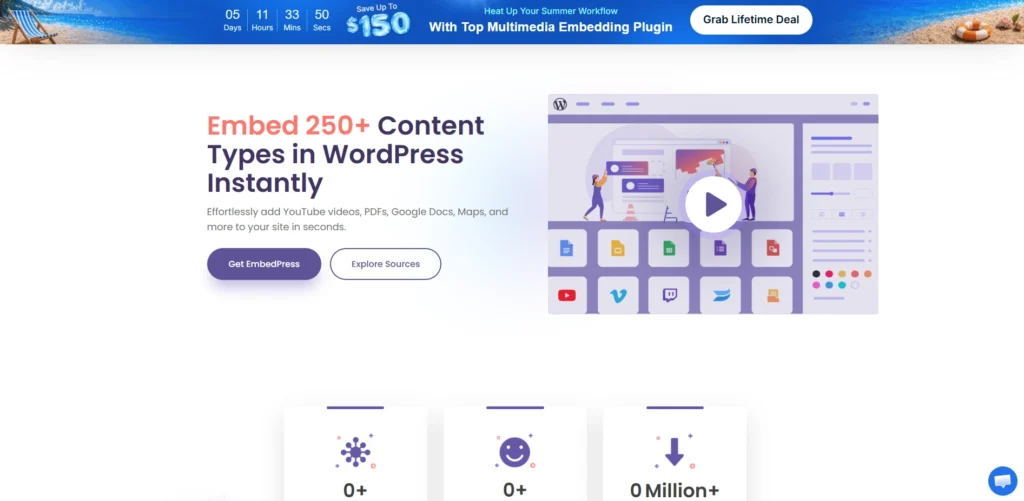
Website Link: https://embedpress.com/
EmbedPress is a specialized WordPress plugin designed to automate YouTube video, playlist, and channel embed distribution across external WordPress sites and blogs. By configuring your YouTube video link, EmbedPress automatically generates responsive iframe embeds, schema markup, and contextual links across partner blogs or multi-site networks.
This external embed syndication drives legitimate referral traffic, increases video dwell time, and passes contextual relevance signals to search engine algorithms without risking spam penalties. It is ideally suited for content networks, digital publishers, and agency owners managing multiple web properties.
Key Features:
- Automated YouTube video, Short, live stream, and channel embed generation.
- Schema markup integration to help search engines index embedded videos accurately.
- Fully responsive layout settings compatible with Gutenberg, Elementor, and Divi builders.
- Custom player controls including auto-play, lazy loading, and custom branding overlays.
- Multi-site compatibility for syndicating video embeds across entire website networks.
Pros:
- 100% white-hat method that builds high-authority contextual embeds on real blogs.
- Lazy loading features ensure embedded videos do not slow down host page performance.
- Drives genuine watch time and direct referral views from external audiences.
Cons:
- Requires access to or ownership of WordPress websites to deploy the plugin.
- Advanced custom player styling features are restricted to the Pro version.
Pricing:
| Individual | Business | Unlimited | Agency |
| $55/mo | $149/mo | $249/mo | $29/mo |
Top pick for webmasters and network owners looking to syndicate responsive YouTube embeds safely across blogs.
How to Use a YouTube Backlink Generator Step by Step
A YouTube backlink generator is a tool that will generate a lot of links to your YouTube video from various sites. These links (backlinks) can also help to get your video more visibility in search engines and in some cases improve the rankings if coupled with excellent content and proper YouTube optimization. You can think of it as saying to a lot of sites: “Hey, this video exists, look at it.
Below is a simple, step‑by‑step way to use a typical online YouTube backlink generator.
Step 1: Pick a reliable generator.
First, choose a reliable YouTube backlink builder tool, such as that from a reputable (aka known) SEO blog or community.
It is used in practice simply by opening it in the browser; many work without a program being installed.
Step 2: Copy the URL of your video.
Navigate to the YouTube video you wish to promote and copy the entire URL from the address bar.
Be sure that it is the final public video link (not a shorts editing link and not a studio link), so the generator constructs backlinks to the right video.
Step 3: Copy the URL and paste it into the tool
On the generator page, there is a field/box that asks you the link of your YouTube video.
Carefully copy your link and paste it into this box; if you copy the link incorrectly or don’t copy everything, then all the backlinks you create will end up pointing to the wrong URL.
Step 4: Complete verification (if any)
Most free tools require you to fill in a small form of verification such as a CAPTCHA (“I’m not a robot”) or a checkbox.
This helps to avoid bots and any abuse; you follow the instructions on the screen and complete the verification before you continue.
Step 5: Click the “Generate” or “Submit” button:
Once you have entered your URL and verification, click on the main button, typically “Generate Backlinks”, “Submit”, or “Start”.
The tool then begins to build backlinks automatically on many directories, blogs, or social/embedding sites that are linked to the system.
Step 6: Wait until the process is complete
You’ll see a progress bar or a list of sites being processed; this can take from a few seconds to a couple of minutes.
In this period, the tool will be publishing your video link to numerous sites and generating pages or posts with your link included in the backlink.
Step 7: Check or export the links that have been generated (if available).
The many generators will provide you with a list of URLs where your video link appeared; some will also allow you to download the list as a file.
These links can be saved for future reference, reporting, or to open a few of them and ensure they are live.
Step 8: Test quality – remove bad links when necessary
Not every link will be of the same importance and some links will not count towards SEO and can look spammy with over-usage from small sites.
Open a sample of all the links generated and verify if the sites appear real, readable, and not spammed or littered with malicious information.
Step 9: Link with YouTube SEO
While a backlink generator is a fundamental element of YouTube growth, it is not the only one that is required for the success of video growth. Other parts of success are strong titles, descriptions, tags, thumbnails, and watch time.
For good content and/or SEO, use backlinks, and not as substitutions—you’ll get a short-term boost as well as a long-term channel health boost.
Do YouTube Backlink Generator Tools Actually Work?
The platforms that let users generate backlinks for their YouTube videos typically won’t do it in ways that you’d expect to make a video go viral on the platform: They might make a video appear a bit sooner or attract a few more views, but they won’t transform a video into a viral sensation on YouTube, because the platform’s main focus is on metrics like watch time, audience retention, clicks, and engagement, not the number of backlinks you’ve received.
So put simply, these tools are more of a small helper than a growth shortcut, and if the video isn’t good, it’s not boring or poorly optimized- then no backlink tool can help you with that.
There are also automated backlink products that can generate quality or unnatural backlinks, which may not be beneficial and can even appear spammy, so relying solely on these can be a poor long-term approach. The more sensible way is to make sure that you use correct titles, descriptions, thumbnails, and real promotion within the social networks, blogs, communities and other related websites – this is the best way to generate real traffic and real trust rather than fake SEO signals. these tools can push a few steps, but don’t think of them as a magic button for YouTube growth.
White-Hat vs Black-Hat YouTube Backlink Strategies: What to Avoid
Obama, keeps a photo on his desktop. When Facebook posts the news about it, Obama wants to go viral. This is where white-hat YouTube backlink strategies come in
Links are one of the most valuable tools out there for building YouTube authority. While the right link can help affiliate videos rank, the wrong link can hurt your channel and site over time.
White-hat YouTube backlink strategies focus on earning links naturally and using them to support real value, while black-hat tactics try to manipulate rankings with spammy or deceptive links. Only proceed if links are relevant and non-spammy.
White-Hat vs Black-Hat
What to Avoid
- Do not buy large batches of low-quality backlinks.
- Do not use private blog networks just to push links.
- Do not exchange links at scale without relevance.
- Do not spam YouTube comments, forums, or directories with your video links.
- Do not place links in ways that mislead users or ignore topical relevance.
Safer YouTube Link Ideas
- Put relevant links in your video description.
- Use painned comments for helpful resoures.
- Link to related articles, product pages, or playlists that match the video topic.
- Bui‑ld supporting content on your site that can naturally reference your videos.
Simple Rule
If you have the backlink that would still make sense, you’re looking at the wrong type of link. If the backlink would not make sense for a real viewer, but would only be used to manipulate rankings, then it is likely a black-hat. This is one whose value is made in ranking manipulation. Avoid it.
How to Build High-Quality YouTube Backlinks Manually (Without a Generator Tool)
Building YouTube backlinks manually means building links the good old-fashioned way: creating valuable content, being authentic in outreach, and posting videos where they truly help others. No paywalls, no spam, just hard work that gradually builds real authority.
YouTube backlinks are just links that point from other sites (including YouTube itself) to your video or channel. They help your videos rank higher, get discovered by new audiences, and refer traffic. While you can’t change the “no‑follow” nature of YouTube links, they do lend diversity, trust and visibility to your overall link profile.
Here’s How to Build High-Quality YouTube Backlinks the Manual Way
- Create valuable, link-worthy videos: Produce tutorials, data-backed explainers, case studies or other content that people want to link to. When you address a real problem in a clear, helpful way, others often see and link to your videos as a reference.
- Improve your channel and video descriptions: Add simple links to your About page, video descriptions, or pinned comments and link to relevant pages on the site or other resources. That way you create a good internal linking scheme and ensure external links to your video or channel are easy to add.
- Write helpful articles for your site, and embed your videos where they make sense. These pages can attract external backlinks, and your embedded video gains authority and views.
- Write guest posts with embedded videos: Reach out to niche blogs and offer to write a guest post for them, and provide your video as a helpful resource. Target good niche and credible sites. Deliver real value, not just links.
- Collaborate and get featured: Collaborate with other creators in your niche on interviews, rundowns, or creating videos together. Usually you’ll end up with reciprocal links from their site, social posts, and resource pages.
- Write good YouTube Cards and End Screens: Add cards where engagement is at its peak and add End Screens which encourage viewers to stay and watch. These internal links achieve longer sessions and help your videos get discovered.
- Share in communities that naturally fit (but not spammy): Post your videos in niche subreddits, Quora answers, or Facebook groups that address a specific question. But provide useful context and value, and don’t just get people to click the link.
- Answer questions on Q&A sites and use relevant links:Find Quora, Reddit, or niche forum questions that your video could answer. Provide a helpful answer and list your video as an answer resource, not as an advertisement.
- Replace broken links with your video: Find broken links on relevant blogs or resource pages. Politely offer your video as a premium replacement. You both benefit: they’ll replace a broken link; you’ll get a contextual backlink.
- Get listed on resource pages and “best of” lists: Look up “best [your topic] tutorials” or “resources for [your niche]”. Offer them as an addition. Make sure your video is a good fit for the particular list.
- Create slides, infographics, or blog transcripts: Create a SlideShare deck, infographic, or blog post that includes a transcript of your video. People can embed or balance-cite your content, and the resulting assets often accrue backlinks that provide indirect authority to your video.
- Pitch your video to newsletters and curators: Contact newsletters, bloggers, or curators who share “helpful” content. Pitch your video as a resource that’s relevant to their audience and explain why it fits their niche.
Best Practices for Using YouTube Backlink Generator Tools Safely
YouTube backlink generators can help you index your videos faster in a little, but you have to use them carefully to avoid ruining your channel. Here are the following ways to use these tools if you choose to.
- Treat Them Like a Small Little Push, Not the Main Push: Treat these tools like a small little push for your newly released videos only and not the main part of your growth strategy. What matters most at the moment is how long people are watching your videos, how engaged they are through the way you cut your clips, and how engaged they are. YouTube only sees your backlinks as one little signal of popularity.
- Don’t Use “Instant Subs” Scam Apps: Don’t bother with those “instant subs” or “instant views” apps. Pick some established SEO tools online that produce legit backlinks to legit sites. Bad apps will redirect your traffic to spam or site-loading sites, or sites that are designed to harm you.
- Keep it Low: Don’t a thousand backlinks in a day. Build your pyramid slowly to make it read like a natural link story. Bad apps do too many at once and are a big red flag.
- Manual Promotion, Automated Backlinks Write Me Step By Step: Don’t expect an app to do all your backlinking for you. Post or embed your videos in relevant communities, add a link on your site or portfolio. These manually-added links are useful too.
- Put the Effort Into Quality: Strong content, engaging thumbnails, and valuable videos deliver better long-term results. Combining these elements with SEO for lead generation ensures your traffic is more likely to convert into genuine leads instead of just increasing views.
- Carefully Check Your Traffic and Retention For Unnatural Fluctuations: If you start to see traffic spikes or drops in retention, stop your tool. No rule on YouTube prohibits backlink generators after all, but YouTube understands that they will just ignore whatever is purely automated or reduces trust.
YouTube Backlink Generator Tools vs Paid SEO Tools: Which is Better?
For most creators or small-to-mid-size channels, a free/cheap YouTube backlink generator paired with YouTube Studio and light extensions is where the money goes. The large paid suites (Ahrefs, SEMrush, premium VidIQ/TubeBuddy) are for more cases with agencies/larger channels, especially if you want real comprehensive website SEO and rival backlink intel.
Below is a practical guide to help you decide on the tool based on goals, budget, and scale.
How they differ
- YouTube backlink generators: Mostly about creating or surfacing backlink opportunities for your own video, such as archive snapshots, SERP snippets, social shares, embeddable widgets, etc. to help with indexing and off-page signals.
- Paid SEO tools (Ahrefs/SEMrush/Moz, etc.): Standard visibility/research and performance tools for keywords, rank tracking, site audits, etc., but especially large backlink and competitor research, and a robust link-building workflow across web and YouTube.
Comparison table: YouTube Backlink Generators vs Paid SEO Tools
| Dimension | YouTube Backlink Generator Tools (Free/Low-Cost) | Paid SEO Tools (Ahrefs, SEMrush, advanced VidIQ/TubeBuddy) |
| Primary purpose | Generate or surface backlinks to specific videos (archive links, embeds, social shares) to aid indexing and off-page SEO. | Comprehensive SEO: keyword research, rankings, content gap, site audits, and large-scale backlink research for domains and videos. |
| Backlink data depth | Usually limited; often creates links rather than analyzing a full backlink profile. | Deep backlink databases, referring domains, anchor text, lost/gained links, and competitor backlink mapping. |
| Keyword research | Basic or YouTube-focused (tags, titles) via extensions; not full SERP context. | Advanced keyword databases, difficulty scores, SERP features, and intent analysis (often for Google + YouTube). |
| Competitor intel | Light: see popular videos or tags in some tools. | Strong: competitor domains/channels, top pages, content gaps, and link opportunities. |
| Automation & scale | Good for quick, one-off backlink creation or simple indexing boosts. | Built for scaling campaigns, tracking thousands of keywords, and managing large link-building pipelines. |
| Cost | Often free or very low cost (some freemium extensions). | Premium pricing (e.g., Ahrefs/SEMrush typically $99+/month; advanced plans higher). |
| Best for | Small creators, single-channel growth, quick off-page boosts, and testing indexing. | Agencies, multi-channel networks, brands doing serious SEO + content strategy, and teams needing data depth. |
| Learning curve | Low; most are simple extensions or one-click generators. | Moderate to high; requires SEO knowledge to interpret data and execute strategy. |
| Integration | Often Chrome extensions or standalone generators; may not integrate with site SEO workflows. | Integrates with broader marketing stacks, reporting dashboards, and API access in some cases. |
When YouTube backlink generator tools are “better”
- You manage one channel and want cheap quick-fix solutions to index and share your videos.
- You just want budget solutions, so you’re okay with less data and more manual labor.
- You just want off-page signals: embedded videos, archive page references, social shares. Not deep competitor backlink research.
When paid SEO tools are “better”
- You manage multiple channels or client sites, and need given‑rate reporting, workflow automation and competitor data.
- You want backlink intelligence in terms of referring domains and anchor profiles and link gaps.
- You want to do SEO both on your website and on YouTube – e.g. content clusters, internal linking and SERP targeting.
Final Verdict: Which YouTube Backlink Generator Should You Use?
Choose NimTools or Small SEO Tools for quick and easy YouTube backlink generation because these YouTube backlink generator tools are user-friendly, free, and quick to use, making them perfect for small creators, new videos, and simple marketing. If you’re looking for something more serious for SEO research and backlink analysis with better marketing solutions for long-term growth, choose Ahrefs or Semrush because they offer in-depth data, better competitor intelligence, and a stronger overall marketing suite.
In plain words, a YouTube backlink generator is something that can help give your video a little boost, but it’s not a magic wand that will make a mediocre video go viral. The best results come when using it in conjunction with a good title, thumbnail, description, watch time, and real promotion on related sites.